I ran ten image-to-image upscalers against the same two source files for this guide.
Each entry below covers what the endpoint exposes on the request and what it actually costs.
How this research was conducted: I generated one cinematic product frame and one portrait with Nano Banana 2, then pushed the identical files through all ten upscalers and compared detail reconstruction, text and edge integrity, face handling, control surface, and cost per megapixel of output.
TL;DR
Topaz Upscale Image Generative carries nine model choices behind one endpoint, with Wonder 3.5 billing $0.24 per 24 megapixels of output and the other seven billing double that.
Recraft Crisp Upscale charges $0.004 per image flat, whatever size comes back, which is the lowest flat per-image rate of the ten.
SeedVR2 Seamless Image Upscale has the lowest per-megapixel rate at $0.0025, and the only target-resolution mode in the group.
Clarity Upscaler exposes the full diffusion surface, with denoise strength, ControlNet strength, CFG, and step count all set on the request.
The best place to upscale your images is fal, as all of these 10 image-to-image upscalers can be accessed through our platform without a subscription, so you can run any one of them on a pay-as-you-go basis.
How can you access all of these image upscaling models and their APIs in this list?
Every upscaler here answers to the same fal API key, and the client call follows the same shape across all ten.
There is no subscription to sign up for and no seat to buy, so the cost of trying a model you end up not using is the cost of the requests you made.
That changes how you shop for an image upscaler, as the right one depends entirely on your source material and the only honest way to find out is to run your own file through several candidates.
Screening all ten and keeping one costs ten requests, and the nine you discard leave nothing behind on next month's invoice.
On a minimal request, the endpoint string is the only thing that changes, which turns a ten-way test into a loop over an array of paths.
Topaz, Recraft, and Bria ship as partner models carrying the commercial use badge on fal.
More than 1,000 models across image, video, audio, and 3D open on the same key.
A request looks like this:
javascript
import { fal } from "@fal-ai/client";

const result = await fal.subscribe("topaz/upscale/image/generative", {
  input: {
    image_url: "https://storage.googleapis.com/falserverless/model_tests/codeformer/codeformer_poor_1.jpeg",
  },
  logs: true,
  onQueueUpdate: (update) => {
    if (update.status === "IN_PROGRESS") {
      update.logs.map((log) => log.message).forEach(console.log);
    }
  },
});

console.log(result.data);
console.log(result.requestId);
💡 If you want to see an upscale before writing any code, fal's free Image Upscaler tool runs in the browser.
What are the best image-to-image upscalers in 2026?
The best image-to-image upscalers in 2026 are Topaz Upscale Image Generative, Topaz Upscale Image Precision, and Recraft Crisp Upscale.
All three are pay-per-use on fal, and the complete ten-model shortlist is below:
| AI model | Best for | Price on fal |
|---|---|---|
| Topaz Upscale Image Generative (Wonder 3.5) | Rebuilding detail a small source no longer holds | $0.24 per 24 megapixels of output |
| Topaz Upscale Image Precision (Standard V2) | Enlargement that stays true to the original pixels | $0.08 per 24 megapixels of output |
| Recraft Crisp Upscale | Flat-rate cleanup at the lowest flat per-image rate here | $0.004 per image |
| Topaz Upscale Image Creative (Bloom 2) | AI-generated frames where invented detail is the point | $0.96 per 24 megapixels of output |
| Recraft Creative Upscale | A single-call sharpen pass with nothing to configure | $0.25 per image |
| SeedVR2 Seamless Image Upscale | Tileable textures that have to keep tiling afterwards | $0.0025 per megapixel |
| Bria Creative Upscale | Commercial work where stated training provenance matters | $0.04 per image |
| Clarity Upscaler | Upscaling steered by a prompt and a denoise strength | $0.03 per megapixel |
| AuraSR | Fixed 4x billed against processing time | $0.0008 per compute second |
| DRCT Super Resolution | A 4x pass with two fields and nothing else to decide | $0.0045 per megapixel |
I ran every upscaler on this list against either a product frame or a portrait (since some of the upscalers are better-suited for portraits), both generated with Nano Banana 2.
The product frame carries the detail that catches an upscaler inventing things: knit weave, separated stitch threads, brushed metal, and 4pt lettering on the heel tab.
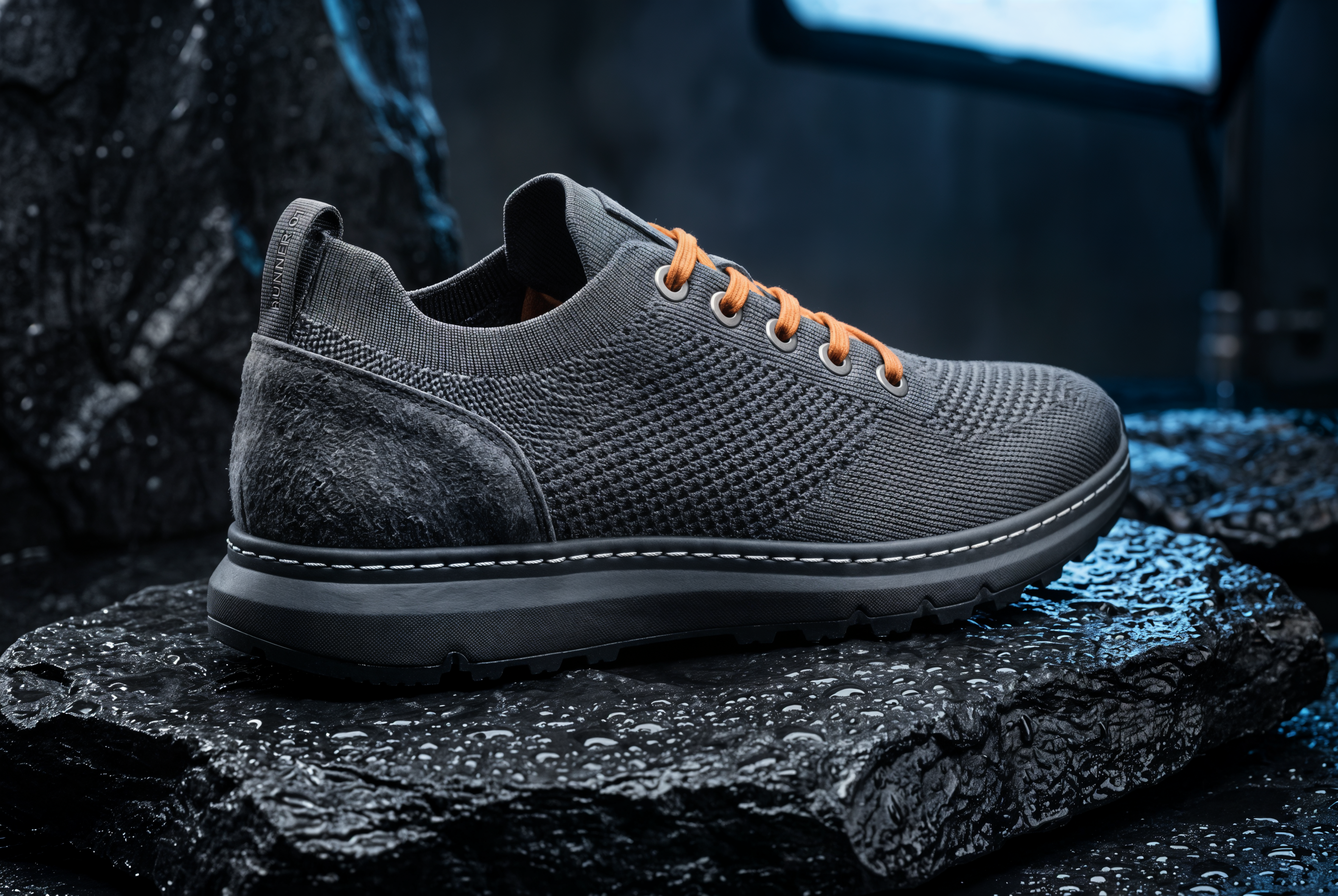
Source image 1, the product frame: A single running shoe photographed as the hero frame of a luxury sportswear campaign. Three-quarter angle on a slab of wet black basalt, shot at f8 on a 100mm macro so the full length of the upper holds focus. The upper is charcoal knit with a visible weave, a raw suede overlay across the heel counter, and waxed orange laces threaded through five brushed titanium eyelets. A row of stitching runs the length of the midsole with every thread separated, and a band of embossed lettering on the heel tab reads RUNNER 01 in 4pt type. Water beads across the basalt and catches one hard key light from camera left, with a soft blue fill from a large source behind. Look: editorial product photography, warm highlight against cold shadow, deep blacks, minimal grain, 3:2.
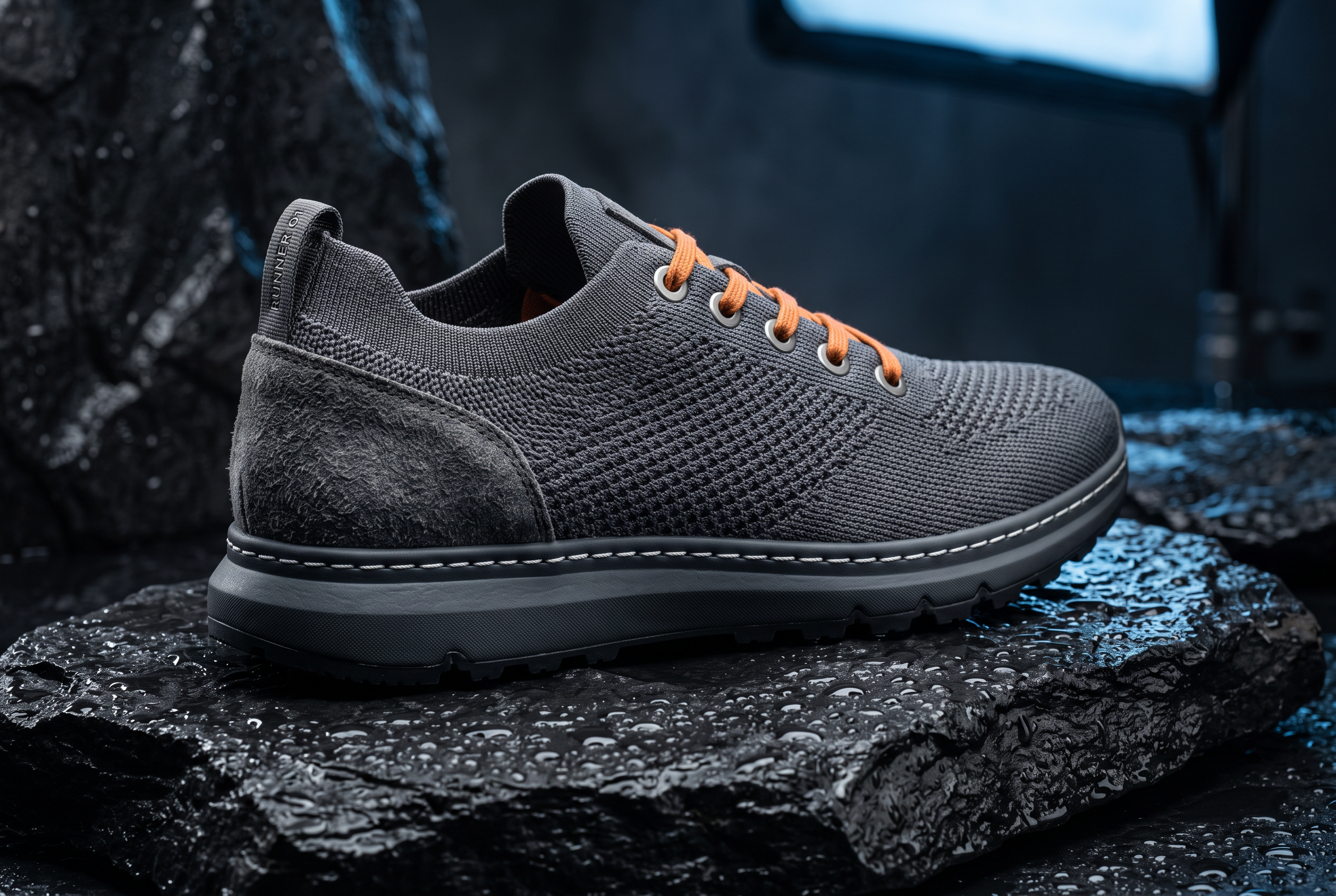
Generated using Nano Banana 2 on fal, an AI model from Google DeepMind.
Source image 2, the portrait: A close campaign portrait framed from collarbone to just above the hairline. A woman in her late twenties looks slightly past the lens, skin unretouched, pores visible across the cheekbone, a scatter of freckles over the bridge of the nose. Fine flyaway hairs catch a rim light from behind her right shoulder, and one soft source at camera left leaves a crescent catchlight in each eye. No makeup beyond a matte lip, with the charcoal knit collar of a technical jacket crossing the bottom of the frame. Look: 85mm at f2, natural skin tones, cool grey cyclorama, soft falloff to the frame edges, 4:5.
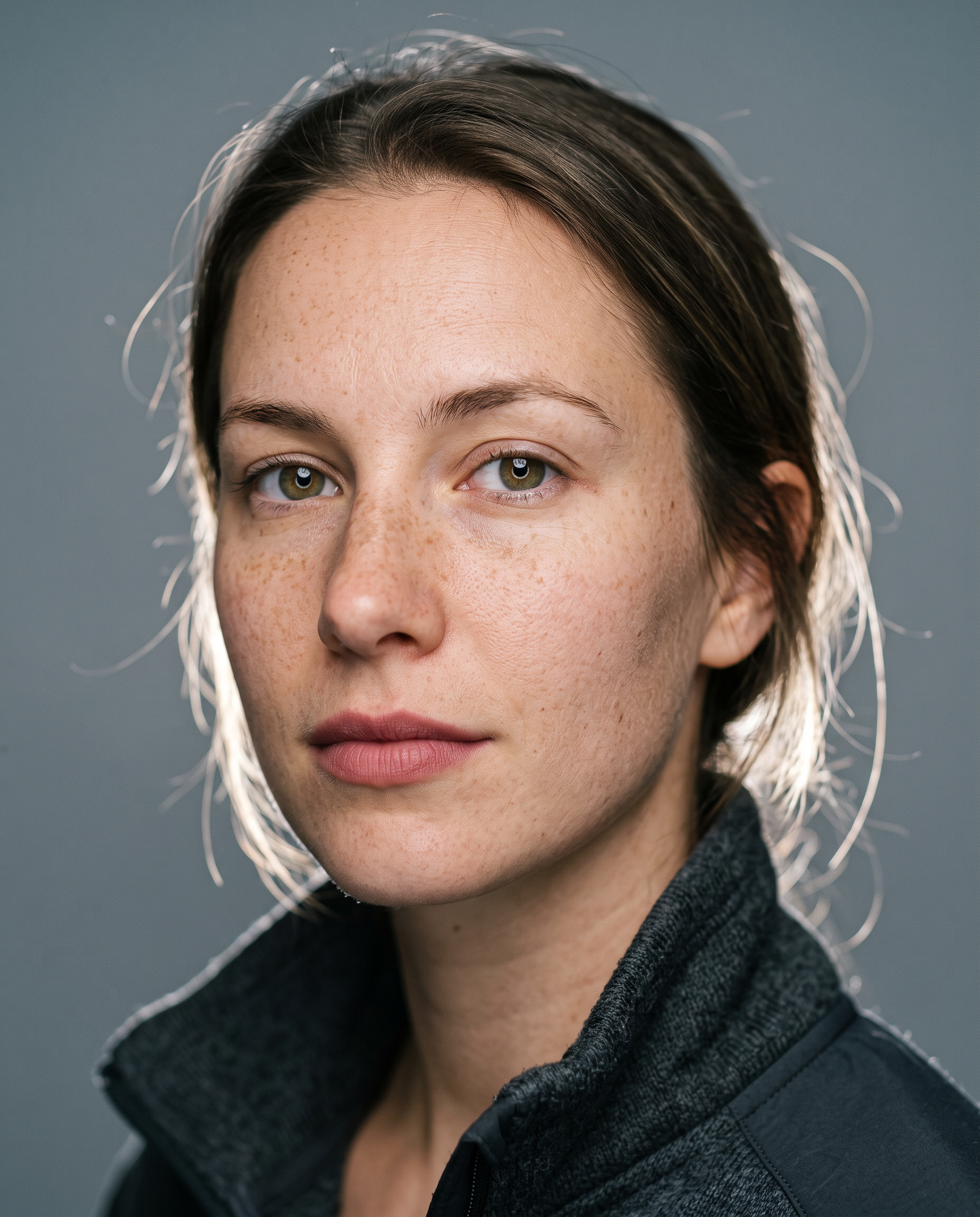
Generated using Nano Banana 2 on fal, an AI model from Google DeepMind.
#1: Topaz Upscale Image Generative (Wonder 3.5)
Best for: small or soft sources that need detail rebuilt, not just enlarged.
Similar to: Topaz Upscale Image Precision, Bria Creative Upscale.
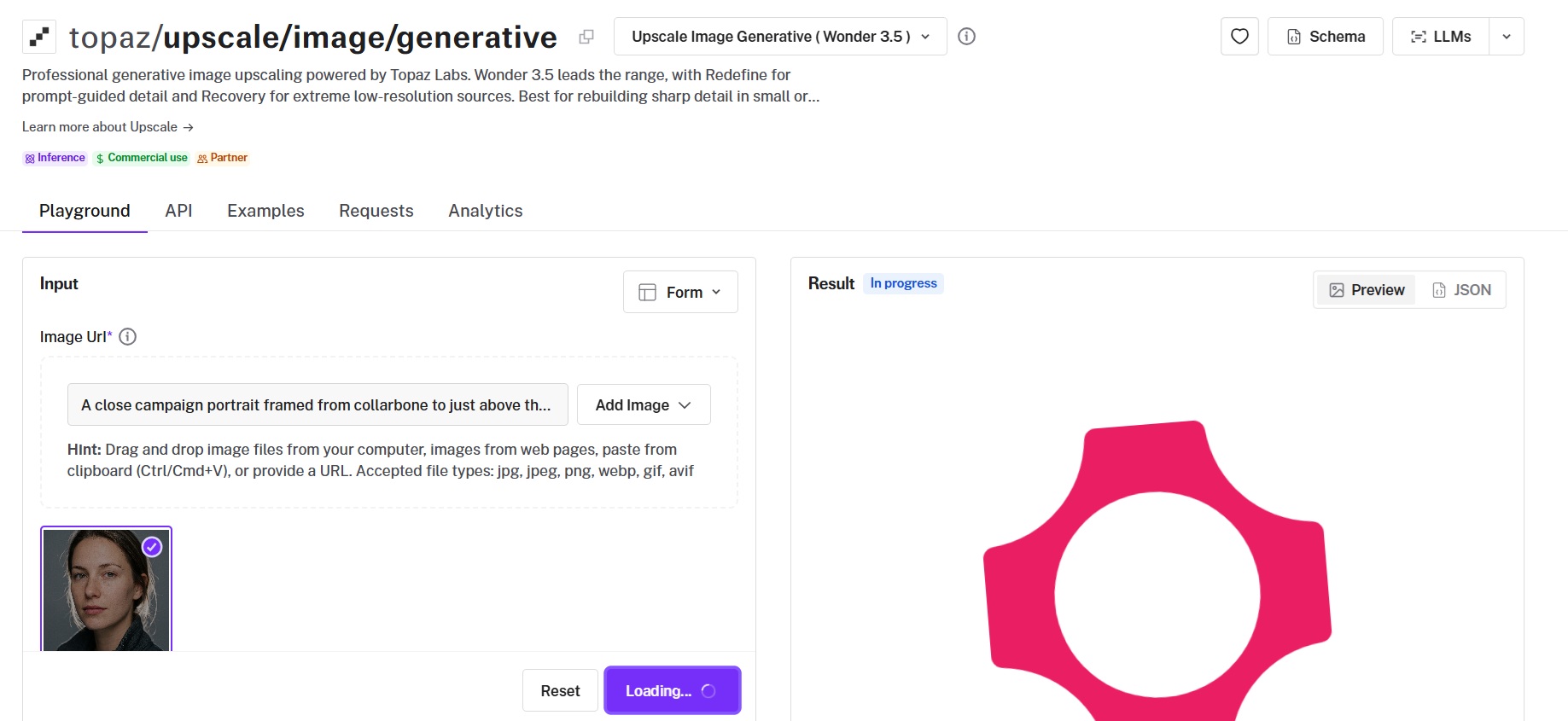
Nine models answer to the single endpoint at topaz/upscale/image/generative, running from Wonder 3.5 at the top down to Recovery for files that barely have pixels left.
Topaz Labs built the generative family to reconstruct detail the original no longer carries, which is a different job from enlarging what is already there.
Performance
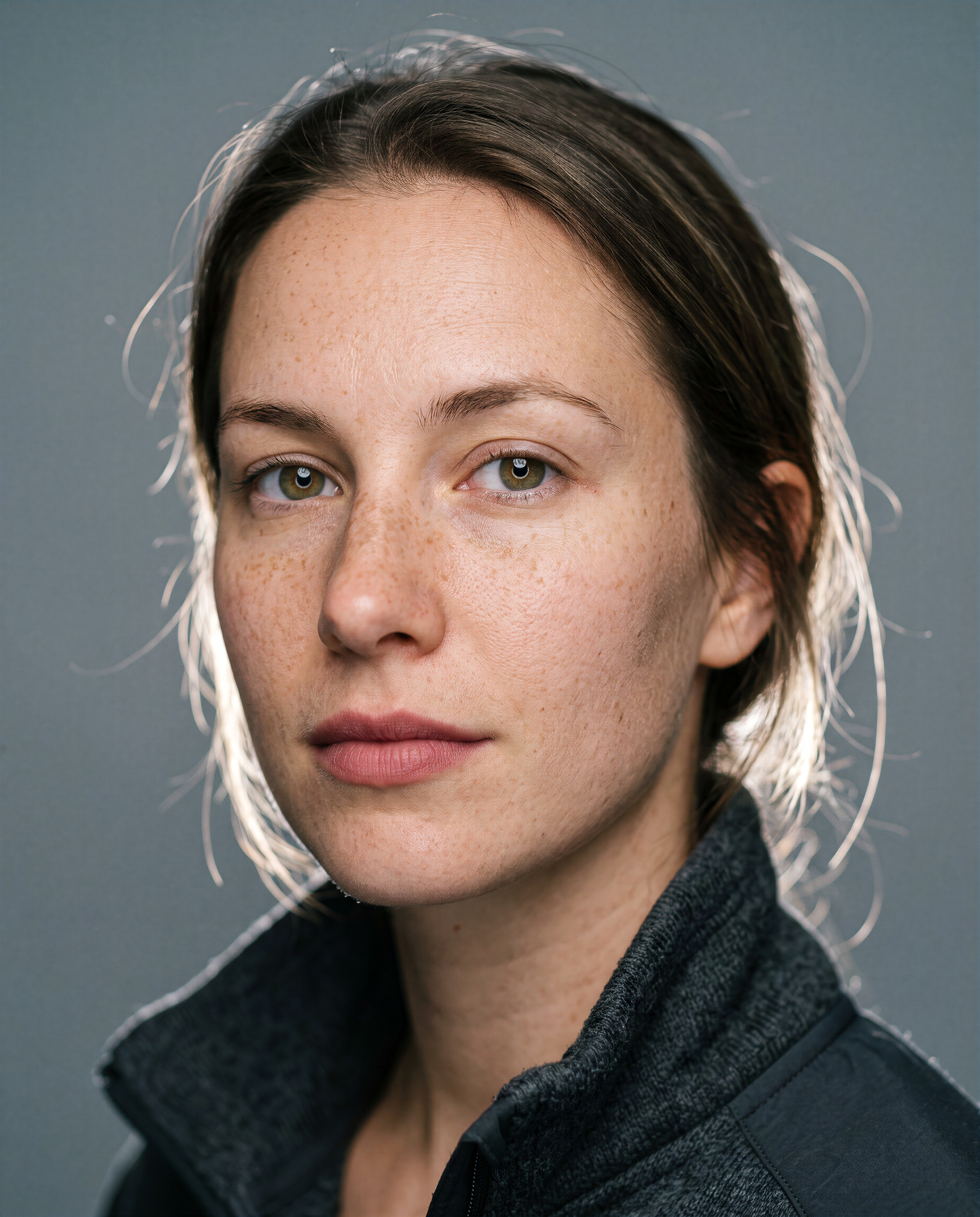
Upscaled using Topaz Upscale Image Generative (Wonder 3.5) on fal, a model from Topaz Labs.
Model range: nine models on a single endpoint, from Wonder 3.5 and Wonder 3 through Wonder 2, Wonder, Recover 3, Standard MAX, Redefine, Recovery V2, and Recovery, all selected through the model field.
Two price bands: Wonder 3.5 and Wonder 3 bill $0.24 per 24 megapixels of output, and the other seven bill $0.48 for the same output.
Redefine controls: prompt up to 1024 characters, creativity 1 to 6, texture 1 to 5, autoprompt, sharpen, and denoise, none of which the Wonder models read.
Subject detection: Foreground and Background targeting applies to Wonder 3, Recovery, and Recovery V2, and not to Wonder 3.5.
Face handling: face_enhancement defaults on at 0.8 strength with face_enhancement_creativity at 0.
Enhancement strength: low, medium, or high on Wonder 3 and Wonder 3.5, auto-configured by Topaz when the field is omitted.
How to run Topaz Upscale Image Generative on fal
The endpoint is topaz/upscale/image/generative, reachable through the fal API or the browser playground.
The schema defaults to Wonder 3, so Wonder 3.5 needs naming explicitly in the model field.
upscale_factor defaults to 2 and output_format defaults to jpeg, with png available on the same request.
Pricing
$0.24 covers 24 megapixels of output on Wonder 3.5 and Wonder 3, or $0.01 a megapixel.
The other seven models double that to $0.48 for the same 24 megapixels.
A 6000x4000 result costs $0.24 on Wonder 3.5 and $0.48 on Redefine.
falMODEL APIs
The fastest, cheapest and most reliable way to run genAI models. 1 API, 100s of models
#2: Topaz Upscale Image Precision (Standard V2)
Best for: enlargement that has to stay faithful to the source pixels, with nothing invented anywhere in the frame.
Similar to: DRCT Super Resolution, AuraSR.
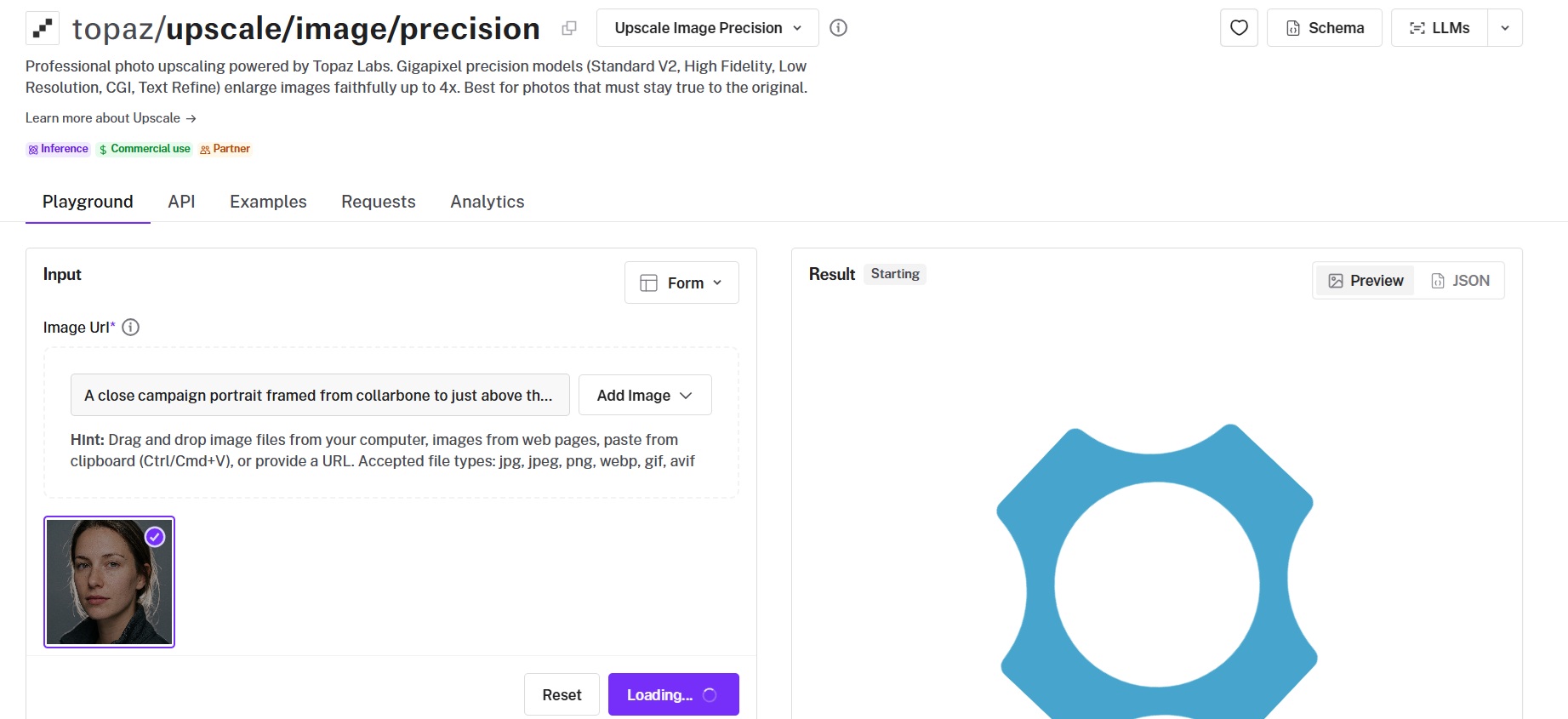
Nothing gets invented at topaz/upscale/image/precision, and that constraint is the whole argument for using it.
Topaz Labs ships the Gigapixel precision family here as five model families covering photography, compressed sources, rendered artwork, and lettering, with High Fidelity available in two versions and no generative reconstruction anywhere in the set.
Performance
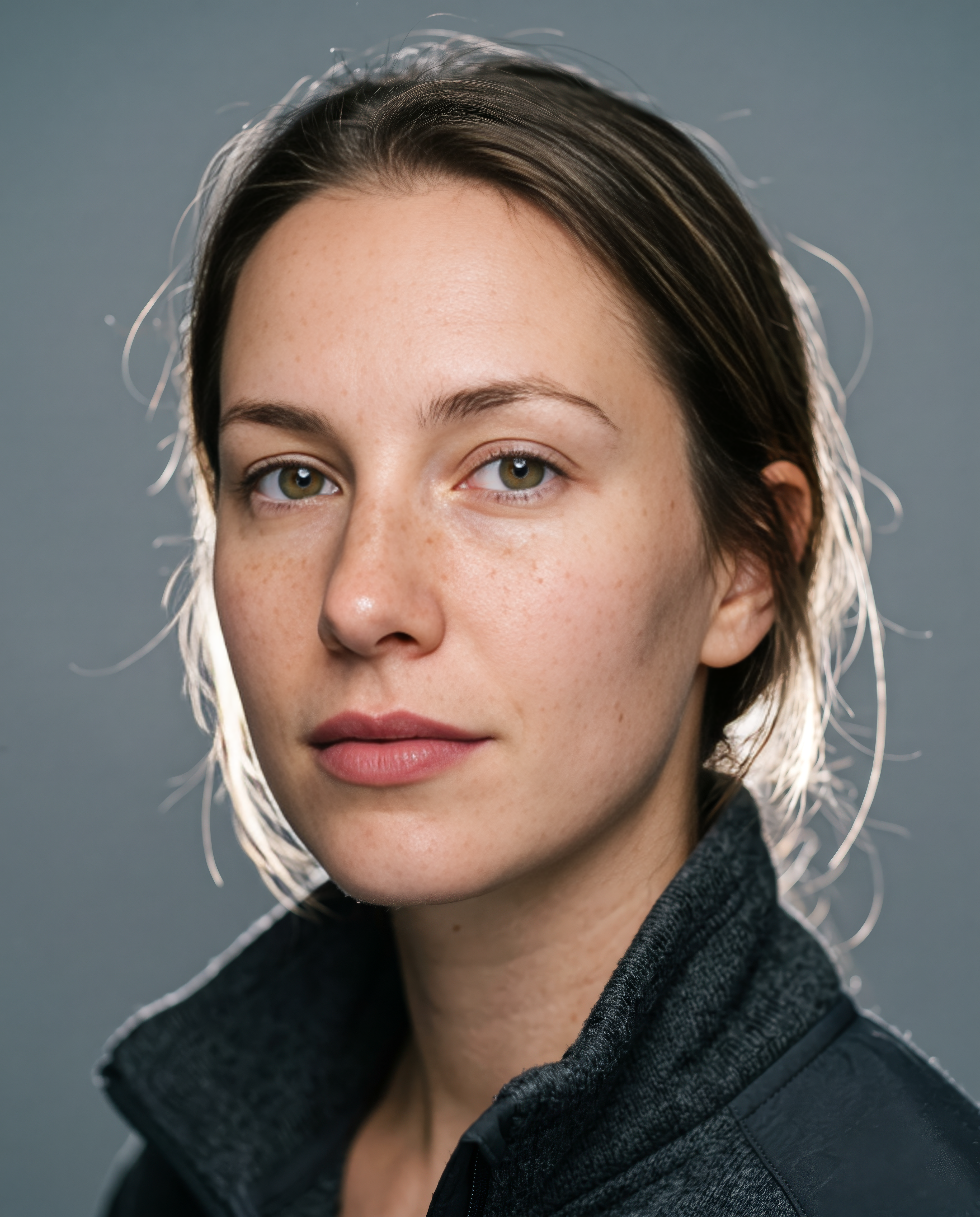
Upscaled using Topaz Upscale Image Precision (Standard V2) on fal, a model from Topaz Labs.
Model set: Standard V2 for general photography, High Fidelity in V3 and V2 for professional captures, Low Resolution V2 for compressed sources, CGI for rendered artwork, and Text Refine for keeping text and shapes crisp.
Cheapest of the three Topaz image endpoints: $0.08 per 24 megapixels of output, one third of the Wonder 3.5 rate and one twelfth of Bloom 2.
Cleanup dials: sharpen, denoise, and fix_compression each run 0.0 to 1.0 with per-model defaults, and fix_compression is unavailable on the CGI model.
Text Refine control: strength runs 0.01 to 1.0 and applies to Text Refine alone.
How to run Topaz Upscale Image Precision on fal
Requests go to topaz/upscale/image/precision.
Standard V2 comes up as the default model, with a factor of 2 unless you raise it.
Text Refine is the pick when the frame carries small lettering, since it is the one model in the family tuned for it.
Pricing
All five precision models bill at a single rate, $0.08 per 24 megapixels of output.
6000x4000 comes in at $0.08, and 8000x6000 at $0.16. Per megapixel, that works out to roughly $0.0033.
#3: Recraft Crisp Upscale
Best for: high-volume cleanup where a flat per-image price beats per-megapixel math.
Similar to: Recraft Creative Upscale, Bria Creative Upscale.
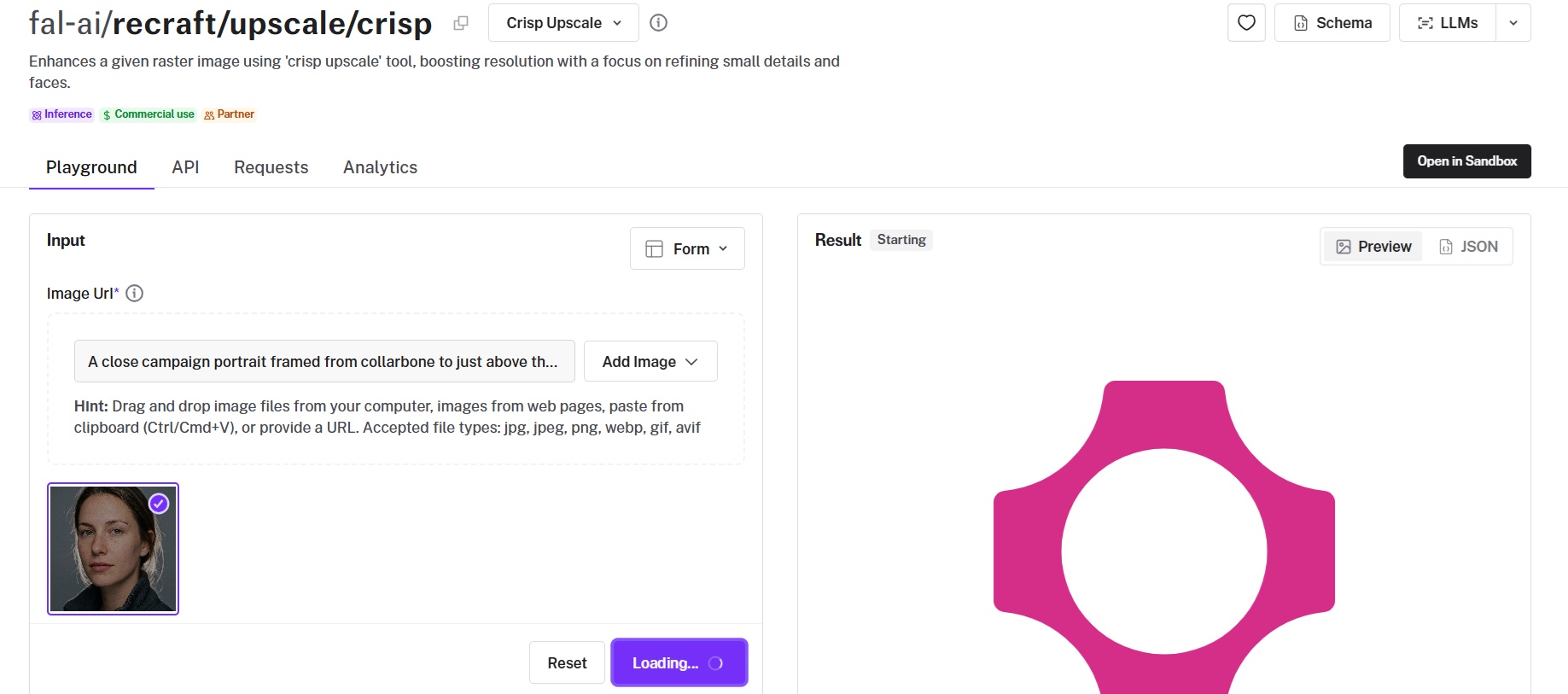
$0.004 per image is the lowest flat per-image rate of the ten, charged the same no matter what size comes back.
Recraft Crisp Upscale targets small detail and faces, raising resolution as part of the same pass.
Performance
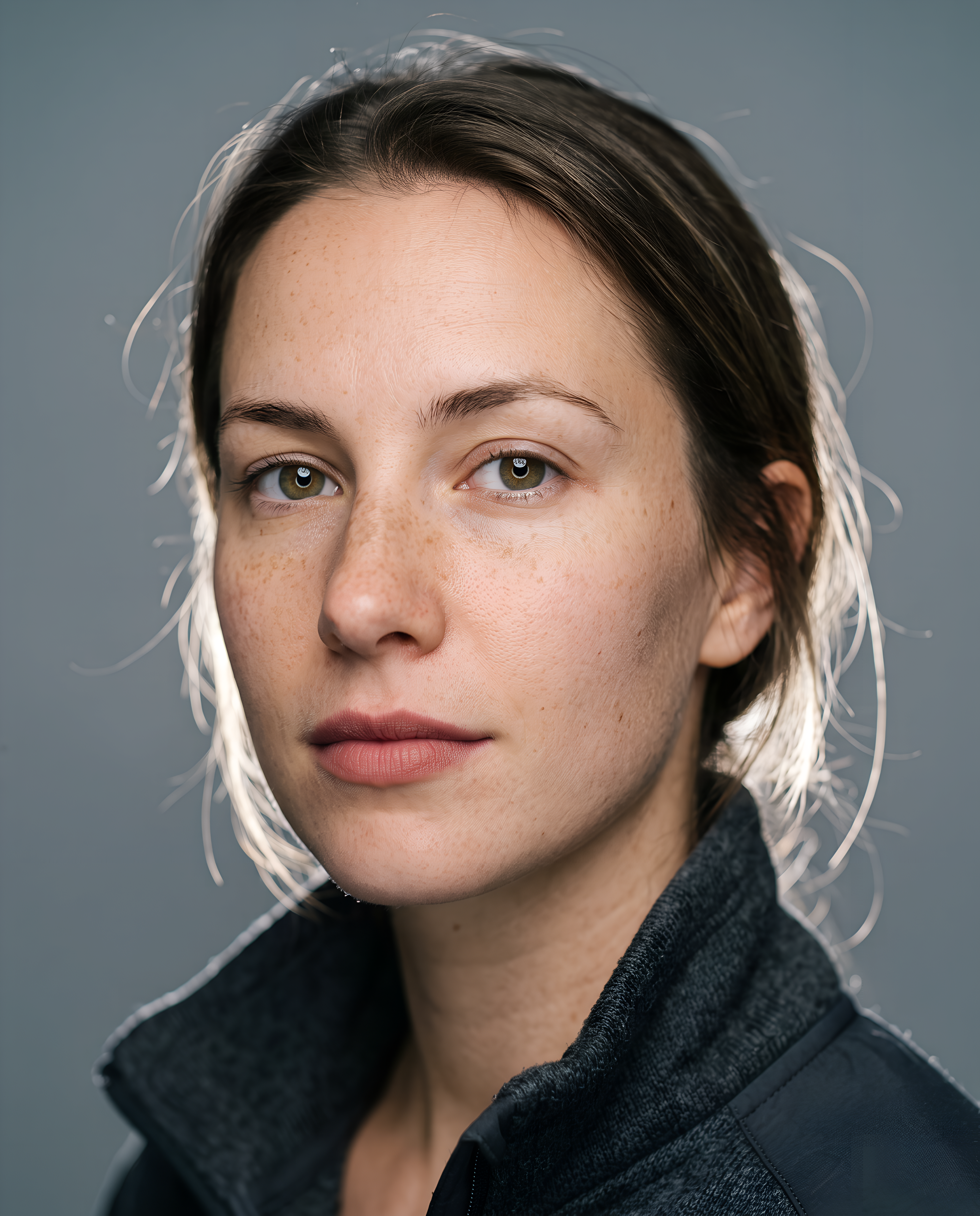
Upscaled using Recraft Crisp Upscale on fal, a model from Recraft.
Flat billing: $0.004 per image with no megapixel component, so output size never enters the calculation.
Input schema: image_url, sync_mode, and enable_safety_checker, with no upscale factor to set.
Input format: the schema asks for PNG, so JPEG sources need converting before the call.
How to run Recraft Crisp Upscale on fal
fal-ai/recraft/upscale/crisp takes the call, with a Sandbox option open beside the API.
A first request needs the image URL and nothing else.
sync_mode returns the result as a data URI and keeps it out of your request history, which matters if you rely on history for retries.
Pricing
$0.004 per image, flat.
A batch of 10,000 upscales is a $40 line item you can forecast to the cent before the first request goes out.
#4: Topaz Upscale Image Creative (Bloom 2)
Best for: AI-generated frames where invented detail is the point of running the pass at all.
Similar to: Clarity Upscaler, Recraft Creative Upscale.
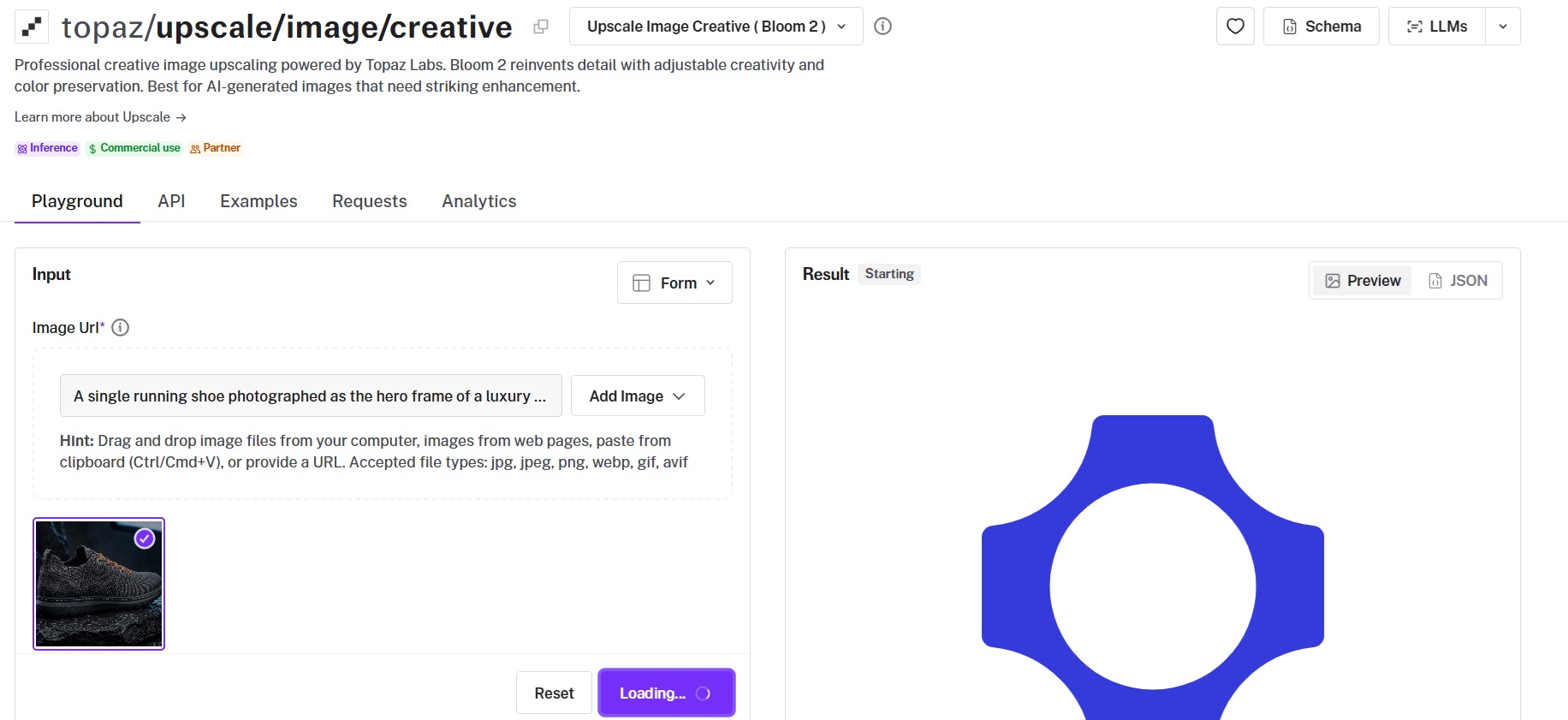
Bloom 2 carries the highest per-megapixel rate of the ten at $0.96 per 24 megapixels of output, or $0.04 a megapixel.
Among the three Topaz families, it is the one built specifically around AI-generated input, with a creativity range wide enough to change what the picture is of.
Performance
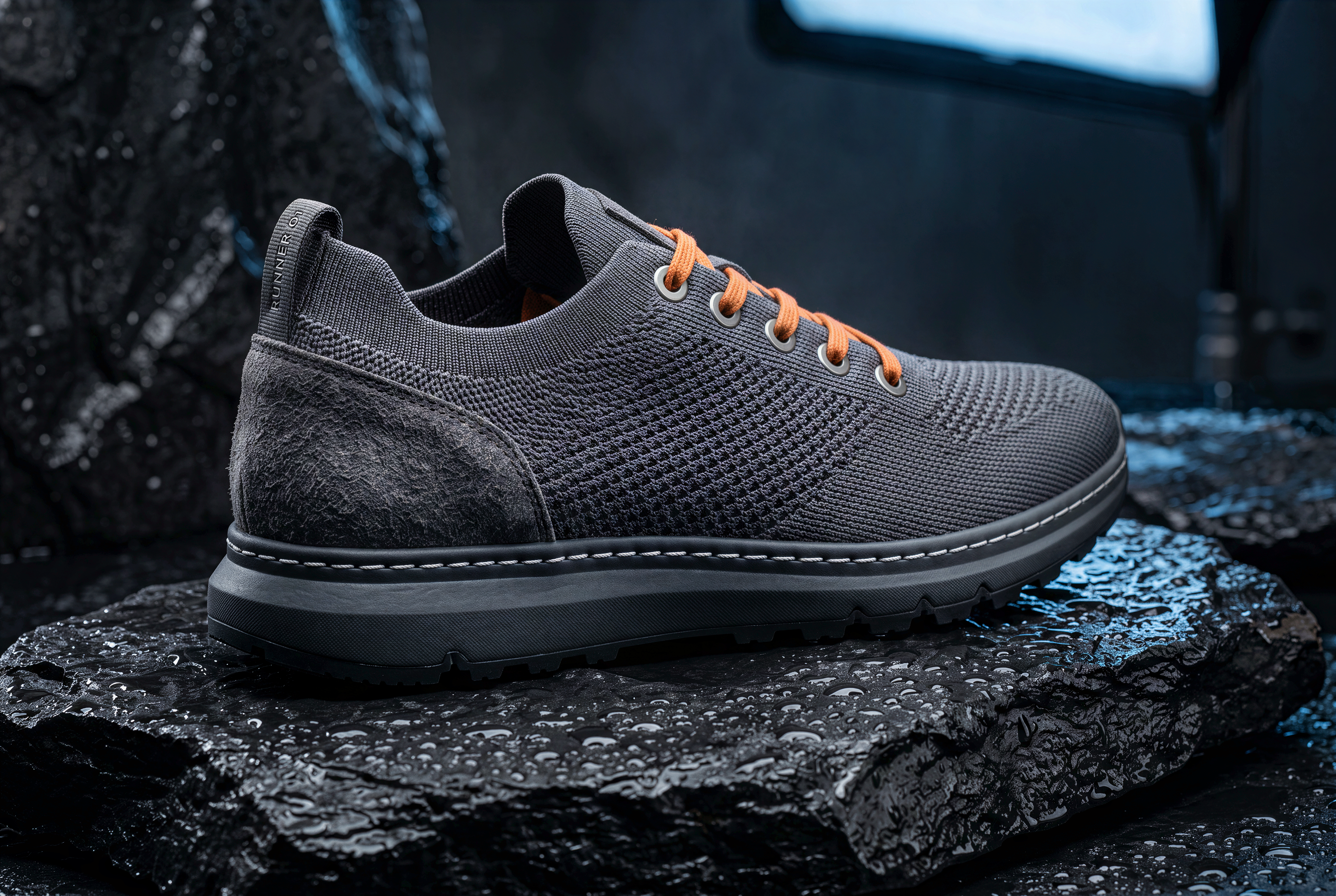
Upscaled using Topaz Upscale Image Creative (Bloom 2) on fal, a model from Topaz Labs.
Creativity range: 1 to 9 on Bloom 2, against 1 to 6 on Redefine in the generative endpoint.
Color preservation: a boolean that holds the source palette while the detail underneath is rebuilt, applying to Bloom 2 only.
Autoprompt: defaulted to true by Topaz when omitted, so Bloom 2 generates its own guidance from the input image.
Model choices: Bloom 2 as the current release, Bloom for creative transformation of AI images, and Bloom Realism for detail biased toward photorealism, all billed at the same rate.
How to run Topaz Upscale Image Creative on fal
Bloom 2 runs from topaz/upscale/image/creative.
It is the default model on that path, and 2x is the starting factor.
creativity, autoprompt, and color_preservation apply to Bloom 2 alone, so switching to Bloom or Bloom Realism drops all three from the request.
Pricing
24 megapixels of output costs $0.96 across Bloom 2, Bloom, and Bloom Realism alike.
That is $0.04 a megapixel, four times what Wonder 3.5 charges.
A 3000x2000 result lands at $0.24.
#5: Recraft Creative Upscale
Best for: a one-call pass that raises resolution and cleans the frame with nothing to configure.
Similar to: Recraft Crisp Upscale, Bria Creative Upscale.
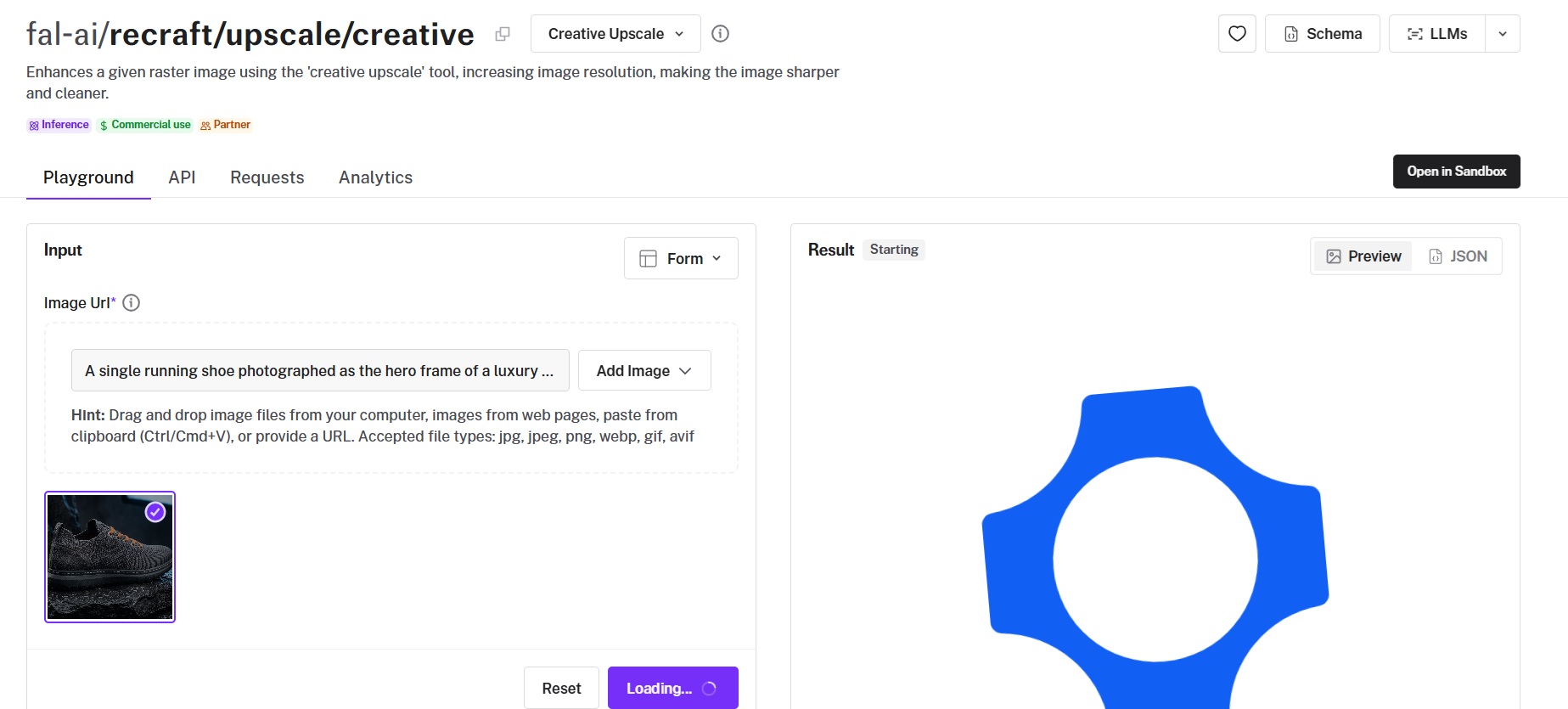
Recraft Creative Upscale accepts the same three fields as Recraft Crisp Upscale and charges $0.25 per image for a heavier pass.
Roughly 62x separates the two Recraft paths on price, with the creative one aimed at frames needing more than a sharpen.
Performance
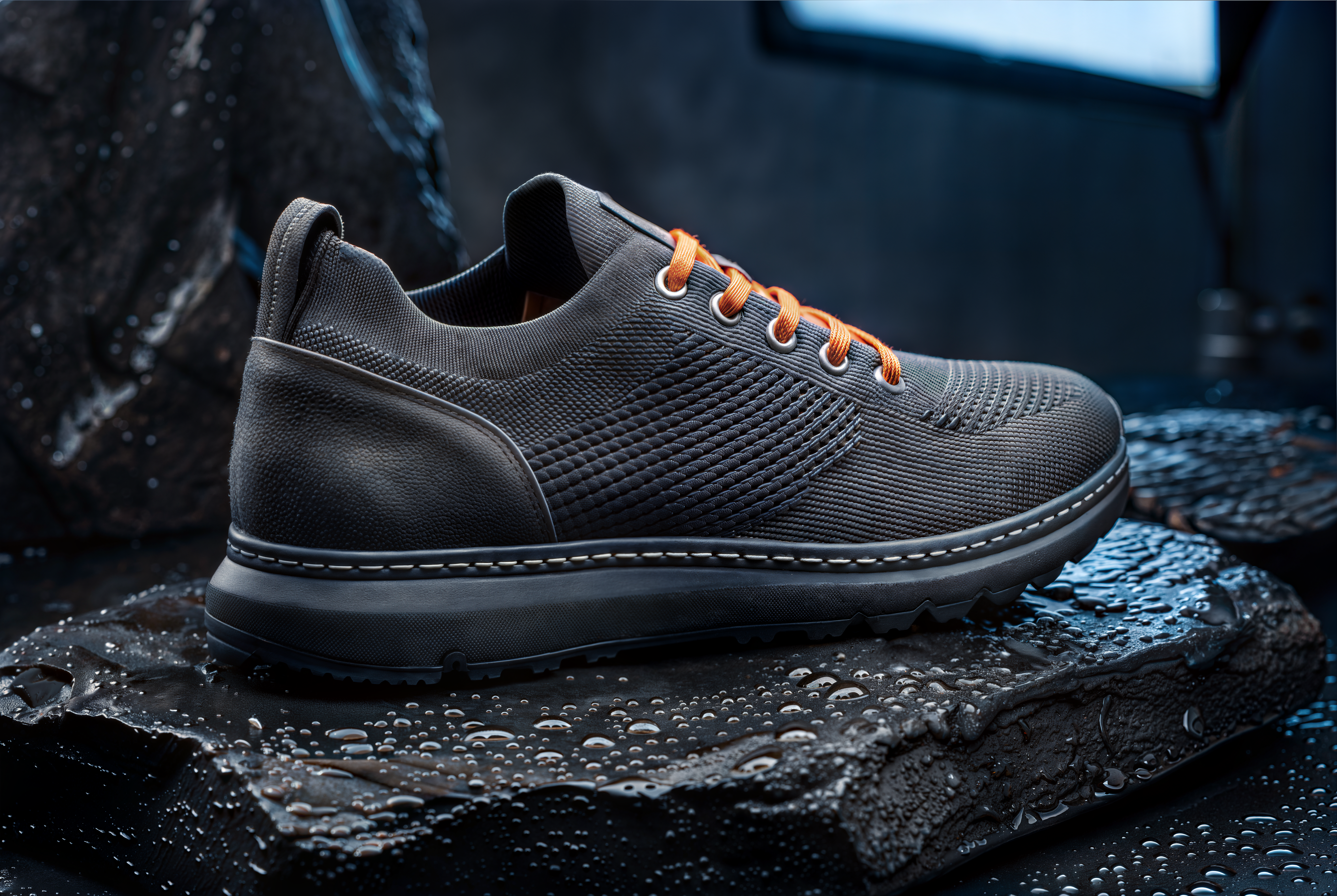
Upscaled using Recraft Creative Upscale on fal, a model from Recraft.
Flat rate: $0.25 per image regardless of output size, roughly 62 times the Recraft Crisp Upscale rate.
Input schema: image_url, sync_mode, and enable_safety_checker, matching Recraft Crisp Upscale field for field.
Input format: PNG, the same requirement the crisp endpoint carries.
How to run Recraft Creative Upscale on fal
The path is fal-ai/recraft/upscale/creative, one segment away from the crisp endpoint.
A request carries the image URL and nothing more.
Both Recraft upscalers carry partner status on fal with the commercial use badge.
Pricing
$0.25 per image, flat, which buys four upscales for a dollar.
#6: SeedVR2 Seamless Image Upscale
Best for: tileable textures that still have to tile once the resolution goes up.
Similar to: DRCT Super Resolution.
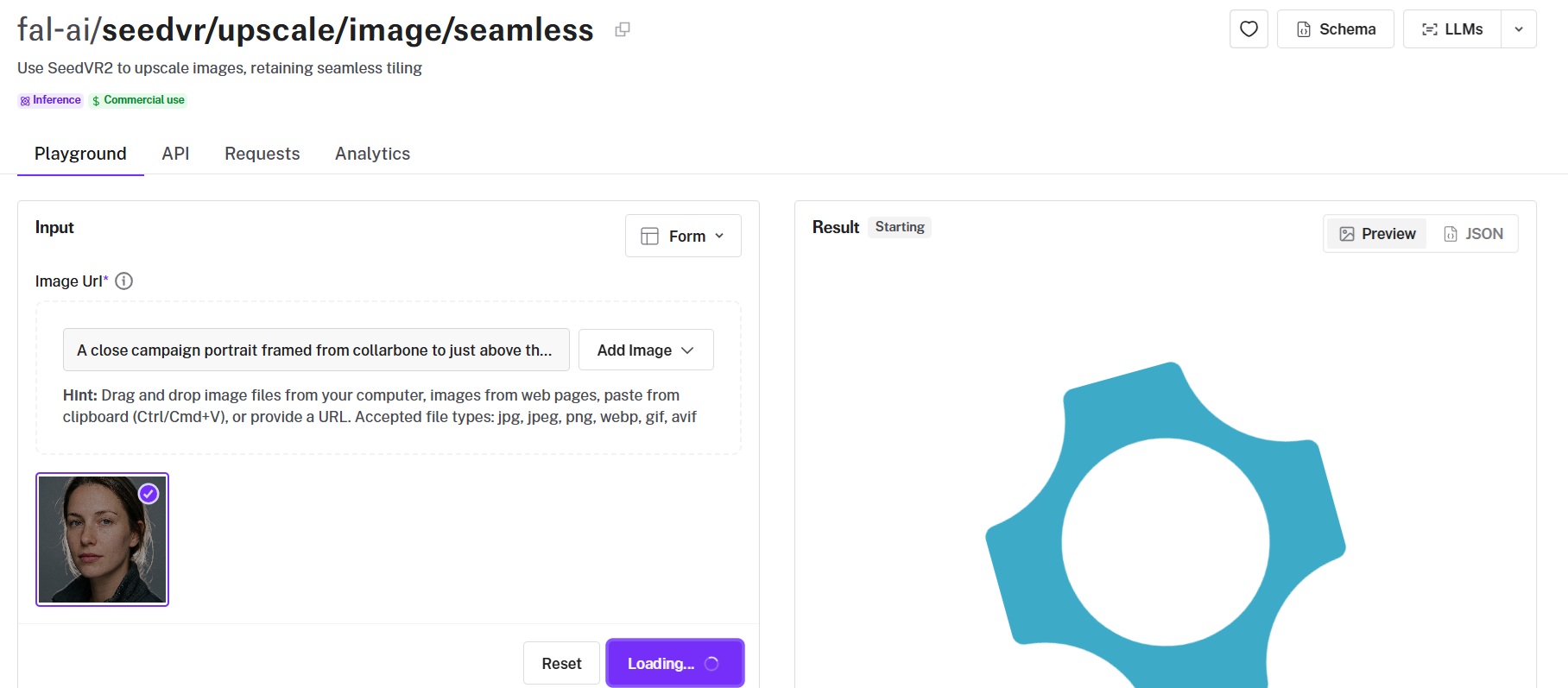
Texture work defines the scope of SeedVR2 Seamless Image Upscale, which holds the tiling continuity of the source while raising resolution.
It also carries the only target-resolution mode among these ten, where you name an output resolution and the model works out the factor from there.
Performance
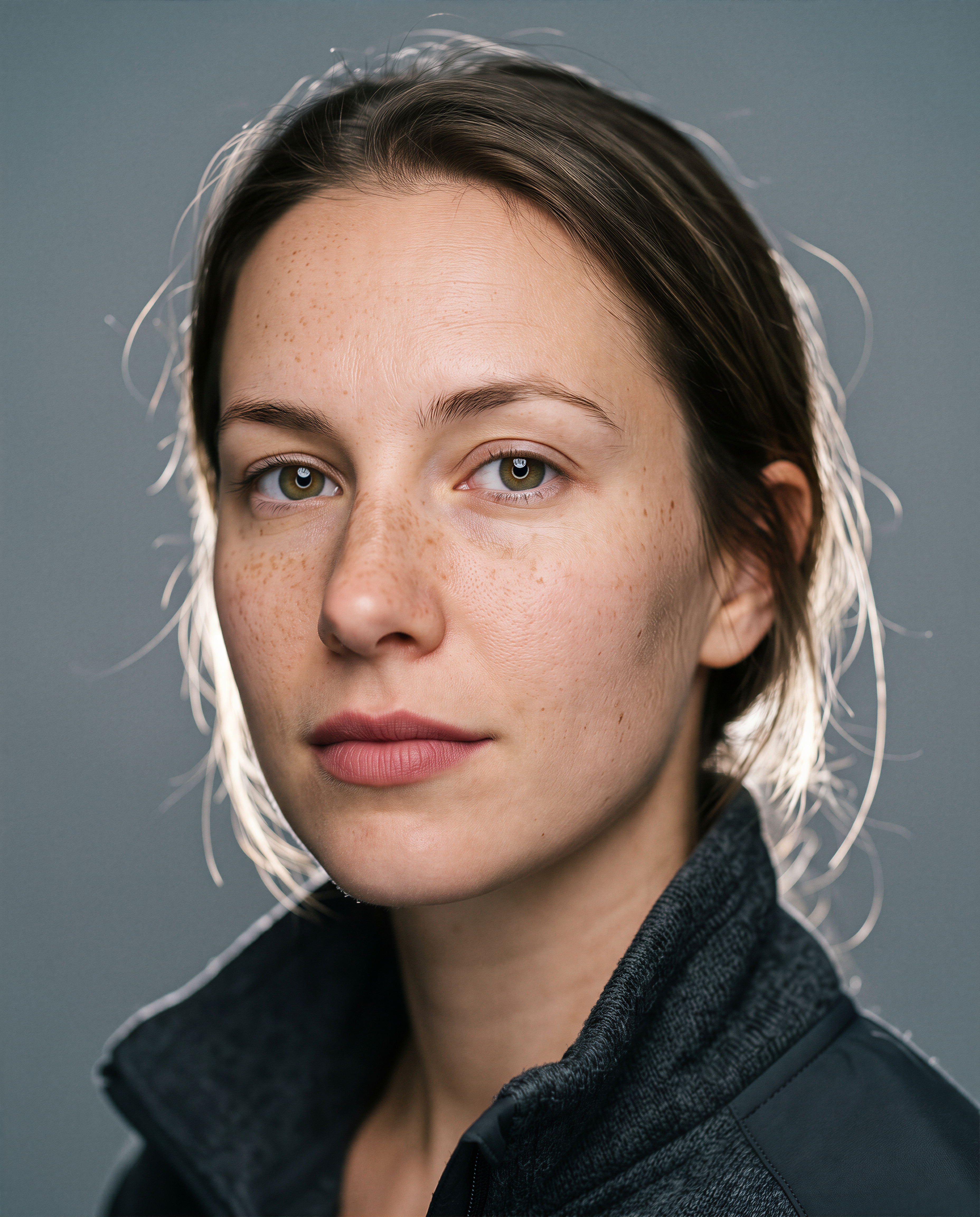
Upscaled using SeedVR2 Seamless Image Upscale on fal.
Scope: the endpoint preserves tiling continuity across the edges of the frame, which is the property a tileable texture has to keep after enlargement.
Two sizing modes: upscale_mode set to factor multiplies the dimensions directly, and target derives the factor from a named resolution.
Resolution targets: 720p, 1080p, 1440p, and 2160p, defaulting to 1080p.
Output options: png by default with jpeg and webp available, a seed field for repeatable runs, and noise_scale at a default of 0.1.
How to run SeedVR2 Seamless Image Upscale on fal
Calls go to fal-ai/seedvr/upscale/image/seamless.
upscale_mode defaults to factor at 2, so target mode wants setting explicitly alongside target_resolution.
The safety checker defaults on and cannot be switched off from the playground.
Pricing
$0.0025 per megapixel is the lowest per-megapixel rate in the group. Forty megapixels totals $0.10.
#7: Bria Creative Upscale
Best for: commercial work where the provenance of the training data has to hold up.
Similar to: Recraft Crisp Upscale, Topaz Upscale Image Precision.
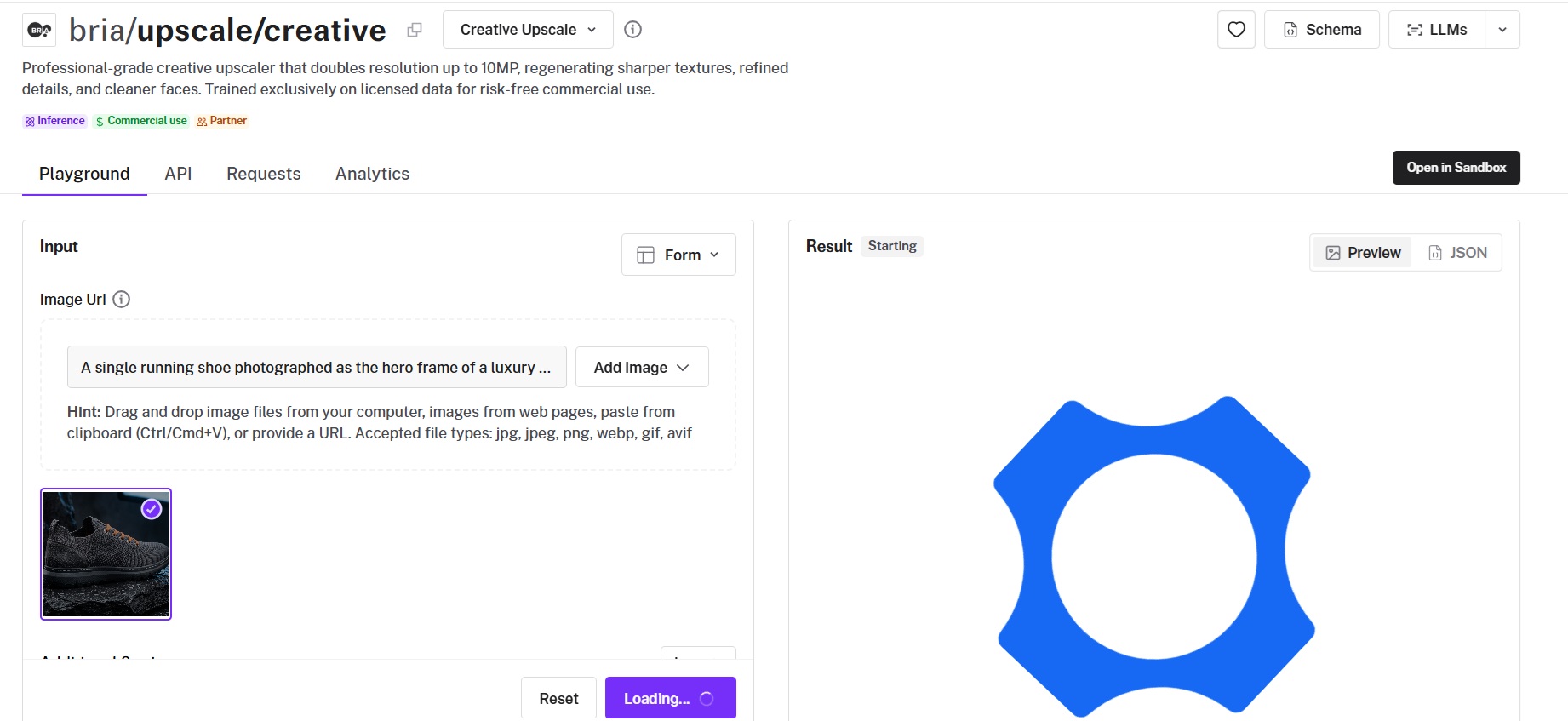
Bria states that their upscaler was trained on licensed data alone.
No other option on this list makes that claim, and the endpoint runs a fixed 2x pass up to a 10-megapixel ceiling.
Performance
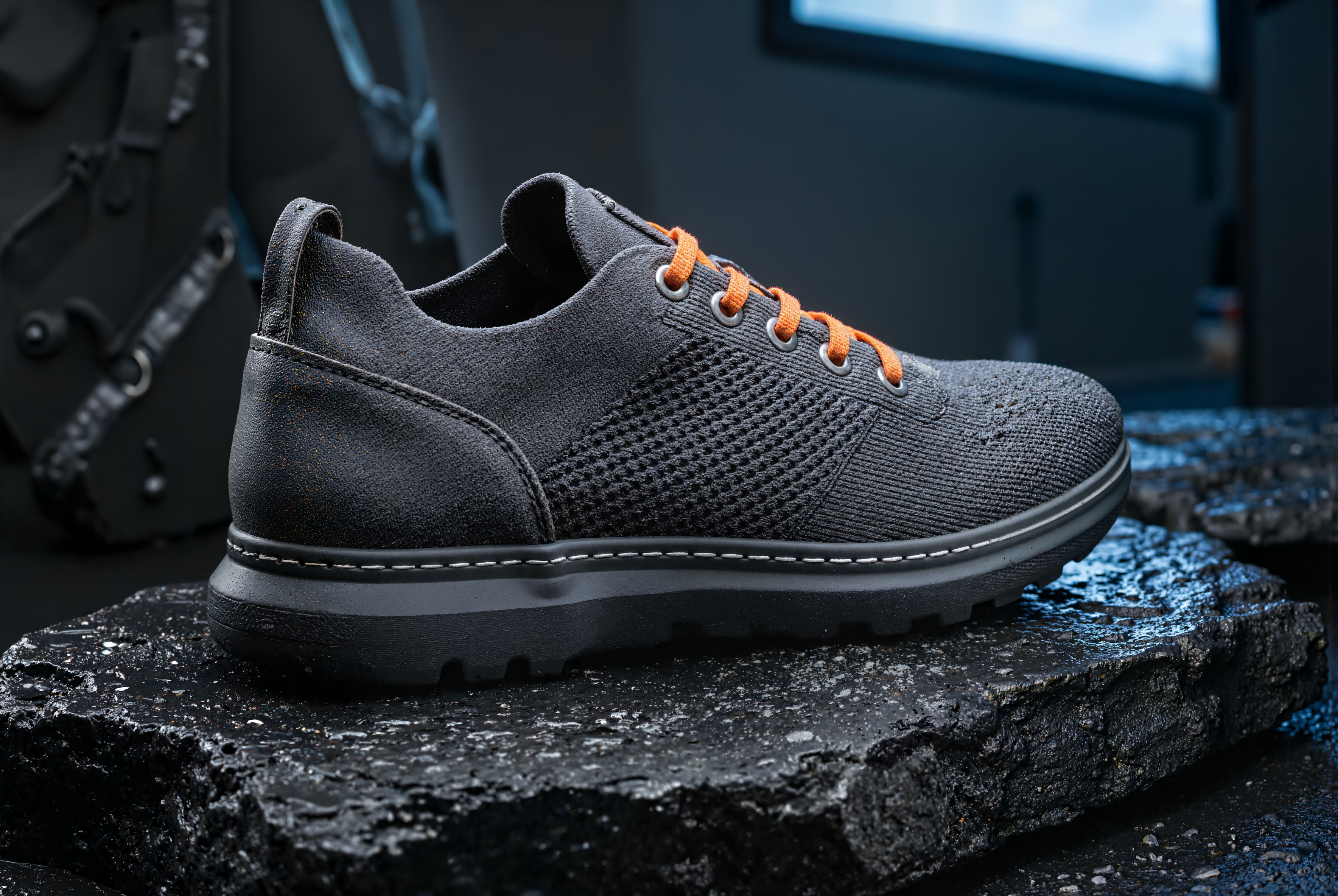
Upscaled using Bria Creative Upscale on fal, a model from Bria AI.
Licensed training data: Bria states that the model was trained on licensed sources alone, which is how it positions the endpoint for commercial work.
Fixed doubling: 2x up to a 10-megapixel output ceiling, with no factor field on the request.
Alpha handling: preserve_alpha defaults to true and carries transparency through from the input, and no other endpoint here exposes an alpha flag.
Reproducibility: seed defaults to 5555, so repeat runs return the same result until the value changes.
How to run Bria Creative Upscale on fal
bria/upscale/creative carries the endpoint, with Sandbox access alongside the playground.
The request takes image_url, seed, preserve_alpha, and sync_mode.
Bria ships it as a partner model with the commercial use badge on fal.
Pricing
$0.04 per image, flat, whether the output lands near the 10-megapixel ceiling or well under it. That means it'd be twenty-five upscales for a dollar.
#8: Clarity Upscaler
Best for: upscaling you want to steer with a prompt and a denoise strength.
Similar to: Topaz Upscale Image Creative (Bloom 2).
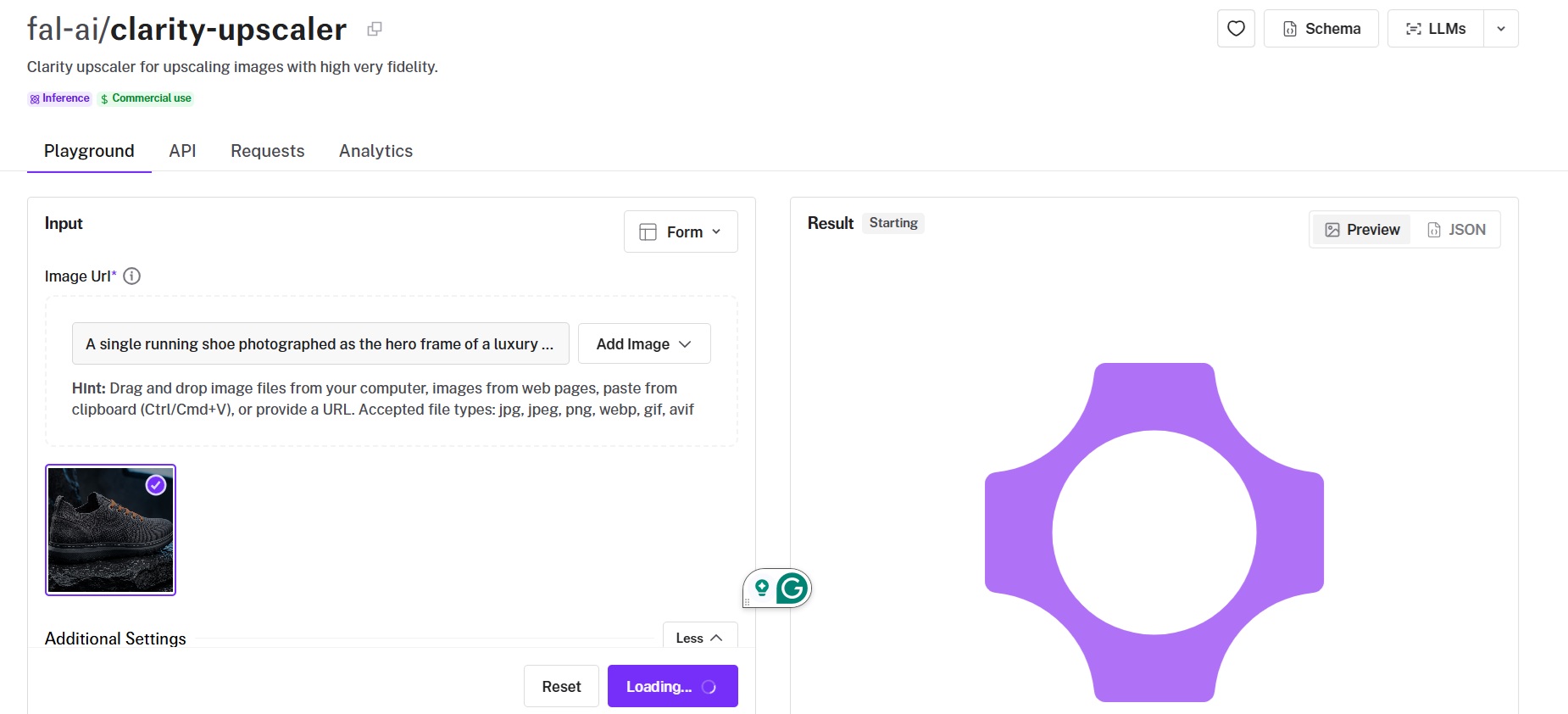
Clarity Upscaler is a diffusion pipeline with the controls left exposed, covering prompt, negative prompt, CFG scale, and step count.
creativity maps to denoise strength and resemblance maps to ControlNet strength, so the balance between holding the source and generating new detail comes from two numbers on the request.
Performance
Upscaled using Clarity Upscaler on fal.
Creativity: 0.35 by default, mapped to the denoise strength of the sampling.
Resemblance: 0.6 by default, mapped to ControlNet strength, with higher values holding closer to the original image.
Prompt pair: prompt defaults to "masterpiece, best quality, highres" and negative_prompt to "(worst quality, low quality, normal quality:2)".
Sampler settings: guidance_scale at 4 and num_inference_steps at 18, and since billing is per megapixel, raising the step count costs time and not money.
Seed control: the same seed and prompt against the same version return the same image.
How to run Clarity Upscaler on fal
fal-ai/clarity-upscaler is the path.
upscale_factor starts at 2 and accepts float values.
The default prompt pair works without editing, so a first request needs only an image URL.
Pricing
Clarity Upscaler costs $0.03 per megapixel on fal. That means a 4-megapixel output runs $0.12.
#9: AuraSR
Best for: fixed 4x upscaling billed against processing time.
Similar to: DRCT Super Resolution.
AuraSR bills $0.0008 per compute second, and no other upscaler on this list charges by duration.
The factor is fixed at 4x, which takes a 256x256 source to 1024x1024.
Performance

Compute-second billing: $0.0008 per compute second, so cost follows processing duration and not output size.
Overlapping tiles: an optional pass that removes tile seams and doubles inference time, which doubles the cost of the run.
Fixed 4x: upscale_factor defaults to 4 and the schema notes more factors are coming, so a 256x256 source currently returns at 1024x1024.
Checkpoints: the schema defaults to v1 while the playground opens on v2, so the version needs naming explicitly.
How to run AuraSR on fal
You reach AuraSR at fal-ai/aura-sr, with Sandbox access next to the playground.
overlapping_tiles is off by default, which is the faster and cheaper path.
checkpoint defaults to v1 in the schema, so v2 needs naming explicitly.
Pricing
$0.0008 per compute second, billed against actual processing duration.
Turning overlapping_tiles on doubles inference time, which doubles the invoice with it.
#10: DRCT Super Resolution
Best for: a 4x pass with two fields on the request and nothing else to decide.
Similar to: AuraSR, SeedVR2 Seamless Image Upscale.
Two parameters make up the whole surface of DRCT Super Resolution: image_url and upscale_factor.
Billing runs at $0.0045 per megapixel and the factor defaults to 4.
Performance
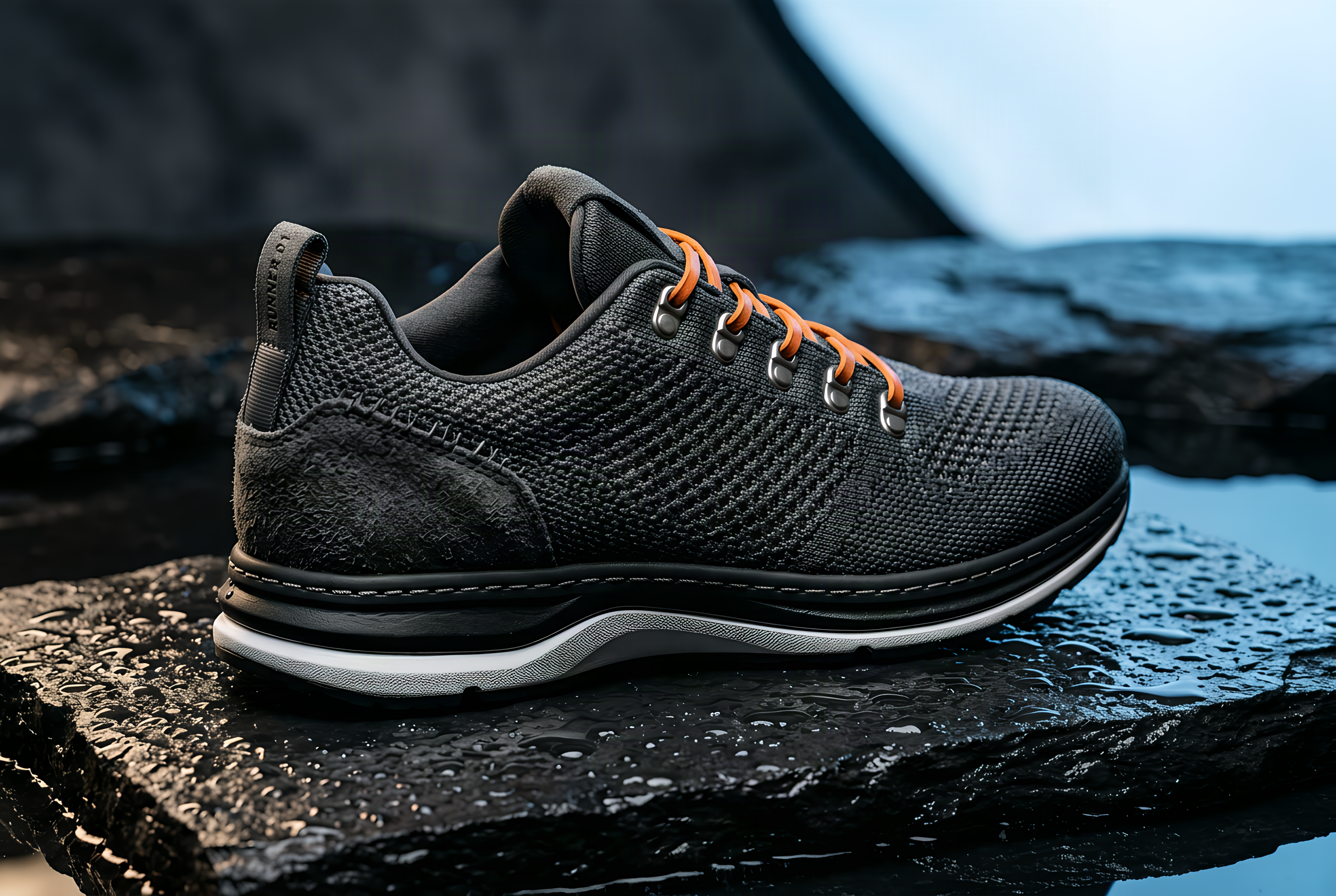
Upscaled using DRCT Super Resolution on fal.
Input schema: image_url and upscale_factor, the entire surface of the endpoint.
Default factor: an integer defaulting to 4, so a 1-megapixel source returns at 16 megapixels unless the value is lowered.
Per-megapixel billing: $0.0045, above the SeedVR2 rate and below the Clarity rate.
Note: for this generation, I had to redo the shoe image with Nano Banana 2 to be at 1K resolution, since image size should be less than 1536x1536 for DRCT Super Resolution to work.
How to run DRCT Super Resolution on fal
fal-ai/drct-super-resolution handles the call.
The image URL is the only required field, with the factor optional.
Sandbox access opens beside the playground for testing before integration.
Pricing
DRCT Super Resolution costs $0.0045 per megapixel on fal. A 4x pass on a 1-megapixel source yields 16 megapixels, near $0.07.
Recently Added








Upscale images at scale through a single API with fal
Ten upscalers against one source file turns a set of marketing claims into numbers you can act on.
All ten are reachable from the same fal key, billed by the request with nothing monthly attached, so narrowing a shortlist to three costs three requests to settle.
Each one opens in a playground where two results can be compared on your own file before any integration work starts.
Pointing the same loop at your own asset changes one thing, the endpoint string.
Create your free account and start upscaling on fal.
Frequently asked questions (FAQs)
How do these image upscalers handle faces?
Two of the ten expose an actual face parameter, and both are Topaz: Topaz Upscale Image Generative and Topaz Upscale Image Precision each carry face_enhancement on by default, face_enhancement_strength at 0.8, and face_enhancement_creativity at 0.
Two other models name faces in what they do without exposing a control for them:
- Recraft Crisp Upscale describes its pass as refining small details and faces, so the behavior is whatever the endpoint applies.
- Bria Creative Upscale describes cleaner faces as part of its fixed 2x pass, again with no dial on the request.
The remaining six have no face-specific handling documented, which means a portrait goes through them on the same path as any other frame.
What is the cheapest image upscaler on fal?
Recraft Crisp Upscale at $0.004 per image is the cheapest flat per-image rate of the ten, and it holds whatever size comes back.
SeedVR2 Seamless Image Upscale has the lower per-megapixel rate at $0.0025, so it wins on small outputs and loses on large ones.
Which image upscaler is best for AI-generated images?
Topaz Upscale Image Creative is built specifically around AI-generated input, with Bloom 2 offering creativity from 1 to 9 and a color preservation flag at $0.96 per 24 megapixels of output.
Clarity Upscaler is the alternative when you want the upscale steered by your own prompt, at $0.03 per megapixel.
What is the difference between precision and generative upscaling?
Precision upscaling enlarges the detail already present in the file, and generative upscaling reconstructs detail the file no longer holds.
On fal, that split maps to two endpoints: topaz/upscale/image/precision at $0.08 per 24 megapixels of output, and topaz/upscale/image/generative at $0.24 for Wonder 3.5 or Wonder 3.
I'd say that precision is the safer pick for photography you have to stay faithful to, and generative suits a source too small to enlarge honestly.
Which image upscaler gives the best value for money?
Topaz Upscale Image Precision at $0.08 per 24 megapixels of output, roughly $0.0033 per megapixel, makes the strongest case, since that rate carries the whole precision family and a full set of cleanup controls.
What makes fal the best place to use these image upscalers?
fal runs all ten behind one key and one bill, with pricing attached to requests and spend tracking usage and nothing else.
The practical effect is that evaluation stops being a commitment: three candidate upscalers on your own source file is three requests, and dropping two of them removes them from your costs entirely.
Every endpoint also opens in the browser, so a source file can be screened against several candidates before an SDK gets involved.