

Upscale any image to high resolution free.
Increase image resolution with AI. No signup, instant results. Download sharp, full-size images, no watermark, every time.
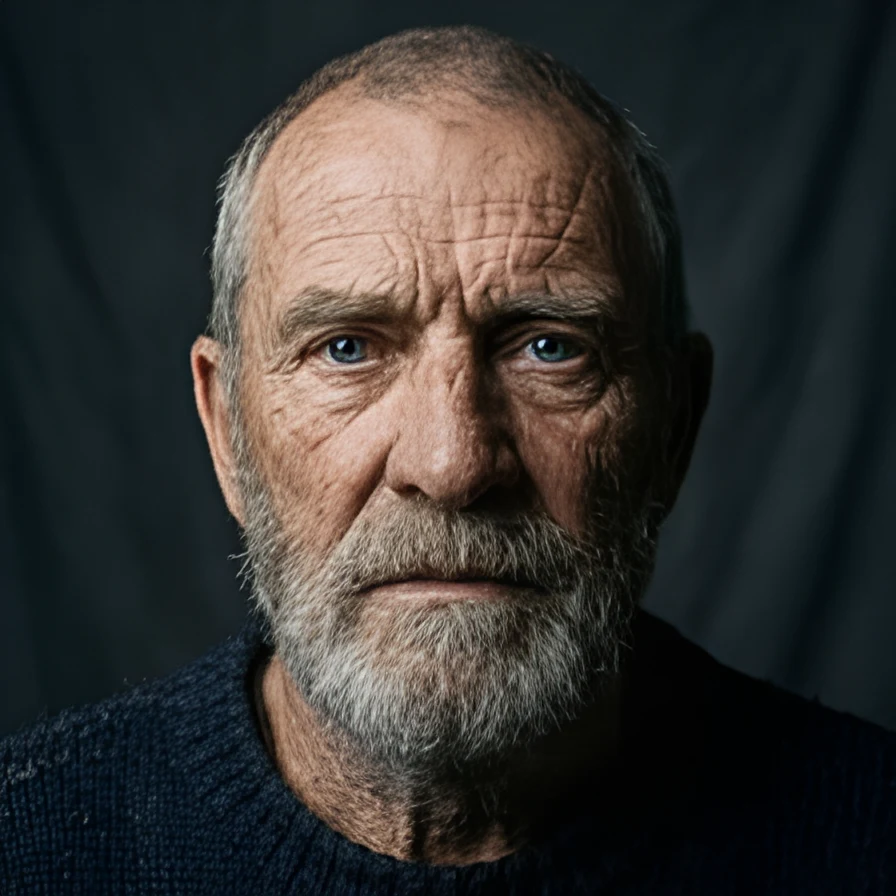
Drop an image to upscale it
Or click to browse · JPEG · PNG · WEBP


Studio-quality, powered by AI.
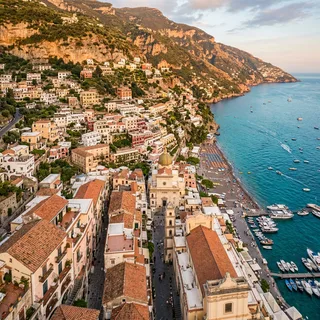
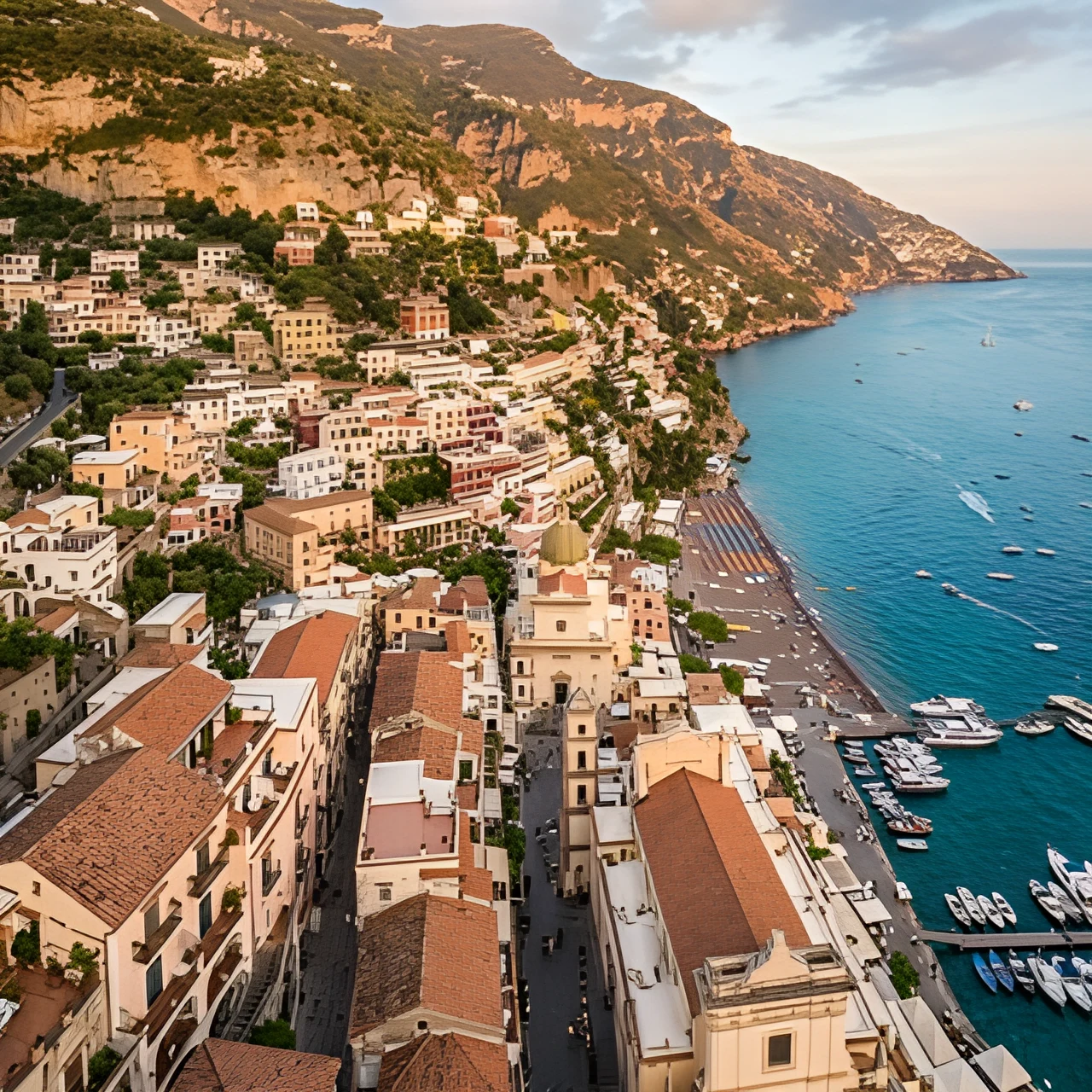
Up to 4x the resolution, free, every time.
Download your full high-resolution image the moment it's ready. No subscription, no hidden fees. Other tools charge up to $30/month just to export at full size. On fal, every download is free, full size, every time.
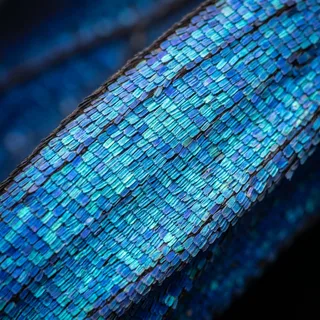
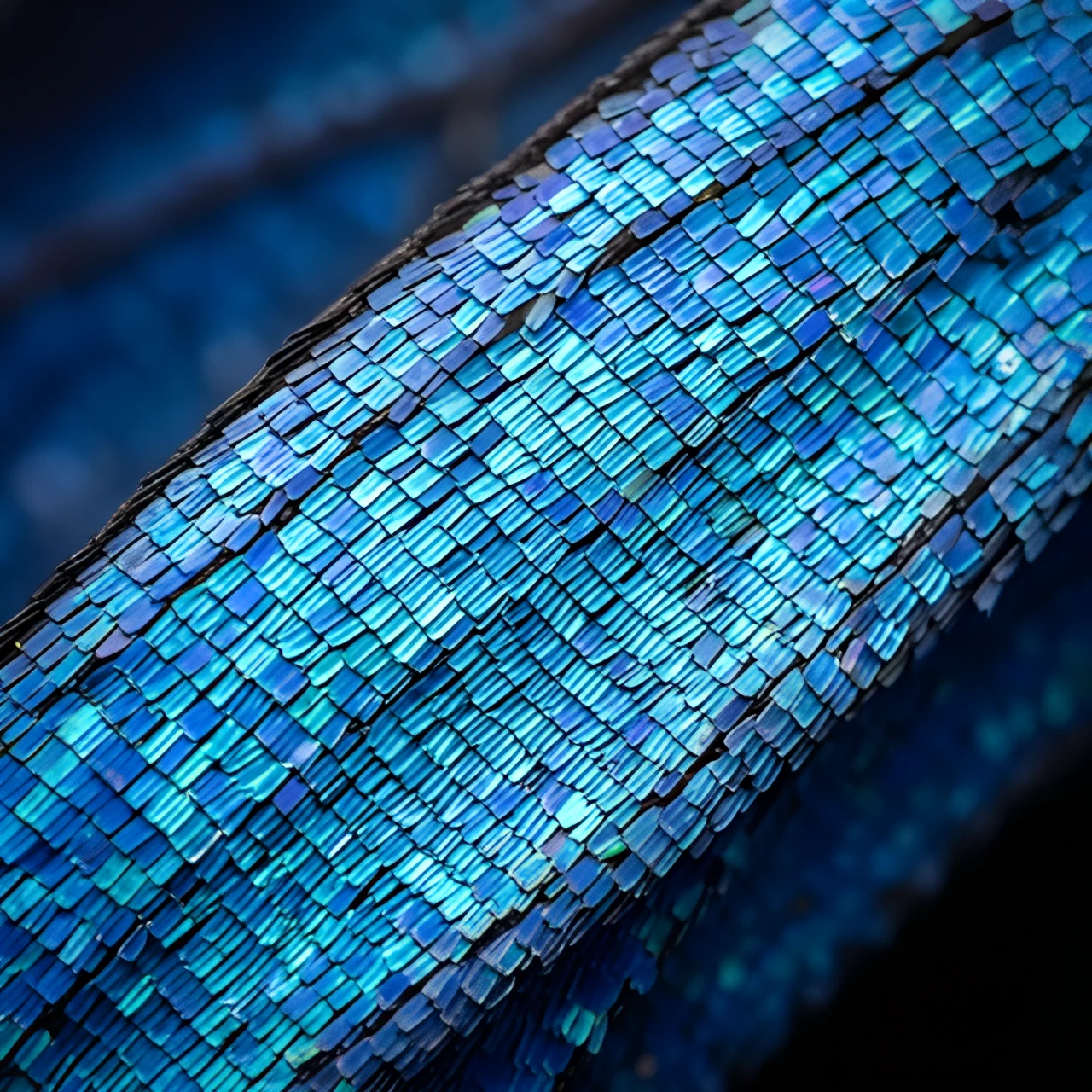
Real detail, not stretched pixels.
Traditional resizing spreads the same pixels over a bigger canvas and calls it done. fal's AI reconstructs the detail that should be there, so faces stay natural, text stays legible, and textures stay crisp.
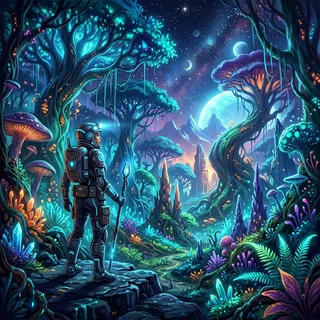
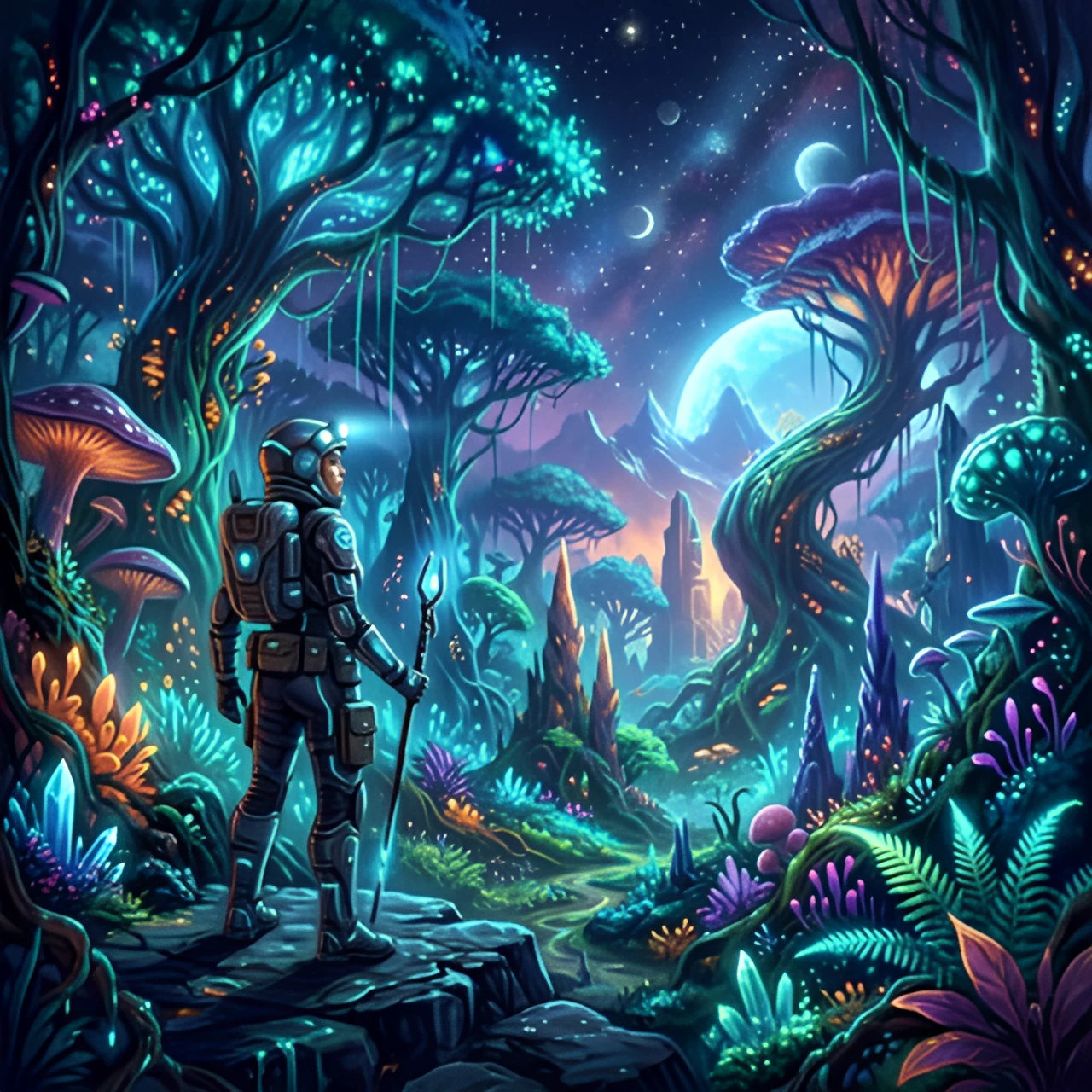
Built for AI production workflows.
Upscaling used to mean hours in editing software or expensive desktop tools. fal does it in seconds, automatically, for free. Chain it into custom workflows: generate an image with one model, then upscale it for final delivery.
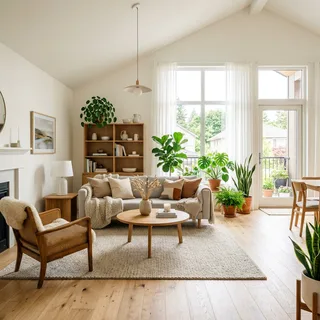
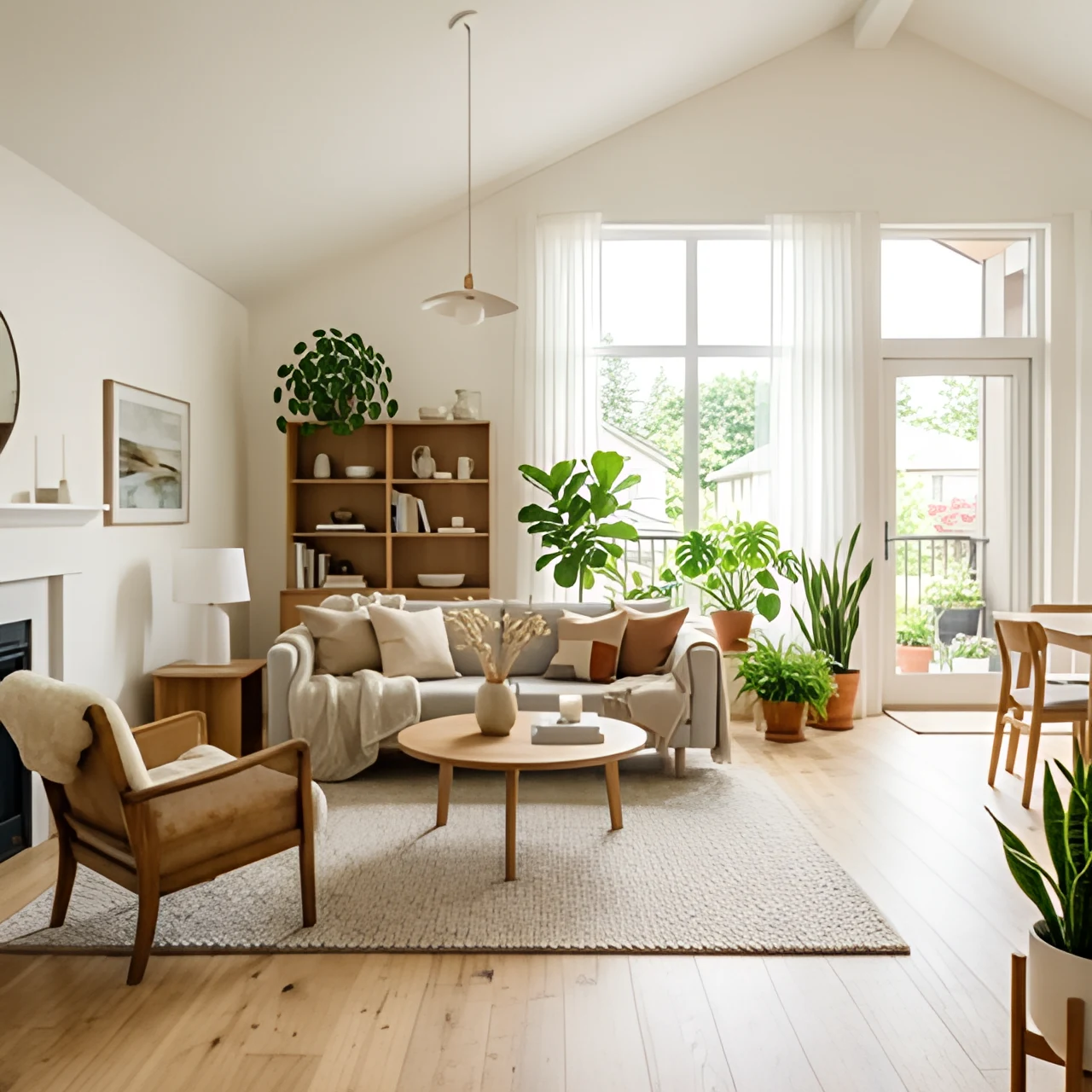
Print-ready images for any industry.
Product photos, real estate listings, archival scans, social assets. fal brings small or aging images up to modern resolution requirements in seconds, and scales across your entire catalog with one tool.


Three steps. Seconds.
Upload, wait a beat, download. No accounts, no watermarks, no subscription tiers. Just a sharper, bigger image.
Upload a photo
Drag and drop a JPEG, PNG, or WebP file, or click to browse. No account needed. Small, soft, or compressed images are exactly what the upscaler is built for.
Upscaled instantly
fal's AI enlarges your image and reconstructs the detail, sharpening edges, textures, and text. No sliders to tune, no manual masking. Just a crisp, high-resolution result.
Download free, full size
Your upscaled image is ready at full resolution the moment processing finishes. No paywall, no quality tiers, no subscription. Drop it into any design, listing, or print job.

Get a sharper result.
Not every photo produces the same quality result. A few small adjustments give the AI more to work with.
Start from the best copy you have
Upscaling amplifies what's already in the image. The original export or camera file gives the AI more real detail to work with than a screenshot of it.
Avoid re-compressed images
Photos that have been saved and re-shared many times carry compression artifacts the AI may sharpen along with the subject. Use the earliest version you can find.
Faces and text upscale best
Portraits, product shots, logos, and documents show the most dramatic improvement, since the AI is trained to reconstruct exactly these kinds of detail.
Match model to use case
Recraft Crisp is tuned for clean, faithful sharpening. For creative enhancement or heavy restoration, try SeedVR or Topaz from fal's model gallery.
Build it into anything.
Send an image URL, get a high-resolution image back. Plug fal's upscaling API directly into your photo pipeline, marketplace, or internal tools. No per-seat licensing, no manual uploads.

Frequently asked
What is the best free AI image upscaler?
fal upscales your image to up to 4x its original resolution in seconds, powered by state-of-the-art AI models that reconstruct real detail instead of just stretching pixels. The free image upscaler sharpens faces, textures, and text so you can use the result for print, e-commerce, social, and more.
How do I increase image resolution for free?
Drop your image in and download the upscaled version in seconds. No account, no watermark, no waiting. fal runs fast inference to enlarge your image while keeping edges crisp.
How does AI upscaling work?
Instead of stretching existing pixels like traditional resizing, AI upscaling uses a model trained on millions of images to predict the detail that should exist at higher resolution. The result is a larger image with sharper edges and cleaner textures, not a blurry enlargement.
Can I upscale an image without losing quality?
Yes. AI upscaling adds resolution rather than removing it, and fal lets you export the full result for free. Most free upscaling tools cap output size or add a watermark unless you pay.
Does fal work on mobile and desktop?
Yes. Upload from any device or browser. No app download required to get started, and the same workflow is available via API.
Can developers use fal's image upscaling via API?
Yes. fal offers multiple upscaling API endpoints, including Recraft Crisp Upscale, SeedVR, Topaz, and video upscaling, so you can build upscaling directly into your own product or workflow. Start with the Recraft Crisp Upscale endpoint.
Can I upscale videos too?
Yes. fal also offers video upscaling APIs that enhance MP4, MOV, and WebM files frame by frame, so your footage gets the same treatment as your images.
Finish the job with the other tools.
The free image tools chain together and none of them watermark what you download: cut the background out, upscale the result, then export it at the exact size you need.
Free in your browser
No account, no watermark, no upload limits, nothing to install.
Remove a background in one click
Drop an image and get a clean cutout with transparent edges, up to 4K. Handles hair, fur, and glass without manual masking.
Open Background RemoverUncrop and extend past the edges
Generate new scenery beyond the frame so a photo fits a wider or taller aspect ratio, with no cropping and nothing cut off.
Open Image ExtenderCrop and resize to exact pixels
Drag a frame over what matters, then export at exact dimensions or a social preset. Nothing to install, nothing to sign up for.
Open Image ResizerRuns on your fal account
Generating video runs real inference on our platform, so these open in the fal playground: sign in, then pay per second of compute.
Generate video from a prompt
Every frontier video model behind one prompt box, from Veo to Kling to Seedance. Describe the shot, pick a model, and generate.
Open AI Video GeneratorTurn a script into moving footage
Write what should happen and get video back. Compare models side by side to find the one that reads your prompt best.
Open Text to Video