


MiniMax H3 Image
The latest open-weights image model from MiniMax. Generate and edit images in native 4K, combine multiple references, and render complex text with precision, at remarkable speed.
Your prompt opens in the MiniMax H3 Image playground. Your first 3 to 5 images every 24 hours are free.
Free MiniMax H3 Image generations, through November 23
For its first two weeks on fal, MiniMax H3 Image is free to try. No subscription and nothing to install: open the playground and generate. Signing in and verifying your account raise the allowance.
Every 24 hours, counted from your first free generation. The numbers are totals per window, not amounts that add up across tiers. Free generations work in the fal playground and Sandbox on both text to image and image edit, and in fal Agent once you sign in; API calls are billed at the normal rate.


What you can make with MiniMax H3 Image
Combine multiple reference images into one cohesive result
Bring together characters, objects, and environments from different sources while keeping visual consistency and control over the final composition. Give each image a role, the person from Image 1, the coat from Image 2, the setting from Image 3, and MiniMax H3 Image builds a single scene that keeps all three.
Transform images with precise, instruction-based editing
Add, remove, or replace objects, change styles and environments, and render complex text, infographics, and UI layouts, while preserving the details that matter. One sentence recolors a coat, swaps the sky in a window, or moves the whole scene to a beach, and the rest of the frame holds still.
Frontier image quality at remarkable speed
MiniMax H3 Image outputs up to 20MP at aspect ratios from 1:3 to 3:1, with 2K image editing in about 15 seconds. Prompts can run to 32,000 characters through the API, so a full art-direction brief, a product spec, or a page of poster copy goes in as written.
MiniMax H3 Image on fal, at a glance
What the endpoints accept and return, read from their live API schemas. The Highspeed versions share every limit below.
| Text to image | Image edit | |
|---|---|---|
| Output size | Up to 20MP (20,000,000 pixels), 468 to 7,745 px per side, any aspect ratio from 1:3 to 3:1. Defaults to 2048x2048. | Same limits. Auto by default: keeps Image 1's aspect ratio inside a 2048x2048 area. |
| Inputs | A text prompt | A prompt plus 1 to 16 images, cited as Image 1, Image 2… in order. Each side 128 to 8,192 px. |
| Prompt length | Up to 32,000 characters | Up to 32,000 characters |
| Images per request | 1 to 10 | 1 to 10 |
| Prompt expansion | On by default, can be turned off. The expanded prompt is returned. | Always on. The expanded prompt is returned when available. |
| Output formats | PNG (default), JPEG, WebP | PNG (default), JPEG, WebP |
Not yet supported: mask-based inpainting and transparent backgrounds. Full parameter reference for text to image and image edit.


MiniMax H3 Image endpoints
Text to image and image edit, each in a standard and a Highspeed version. All four take the same inputs and limits and are pay-per-use through the API.
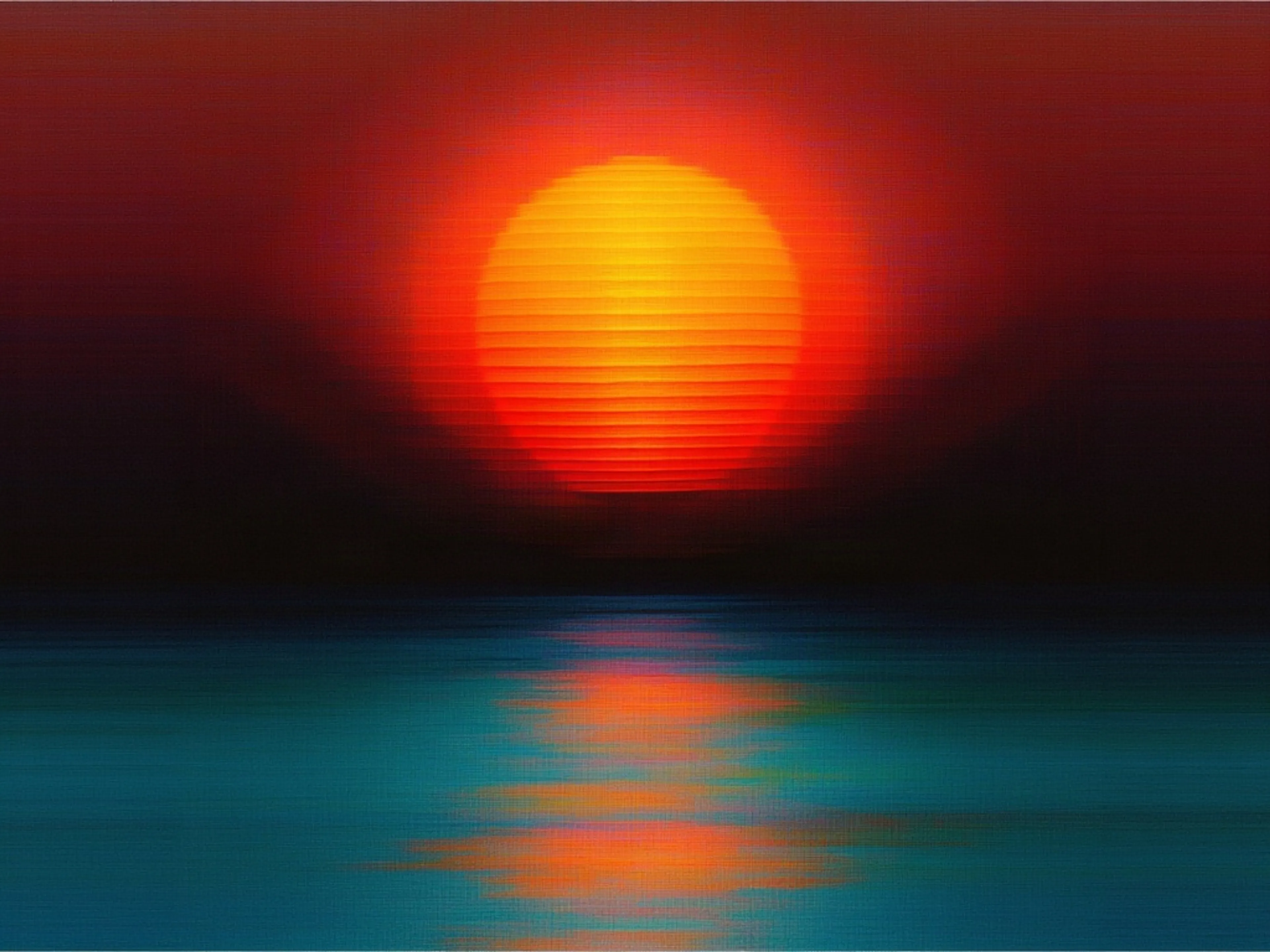

MiniMax H3 Image generates detailed images from text prompts, with precise instruction following across photorealistic scenes, illustrations, and visual designs. It supports native high-resolution generation up to 20 megapixels and optional prompt expansion that develops short prompts into complete image descriptions.
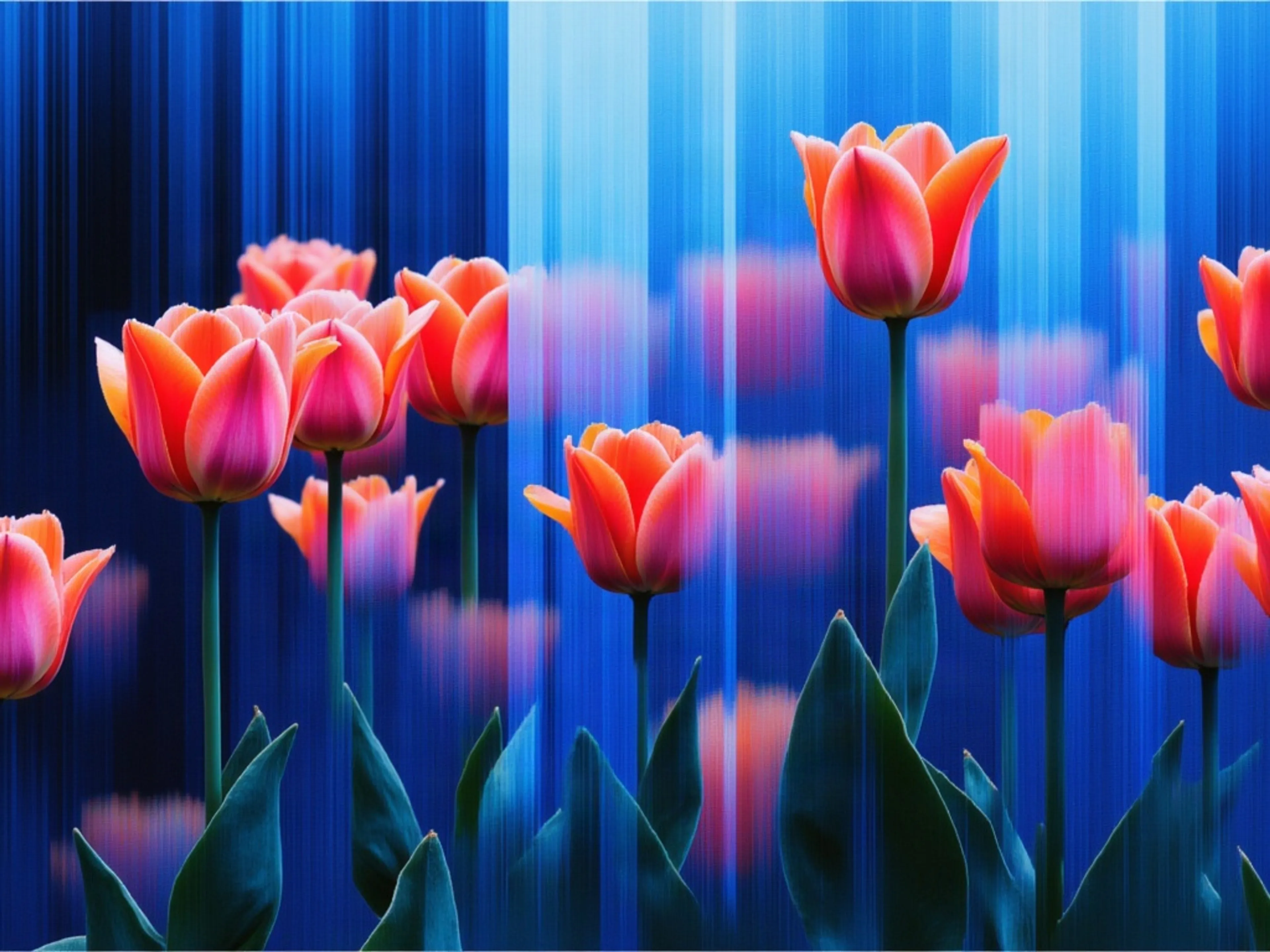
MiniMax H3 Image Edit transforms and combines up to 16 reference images using text instructions, supporting targeted edits, style changes, and multi-image composition. Its unified generation and editing model produces detailed results at custom output sizes up to 20 megapixels.
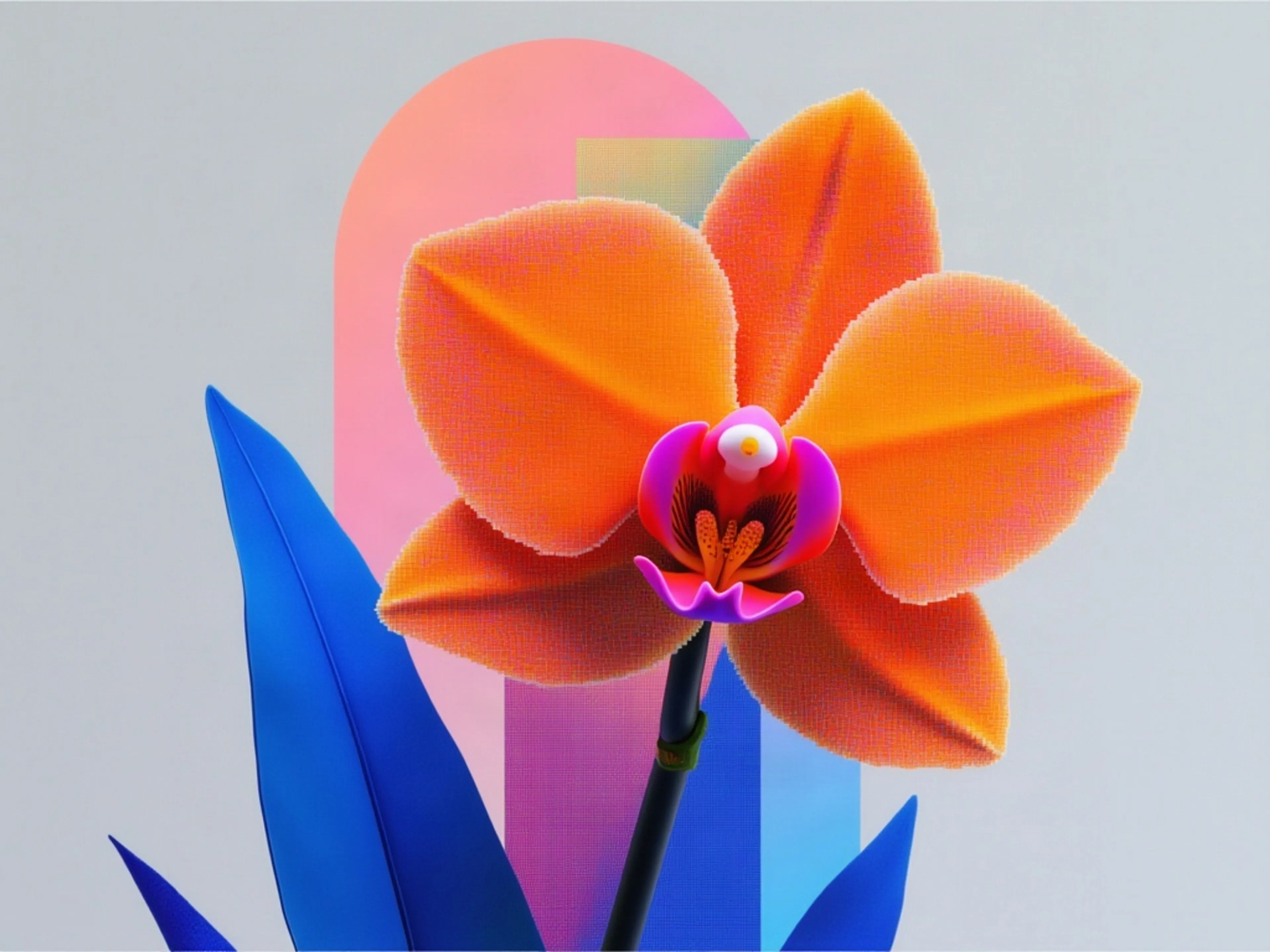
MiniMax H3 Image Highspeed generates detailed images from text prompts using the Highspeed variant of MiniMax H3 Image. It supports custom output sizes up to 20 megapixels and optional prompt expansion that develops short prompts into complete image descriptions.
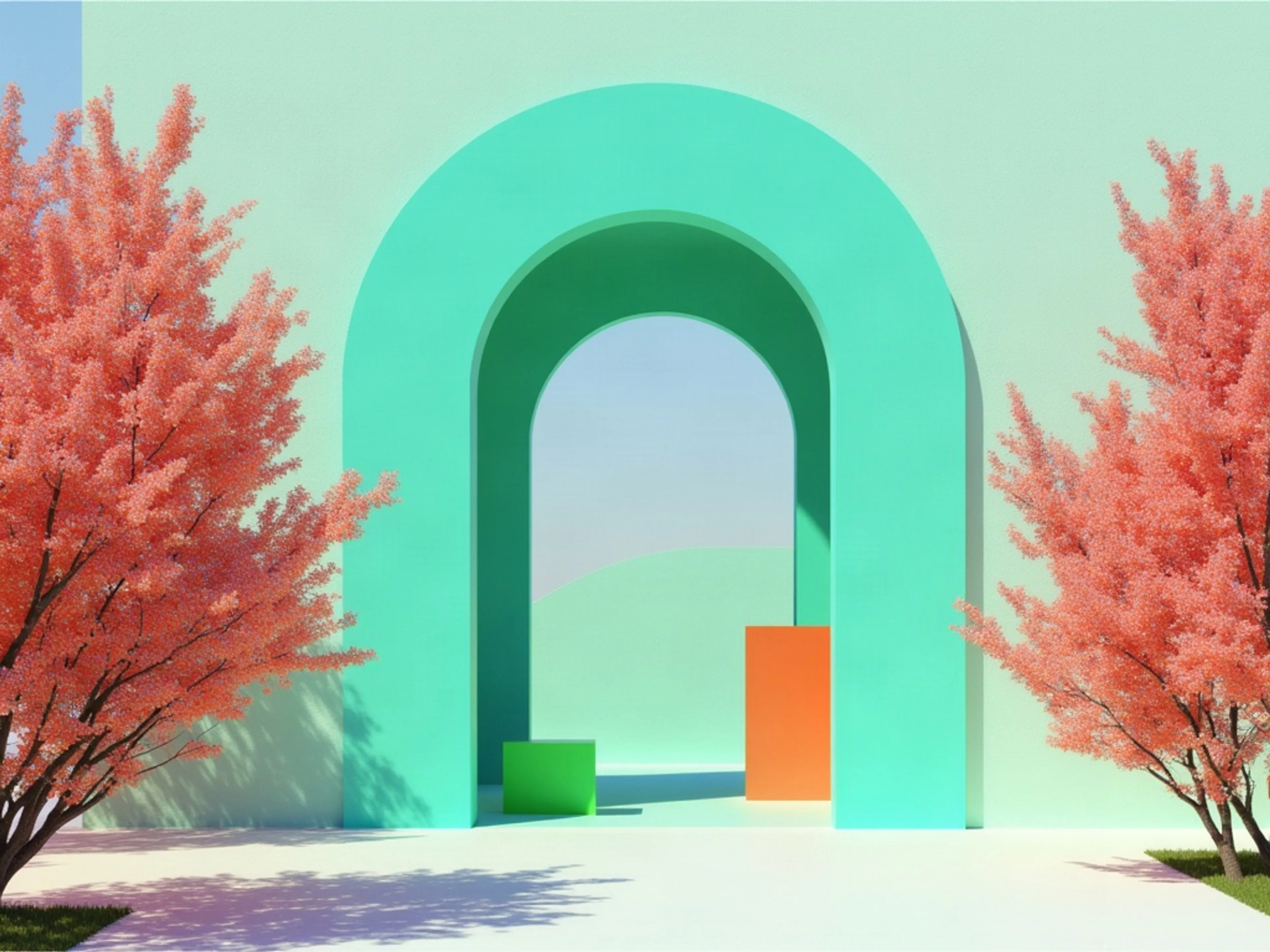
MiniMax H3 Image Highspeed Edit transforms and combines up to 16 reference images using text instructions. It supports multi-image composition and custom output sizes up to 20 megapixels, preserving the first image’s aspect ratio by default.


See what MiniMax H3 Image can create
One prompt each, no editing. Every image came back from the MiniMax H3 Image text-to-image endpoint at 2304x1536 in 12 to 14 seconds, from the prompt on its card. Run any prompt yourself in ChatGPT or fal Agent.
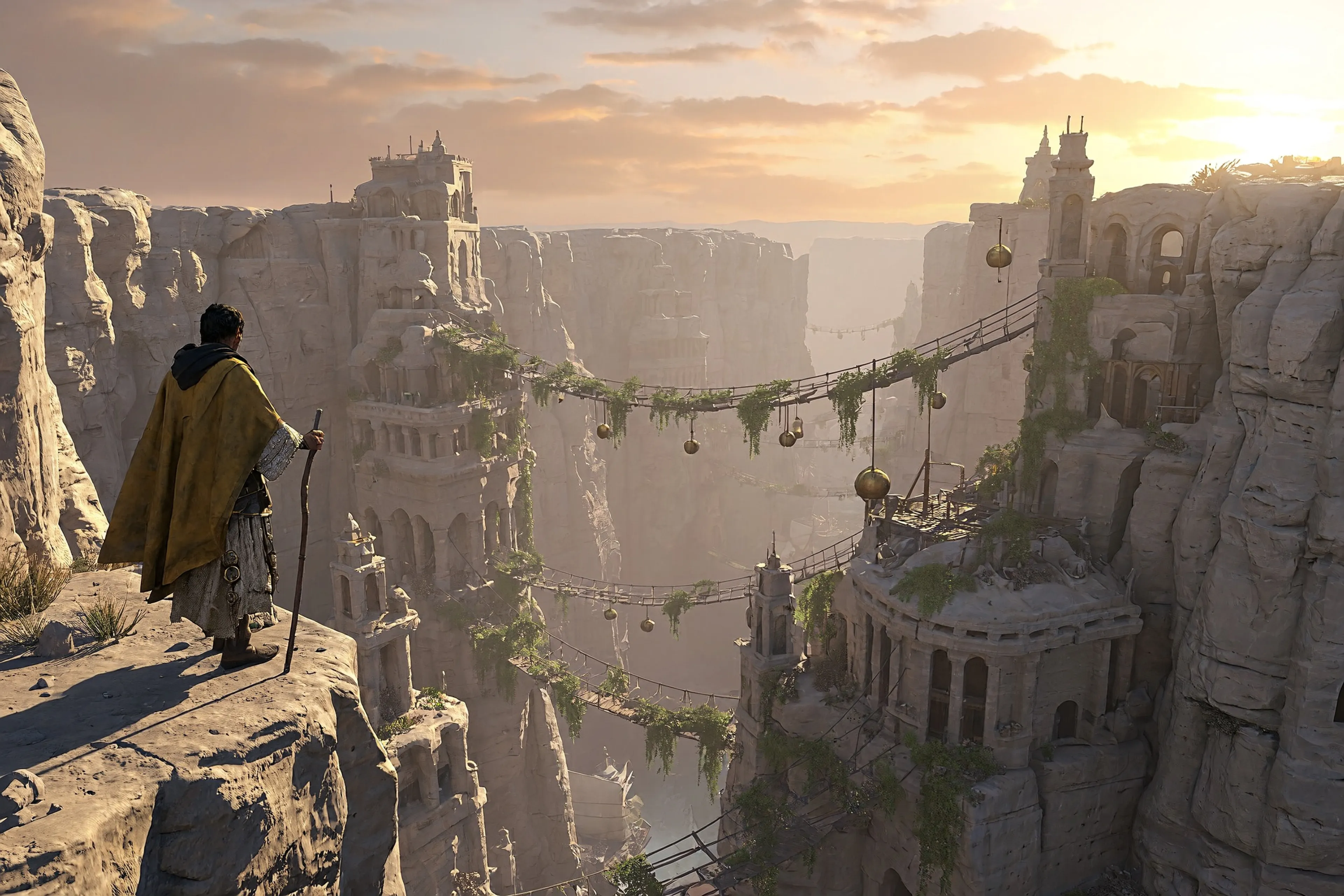
Game worlds and concept art
"Concept art key frame for a fantasy exploration game. A lone traveler in a weathered ochre cloak stands on a cliff ledge in the lower-left third, looking across a vast canyon city carved into pale sandstone, with rope bridges and hanging gardens strung between the towers. Low morning sun from the right, long shadows, atmospheric haze layering the distance to show true scale. Physically based materials: rough sandstone, worn brass, sun-bleached linen sails. Wide cinematic framing with open sky in the upper third."
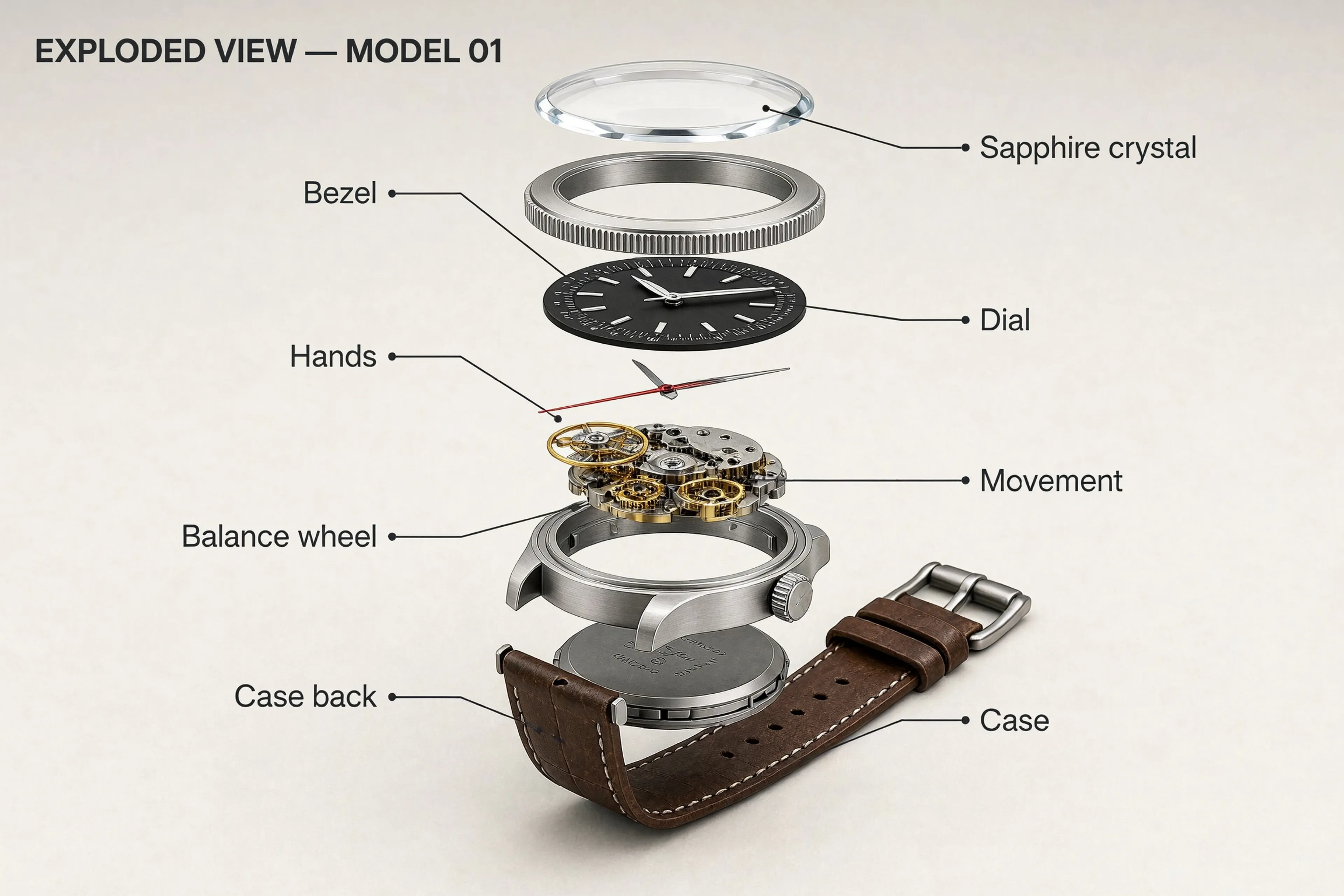
Exploded views and technical drawings
"Isometric exploded-view technical illustration of a compact mechanical wristwatch. Components float in a vertical stack along one axis, top to bottom: sapphire crystal, bezel, dial, hands, movement with gears and balance wheel, case, case back, leather strap. Clean off-white background. Thin black leader lines run to labels in a small sans-serif: "Sapphire crystal", "Bezel", "Dial", "Hands", "Movement", "Balance wheel", "Case", "Case back". Title at the top left: "EXPLODED VIEW — MODEL 01". Soft even studio light, brushed steel and matte black materials."
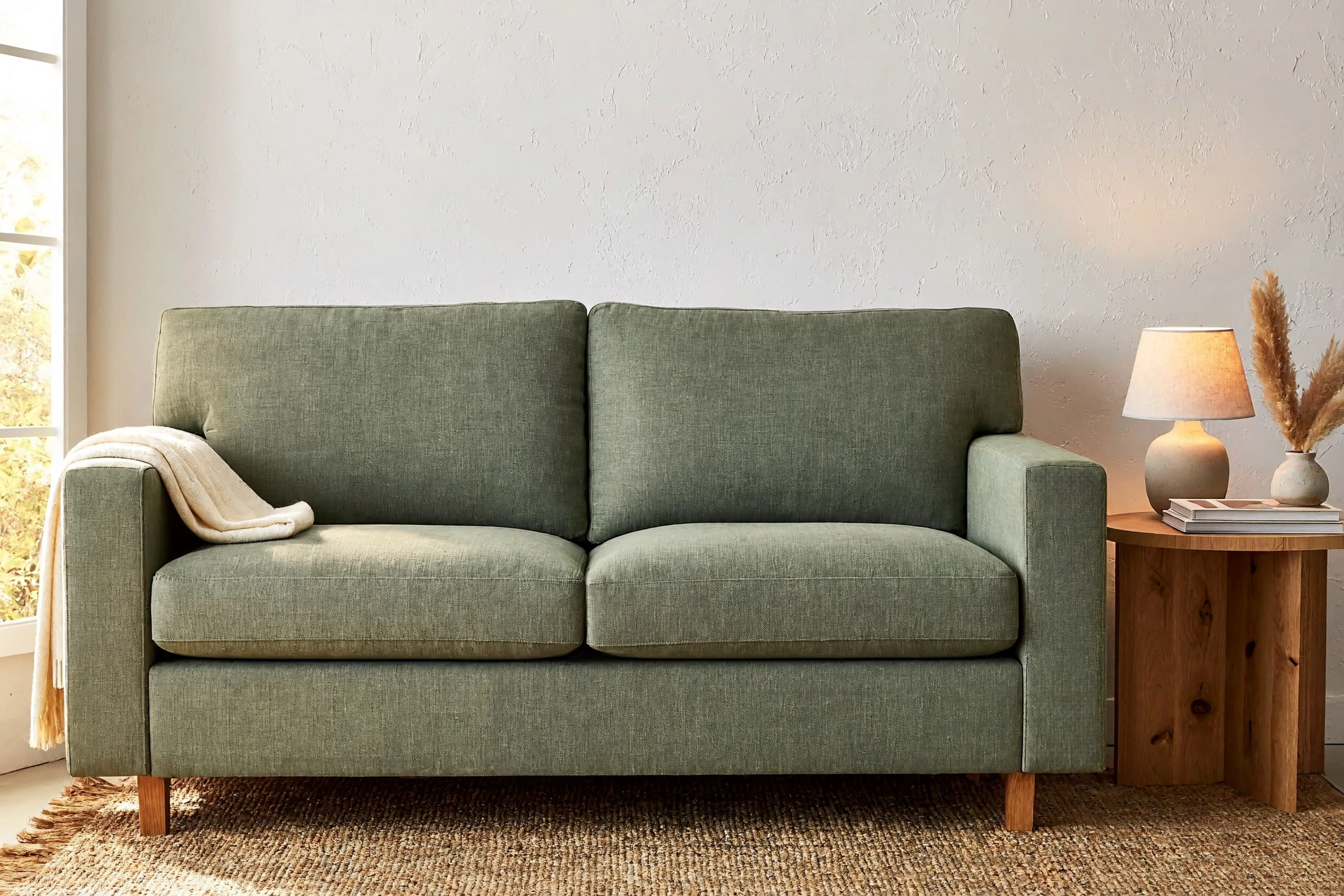
Catalog and lifestyle scenes
"Catalog lifestyle photograph for a furniture store. A sage-green linen two-seat sofa sits centered against a warm white plaster wall, a round oak side table to its right holding a small ceramic lamp, a natural jute rug beneath. Late-afternoon window light from the left, soft contact shadows under every piece, true-to-life linen and wood texture. Eye-level camera, 35mm lens, generous empty wall space above the sofa for copy."
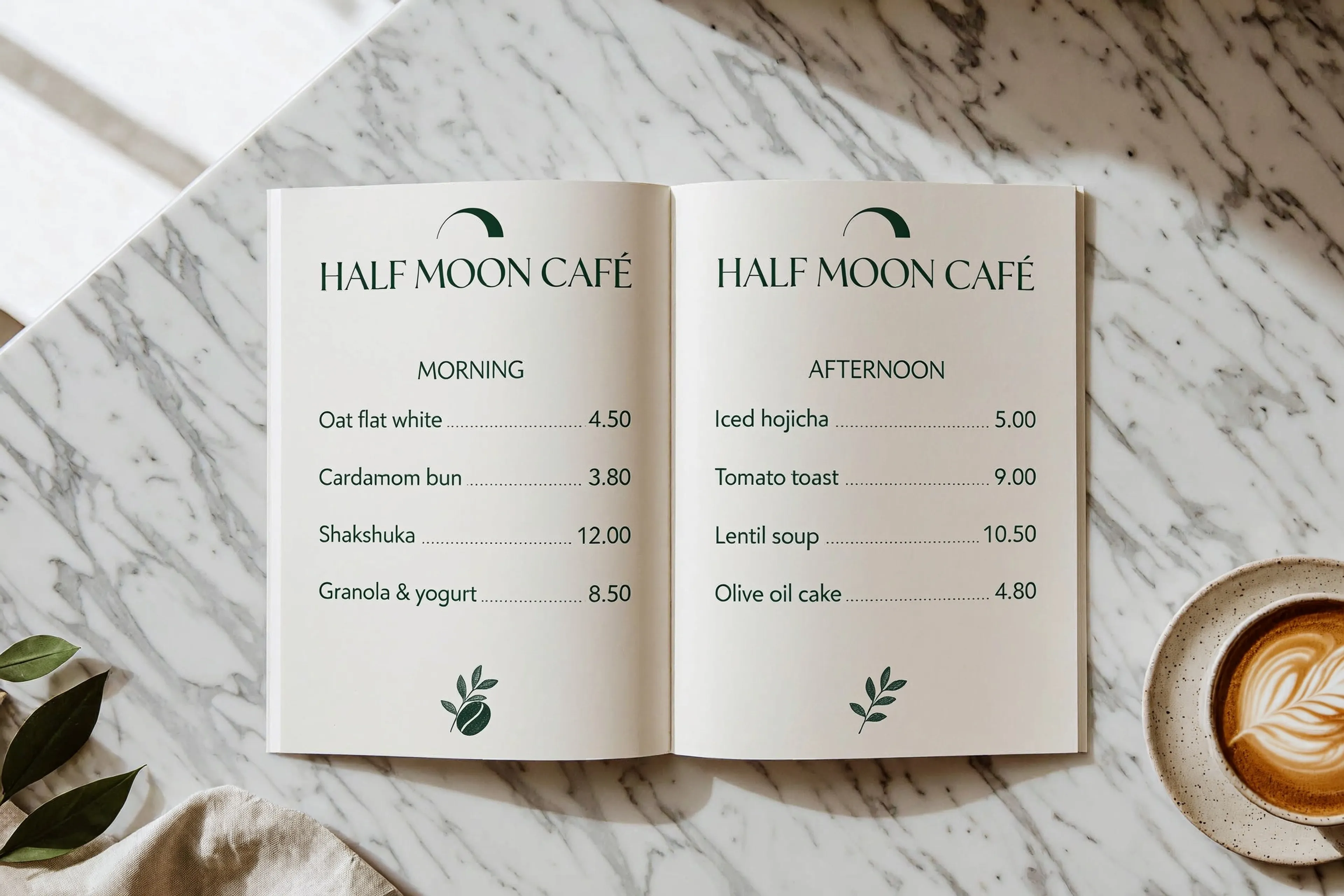
Menus, posters, and dense layouts
"Overhead flat-lay photograph of an open printed two-page café menu on a white marble counter. Header across the top of both pages: "HALF MOON CAFÉ". Left page heading "MORNING", then one item per line with prices: "Oat flat white 4.50", "Cardamom bun 3.80", "Shakshuka 12.00", "Granola & yogurt 8.50". Right page heading "AFTERNOON": "Iced hojicha 5.00", "Tomato toast 9.00", "Lentil soup 10.50", "Olive oil cake 4.80". Cream paper, dark green serif headings, clean sans-serif items, a ceramic cup of coffee in the lower right corner, soft daylight."
Learning scenes with a strong art direction
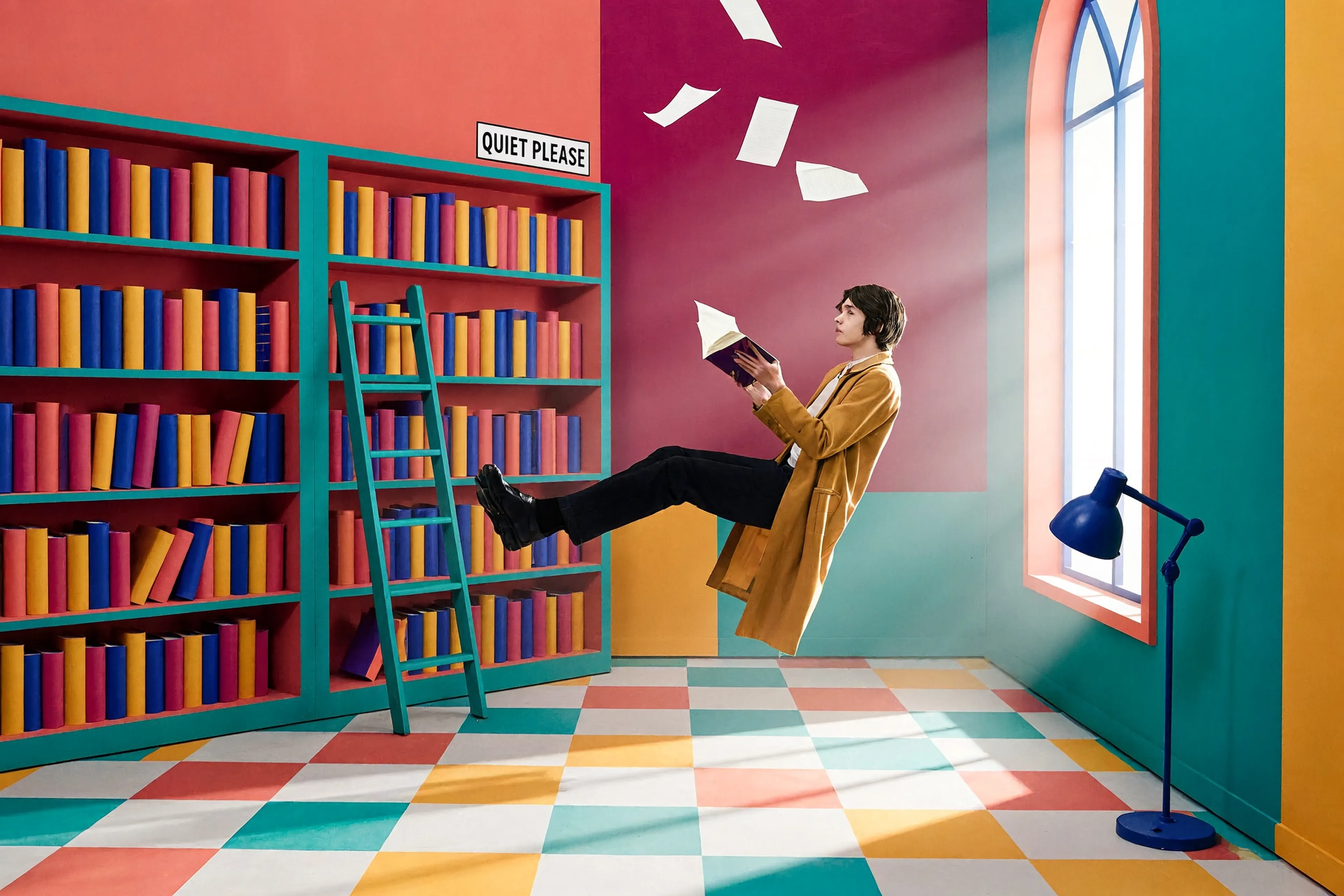
"Editorial studio photograph on a theatrical stage set built from flat painted walls and bold color-blocked shapes in saturated coral, magenta, teal, cobalt and mustard, with a geometric checkered floor and soft directional window light. The set is a school library: a reader in a long mustard coat floats horizontally in mid-air between flat painted bookshelves stacked with color-blocked book spines, reading an open book, while loose white pages drift around them. A tall arched window on the right lets in a beam of sunlight, and a small sign over the shelves reads "QUIET PLEASE". A teal step ladder leans on the shelves and a cobalt reading lamp stands on the checkered floor. Staged, surreal and playful. Wide shot, eye level, 35mm."
Keyframes for MiniMax H3 video
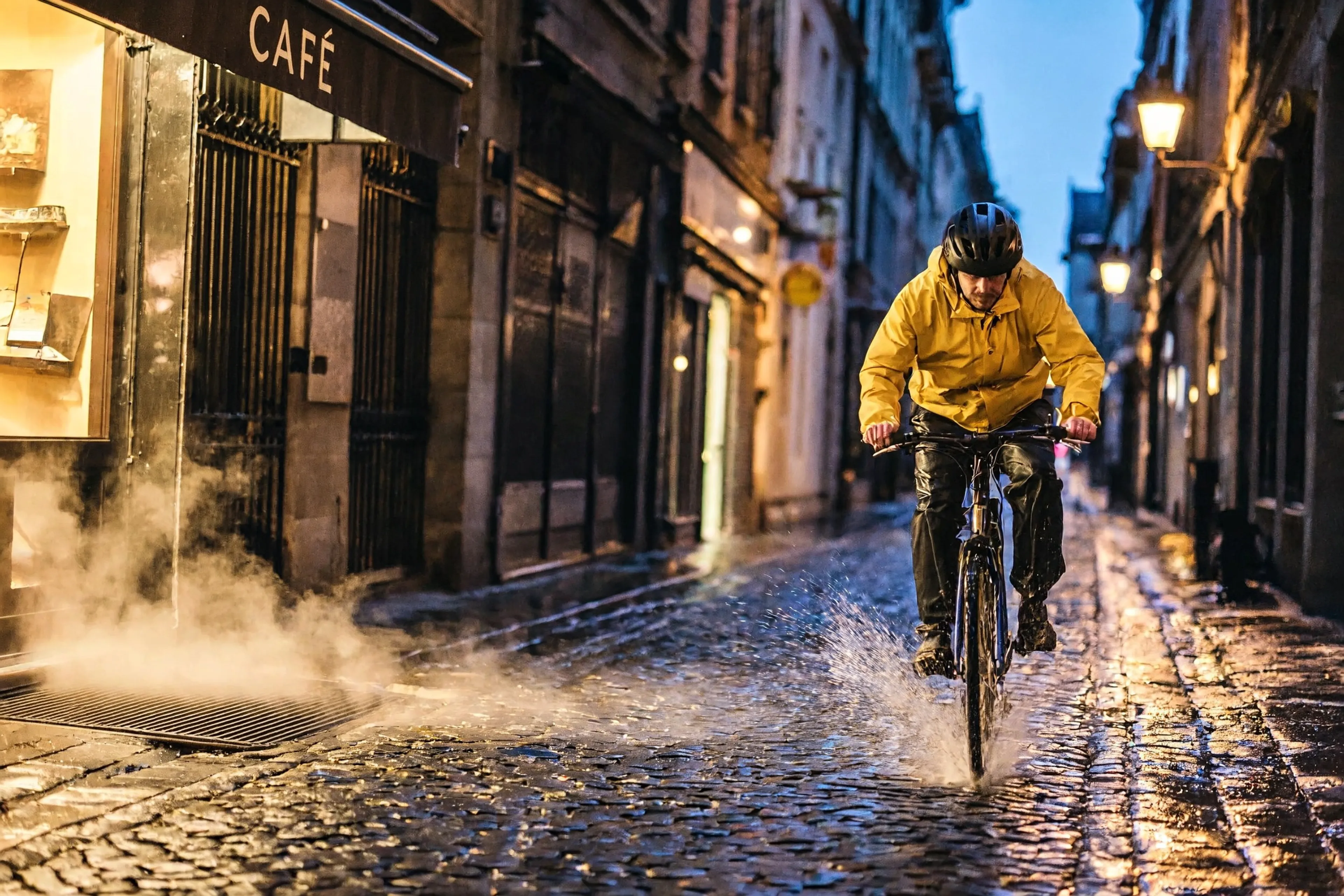
"Cinematic film still, a keyframe for a video shot. A cyclist in a yellow rain jacket rides through a narrow cobbled street at blue hour just after rain, the wet stones reflecting warm shop-window light, steam rising from a café vent on the left. Camera low at street level, 24mm lens, the cyclist in the right third heading toward camera, shallow depth of field, a fan of water spraying from the front wheel."
How to prompt MiniMax H3 Image
Six habits from MiniMax's own prompting guide for MiniMax H3 Image. The model rewards specific, structured prompts.


Build with the MiniMax H3 Image API
The client API handles the request submit protocol. It will handle the request status updates and return the result when the request is completed.
import { fal } from "@fal-ai/client";

const result = await fal.subscribe("minimax/h3-image/text-to-image", {
  input: {
    prompt:
      'A vintage travel poster on warm off-white paper. Title at the top in tall cobalt capitals: "SALT FLATS NIGHT EXPRESS". Below it, a two-color illustration of a night train crossing a white salt flat under a crescent moon.',
    image_size: { width: 2304, height: 4096 },
    num_images: 1,
    output_format: "png",
  },
  logs: true,
  onQueueUpdate: (update) => {
    if (update.status === "IN_PROGRESS") {
      update.logs.map((log) => log.message).forEach(console.log);
    }
  },
});

console.log(result.data.images[0].url);
// The rewritten prompt the model actually ran, when expansion is on:
console.log(result.data.actual_prompt);

Common questions about MiniMax H3 Image
What is MiniMax H3 Image?
MiniMax H3 Image is MiniMax's open-weights model for image generation and editing. One model covers text to image and instruction-based editing with up to 16 reference images on fal. It outputs up to 20MP at aspect ratios from 1:3 to 3:1, reads long prompts, and renders long, dense text for posters, infographics and UI screens. It shares a text encoder with the MiniMax H3 video model, which makes it a natural keyframe generator for H3 and H3 Max.
Can I use MiniMax H3 Image for free?
Yes, through November 23, 2026. Signed-out visitors get 3 free generations, signed-in accounts get 4, and verified accounts, those with a payment method on file, get 5. The numbers are totals, not added together, and the allowance comes back 24 hours after your first free generation. Free generations work in the fal playground and Sandbox on both text to image and image edit, and in fal Agent once you sign in; API calls are billed at the normal rate.
How many free images do I get?
3 without an account, 4 when you sign in, and 5 once your account is verified with a payment method. Those are totals per window rather than amounts that stack, so signing in after using 3 signed out leaves you 1 more, not 4. The window starts with your first free generation and the full allowance returns 24 hours later. The card is only charged if you generate beyond the free allowance.
How do I edit an image with MiniMax H3 Image?
Open the image edit endpoint, upload up to 16 images, and describe the change in a sentence. Refer to the uploads as Image 1, Image 2 and so on, in the order you added them, and say what should stay the same as well as what should change. The same endpoint handles single-image edits and multi-reference composition.
What is MiniMax H3 Image Highspeed?
A second version of both endpoints: Highspeed text to image and Highspeed edit. They take exactly the same inputs as the standard endpoints, with the same 20MP output, 16 reference images and prompt length, so you can switch by changing the endpoint id and nothing else.
What resolution does MiniMax H3 Image support?
Up to 20,000,000 pixels per image, about 20MP, with each side between 468 and 7,745 pixels and any aspect ratio from 1:3 to 3:1. Text to image defaults to 2048x2048. Edits default to auto, which keeps the first image's aspect ratio inside a 2048x2048 area.
How fast is MiniMax H3 Image?
MiniMax quotes about 15 seconds for a 2K edit, and positions MiniMax H3 Image as the fastest of the current frontier image models. Prompt expansion, which is on by default, adds a rewrite step before generation; on text to image, turn it off with enable_prompt_expansion when your prompt is already complete and you want the shortest wait. Every response reports its own inference time. The six examples on this page took 12 to 14 seconds of inference each at 2304x1536.
Can MiniMax H3 Image render text in images?
Yes, and long text is one of its strengths: posters, menus, infographics, multi-panel layouts and UI screens, in English and other languages. Put the exact words in quotation marks and say where they go, what size they are relative to each other, and where the lines break.
Is MiniMax H3 Image open source?
It is an open-weights model, so it can be deployed privately and post-trained. On fal you can run it serverless through the API with no GPUs to manage, or talk to our team about dedicated deployments.
How much does MiniMax H3 Image cost on fal.ai?
Through November 23, 2026, your first generations every 24 hours are free (up to 5). Past that, it is pay-per-use with no subscription and no minimums. Current pricing for each endpoint is on its model page and on the fal.ai pricing page.
Which MiniMax H3 Image endpoints are available?
Four: text to image and image edit, which also covers multi-reference composition, plus Highspeed versions of both: Highspeed text to image and Highspeed edit. Information updated as of November 10, 2026.
How do I get started with the API?
Install the fal.ai SDK (Python or JavaScript), grab an API key from your dashboard, and make your first request in a few lines of code. The API is serverless, so there are no GPUs to manage. Check the API documentation for every available parameter.
Can I use MiniMax H3 Image for commercial projects?
Yes. Content generated through the fal.ai API can be used in commercial projects. Check fal.ai's terms of service for full details on usage rights and licensing.

Get in touch about MiniMax H3 Image
Want to run MiniMax H3 Image at scale or on a private deployment? Leave your details and our team will reach out.