Seedream 5.0Search. Reason. Create.
The first AI image model with live web retrieval, controllable editing with reduced hallucination, and multi-step logical reasoning. Generate culturally-accurate, production-ready images with exceptional text rendering.

Three Industry Firsts in One Model
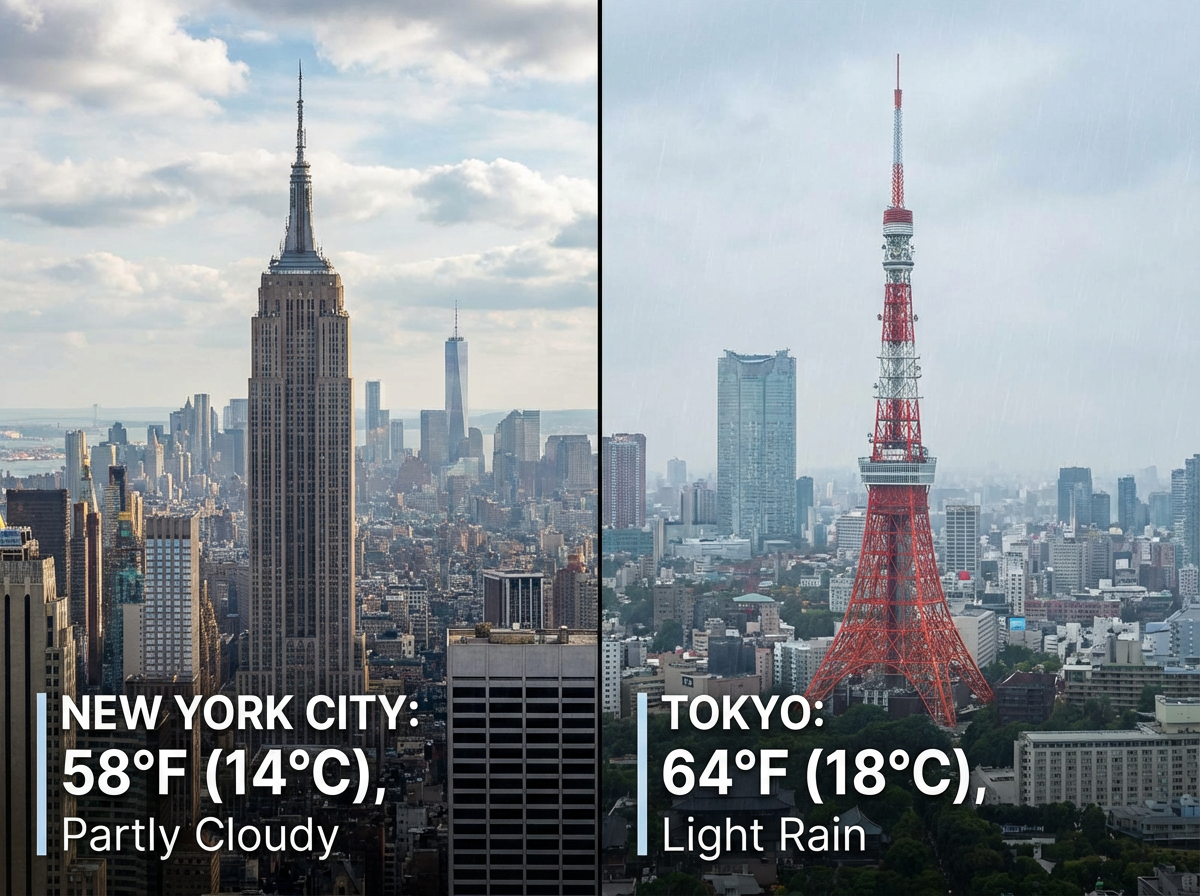
Live Knowledge, Fresh Images
The first AI image model with built-in web retrieval. Seedream 5 automatically searches the web when it detects trending topics, public figures, or culturally-specific references in your prompt. The result is images grounded in current information, not frozen training data.
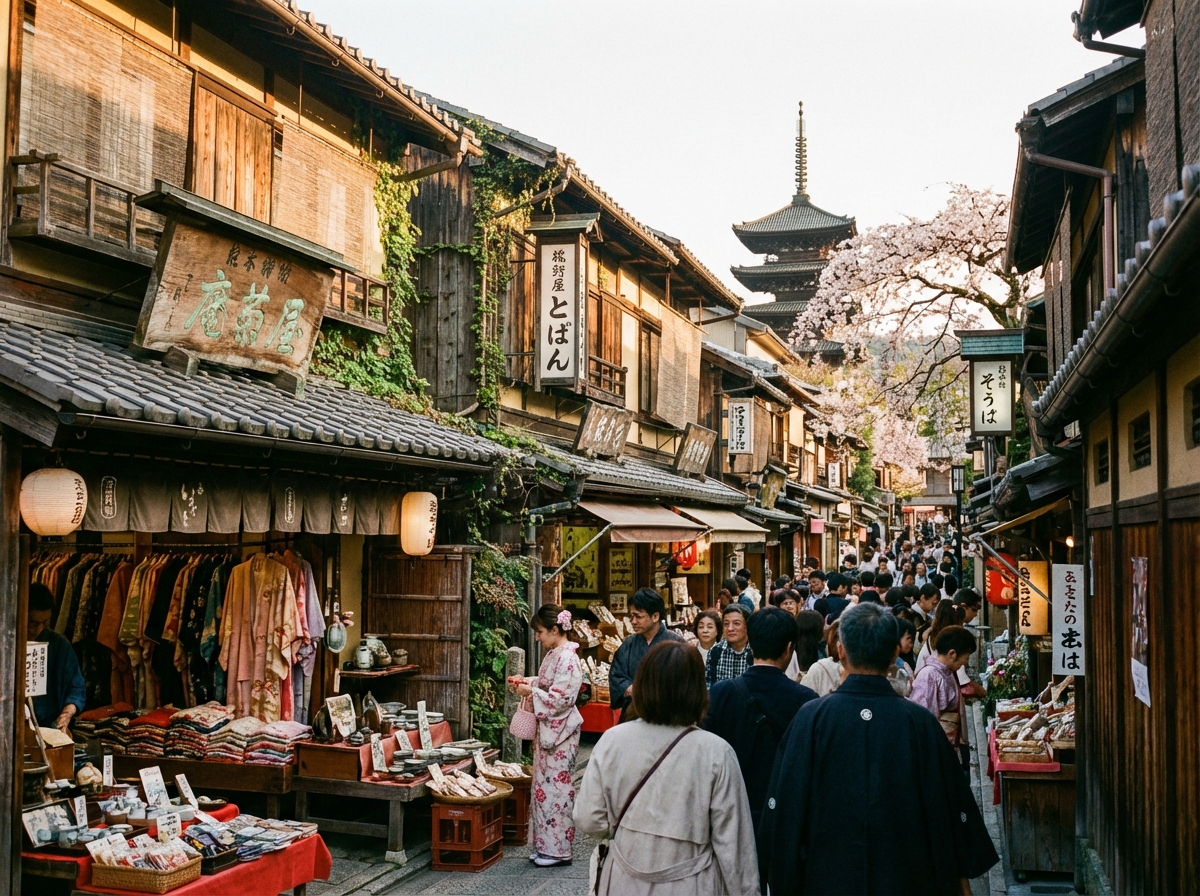
Precise Edits, Reduced Hallucination
Describe changes in plain language and get exactly what you asked for. Transfer color tones, styles, and lens effects between images, or teach the model new transformations from before/after pairs. Seedream 5 follows instructions precisely with dramatically reduced hallucination.
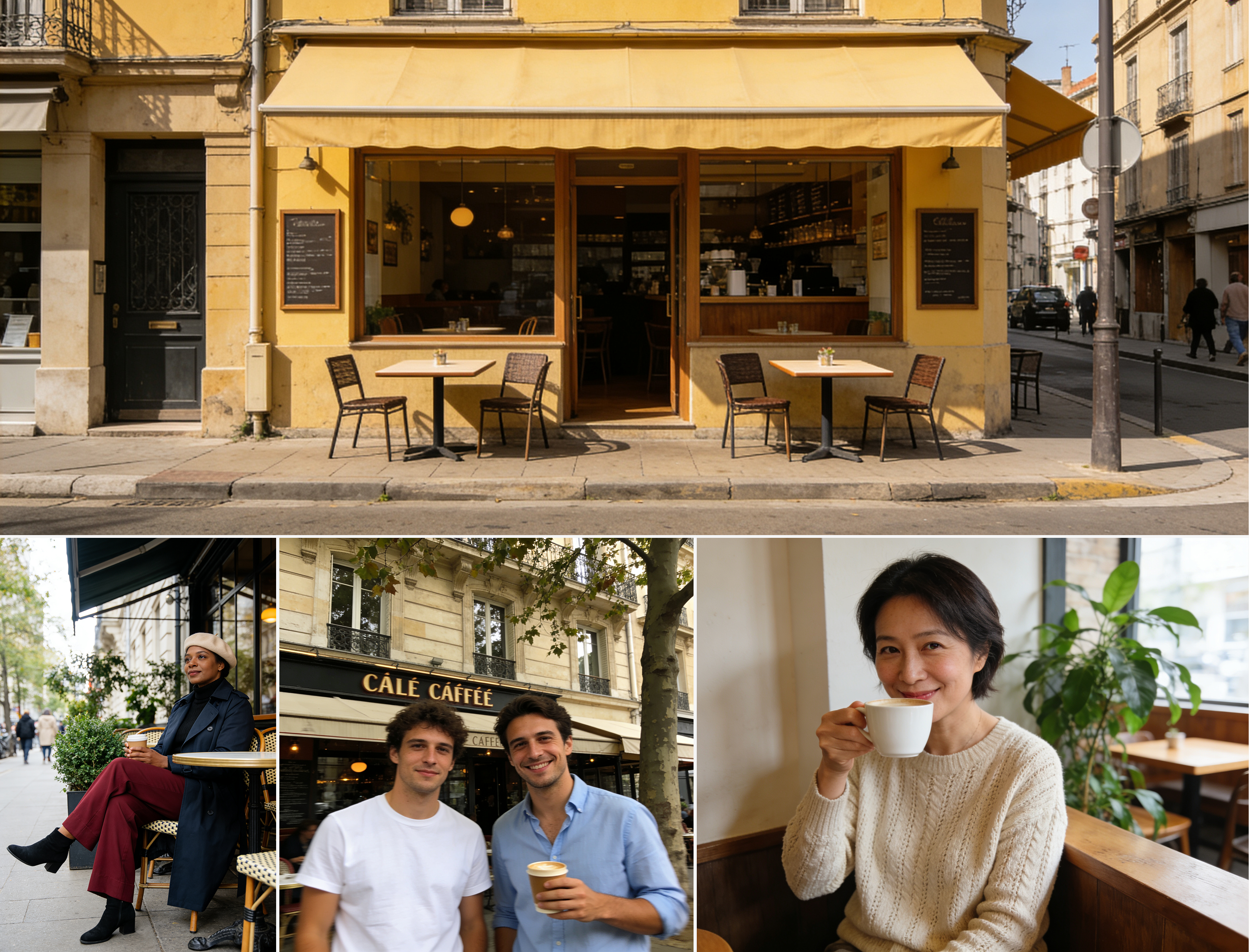
Multi-Step Reasoning for Complex Scenes
Seedream 5 applies multi-step reasoning with real-world knowledge to compose complex scenes. It understands spatial relationships, realistic proportions, and material properties, with domain expertise spanning biology, architecture, geography, and data visualization.
See what Seedream 5.0 can create
From web-aware generation to domain-expert diagrams. Every example below was generated in a single pass.

"A photorealistic architectural rendering of a cantilevered glass house perched on a cliff overlooking the Mediterranean, late afternoon golden light, structural steel beams visible through the glass, infinity pool merging with the horizon"

"Generate an image of today's top trending news headline as a dramatic movie poster, cinematic lighting, bold typography, photojournalistic style"

"A detailed biological cross-section diagram of a human heart showing all four chambers, valves labeled, blood flow indicated with red and blue arrows, medical textbook illustration style, clean white background"

"A vintage travel poster for Tokyo featuring the Shibuya crossing at night, Japanese text reading 'Visit Tokyo', retro mid-century illustration style, muted pastel palette with neon accents"
Common questions about Seedream 5.0
What is Seedream 5.0?
Seedream 5 is an advanced image generation model that introduces three industry-first capabilities: real-time web search for up-to-date content, controllable editing with reduced hallucination, and multi-step logical reasoning with domain expertise. It generates production-ready images with exceptional text rendering across multiple languages.
How does the web search capability work?
When Seedream 5 detects trending topics, public figures, or culturally-specific references in your prompt, it automatically retrieves relevant information from the web. This means your generations reflect current events, recognize real people, and produce culturally accurate content without relying solely on training data.
What types of editing does Seedream 5 support?
Seedream 5 supports conversational natural language editing, style and color transfer between images, sketch-guided edits, and inpainting for adding, removing, or replacing elements. You can also teach it new transformations by providing before/after example pairs.
What output quality and resolution does it support?
Seedream 5 generates detailed 1K outputs that can be scaled to higher resolutions for production and campaign delivery. It produces clean, legible text rendering in posters, labels, signs, and infographic-style visuals across multiple languages.
When will Seedream 5.0 be available on fal.ai?
Seedream 5 launches on fal.ai on February 24, 2026. Once available, you will be able to use it through the playground or integrate it into your applications via the fal.ai API with Python and JavaScript SDKs.
Will I be able to use Seedream 5.0 via API?
Yes. Once launched, Seedream 5 will be available through the fal.ai serverless API. You can integrate it using the Python or JavaScript SDK, or call the REST API directly. No GPUs to manage, no infrastructure to set up.
Can I use Seedream 5.0 for commercial projects?
Commercial usage details will be confirmed at launch. Check fal.ai's terms of service for the latest information on usage rights and licensing.
Available on fal.ai February 24, 2026
Seedream 5 will be accessible through the playground and via API with Python and JavaScript SDKs. Serverless, pay-per-image, no minimums.