


Grok Imagine Video 1.5Bring Any Image to Life, With Sound
Turn a single image into cinematic video with native audio using xAI's Grok Imagine Video 1.5 on fal.ai. Animate stills with synchronized sound, lifelike motion and physics, and strong identity preservation through a fast serverless API.


What Makes Grok Imagine Video 1.5 Different
Video and Sound in a Single Pass
Grok Imagine Video 1.5 generates synchronized audio natively alongside the video — sound effects timed to the on-screen action, ambient sound, music, and dialogue with accurate lip-sync. The whoosh of a blade, footsteps, and room tone all land on cue, so a single image and prompt return production-ready video with cinema-grade sound in one pass, no separate post-production audio tools required.
Lifelike Motion, Physics, and Detail
Grok Imagine Video 1.5 expands a single image into a full scene with coherent motion, realistic physics, and fine detail — fluid dynamics, rising steam, and translucent materials like glass. It preserves the look of your source frame and follows prompts closely, with dynamic camera control through natural language.
From Idea to Polished Clip in One Place
Image-to-video is one step in the broader Grok Imagine workflow: text-to-image, image editing, image-to-video, video-to-video, and clip extensions, with Agent Mode for iterative brainstorming. The result is a plug-and-play pipeline built for short-form content, concept videos, and rapid iteration.



Start building with the Grok Imagine Video 1.5 API
Animate a single image into cinematic video with native audio, available via API.
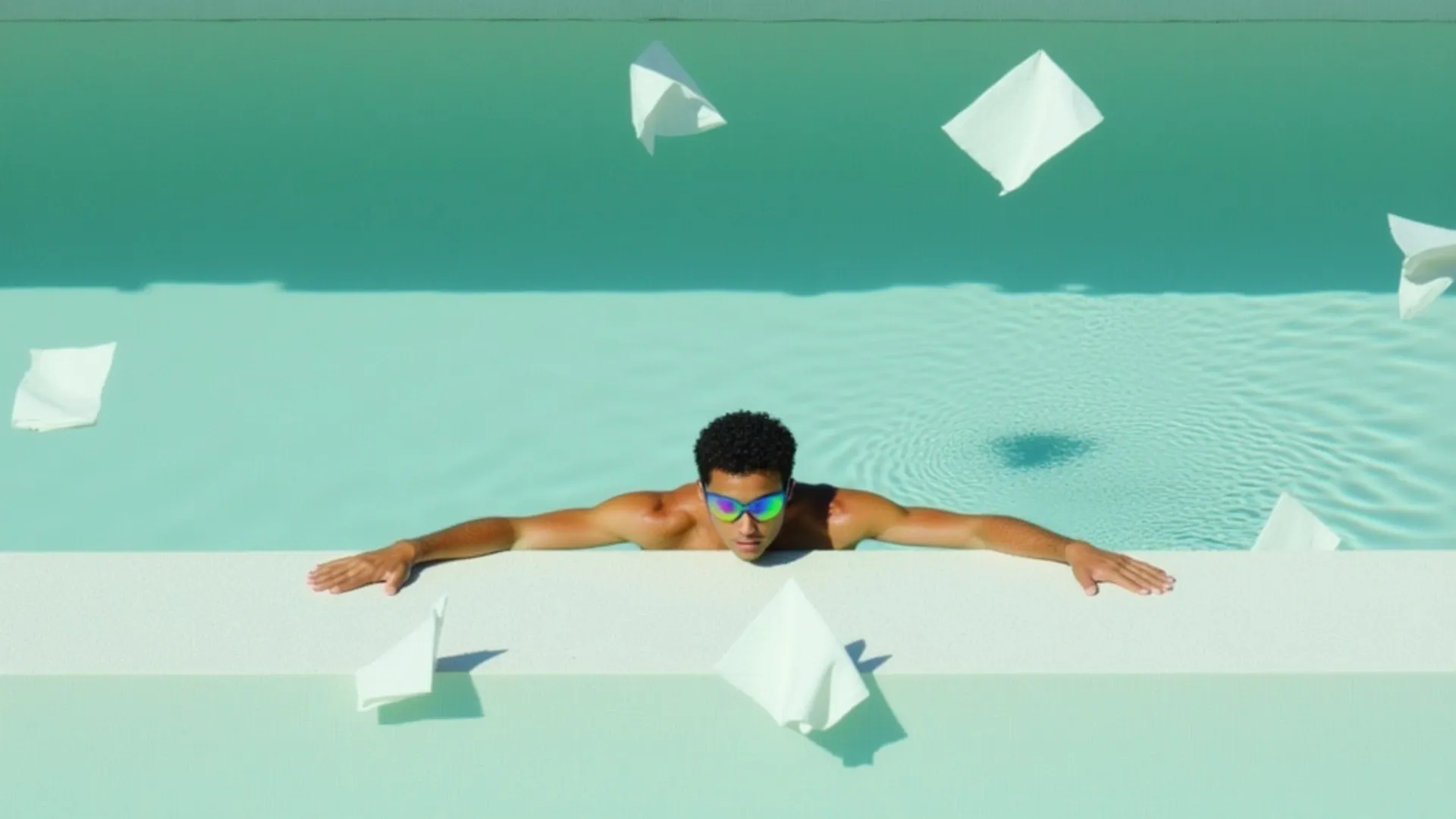


See what Grok Imagine Video 1.5 can create
Turn on audio to hear the native sound generation. Each clip below started from a single image and was generated in one pass with no post-production.
UGC product spot with timed beats and synced dialogue
"(0-5s) Medium shot, she speaks warmly while gesturing to a product. (5-10s) Slow push-in to a close-up, glowing skin and expressive eyes. (10-15s) Cut to an over-shoulder framing of the vanity as she smiles. Glossy, warm, cinematic."
Product hero shot with a slow spin
"Brightly colored athletic running shoe resting on mossy ground, red to yellow gradient upper with grid pattern, thick sculpted neon green foam sole, red laces, wavy yellow eyestay overlay, surrounded by green moss and small ferns, blurred tree branches and bright blue sky background, extreme low angle close-up, vibrant product photography, sharp natural sunlight and doing a slow spin"
Landscape still animated with an orchestral score
"Camera tracks forward over the fjord as mist begins to drift between the mountains and the water ripples. A small red boat starts moving across the frame. Orchestral strings swell as the shot rises"
Cinematic scene with motion and ambient audio
"The character turns toward the camera and looks up, and behind him rain starts to fall. Crisp rainfall and fishing town ambience"



How to access the Grok Imagine Video 1.5 API
The client API handles the request submit protocol. It will handle the request status updates and return the result when the request is completed.
import { fal } from "@fal-ai/client";

const result = await fal.subscribe("xai/grok-imagine-video/v1.5/image-to-video", {
  input: {
    image_url: "https://example.com/your-image.jpg",
    prompt: "Slow push-in as she smiles and speaks warmly, soft ambient room tone",
    resolution: "720p",
    duration: 10,
  },
  logs: true,
  onQueueUpdate: (update) => {
    if (update.status === "IN_PROGRESS") {
      update.logs.map((log) => log.message).forEach(console.log);
    }
  },
});

console.log(result.data);
console.log(result.requestId);

Common questions about Grok Imagine Video 1.5
What is Grok Imagine Video 1.5?
Grok Imagine Video 1.5 is xAI's image-to-video model. It takes a reference image and a text prompt, then generates cinematic video that brings the image to life with motion and native audio — dialogue, ambient sound, and effects, all synchronized in a single generation pass.
What resolutions and durations does it support?
Grok Imagine Video 1.5 generates image-to-video at 480p and 720p. Clips can run up to 15 seconds, with audio generated natively alongside the video.
How does image-to-video work?
You provide a starting image and a text prompt describing the motion, camera direction, and audio you want. The model expands the image into a full scene with coherent motion, realistic physics, and fine detail — micro-expressions, eye tracking, and translucent materials — while preserving the subject's identity and staying visually consistent with your source frame. This is useful for animating still concepts, product shots, or reference frames into full video sequences with sound.
What makes Grok Imagine Video 1.5 stand out?
It pairs strong image-to-video quality with native audio generation, so a single pass produces video and synchronized sound together. It also fits into the broader Grok Imagine creative loop — text-to-image, image editing, image-to-video, video-to-video, and clip extensions — making it a fast, plug-and-play choice for short-form content and rapid iteration.
How good is the audio?
Audio is generated natively alongside the video, so it stays in sync without post-production. Grok Imagine Video 1.5 produces natural dialogue with accurate lip-sync, contextually appropriate ambient sound, and well-timed effects, giving each clip a finished, cinematic feel.
How much does Grok Imagine Video 1.5 cost on fal.ai?
Pricing is pay-per-use with no minimums or subscriptions. Video is priced per second: $0.08/s at 480p or $0.14/s at 720p, plus $0.01 per input image. For example, a 10-second 720p clip with audio costs about $1.41.
How do I get started with the API?
Install the fal.ai SDK (Python or JavaScript), grab an API key from your dashboard, and make your first request in a few lines of code. The API is serverless, so there are no GPUs to manage and no infrastructure to set up. Check the API documentation for all available parameters.
Can I use Grok Imagine Video 1.5 for commercial projects?
Yes. Content generated through the fal.ai API can be used in commercial projects. Check fal.ai's terms of service for full details on usage rights and licensing.

Get in touch about Grok Imagine Video 1.5
Want to learn more about integrating Grok Imagine Video 1.5 into your workflow? Leave your details and our team will reach out.