Remove any image background free.
Automatically remove backgrounds with AI. No signup, instant results. Download full 4K resolution PNGs, no watermark, every time.
Drop an image to remove the background
Or click to browse · JPEG · PNG · WEBP
Studio-quality, powered by AI.
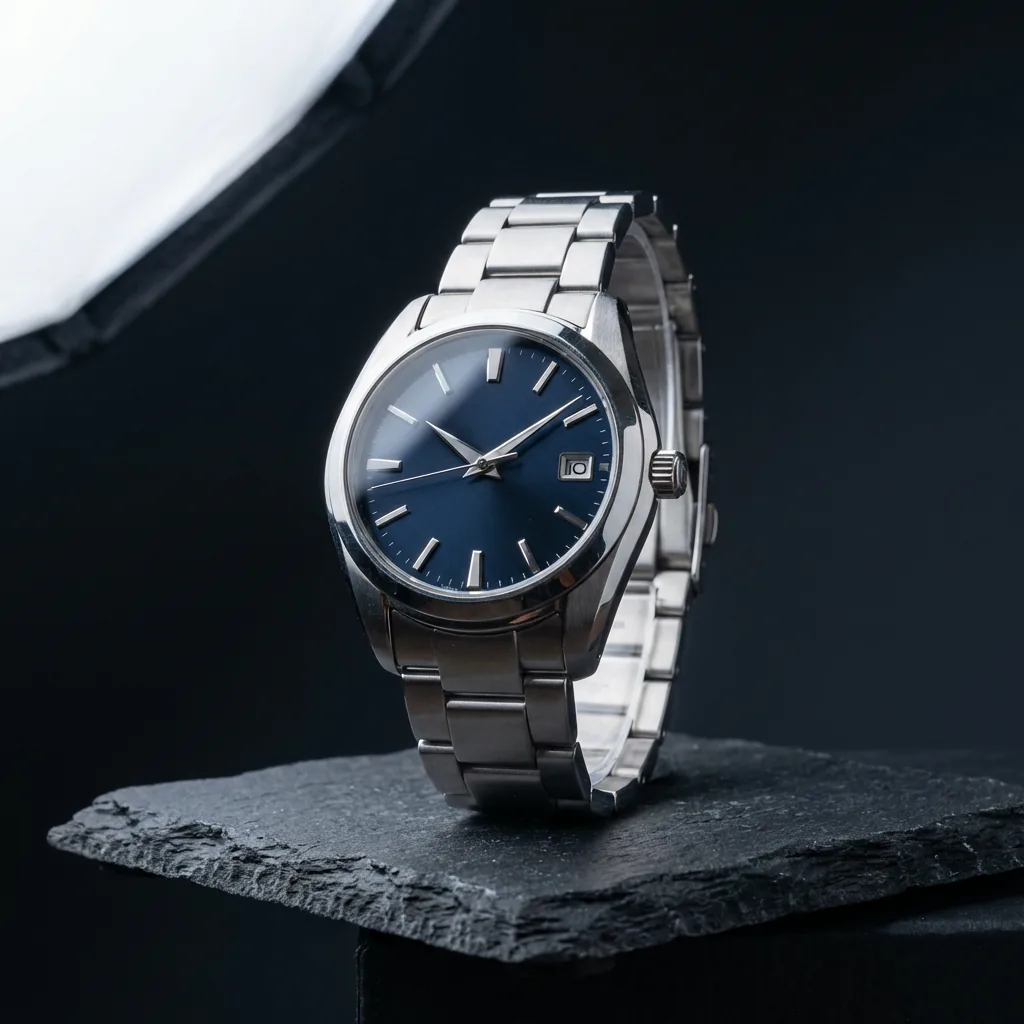
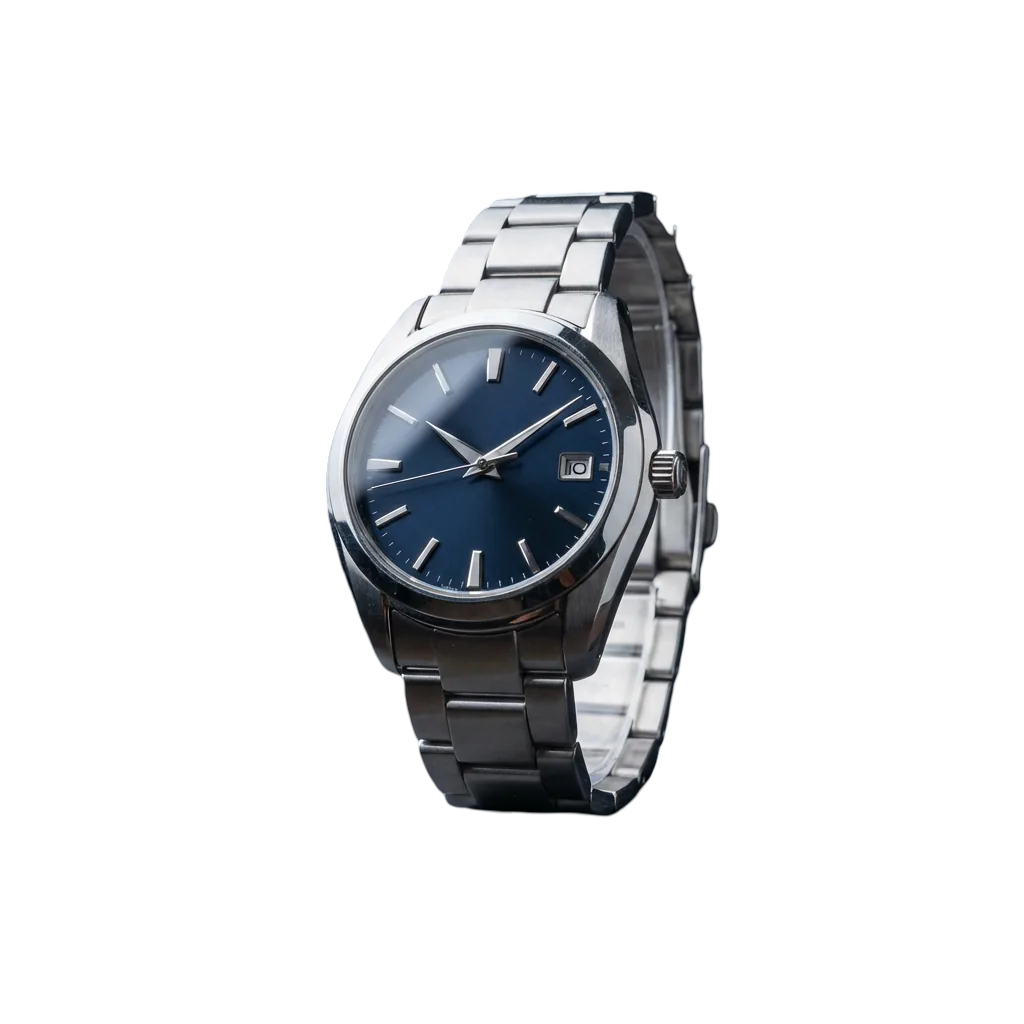
Full-size 4K HD images, free, every time.
Download your full high-definition image the moment it's ready. No subscription, no hidden fees. Other tools charge up to $30/month just to export at full size. On fal, every download is free, full HD, every time.
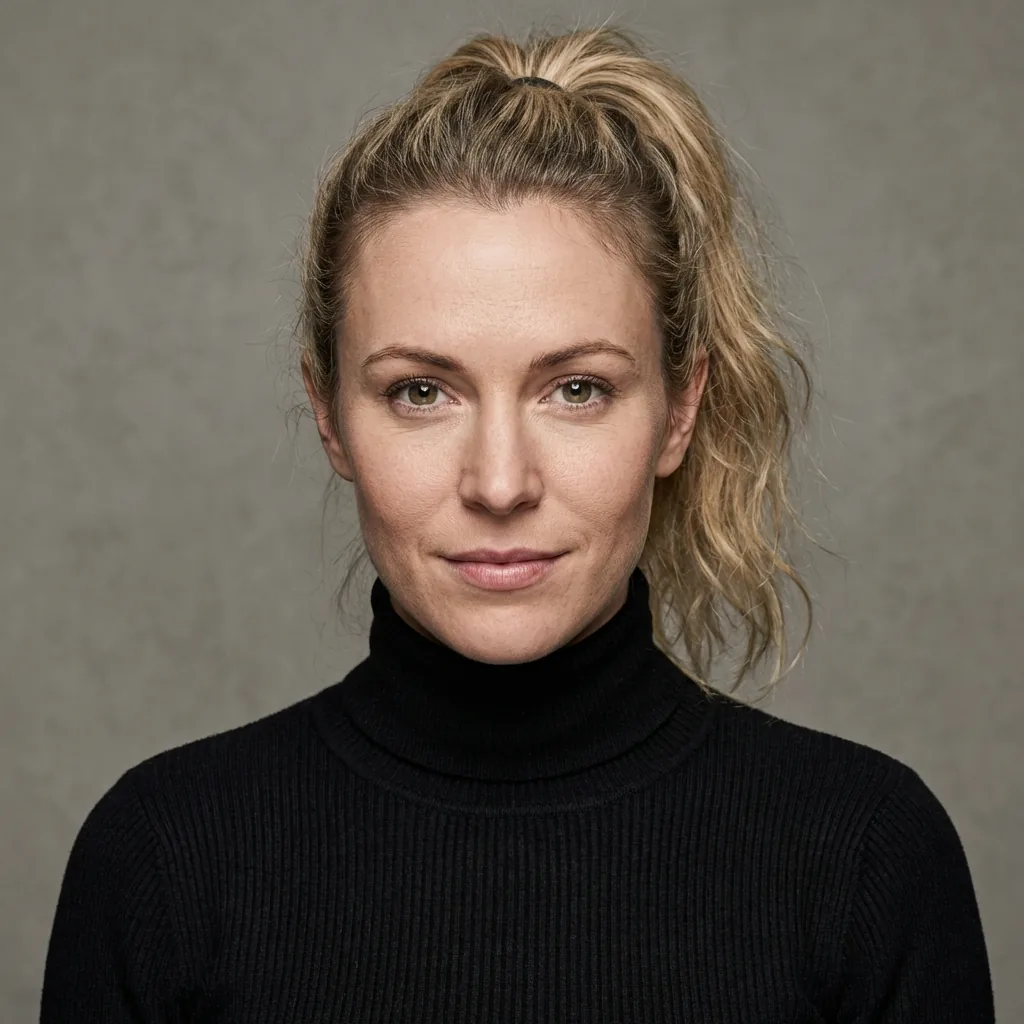
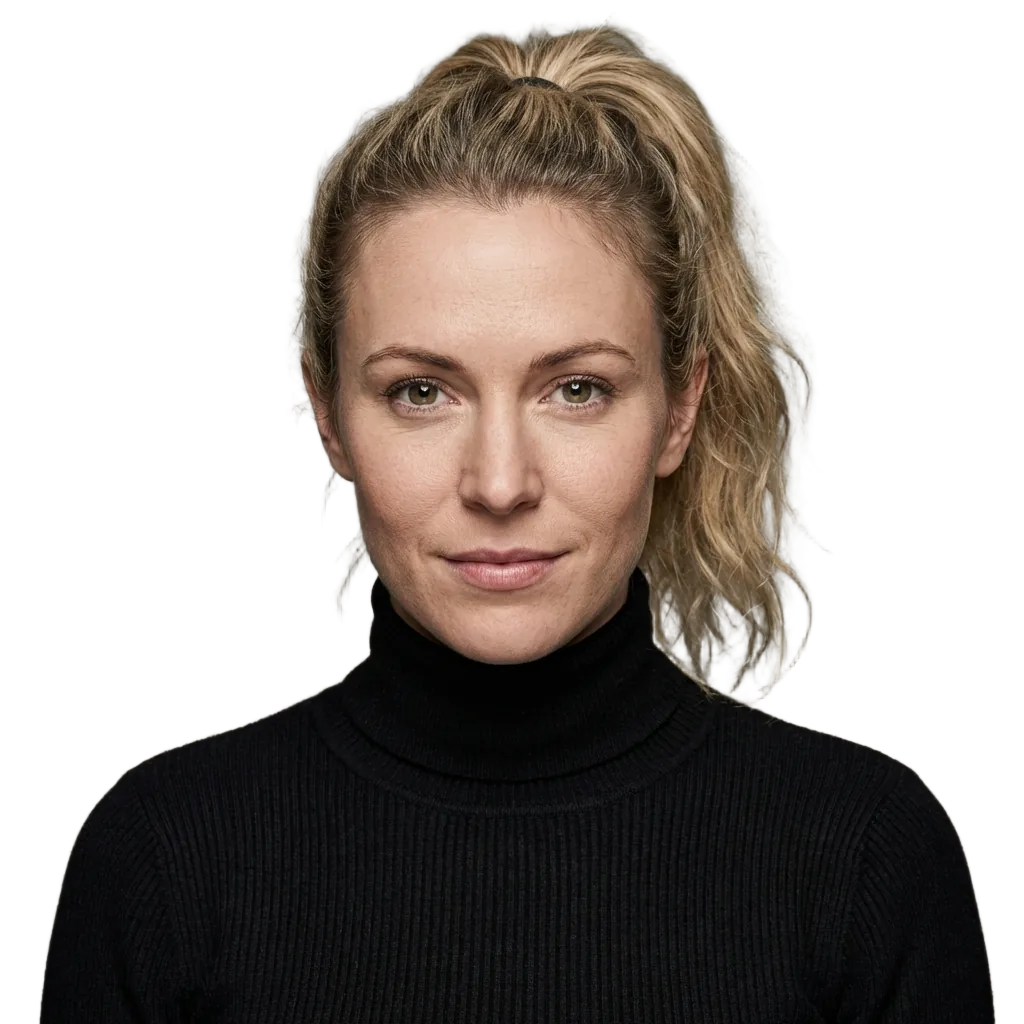
High-speed accuracy, even on complex edges like hair.
Upload any photo and get a clean cutout with complex edges kept intact. No manual selecting, no erasing, no pricey tools. fal's AI detects your subject automatically and removes the background instantly, even on noisy photos.
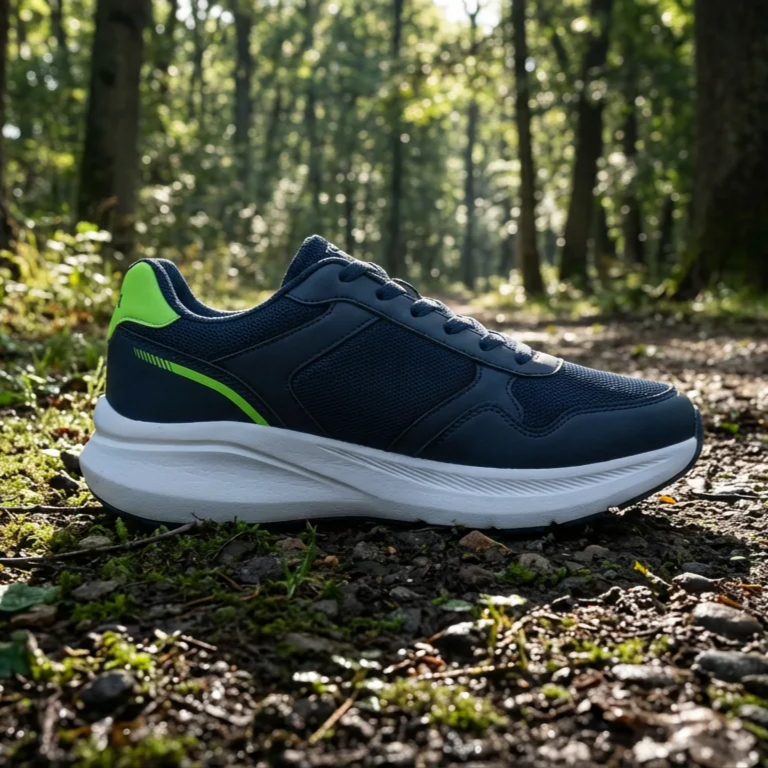
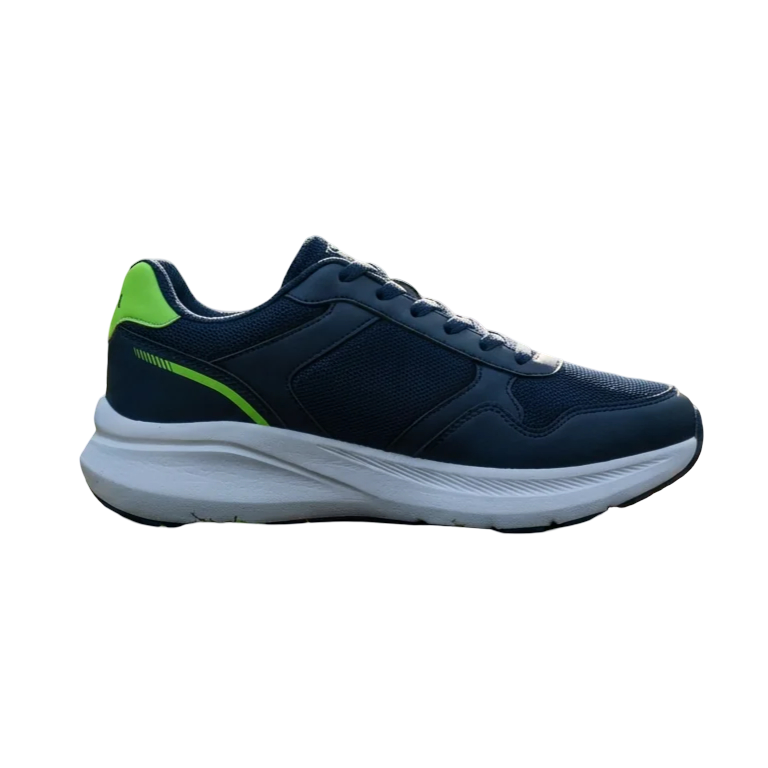
Built for AI production workflows.
Background removal used to mean hiring a retoucher or spending hours in creative tools. fal does it in seconds, automatically, for free. Chain it into custom workflows: remove the background, then drop the cutout into a generated scene with another model.


Professional product photos for any industry.
Furniture, clothing, food, accessories. fal keeps your visuals consistent across every channel. Remove backgrounds in seconds to meet Amazon and Shopify image requirements automatically, and scale across your entire catalog with one tool.

Three steps. Seconds.
Upload, wait a beat, download. No accounts, no watermarks, no subscription tiers. Just a clean transparent PNG.
Upload a photo
Drag and drop a JPEG, PNG, or WebP file, or click to browse. No account, no file-size cap. The bigger and sharper the image, the cleaner the cutout.
Background removed instantly
fal's AI detects the subject and removes the background in seconds. No manual selecting, no tracing edges, no erasing. Just a transparent PNG ready to use.
Download free, full HD
Your transparent PNG is ready at full resolution the moment processing finishes. No paywall, no quality tiers, no subscription. Drop it into any design, listing, or project.
Get a cleaner cutout.
Not every photo produces the same quality result. A few small adjustments give the AI more to work with.
Start with a clear subject
Photos where the subject stands out from the background, like a product on a table or a person against a wall, give the AI clean edges to work with.
Avoid overlapping elements
If your subject overlaps with another object of similar color or texture, the AI may struggle to separate them. Shoot against contrast.
Use high resolution
More detail means more precise edges on hair, fur, and fabric. Low-resolution or blurry photos produce rougher cutouts.
Match model to use case
Pixelcut and Bria RMBG 2.0 are tuned for product photography. BiRefNet V2 handles fine detail like hair best on portraits and complex scenes.
Build it into anything.
Send an image URL, get a transparent PNG back. Plug fal's background-removal API directly into your Shopify store, content pipeline, or internal tools. No per-seat licensing, no manual uploads.
Frequently asked
What is the best free background remover?
fal returns a free, full-resolution transparent PNG in seconds, powered by state-of-the-art AI models trained to detect every fine detail. The free background remover automatically erases any background so you can use the photo for product photography, e-commerce, fashion, and more.
How do I remove a background from a photo for free?
Drop your image in and you can download the cutout in seconds. No account, no watermark, no waiting. fal runs sub-second inference to produce images with no background.
What is the best background remover for product photos?
fal handles edges accurately on clothing, fur, hair, and complex shapes, and outputs a clean PNG ready for any marketplace. fal hosts the industry-standard background-removal APIs for fast, clean results.
Can I remove a background without losing image quality?
fal is one of the only AI tools that lets you export at full resolution. Most free background-removal tools cap output quality unless you pay.
Does fal work on mobile and desktop?
Yes. Upload from any device or browser. No app download required to get started, and the same workflow is available via API.
Can developers use fal's background removal via API?
Yes. fal offers multiple background-removal API endpoints, including BiRefNet, rembg, Bria RMBG 2.0, Pixelcut, and video background removal, so you can build background removal directly into your own product or workflow. Start with the BiRefNet endpoint.
Can I remove backgrounds from videos too?
Yes. fal also offers a video background-removal API that handles MP4, MOV, WebM, and GIF files automatically. No green screen required.
Finish the job with the other tools.
The free image tools chain together and none of them watermark what you download: cut the background out, upscale the result, then export it at the exact size you need.
Free in your browser
No account, no watermark, no upload limits, nothing to install.
Upscale without the mush
Increase resolution and recover detail instead of just stretching pixels. Good for small product shots, old photos, and print.
Open Image UpscalerUncrop and extend past the edges
Generate new scenery beyond the frame so a photo fits a wider or taller aspect ratio, with no cropping and nothing cut off.
Open Image ExtenderCrop and resize to exact pixels
Drag a frame over what matters, then export at exact dimensions or a social preset. Nothing to install, nothing to sign up for.
Open Image ResizerRuns on your fal account
Generating video runs real inference on our platform, so these open in the fal playground: sign in, then pay per second of compute.
Generate video from a prompt
Every frontier video model behind one prompt box, from Veo to Kling to Seedance. Describe the shot, pick a model, and generate.
Open AI Video GeneratorTurn a script into moving footage
Write what should happen and get video back. Compare models side by side to find the one that reads your prompt best.
Open Text to Video