


Text to Video Generator
Write a prompt and get a finished video with native audio from Veo 3.1, Kling 3, Seedance and more. No footage, no timeline, just your words.
Your prompt opens in the model's playground, ready to run.


Pick any text to video model
One prompt, six frontier models to run it on. Same platform, pay-per-second pricing.


Veo 3.1 by Google, the most advanced AI video generation model in the world. With sound on!


ByteDance's most advanced text-to-video model. Cinematic output with native audio, multi-shot editing, real-world physics, and director-level camera control.
![Kling O3 Text to Video [Pro]](https://refinery.fal.media/url/https%3A%2F%2Fv3b.fal.media%2Ffiles%2Fb%2F0a8c3ad2%2FZ4ZRnSwVTn1ZsiXuSVpE-_ee73b123ab38450684f4902430914242.jpg/tr:w-3840,q-80/Z4ZRnSwVTn1ZsiXuSVpE-_ee73b123ab38450684f4902430914242.webp)


Generate realistic videos using Kling O3 from Kling Team!


Happy Horse 1.1 is Alibaba's #1-ranked video model. This text-to-video endpoint generates 1080p video with synchronized native audio and multilingual lip-sync from a text prompt alone.
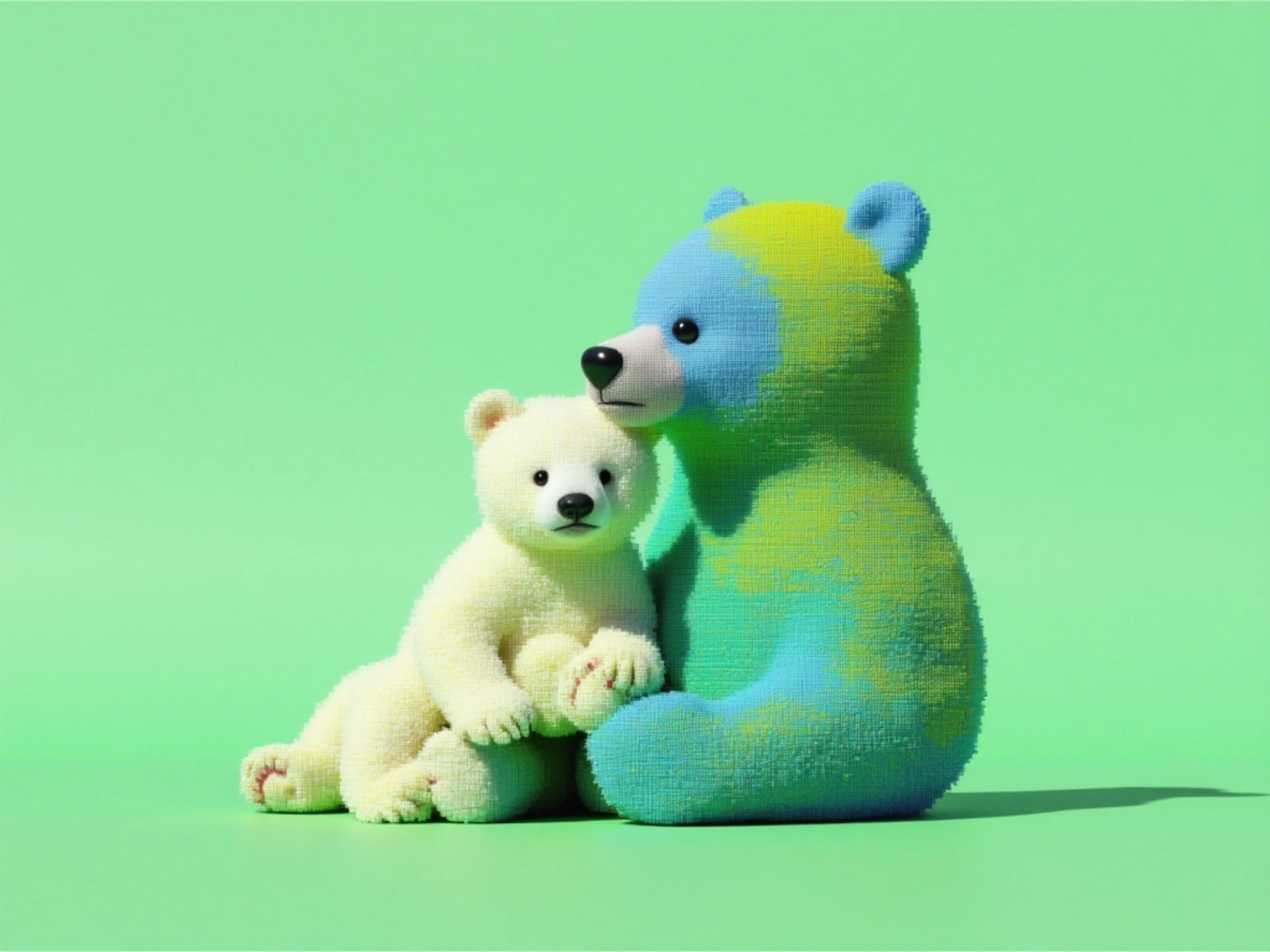
Creates video with synchronized audio from text input. Grounded in Gemini's real-world knowledge, with improved physics understanding for more coherent motion and interaction.
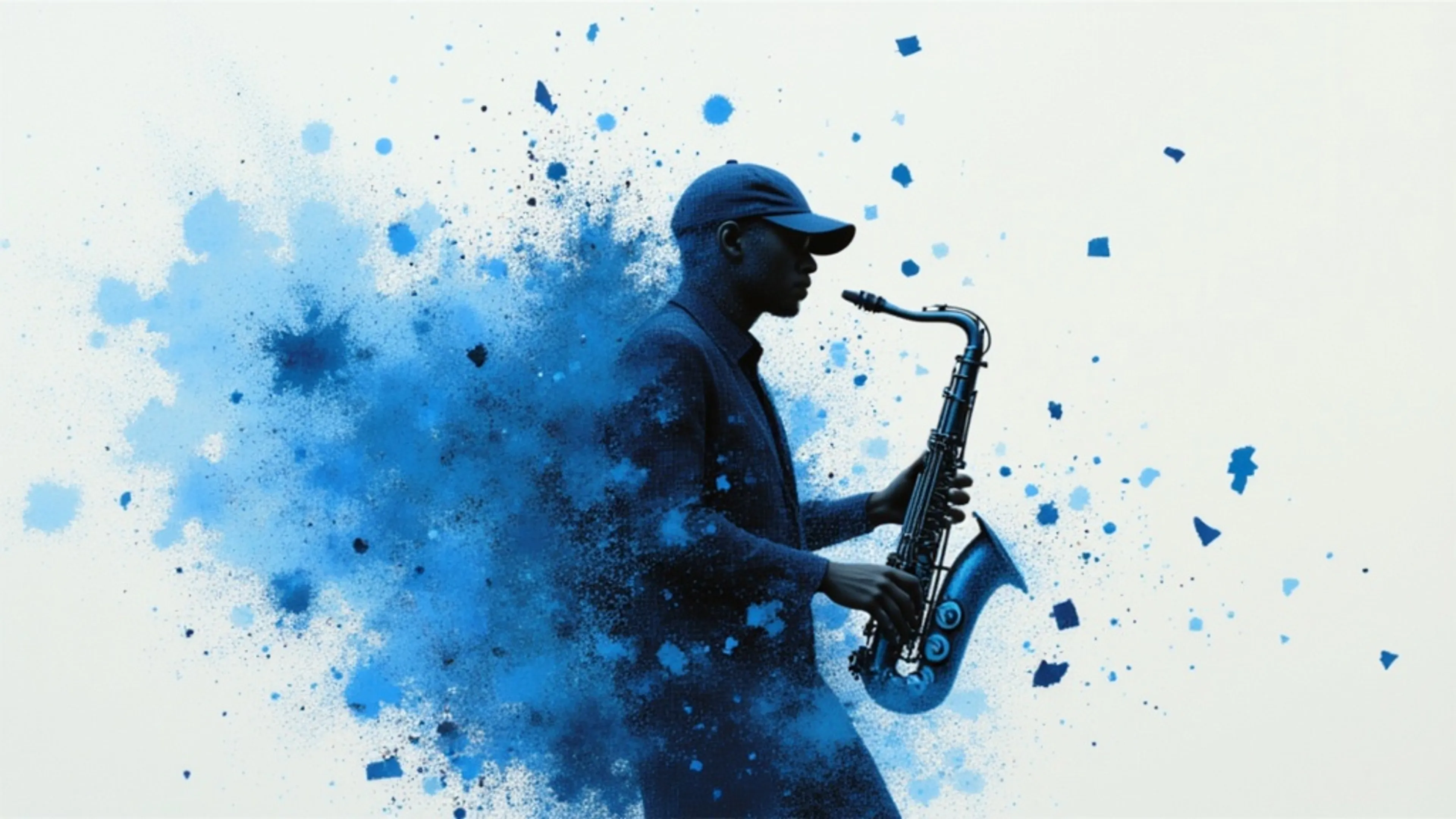
Wan 2.7 is the latest generation AI video model, delivering enhanced motion smoothness, superior scene fidelity, and greater visual coherence.


From plain text to finished video
Every clip started as the written prompt on its card, generated with the model shown. Open one in the playground and run it yourself.
Spoken dialogue
“A marine biologist on a research boat holds up a small octopus and says to the camera, 'This little guy is smarter than most of my colleagues.' Ocean breeze, gulls calling, handheld documentary style”
Wildlife documentary
“A snow leopard prowls along a snowy mountain ridge at dawn, breath visible in the cold air, telephoto wildlife documentary style, cinematic”
Multi-shot sequence
“Multi-shot sequence: a blacksmith hammers glowing steel with ringing strikes, sparks flying, cut to the blade quenched in oil with a loud hiss, cut to the finished sword raised to the light, forge glow, cinematic”
Stylized animation
“An origami fox unfolds and springs to life, running across a landscape made of folded paper as paper cranes scatter into the sky with fluttering wingbeats, playful orchestral score, stylized, cinematic”
What each model is great at
Every model reads the same prompt. Pick by what fits the job.
| Model | Best for | Max duration | Resolution | Audio |
|---|---|---|---|---|
| Veo 3.1Google DeepMind | Cinematic video with audio | Up to 8s | Up to 4K | Native |
| Seedance 2ByteDance | Camera control & multi-shot | Up to 15s | Up to 720p | Native |
| Kling 3Kuaishou | Multi-shot storyboards | Up to 15s | Up to 1080p | Native |
| Happy Horse 1.1Alibaba | Talking-head & lip-sync | Up to 15s | Up to 1080p | Native |
| Gemini OmniGoogle DeepMind | Physics-coherent motion | Up to 10s | 720p | Native |
| Wan 2.7Alibaba | Smooth motion & frame control | Up to 15s | Up to 1080p | Native |
From words to video in three steps
How to write a text to video prompt
The prompt is the whole brief. Four habits that separate a usable clip from a re-roll.


From script to screen, no crew required
Scripts into Reels and Shorts
Turn a written hook into a vertical clip with sound. Batch a week of posts from a page of ideas.
Concepts you can watch
Pitch with a finished-looking spot instead of a storyboard. Generate a variation per audience from one brief.
Pre-viz straight from the script
Block scenes, test shot ideas, and generate b-roll from scene descriptions before a day on set.
Illustrate any concept
Generate visuals for lessons and explainers from a text outline, without hunting for stock footage.
Words into visuals
Generate stylized loops and abstract scenes from lyrics or a mood description.
Text in, video out, one API
Add text to video generation to your product with a serverless API. Switch models with a one-line change.


Text to video in your own stack
Every model here runs on the same serverless fal API. Install the client, add your key, and switch models with a one-line endpoint change.
import { fal } from "@fal-ai/client";

const result = await fal.subscribe("fal-ai/veo3.1", {
  input: {
    prompt: "A hot air balloon drifts over terraced rice fields at sunrise, mist in the valleys, cinematic aerial shot",
    resolution: "1080p",
    generate_audio: true,
  },
  logs: true,
  onQueueUpdate: (update) => {
    if (update.status === "IN_PROGRESS") {
      update.logs.map((log) => log.message).forEach(console.log);
    }
  },
});

console.log(result.data);
console.log(result.requestId);

Frequently asked questions
How does text to video AI work?
A text to video model is trained on video paired with descriptions, so it learns how written language maps to motion, lighting, and sound. You describe a scene, and the model generates the frames (and on most models here, the audio) to match. On fal you write one prompt and run it on any frontier model: Veo 3.1, Kling 3, Seedance 2, Happy Horse 1.1, Gemini Omni, or Wan 2.7. Browse every text to video model.
Which text to video model should I use?
It depends on the job. Veo 3.1 is great for cinematic 4K with native audio and dialogue lip-sync; Seedance 2 for multi-shot scenes with director-level camera control; Kling 3 for multi-shot storyboards; Happy Horse 1.1 for multilingual lip-synced talking-head video; Gemini Omni for physics-coherent motion; and Wan 2.7 for smooth motion with first-and-last-frame control. The comparison table above shows what each is great at.
Can text to video models generate audio and dialogue?
Yes. Every model on this page generates audio natively with the video: ambient sound, effects, and music. For speech, put the line in quotes inside your prompt and models with dialogue lip-sync, like Veo 3.1 and Happy Horse 1.1, will have the character speak it.
How long can the videos be, and at what resolution?
It varies by model, and you set the exact format in the playground. Durations run up to about 15 seconds per generation, and resolution goes up to 4K on models that support it. Common aspect ratios like 16:9 and 9:16 are available across the lineup.
What is the difference between text to video and image to video?
Text to video creates a clip from a written prompt alone, so you need no source material. Image to video animates a picture you provide, which suits product shots and consistent characters. This page is all text to video; for both modes in one place, see the AI Video Generator.
Do I need to sign in to generate a video?
Yes, to run a generation. Write your prompt and pick a model here, then sign in on the playground to generate. Your prompt carries over, so nothing is lost.
Can I use the generated videos commercially?
Yes. Video you generate through fal can be used in commercial projects. See fal's terms of service for full details on usage rights and licensing.
Can I access these models via API?
Yes. Every model here runs on the same serverless fal API. Switch models with a one-line endpoint change, no GPUs to manage. Grab a key from your dashboard and see the code examples above to make your first request.
Finish the job with the other tools.
The free image tools chain together and none of them watermark what you download: cut the background out, upscale the result, then export it at the exact size you need.
Free in your browser
No account, no watermark, no upload limits, nothing to install.
Remove a background in one click
Drop an image and get a clean cutout with transparent edges, up to 4K. Handles hair, fur, and glass without manual masking.
Open Background RemoverUpscale without the mush
Increase resolution and recover detail instead of just stretching pixels. Good for small product shots, old photos, and print.
Open Image UpscalerUncrop and extend past the edges
Generate new scenery beyond the frame so a photo fits a wider or taller aspect ratio, with no cropping and nothing cut off.
Open Image ExtenderCrop and resize to exact pixels
Drag a frame over what matters, then export at exact dimensions or a social preset. Nothing to install, nothing to sign up for.
Open Image ResizerRuns on your fal account
Generating video runs real inference on our platform, so these open in the fal playground: sign in, then pay per second of compute.

Talk to us about text to video at scale
Building video generation into your product or pipeline? Leave your details and our team will reach out.