Kling Motion Control Make Any Character Move
Transfer motion from any reference video onto a character image with Kling Motion Control on fal.ai. Animate portraits and characters through a fast serverless API.
Turn a Still Image Into Motion
Reference Video, Your Character
Give it a character image and a reference video, and Kling Motion Control maps the movement, timing, and expression from the video onto your character. A single still performs the exact motion you feed it, from natural gestures and delivery to a full performance.
Your Subject Stays On-Model
The face, styling, and background in the output are driven by your reference image, so your subject keeps its exact appearance while it moves. Bring a portrait to life and keep it recognizable in every frame, no reshoot required.
Motion and Sound, Together
The reference video's audio carries through to the output by default, so speech, singing, and ambient sound land in sync with the transferred motion. Keep it on for talking, performing, and reactions, or switch it off for silent video.


Motion control for every budget
Transfer motion onto any character across three tiers. Use V3 Pro for the highest quality on the latest Kling generation, V3 Standard for the same generation at a lower cost, or v2.6 Standard as the most budget-friendly option.
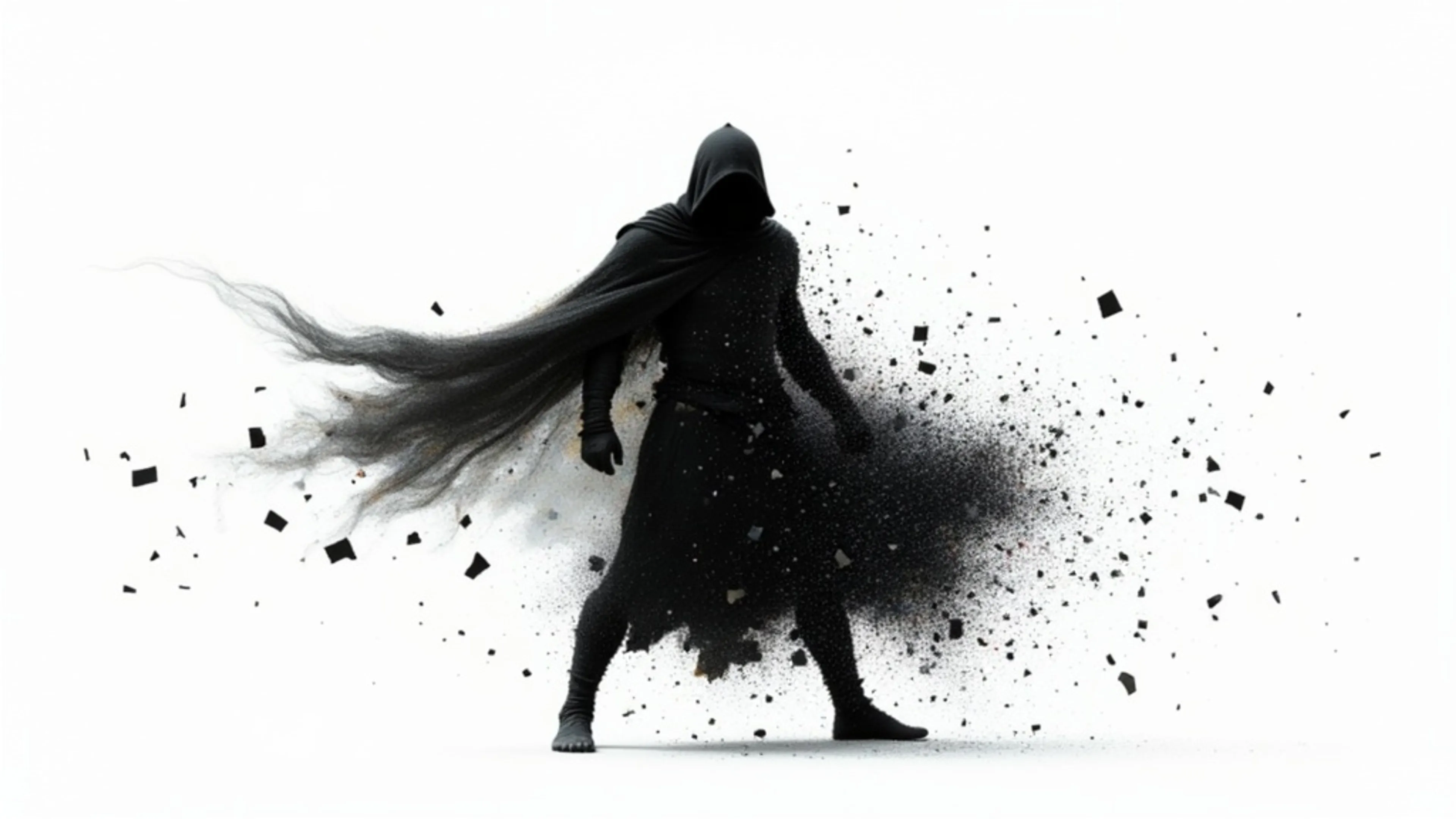


Transfer movements from a reference video to any character image. Cost-effective mode for motion transfer, perfect for portraits and simple animations.
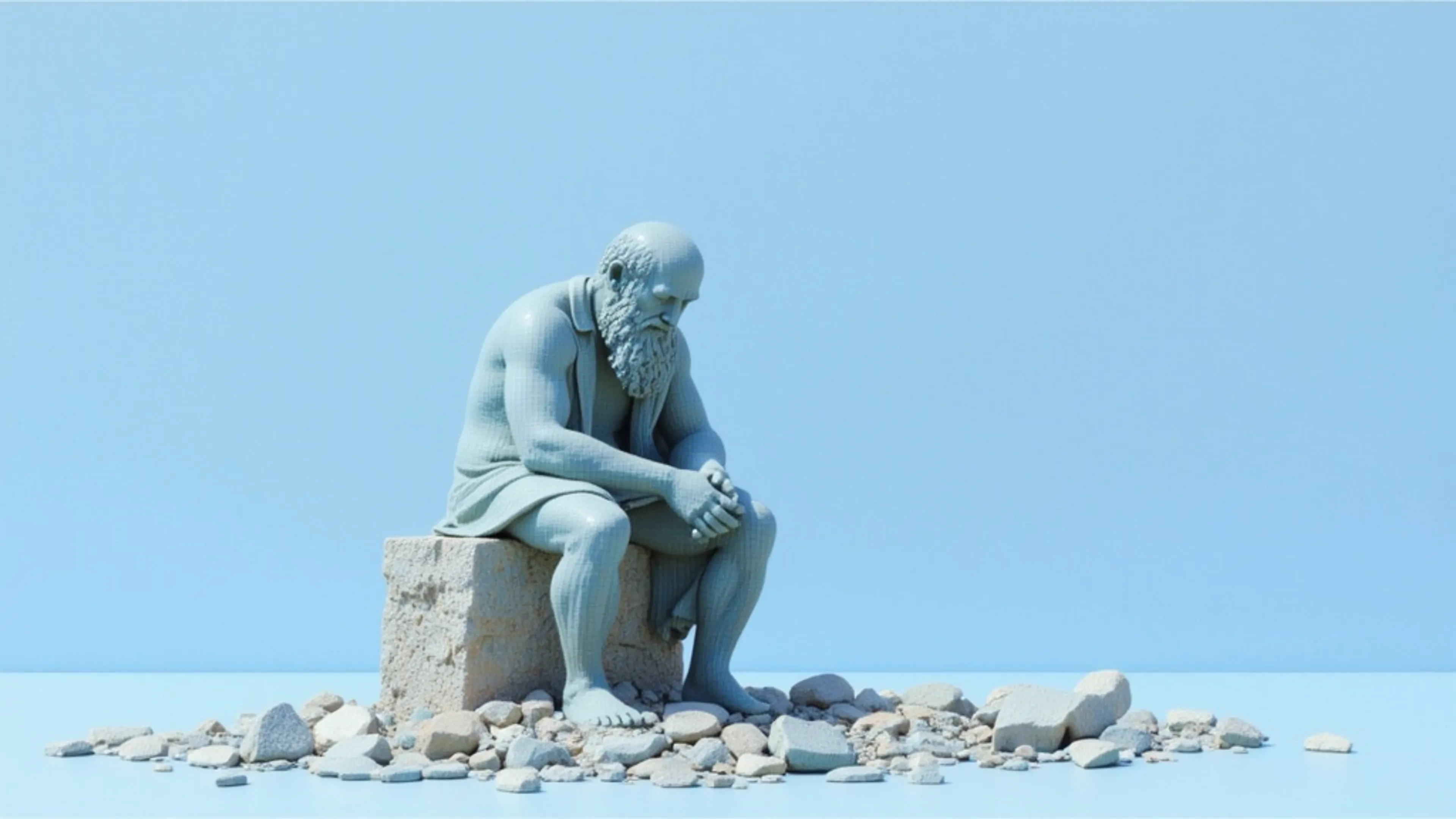
Transfer movements from a reference video to any character image. Cost-effective mode for motion transfer, perfect for portraits and simple animations.
![Kling Video v2.6 Motion Control [Standard]](https://refinery.fal.media/url/https%3A%2F%2Fv3b.fal.media%2Ffiles%2Fb%2F0a875717%2FJVmIsgjXggpbFC-Szsr7q_8e01139cd9a1445facec60b125ca32c9.jpg/tr:w-3840,q-80/JVmIsgjXggpbFC-Szsr7q_8e01139cd9a1445facec60b125ca32c9.webp)
Transfer movements from a reference video to any character image. Cost-effective mode for motion transfer, perfect for portraits and simple animations.

See what Kling Motion Control can create
Bring your own character image and reference video, then try it yourself in the playground.
Rapping barista
"A barista rapping to camera, sharp head nods and hand chops on the beat"
Hyped-up coach
"A fitness coach erupting in a celebration, wide eyes, a roar, and fist pumps"
Dramatic monologue
"A presenter delivering a dramatic soliloquy, a hand to the temple and a resolute chin lift"
Beatboxing host
"A podcaster beatboxing to camera, rapid mouth movements and rhythmic head bobs"
Emotional monologue
"A chef in a heartfelt, teary monologue, a hand wiping under one eye"
Rockstar professor
"A professor headbanging like a rockstar, shouting with a fist punching up"


How to access the Kling Motion Control API
The client API handles the request submit protocol. It will handle the request status updates and return the result when the request is completed.
import { fal } from "@fal-ai/client";

const result = await fal.subscribe("fal-ai/kling-video/v3/standard/motion-control", {
  input: {
    prompt: "A woman performing an energetic dance routine",
    image_url: "https://storage.googleapis.com/falserverless/example_inputs/motion_control_character.png",
    video_url: "https://storage.googleapis.com/falserverless/example_inputs/motion_control_reference.mp4",
    character_orientation: "video",
  },
  logs: true,
  onQueueUpdate: (update) => {
    if (update.status === "IN_PROGRESS") {
      update.logs.map((log) => log.message).forEach(console.log);
    }
  },
});

console.log(result.data);
console.log(result.requestId);
Common questions about Kling Motion Control
What is Kling Motion Control?
Kling Motion Control transfers the movement from a reference video onto a character image. You provide a still image of your character and a video that contains the motion you want, and the model generates a new video where your character performs that exact action. It is built for animating portraits, illustrations, and full-body characters without keyframing or rigging.
What do I need to use Kling Motion Control?
Two inputs: a character image (jpg, png, webp, gif, or avif) and a reference video that contains the motion (mp4, mov, webm, m4v, or gif). A text prompt helps describe the scene. Upload both in the playground or pass them as URLs through the API.
What is the difference between video and image orientation?
Character orientation controls how the output is framed. Video orientation matches the reference video and handles complex, full-body motion with clips up to 30 seconds. Image orientation matches the reference image and is better for camera-movement-led shots up to 10 seconds. Choose the mode that fits your source footage and the result you want.
Which motion control endpoint should I use?
V3 Pro runs on the latest Kling V3 generation and delivers the highest quality motion and detail, the best default for finished work. V3 Standard gives you the same V3 generation at a lower cost, ideal for iterating quickly. The earlier v2.6 Standard remains the most budget-friendly option. All three take the same image plus video inputs, so you can prototype on a cheaper tier and move up when you are ready to finalize.
How much does Kling Motion Control cost on fal.ai?
Pricing is pay-per-second with no minimums or subscriptions. V3 Pro is $0.168/s, V3 Standard is $0.126/s, and the earlier v2.6 Standard is $0.07/s. For example, a 5-second video costs $0.84 on V3 Pro, $0.63 on V3 Standard, and $0.35 on v2.6 Standard. You are billed on the duration of the generated output.
How do I get started with the API?
Install the fal.ai SDK (Python or JavaScript), grab an API key from your dashboard, and make your first request in a few lines of code. The API is serverless, so there are no GPUs to manage and no infrastructure to set up. Check the API documentation for the full list of parameters.
Can I use Kling Motion Control for commercial projects?
Yes. Videos generated through the fal.ai API can be used in commercial projects. Check fal.ai's terms of service for full details on usage rights and licensing.

Get in touch about Kling Motion Control
Want to learn more about integrating Kling Motion Control into your workflow? Leave your details and our team will reach out.