


Grok Imagine Image and Video Generation by xAI
Run xAI's full Grok Imagine family on fal: text-to-image, image editing, and video up to 1080p and 15 seconds with native audio. Text-to-video, image-to-video, reference-to-video, extend, and edit, all pay-per-use through one serverless API.
How to access Grok Imagine on fal
Two ways in, depending on whether you are shipping code or making something.
Call the Grok Imagine API
If you are a developer or an enterprise team putting generation into a product, use the serverless endpoints on fal. Every Grok Imagine model is one, and a single key covers the whole family, image and video, with nothing to provision and no capacity to plan.
- 01Create a fal account and add a payment method. Billing is pay-per-use with no subscription and no minimum spend.
- 02Generate an API key in your dashboard and set it as the FAL_KEY environment variable.
- 03Install the Python or JavaScript client and submit a prompt to any endpoint. fal handles queueing, status, and delivery of the finished file.
Generate in the browser, no code
If you want to prototype an idea, get one thing made quickly, or try several variations of a prompt without writing code, generate in the browser instead. Every endpoint has a playground on its page, and the sandbox lets you run models back to back.
- 01Open any Grok Imagine model on fal and use the playground on its page. Nothing to install.
- 02Write your prompt, pick a resolution and a clip length, then generate and download the result.
- 03Use the sandbox to chain models together, for example generating a still first and animating it second.


Grok Imagine API quickstart
You can access Grok Imagine from fal with a single API key. Install the Python or JavaScript client, submit a prompt to any endpoint below, and fal's client handles the queue protocol: it submits the request, polls status, and returns the finished video or image.
import { fal } from "@fal-ai/client";

const result = await fal.subscribe("xai/grok-imagine-video/v1.5/image-to-video", {
  input: {
    prompt: "The subject turns to camera and smiles as the wind picks up",
    image_url: "https://example.com/first-frame.jpg",
    resolution: "1080p",
    duration: 10,
  },
  logs: true,
  onQueueUpdate: (update) => {
    if (update.status === "IN_PROGRESS") {
      update.logs.map((log) => log.message).forEach(console.log);
    }
  },
});

console.log(result.data);
console.log(result.requestId);


Grok Imagine API
fal serves xAI's Grok Imagine models to developers building image and video generation into production apps. One API key covers the whole surface: video in five modes across two model generations, plus image generation and editing across the 2.0, quality, and standard image models.
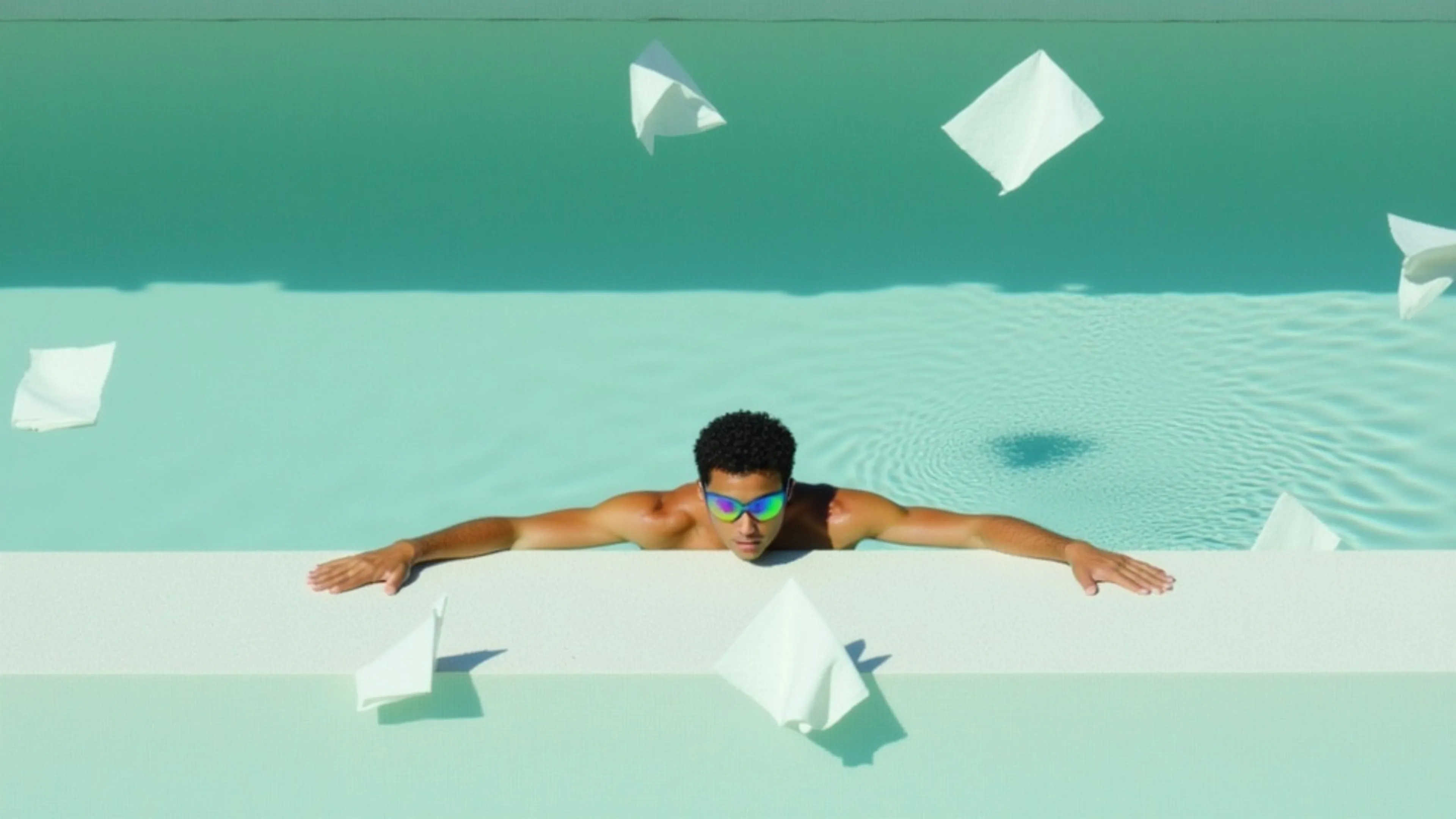


Generate videos from images with audio using xAI's Grok Imagine 1.5 Video model.
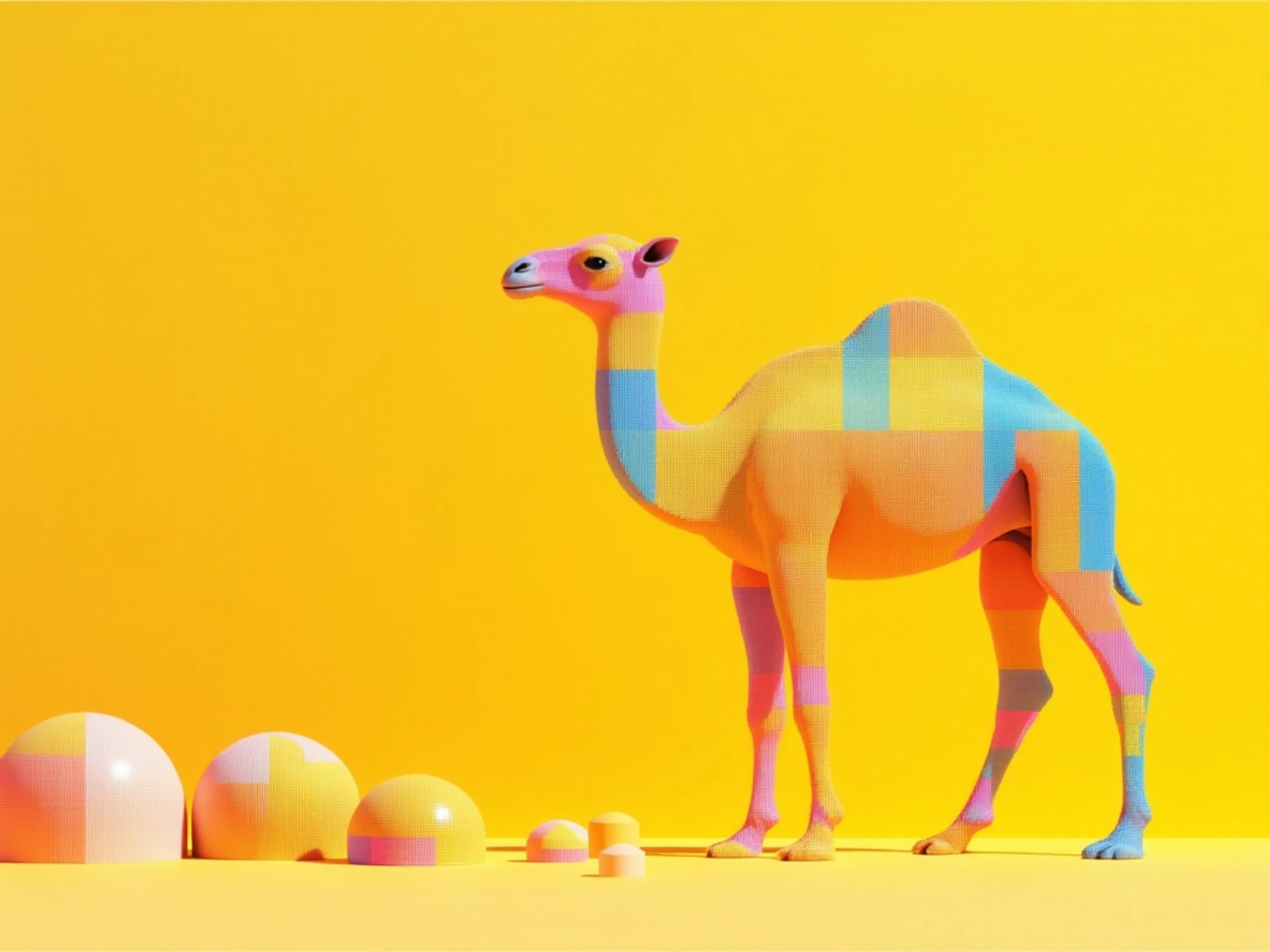
Generate videos from prompts with audio using xAI's Grok Imagine 1.5 Video model.
Generate videos from images and audio references using xAI's Grok Imagine 1.5 Video model.

Generate videos with audio from text using Grok Imagine Video.
Generate videos from images with audio using xAI's Grok Imagine Video model.
Generate videos using multiple reference images with xAI's Grok Imagine video model
Edit videos using xAI's Grok Imagine
Extend videos with xAI's Grok Imagine video model
Generate images from text using xAi's Grok Imagine 2.0 model.
Edit images with xAi's Grok Imagine 2.0 model.
Generate highly aesthetic images with xAI's Grok Imagine Image generation model.
Edit images precisely with xAI's Grok Imagine model
Grok Imagine Pro is an advanced AI model from xAI that creates high-quality visuals from text prompts and allows you to edit or analyze existing images.
Grok Imagine Pro is an advanced AI model from xAI that creates high-quality visuals from text prompts and allows you to edit or analyze existing images.
Pick the Grok Imagine model for the job
Grok Imagine spans video and image generation across several models. Each one has a dedicated page with its own examples, parameters, and pricing.
Recent Grok Imagine releases
xAI ships Grok Imagine updates often. Here is what has landed on fal, newest first.
- August 2026
Grok Imagine Image 2.0
The 2.0 generation of the image model landed with text-to-image and editing endpoints, and it is the first Grok Imagine image model with a quality setting: low or medium, at 1K or 2K, for four price points between $0.04 and $0.08 per image. Editing takes up to three input images in a single request.
See Grok Imagine Image 2.0 - July 2026
Video 1.5 text-to-video and reference-to-video
The 1.5 generation expanded past image-to-video. Text-to-video on 1.5 outputs up to 1080p, and reference-to-video on 1.5 accepts up to seven reference images, tagged in the prompt as <IMAGE_0> onward, so a specific subject can be bound to a specific shot. Both run up to 15 seconds, at the same per-second rate as the rest of the 1.5 generation.
- May 2026
Grok Imagine Video 1.5
xAI's newer image-to-video model arrived with 1080p output, clips up to 15 seconds, clearer speech, more accurate lip-sync, and motion that holds together better across the full length of a clip. Audio is still generated in the same pass as the video.
See Video 1.5 - April 2026
Quality image tier
A higher-fidelity image model joined the family, generating and editing at 1K or 2K with stronger photorealism, more reliable text rendering across languages, and 13 aspect ratios from 2:1 through 1:2.
See Grok Imagine Pro - March 2026
Reference-to-video and extend-video
Two new video modes. Reference-to-video takes 1 to 7 reference images and carries the people, products, and wardrobe in them through the clip without locking the first frame. Extend-video continues an existing clip from its last frame.
- January 2026
Grok Imagine on fal
The family launched on fal with text-to-image, image editing, text-to-video, image-to-video, and video editing, all with natively generated audio on the video endpoints.
Grok Imagine Image 2.0 is the newest image model in the family and Grok Imagine Video 1.5 is the newest video model. There is no 2.0 video model. When xAI releases one, it will appear here and on fal the same way the others did.


How to use Grok Imagine
Generate a clip from a prompt alone
Send a prompt to xai/grok-imagine-video/v1.5/text-to-video and Grok Imagine returns a finished clip with audio. Output runs at 480p, 720p, or 1080p, from 1 to 15 seconds, in any of seven aspect ratios including 16:9, 9:16, and 1:1. Dialogue, ambient sound, and effects are generated in the same pass as the picture, so nothing needs syncing afterwards. Describe camera moves and scene beats directly in the prompt, up to 4096 characters.
Animate a still you already have
Pass an image URL and a motion prompt to xai/grok-imagine-video/v1.5/image-to-video. Both are required on fal. The model treats your image as the first frame and extends it into a full scene, holding the subject's identity and the look of the source while adding motion, physics, and sound. Same resolution and duration limits as text-to-video: up to 1080p, 1 to 15 seconds. There is no aspect ratio setting here, since the output follows your source image. Useful for animating product shots, concept frames, and stills you have already art-directed.
Keep one character across every shot
xai/grok-imagine-video/v1.5/reference-to-video takes 1 to 7 reference images and carries the people, products, and wardrobe in them through the clip, without locking the first frame. Tag each one in the prompt as <IMAGE_0> through <IMAGE_N> to say what it is for. References are images only, and the clip still comes back with natively generated audio. Output runs at 480p or 720p, 1 to 15 seconds.
What each Grok Imagine model is best at
Every model here runs on the same API key. Duration and resolution figures are the maximums each one accepts.
| Model | Best for | Max duration | Resolution | Audio |
|---|---|---|---|---|
| Grok Imagine Video 1.5 (text to video)xAI | Generating a clip from a prompt alone, with no input media | 15s | 480p, 720p, 1080p | Native, in the same pass |
| Grok Imagine Video 1.5 (image to video)xAI | Animating a still you supply as the first frame, preserving its subject and look | 15s | 480p, 720p, 1080p | Native, in the same pass |
| Grok Imagine Video 1.5 (reference)xAI | Carrying a face, product, or outfit across clips, guided by reference images | 15s | 480p, 720p | Native, in the same pass |
| Grok Imagine VideoxAI | Editing or extending an existing clip | 10s extend, 8.7s edit | 480p, 720p, or auto | Native, in the same pass |
| Grok Imagine Image 2.0xAI | Setting fidelity per request with a quality parameter, from cheap drafts to finished renders | Still image | 1K, 2K | Not applicable |
| Grok Imagine ImagexAI | High-volume generation and editing at the lowest cost per image | Still image | 1K, 2K | Not applicable |
| Grok Imagine Image (Quality)xAI | The same sizes at higher fidelity, for photorealism and text rendering | Still image | 1K, 2K | Not applicable |
How much Grok Imagine Video costs
Pay-per-use, billed per image or per second of output video. No subscription, no minimum spend, and no charge for failed requests.
| Capability | Endpoint | Unit | Price | Example |
|---|---|---|---|---|
| Image to video (1.5) | xai/grok-imagine-video/v1.5/image-to-video | per second | $0.08 (480p), $0.14 (720p), $0.25 (1080p) | 6s at 1080p costs $1.51, including the input image |
| Text to video (1.5) | xai/grok-imagine-video/v1.5/text-to-video | per second | $0.08 (480p), $0.14 (720p), $0.25 (1080p) | 6s at 1080p costs $1.50 |
| Reference to video (1.5) | xai/grok-imagine-video/v1.5/reference-to-video | per second | $0.08 (480p), $0.14 (720p) | 5s at 720p costs $0.70, plus $0.01 per reference image |
| Text to video | xai/grok-imagine-video/text-to-video | per second | $0.05 (480p), $0.07 (720p) | 6s at 480p costs $0.30 |
| Image to video | xai/grok-imagine-video/image-to-video | per second | $0.05 (480p), $0.07 (720p) | 6s at 480p costs $0.302 |
| Reference to video | xai/grok-imagine-video/reference-to-video | per second | $0.05 (480p), $0.07 (720p) | 6s at 480p costs $0.302 |
| Edit video | xai/grok-imagine-video/edit-video | per second | $0.06 (480p), $0.08 (720p) | 6s at 480p costs $0.36 |
| Extend video | xai/grok-imagine-video/extend-video | per second | $0.06 (480p), $0.08 (720p) | 6s at 480p costs $0.36 |
| Text to image (2.0) | xai/grok-imagine-image/v2.0/text-to-image | per image | $0.04 to $0.08 | $0.04 low 1K, $0.06 medium 1K or low 2K, $0.08 medium 2K |
| Edit image (2.0) | xai/grok-imagine-image/v2.0/edit | per image | $0.04 to $0.08 | Same rates, plus $0.01 per input image |
| Text to image | xai/grok-imagine-image | per image | $0.02 | Flat at 1K or 2K, so 50 images cost $1.00 |
| Edit image | xai/grok-imagine-image/edit | per image | $0.022 | $0.02 output plus $0.002 input |
| Text to image (Quality) | xai/grok-imagine-image/quality/text-to-image | per image | $0.05 (1K), $0.07 (2K) | 20 images at 1K cost $1.00 |
| Edit image (Quality) | xai/grok-imagine-image/quality/edit | per image | $0.05 (1K), $0.07 (2K) | Plus $0.01 per input image |
The Video 1.5 endpoints share one rate card: $0.08 per second at 480p, $0.14 at 720p, and $0.25 at 1080p, with reference-to-video capped at 720p. Video endpoints that take an image input add $0.002 per image on the base model and $0.01 on Video 1.5, which accepts 1 to 7 reference images. The audio the model generates is included at no extra charge.


Grok Imagine video generation features
Every clip below came out of a single Grok Imagine request, with the audio generated in the same pass. Turn on sound to hear it. Prompts are copyable.
Cinematic sci-fi with ambient audio
"A lone astronaut walks across a barren red desert on Mars, helmet visor reflecting a distant Earth. Wind kicks up fine dust. Camera slowly orbits from a low angle as the astronaut plants a flag. Ambient wind sounds and the hiss of a pressurized suit"
Product-style close-up with sound design
"Close-up of a barista pouring steamed milk into a ceramic cup, latte art forming a rosetta pattern. Warm cafe lighting, shallow depth of field. Sounds of the espresso machine humming and milk frothing"
Epic landscape with orchestral score
"Aerial drone shot sweeping over a Norwegian fjord at golden hour, mist rolling between snow-capped mountains, a small red fishing boat cutting through glassy water. Orchestral strings swell as the camera rises"
Musical performance with synchronized audio
"A street musician plays electric violin on a rain-soaked Tokyo crosswalk at night. Neon signs reflect in puddles. Pedestrians with umbrellas pass in slow motion. The violin melody is crisp and emotional, blending with city ambience"


Common questions about Grok Imagine
What is Grok Imagine?
Grok Imagine is xAI's family of image and video generation models. It covers text-to-image, image editing, text-to-video, image-to-video, reference-to-video, video extension, and video editing. The video endpoints generate cinematic output with native audio, including dialogue, ambient sound, and sound effects, all synchronized in a single generation pass. On fal, the full family is available as serverless API endpoints, each callable with the same API key.
How do I access Grok Imagine?
You can access Grok Imagine on fal by creating an account, adding an API key from your dashboard, and calling any of the endpoints listed above. There is no waitlist and no subscription. If you want to try it without paying per clip first, the Grok Imagine free tier gives you five video generations a day in the fal sandbox.
How much does Grok Imagine cost?
Grok Imagine is pay-per-use with no minimums or subscriptions. Images start at $0.02 each, the Quality image tier is $0.05 at 1K or $0.07 at 2K, and Grok Imagine Image 2.0 runs from $0.04 to $0.08 depending on quality and resolution. Video is billed per second of output: $0.05/s at 480p and $0.07/s at 720p on the base video endpoints, and $0.08/s at 480p or $0.14/s at 720p across the Video 1.5 modes, rising to $0.25/s at 1080p. See the full pricing table above for every endpoint.
Is Grok Imagine free?
On fal, Grok Imagine is pay-per-use, and there is also a free daily allowance. The Grok Imagine free tier gives you five video generations a day in the fal sandbox once you have an account with a card on file. Beyond that daily allowance you pay only for what you generate, starting at $0.02 per image.
What is the difference between Grok Imagine Video 1.5 and the earlier video model?
Grok Imagine Video 1.5 is xAI's newer video generation. It adds 1080p output, improves speech clarity and lip-sync, and holds motion together better across longer clips. It covers text-to-video, image-to-video, and reference-to-video. The earlier grok-imagine-video endpoints remain available and are still where extend-video and edit-video run. Full details are on the Grok Imagine Video 1.5 page.
What is the latest version of Grok Imagine?
Grok Imagine Image 2.0 is the newest image model in the family, live on fal since August 2026, and Grok Imagine Video 1.5 is the newest video model, released by xAI in May 2026. There is no 2.0 video model. The release timeline above tracks every update as it lands on fal.
What video resolutions, durations, and aspect ratios does Grok Imagine support?
Grok Imagine generates video at 480p and 720p, and the Video 1.5 image-to-video and text-to-video endpoints also support 1080p. Clips run from 1 to 15 seconds on every text-to-video, image-to-video, and Video 1.5 endpoint, 1 to 10 seconds for reference-to-video on the base model, and 2 to 10 seconds for extend-video. Text-to-video and reference-to-video accept seven aspect ratios: 16:9, 9:16, 4:3, 3:4, 3:2, 2:3, and 1:1, which covers YouTube, Reels, TikTok, and Shorts without cropping. Image-to-video has no aspect ratio setting, because the output follows your source image. Every image endpoint accepts thirteen ratios from 2:1 through 1:2, including 20:9, 19.5:9, 9:19.5, and 9:20, and the image editing endpoints add an auto option that matches the input.
What are the Grok Imagine video modes?
Grok Imagine offers five video modes. Text-to-video generates a clip from a prompt alone. Image-to-video uses a supplied image as the starting frame. Reference-to-video takes 1 to 7 reference images, tagged in the prompt as <IMAGE_0> onward, to guide what appears without locking the first frame. Extend-video continues an existing clip from its last frame. Edit-video modifies an existing clip based on a prompt. Only one mode is active per request, and each has its own endpoint on fal. Video 1.5 covers text-to-video, image-to-video, and reference-to-video; extend and edit run on the base video model.
Does Grok Imagine generate audio?
Yes. Grok Imagine generates audio natively in the same pass as the video, rather than adding it in a separate step. That covers spoken dialogue with matching lip-sync, ambient sound that fits the scene, sound effects timed to on-screen action, and music. Because audio and video are produced together, they stay in sync without post-production work.
Is Grok Imagine built on Flux or the Aurora engine?
xAI has used both names over the life of the product. Aurora is the in-house image generation engine xAI introduced in 2024, and earlier versions of Grok image generation drew on Black Forest Labs' FLUX models. xAI has not published a current architecture breakdown for the Grok Imagine models shipping today, so the most reliable way to judge them is the published capabilities: resolution, duration, aspect ratios, and native audio, all listed above.
Are there rate limits on Grok Imagine through fal?
fal runs Grok Imagine on serverless infrastructure that scales with your traffic, so you are not working against a fixed daily generation cap the way you are in a consumer app. Requests are queued and processed as capacity frees up, and you can track each one through the queue API. If you are planning a high-volume workload, get in touch through the form below and the team will size it with you.
How do I get started with the API?
Install the fal SDK (Python or JavaScript), grab an API key from your dashboard, and make your first request in a few lines of code. The API is serverless, so there are no GPUs to manage and no infrastructure to set up. Check the API documentation for all available parameters.
Can I use Grok Imagine for commercial projects?
Yes. Content generated through the fal API can be used in commercial projects. Check fal's terms of service for full details on usage rights and licensing.

Get in touch about Grok Imagine
Want to learn more about integrating Grok Imagine into your workflow? Leave your details and our team will reach out.