


PixVerse V6 Direct Your Vision with AI
Generate cinematic AI videos up to 1080p with native audio, 20+ camera controls, and multi-shot storytelling using PixVerse V6 on fal.ai. Text-to-video, image-to-video, transitions, and video extension via a fast serverless API.


Full Cinematic Control. One Prompt.
20+ Cinematic Lens Controls
Control focal length, aperture, depth of field, and lens effects directly from your prompt. Push, pull, pan, tilt, track, and follow, replicating real-world cinematography techniques for professional-grade results.
Simultaneous Audio & Video
Generate audio and video in a single pass. Background music, sound effects, and dialogue are produced together from one prompt, no separate audio pipeline needed. Every scene sounds as good as it looks.
Short Films from a Single Prompt
Produce multi-shot sequences with dynamic camera transitions between clips. Maintain character consistency and spatial coherence across scenes for product demos, 360-degree views, and narrative storytelling.


Generate, transition, and extend
Create videos from text or images, blend scenes with smooth transitions, and extend existing clips with coherent continuation.
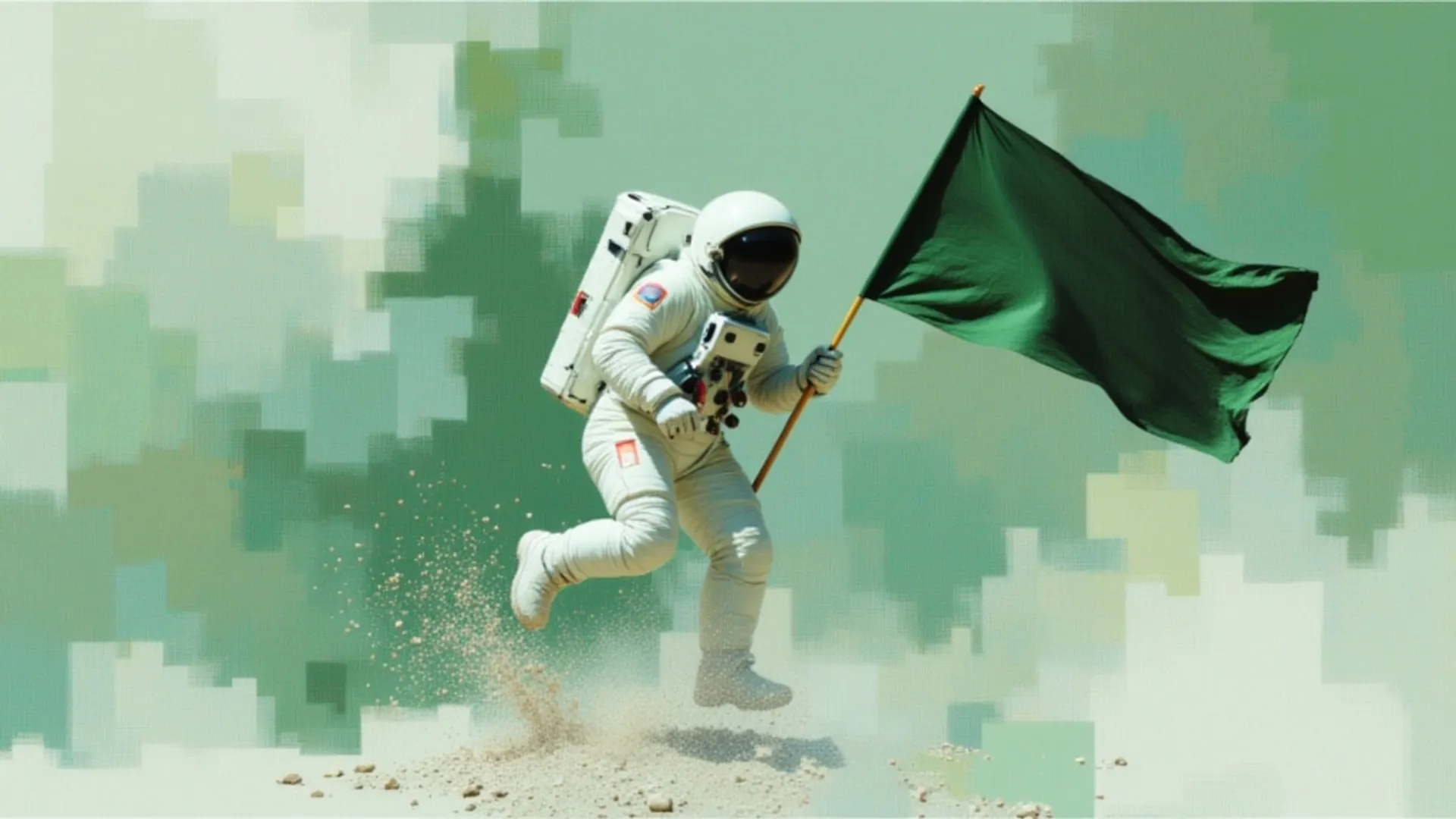

Pixverse's latest v6 Model.
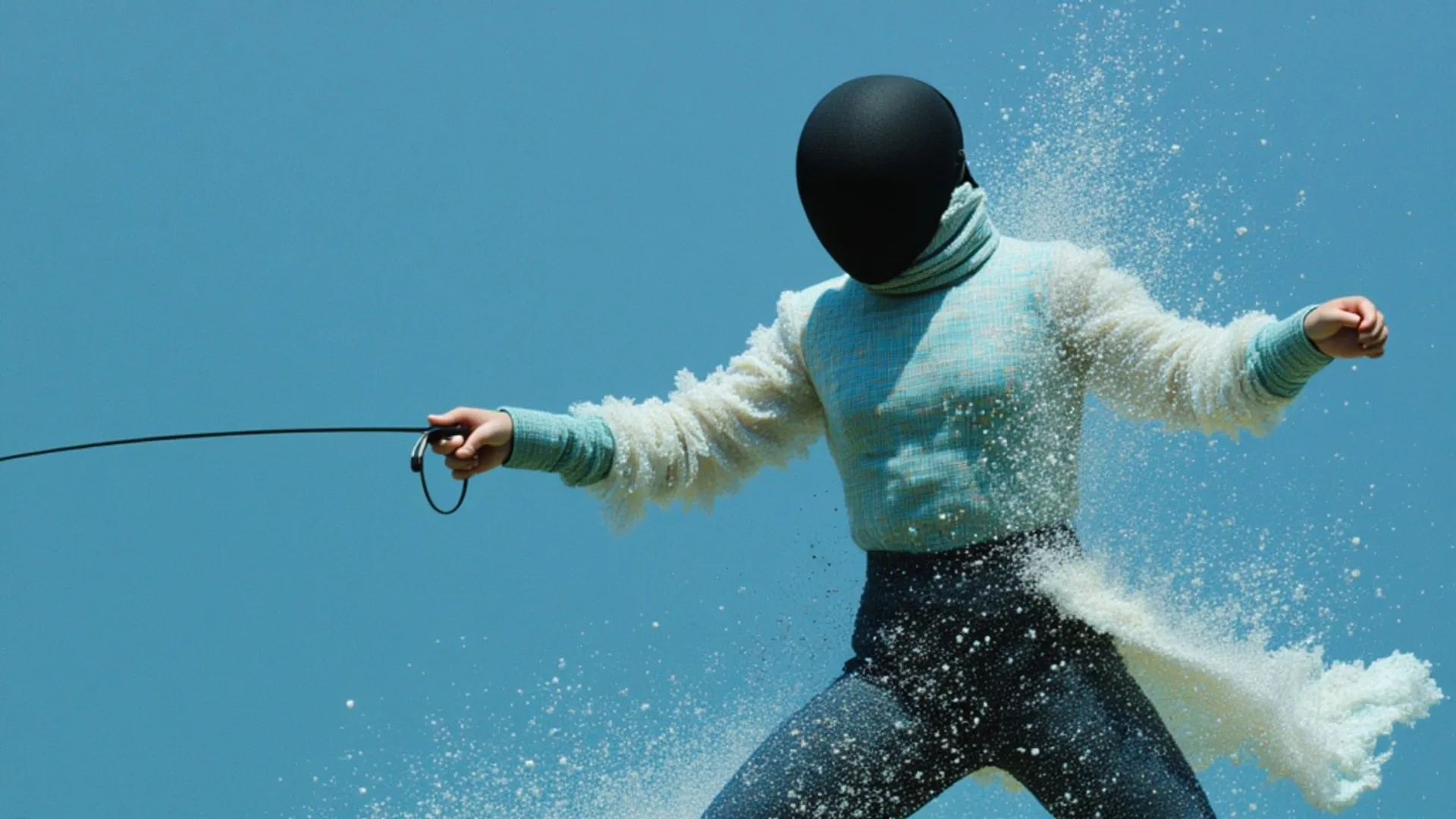
Pixverse's latest V6 Model
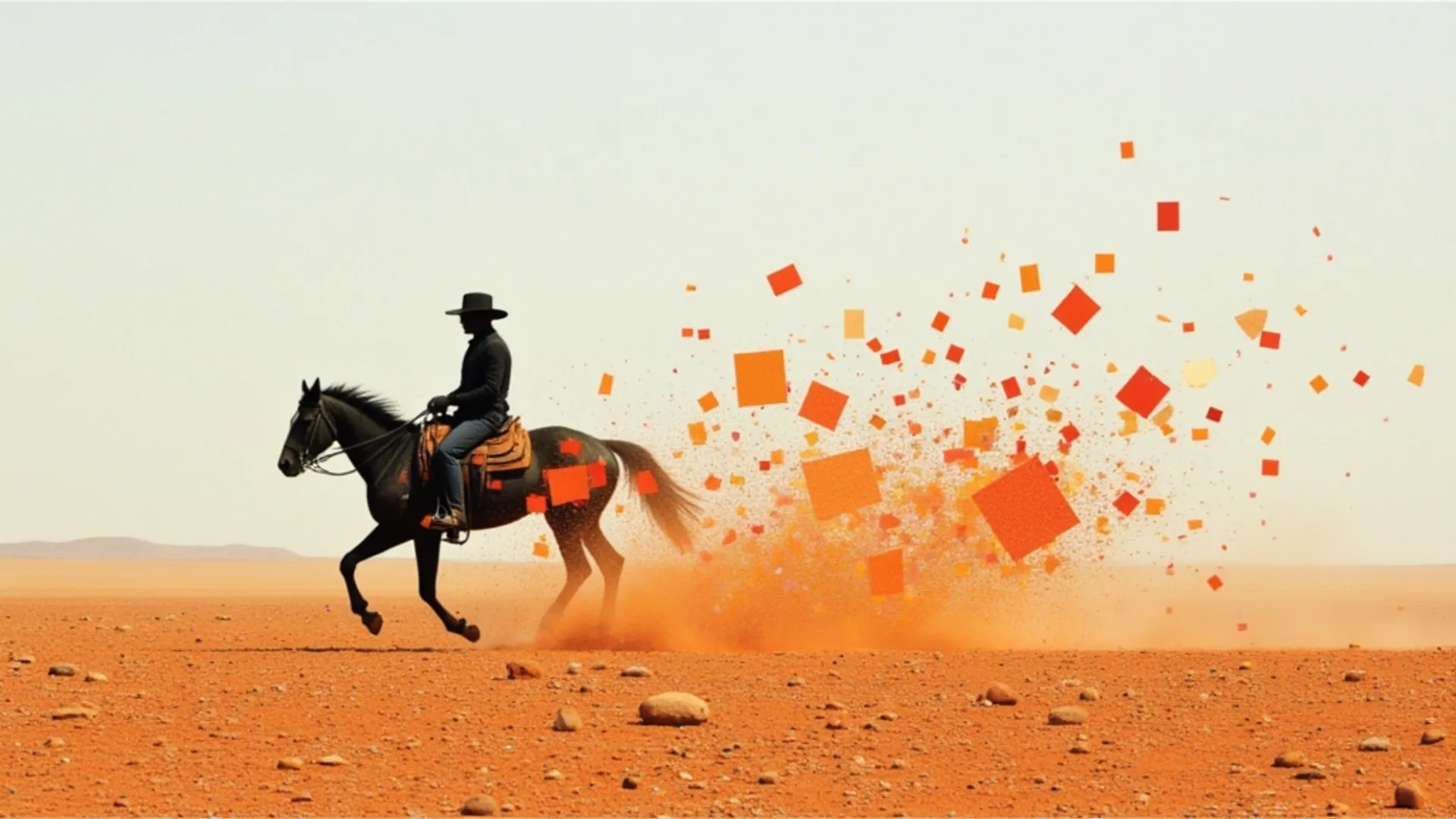
Pixverse's latest v6 Model.
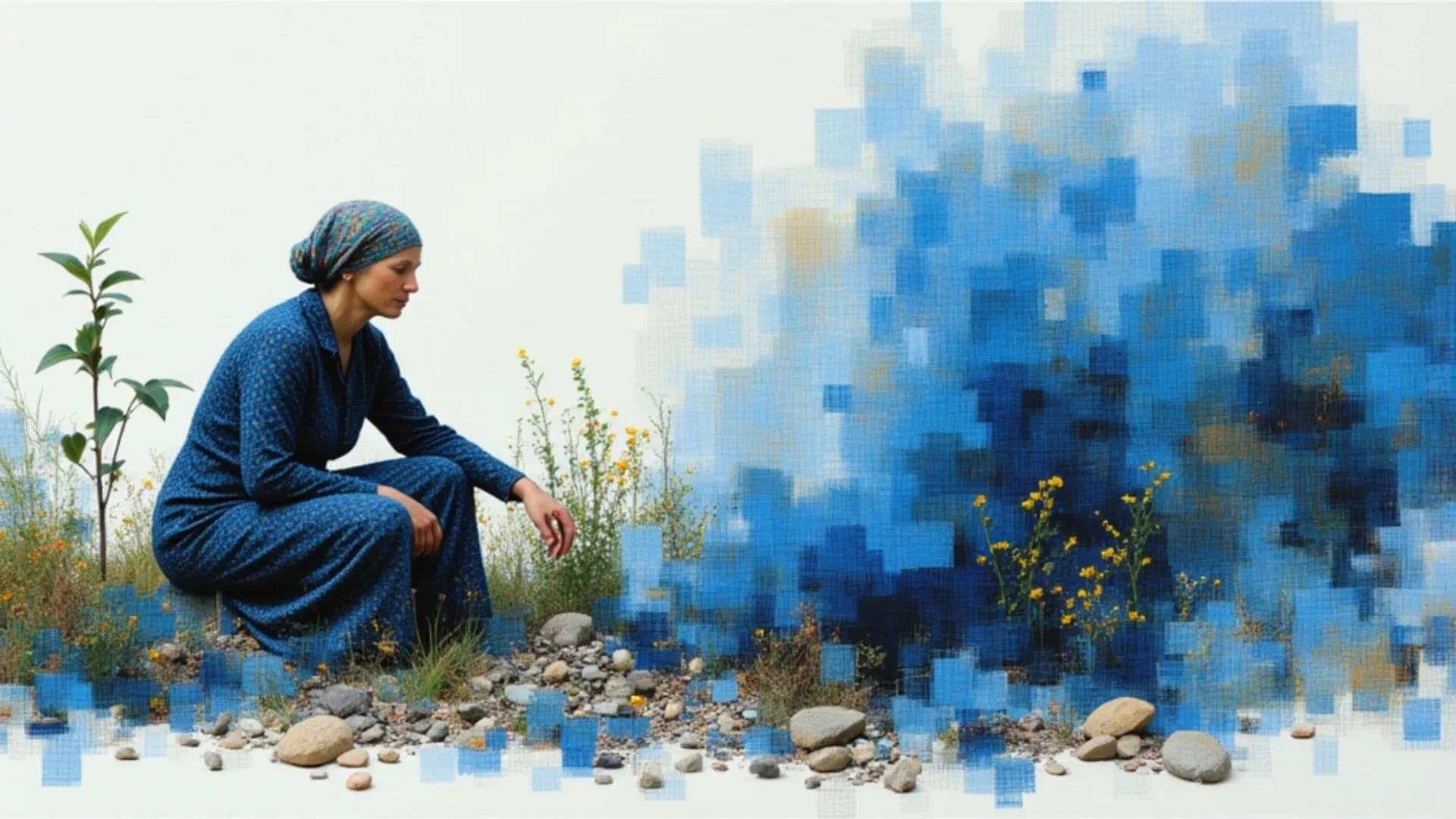
Pixverse's latest v6 Model.


Noir atmosphere & ambient sound design
"A private detective sits alone at his desk on the 6th floor of an old office building, a single lamp lit, blinds casting bar shadows across the wall behind him. He holds a photograph but we never see what's in it. Cigarette smoke curls toward the ceiling. Outside the window, the city moves — headlights, neon, rain. He sets the photograph face down. The camera holds still. The audio carries the tick of a wall clock, distant traffic through glass, the low hum of a neon sign outside, and a muted trumpet playing something slow and unresolved."
Tension, stillness & layered audio
"The fluorescent tube above the car flickers once, twice, then stabilizes with a low electric hum. Her knuckles whiten slightly on the steering wheel. Her eyes cut to the rearview mirror and hold there — three seconds, four. The garage behind her stays empty and still. A single bead of water traces down the driver's window. She exhales slowly, barely visibly. Then her eyes move back to the windshield and she stares forward at nothing. Her jaw tightens. The camera holds the exterior side angle, not moving, clinical and patient. The audio carries the stuttering buzz of the dying fluorescent overhead, a distant rhythmic drip echoing through concrete levels below, a car alarm triggering briefly somewhere far down then cutting off mid-cycle, and then a single unhurried footstep from somewhere out of frame, followed by complete silence."
Slow drift, natural decay & spectral audio
"An abandoned cathedral in a forest — the roof long gone, trees growing up through the nave, moonlight falling through open arches and the gaps where stained glass once was. Mist moves at floor level. The camera drifts slowly down the central aisle from the entrance toward the altar, where moss has overtaken the stone completely. An owl lifts silently from a rafter and disappears. The audio carries wind through open stone arches, the creak of old wood somewhere above, the settling of ancient stonework, distant forest sounds pressing in, and a choir — faint, sourceless, possibly imagined."
Static camera, particle detail & raw atmosphere
"The camera holds completely still. Embers and ash drift through the frame in slow motion, catching the orange light as they fall. The fire on the ridge intensifies — a pulse of heat rolls through the frame, deepening the light across his visor and soot-covered face. Smoke thickens in the mid-ground, obscuring the tree line then briefly clearing. His grip on the axe handle tightens. A chunk of burning debris falls somewhere beyond frame. He does not look away from the ridge — his expression is not fear, it is something older and quieter than that. The audio is the deep, unnerving voice of the wildfire itself — not a crackle but a sustained low atmospheric roar, beneath it a radio clipped to his chest emitting broken, barely intelligible dispatch chatter, ash particles hissing faintly as they hit dry ground, and no music at all."



How to access the PixVerse V6 API
The client API handles the request submit protocol. It will handle the request status updates and return the result when the request is completed.
import { fal } from "@fal-ai/client";

const result = await fal.subscribe("fal-ai/pixverse/v6/text-to-video", {
  input: {
    prompt: "A woman walks through neon-lit Tokyo streets at night, reflections on wet pavement, cinematic",
    resolution: "1080p",
    duration: 5,
    generate_audio_switch: true,
  },
  logs: true,
  onQueueUpdate: (update) => {
    if (update.status === "IN_PROGRESS") {
      update.logs.map((log) => log.message).forEach(console.log);
    }
  },
});

console.log(result.data);
console.log(result.requestId);

Common questions about PixVerse V6
What can I create with PixVerse V6?
PixVerse V6 supports text-to-video, image-to-video, scene transitions between two images, and video extension. Output supports 360p, 540p, 720p, and 1080p resolutions with optional native audio generation. Multiple aspect ratios including 16:9, 9:16, 1:1, 4:3, and 3:4.
What camera controls are available?
PixVerse V6 offers over 20 cinematic lens controls including focal length, aperture, depth of field, lens distortion, chromatic aberration, and vignetting. Camera movements include push, pull, pan, tilt, tracking, and follow shots, giving you full cinematic control from a single prompt.
Does it generate audio with the video?
Yes. PixVerse V6 generates audio and video simultaneously from a single prompt. It supports background music, sound effects, and dialogue without requiring separate audio production. Audio generation is available at all resolutions for a small additional cost per second.
What styles does it support?
PixVerse V6 supports a wide range of visual styles including photorealistic, anime, 3D animation, clay, comic, and cyberpunk. You can specify the style in your prompt or let the model choose based on your description.
How much does PixVerse V6 cost on fal.ai?
Pricing is per second of video generated. 360p: $0.025/s (no audio) or $0.035/s (with audio). 540p: $0.035/s or $0.045/s. 720p: $0.045/s or $0.060/s. 1080p: $0.090/s or $0.115/s. For $1 you get about 40 seconds at 360p or 11 seconds at 1080p. Pay-per-use with no minimums or subscriptions.
How do I get started with the API?
Install the fal.ai SDK (Python or JavaScript), grab an API key from your dashboard, and make your first request in a few lines of code. The API is serverless, so no GPUs to manage, no infrastructure to set up. Check the API documentation for your chosen endpoint to see all available parameters.
Can I use PixVerse V6 for commercial projects?
Yes. Content generated through the fal.ai API can be used in commercial projects. Check fal.ai's terms of service for full details on usage rights and licensing.

Get in touch about PixVerse V6
Want to learn more about integrating PixVerse V6 into your workflow? Leave your details and our team will reach out.