Nano Banana 2.1 Google's AI image generation and editing model
Nano Banana 2.1 is Google's AI image generation and editing model. It keeps Nano Banana 2's Flash speed and adds better visual design, mask-based editing and stronger subject consistency, at up to 4K.
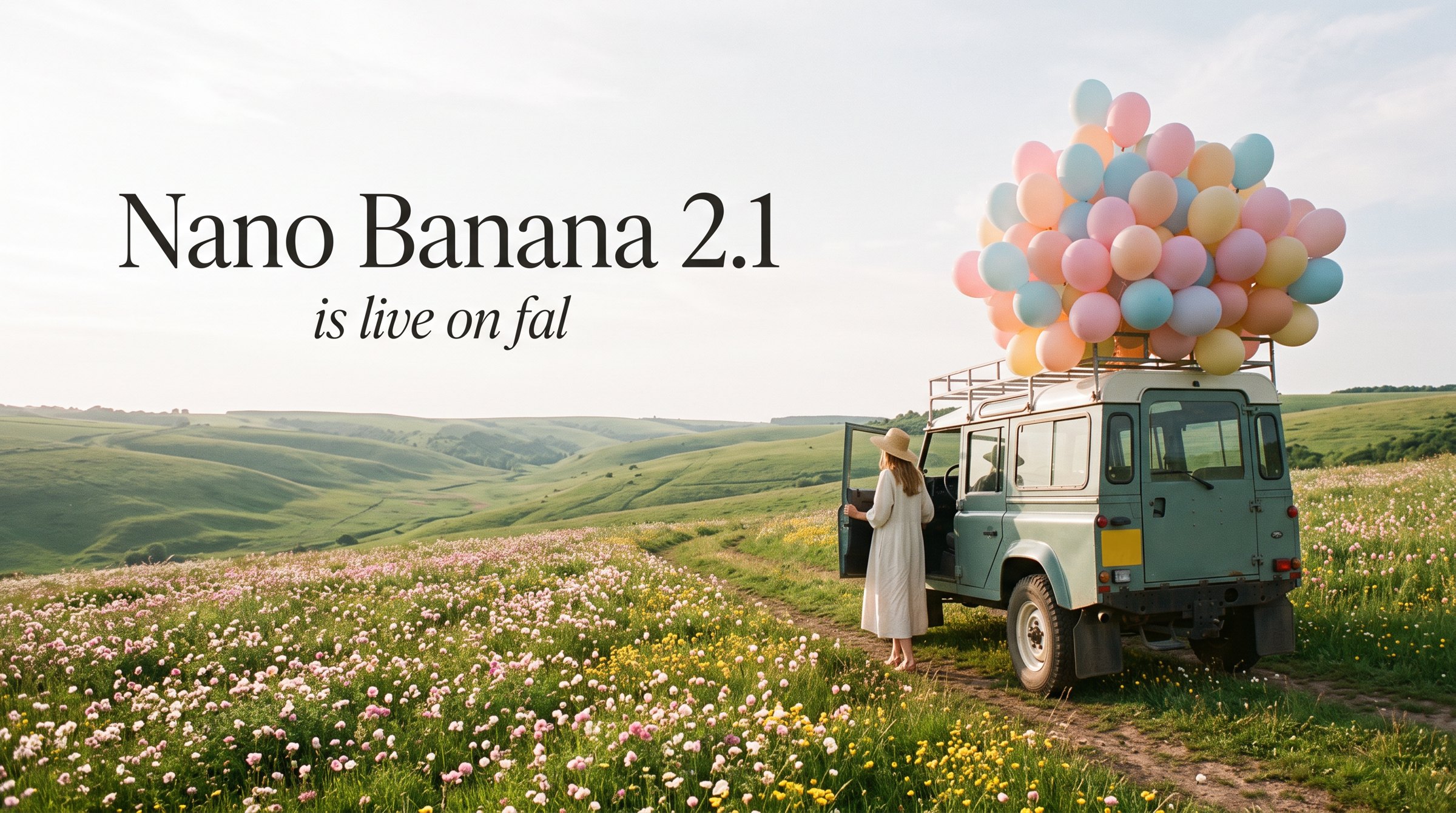
Every image on this page was generated with Nano Banana 2.1 on fal.


How do you access the Nano Banana 2.1 image generation API?
Get a fal API key, install the client for JavaScript or Python, and call either endpoint. The client handles the queue protocol, polls for status and returns the result when the request completes. Both endpoints take the same parameters, and edit adds image_urls.
import { fal } from "@fal-ai/client";

const result = await fal.subscribe("google/nano-banana-2.1", {
  input: {
    prompt:
      "A fashion photo on a mirrored salt flat: a model in a flowing butter-yellow silk gown walks toward the camera, her reflection beneath her",
    aspect_ratio: "3:4",
    resolution: "2K",
  },
  logs: true,
  onQueueUpdate: (update) => {
    if (update.status === "IN_PROGRESS") {
      update.logs.map((log) => log.message).forEach(console.log);
    }
  },
});

console.log(result.data);
console.log(result.requestId);
What can the Nano Banana 2.1 AI image generator do?
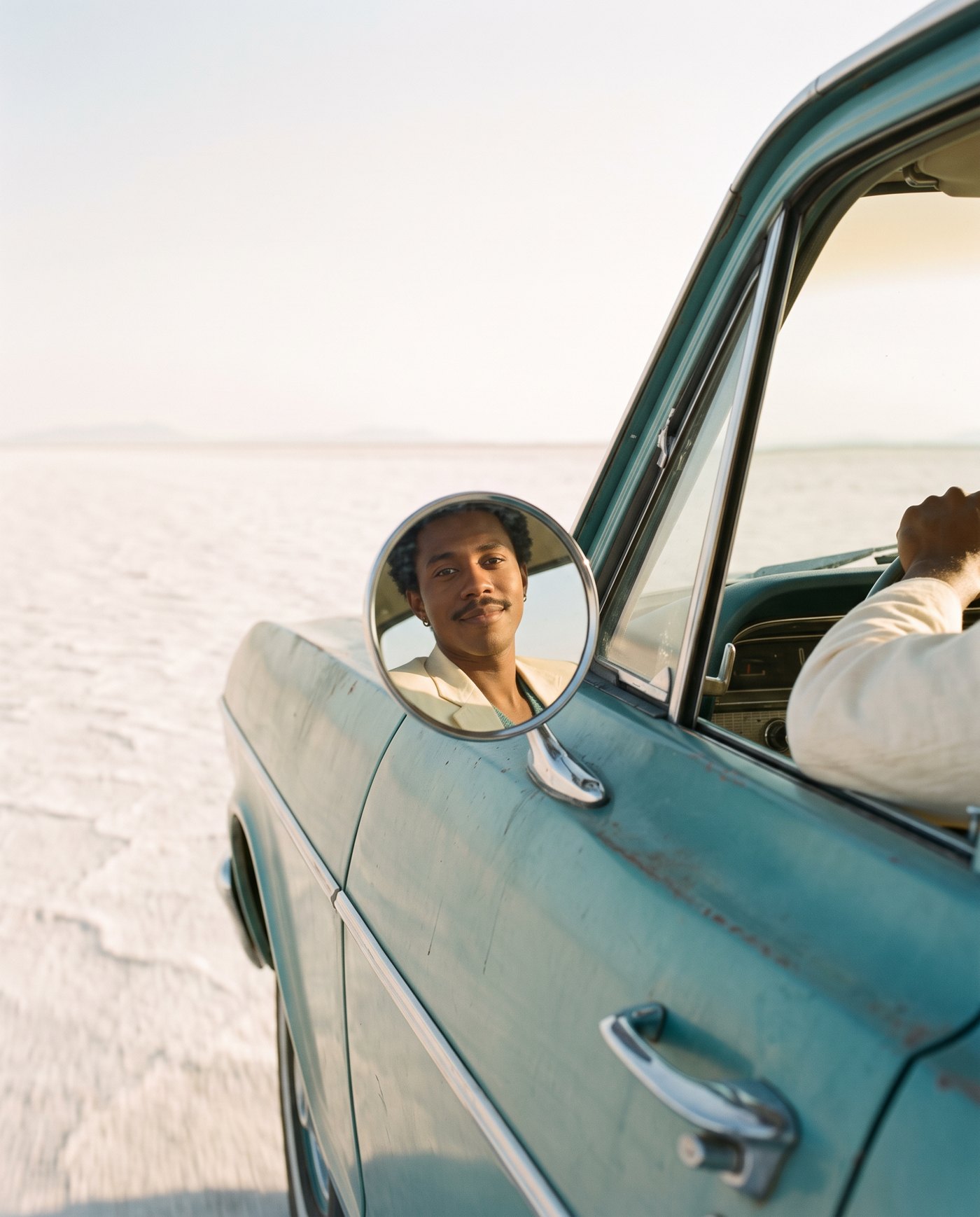
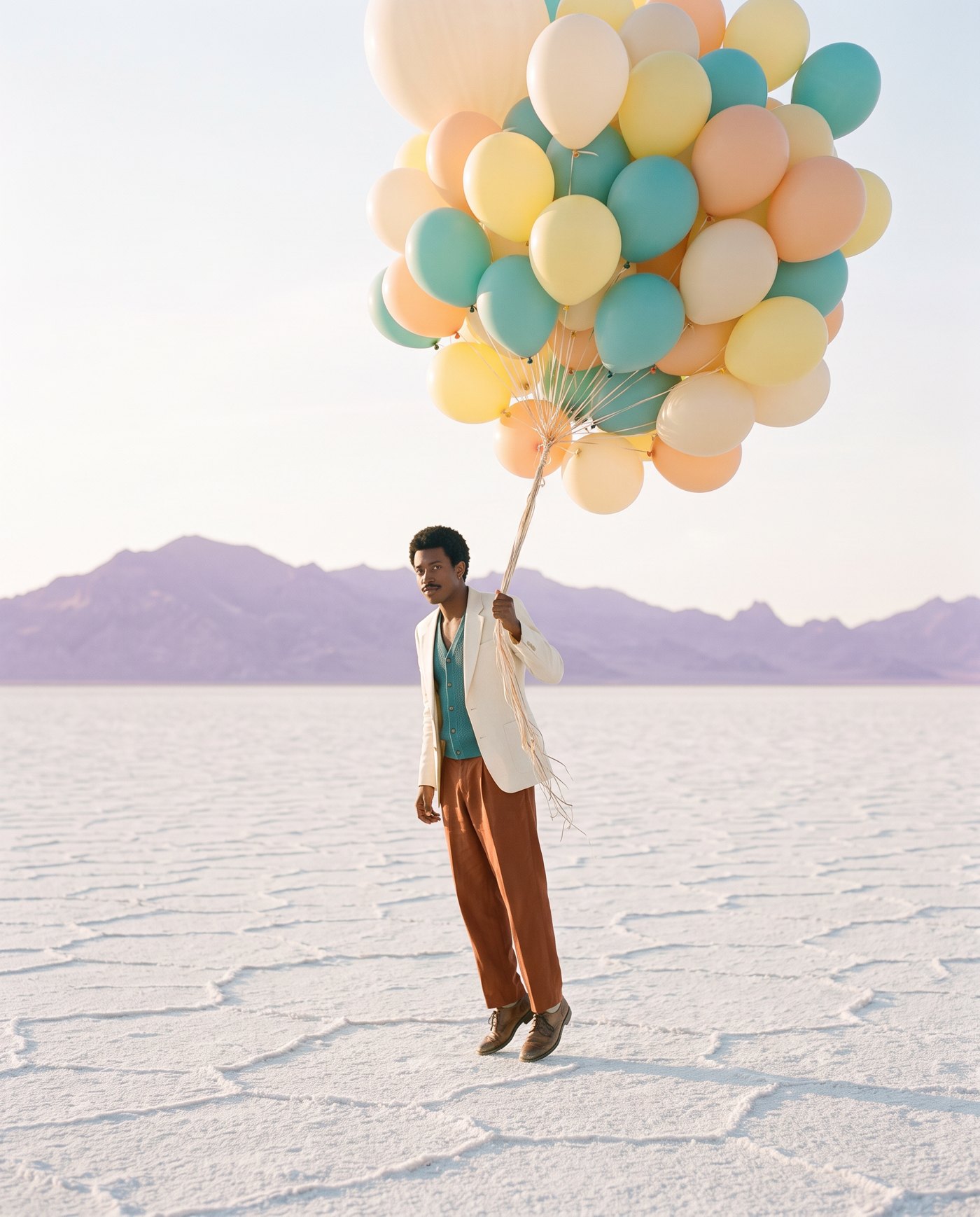
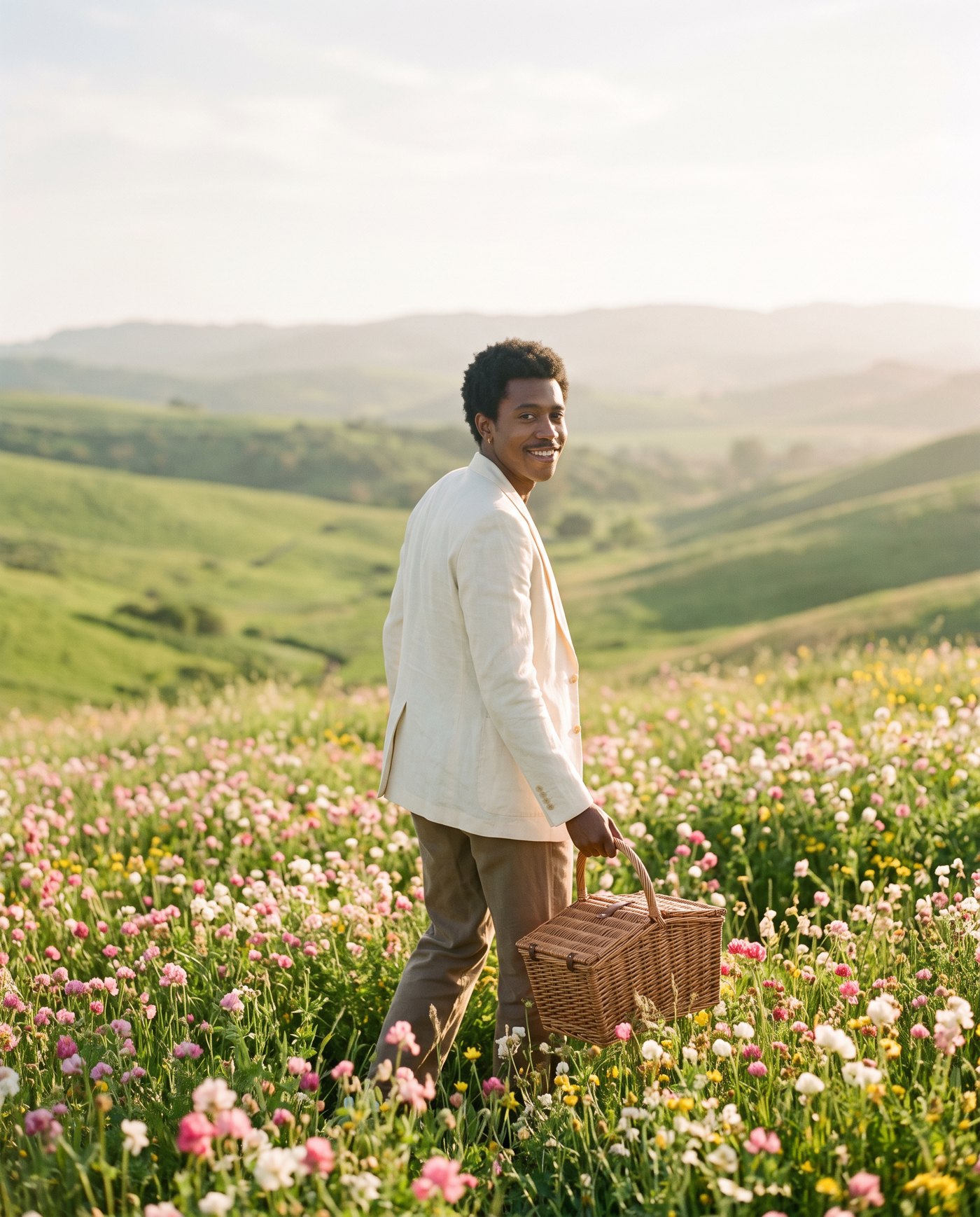
Subject consistency: the same person in every AI image
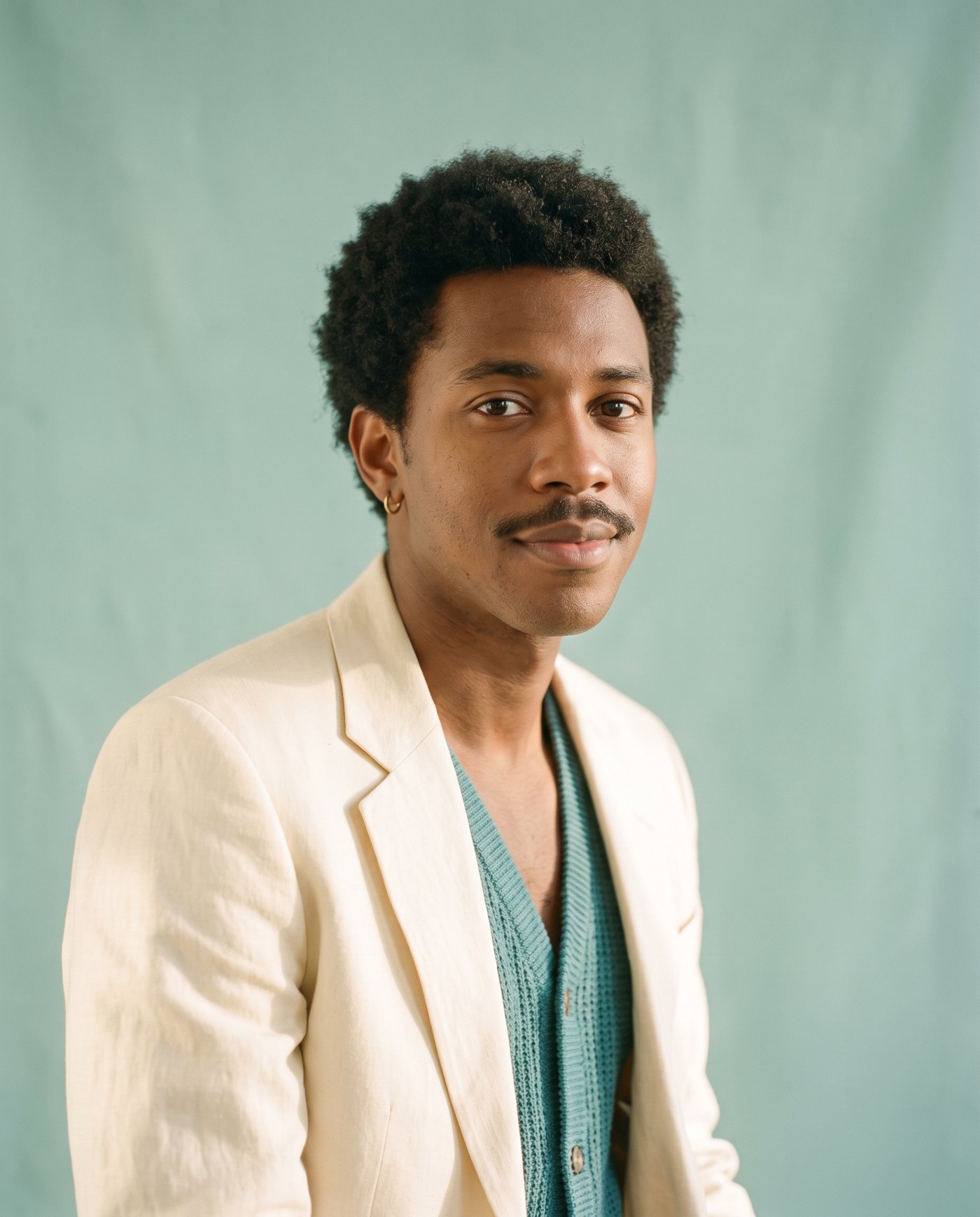
Give Nano Banana 2.1 one portrait and it puts that exact person into any scene, call after call.
- Each scene is a separate edit call with only the portrait as reference
- Face, moustache, gold hoop and linen jacket carry into every frame
- Up to 4 characters and 10 objects stay consistent, per Google
 1
 2
 3
 4
 5
 6
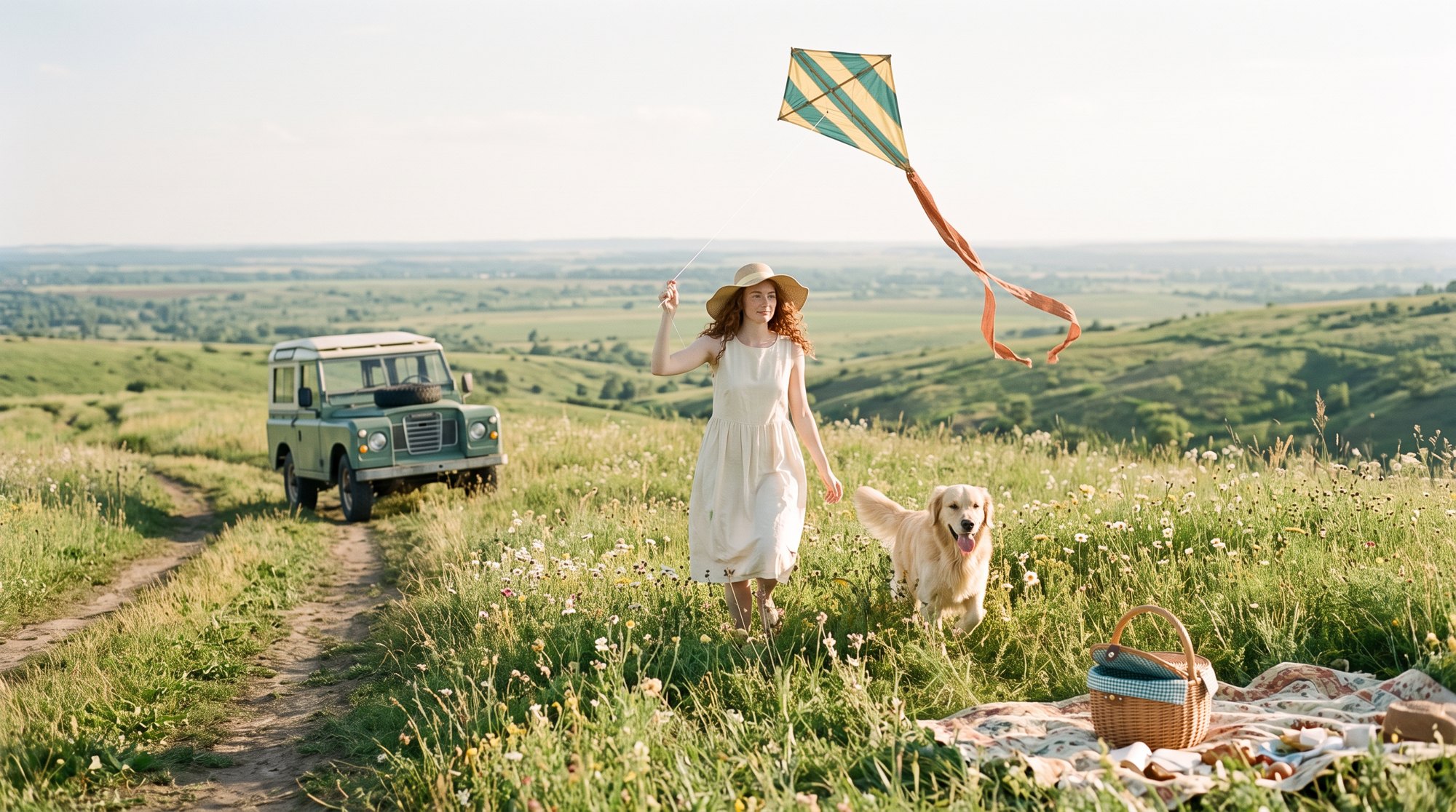
Combine up to 14 reference images in one AI-generated image
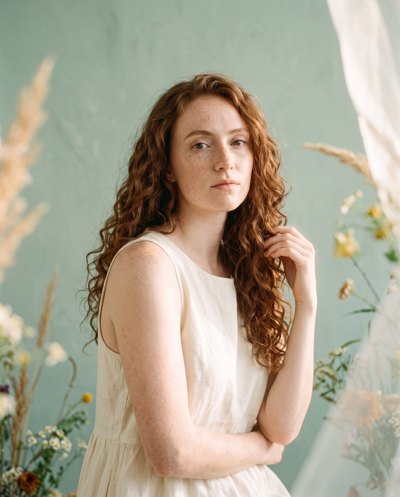
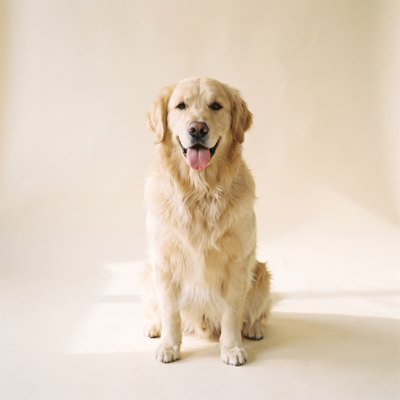
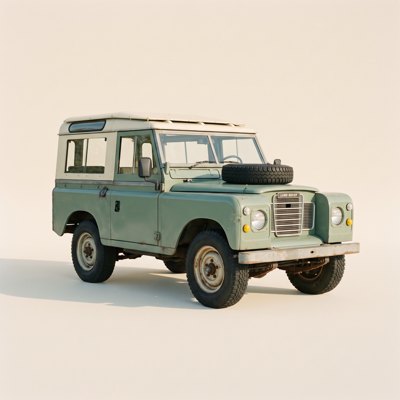
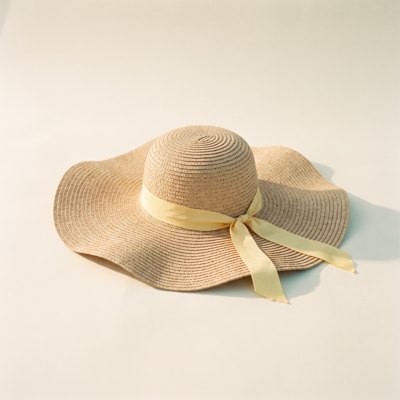
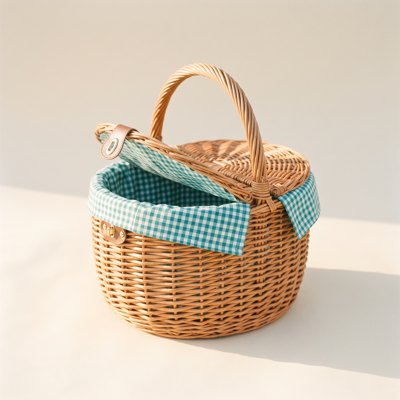
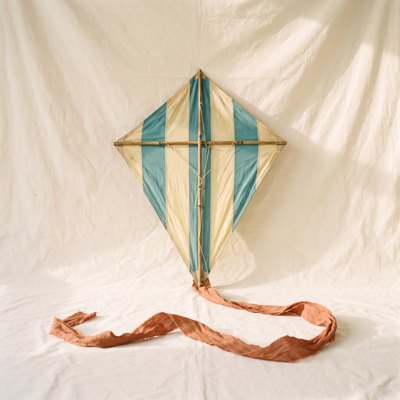
Pass people, pets, products and props as separate references and Nano Banana 2.1 composes them into one scene.
- Six references in: a portrait, a dog, a Land Rover, a hat, a basket and a kite
- Each one keeps its look, down to the hat ribbon and the kite's stripes
- Up to 14 references per request, with 4 characters and 10 objects held consistent
Mask-based editing: change one region of an image
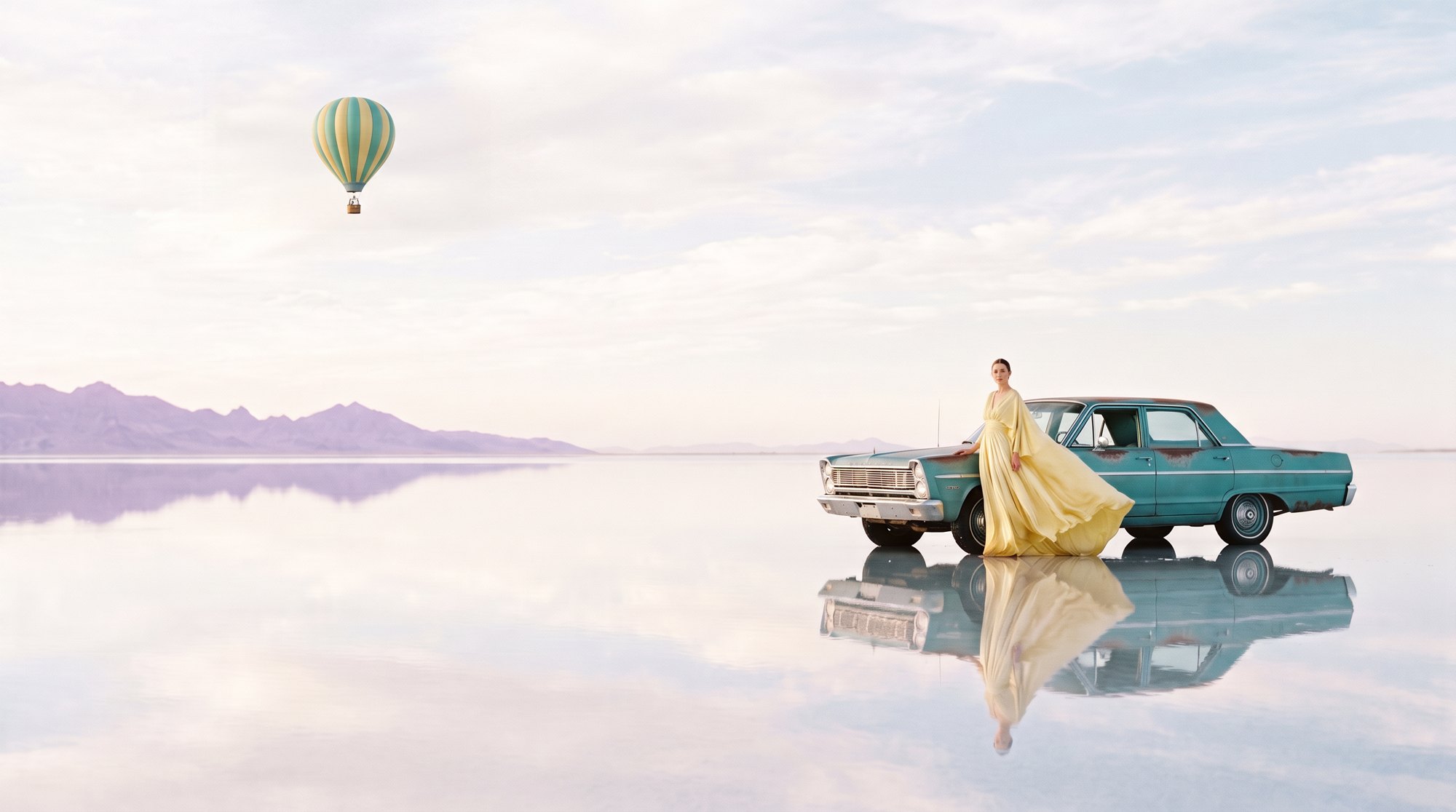
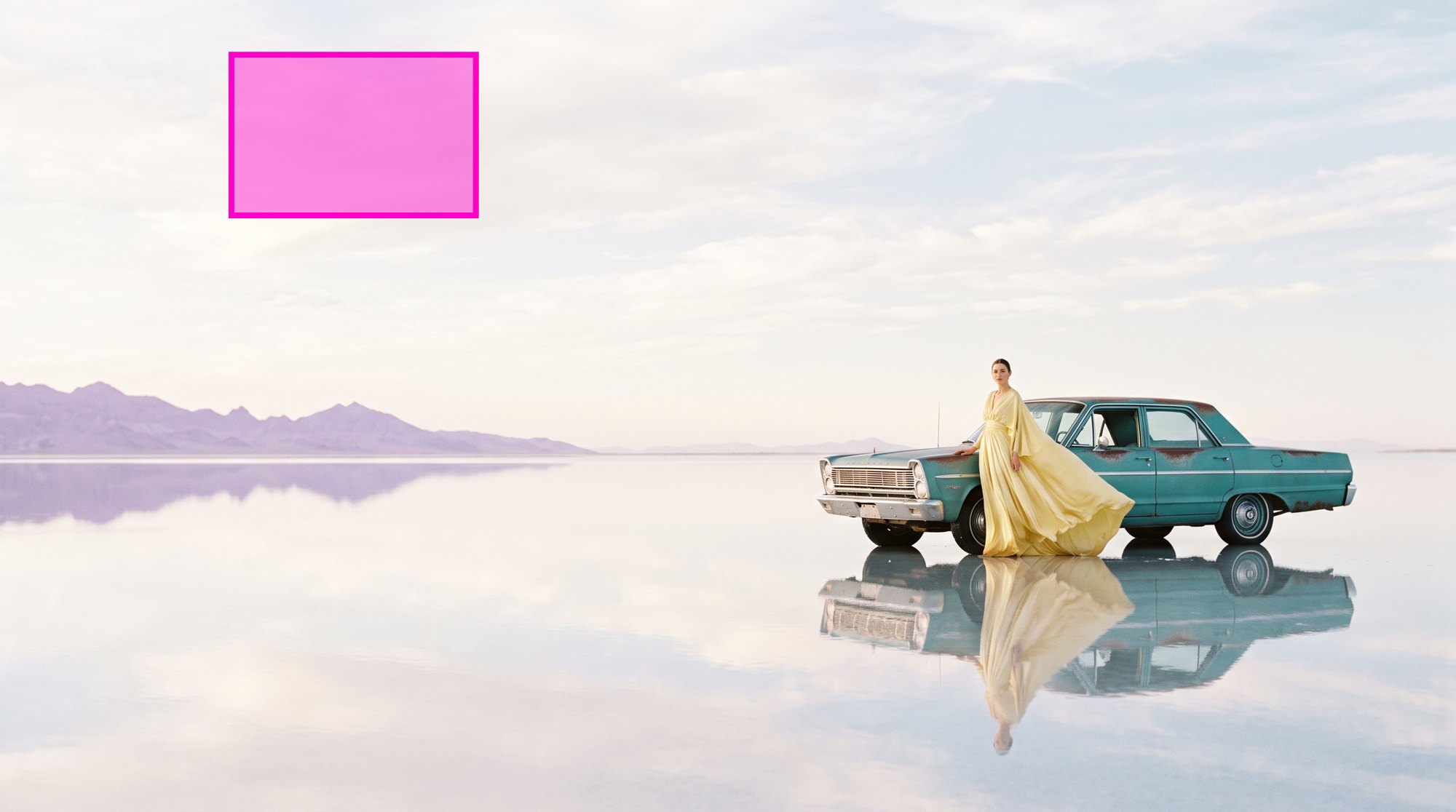
Mark the area to change and describe the change, and Nano Banana 2.1 confines the edit to it, one of Google's headline upgrades in 2.1.
- A hot-air balloon was added inside the marked box, and the box removed
- The model, the car and their reflections stay exactly where they were
- No separate mask parameter: the marked image is the input
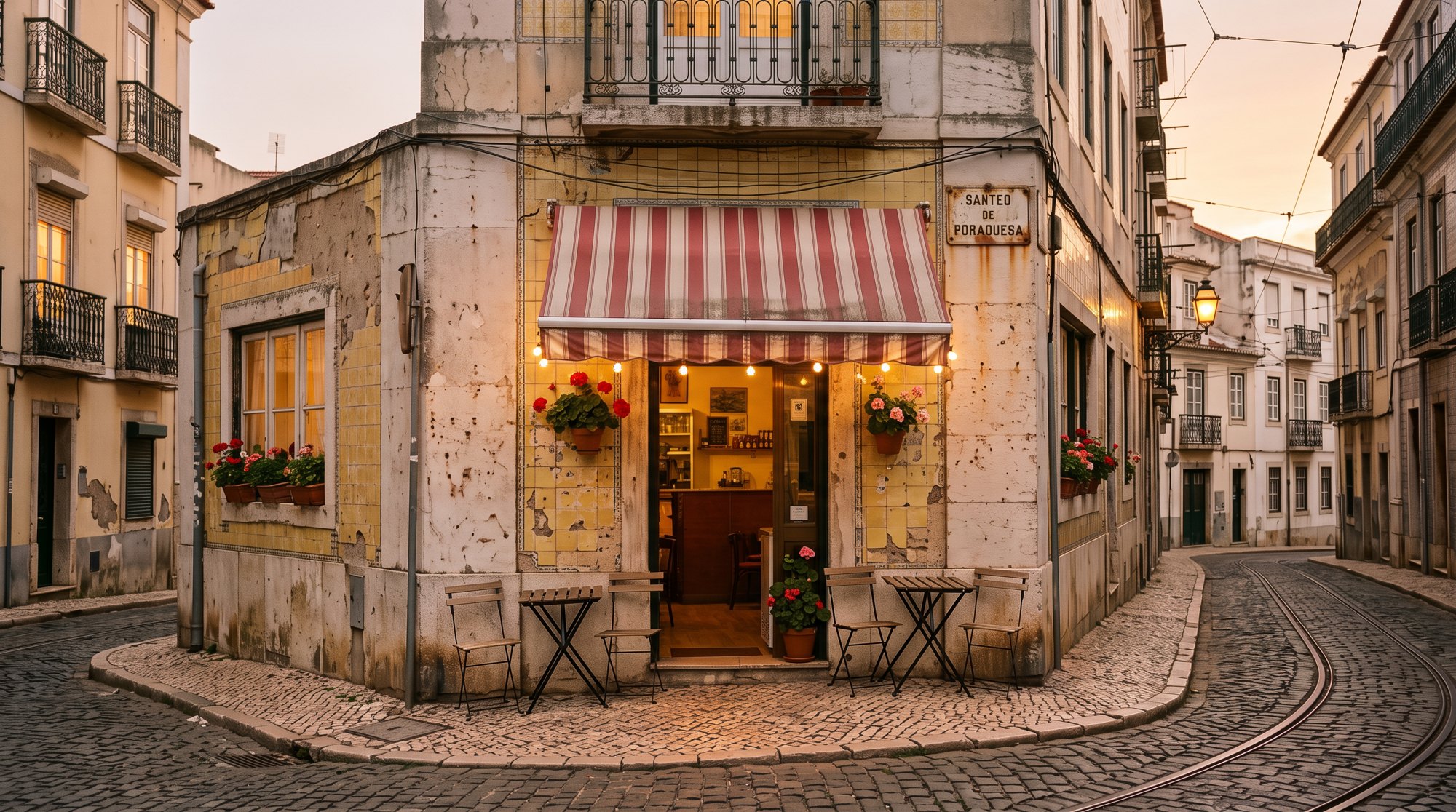
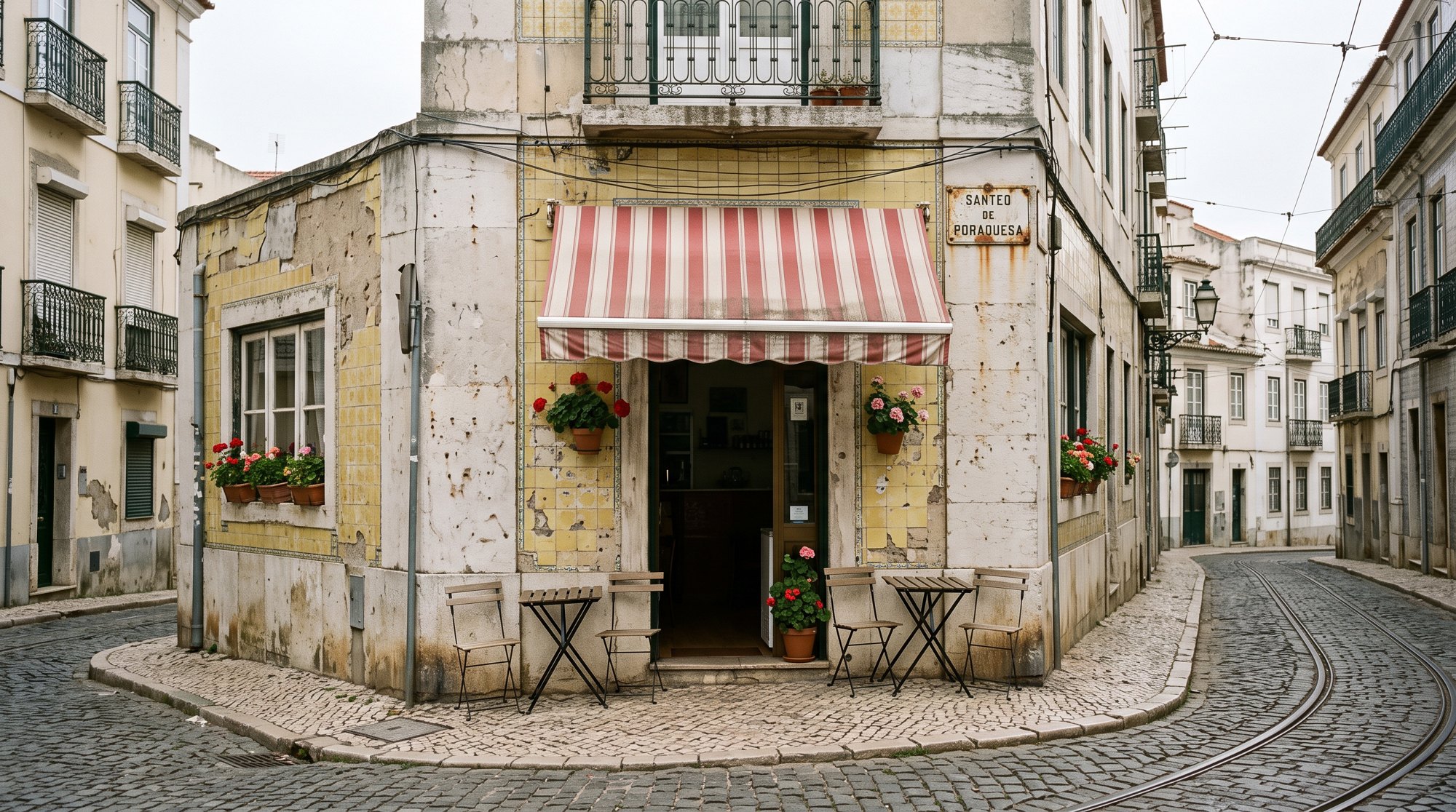
Relight a photo with AI image editing
Describe the light you want and Nano Banana 2.1 relights the scene while the place stays exactly where it was.
- Midday flat light to golden hour, with the café lights switched on
- Buildings, tiles, tables and camera angle are unchanged
- Drag the slider to compare
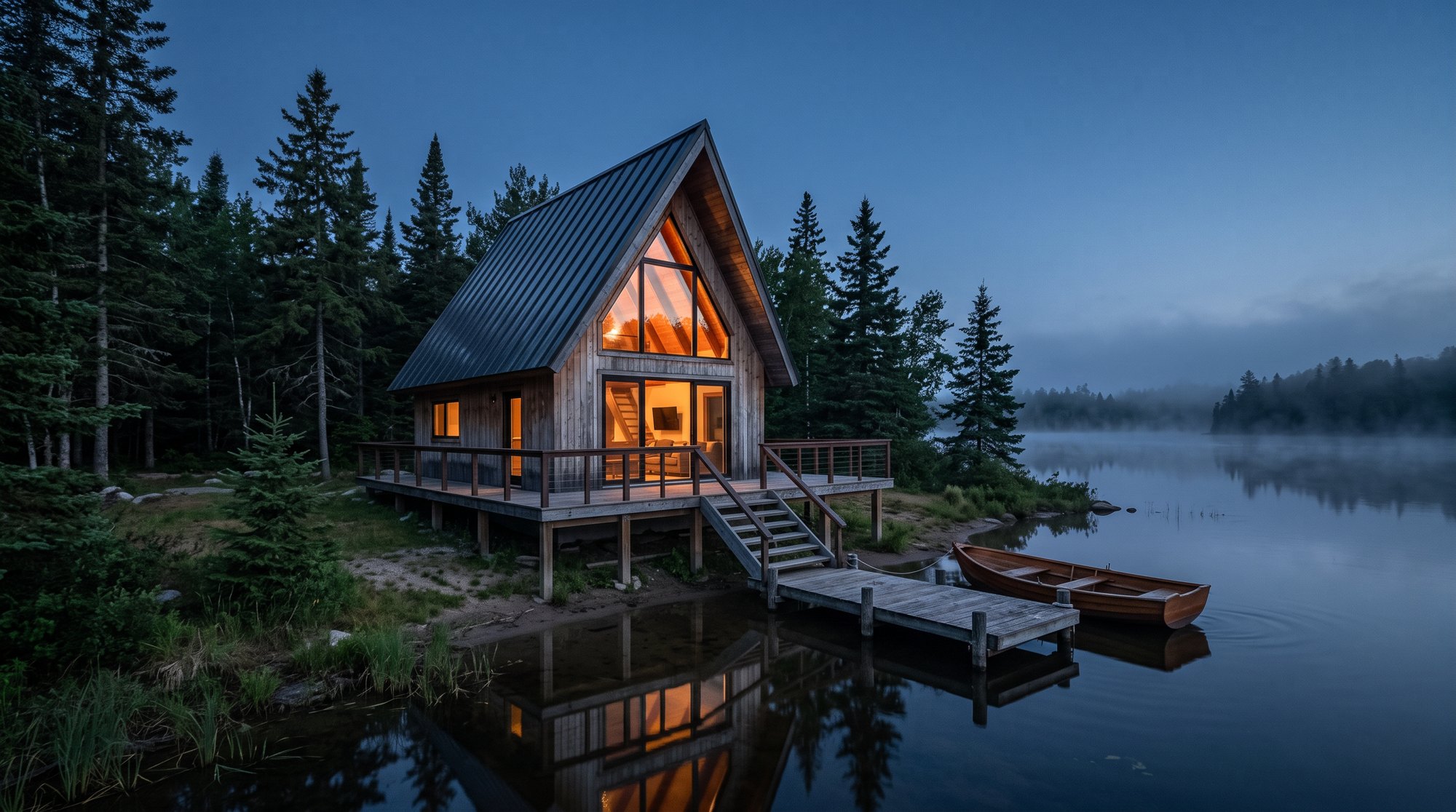
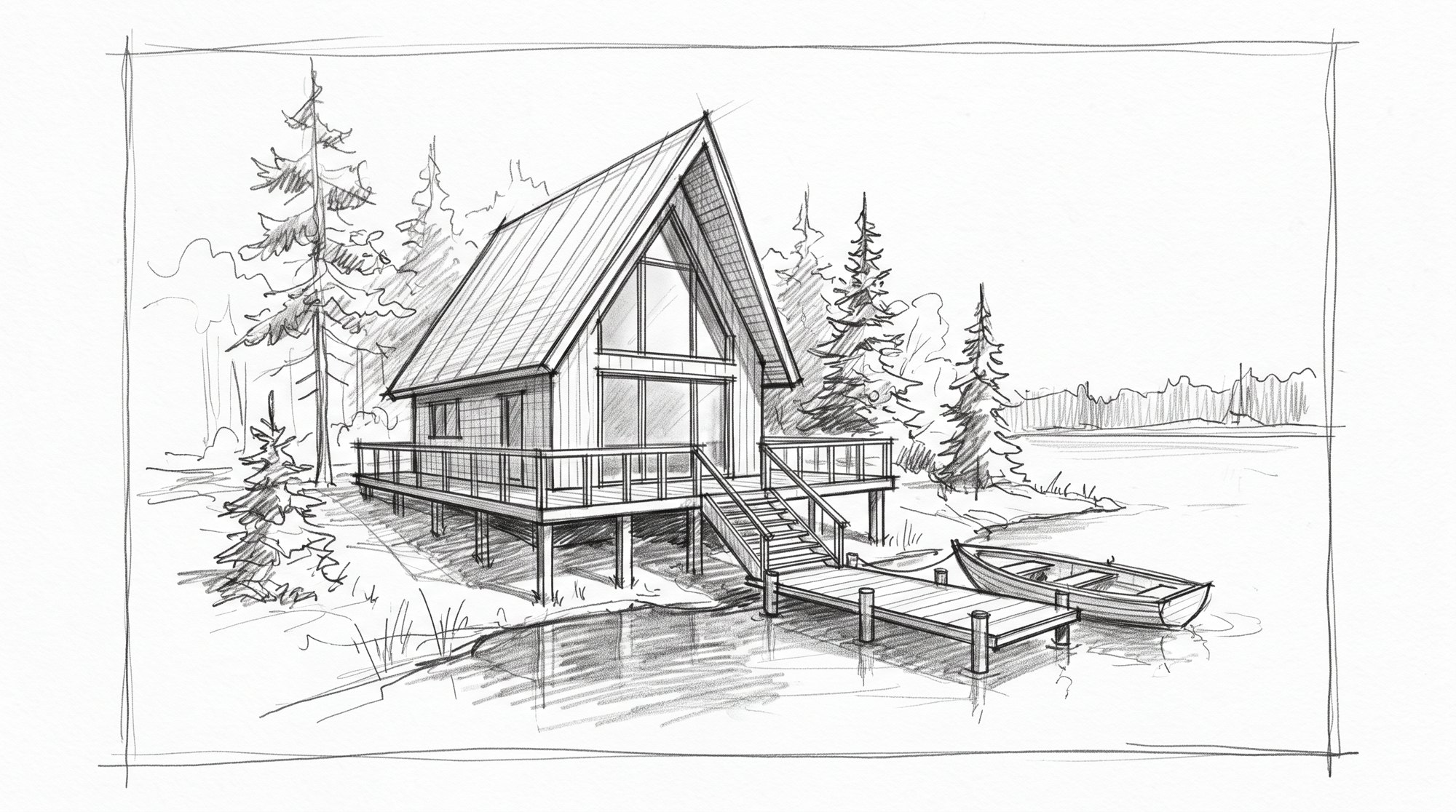
Turn a sketch into a photorealistic AI image
Give it a rough drawing and a few words on materials and light, and the composition comes back as a finished render.
- The cabin, deck, stairs, jetty and rowing boat land where they were drawn
- Materials, mist and interior glow come from one sentence
- Fast concept renders for architecture, product and set design
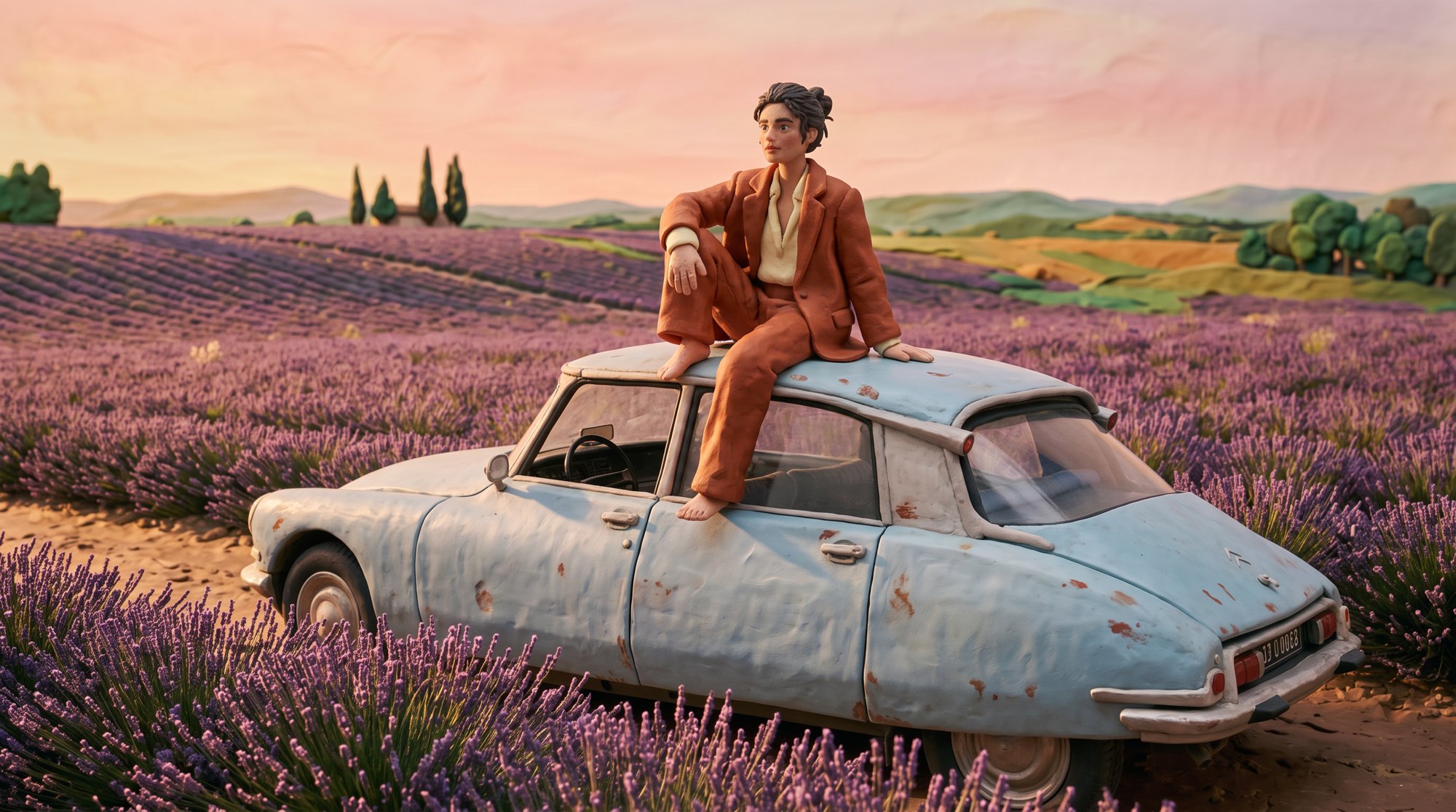
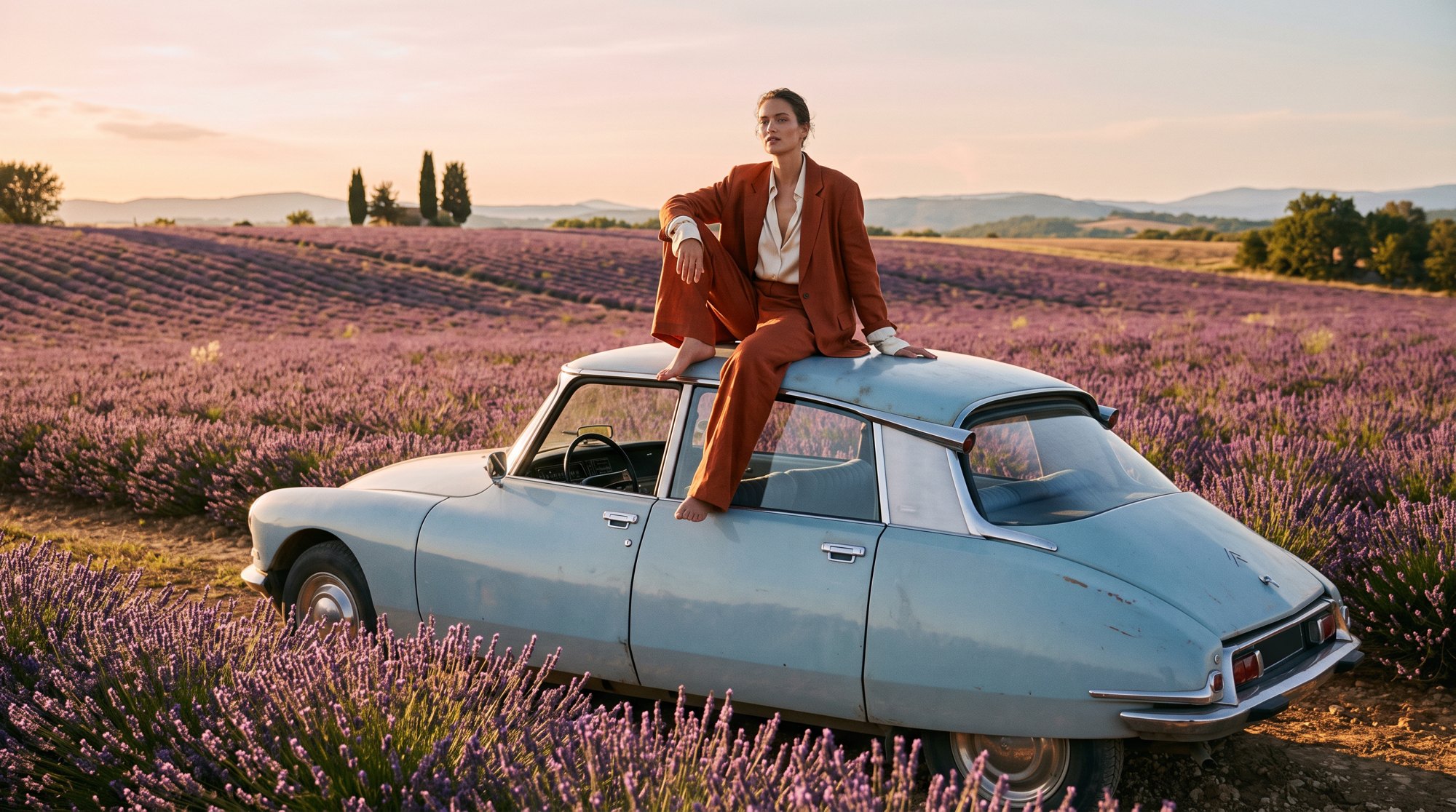
Restyle a photo with AI without losing the shot
Swap the medium, keep the picture: the same pose, car and field, now sculpted in clay.
- Composition, pose and palette hold through the change of medium
- Claymation, watercolour, anime or pixel art from a single prompt
- Useful for campaign variants and storyboard looks
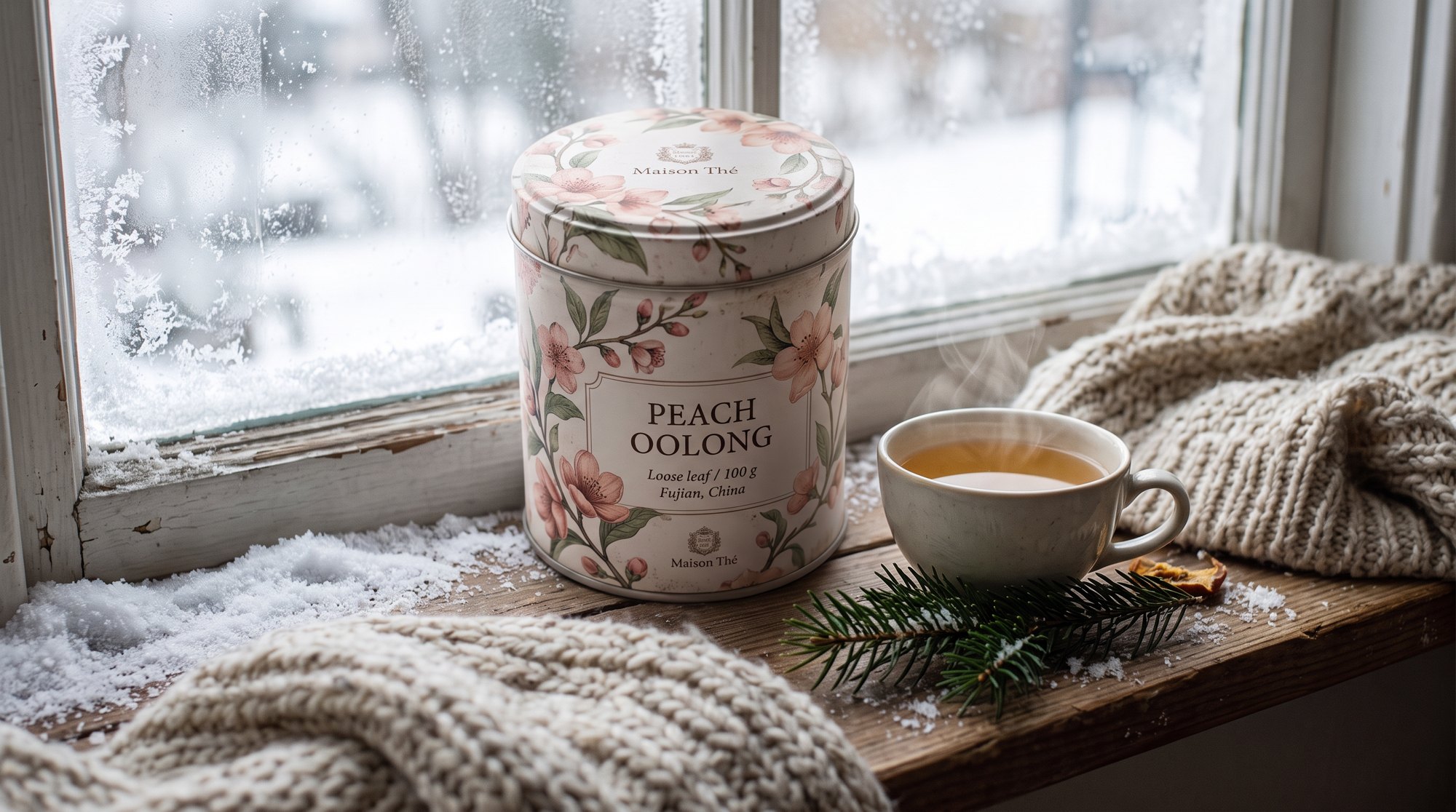
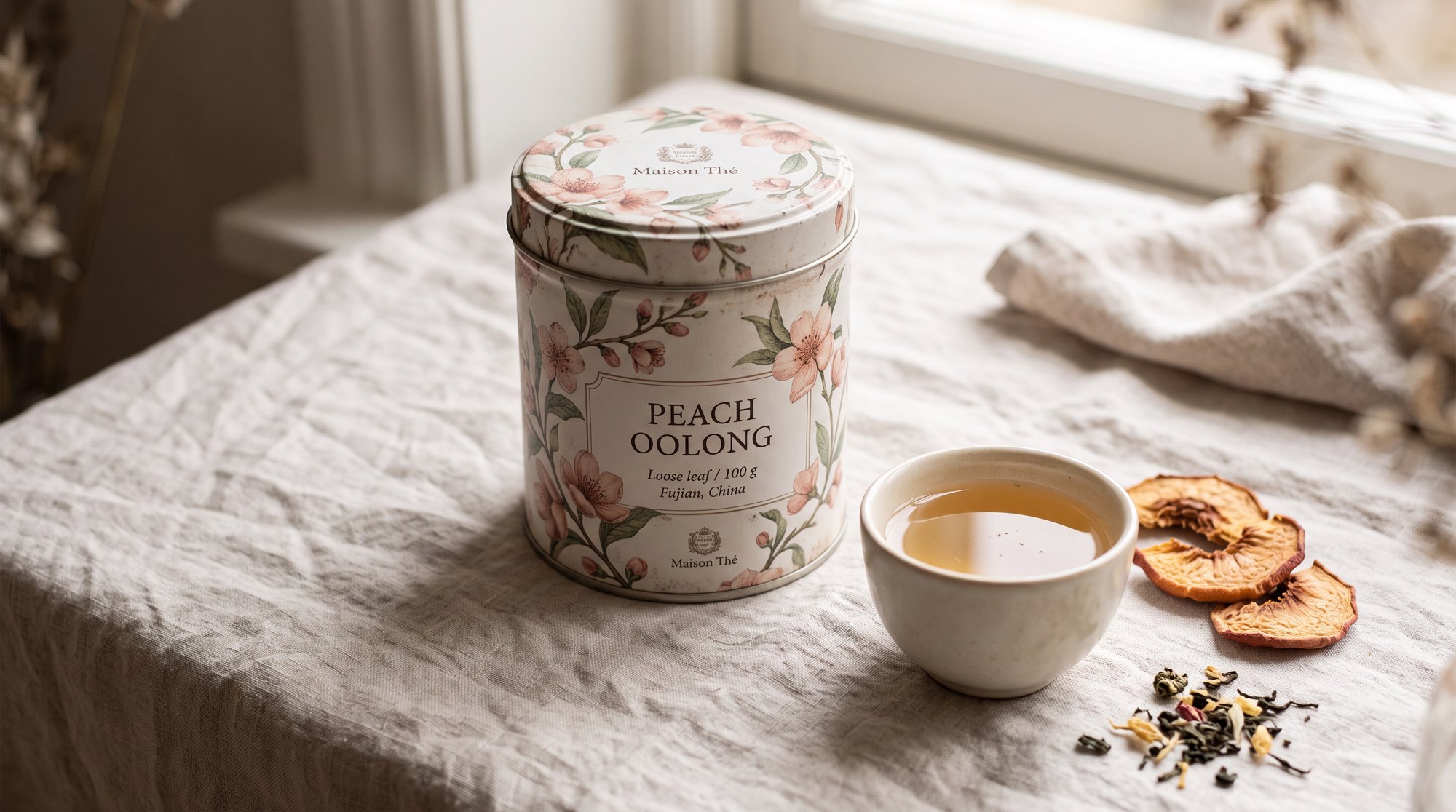
AI product placement with the label intact
Move a product shot into any setting and the packaging artwork and type stay exactly as they were.
- The tin's illustration, serif label and small print are preserved
- Lighting and shadows are rebuilt for the new scene
- One product photo becomes a season of lifestyle shots
How to use Nano Banana 2.1
Three steps from an idea to a finished image with the Nano Banana 2.1 AI image generator, in the fal playground or through the API.
What are examples of Nano Banana 2.1 AI images?
Lush valleys, salt flats and beyond, each with the prompt that produced it.
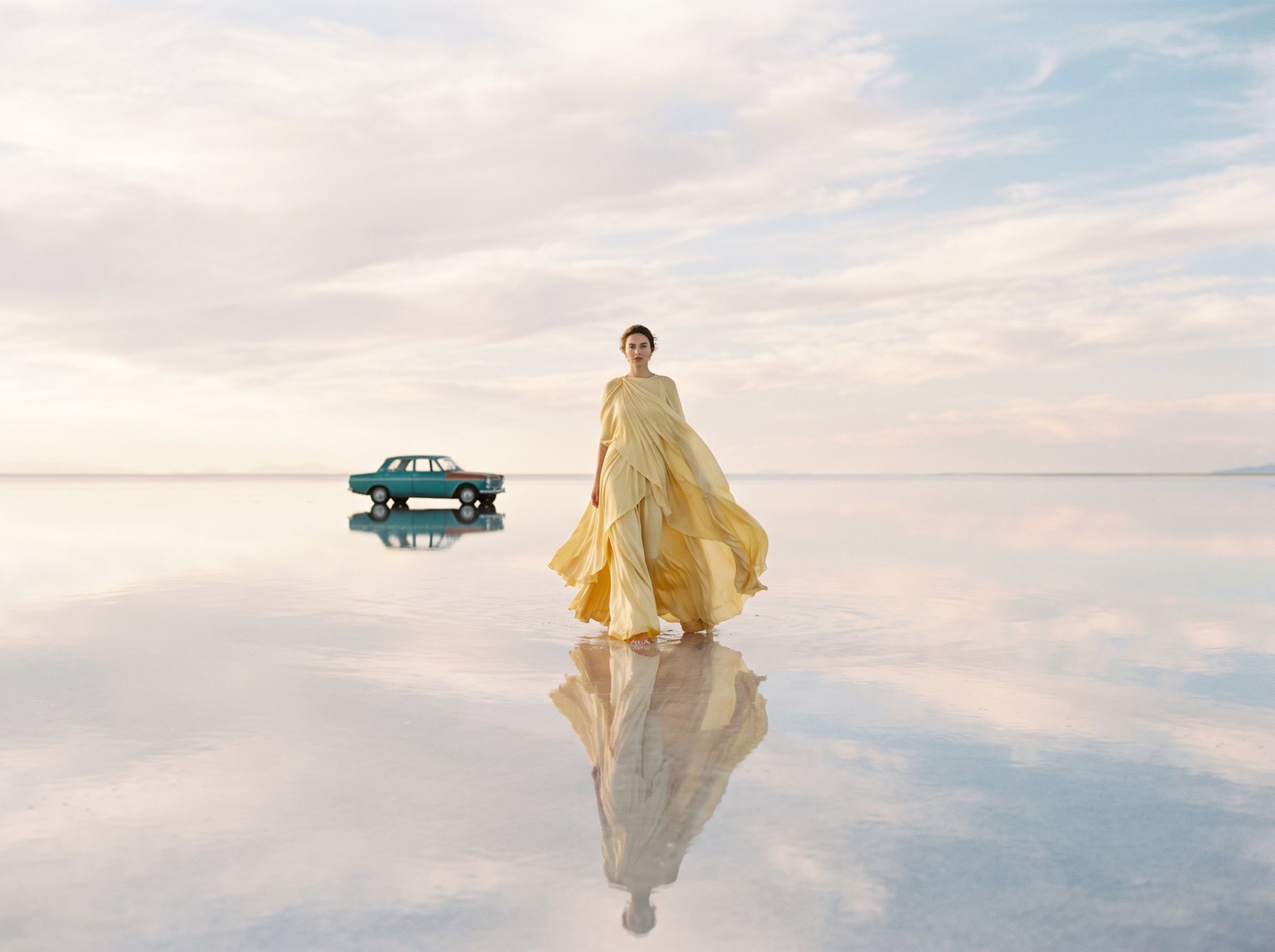
Fashion on a mirror
"A fashion photograph on a salt flat covered by a thin layer of water that turns it into a perfect mirror: a model in a flowing butter-yellow silk gown walks toward the camera, her full reflection beneath her, the sky and soft clouds mirrored to the horizon, a vintage teal car small in the distance. Shot on 35mm film, soft high-key natural daylight from a low sun, pastel palette of teal, cream, butter yellow and rust, gentle halation and fine grain, whimsical surreal fashion-film art direction, calm and dreamlike."
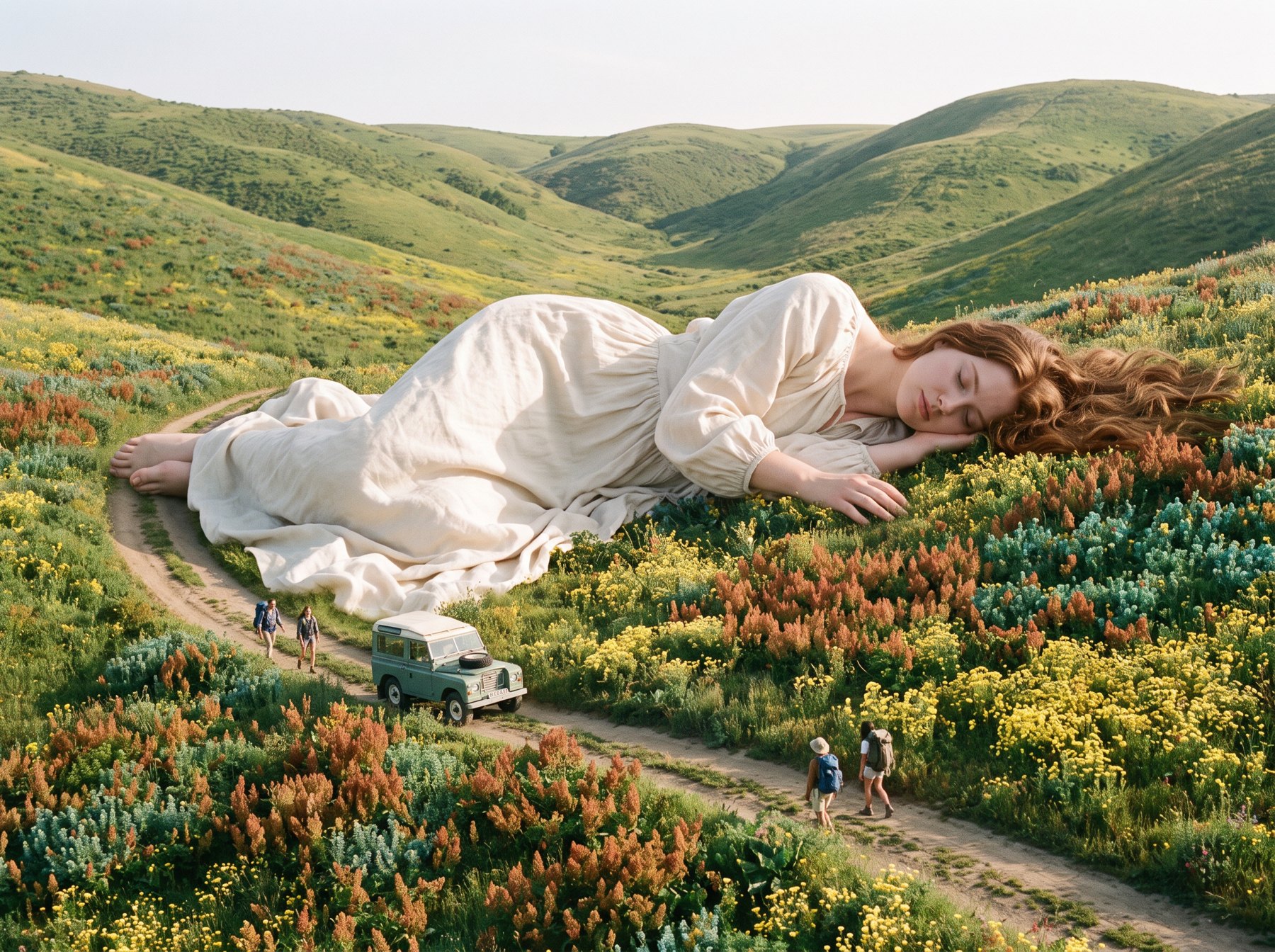
Scale play
"A surreal photograph of a lush wildflower valley where a giant woman in a cream linen dress lies asleep across the rolling green hills like part of the landscape, her auburn hair spreading into the flowers, tiny hikers and a vintage sage-green Land Rover on a dirt track winding past her shoulder for scale. Shot on 35mm film, soft high-key natural daylight from a low sun, pastel palette of teal, cream, butter yellow and rust, gentle halation and fine grain, whimsical surreal fashion-film art direction, calm and dreamlike."
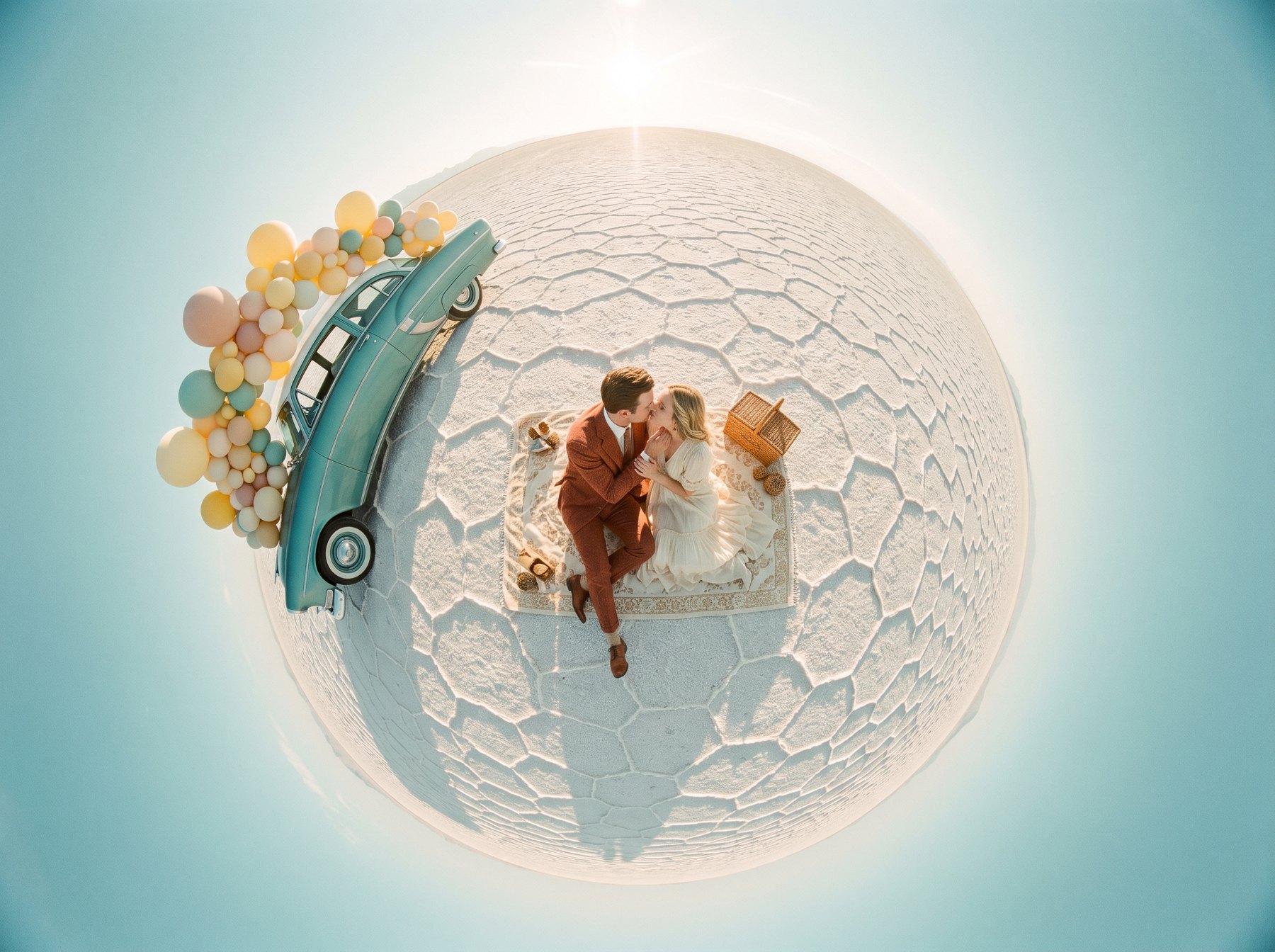
Surreal photography
"A tiny-planet fisheye photograph: a couple in a rust suit and a cream dress kiss on a picnic blanket on top of a small round world made of white hexagonal salt crust, a vintage teal car and a cluster of pastel balloons curving around the edge of the little planet, pale teal sky all around, the sun flaring at the top. Shot on 35mm film, soft high-key natural daylight from a low sun, pastel palette of teal, cream, butter yellow and rust, gentle halation and fine grain, whimsical surreal fashion-film art direction, calm and dreamlike."
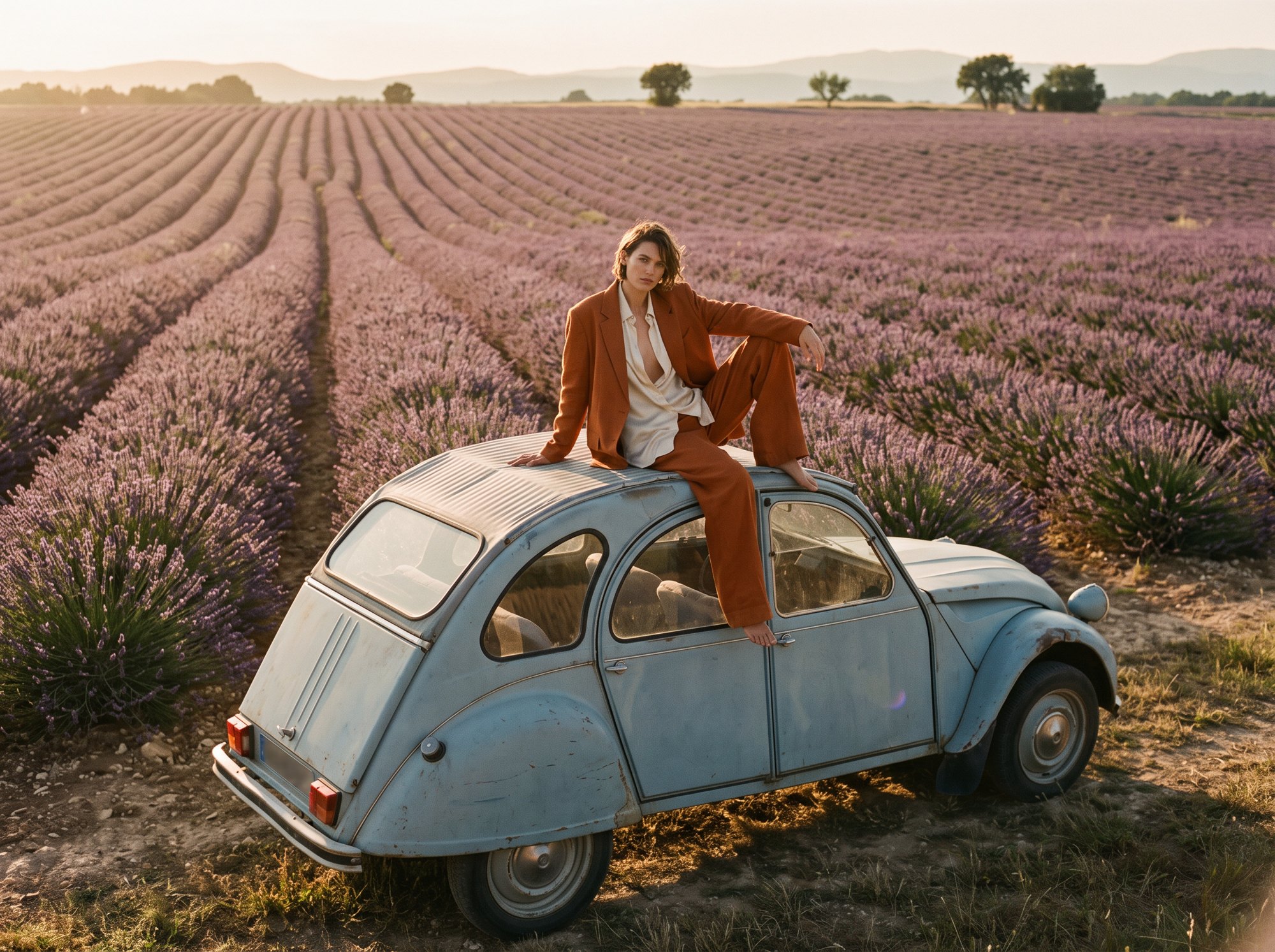
Fashion editorial
"A fashion editorial photograph of a model in an oversized rust linen suit and a cream silk shirt, sitting on the roof of a vintage pale-blue Citroën parked in a lavender field in Provence, golden-hour light, long shadows, 35mm film grain, Vogue editorial style."

How much does the Nano Banana 2.1 image API cost?
Cost per image at each resolution. Editing costs a little more than generating, because the reference image is billed as input, and high thinking adds the reasoning it spends.
| Size | Text to image | Editing | ||
|---|---|---|---|---|
| Minimal / medium (default) | High | Minimal / medium (default) | High | |
| 1KDefault | $0.0396 | $0.0490 | $0.0415 | $0.0493 |
| 2K | $0.0593 | $0.0732 | $0.0613 | $0.0743 |
| 4KThe maximum | $0.1335 | $0.1435 | $0.1354 | $0.1468 |
Every figure above is the amount fal actually billed for a real request to the endpoint, measured on October 7, 2026, for one 16:9 image with a short prompt; a long prompt adds its own text-input tokens. Underneath the table the model bills by token: text and image input at $1.764 per million, text and thinking output at $8.823 per million, and image output at $35.294 per million. Edit figures assume a single reference image, and passing several adds more. Minimal and medium thinking billed identically in every test. Information updated as of October 7, 2026.
The two Nano Banana 2.1 image API endpoints
Text to image for new work, edit for everything that starts from an image. Same model, same parameters, same token rates.
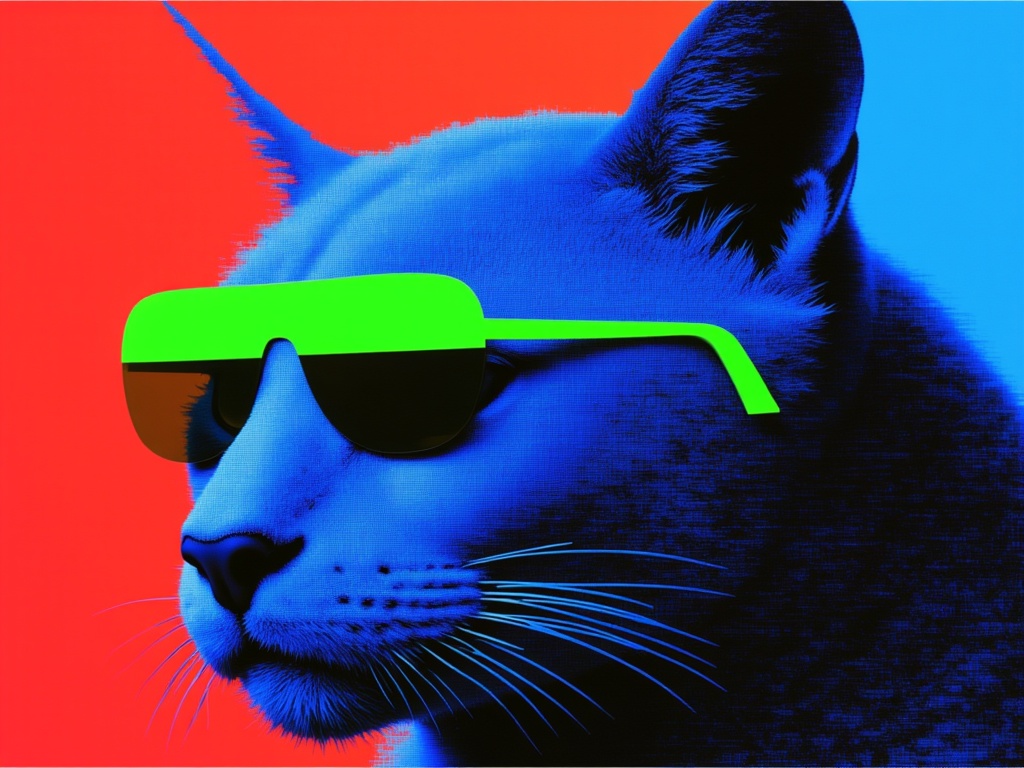
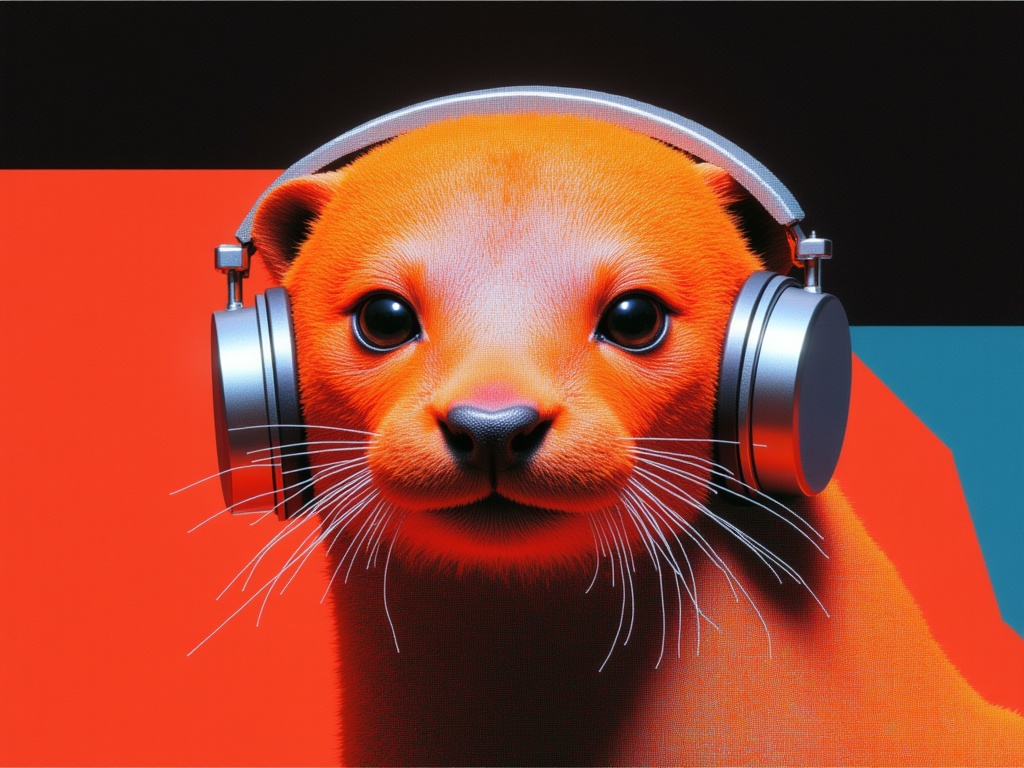
Nano Banana 2.1 by Google generates images from text prompts, with output resolutions up to 4K, adjustable aspect ratios, and optional web search grounding.
Nano Banana 2.1 Edit by Google transforms reference images using text instructions, with output resolutions up to 4K and optional video or PDF context.
Nano Banana 2.1 image model FAQ
What is Nano Banana 2.1?
Nano Banana 2.1 is Google's AI image generation and editing model, released on October 6, 2026 in the Gemini app, AI Mode in Google Search and Google's developer tools, and available on fal through an API. It keeps the Flash-level speed of Nano Banana 2 while improving visual design, mask-based editing, subject consistency, text rendering and very wide or tall aspect ratios. On fal it is available as two endpoints: text to image and edit.
Is Nano Banana 2.1 free?
Google is rolling Nano Banana 2.1 out in its consumer apps, including the Gemini app. Through the fal API it is pay as you go, with no subscription and no minimum: each request is billed by the tokens it uses, which came to about $0.04 for a typical 1K image in fal's tests on October 7, 2026.
How do you use Nano Banana 2.1?
Describe the image you want, or upload images to edit, then pick a resolution and aspect ratio. In the fal playground that takes one prompt and a click; through the API it is one call to google/nano-banana-2.1 or google/nano-banana-2.1/edit. Send a result back through the edit endpoint to keep refining it.
How do you access the Nano Banana 2.1 API?
Install the fal SDK for Python or JavaScript, grab an API key from your dashboard, and make your first request in a few lines of code. Serverless, with no GPUs to manage. The API documentation lists every parameter.
How much does Nano Banana 2.1 cost?
Nano Banana 2.1 bills by token: $1.764 per million input tokens (text or image), $8.823 per million text and thinking output tokens, and $35.294 per million image output tokens. Output image tokens set most of the price, so resolution is the main lever. In fal's tests on October 7, 2026, a single 16:9 image cost $0.0396 at 1K, $0.0593 at 2K and $0.1335 at 4K, and an edit with one reference image cost about $0.002 more. High thinking added about $0.01 to $0.014. Longer prompts, more references, web search and higher thinking levels use more tokens. There is no subscription.
Can Nano Banana 2.1 make videos?
No. Nano Banana 2.1 makes still images. To animate one, pass it to an image-to-video model on fal, such as Seedance 2.5 or MiniMax H3 Max.
What is new in Nano Banana 2.1 compared to Nano Banana 2?
Google highlights three big gains: more polished visual design, mask-based editing that changes only a selected region, and stronger subject consistency across edits and related images. In Google's own human-preference tests it scored 1,050 Elo, against 990 for Nano Banana 2. It also fixes tiling artifacts at 4:1, 8:1, 1:4 and 1:8 at 2K and 4K, and improves text and infographic accuracy. Billing moves from a flat price per image to token usage, and the 0.5K draft resolution goes; both flat pricing and 0.5K stay available on Nano Banana 2.
Nano Banana 2.1 vs Nano Banana Pro: which image model should I use?
Start with Nano Banana 2.1: it is the newest model in the family and carries the latest gains in design, editing and consistency. Google's own human-preference tests scored it 1,050 Elo against 935 for Pro. It bills by token, and a typical 1K image came to about $0.04 in fal's tests, against a flat $0.15 for Pro. Nano Banana Pro remains available for workloads already tuned around it.
How many reference images can Nano Banana 2.1 use?
Up to 14 per request, according to Google, with consistency for up to 4 characters and 10 objects. Pass them in image_urls and refer to them by order in the prompt ("the woman from the first image", "the cap from the second image"). The edit endpoint also accepts an optional video or PDF, up to 15 MB each, as extra context.
How does mask-based editing work in Nano Banana 2.1?
Send the image to the edit endpoint with the region you want changed clearly marked, for example a coloured box drawn over it, and say in the prompt to edit only inside the mark and remove the mark. The example on this page added a hot-air balloon inside a magenta box and left the model, the car and their reflections in place. The rest of the frame is regenerated rather than copied bit for bit, so expect it to match closely rather than pixel for pixel.
What resolutions and aspect ratios does Nano Banana 2.1 support?
Resolution is 1K, 2K or 4K. Aspect ratio can be auto, 21:9, 16:9, 3:2, 4:3, 5:4, 1:1, 4:5, 3:4, 2:3 or 9:16, plus the extreme ratios 4:1, 1:4, 8:1 and 1:8. Up to 4 images per request, in PNG, JPEG or WebP.
What do web search grounding and thinking do in Nano Banana 2.1?
enable_web_search lets the model ground the image in current information from the web, which helps with real places, products and events. thinking_level sets how much the model reasons before it renders: minimal, medium (the default) or high. High is the setting to try for dense layouts and multi-step instructions. Both features are billed through the tokens they use; in fal's tests high thinking added about $0.01 to a 1K image.
Can I use Nano Banana 2.1 images for commercial projects?
Yes. Images generated through the fal API can be used in commercial projects. Check fal's terms of service for full details on usage rights and licensing.
Get in touch about Nano Banana 2.1
Generating images at volume? Leave your details and our team will get back to you about pricing and enterprise terms.