Z-Image Turbo Generate Images at the Speed of Thought
Generate high-quality images in under a second with Z-Image Turbo on fal.ai. 6B parameters, up to 4MP resolution, LoRA and ControlNet support via a fast serverless API.
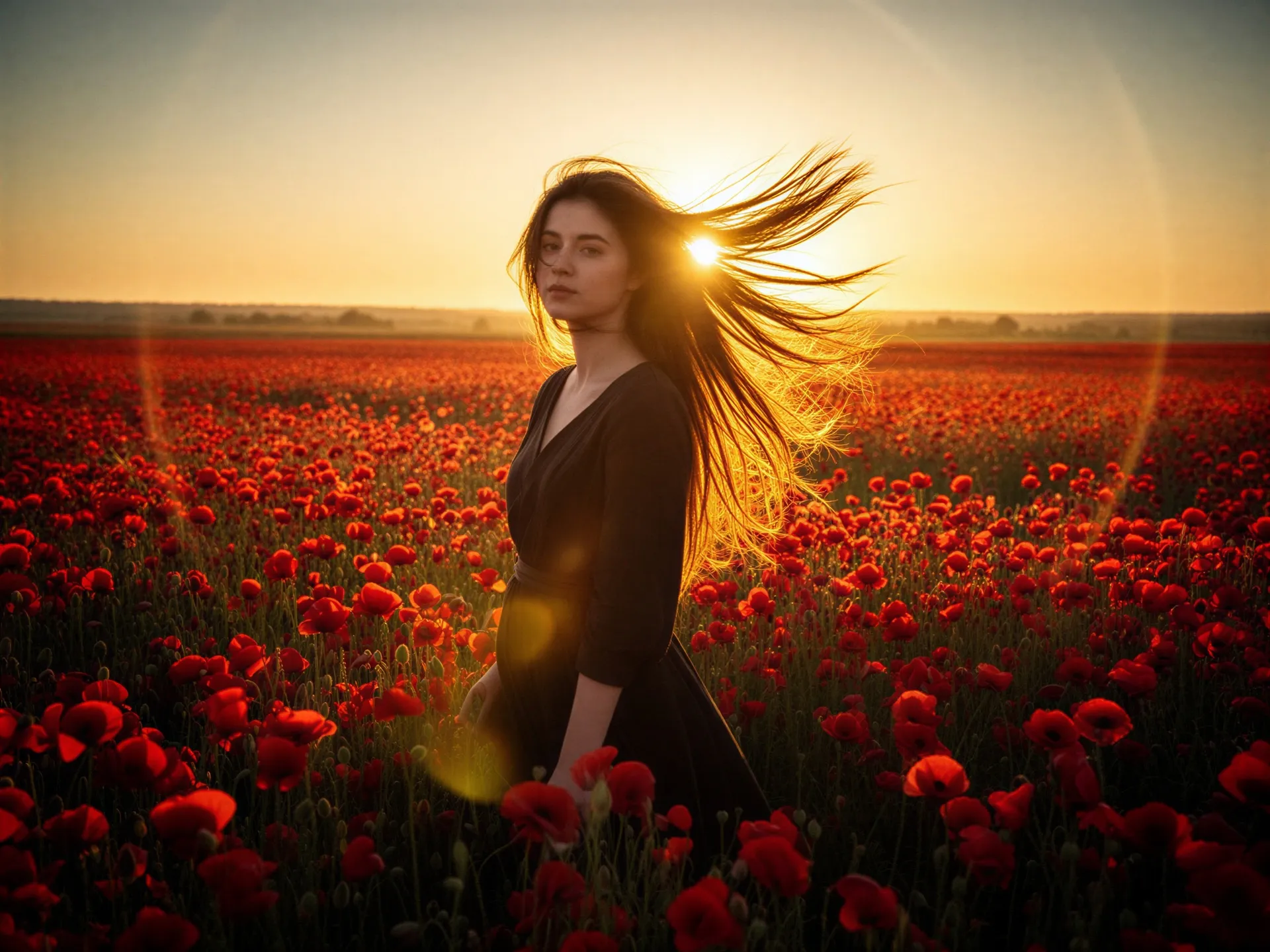
6B Parameters. Sub-Second Speed.
Images in Under a Second
Z-Image Turbo compresses inference to just 1-8 steps, generating images far faster than standard diffusion models. Configurable step count lets you trade quality for speed based on your use case: 1-step for prototyping, 8-step for final assets.
Precise Prompt Adherence
From photorealistic portraits to abstract art, Z-Image Turbo handles a wide range of styles and compositions. The 6B-parameter architecture delivers strong prompt following, so what you describe is what you get, without excessive prompt engineering.
Beyond Text-to-Image
Z-Image Turbo supports image-to-image transformation, inpainting, ControlNet (edge, depth, pose), and custom LoRA fine-tuning. Chain these together in production workflows for style transfer, product variants, or iterative refinement at scale.

One model, many modes
Z-Image offers specialized endpoints for every image generation workflow. Pick the one that fits your use case.
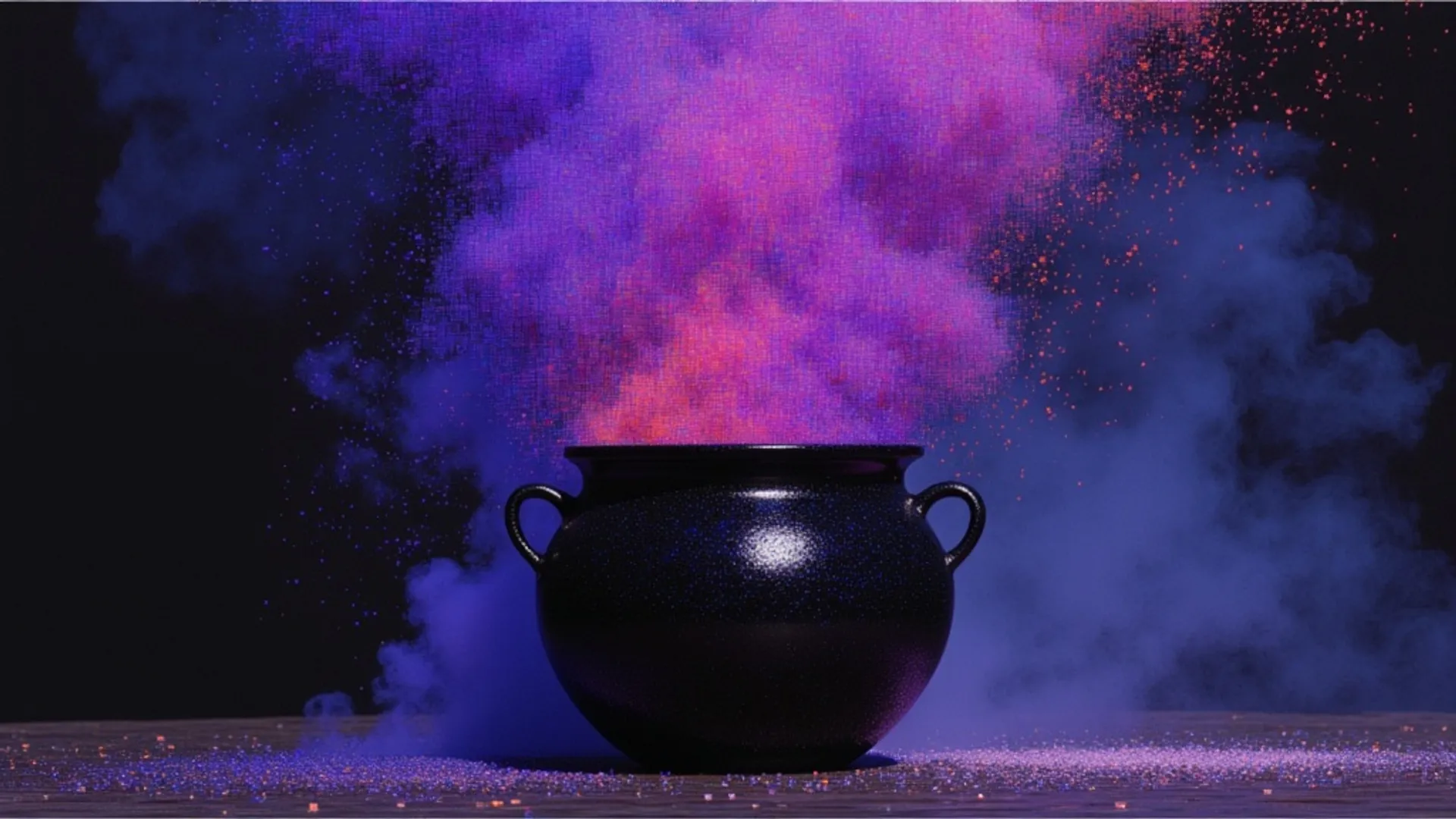


Z-Image Turbo is a super fast text-to-image model of 6B parameters developed by Tongyi-MAI.
Z-Image is the foundation model of the Z- Image family, engineered for good quality, robust generative diversity, broad stylistic coverage, and precise prompt adherence.
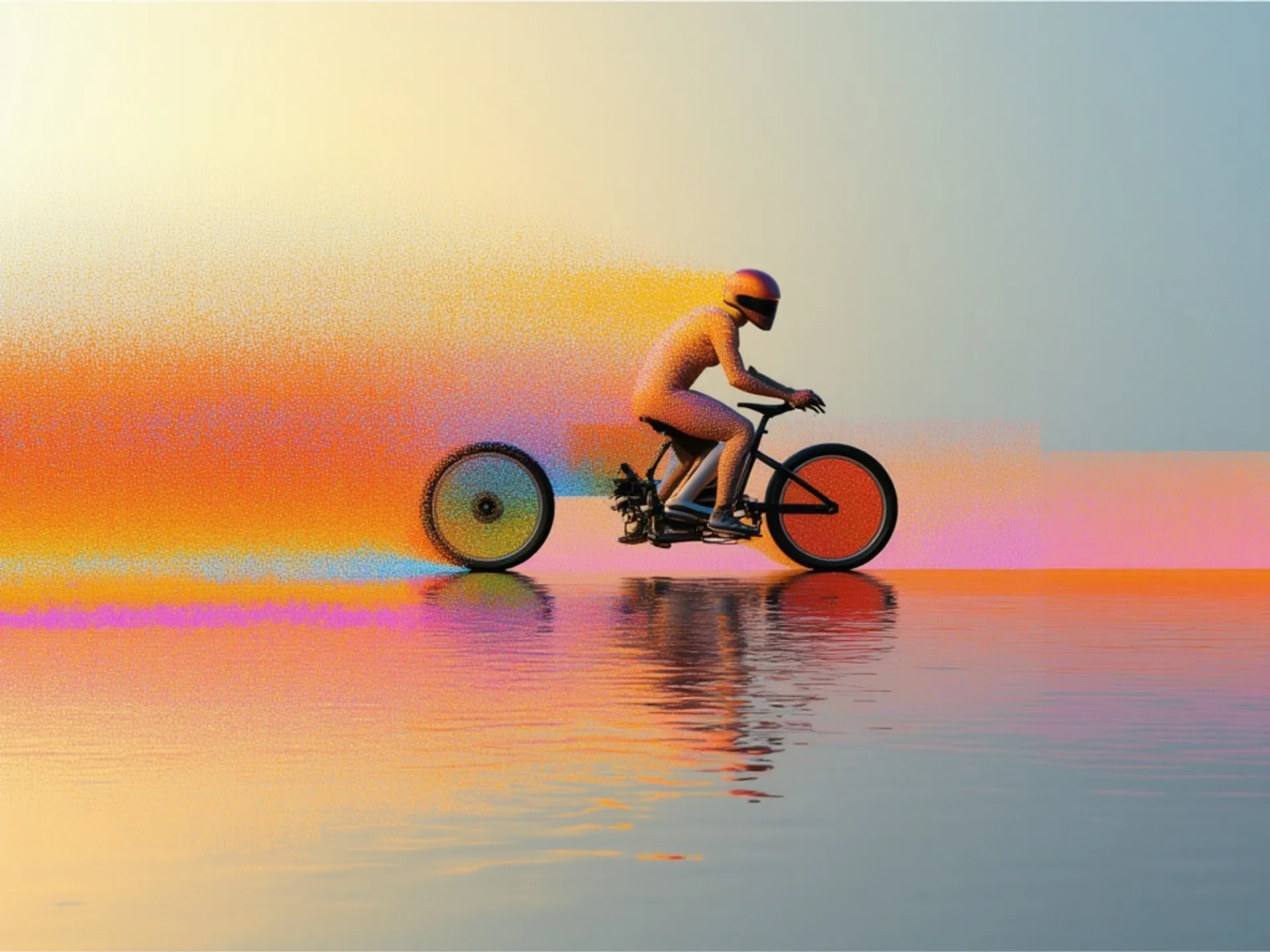
Text-to-Image endpoint with LoRA support for Z-Image Turbo, a super fast text-to-image model of 6B parameters developed by Tongyi-MAI.
Generate images from text and images using Z-Image Turbo, Tongyi-MAI's super-fast 6B model.
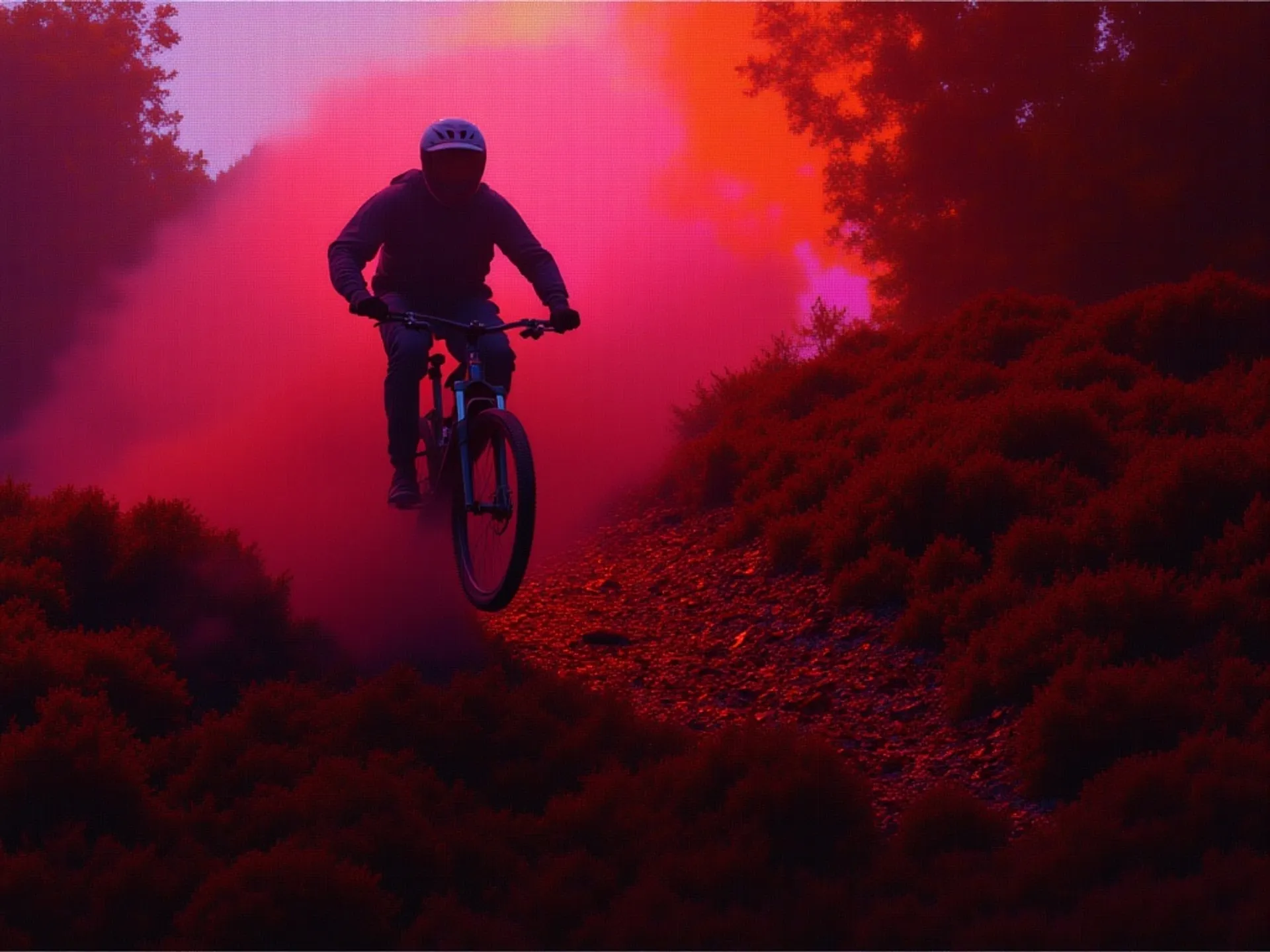
Generate images from text and images using custom LoRA and Z-Image Turbo, Tongyi-MAI's super-fast 6B model.
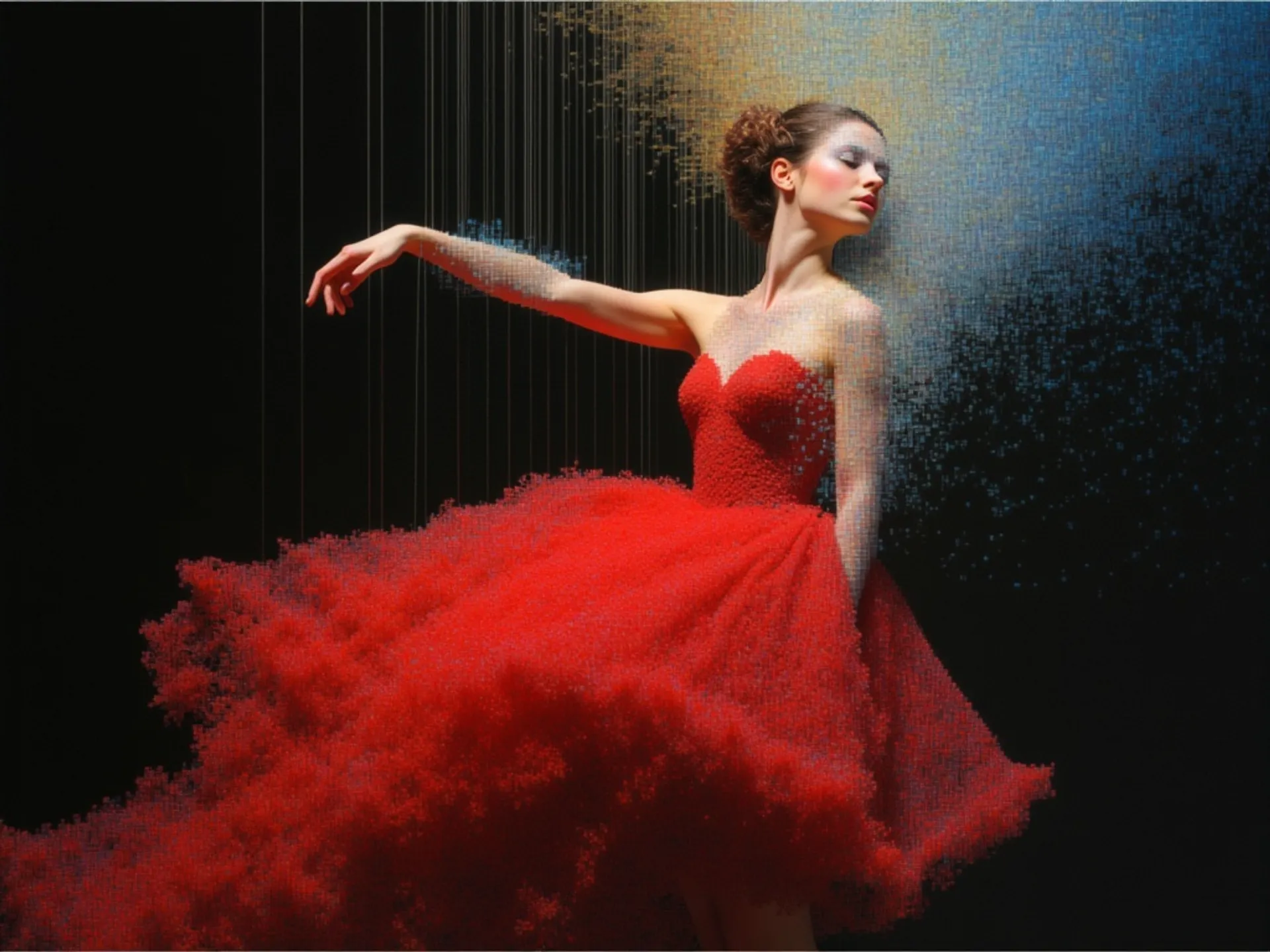
Generate images from text and edge, depth or pose images using Z-Image Turbo, Tongyi-MAI's super-fast 6B model.
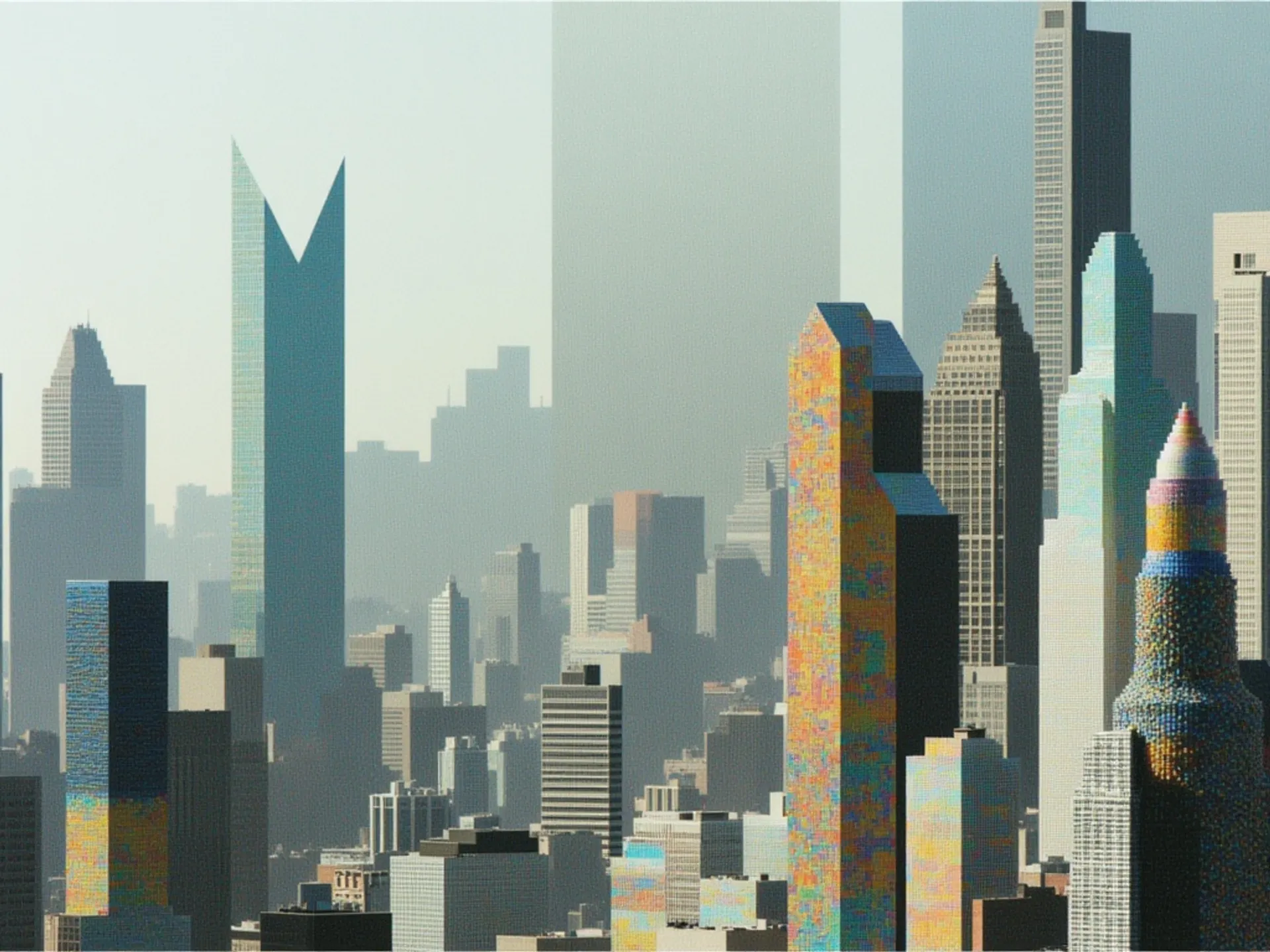
Generate images from text and edge, depth or pose images using custom LoRA and Z-Image Turbo, Tongyi-MAI's super-fast 6B model.
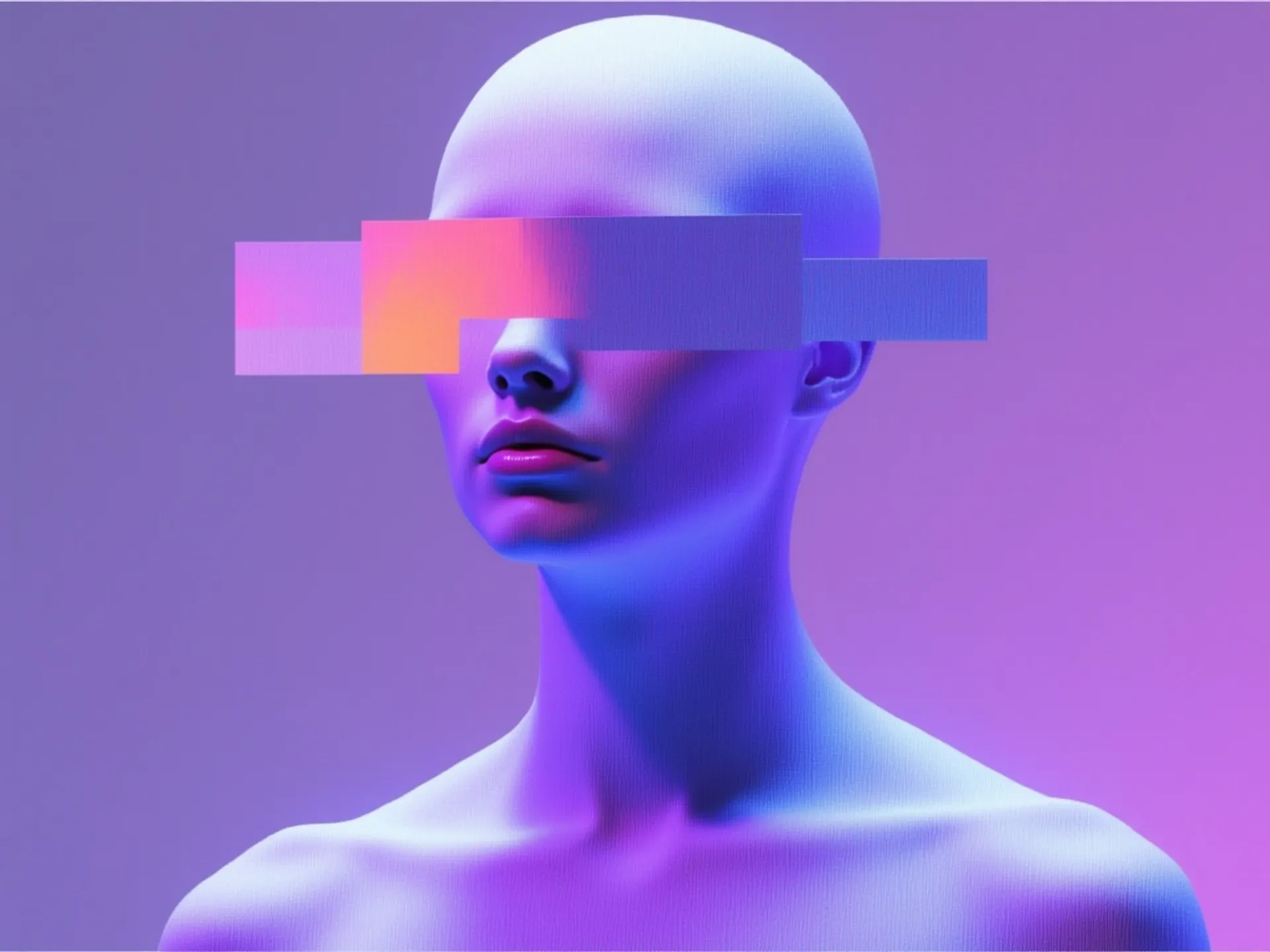
Generate images from text, an image and a mask using Z-Image Turbo, Tongyi-MAI's super-fast 6B model.
See what Z-Image Turbo can create
Copy any prompt below and try it yourself in the playground.
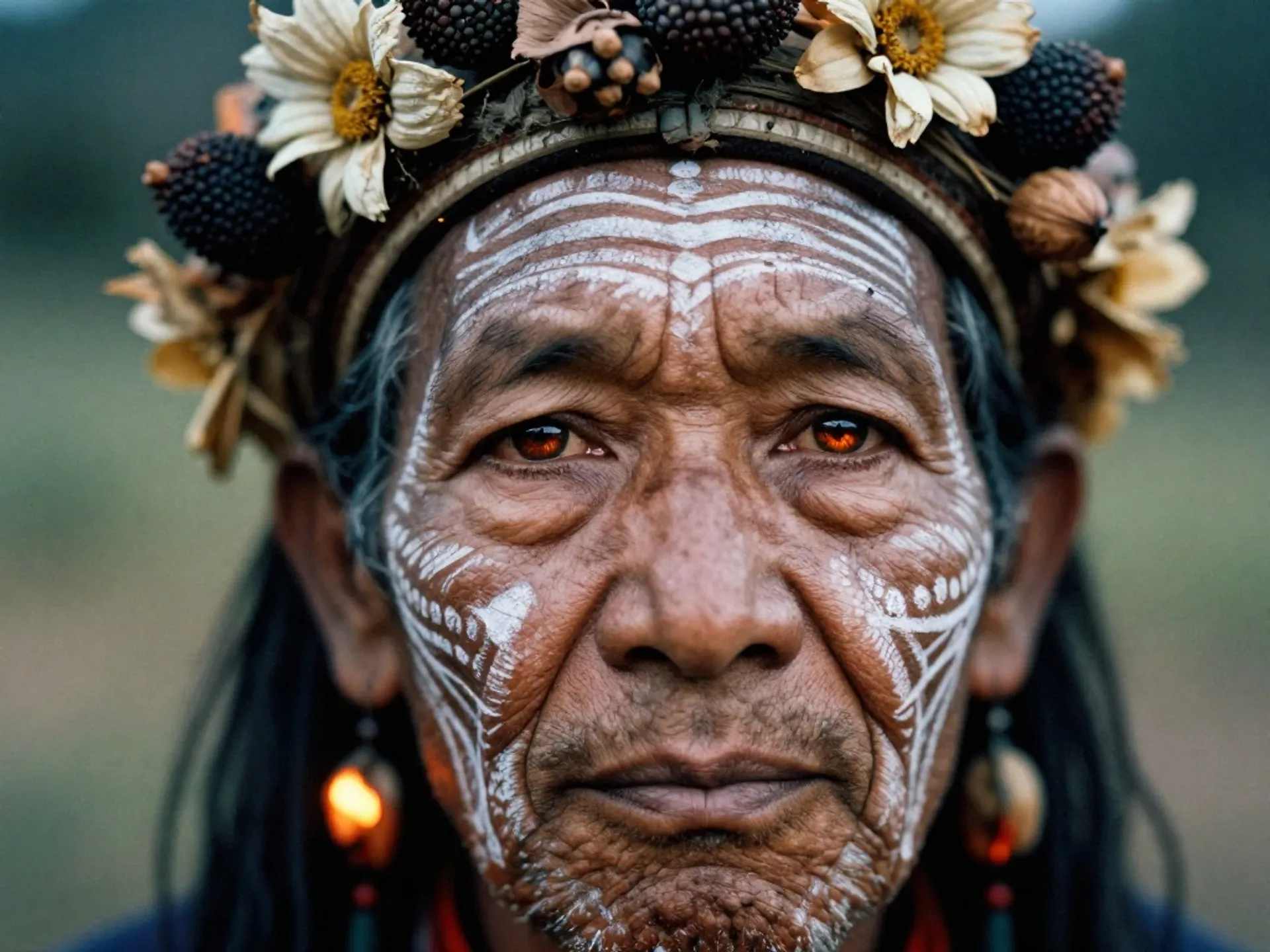
Photorealistic portrait with film aesthetic
"A hyper-realistic close-up portrait of a tribal elder, intricate white chalk patterns, headdress of dried flowers and seed pods, warm firelight reflected in dark soulful eyes, Kodak Portra 400 film grain"
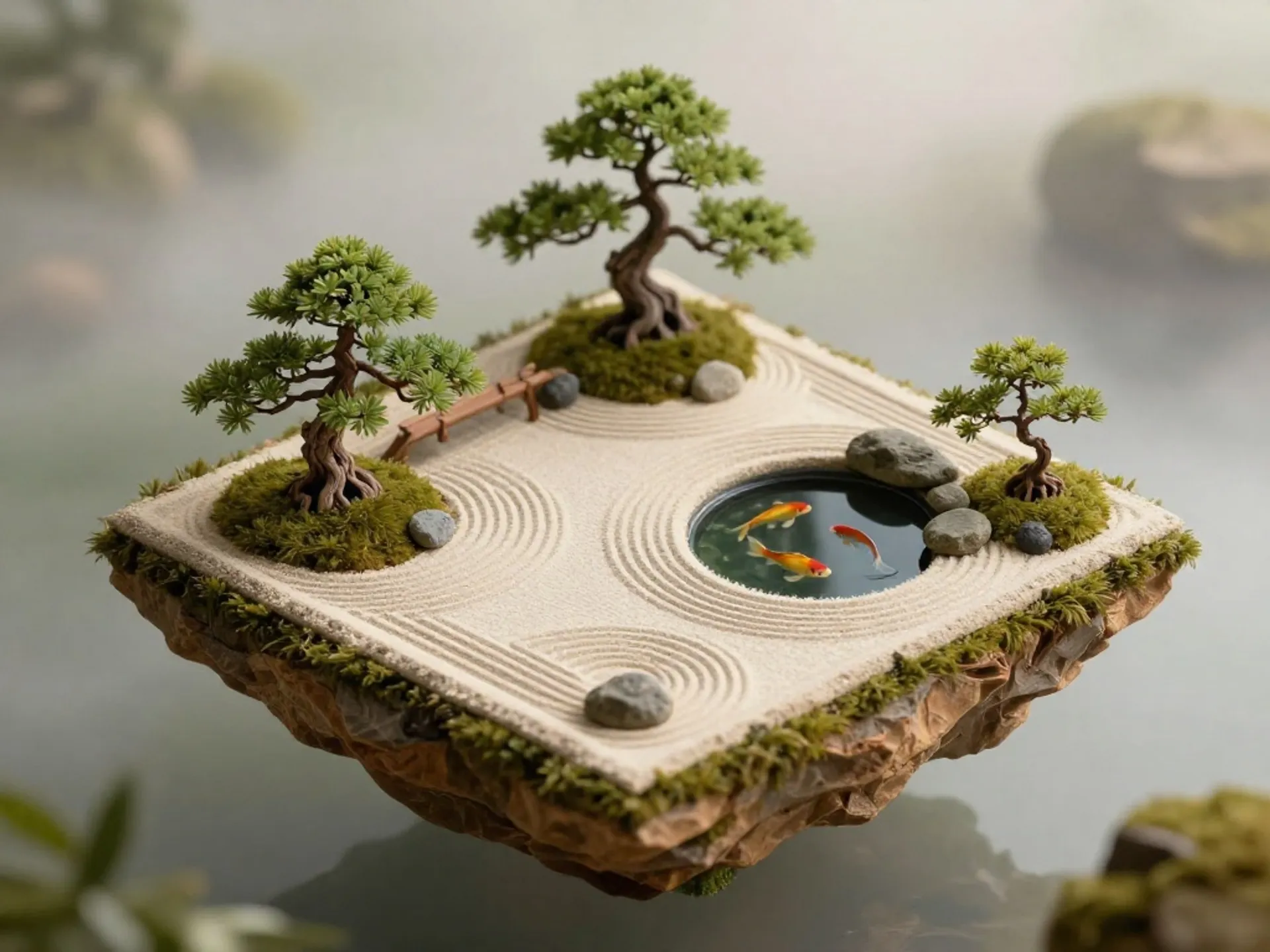
Stylized isometric scene
"Isometric view of a tiny Japanese zen garden on a floating island, miniature bonsai trees, raked sand patterns, koi pond with golden fish, soft morning light, tilt-shift effect"
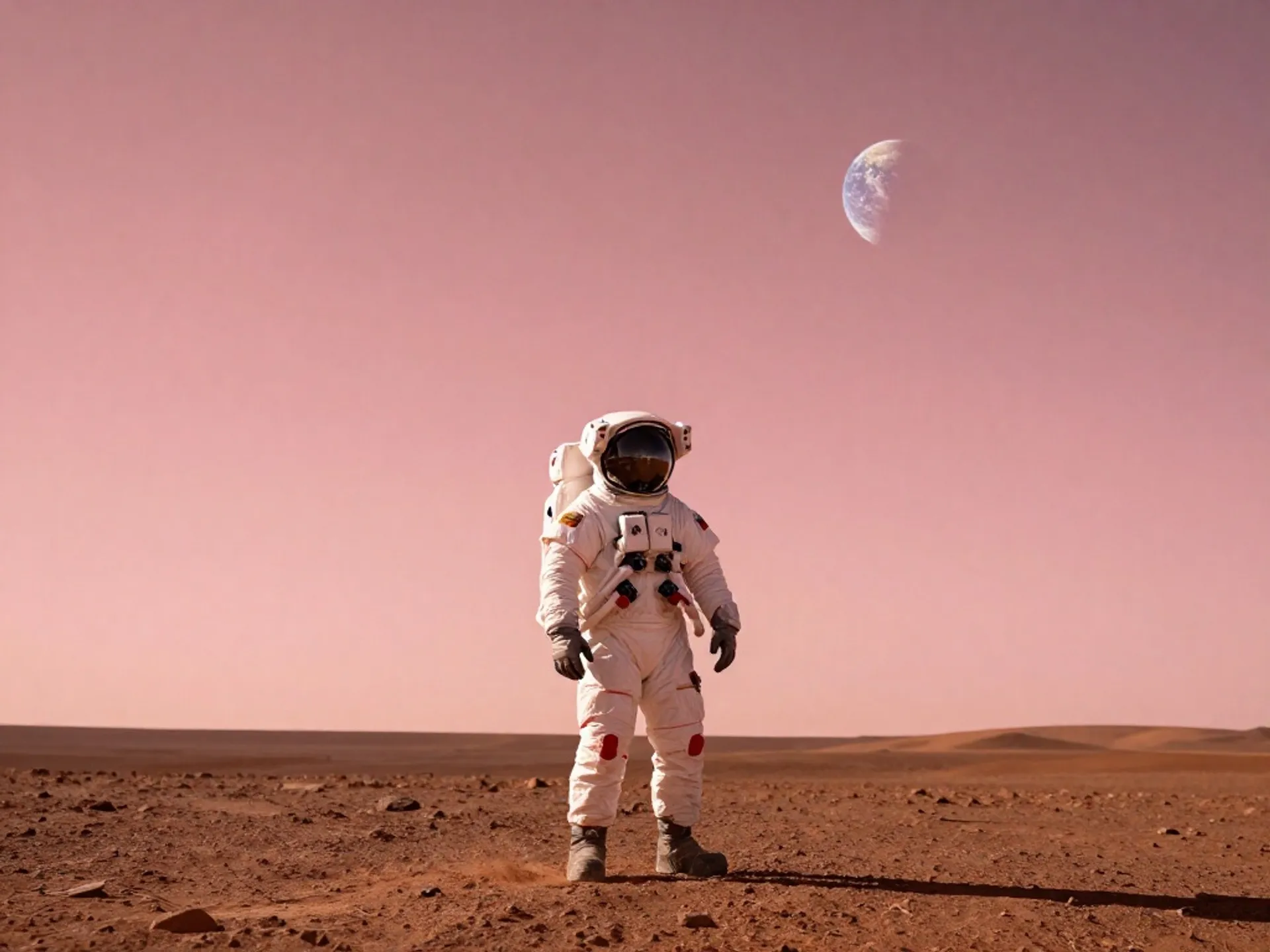
Cinematic sci-fi composition
"An astronaut standing on the surface of Mars, Earth visible in the salmon-pink sky, dramatic volumetric lighting, cinematic composition, ultra-wide angle"
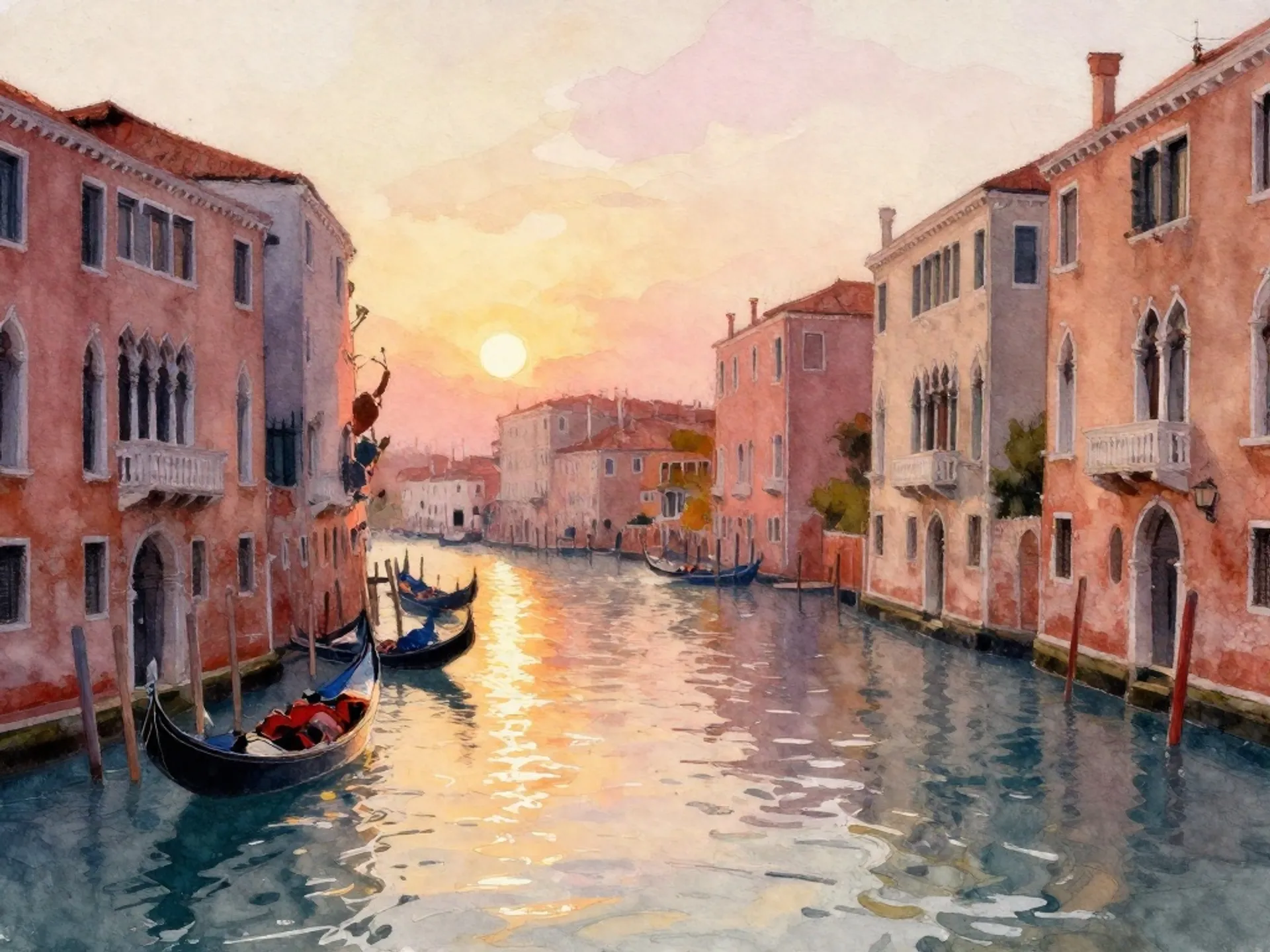
Artistic watercolor style
"Watercolor painting of a Venetian canal at sunset, gondolas reflecting in shimmering water, warm amber and rose tones, loose impressionistic brushstrokes"


How to access the Z-Image Turbo API
The client API handles the request submit protocol. It will handle the request status updates and return the result when the request is completed.
import { fal } from "@fal-ai/client";

const result = await fal.subscribe("fal-ai/z-image/turbo", {
  input: {
    prompt: "A serene mountain lake at golden hour, photorealistic",
    image_size: "landscape_4_3",
    num_inference_steps: 8,
  },
  logs: true,
  onQueueUpdate: (update) => {
    if (update.status === "IN_PROGRESS") {
      update.logs.map((log) => log.message).forEach(console.log);
    }
  },
});

console.log(result.data);
console.log(result.requestId);
Common questions about Z-Image Turbo
What can I create with Z-Image Turbo?
Z-Image Turbo supports text-to-image generation, image-to-image transformation, inpainting (editing parts of an image with a mask), and ControlNet-guided generation using edge, depth, or pose inputs. You can also apply custom LoRA weights to any of these modes for style or subject fine-tuning. Output resolutions go up to 4 megapixels with flexible aspect ratios.
What is the difference between Z-Image Turbo and Z-Image Base?
Z-Image Turbo is optimized for speed, using a compressed 1-8 step inference pipeline at $0.005 per megapixel. It is ideal for high-volume workflows, rapid prototyping, and production environments where throughput and cost matter most. Z-Image Base is the foundation model at $0.01 per megapixel, offering stronger generative diversity and broader stylistic coverage when maximum quality is the priority.
How much does Z-Image Turbo cost on fal.ai?
Pricing is pay-per-megapixel with no minimums or subscriptions. Text-to-image starts at $0.005 per megapixel (Turbo) or $0.01 per megapixel (Base). LoRA endpoints cost $0.0085/MP, ControlNet costs $0.0065/MP, and ControlNet + LoRA costs $0.01/MP. That means you get roughly 200 megapixels per $1.00 on Turbo. Optional prompt expansion adds $0.0025 per request.
Does Z-Image Turbo support LoRA fine-tuning?
Yes. You can apply up to 3 custom LoRA weights simultaneously on the text-to-image, image-to-image, and ControlNet endpoints. This is useful for consistent brand styles, character references, or specialized aesthetics. You can train your own LoRAs using the Z-Image Trainer on fal.ai.
What resolutions and formats does Z-Image Turbo support?
Z-Image Turbo generates images up to 4 megapixels with configurable aspect ratios from square to ultrawide. Output formats include JPEG, PNG, and WebP. You can also batch-generate up to 4 images per API call for faster iteration.
How do I get started with the API?
Install the fal.ai SDK (Python or JavaScript), grab an API key from your dashboard, and make your first request in three lines of code. The API is serverless, so there are no GPUs to manage and no infrastructure to set up. Check the API documentation for all available parameters.
Can I use Z-Image Turbo for commercial projects?
Yes. Images generated through the fal.ai API can be used in commercial projects. Check fal.ai's terms of service for full details on usage rights and licensing.

Get in touch about Z-Image Turbo
Want to learn more about integrating Z-Image Turbo into your workflow? Leave your details and our team will reach out.