Z-Image Turbo | [image-to-image]
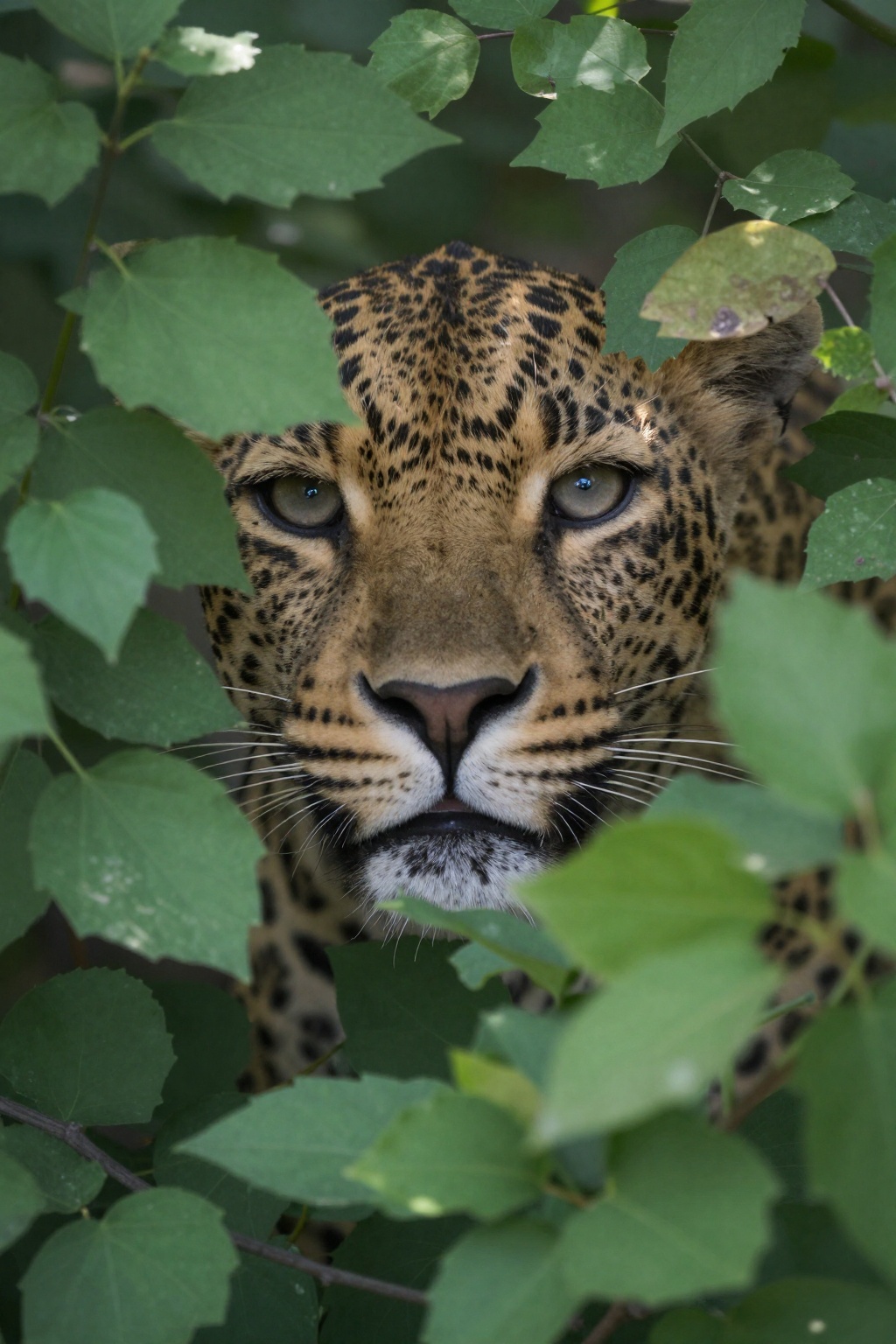
Tongyi-MAI's Z-Image Turbo delivers controlled image-to-image generation at $0.01 per megapixel through a 6-billion parameter architecture. Trading raw size for inference speed, this model processes edge, depth, and pose-guided transformations in seconds while supporting up to 3 custom LoRA weights simultaneously. Built for developers who need predictable costs and sub-10-second iterations on reference-based image workflows.
Built for: Style Transfer Pipelines | Pose-Guided Character Design | Depth-Aware Scene Editing
At $0.01 per megapixel, Z-Image Turbo runs 4-10x more cost-effectively than full-scale diffusion models while maintaining controllable output through structured conditioning inputs.
| Metric | Result | Context |
|---|
| Inference Steps | 1-8 steps | Default 8 steps; reduce to 4-6 for draft iterations |
| Inference Speed | Sub-10 seconds | 6B parameter model optimized for turbo inference |
| Cost per Megapixel | $0.01 | 100 generations per $1.00 at 1MP resolution |
| Max Resolution | Auto-scaling | Dynamically adjusts to input image dimensions |
| Related Endpoints | Image-to-Image, Image-to-Image LoRA | Standard variants without ControlNet preprocessing |
Controlled Generation Without the Complexity
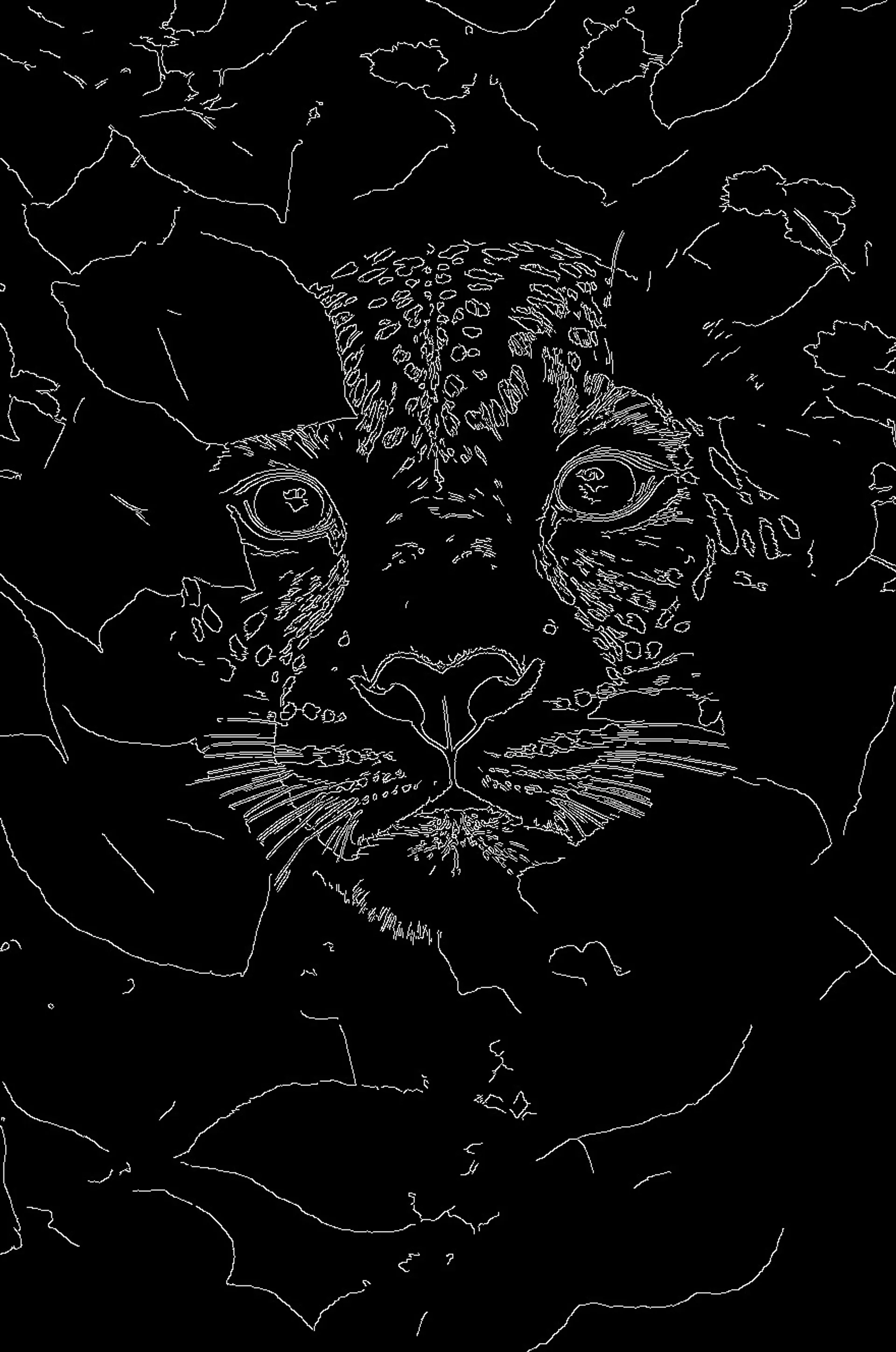
Z-Image Turbo combines ControlNet conditioning with LoRA customization in a single inference call, eliminating the multi-stage pipelines typical of traditional image-to-image workflows. Rather than chaining separate models for preprocessing, style application, and refinement, you feed a reference image and select from four conditioning modes: canny edge, depth mapping, pose detection, or none, with control strength adjustable across the inference timeline.
What this means for you:
- Preprocessing built-in: Apply canny, depth, or pose extraction automatically via the
preprocess parameter, no separate detection models required
- Timeline control: Adjust
control_start and control_end (0.0-1.0 range) to determine when ControlNet guidance activates during the 1-8 step generation process
- Multi-LoRA stacking: Load up to 3 custom LoRA weights per request with individual scale controls, enabling compound style effects without model switching
- 4-image batch generation: Process 1-4 variations simultaneously at the same per-megapixel rate, ideal for A/B testing prompt variations
Technical Specifications
| Spec | Details |
|---|
| Architecture | Z-Image Turbo |
| Input Formats | Image URL (jpg, jpeg, png, webp, gif, avif) + text prompt |
| Output Formats | JPEG, PNG, WebP |
| ControlNet Modes | None, Canny Edge, Depth Map, Pose Detection |
| License | Commercial use permitted |
API Documentation | Quickstart Guide | Pricing
How It Stacks Up
Z-Image Turbo Image-to-Image ($0.01/MP) – Z-Image Turbo ControlNet LoRA adds preprocessing automation and multi-LoRA support at identical pricing, trading simplicity for advanced control workflows. The standard image-to-image endpoint remains ideal for straightforward style transfers where manual preprocessing is acceptable.
FASHN Virtual Try-On V1.5 – Z-Image Turbo ControlNet LoRA provides general-purpose image transformation with pose and depth control for diverse creative workflows. FASHN specializes in garment-to-model fitting with body-aware warping for e-commerce product visualization.
 fal-ai/z-image/turbo/controlnet/lora