


MiniMax H3
One model for every modality. Combine text, images, video, and audio in a single context to generate 2K video with native stereo audio, up to 15 seconds.
Your prompt opens in the playground, where you generate.


One Context. Every Modality. Precise Control Throughout.
Text, Images, Video, and Audio in One Context
Pass up to 9 images, 3 video clips, and 3 audio tracks together in a single generation. MiniMax H3 reads identity, performance, camera movement, composition, soundscape, and editing rhythm from whatever you give it, then carries all of it through to one coherent result.
Change One Thing, Keep Everything Else
Swap a product, rewrite signage, replace a line of dialogue, relight a scene from day to night, or add and remove objects. Localized edits land where you asked for them while the rest of the shot stays stable, so you can keep iterating on footage you already like.
Typography, UI, and Graphics That Hold Together
MiniMax H3 renders legible type, credits, subtitles, and brand marks, and it animates real interface work: product landing pages, game menus and HUDs, motion posters, and dynamic typography. Prompts run up to 7,000 characters, so a full shot list stays in one request.
Sound Composed to Picture
Every generation returns native stereo audio: original score, dialogue, foley, and room tone timed to the cut. Give MiniMax H3 a reference recording and it will transfer or clone that voice onto your character while keeping the performance intact.

What creators are building with MiniMax H3
Brand films, character work, stylized animation, gameplay, and video editing, all from the same model.
Vintage Binocular Brand Film
"Use Images 1-4 as sequential keyframes, seen through a vintage binocular viewfinder searching for the MINIMAX installation. Open out of focus with subtle handheld shake, then push in quickly and rack focus onto Image 1. Between keyframes, use fast binocular-scan transitions with whip movement, motion blur, optical smearing, and brief exposure flicker. Keep the twin circular lens mask absolutely fixed throughout. Visual language: a voyeuristic, Wes Anderson-inspired 35mm film look with fine grain, soft highlight halation, restrained color, and red typographic accents."
Fantasy Wuxia Character Film
"Use Image 2 as the locked character reference. Preserve the half-up long black hair, openwork silver crown, indigo ribbon, layered pale hanfu, translucent blue outer robe, deep-blue sash, silver floral fastener, and long tassels. Use Image 1 for storyboard order and pacing. Render in high-quality 4K, 16:9 Chinese-inspired 3D with cinematic xianxia production value: intense, solemn, and shaped by destiny. Follow the storyboard beat by beat, with natural camera movement and seamless transitions."
Live-Action to Voxel Transformation
"Preserve the buildings, pedestrians, and overall environment in Video 1 as photoreal live action. Transform only the trees and cars into 3D pixel-art or voxel-block objects in the style of Minecraft, using Image 1 as the visual reference. Keep their motion physically correct, and preserve the real environment's shadows and transmitted light. Use Video 2 as the overall target."
Neon Laundromat Encounter
"15 seconds, 16:9 landscape. Combine a live-action late-night laundromat with hand-drawn luminous animation. The small self-service laundromat has gently flickering fluorescent lights, running washers, plastic baskets, a worn bench, and one sock on the floor. Keep the space quiet and faintly nostalgic. Use a one-handed phone-camera feel with visible shake, exposure fluctuation under white fluorescent light, environmental reflections in glass, and delayed autofocus at close range. Avoid polished commercial composition; it should feel like an authentic late-night encounter, filmed while following a strange apparition."
Capybara Motion Recreation
"Match the action in Video 1 from a locked-off wide camera. Replace the three suited men with three highly photoreal capybaras. Preserve the original movement path exactly: all three drop quickly to the floor; the left capybara jumps to center; the center capybara rolls to the far left; the new center capybara rolls to the far right; the right capybara jumps to center; finally, the center capybara jumps onto the other two, forming a pyramid. Keep the camera fixed and integrate fur, lighting, and shadows realistically into the scene."
Green-Screen Fairytale Composite
"Remove the green screen background of Video 1 and turn it into a fairy tale-like background similar to Video 2. The background elements need to completely match the actions of the characters in Video 1. Modify the lighting of the characters in Video 1 so that it completely matches the background."


Generate, reference, and edit
Create videos from text, control the first and last frame, combine images, video, and audio as references, or edit existing footage with natural language.
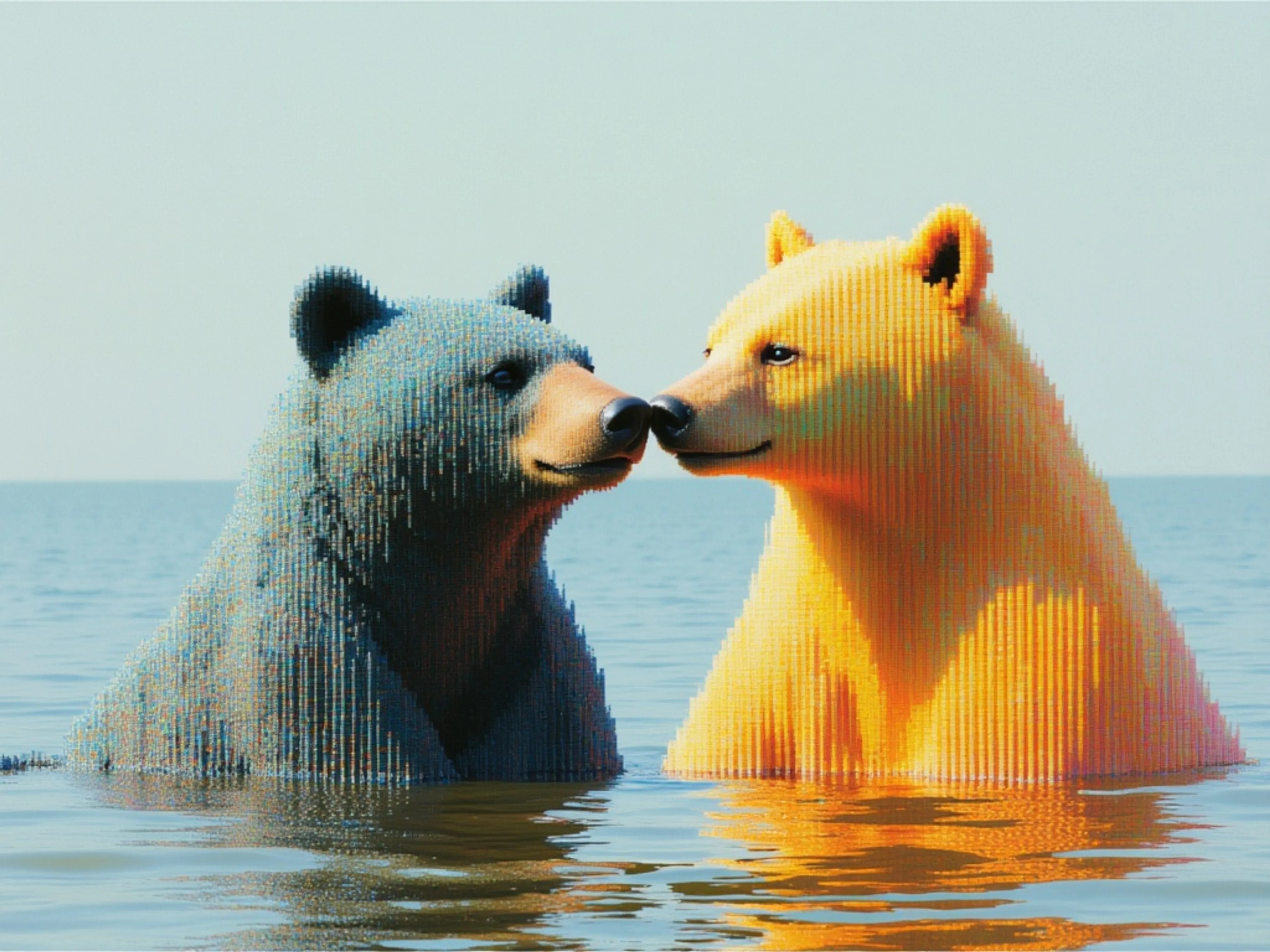

MiniMax H3 is a frontier video model. This endpoint generates video from a text prompt alone, rendering at 2K in durations from 5 to 15 seconds across seven aspect ratios.
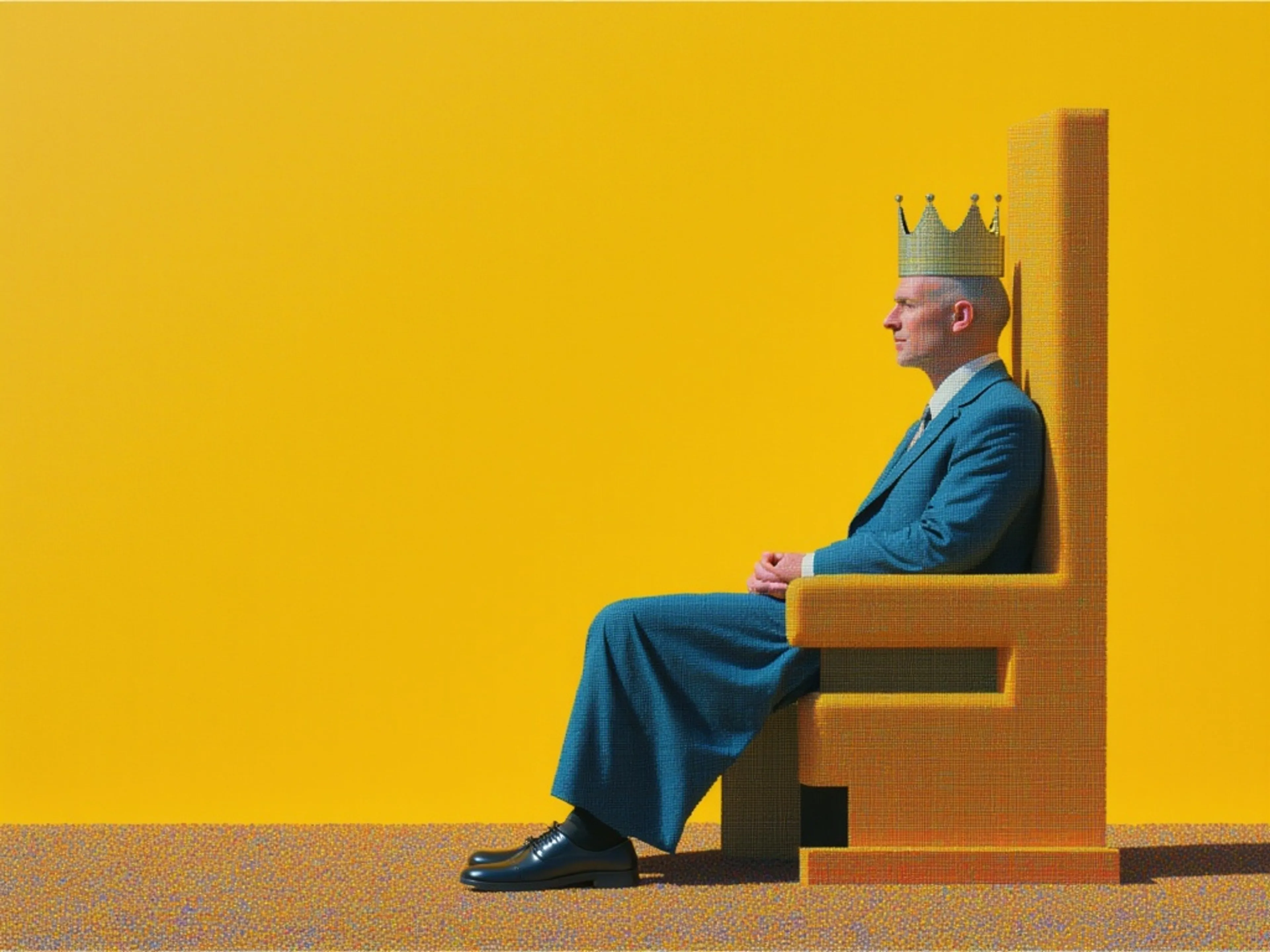
MiniMax H3 is a frontier video model. This endpoint animates a supplied image into 2K video, using it as the opening frame or pairs a first and last frame to control a transition between two images with the aspect ratio following the input.
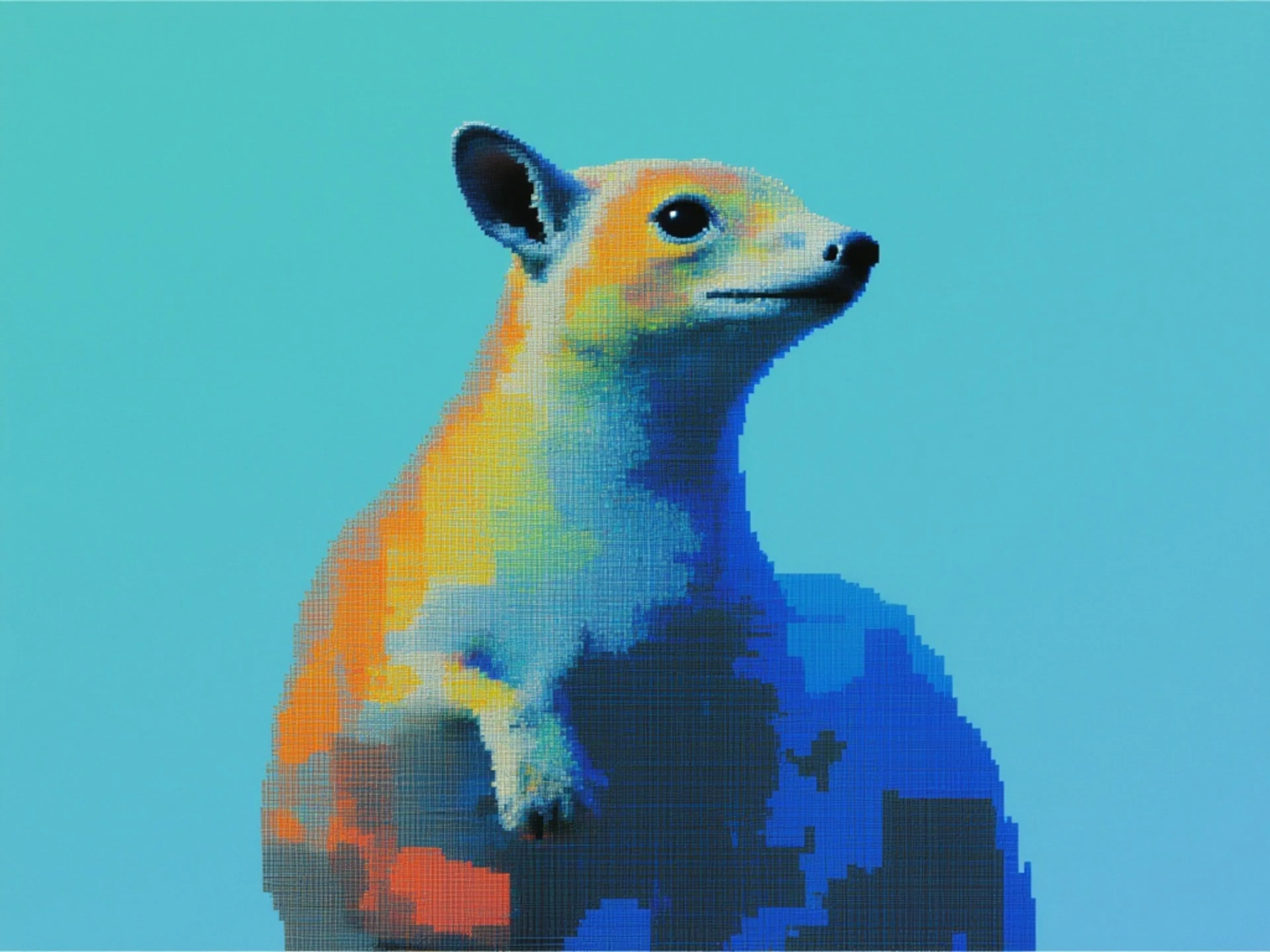
MiniMax H3 is a frontier video model. This endpoint generates 2K video from multimodal references up to 9 images for subject and style, 3 video clips for motion, and 3 audio clips each cited in the prompt by order, keeping subjects consistent while following the referenced motion and audio.



How to access the MiniMax H3 API
The client API handles the request submit protocol. It will handle the request status updates and return the result when the request is completed.
import { fal } from "@fal-ai/client";

const result = await fal.subscribe("minimax/h3/text-to-video", {
  input: {
    prompt:
      "A colossal circular cosmic gateway fills the frame. A lone figure stands far below, wet ground reflecting the light. Slowly push the camera forward. Deep sub-bass pulse and distant metallic resonance.",
    aspect_ratio: "21:9",
    resolution: "2K",
    duration: 10,
  },
  logs: true,
  onQueueUpdate: (update) => {
    if (update.status === "IN_PROGRESS") {
      update.logs.map((log) => log.message).forEach(console.log);
    }
  },
});

console.log(result.data);
console.log(result.requestId);

Common questions about MiniMax H3
What is MiniMax H3?
MiniMax H3 is an open-weights, general-purpose multimodal video model. Instead of a separate model for each task, MiniMax H3 reads text, images, video, and audio in one unified context and generates coherent audiovisual results from any mix of them. It supports text-to-video, first-and-last-frame, reference-to-video, and precise video editing.
What does open weights mean for MiniMax H3?
MiniMax H3 is released with open weights, so it is an open foundation you can explore, customize, and build on rather than a closed endpoint. fal is a Day 0 ecosystem partner, which means you can call the hosted MiniMax H3 API on fal.ai from launch without provisioning GPUs, and still have the option to work with the weights directly for your own research and fine-tuning.
What resolution, duration, and aspect ratios does MiniMax H3 support?
MiniMax H3 generates 5 to 15 seconds at 24 FPS. Output is 2K, which puts 1440 pixels on the short edge for ratios between 16:9 and 9:16 and reaches roughly 3.7 megapixels on wider formats, for example 2976x1248 at 21:9. Text-to-video and reference-to-video support 21:9, 16:9, 4:3, 1:1, 3:4, and 9:16, plus an adaptive mode that lets MiniMax H3 pick the best ratio. First-and-last-frame follows the aspect ratio of the uploaded image.
Is there a faster version of MiniMax H3?
Yes. MiniMax H3 Max is fal's post-trained variant of this model, tuned for stronger prompt adherence and better aesthetics and co-optimized with fal's inference stack. It generates at 768p rather than 2K, and a 5-second clip renders in under 3 seconds. Signed-in users get five free H3 Max generations a day. Use MiniMax H3 when you need 2K or the reference and editing endpoints, and H3 Max when you want speed and stronger prompt adherence.
How many reference files can I pass in one generation?
Reference-to-video accepts up to 9 reference images, up to 3 reference video clips (2 to 15 seconds each, 15 seconds total), and up to 3 reference audio tracks (2 to 15 seconds each, 15 seconds total), with a maximum of 12 files in total. Audio must be paired with at least one image or video. First-and-last-frame takes a starting image plus an optional end image. Prompts can run up to 7,000 characters.
Does MiniMax H3 generate audio?
Yes. Every generation includes native stereo audio, covering original score, dialogue, foley, and ambience timed to the picture. MiniMax H3 can also transfer or clone a voice from a reference recording onto a character, and it can replace a line of dialogue in existing footage while adjusting the performance to match.
How much does MiniMax H3 cost on fal.ai?
MiniMax H3 is pay-per-use with no minimums or subscriptions. Current pricing for each endpoint is listed on its model page and on the fal.ai pricing page.
How do I get started with the API?
Install the fal.ai SDK (Python or JavaScript), grab an API key from your dashboard, and make your first request in a few lines of code. The API is serverless, so no GPUs to manage. Check the API documentation for all available parameters.
Can I use MiniMax H3 for commercial projects?
Yes. Content generated through the fal.ai API can be used in commercial projects. Check fal.ai's terms of service for full details on usage rights and licensing.

Get in touch about MiniMax H3
Want to learn more about integrating MiniMax H3 into your workflow? Leave your details and our team will reach out.