Grok Imagine Pro Higher Realism. Better Creative Control.
xAI's most advanced image model. Photorealistic generation, accurate text rendering across languages, and natural-language image editing.


What Makes Grok Imagine Pro Different

Images That Look Real
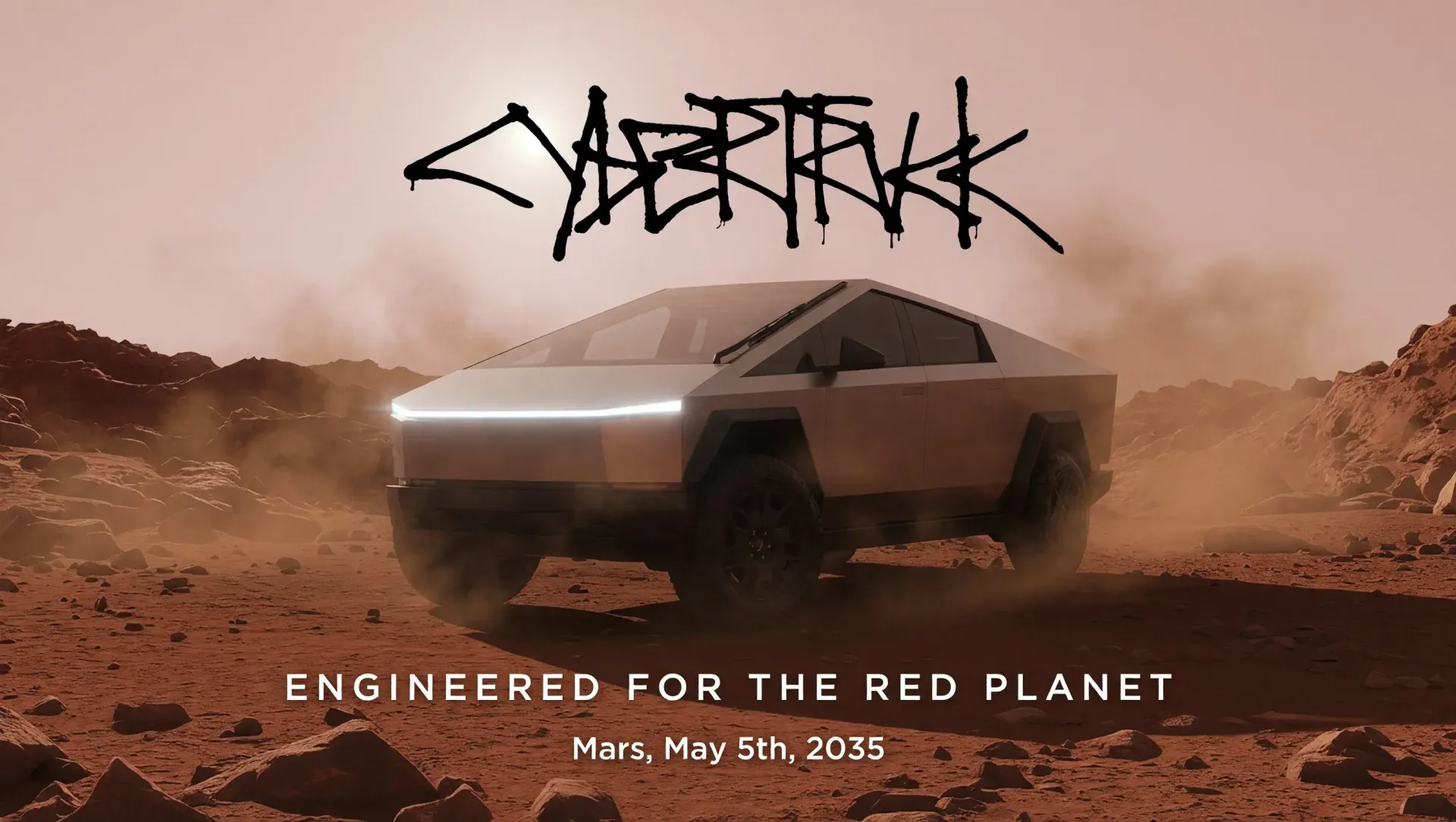
Grok Imagine Pro leans into photorealism with natural lighting, rich textures, and none of the uncanny artifacts that give AI images away. From product shots to cinematic stills, the output is production-ready without post-processing.
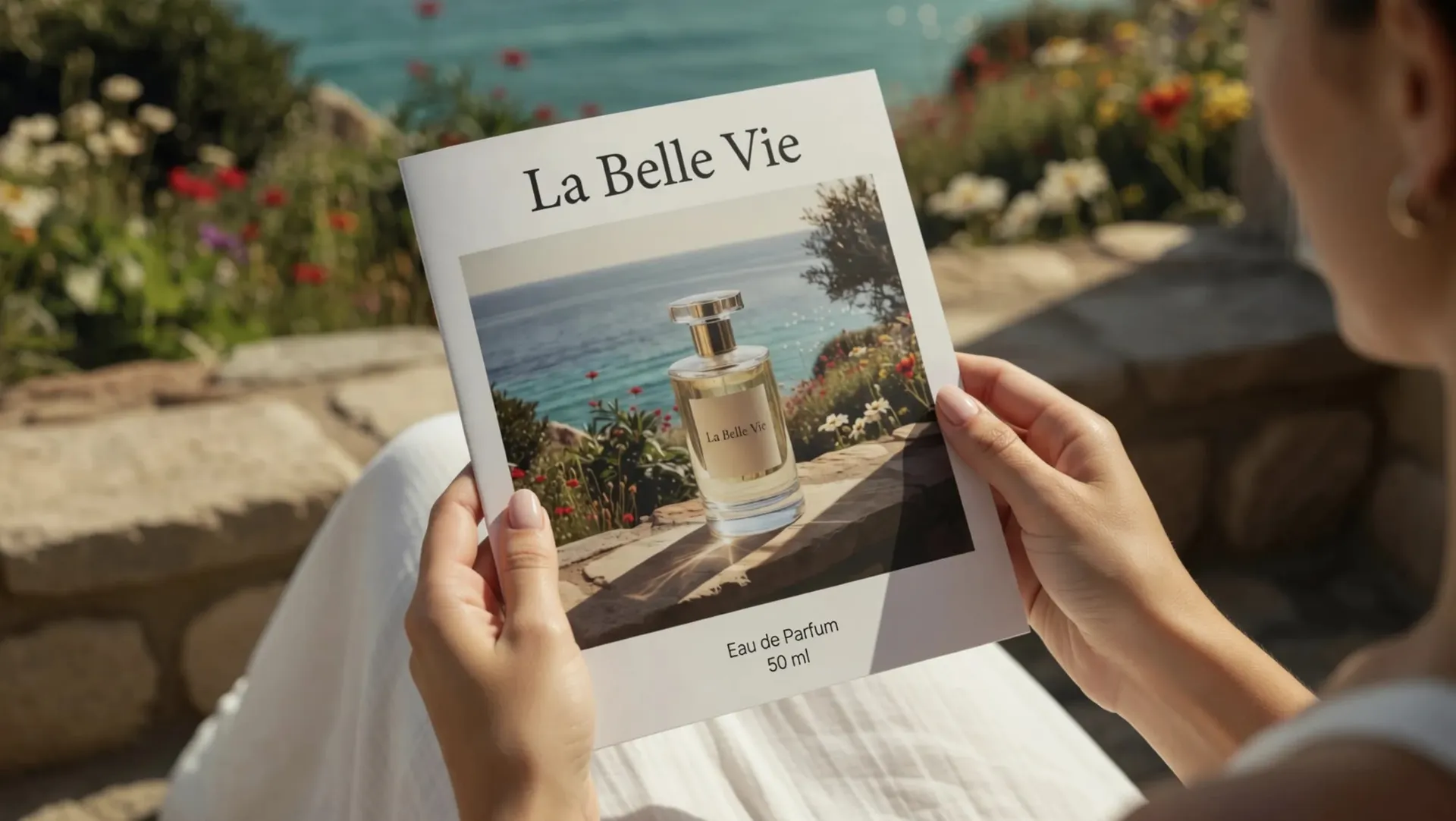
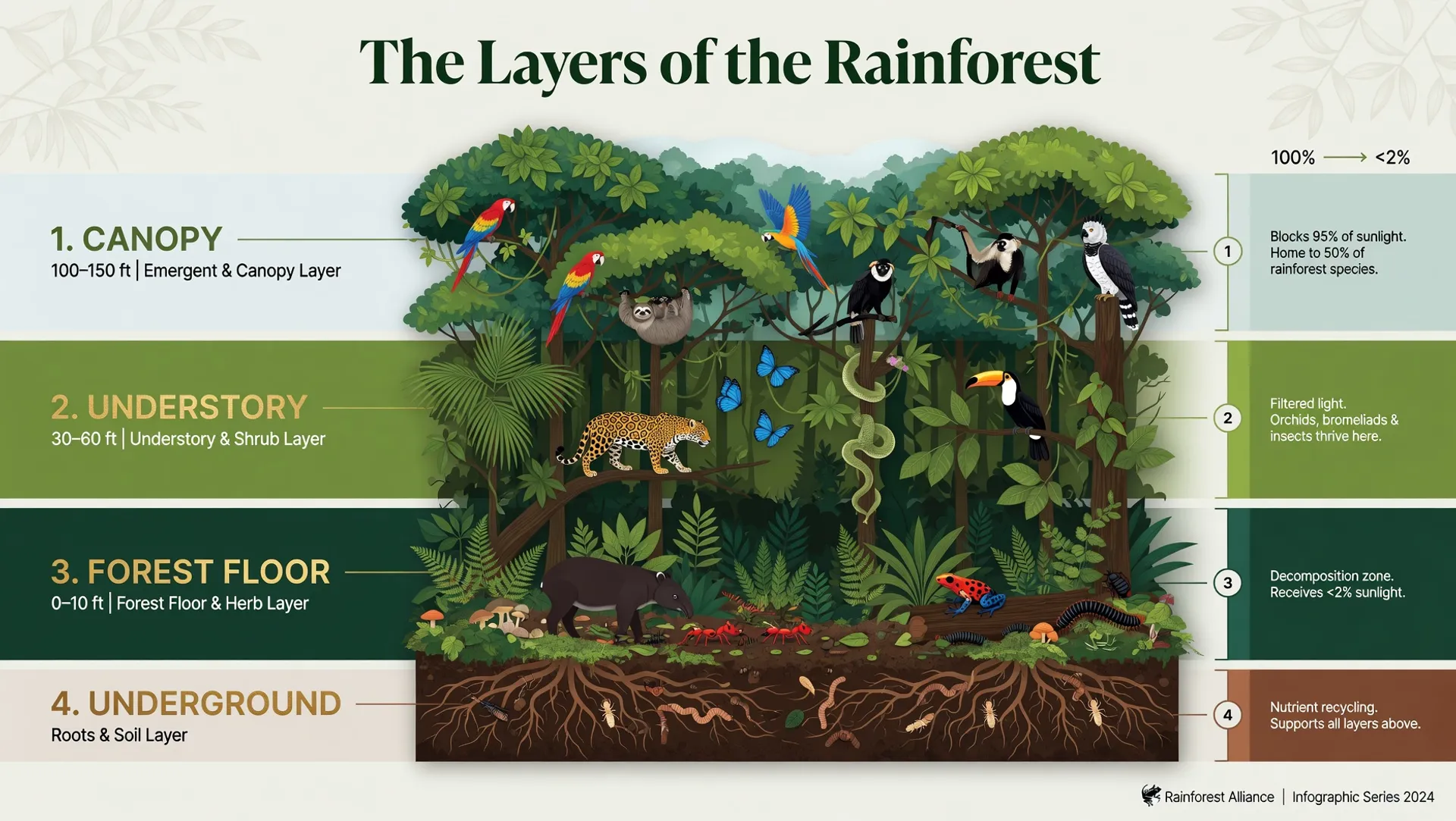
Text That Actually Reads
Logos, posters, product mockups, infographics — Grok Imagine Pro produces sharp, reliable lettering across many languages. No more garbled text or misspelled words in generated images. Typography is crisp and consistent.
Edit Images with Instructions
Describe what you want changed and the model executes it. Add objects, remove backgrounds, restyle scenes, adjust lighting — all through natural language. No masks, no layers, no manual selection tools.


Start building with the Grok Imagine Pro API
Text-to-image generation and image editing endpoints, both available via API.
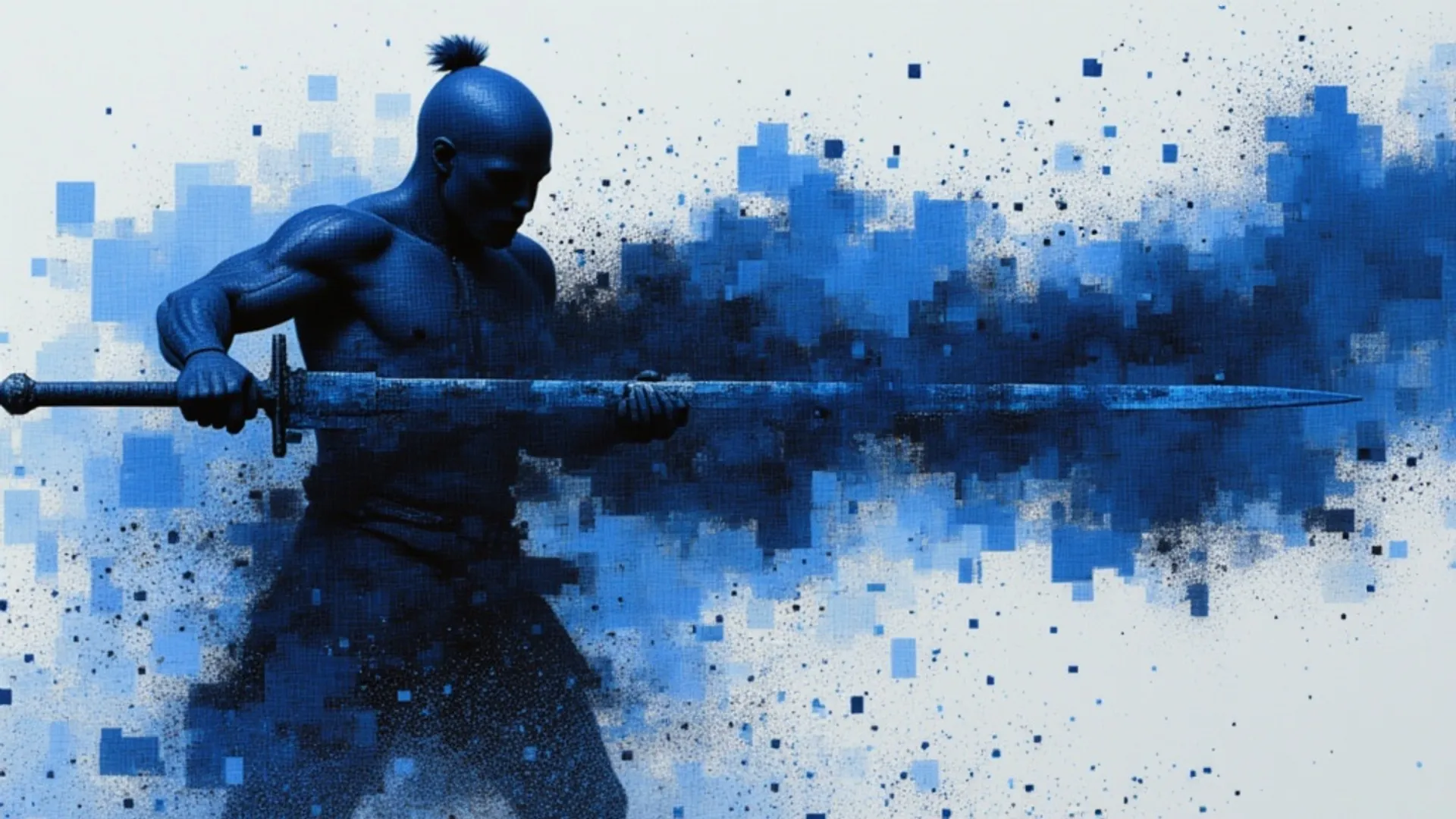


Grok Imagine Pro is an advanced AI model from xAI that creates high-quality visuals from text prompts and allows you to edit or analyze existing images.
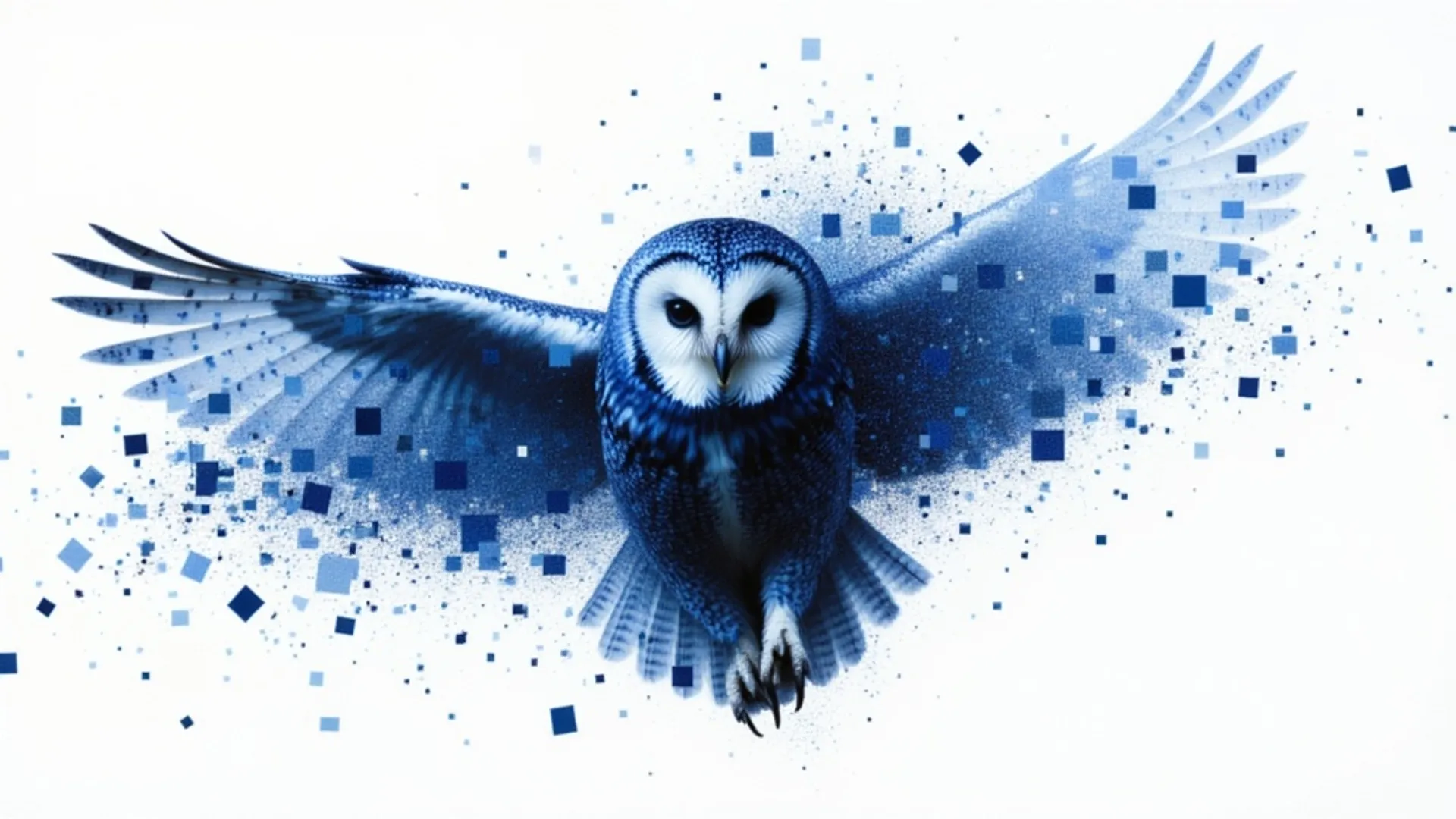
Grok Imagine Pro is an advanced AI model from xAI that creates high-quality visuals from text prompts and allows you to edit or analyze existing images.
See what Grok Imagine Pro can create
Every image below was generated in a single pass. No retouching, no post-processing, no cherry-picking.
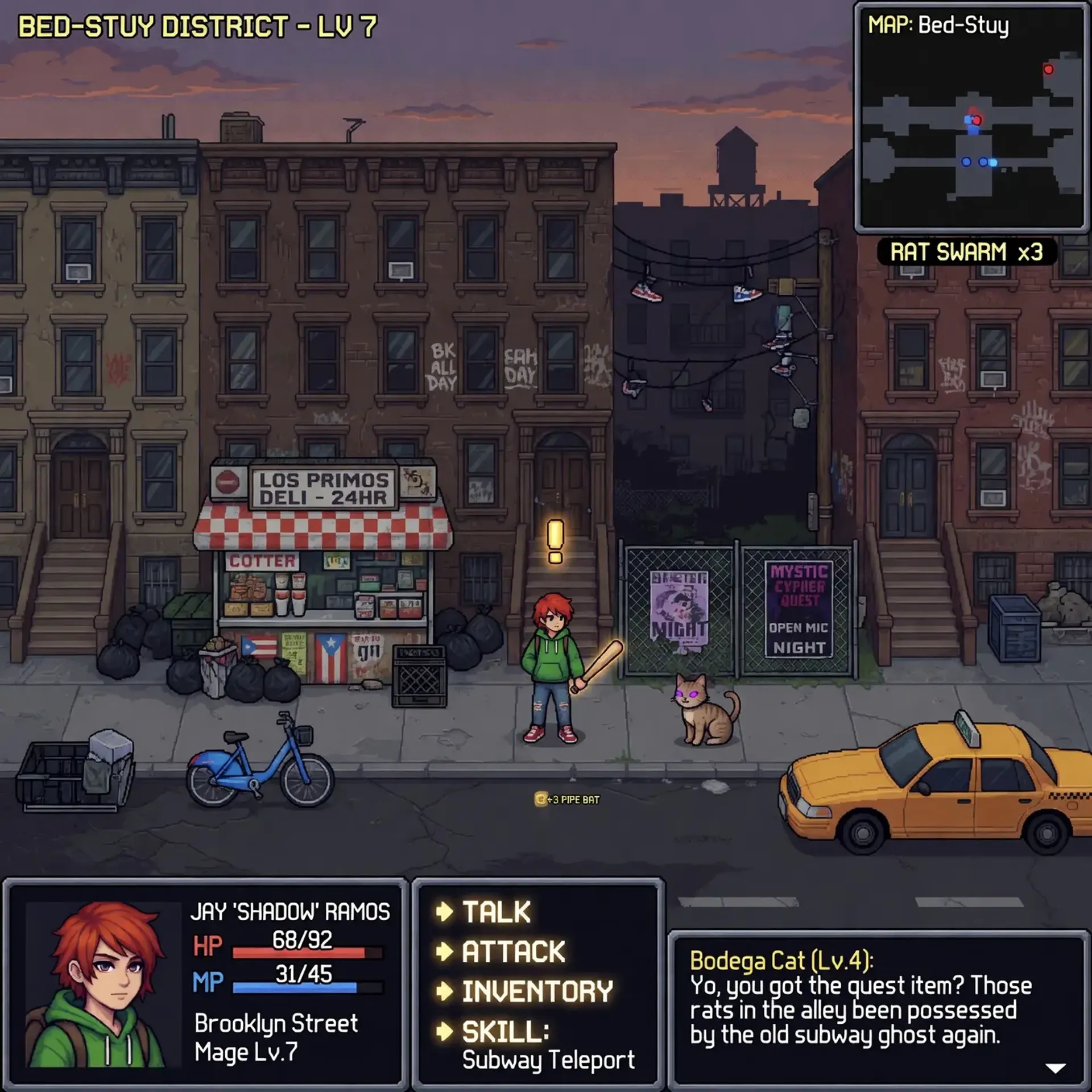
Pixel-art game UI with text rendering
"A pixel-art RPG screenshot set in Brooklyn's Bed-Stuy neighborhood at dusk. A young street mage with red hair holds a pipe bat outside a 24-hour bodega called 'Los Primos Deli'. A bodega cat with a quest exclamation mark sits nearby. Full HUD with HP/MP bars, minimap, and dialogue box. Retro 16-bit style with detailed urban backgrounds, shoes on power lines, and a yellow taxi passing by"
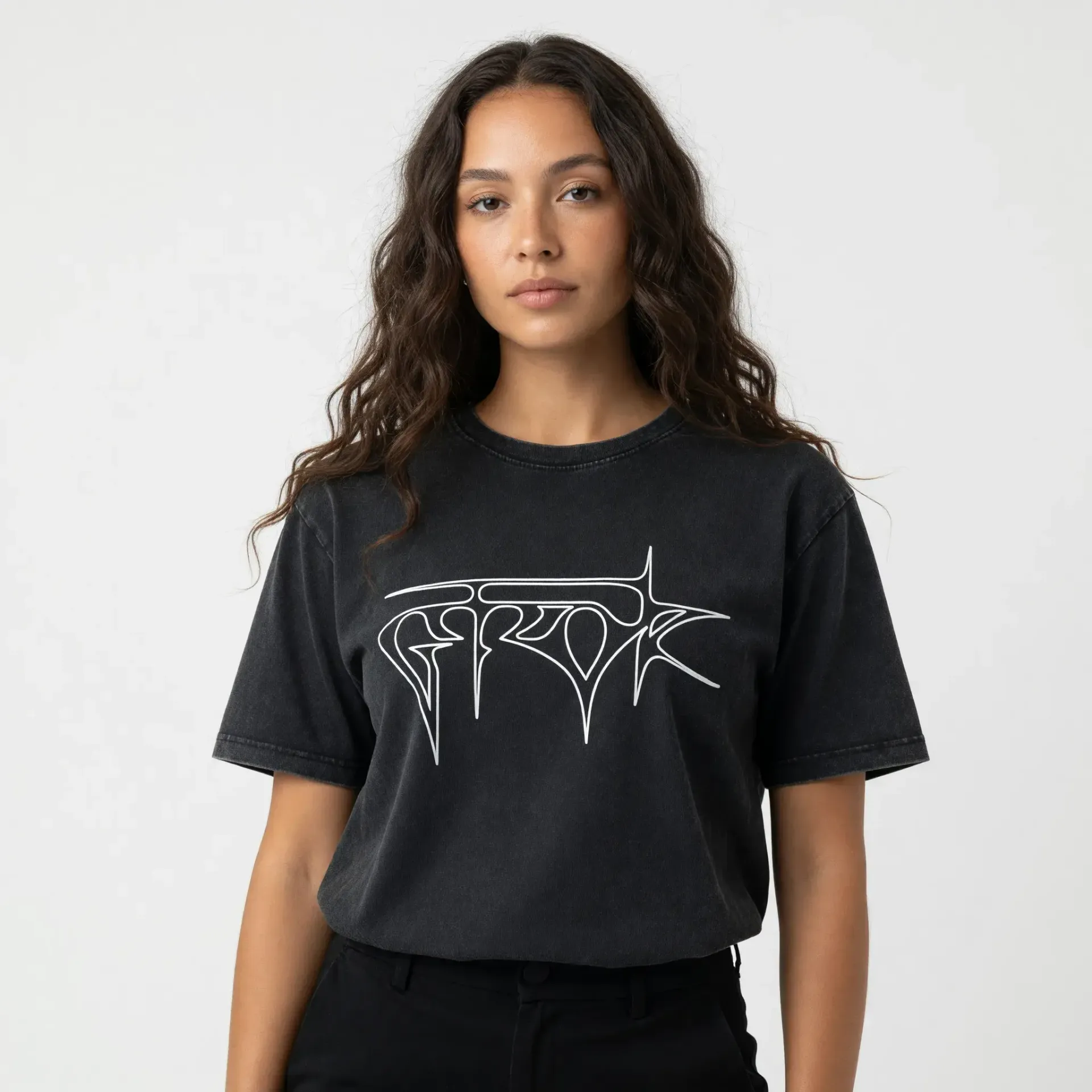
Fashion & apparel photography
"Editorial fashion photography of a young woman with long curly brown hair wearing a washed black oversized t-shirt with an abstract white calligraphic logo graphic. Neutral grey studio backdrop, soft diffused lighting, minimal styling, shot from waist up, direct gaze at camera"


How to access the Grok Imagine Pro API
The client API handles the request submit protocol. It will handle the request status updates and return the result when the request is completed.
import { fal } from "@fal-ai/client";

const result = await fal.subscribe("xai/grok-imagine-image/quality/text-to-image", {
  input: {
    prompt: "A luxury perfume bottle on marble, surrounded by roses and golden light, studio photography",
    resolution: "2k",
  },
  logs: true,
  onQueueUpdate: (update) => {
    if (update.status === "IN_PROGRESS") {
      update.logs.map((log) => log.message).forEach(console.log);
    }
  },
});

console.log(result.data);
console.log(result.requestId);
Common questions about Grok Imagine Pro
What is Grok Imagine Pro?
Grok Imagine Pro is xAI's most advanced image generation model, running in Quality mode on the Grok Imagine engine. It produces photorealistic images with accurate text rendering, supports natural-language image editing, and handles a wide range of visual styles from product photography to illustrations.
What image resolutions and formats are supported?
Grok Imagine Pro generates high-resolution images across multiple aspect ratios including 1:1, 16:9, 9:16, 4:3, 3:4, and more. Output is suitable for web, social media, print, and commercial use without upscaling.
How does image editing work?
The editing endpoint accepts a source image and a natural-language instruction describing the desired change. You can add or remove objects, change styles, adjust lighting, modify backgrounds, and more. No masks or manual selection required — just describe the edit in plain language.
How much does Grok Imagine Pro cost on fal.ai?
Pricing is pay-per-use with no minimums or subscriptions. Both text-to-image and image editing cost $0.05 per image at 1K resolution or $0.07 per image at 2K resolution. No GPU management, no infrastructure overhead.
How is this different from regular Grok Imagine?
Grok Imagine Pro runs in Quality mode, which trades a small amount of speed for cleaner, sharper images and significantly better text rendering. It uses xAI's most advanced image model, producing more natural lighting, richer textures, and fewer artifacts compared to the standard speed mode.
What visual styles can it produce?
Grok Imagine Pro handles a wide range of styles: ultra-realistic photography, anime, oil paintings, pencil sketches, 3D renders, game art, product photography, editorial layouts, and more. Style is controlled entirely through the text prompt.
How do I get started with the API?
Install the fal.ai SDK (Python or JavaScript), grab an API key from your dashboard, and make your first request in a few lines of code. The API is serverless — no GPUs to manage, no infrastructure to set up. Check the API documentation for all available parameters.
Can I use Grok Imagine Pro for commercial projects?
Yes. Content generated through the fal.ai API can be used in commercial projects. Check fal.ai's terms of service for full details on usage rights and licensing.

Get in touch about Grok Imagine Pro
Want to learn more about integrating Grok Imagine Pro into your workflow? Leave your details and our team will reach out.