fal gives you access to every top AI image model through a single API with pay-per-use pricing; Nano Banana 2, FLUX.2 [pro], and Seedream V4.5 lead the pack for quality and value.
A hands-on comparison of the top AI image generation models by quality, speed, prompt adherence, and cost.
fal gives you access to every top AI image model through a single API with pay-per-use pricing; Nano Banana 2, FLUX.2 [pro], and Seedream V4.5 lead the pack for quality and value.
In this guide, I'll review the 10 best AI models for generating images in 2026, covering output quality, prompt adherence, speed, pricing, and what each model is good at, so you can pick the right one without burning credits on trial and error.
This is the first thing I looked at. Can the model generate images that actually hold up at full resolution, or do they fall apart when you zoom in? I paid attention to fine details like hands, text rendering, facial features, and background coherence. Some models nail the overall composition but produce obvious artifacts when you look closer.
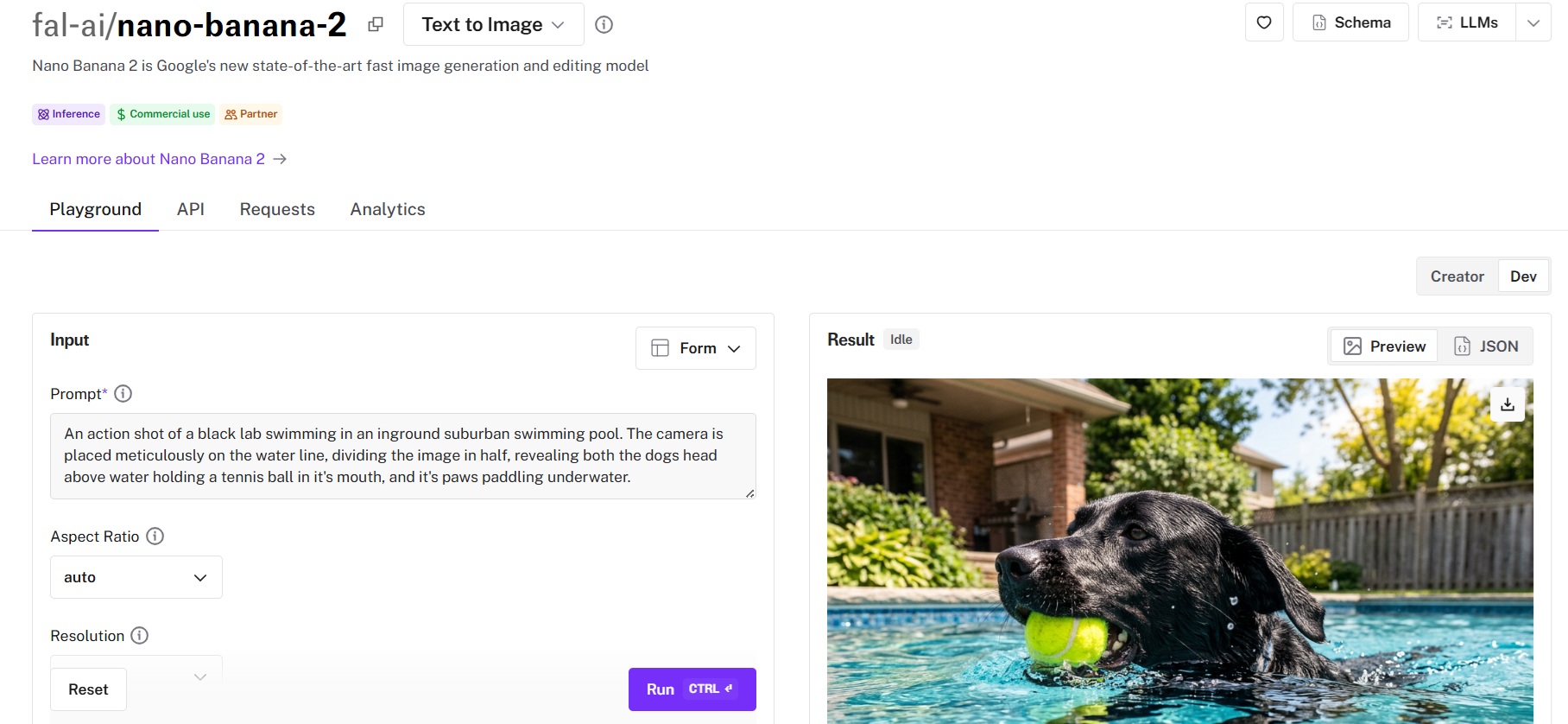
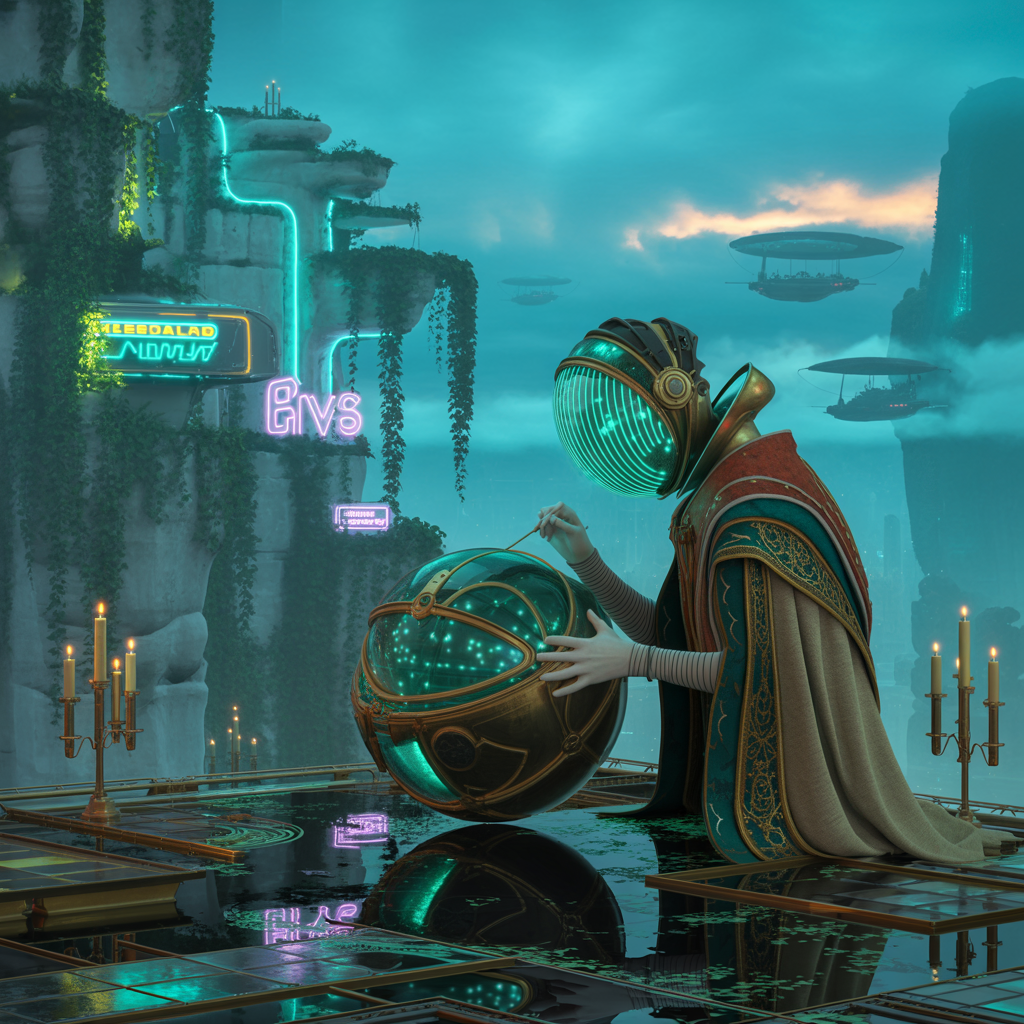
Note: I'm going to compare all AI image generation models with the same prompt so that we can see the difference:
A cinematic dusk scene in a floating coastal megacity carved into limestone cliffs. Bioluminescent turquoise water illuminates wet stone below. In the foreground, a weathered archivist with cybernetic eyes repairs a glowing glass memory sphere projecting holographic stars, birds, and manuscripts. Renaissance-inspired robes mixed with futuristic materials, intricate embroidery visible. Behind them: vertical gardens, neon alien signage, steam vents, and slow-moving airships in misty clouds. Lighting blends warm candlelight, cool twilight, and neon reflections; teal-and-amber color palette. Hyper-realistic digital painting, shallow depth of field, 50mm lens, soft film grain, cinematic sci-fi concept art.
A model can produce stunning images. But if it ignores half your prompt, it's not useful for production work. I tested each model with complex, multi-element prompts to see which ones could follow detailed instructions without dropping objects, changing colors, or misinterpreting spatial relationships. This matters more than most people think, especially if you're generating assets for specific campaigns or brand guidelines.
Some models take 30 seconds. Others take 3. When you're running hundreds of generations a week, that gap adds up fast, both in time and credits. I compared cost-per-image across models, factoring in resolution and quality settings.
Not every model handles non-standard aspect ratios well. If you need vertical images for social media or ultra-wide banners, some models will stretch or crop awkwardly. I specifically tested 1:1, 16:9, 9:16, and 4:3 outputs for each model.
The best AI image generators in 2026 are fal, Nano Banana 2, and FLUX.2 [pro].
Here's my shortlist of the 10 best models I reviewed:
| AI Image Generators | Best For | Price to Use |
|---|---|---|
| fal | Teams and developers who need access to every top image model through a single, fast API with pay-per-use pricing | Pay-per-use, starting at $0.003/megapixel. |
| Nano Banana 2 | Teams that need fast, vibrant image generation with strong text rendering, character consistency, and semantic understanding | From $0.06/image on fal. |
| FLUX.2 [pro] | Production teams that need consistent, high-quality photorealistic output with zero configuration | $0.03/megapixel on fal. |
| Seedream V4.5 | Teams needing photorealistic output with strong prompt adherence and built-in editing | $0.04/image on fal. |
| Recraft V3 | Designers and marketers who need accurate text rendering and vector art | $0.04/image on fal ($0.08 for vector). |
| Nano Banana Pro | Creative teams that prioritize semantic accuracy and character consistency over speed | $0.15/image on fal. |
| Ideogram V3 | Anyone creating marketing materials, posters, or logos with text | $0.03-$0.09/image on fal. |
| GPT Image 1.5 | Versatile generation with strong prompt following across styles | From $0.009/image on fal. |
| FLUX 1.1 [pro] Ultra | Teams that need high-res output up to 2K without post-processing upscaling | $0.06 per image on fal. |
| Qwen Image Max | Teams that need strong text rendering and precise editing from an LLM-based architecture at an affordable price point. | $0.075 per image on fal. |
fal.ai (that's us) is the best place to generate AI images in 2026 because our platform gives you access to 1000+ generative AI models (including every model on this list) through a single API with pay-per-use pricing and no GPU management.
Full disclosure: Even though fal is our platform, I'll provide an unbiased perspective on why it's the best option for generating images in 2026.
Instead of signing up for separate accounts with Black Forest Labs, Google, OpenAI, ByteDance, and Ideogram, you integrate once with fal and get access to all of them. Same API key, same billing, same integration pattern. Swap one model endpoint string for another, and you're generating with a different model. No code changes beyond that.
But the real reason fal sits at #1 isn't just model access. It's speed. fal built its inference engine from scratch with custom CUDA kernels optimized for specific model architectures, rather than wrapping general-purpose frameworks like most competitors do. The result? Cold starts of 5-10 seconds versus 20-60+ seconds on other platforms, and FLUX models running up to 4x faster on fal than on competing platforms.
Here are the four things that make fal the best platform for AI image generation.
Instead of juggling separate integrations with FLUX, Seedream, Recraft, Ideogram, GPT Image, and a dozen other providers, you integrate once with fal. The same API pattern works across all 1000+ models. Your auth, error handling, queue logic, and billing stay identical whether you're generating with FLUX.2 [pro] for photorealism, Recraft V3 for vector art, or Nano Banana 2 for fast semantic generation.
What this means in practice: you can ship a feature using FLUX.1 [schnell] for fast drafts, let users upgrade to FLUX.2 [pro] for final output, and add Recraft V3 for typography-heavy assets, all without touching your integration code.
Generated using Nano Banana 2 on fal.
When a new model drops, fal typically has it available on day one. fal's relationship with Black Forest Labs, for example, means FLUX.2 [pro] launched on fal on release day. And Google's Nano Banana 2 is already live on the platform.
Six lines of code to get started:
import { fal } from "@fal-ai/client";

const result = await fal.subscribe("fal-ai/flux/dev", {
  input: {
    prompt: "Photo of a rhino wearing a tailored suit at a bar",
  },
});
Every model also has a playground where you can test it in your browser before writing any code.
Our engineering team writes custom CUDA kernels for specific model architectures and uses techniques like epilogue fusion to eliminate unnecessary memory transfers between GPU operations.
The numbers aren't just marketing. A FLUX.1 [schnell] image generates in roughly 1-2 seconds on fal.
The infrastructure handles autoscaling automatically: regional GPU routing sends requests to the nearest available cluster, a custom CDN delivers generated content with minimal latency, and the system expands from zero to thousands of GPUs based on demand without any configuration on your side.
For teams running real-time features like live previews, interactive editors, or streaming generation, this gap is the difference between usable and unusable.
fal charges per output rather than requiring you to reserve GPU capacity. You don't pay when your app is idle. You don't estimate capacity in advance.
For image generation specifically, pricing starts at $0.003 per megapixel for FLUX.1 [schnell] and goes up to $0.15 per image for premium models like Nano Banana Pro.
The range means you can pick the right model for each task and only pay for what you actually generate.
No hidden fees for API calls, storage, or CDN delivery. You pay for generation and computing: end of the story.
fal uses pay-as-you-go pricing with no subscriptions or minimum commitments.
Here's a snapshot of image generation costs:
Pros:
Cons:
Best for: Teams that need fast, vibrant image generation with strong text rendering, character consistency, and semantic understanding at a mid-range price point.
Similar to: Nano Banana Pro, GPT Image 1.5.
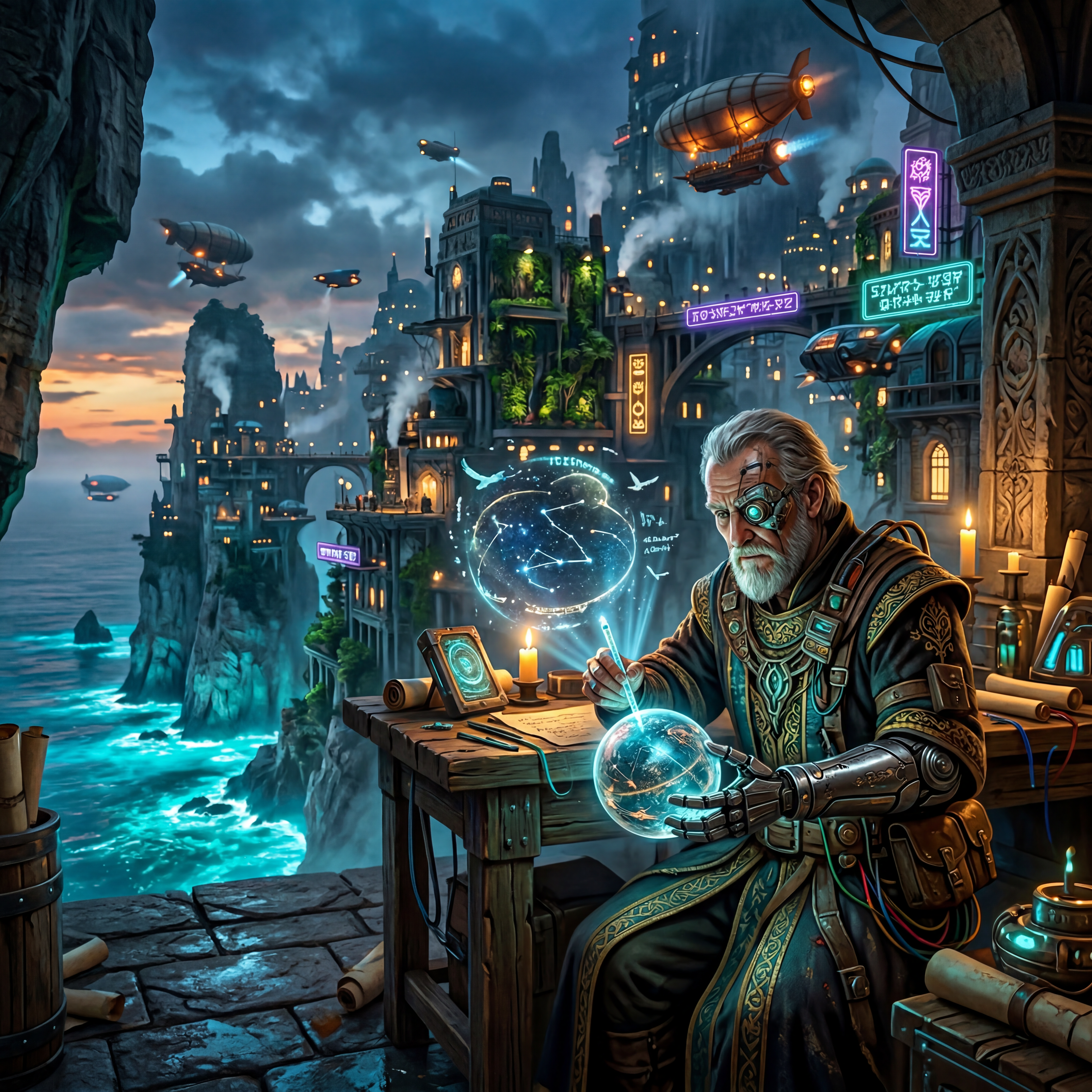
Nano Banana 2 is Google's newest image generation model, built on the Gemini 3.1 Flash Image architecture. It's the faster, more affordable sibling to Nano Banana Pro (which runs on the heavier Gemini 3 Pro backbone), and it lands at a sweet spot between speed and quality that most models on this list don't hit.
What makes it different from traditional diffusion models is how it generates images. Instead of treating your prompt as a bag of weighted tokens, it reasons about composition, lighting, and spatial relationships before rendering, the same way a multimodal language model processes text. The result is images that feel more intentional and less like a lucky roll of the dice.
Generated using Nano Banana 2 on fal, an AI model from Google DeepMind.
You can run Nano Banana 2 through fal's API or test it in the playground.
Same integration pattern as every other model on fal. If you've already integrated FLUX or Seedream, switching to Nano Banana 2 is a one-line endpoint change. All outputs include SynthID digital watermarking, and commercial use is enabled through fal.
Optional web search grounding is available through the enable_web_search parameter, which adds $0.015 per generation for factually current visuals.
Here's how much it costs to run Nano Banana 2 on fal:
Pros:
Cons:
Best for: Production teams that need consistent, studio-grade output without tweaking inference parameters.
Similar to: FLUX 1.1 [pro] Ultra, Seedream V4.5.
![Image generated using FLUX.2 [pro] on fal](https://v3b.fal.media/files/b/0a90dade/cRhIqrn9NI2a8GQ5Des-Q_flux%202%20pro.jpg)
FLUX.2 [pro] is Black Forest Labs' latest flagship, launched on fal on day one. It removes the guesswork from image generation: no inference steps to configure, no guidance scales to adjust, just a zero-configuration pipeline that delivers predictable quality whether you're generating one image or ten thousand.
![Generated using FLUX.2 [pro] on fal](https://v3b.fal.media/files/b/0a90dadf/6ihFh_idEw9Jj1gGGNrYi_flux%20pro.jpg)
Generated using FLUX.2 [pro] on fal.
You can run FLUX.2 [pro] through fal's API or test it in the playground without writing any code. fal handles the GPU infrastructure, so you don't need to manage servers or worry about scaling. Cold starts clock in at 5-10 seconds on fal versus 20-60 seconds on other alternatives on the market. The API docs and integration guide are available at fal.ai.
Here's how much it costs to run FLUX.2 [pro] on fal:
Pros:
Cons:
Best for: Teams that need photorealistic output with strong prompt adherence and built-in editing in a single model.
Similar to: FLUX.2 [pro], Nano Banana Pro.
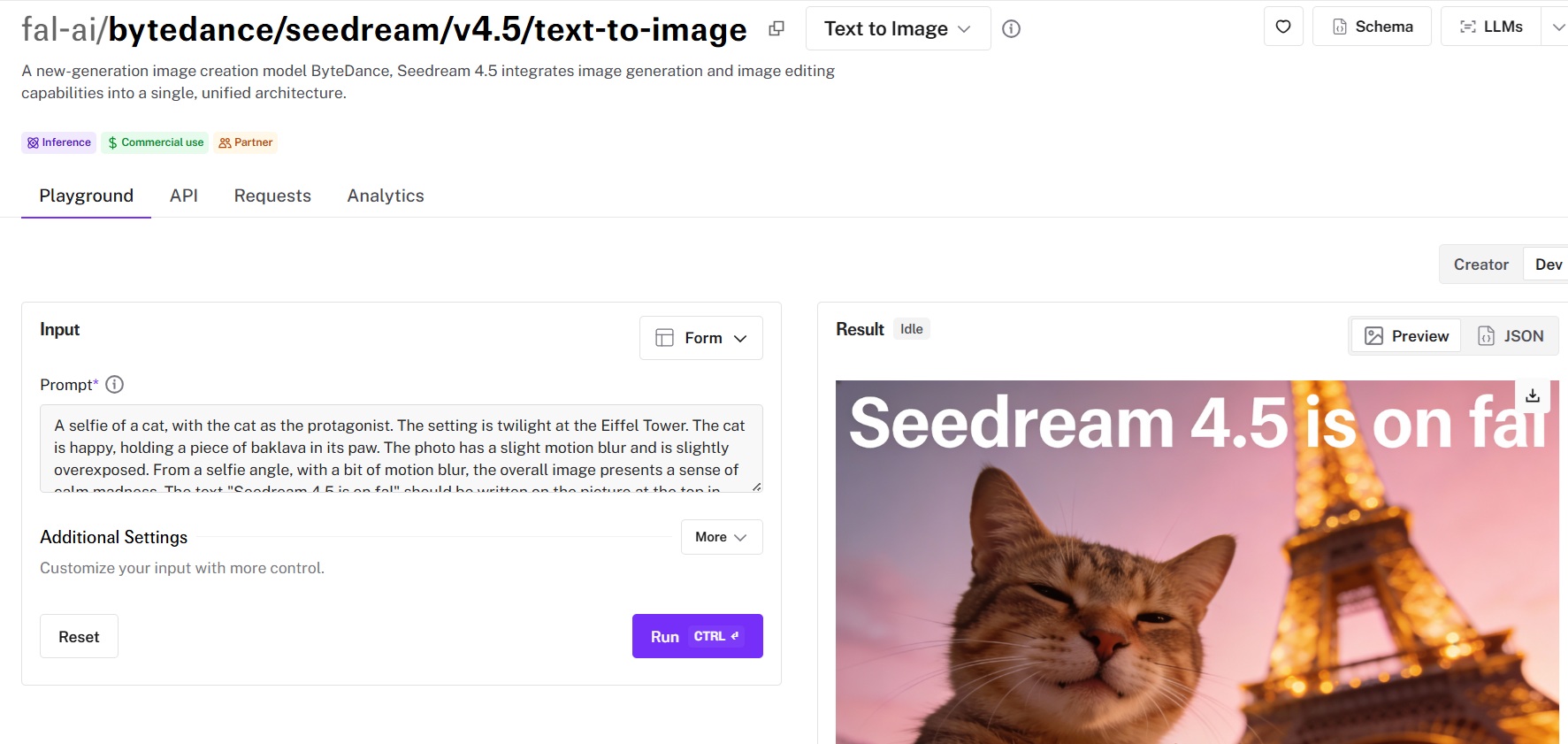
Seedream V4.5 is ByteDance's latest image generation model, and it integrates both generation and editing into a single, unified architecture. What sets Seedream apart from most models on this list is how well it handles complex prompts while keeping costs low.
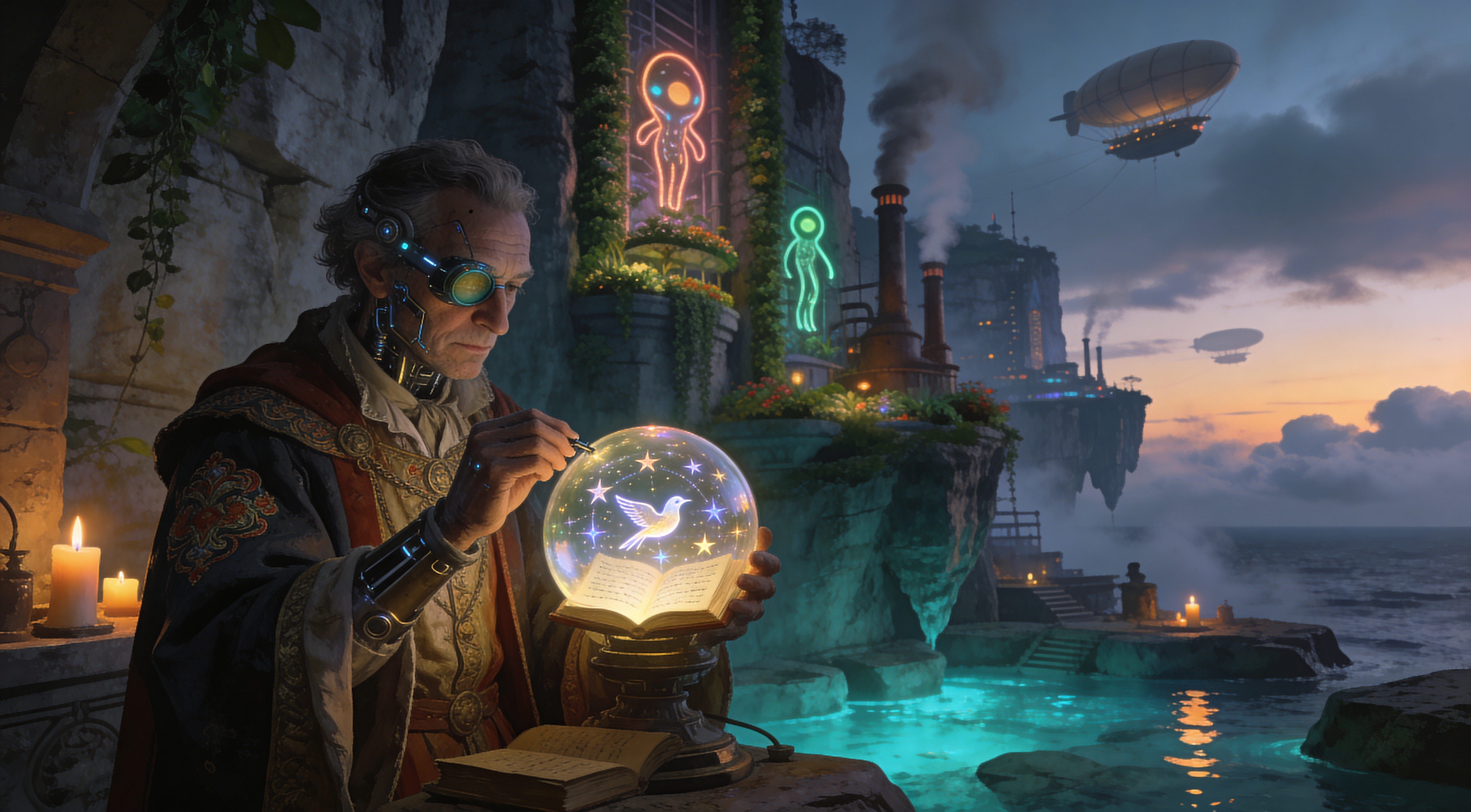
Generated using Seedream V4.5 on fal.
You can run Seedream V4.5 through fal's API or test it in the playground at fal.
fal handles all GPU infrastructure and scaling. Just send a request, get an image back, pay per use. The API uses the same integration pattern as every other model on fal, so if you've used one, you've used them all.
Here's how much it costs to run Seedream V4.5 on fal:
Pros:
Cons:
Best for: Designers and marketers who need accurate text rendering, vector art, and brand-consistent imagery.
Similar to: Ideogram V3, FLUX.1 Kontext [pro].
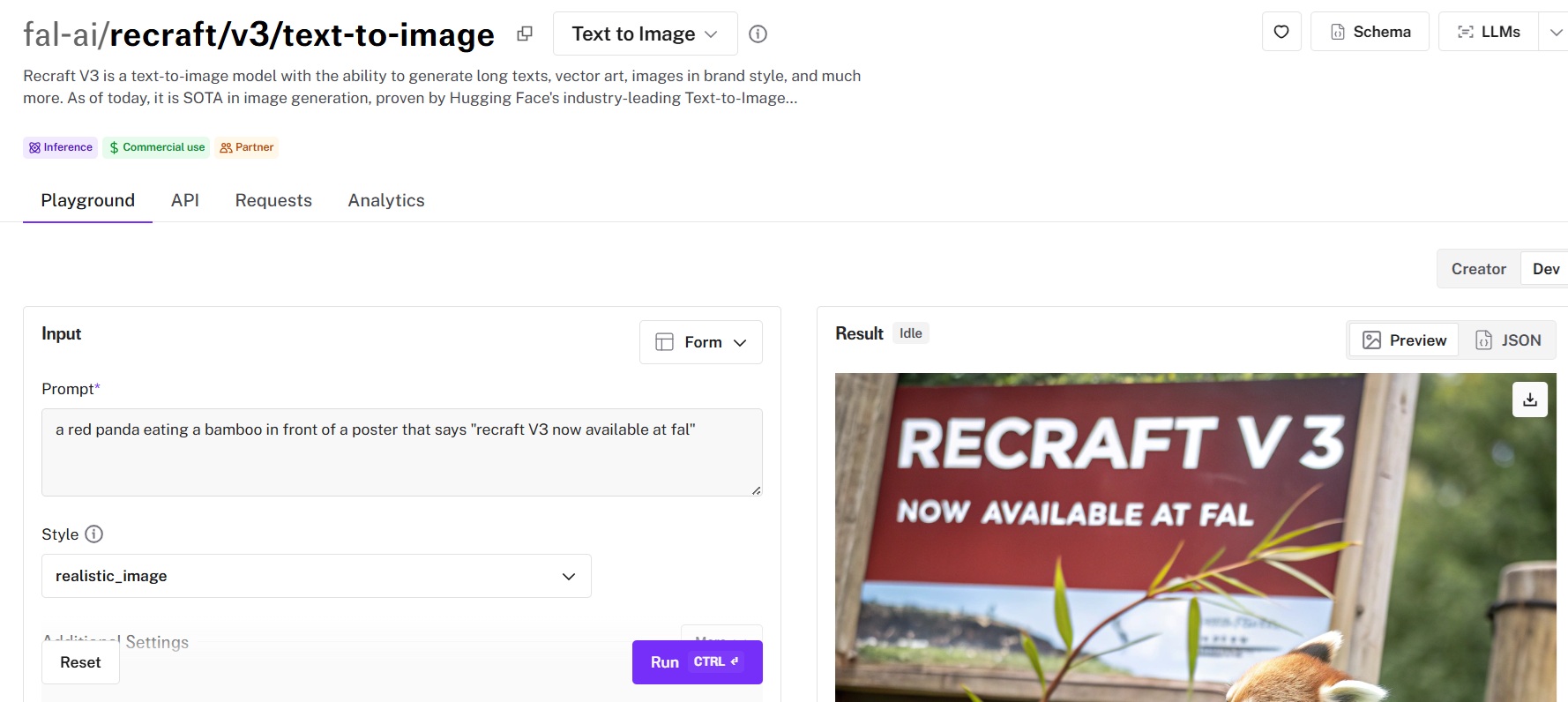
Recraft V3 achieved the #1 position on Artificial Analysis's Text-to-Image Arena benchmark in October 2024 with an ELO of 1172. It's available on fal with the same API, pricing model, and fast inference as the rest of the catalog.
What stands out about it is that you can set the style of the image, such as realistic, digital illustration, and vector illustration.
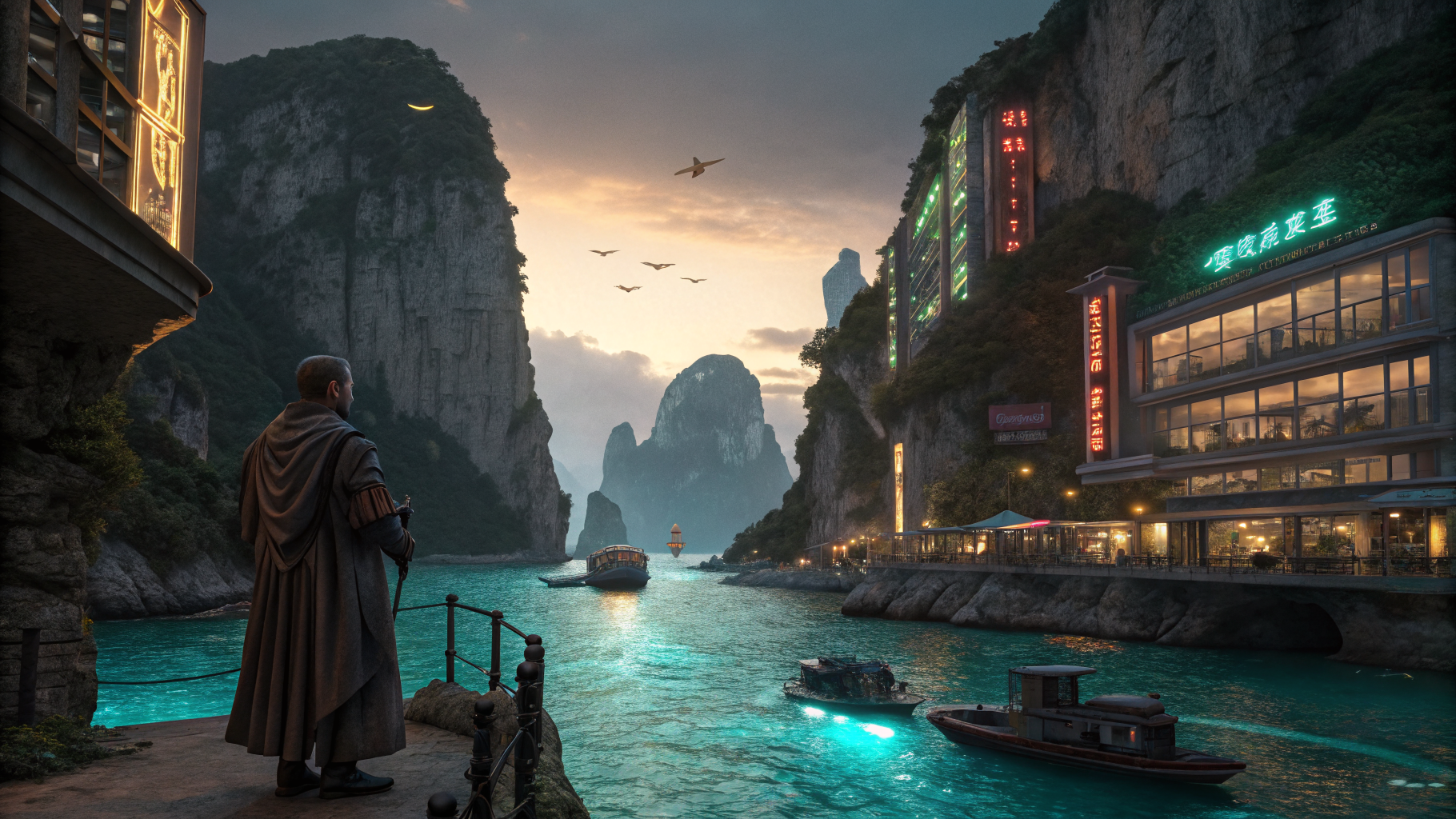
Generated using Recraft V3 on fal.
realistic_image, digital_illustration, vector_illustration), brand color palette control through a colors parameter, and size options covering all common social media and print formats.You can run Recraft V3 through fal's API or test it in the playground at fal.
The same API key and integration pattern work across all 1,000+ models on fal. No separate account or billing relationship needed.
Here's how much it'd cost to run Recraft V3 on fal:
Pros:
Cons:
Best for: Creative teams that need semantic accuracy, character consistency, and advanced text rendering, with a budget for premium output.
Similar to: GPT Image 1.5, DALL-E 3.
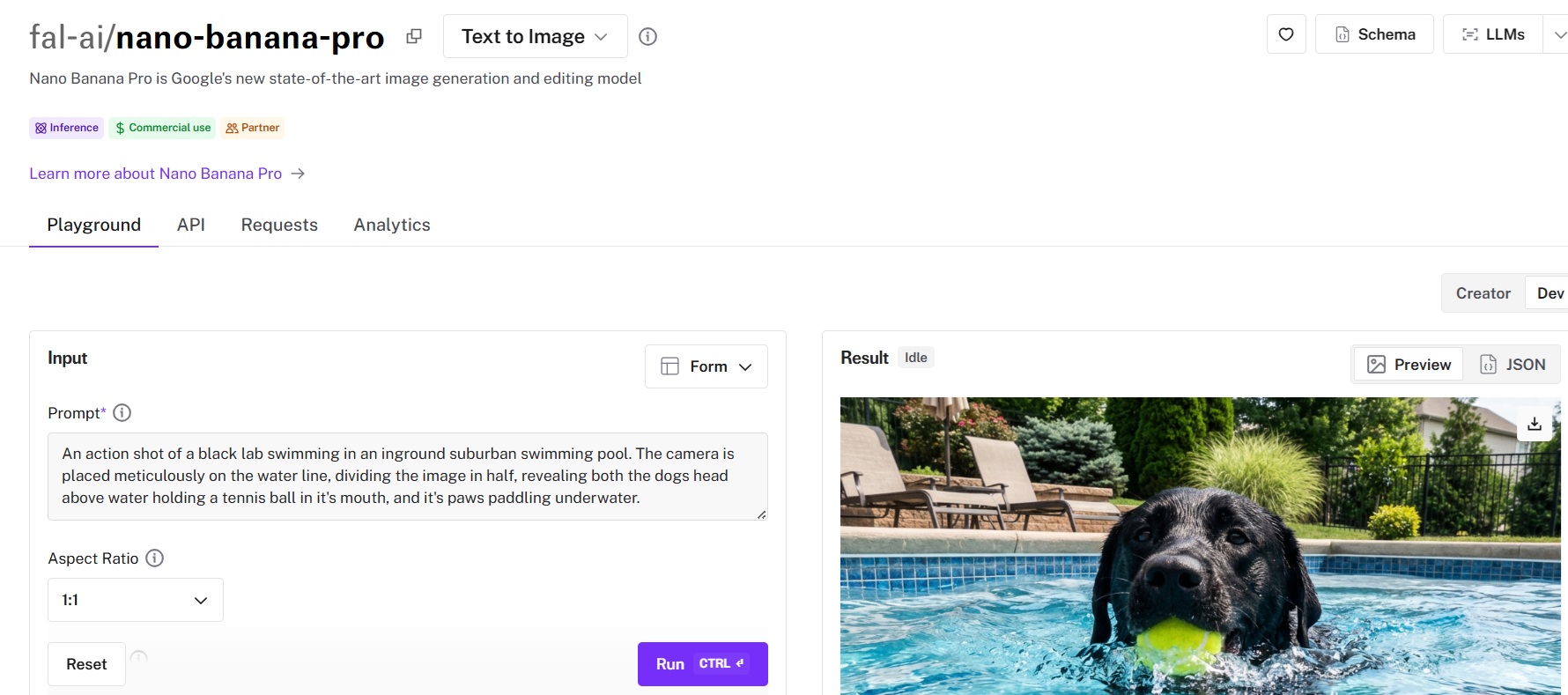
Nano Banana Pro is Google's image generation model built on the Gemini 3 Pro architecture. Instead of matching keywords to visual patterns like traditional diffusion models, it uses multimodal reasoning to interpret your creative intent holistically, which makes it a fundamentally different tool from everything else on this list.
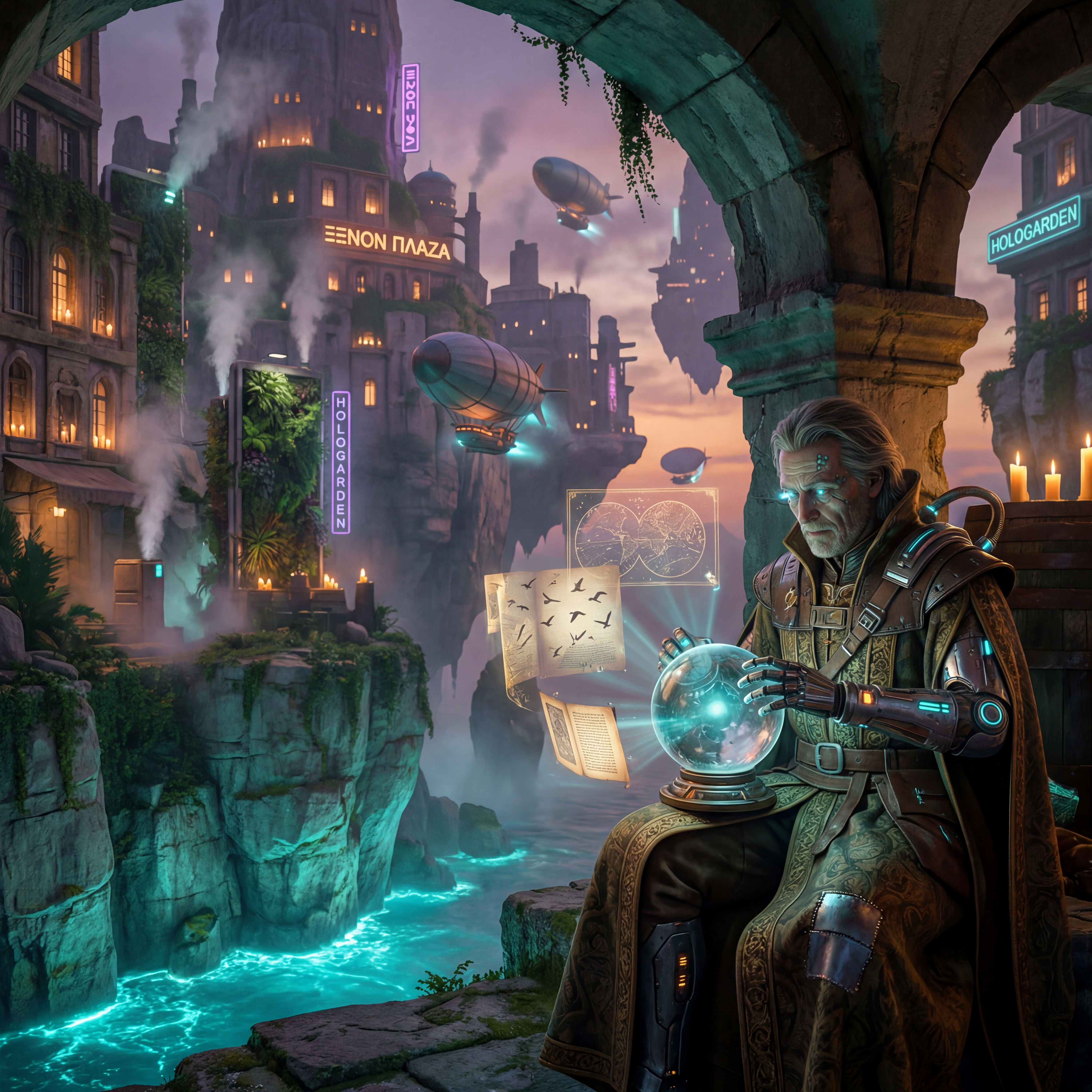
Generated using Nano Banana Pro on fal.
You can run Nano Banana Pro through fal's API or test it in the playground at fal. Our platform handles the infrastructure and billing. All outputs include SynthID digital watermarking. Commercial use is enabled through fal.
Here's how much it'd cost you to run Nano Banana Pro on fal:
Pros:
Cons:
Best for: Anyone creating marketing materials, posters, logos, or social media graphics where text accuracy is critical.
Similar to: Recraft V3, GPT Image 1.5.
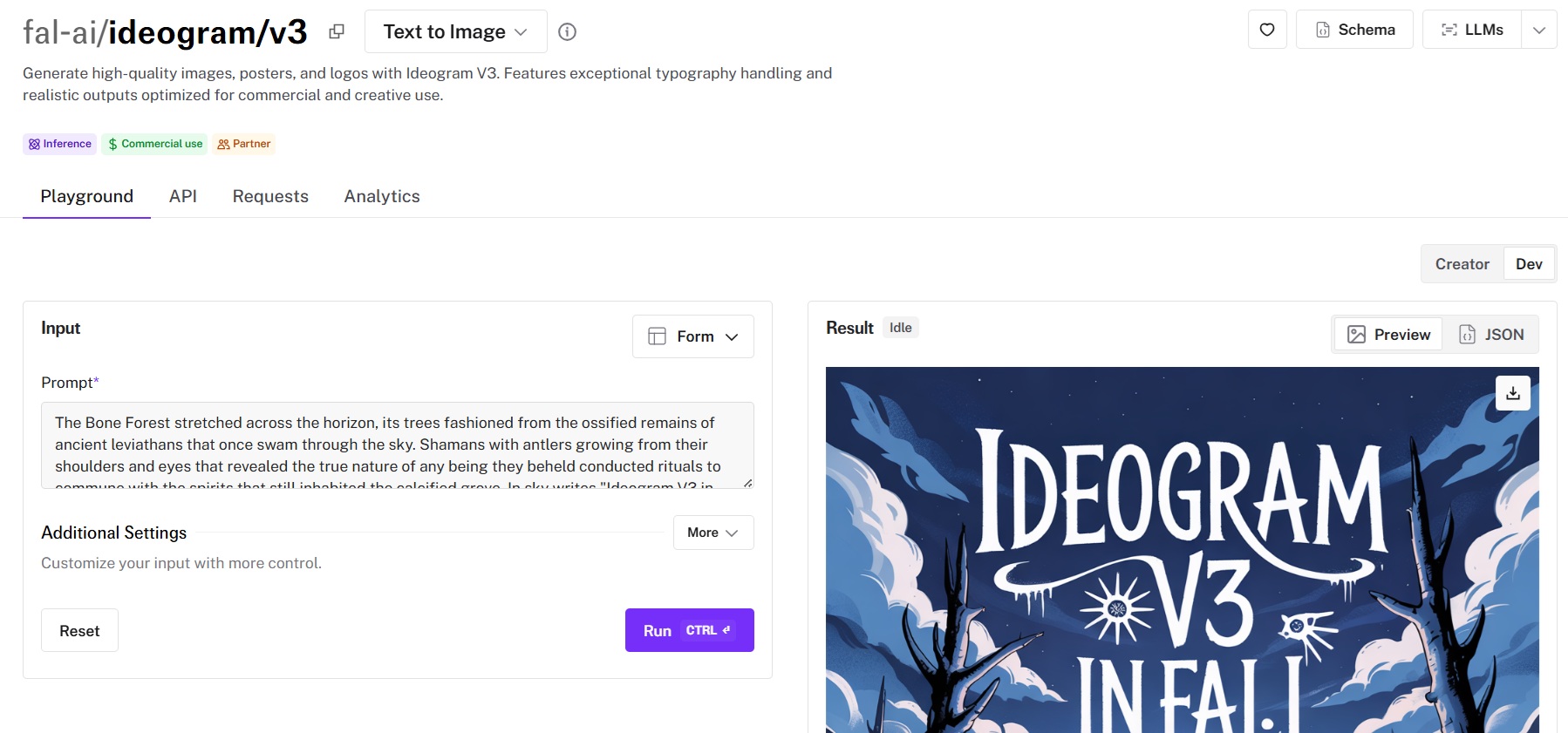
Ideogram built its reputation on getting text right in images. V3 takes that further with improved realism and better overall image quality, while keeping the near-perfect typography accuracy that made earlier versions popular.
Generated using Ideogram V3 on fal.
Ideogram V3 is available through fal's API and playground at fal.
You can also access it through Ideogram's own platform, starting at $20/month (Plus plan), but the fal route gives you pay-per-use pricing with no subscription.
Here's how much it'd cost to run Ideogram V3 on fal: $0.03-$0.09 per image, depending on quality tier:
Pros:
Cons:
Best for: Versatile image generation with strong prompt following and multi-quality tiers for different budgets.
Similar to: Nano Banana Pro, DALL-E 3.
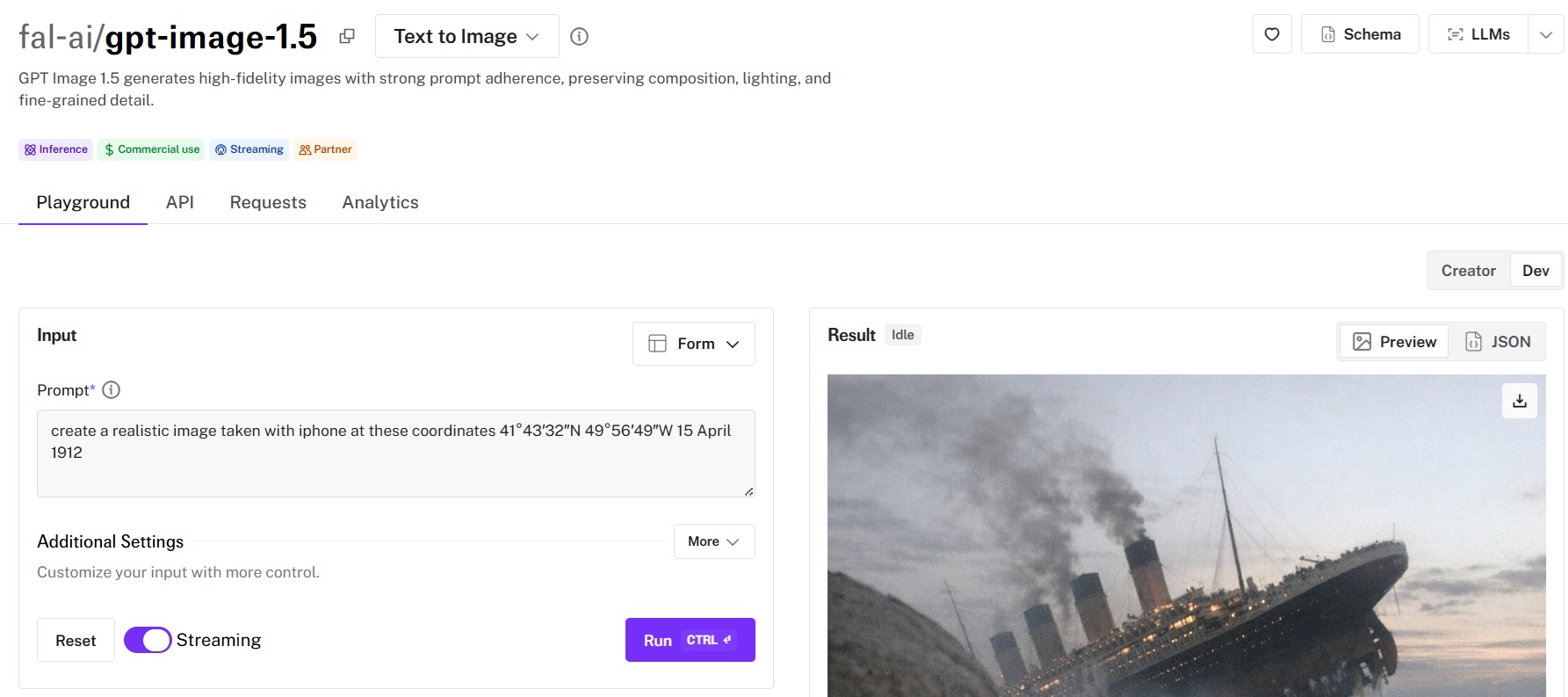
GPT Image 1.5 is OpenAI's latest flagship image model. The three-quality-tier system (low, medium, high) gives you real control over the cost-quality tradeoff per generation, which is something most other models on this list don't offer.

Generated using GPT Image 1.5 on fal.
GPT Image 1.5 is available through fal's API and playground at fal.
Pricing on fal is token-based, matching OpenAI's pricing structure but accessed through fal's unified API. You don't need a separate OpenAI account or API key when running it through fal.
Here's how billing is calculated when you run GPT Image 1.5 on fal:
Pros:
Cons:
Best for: Teams that need high-resolution output up to 2K without running a separate upscaling step.
Similar to: FLUX.2 [pro], FLUX 1.1 [pro].
![Image generated using FLUX 1.1 [pro] Ultra on fal](https://v3b.fal.media/files/b/0a90dade/_XSpK3GJGrjiyfIdbug-V_flux%201.1%20pro%20ultra.jpg)
FLUX 1.1 [pro] Ultra is the high-resolution variant of Black Forest Labs' FLUX 1.1 [pro]. It produces output up to 2K resolution natively, which means you skip the separate upscaling model that most other generators on this list require for larger formats.
![Generated using FLUX 1.1 [pro] Ultra on fal](https://v3b.fal.media/files/b/0a90dade/djB0Xwx7KsUTWVOunfzag_flux%20pro%20v1.1%20ultra.png)
Generated using FLUX 1.1 [pro] Ultra on fal.
Available through fal's API and playground at fal.
Same integration pattern as all FLUX models on fal. Swap the model endpoint string, and you're generating at higher resolutions immediately, no code changes beyond that.
It costs $0.06 per image to use FLUX 1.1 [pro] Ultra on fal.
Pros:
Cons:
Best for: Teams that need strong text rendering and precise image editing from an LLM-based architecture at a budget-friendly price point.
Similar to: GPT Image 1.5, Ideogram V3.
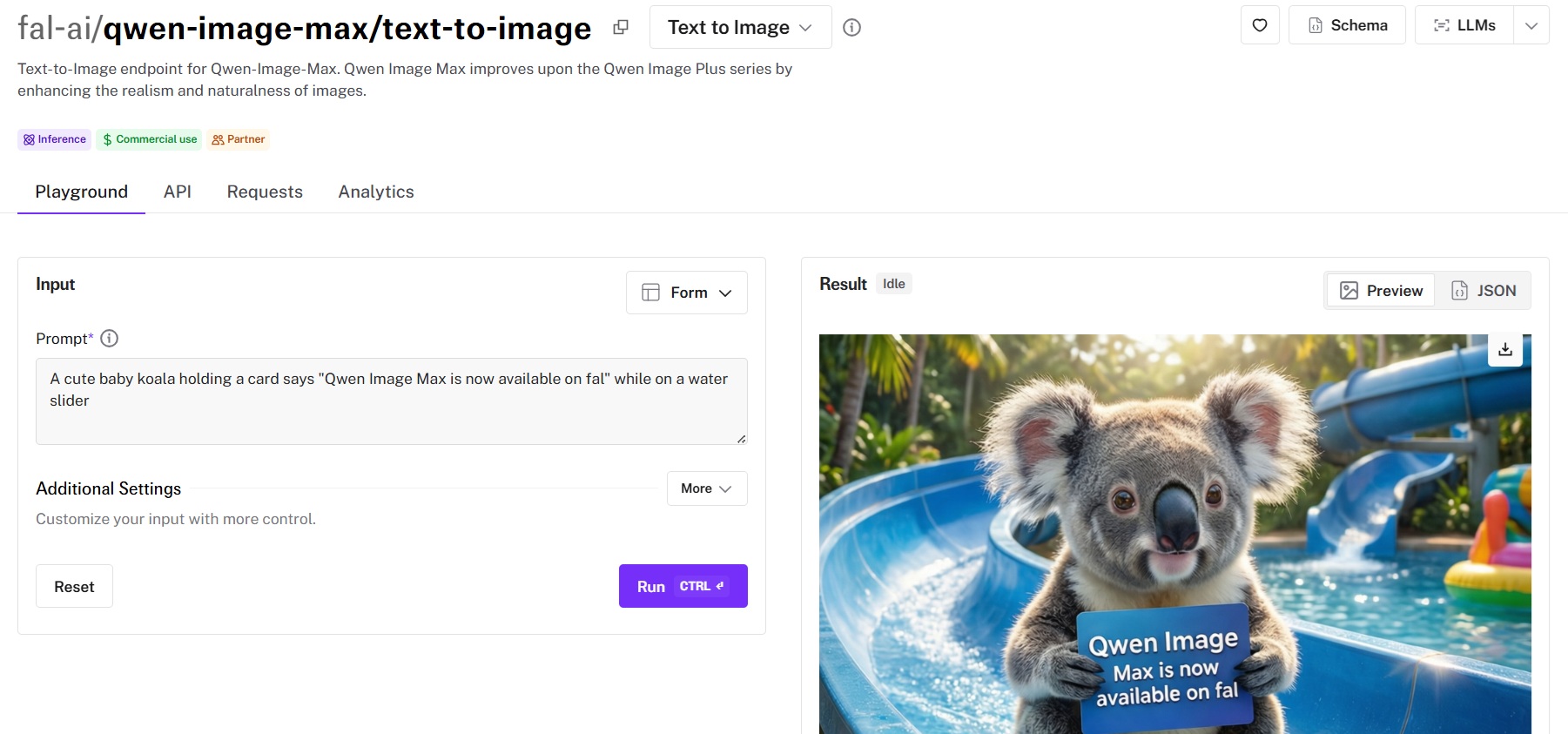
Qwen Image Max is an image generation foundation model from the Qwen series (Alibaba) that takes a fundamentally different approach from most models on this list. It's built on an autoregressive LLM architecture rather than a diffusion model, which gives it strong advantages in complex text rendering and precise image editing.
Available through fal's API and playground at fal. Same integration pattern as every other model on fal.
LoRA training is supported, so you can fine-tune it for specific visual styles or brand identities through fal's training pipeline. The queue system handles long-running requests with webhook support for async workflows.
To run Qwen Image Max on fal, you'd need to spend $0.075 per image.
Pros:
Cons:
The AI image generation space has more capable models now than at any point in the past two years. And that's actually the problem: picking the right one requires testing, which costs time and credits.
If you want access to the best-performing models, such as Nano Banana 2, FLUX.2 [pro], Seedream V4.5, Recraft V3, and Nano Banana Pro, all through a single API with pay-per-use pricing and no GPU headaches, fal is the fastest way to get there. You can test any model in the playground or plug into the API in minutes.
Founder of House of Growth. 2x entrepreneur, 1x exit, mentor at 500, Plug and Play, and Techstars.
Hundreds of production-ready image, video, and audio models behind one API.
Learn how to prompt ByteDance Seed Audio 1.0 for cinematic, multi-character audio scenes, plus 10 production workflows covering reference voices, sound design, extending, inpainting, stitching, and editing.
![How To Use Grok Imagine Image 2.0: Prompts & Workflows [2026]](https://refinery.fal.media/url/https%3A%2F%2Fv3b.fal.media%2Ffiles%2Fb%2F0aaa08b3%2FEbZiOASE83F9ej9WDiQz-.jpg/tr:w-1280,q-80/EbZiOASE83F9ej9WDiQz-.webp)
A prompting guide for xAI's Grok Imagine Image 2.0 on fal, covering its text-to-image and edit endpoints, in-frame typography, the settings that change the output, and pricing.
Five production briefs that put GPT-6 Astra to work across fal's 1,000+ generative media models, covering video, image direction, 3D worlds, browser games, and architecture.