In this guide, I'll review the 10 best video-to-video upscalers in 2026, covering how much detail each one rebuilds, resolution ceilings, input limits, and pricing, so you can pick one without paying to find out.
How this research was conducted: I generated a single 15-second 720p draft clip with FLUX 3, then ran that exact file through all ten upscalers and ranked them on detail recovery, frame-to-frame stability, face handling, and cost per finished pass.
TL;DR
Topaz Astra 2 invents new detail while upscaling and selects its own output resolution, typically 4K.
The FLUX 3 Video Upscaler carries a source-faithful mode and a creative mode on one endpoint, from $0.14 per second at 1080p.
Topaz Starlight Precise 2.6 is a diffusion pass built for AI-generated footage, at $1.20 per 10 seconds up to 1080p.
The ByteDance video upscaler costs $0.0072 per second at 1080p, the lowest per-second rate in this guide.
The best place to upscale your videos is fal, as all of these 10 video-to-video upscalers can be accessed through our platform without a subscription, so you can run any one of them on a pay-as-you-go basis with no commitments.
How can you access all of these video upscalers and their APIs in this list?
All ten upscalers in this guide run on fal under one API key, with pay-per-use billing and no subscription attached to any of them.
That billing model is what makes a comparison like this practical, because an upscaler you decide against costs you the passes you already ran and nothing after that.
Testing Topaz Astra 2 against Bria and the FLUX 3 Video Upscaler anywhere else would mean three vendor accounts and three billing relationships before the first frame comes back.
Every endpoint here accepts a video URL and returns a video URL, so moving a clip between upscalers is a change of endpoint name and a few parameter names.
The same key covers the rest of the fal catalog of videos, images, and more, which matters when the upscale is the last stage of a pipeline that started with a text prompt.
A request looks like this:
javascript
import { fal } from "@fal-ai/client";

const result = await fal.subscribe("topaz/upscale/video/creative", {
  input: {
    video_url: "https://v3.fal.media/files/kangaroo/y5-1YTGpun17eSeggZMzX_video-1733468228.mp4",
  },
  logs: true,
  onQueueUpdate: (update) => {
    if (update.status === "IN_PROGRESS") {
      update.logs.map((log) => log.message).forEach(console.log);
    }
  },
});

console.log(result.data);
console.log(result.requestId);
What are the best video-to-video upscalers in 2026?
The best video-to-video upscalers in 2026 are Topaz Astra 2, the FLUX 3 Video Upscaler, and Topaz Starlight Precise 2.6.
All ten run on fal with pay-per-use pricing, and the full ten-endpoint shortlist follows:
| Upscaler | Best for | Price on fal |
|---|---|---|
| Topaz Astra 2 | Inventing detail that was never in the source | $3.00 per 10 seconds up to 1080p, $5.00 in 4K |
| FLUX 3 Video Upscaler | Choosing faithful or creative on one endpoint | $0.14 per second at 1080p in precise mode |
| Topaz Starlight Precise 2.6 | A diffusion realism pass on AI-generated video | $1.20 per 10 seconds up to 1080p |
| Crystal Video Upscaler | Output that stays close to the source, up to 5K | $0.10 per megapixel per second |
| Topaz Proteus | Faithful upscales with manual noise and grain control | $0.20 per 10 seconds at 1080p |
| Bria Video Upscaling | Licensed training data and delivery up to 8K | $0.14 per second |
| FlashVSR | Fast passes with full control of the encode | $0.0005 per megapixel |
| SeedVR2 | Naming a target resolution and letting the model solve for it | $0.001 per megapixel |
| ByteDance Video Upscaler | Preset-driven enhancement by content type | $0.0072 per second at 1080p |
| RealESRGAN Video Upscaler | A two-parameter frame-by-frame enlargement | $0.0008 per megapixel |
I tested all ten of these upscalers on the same source file, a 15-second 720p draft generated once on FLUX 3 Text To Video Draft, using a prompt built to give every model something difficult to hold on to:
Prompt: Main Subject: Korean woman, naturally attractive, realistic skin texture, barely any makeup, long dark hair loosely tied back. Wearing an oversized washed-out blue sweatshirt, loose beige trousers, white sneakers, and a thin silver chain. Keep her exact identity, facial features, hairstyle, and appearance consistent from first frame to last. Location: Quiet Seoul neighborhood in the minutes before sunrise. Narrow residential streets, aging low-rise apartment blocks, utility poles, parked cars, tangled overhead cabling, small shopfronts still behind their shutters, and an elevated railway line running past the rooftops. Cold early-morning haze warming as the sun comes up. Style: Ultra-realistic early-2000s Sony MiniDV home video. Candid, quiet, entirely unstaged. Handheld wobble, loose framing, autofocus hunting, exposure shifting as light changes, washed colors, soft contrast, DV compression, mild motion blur, low-level microphone hiss. No stabilization or modern cinematic camera movement. 00:00 to 00:03: She walks through the empty neighborhood with both hands buried in her sweatshirt pocket. The camera trails a few steps behind, drifting now and then toward the bare street. 00:03 to 00:06: She reaches a small pedestrian overlook beside the elevated railway and leans on the railing. Tired but calm, watching the tracks below. 00:06 to 00:09: A train approaches in the distance and grows louder. She turns toward the tracks and waits. The camera hunts for focus in the weak morning light. 00:09 to 00:12: The first train tears past. The frame jolts from the operator's reaction, losing her behind the carriages for a moment. Morning light skims across the train windows. 00:12 to 00:15: She glances back at the camera with a small sleepy smile, then turns toward the brightening skyline. The camera drifts slowly toward the railway and the hazy rooftops as the recording cuts out. Audio: Natural morning ambience only. Distant train noise, vibration through the railway, birds, footsteps, faint traffic, wind, electrical hum, a few far-off voices. No music, narration, or added effects. Goal: Make it read like a forgotten MiniDV tape from an ordinary Seoul morning. Quiet, intimate, slightly lonely but comforting, with the nostalgia coming from the unremarkable setting, the early hour, and the imperfect home-video camera, not from cinematic staging.
Generated using FLUX 3 draft on fal, an AI model from Black Forest Labs.
Note: the source is 720p at 24 fps running 15 seconds, which is inside the input limits of every endpoint in this guide.
I specifically thought of a tough prompt for this one.
I wanted to stress test the video upscalers with tangled overhead cabling, shopfronts behind shutters, DV compression artifacts, and a subject who only turns toward the camera in the final three seconds.
#1: Topaz Astra 2
Best for: footage where the source no longer holds enough detail and the model has to invent more of it.
Similar to: Topaz Starlight Precise 2.6, FLUX 3 Video Upscaler in creative mode.
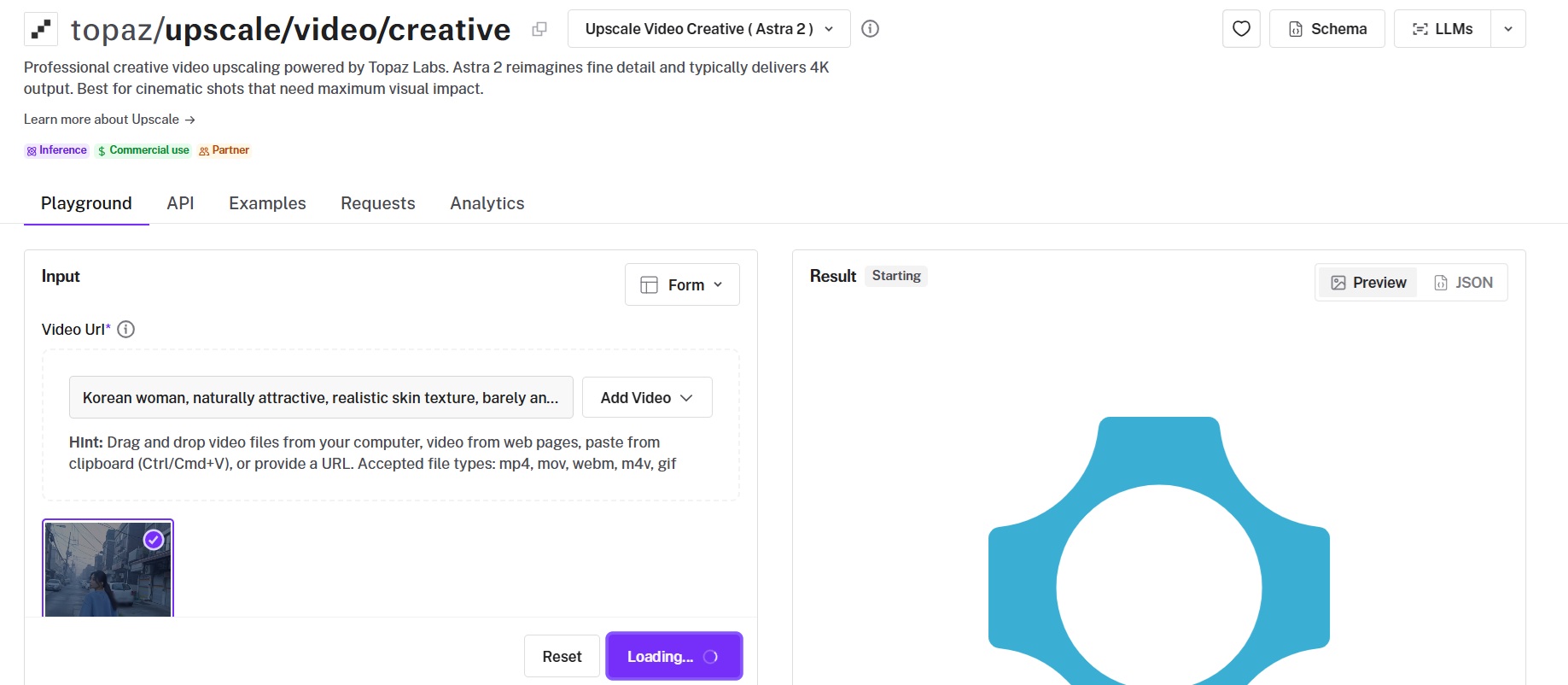
Astra 2 is the model on Topaz Labs' creative video endpoint, generating new detail and texture during the upscale.
I'd recommend it for stylized and AI-generated sources, and the model selects its own output resolution, typically 4K.
Performance
Upscaled using Astra 2 on fal, an AI model from Topaz Labs.
Creativity range: creativity runs 0.0 to 1.0 with a default of 0.5, where 0.0 stays faithful to the source and 1.0 generates the most new texture.
Prompt limit: passing a prompt to guide the generated detail caps the input at 450 frames, which is 15 seconds of 30 fps footage.
Resolution behavior: upscale_factor is a request only, since Astra 2 snaps to its own supported resolutions and bills on the resolution delivered.
Secondary controls: realism biases generated detail toward photorealism, and sharp runs 0.0 to 1.0 with Topaz's neutral 0.5 as the default.
💡 Note: many of the video-to-video upscalers in this guide, including Topaz Astra 2, took me a significant amount of time to generate (e.g., 1+ minute), so beware that you might have to wait longer than you expected. If you're looking for a speedy solution, then I'd recommend the Topaz Proteus upscaler, which I'll also cover later in this guide.
How to run Topaz Astra 2 on fal
Astra 2 is on fal at topaz/upscale/video/creative, with a browser playground alongside the API.
Sources are limited to five minutes, and output is H265 unless H264_output is set to true.
Setting target_fps enables frame interpolation in the same job, so leave it unset to keep the source cadence.
Pricing
Output up to 1080p costs $3.00 per 10 seconds, and 4K costs $5.00 per 10 seconds.
A one-minute clip runs $18.00 at 1080p and $30.00 at 4K.
Astra 2 selects the delivered resolution, so the 4K rate is the safer figure to budget against, putting a 15-second pass at $7.50.
falMODEL APIs
The fastest, cheapest and most reliable way to run genAI models. 1 API, 100s of models
#2: FLUX 3 Video Upscaler
Best for: choosing per job between a faithful enlargement and generated detail, without changing endpoint.
Similar to: Topaz Astra 2, Topaz Starlight Precise 2.6.
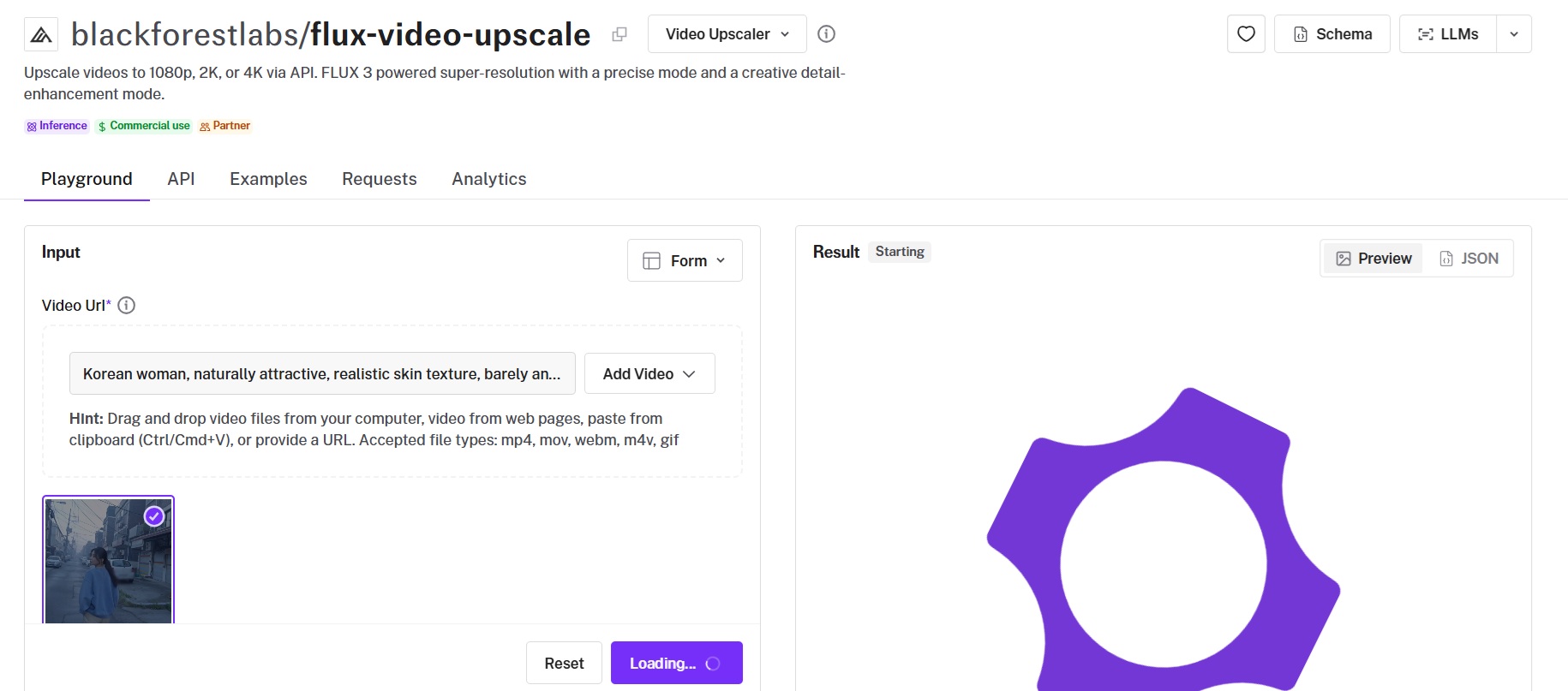
The FLUX 3 Video Upscaler is Black Forest Labs' super-resolution endpoint, with a precise mode and a creative detail-enhancement mode selected by a single parameter.
Output runs at 1080p, 2K, or 4K, and an optional prompt guides what the creative mode adds.
Performance
Upscaled using the FLUX 3 Video Upscaler on fal, an AI model from Black Forest Labs.
Two modes: creativity takes 0 for a source-faithful upscale or 1 for creative detail enhancement, with 1 as the default.
Resolution ladder: 1080p, 2K, and 4K, priced separately in each mode, with creative running 40 to 44 percent above precise at every tier.
Input limits: MP4 only, at most 20 seconds and at most 50 MB, the tightest input limit stated by any endpoint here.
Prompt and moderation: an optional prompt guides the detail creative mode adds, and safety_tolerance defaults to 2, with lower values stricter.
How to run the FLUX 3 Video Upscaler on fal
The FLUX 3 Video Upscaler is on fal at blackforestlabs/flux-video-upscale.
creativity defaults to 1 and upscale_factor to 2, so a request carrying only a video URL returns a 2x creative upscale.
Source aspect ratio is preserved, and billing covers the delivered output only.
Pricing
Precise mode costs $0.14 per second at 1080p, $0.25 at 2K, and $0.55 at 4K.
Creative mode costs $0.20, $0.35, and $0.79 per second at the same three tiers.
A 10-second 1080p clip therefore costs $1.40 in precise mode and $2.00 in creative mode.
#3: Topaz Starlight Precise 2.6
Best for: AI-generated footage that needs a realism pass on top of the enlargement.
Similar to: Topaz Astra 2, FLUX 3 Video Upscaler.
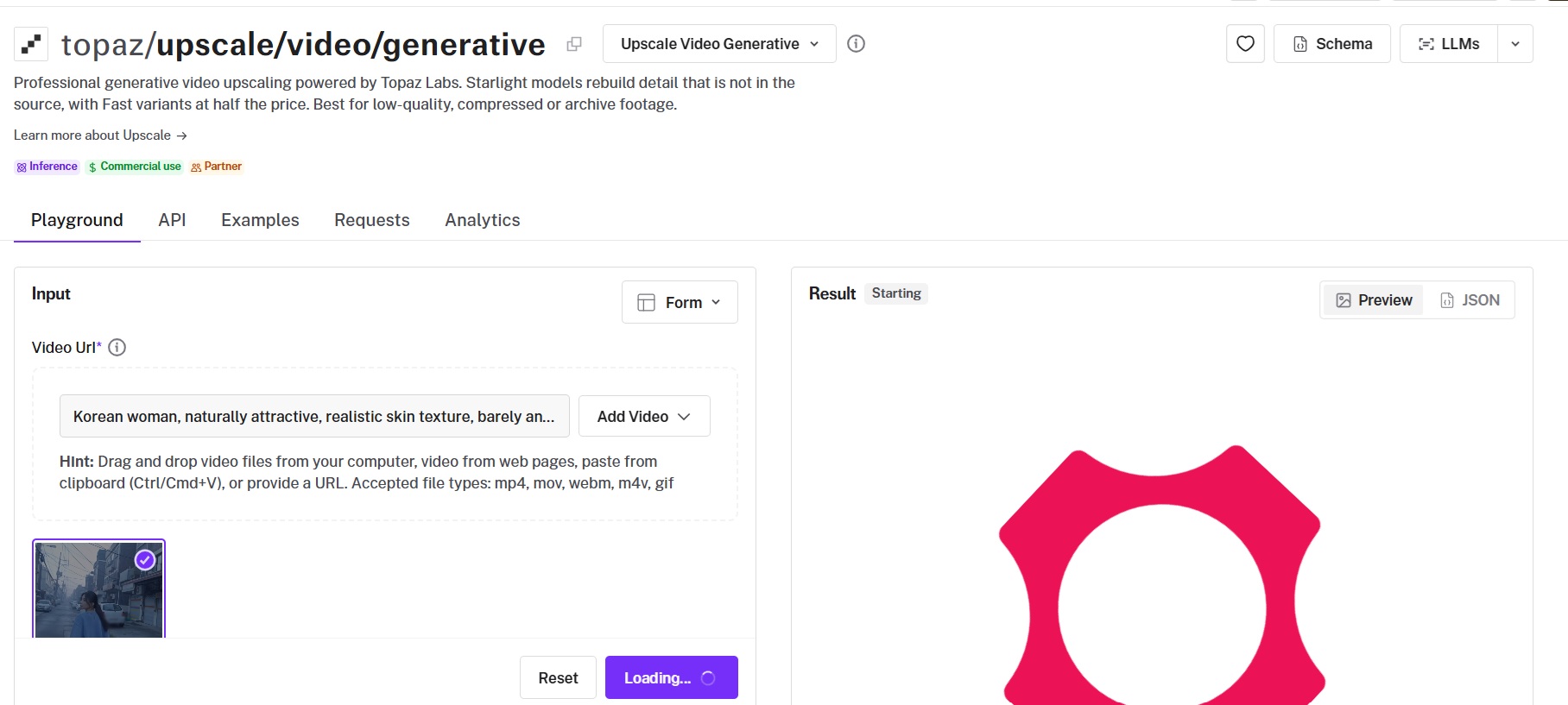
Starlight Precise 2.6 is the default model on Topaz Labs' generative video endpoint, using diffusion to rebuild detail the source does not contain.
Topaz positions it as the realism pass for AI-generated video, with four other Starlight models available on the same endpoint.
Performance
Upscaled using Starlight Precise 2.6 on fal, an AI model from Topaz Labs.
Model roster: you can choose between Starlight HQ for high-resolution sources, Starlight Mini for archival footage, Starlight Sharp for faster restoration with sharper detail, and Starlight Fast 2 at half the price.
Softness: softness runs 1 (sharpest) to 5 (softest) on Starlight Precise 2.6 only, and Topaz's own default applies when it is left unset.
Interpolation: setting target_fps enables Apollo frame interpolation inside the same job.
Duration: sources up to five minutes, matching the rest of the Topaz video catalog.
How to run Topaz Starlight Precise 2.6 on fal
Starlight Precise 2.6 runs at topaz/upscale/video/generative on fal, applied when no model value is sent.
upscale_factor defaults to 2, and output is H265 unless H264_output is set to true.
Starlight Fast 2 costs half as much and is worth a test render before committing a long clip.
Pricing
Across the Starlight models other than Fast 2, output up to 1080p costs $1.20 per 10 seconds and 4K costs $2.60 per 10 seconds.
A full minute would be between $7.00 and $15.20, which is below six times the 10-second rate because credits are rounded once per job.
Starlight Fast 2 costs half: $0.60 and $1.30 per 10 seconds, quoted at $3.50 and $7.50 per minute.
#4: Crystal Video Upscaler
Best for: output that holds close to the original frame, with one parameter to set.
Similar to: Topaz Proteus, RealESRGAN Video Upscaler.
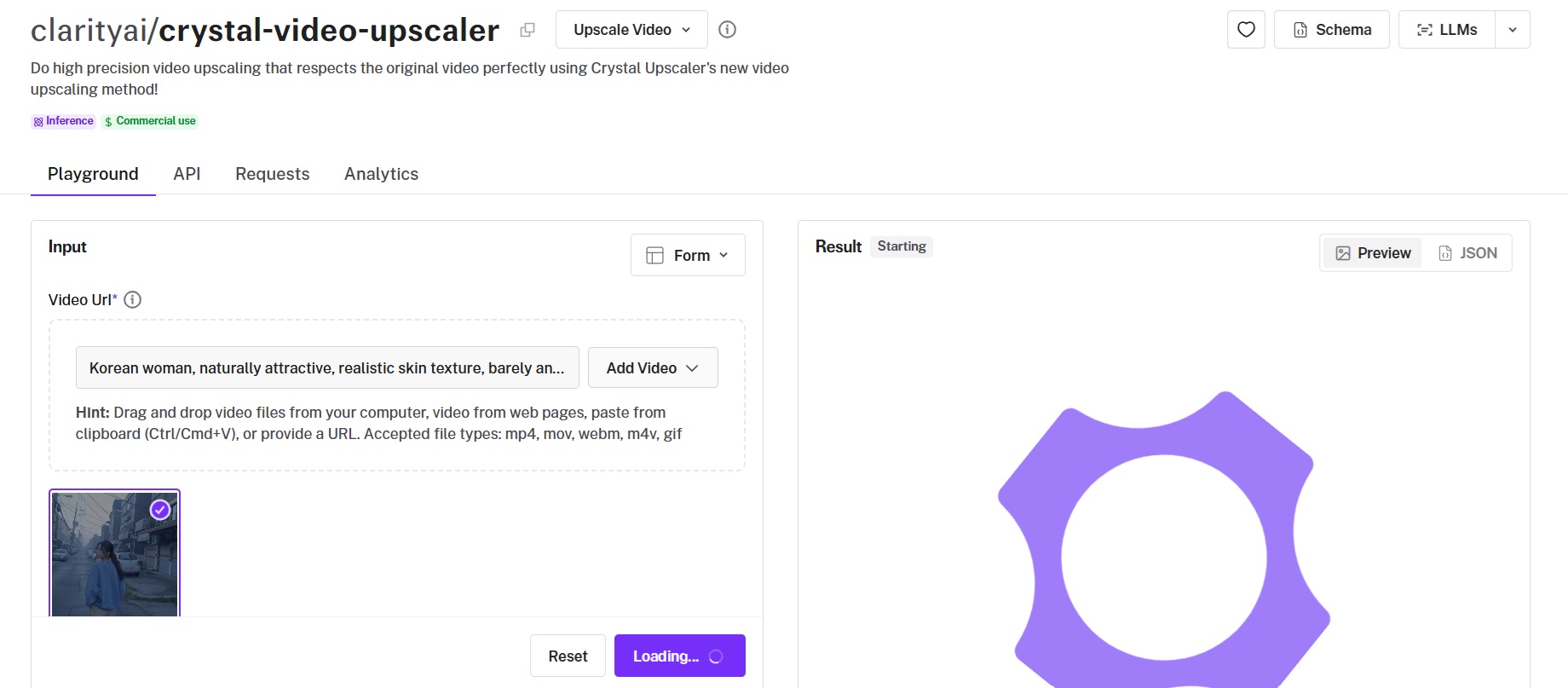
Crystal Video Upscaler is Clarity AI's video upscaling method, built for high-precision output that stays faithful to the source.
The request takes a video URL and a scale factor, with the finished video capped at 5K.
Performance
Upscaled using Crystal Video Upscaler on fal, an AI model from Clarity AI.
Parameters: video_url and scale_factor, with scale_factor defaulting to 2 and no model selection.
Resolution ceiling: the scale factor has to keep the finished video within 5K, and a 1280x720 source at 3x lands on exactly 3840x2160.
Response metadata: width, height, fps, duration, and frame count are returned alongside the output URL.
How to run Crystal Video Upscaler on fal
Crystal Video Upscaler is on fal at clarityai/crystal-video-upscaler.
scale_factor is the only setting, and it has to keep the output within 5K.
Frame rate feeds directly into the bill, so check the source fps before submitting anything long.
Pricing
Billing is $0.10 per megapixel per second, multiplied by a frame rate band of 1x up to 30 fps, 2x up to 60 fps, and 3x up to 90 fps.
#5: Topaz Proteus
Best for: real-world footage that should not gain anything the camera never recorded.
Similar to: Crystal Video Upscaler, RealESRGAN Video Upscaler.
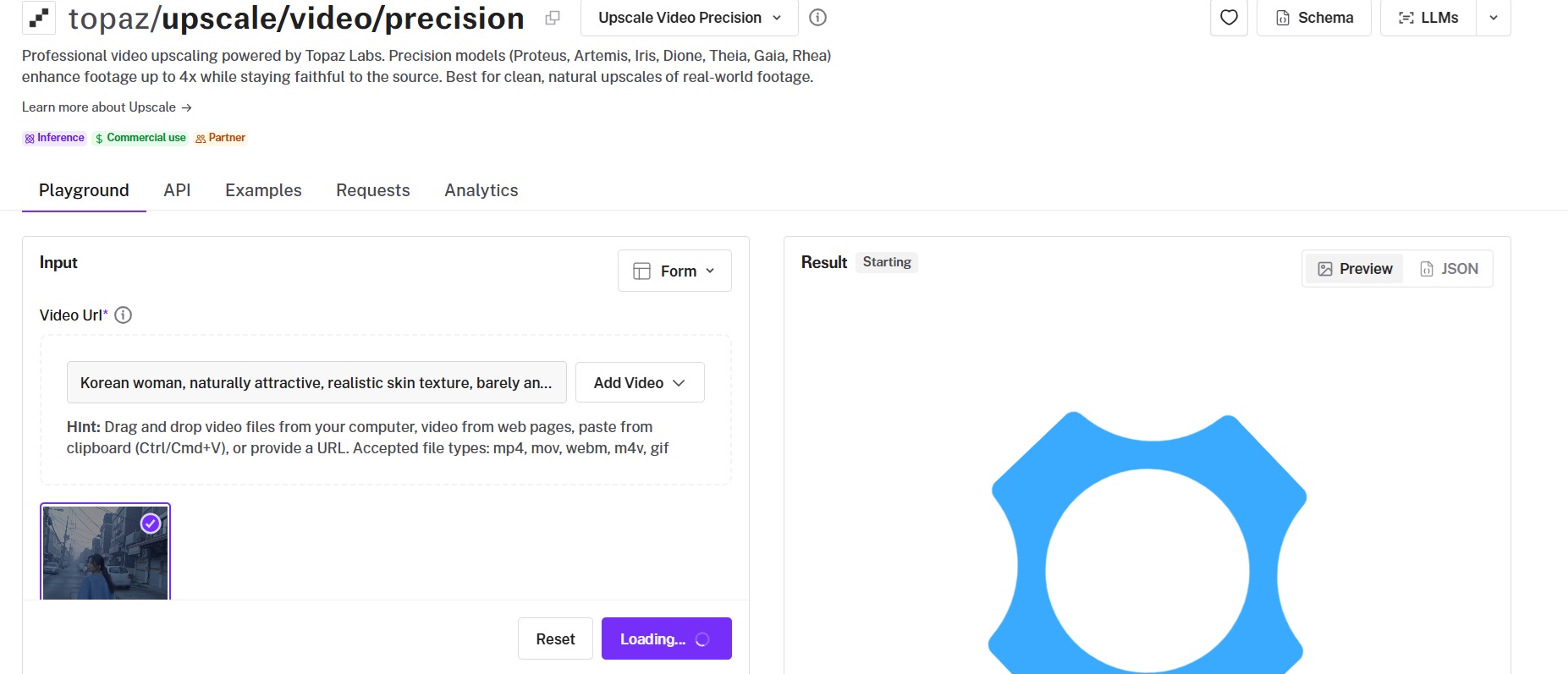
Proteus is the default model on Topaz Labs' precision video endpoint, the non-generative side of the catalog, enhancing footage up to 4x.
The endpoint carries twenty-one models in total, reaching from everyday camera footage to interlaced tape, rendered CG, and animation.
Performance
Upscaled using Proteus on fal, an AI model from Topaz Labs.
Manual controls: compression, noise, halo, and recover_detail take 0.0 to 1.0 values, grain takes 0.0 to 0.1, and each defaults per model.
Model coverage: Iris recovers faces, Dione deinterlaces legacy sources, Artemis handles noisy or degraded footage, and Rhea runs an internal 4x pass for fine detail.
Animation: Gaia 2 upscales animation and motion graphics at 2x and bills at half the standard precision rate.
Manual trade-off: Theia Fine Tune Detail and Theia Fine Tune Fidelity expose the detail and fidelity balance directly.
How to run Topaz Proteus on fal
Proteus runs at topaz/upscale/video/precision on fal, applied when no model value is sent.
Sources are limited to five minutes, with upscale_factor supported up to 4x.
Every control has a per-model default, so run an untouched pass before adjusting noise or halo.
Pricing
The standard precision models cost $0.10 per 10 seconds at 720p, $0.20 at 1080p, and $0.60 at 4K.
Gaia 2 costs $0.10 per 10 seconds at 720p or 1080p and $0.30 at 4K, and Proteus Natural costs $0.50 per 10 seconds at 4K.
#6: Bria Video Upscaling
Best for: production and enterprise work where the provenance of the training data has to be answerable.
Similar to: SeedVR2, ByteDance Video Upscaler.
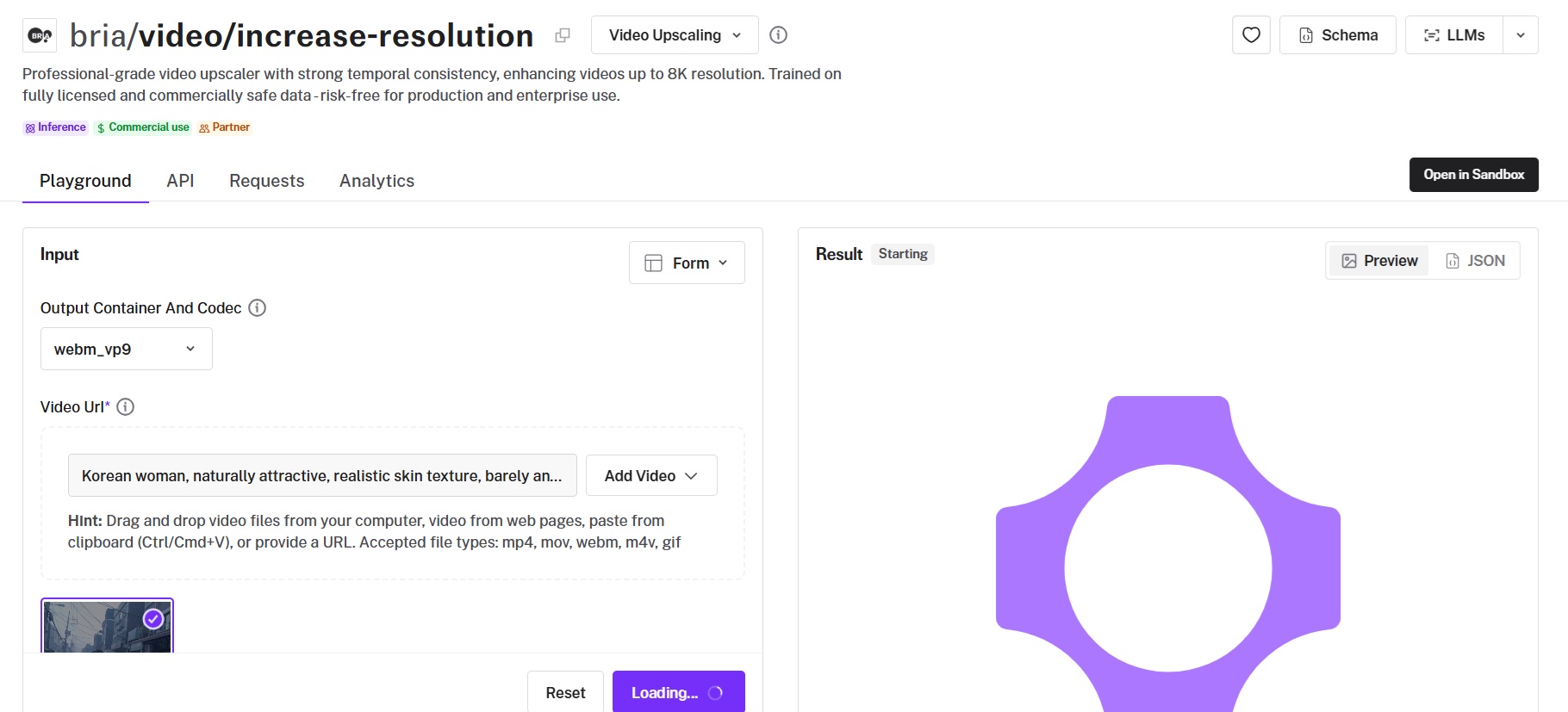
Bria's video upscaler enhances video up to 8K with temporal consistency, trained on data Bria describes as fully licensed and commercially safe.
Container, codec, and audio handling are all set on the request.
Performance
Upscaled using Bria Video Upscaling on fal, an AI model from Bria AI.
Increase factors: desired_increase accepts 2 or 4, and a 4x pass on a 1080p source produces an 8K file.
Input limits: under 7680x4320 and under 30 seconds.
Delivery formats: nine container and codec combinations including mp4_h264, mp4_h265, mov_proresks, mkv_vp9, and gif, with webm_vp9 as the default.
Audio: preserve_audio defaults to true, carrying the source audio into the output.
How to run Bria Video Upscaling on fal
Bria Video Upscaling is on fal at bria/video/increase-resolution, with a Sandbox option alongside the playground.
Set output_container_and_codec explicitly for MP4 delivery, since the default is webm_vp9.
A 4x pass on a 1080p source produces an 8K file, worth checking against your storage before a batch run.
Pricing
Bria charges a flat $0.14 per second of video.
#7: FlashVSR
Best for: fast passes with full control over the output encode.
Similar to: SeedVR2, RealESRGAN Video Upscaler.
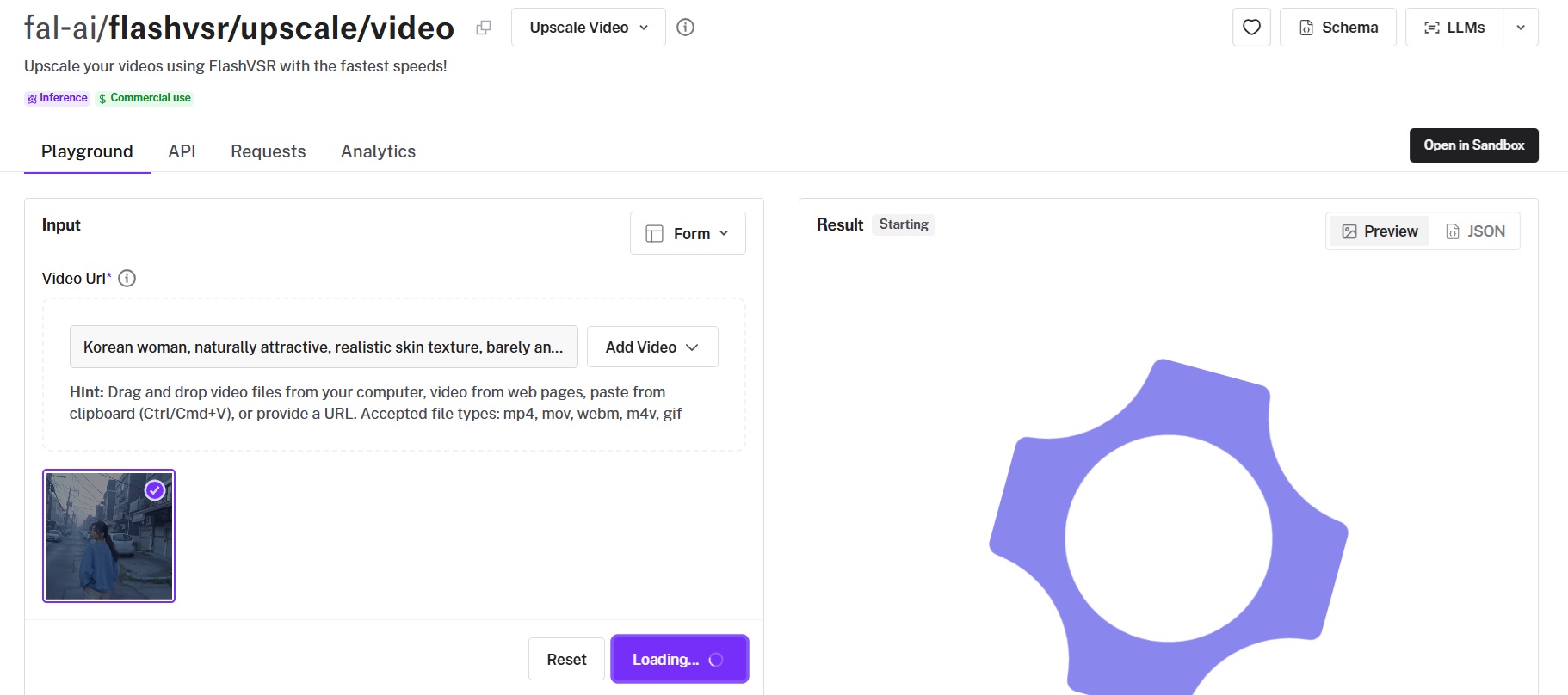
FlashVSR is a speed-oriented video upscaler running under the fal-ai namespace, with an acceleration setting that trades quality for throughput.
Billing runs per megapixel of video data, calculated as width times height times frames.
Performance
Upscaled using FlashVSR on fal.
Acceleration: regular for best quality, high for balance, and full for the fastest pass, with more acceleration allowing longer inputs.
Tile blending: quality runs 0 to 100 and controls tile overlap to prevent grid artifacts, defaulting to 70, with 70 to 85 recommended for high-resolution sources.
Output formats: X264 in .mp4, VP9 in .webm, PRORES4444 in .mov, and GIF, with output_quality and output_write_mode settings.
Color and audio: color_fix defaults to on, and preserve_audio copies the original audio tracks across with FFmpeg when possible.
How to run FlashVSR on fal
FlashVSR is on fal at fal-ai/flashvsr/upscale/video, with a Sandbox option.
Seed is exposed on the request, so a pass can be reproduced exactly.
Higher acceleration also allows longer inputs through the endpoint, so decide it before tuning quality.
Pricing
FlashVSR costs $0.0005 per megapixel of video data.
On this arithmetic, a 15-second 1440p pass at 24 fps costs about $0.66.
#8: SeedVR2
Best for: naming a finished resolution and letting the model work out the factor.
Similar to: FlashVSR, Crystal Video Upscaler.
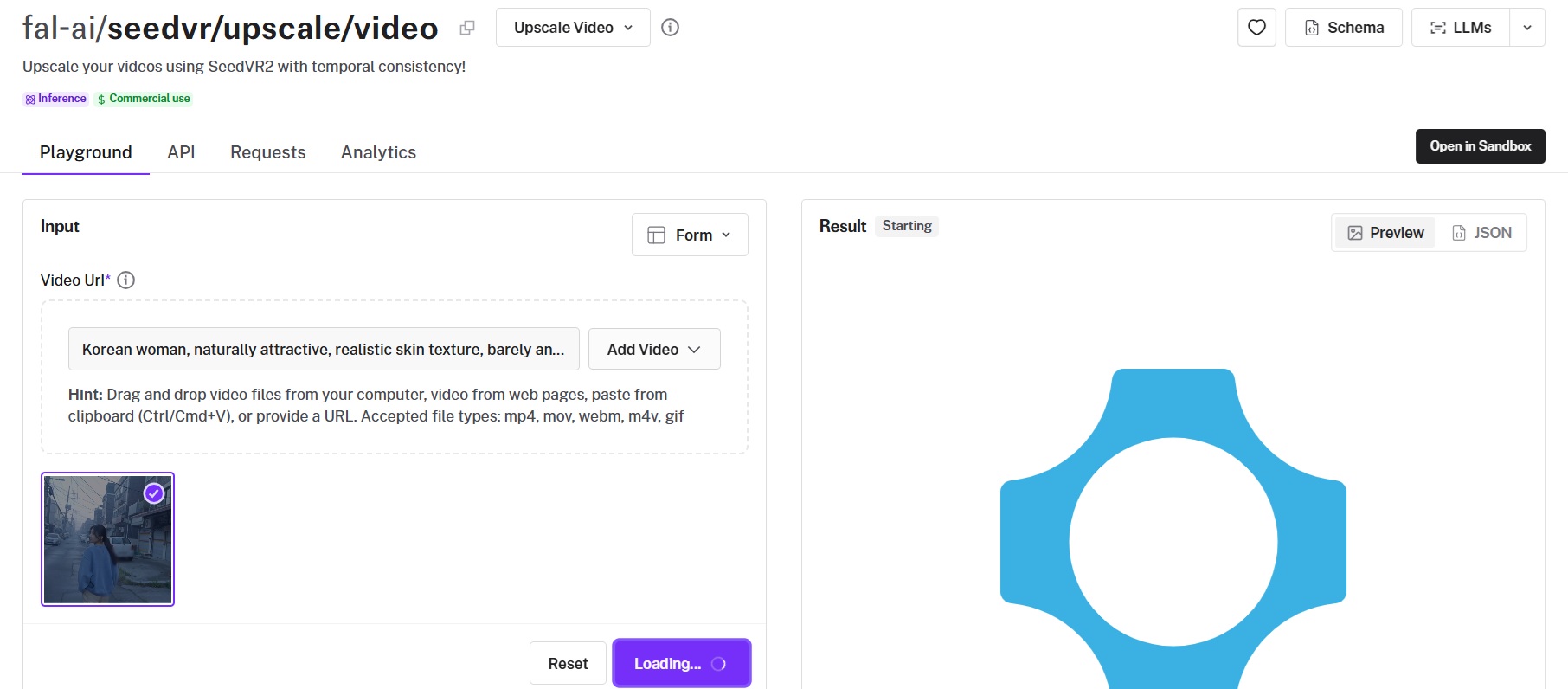
SeedVR2 upscales video with temporal consistency, accepting either an explicit factor or a target resolution.
The resolution ladder runs 720p through 2160p, and upscale_mode decides whether the request names a factor or a finished resolution.
Performance
Upscaled using SeedVR2 on fal.
Two modes: upscale_mode takes factor or target, where target_resolution covers 720p, 1080p, 1440p, and 2160p.
Noise scale: noise_scale defaults to 0.1.
Output formats: the same set as FlashVSR including PRORES4444, with output_quality from low to maximum and output_write_mode from fast to small.
Reproducibility: seed is exposed, and sync_mode returns the file inline as a data URI.
How to run SeedVR2 on fal
SeedVR2 is on fal at fal-ai/seedvr/upscale/video, with a Sandbox option.
Target mode removes the arithmetic between source resolution and a delivery spec.
upscale_mode defaults to factor and target_resolution to 1080p, both worth setting explicitly.
Pricing
SeedVR2 costs $0.001 per megapixel of video data, on the same width times height times frames arithmetic.
A 15-second 1440p pass at 24 fps cost me about $1.33 here.
#9: ByteDance Video Upscaler
Best for: preset-driven enhancement matched to a content type, at the lowest per-second rate here.
Similar to: Bria Video Upscaling, SeedVR2.
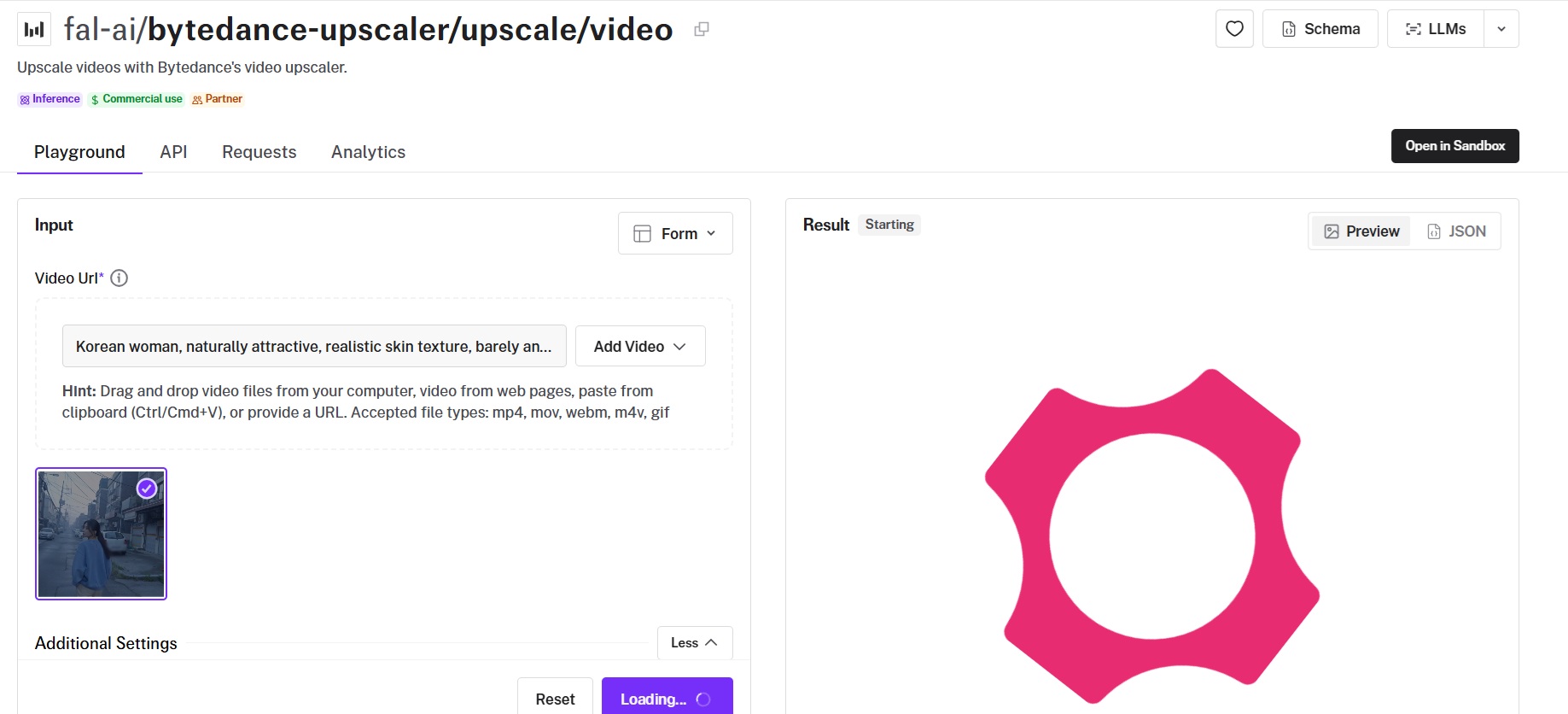
The ByteDance video upscaler enhances and upscales video through BytePlus VOD, with presets for specific content types.
Target resolution reaches 8K, and three enhancement tiers control how much processing goes into the pass.
Performance
Upscaled using the ByteDance video upscaler on fal, an AI model from ByteDance.
Presets: enhancement_preset covers general, ugc, short_series, aigc, and old_film, with aigc intended for AI-generated source material.
Tiers: fast, standard, and pro, where pro uses large-model restoration at ten times the price and is the only tier that returns 10-bit or 12-bit output.
Resolution: target_resolution runs 1080p to 8K, and scale_ratio from 1.1 to 10.0 overrides it, valid up to 4K.
Fidelity: high keeps visual texture close to the source, and medium applies a more balanced change.
How to run the ByteDance Video Upscaler on fal
The ByteDance video upscaler is on fal at fal-ai/bytedance-upscaler/upscale/video, with a Sandbox option.
target_fps defaults to 30, and 60 fps output doubles the price at every resolution.
aigc is the preset matched to AI-generated sources like the FLUX 3 draft used here.
Pricing
Standard tier output costs $0.0072 per second at 1080p, $0.0144 at 2K, and $0.0288 at 4K, all at 30 fps.
Processing at 60 fps doubles each of those rates.
The pro tier costs ten times standard, taking 1080p to $0.072 per second, so a 15-second 4K pass costs $0.43 on standard and $4.32 on pro.
#10: RealESRGAN Video Upscaler
Best for: a cheap frame-by-frame enlargement with nothing to configure.
Similar to: Crystal Video Upscaler, FlashVSR.
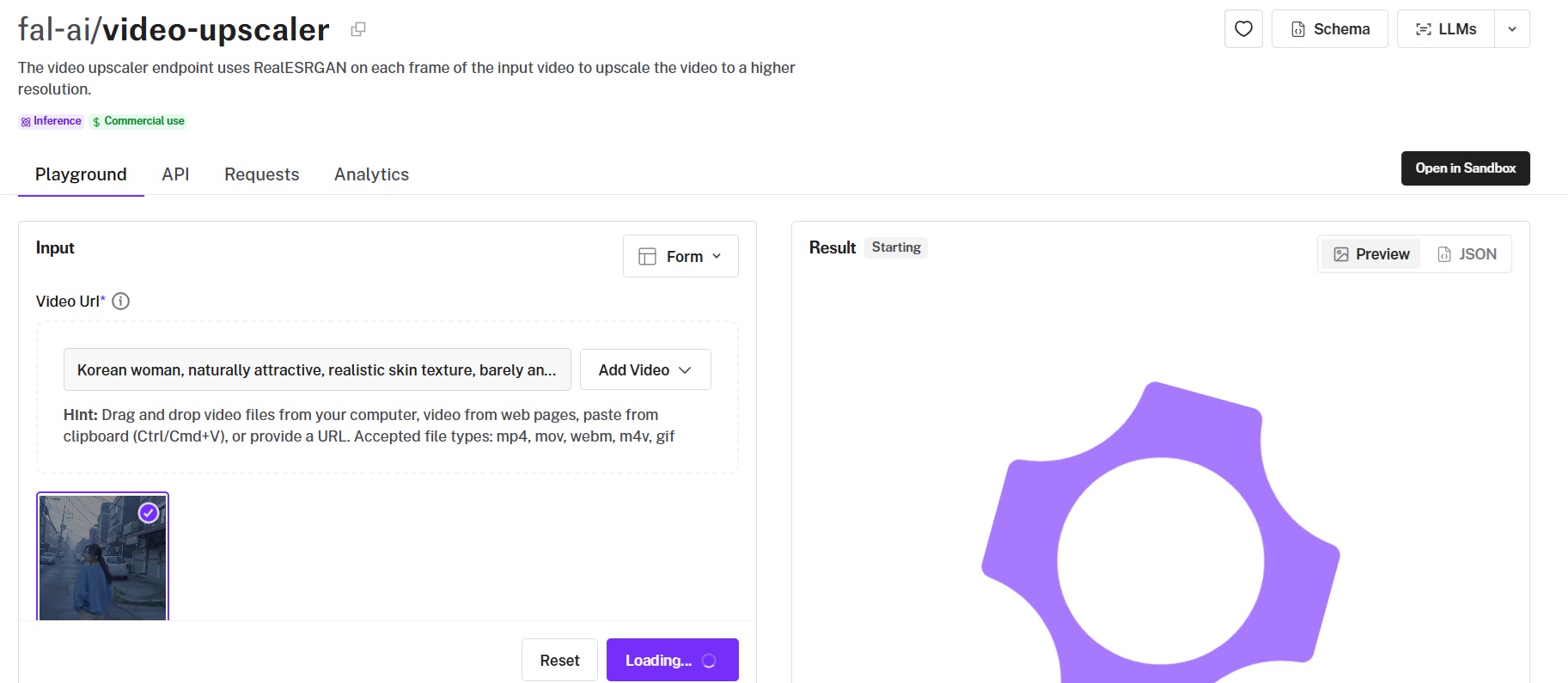
fal's video upscaler endpoint runs RealESRGAN on each frame of the input and stitches the frames back into a video.
The request takes a video URL and a scale factor, and nothing else.
Performance
Upscaled using RealESRGAN on fal.
Parameters: video_url and scale, with scale defaulting to 2.
Per-frame processing: RealESRGAN runs on each frame independently and the video is reassembled afterwards.
Output: a stitched MP4 returned as a single file URL.
How to run the RealESRGAN Video Upscaler on fal
The RealESRGAN video upscaler is on fal at fal-ai/video-upscaler, with a Sandbox option.
Scale is the only setting, defaulting to 2.
The endpoint gives a non-generative baseline to compare a diffusion upscale against.
Pricing
The endpoint costs $0.0008 per megapixel.
Cost scales with output resolution and clip length, and the playground reports the charge for each job.
Recently Added













Upscale video at scale through a single API with fal
All ten upscalers in this guide run on fal under one API key, billed per job, with no subscription.
The source clip cost $0.90 to generate, and every upscale after it was priced per pass, which is what makes testing a new model a per-clip decision.
Every endpoint has a browser playground for a first pass before any integration code is written.
Create your free account and start upscaling on fal.
Frequently asked questions
What is the cheapest video-to-video upscaler in this guide?
Measured on the same 15-second job, the ByteDance video upscaler is cheapest at $0.11 for 1080p output on the standard tier, followed by Topaz Proteus at $0.30 for 1080p.
FlashVSR carries the lowest unit rate at $0.0005 per megapixel of video data, which works out at about $0.37 for the same 15-second clip at 1080p.
➡️ Unit rates are not comparable across endpoints, since six of the ten bill by duration, three bill per megapixel of video data, and Crystal Video Upscaler bills per megapixel per second.
Which video upscaler is best for AI-generated footage?
Topaz Starlight Precise 2.6 is built specifically to add realism to AI-generated video, which is why it ranks third in this guide.
Topaz Astra 2 and the FLUX 3 Video Upscaler in creative mode cover the same use case, and the ByteDance video upscaler carries an aigc preset for it.
What is the difference between precision, generative, and creative video upscaling?
Precision upscaling enlarges what the source already contains and generates nothing new, covering Topaz Proteus, Crystal Video Upscaler, and the RealESRGAN endpoint.
Generative upscaling uses diffusion to rebuild detail the source has lost, covering Topaz Starlight Precise 2.6 and SeedVR2.
Creative upscaling generates texture that was never in the source, covering Topaz Astra 2 and the creative mode on the FLUX 3 Video Upscaler.
Can these video upscalers keep the original audio?
Bria Video Upscaling and FlashVSR both expose a preserve_audio setting, and Bria defaults it to true.
The other endpoints in this guide do not expose audio handling on the request, so keep the source file and remux the audio after the upscale.
What makes fal a good place to run these video upscalers?
fal is the best place to run these video upscalers because our platform runs all ten upscalers on one API key and one balance, billed per job with no subscription.
![How To Use Seedream 5.0 Pro: Prompts & Workflows [2026]](https://refinery.fal.media/url/https%3A%2F%2Fv3b.fal.media%2Ffiles%2Fb%2F0aa263f0%2FQoO-7lvm8ASuM5HWpb20X.jpg/tr:w-1280,q-80/QoO-7lvm8ASuM5HWpb20X.webp)
![10 Best Background Remover APIs in 2026 [Reviewed]](https://refinery.fal.media/url/https%3A%2F%2Fv3b.fal.media%2Ffiles%2Fb%2F0aa0ad7c%2FVIQq2HkCbqpVMaLNGSPwu_best-background-remover-apis-2026.jpg/tr:w-1280,q-80/VIQq2HkCbqpVMaLNGSPwu_best-background-remover-apis-2026.webp)