Image to Video APIs
Showing 25 to 48 of 227 results

Kling 2.5 Turbo Standard: Top-tier image-to-video generation with unparalleled motion fluidity, cinematic visuals, and exceptional prompt precision.

Gemini Omni Flash 1.1 is Google's multimodal video model. This endpoint generates video from combined multimodal references, images, videos and text together. Reasoning across all inputs to produce a single coherent result, with characters retaining their face, clothing, and voice throughout
Generate a video by taking a start frame and an end frame, animating the transition between them while following text-driven style and scene guidance.

Wan 3.0 Prime Image-to-Video turns still images into dynamic, cinematic sequences with rapid turnaround, natural motion, and excellent visual continuity. It preserves the identity, composition, and atmosphere of the source image while introducing expressive movement, camera dynamics, and richly detailed animation.
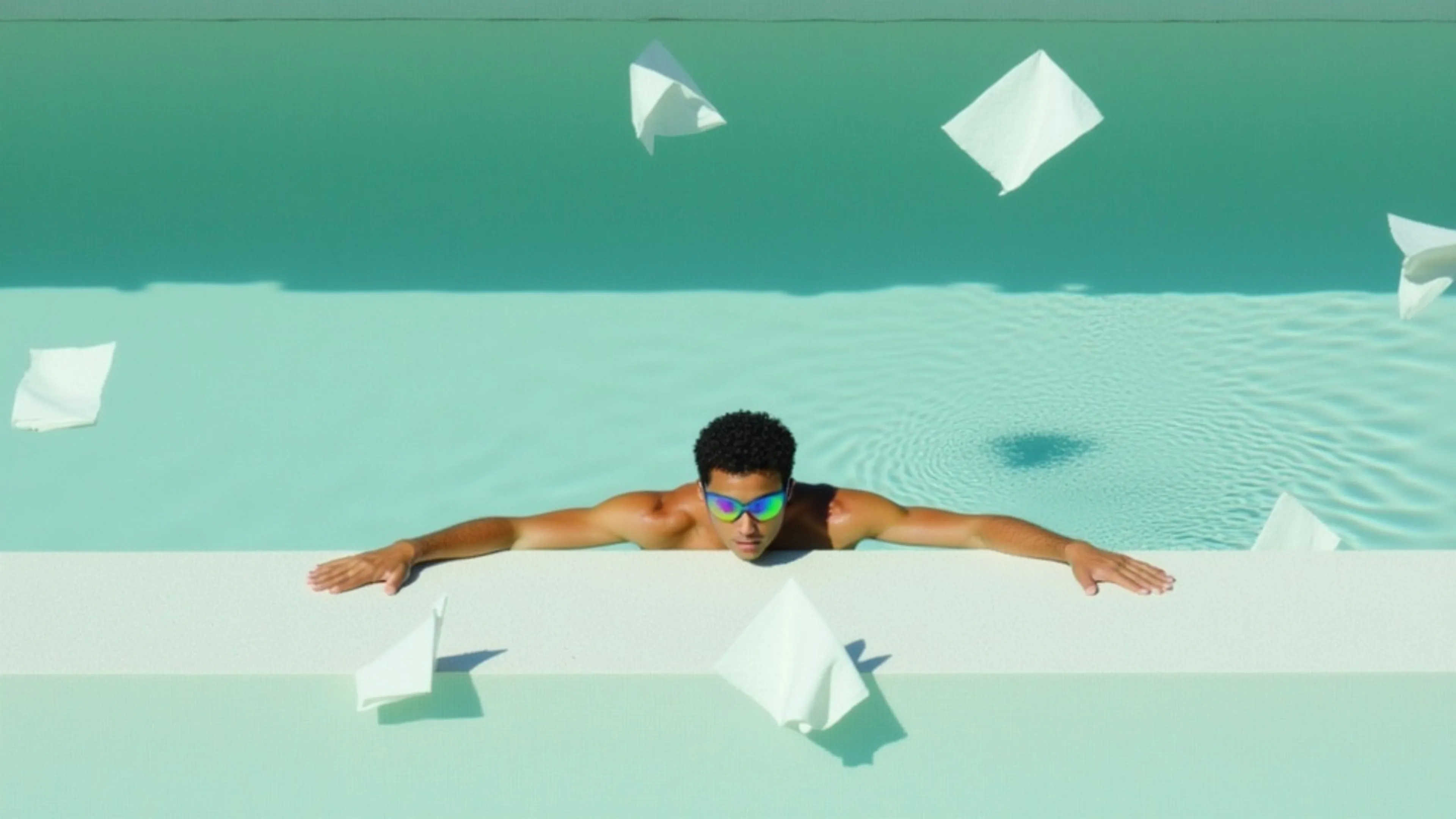

Generate videos from images with audio using xAI's Grok Imagine 1.5 Video model.
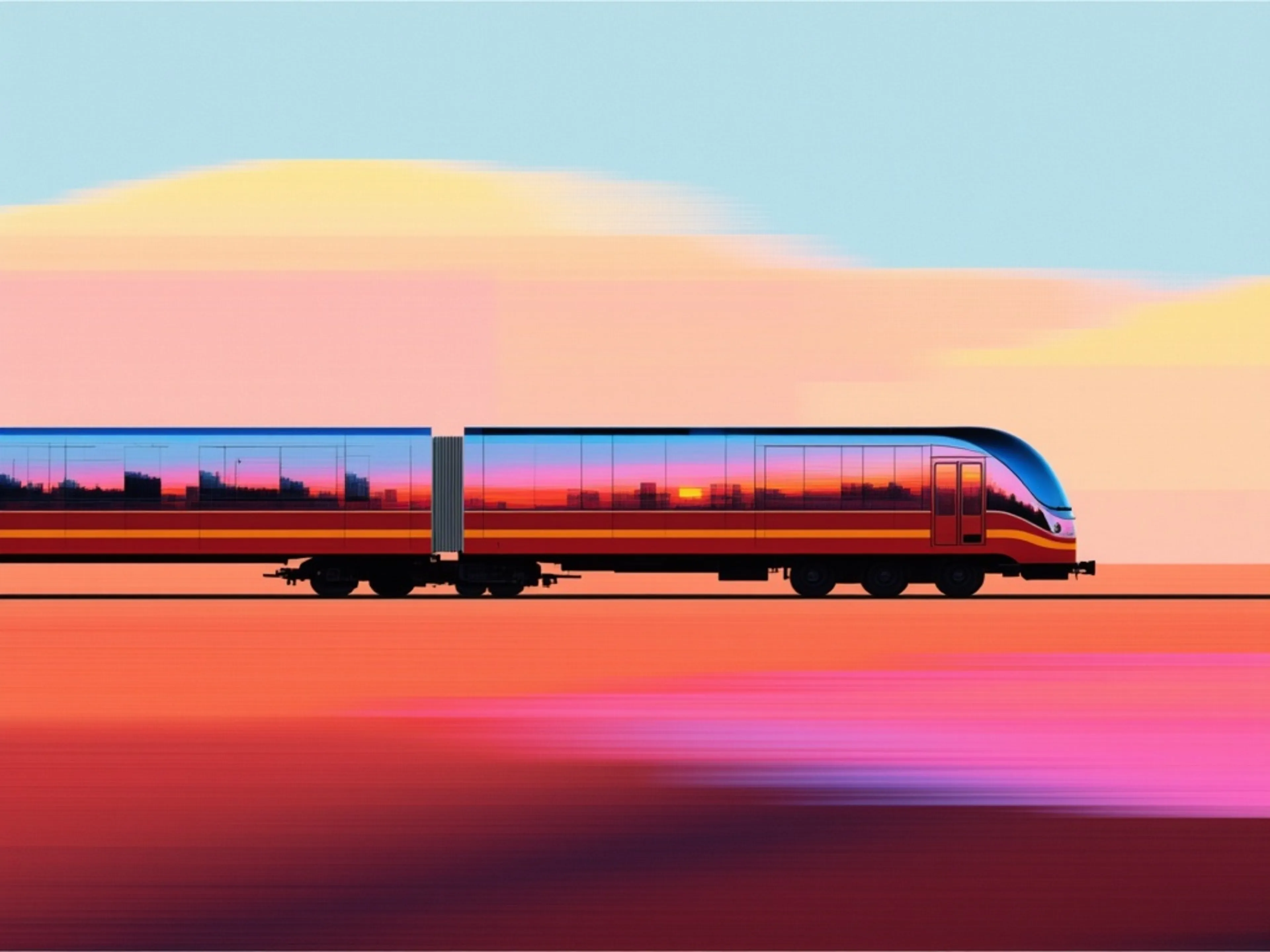

fal’s FLUX 3 Max is a post-trained variant of FLUX 3 Video, tuned for stronger prompt adherence and better visual quality while optimized for lower latency.
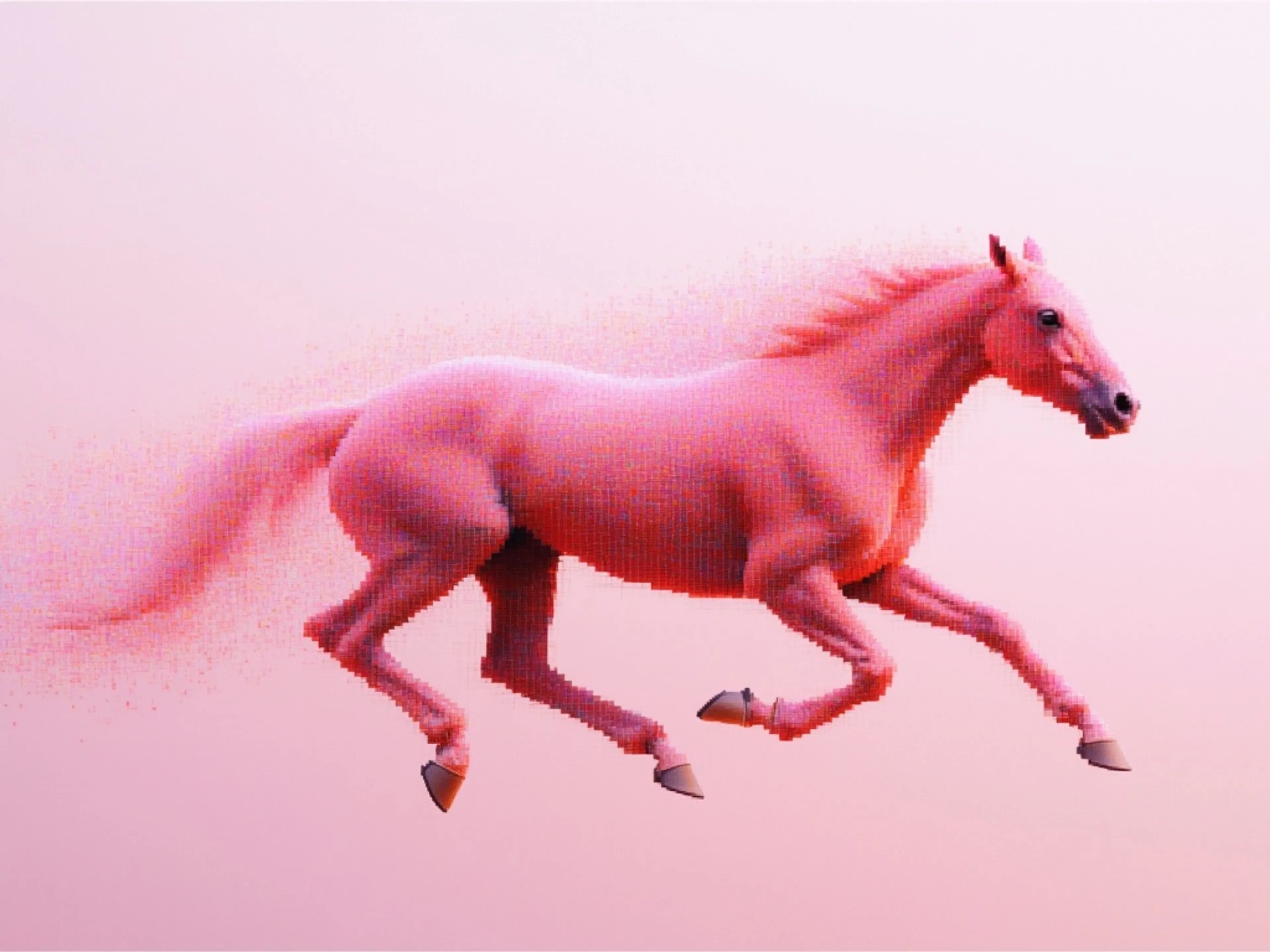

Image to Video endpoint for Seedance 1.0 Pro Fast, a next-generation video model designed to deliver maximum performance at minimal cost
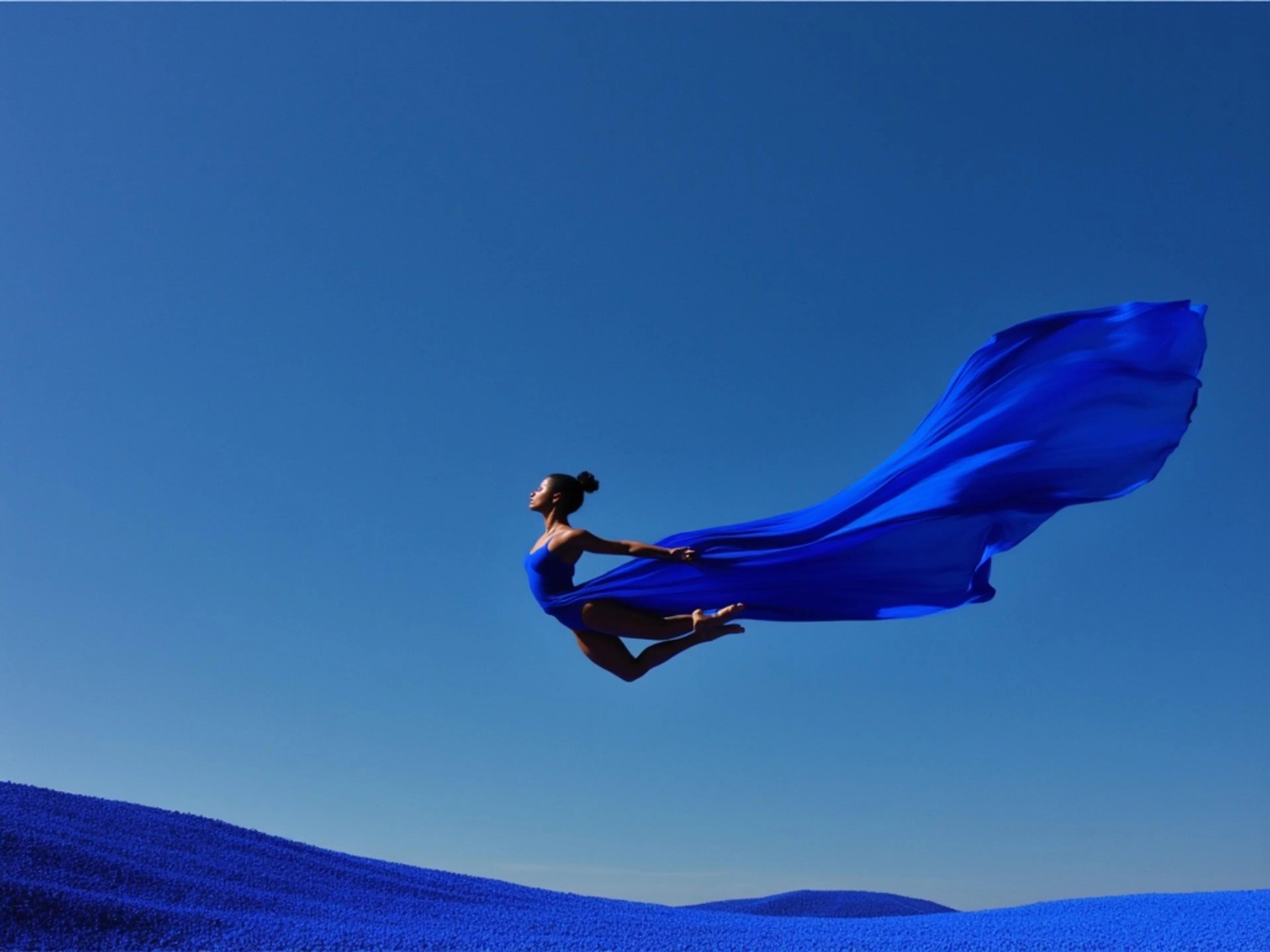
Generate videos from images using xAI's Grok Imagine Video 1.5 Lite model.
ByteDance's most advanced reference-to-video model, fast tier. Lower latency and cost with up to 9 images, 3 videos, and 3 audio clips as inputs.
Wan-2.2 Turbo image-to-video is a video model that generates high-quality videos with high visual quality and motion diversity from text prompts.

VEED Fabric 1.0 is an image-to-video API that turns any image into a talking video

Pixverse's latest V6 Model
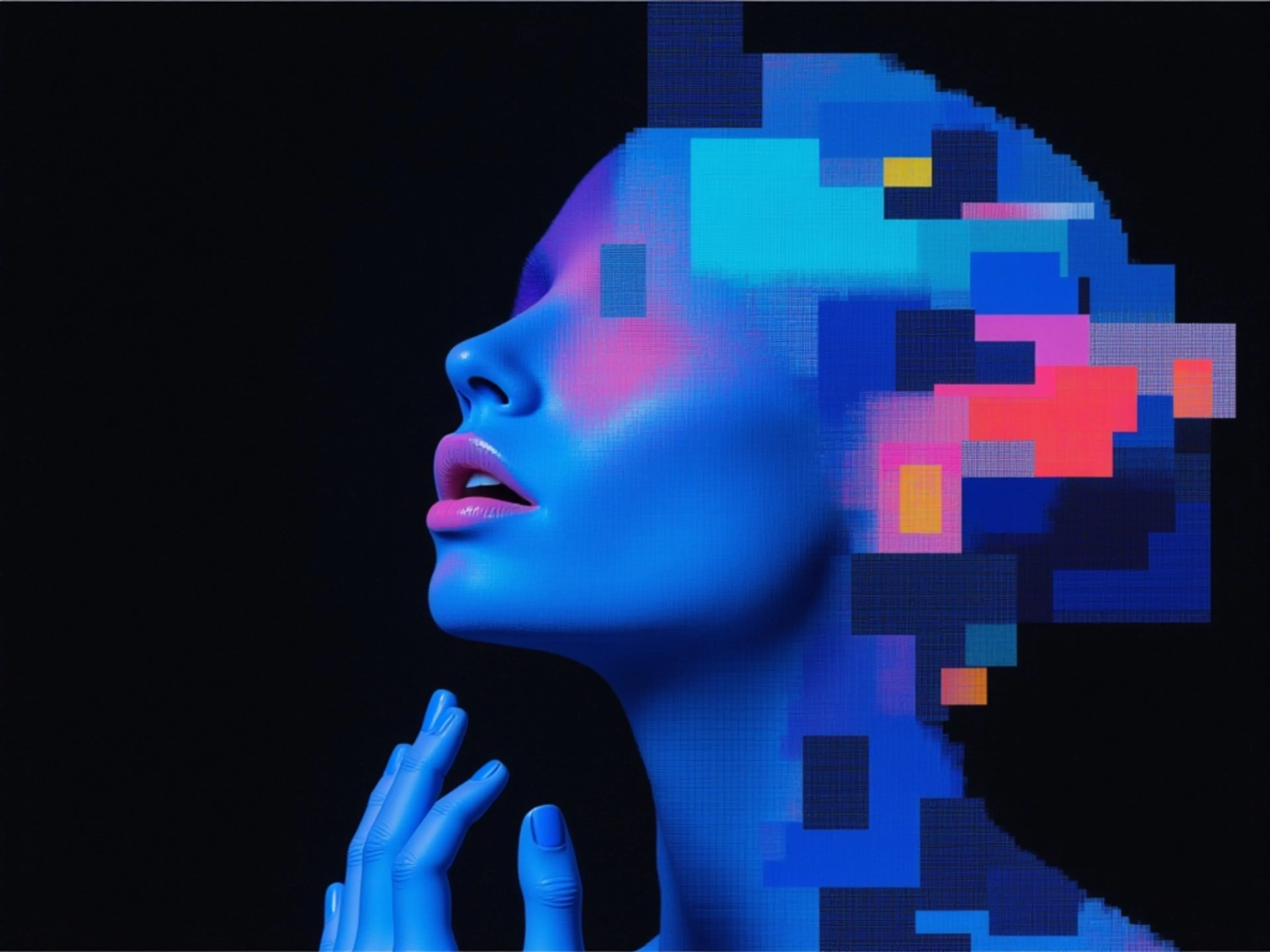
Omnihuman v2 generates video using an image of a human figure paired with an audio file. It produces vivid, high-quality videos where the character’s emotions and movements maintain a strong correlation with the audio.
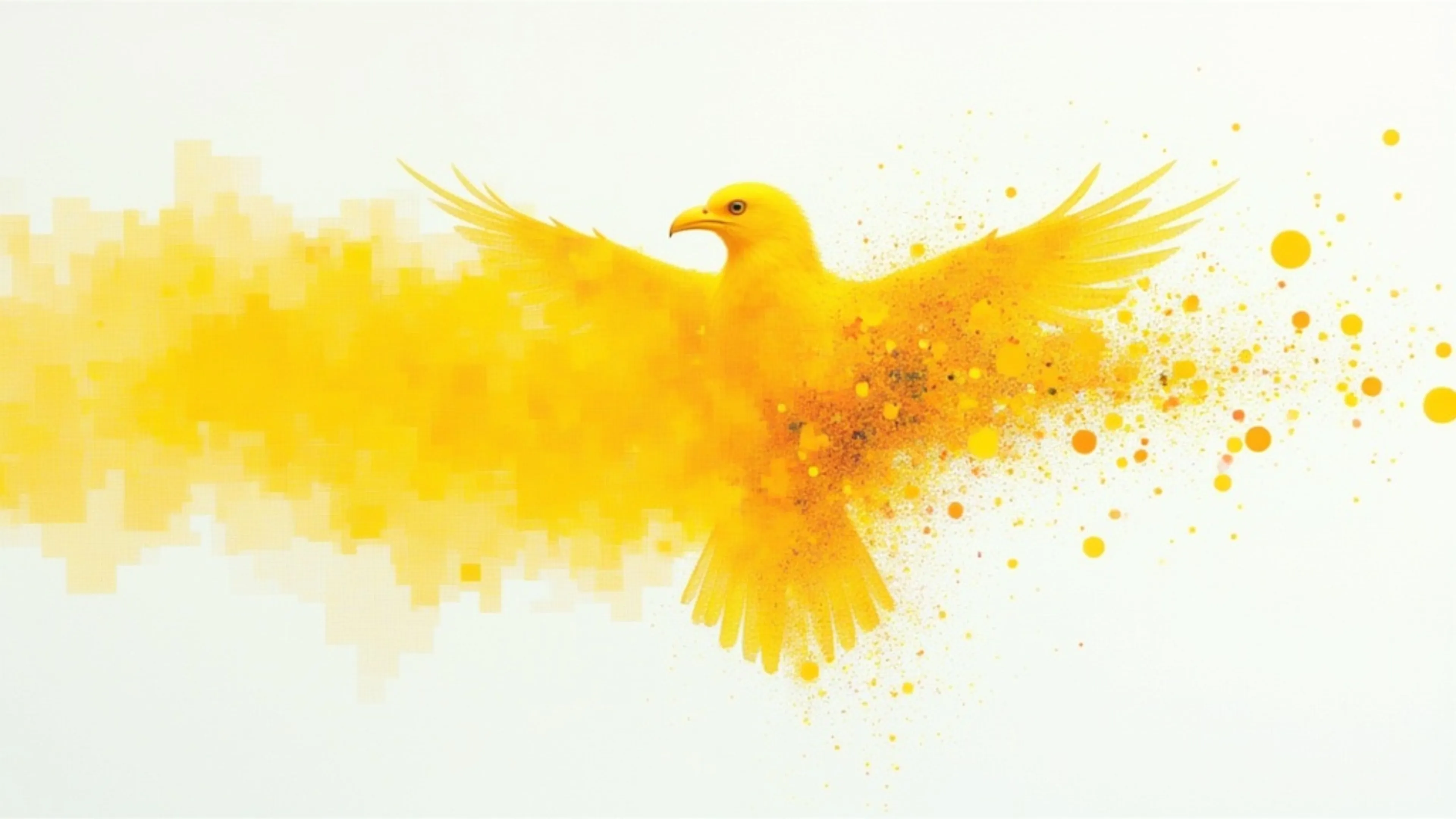
Transform images, elements, and text into consistent, high-quality video scenes, ensuring stable character identity, object details, and environments.
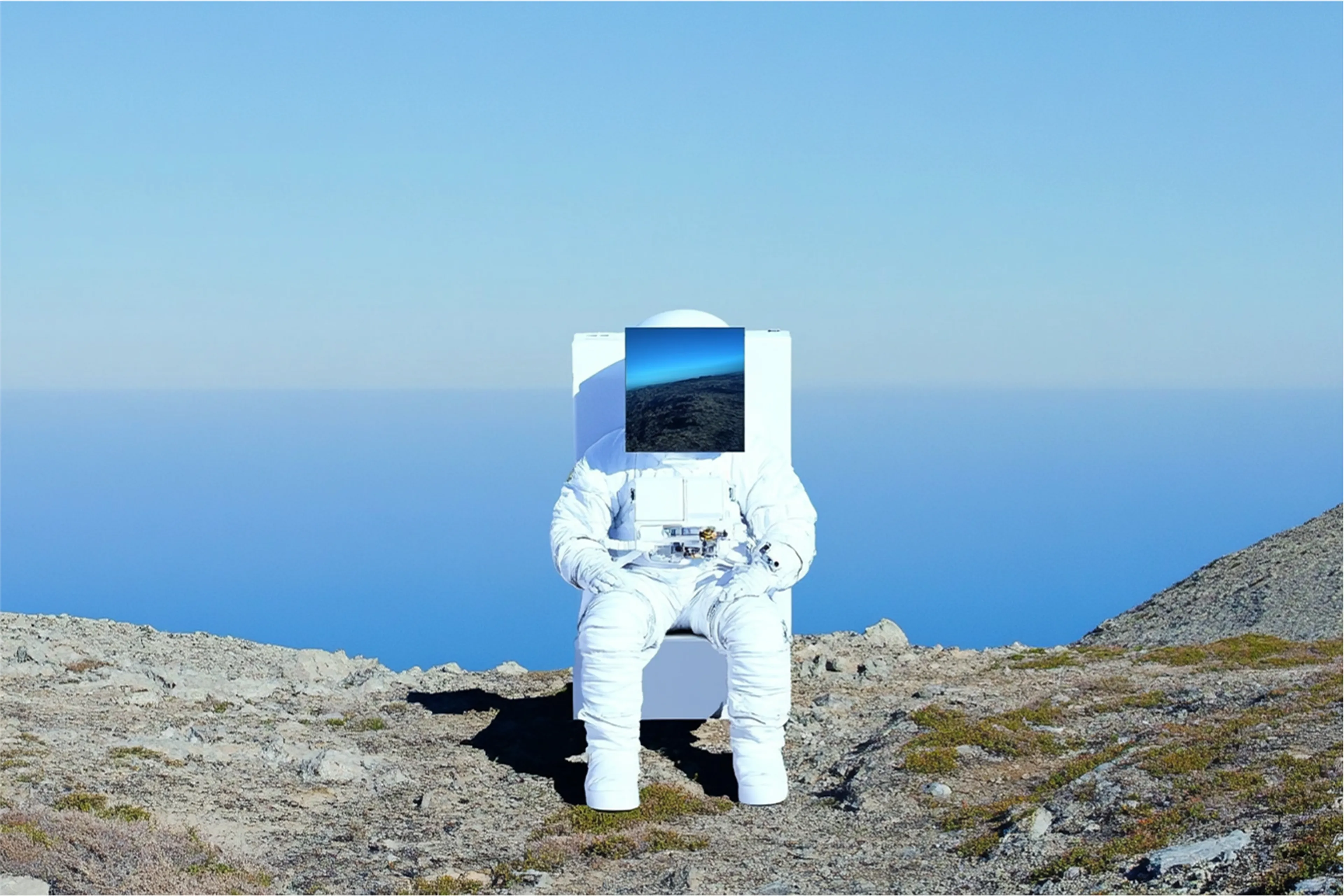
Seedance 1.0 Pro, a high quality video generation model developed by Bytedance.
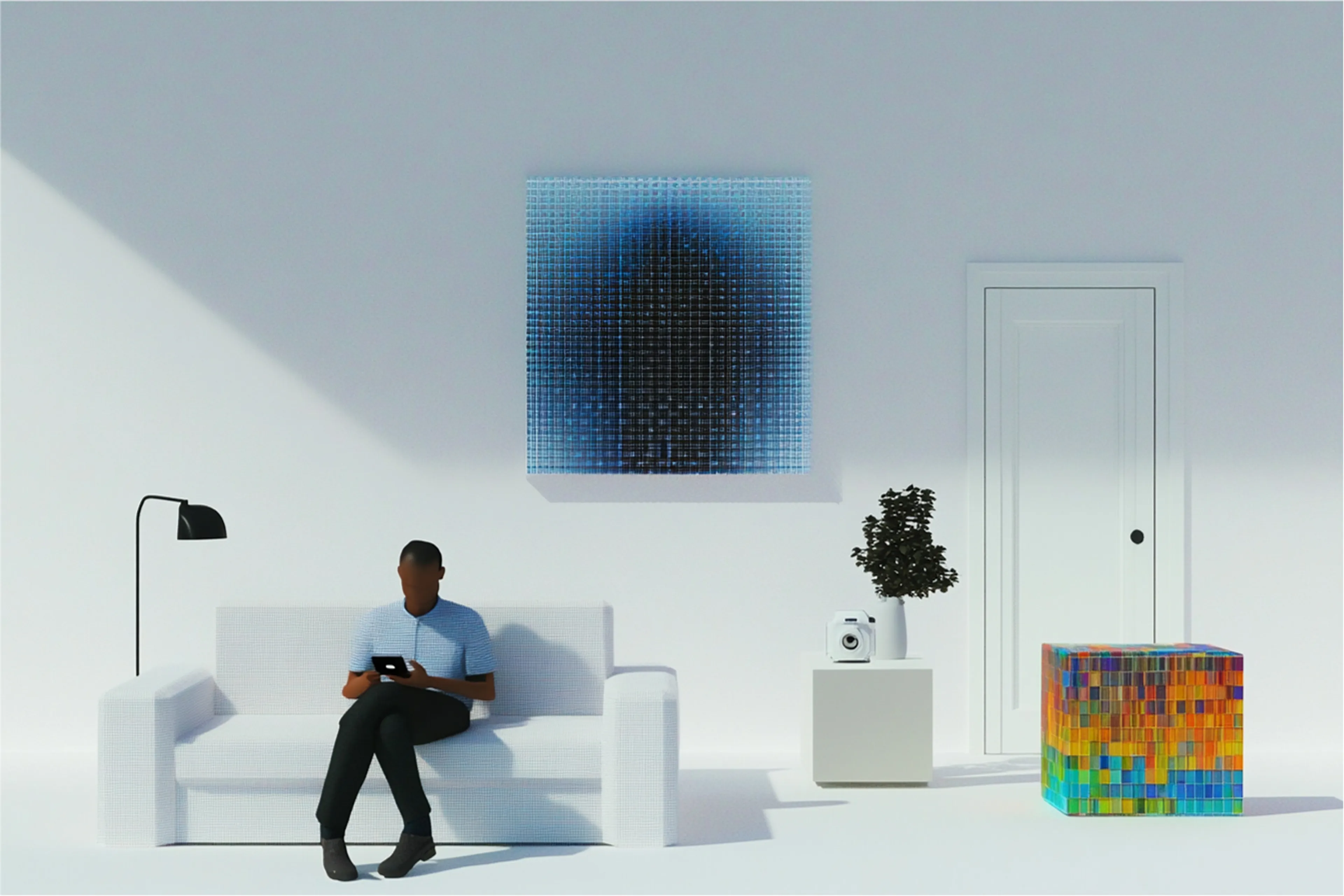

MiniMax Hailuo-02 Image To Video API (Standard, 768p, 512p): Advanced image-to-video generation model with 768p and 512p resolutions

FLUX 3 is Black Forest Labs' frontier video model. This endpoint animates a single still image into video, extending one frame into coherent, natural motion.

Heygen Photo Avatar 4 Model
Wan 2.7 is the latest generation AI video model, delivering enhanced motion smoothness, superior scene fidelity, and greater visual coherence.
HeyGen Video animates your image as the first frame of a 5 to 15 second clip, with generated sound, built on MiniMax H3 and post-trained by HeyGen.
Seedance 2.0 Mini is a faster version of Seedance 2.0 that brings great performance and high generation speed at a lower cost.
Animates a still image into video with audio. Extends a single frame into coherent motion, grounded in Gemini's physical understanding of how scenes and subjects behave.
fal-ai/wan/v2.2-A14B/image-to-video
Generate high quality 1080p videos from images using Kling's Turbo 3.0 model, with improved lipsync and multishot generation capabilities.
fal is the best developer-friendly, one-stop shop for AI image-to-video models. Every image-to-video model on fal runs through the same SDK pattern, so once you’ve integrated one, switching between Seedance 2.0, Kling 3.0 Pro, or Veo 3.1 is a one-line endpoint change.
Image-to-video endpoints take an image URL plus a text prompt describing the motion, and return a URL to a generated video file. After installing and setting your , it looks like this:
The same call shape works across Seedance 2.0, Kling 3.0 Pro, Veo 3.1, and the rest of the catalog. You swap the endpoint string and adjust the input fields each model expects. For example, Seedance 2.0 takes , while Kling 3.0 Pro takes .
Most premium image-to-video models on fal generate synchronized audio alongside the video itself.
For projects where audio is part of the delivery, the cost difference can be meaningful. Enabling audio on Veo 3.1 doubles the rate, while Seedance bills the same either way.
Several models on fal accept an end frame alongside the start image, animating the transition between two specific points.
For longer narratives, Kling 3.0 Pro’s feature lets you define multiple shots in sequence with distinct prompts and durations.
Pricing on fal generally scales by the second across image-to-video models, with resolution, audio, or both affecting the rate depending on the model.
| Model | Price |
|---|---|
| Kling 2.5 Turbo Pro | $0.35 for 5 seconds, then $0.07 / additional second |
| Kling 3.0 Pro | $0.112 / second audio off |
| Kling 3.0 Pro with audio | $0.168 / second |
| Kling 3.0 Pro with voice control | $0.196 / second |
| Seedance 2.0 Fast | $0.2419 / second at 720p, audio included |
| Seedance 2.0 Standard | $0.3024 / second at 720p, audio included |
| Veo 3.1 | $0.20 / second without audio at 720p or 1080p |
| Veo 3.1 with audio | $0.40 / second at 720p or 1080p |
As a worked example, a 5-second image-to-video clip costs roughly:
You only pay for what you generate, so you can compare motion quality, audio behavior, and frame-control options without rewriting your integration.
The same auth, billing, and queue logic carry across every image-to-video endpoint, so you can compare models side by side without rewriting integration code.
For longer generations, higher-resolution outputs, or production workflows, submit to the queue and rely on webhooks instead of blocking on the result.
@fal-ai/clientFAL_KEYjsimport { fal } from "@fal-ai/client";
const result = await fal.subscribe("bytedance/seedance-2.0/image-to-video", {
input: {
prompt: "Slow cinematic push-in with the subject's hair moving gently in the wind",
image_url: "https://your-host.com/photo.jpg",
resolution: "720p"
}
});
console.log(result.data.video.url);image_urlstart_image_urlgenerate_audiogenerate_audioimage_urlend_image_urlveo3.1/first-last-frame-to-videoend_image_urlmulti_promptbashnpm install --save @fal-ai/clientbashexport FAL_KEY="YOUR_API_KEY"jsimport { fal } from "@fal-ai/client";
const result = await fal.subscribe("bytedance/seedance-2.0/image-to-video", {
input: {
prompt: "Slow cinematic push-in with the subject's hair moving gently in the wind",
image_url: "https://your-host.com/photo.jpg",
resolution: "720p"
}
});
console.log(result.data.video.url);


