Loading playground
Input
Additional Settings
Customize your input with more control.
Result
Idle

Customize your input with more control.
Customize your input with more control.
Hint: Drag and drop image files from your computer, images from web pages, paste from clipboard (Ctrl/Cmd+V), or provide a URL. Accepted file types: jpg, jpeg, png, webp, gif, avif, heic, heif
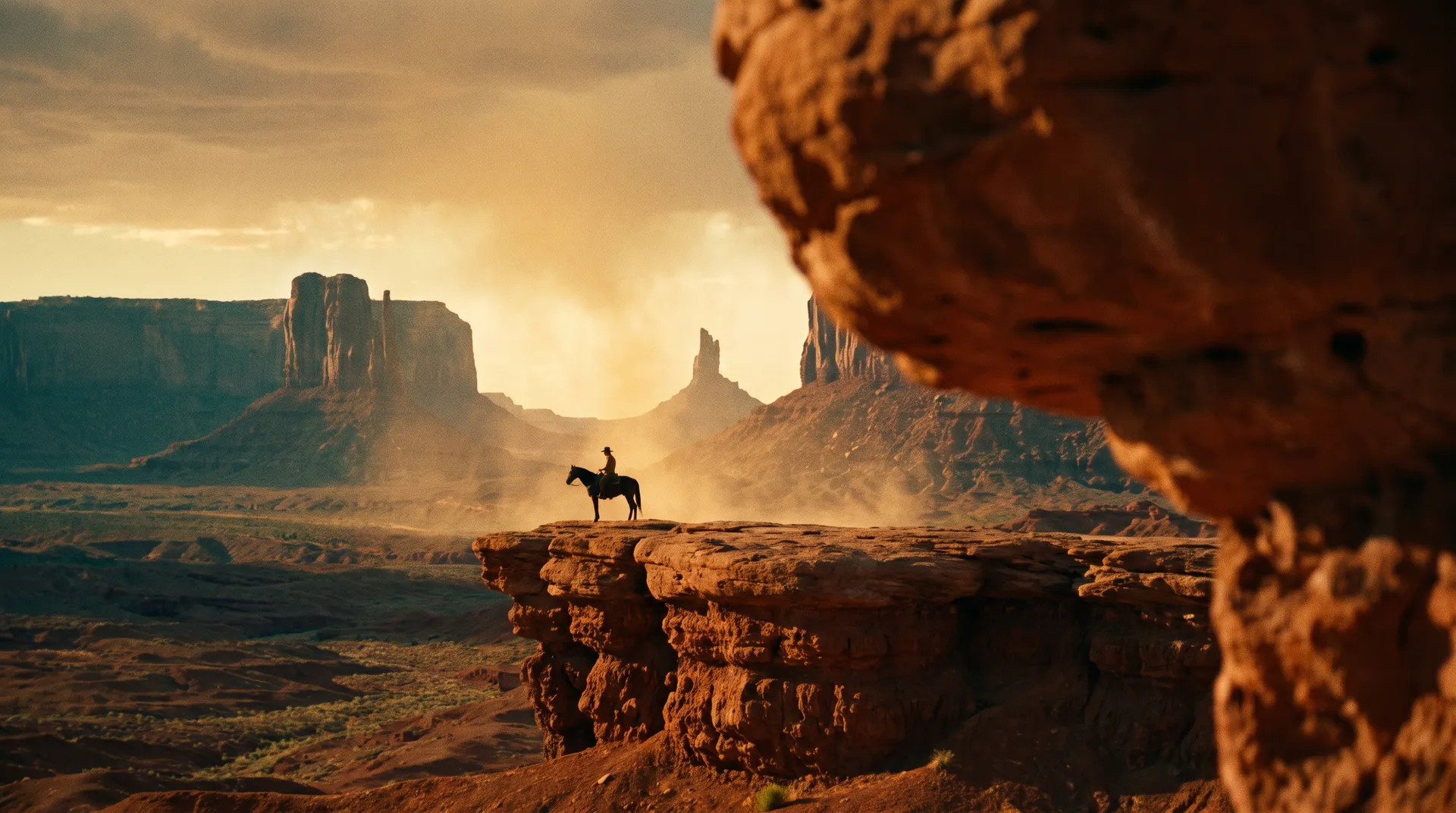
Hint: Drag and drop image files from your computer, images from web pages, paste from clipboard (Ctrl/Cmd+V), or provide a URL. Accepted file types: jpg, jpeg, png, webp, gif, avif, heic, heif
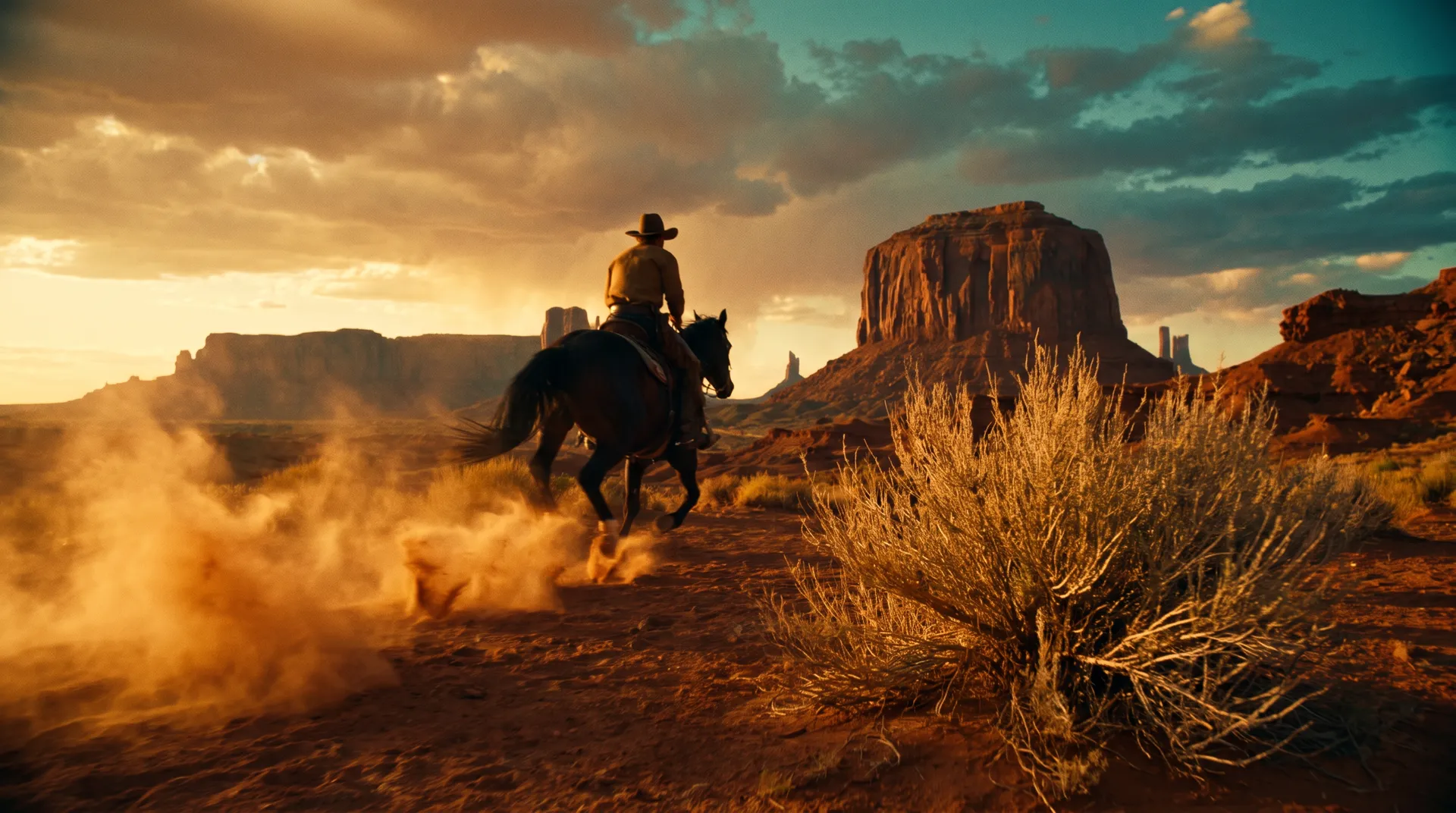
Hint: Drag and drop image files from your computer, images from web pages, paste from clipboard (Ctrl/Cmd+V), or provide a URL. Accepted file types: jpg, jpeg, png, webp, gif, avif, heic, heif
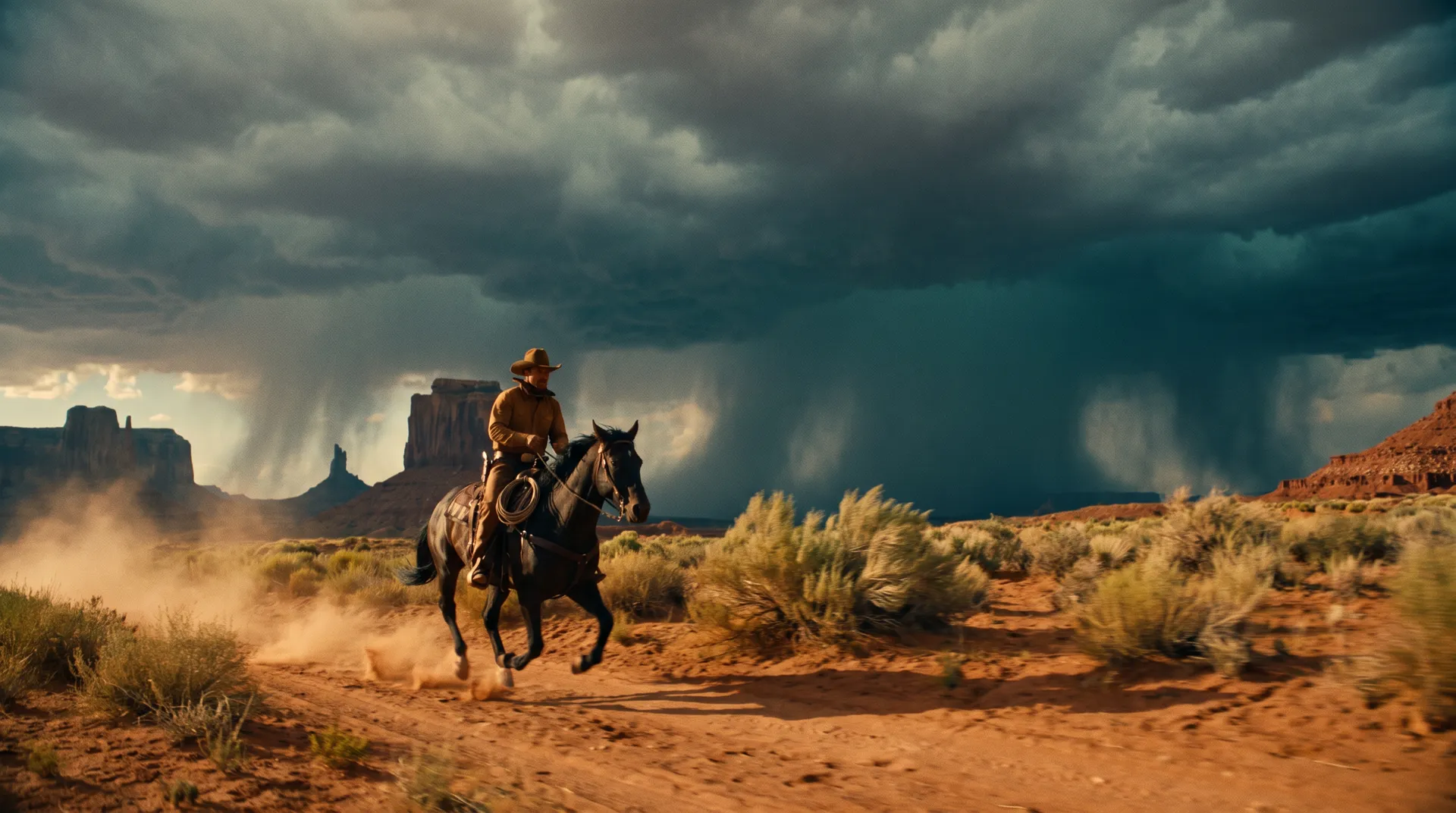
Hint: Drag and drop image files from your computer, images from web pages, paste from clipboard (Ctrl/Cmd+V), or provide a URL. Accepted file types: jpg, jpeg, png, webp, gif, avif, heic, heif
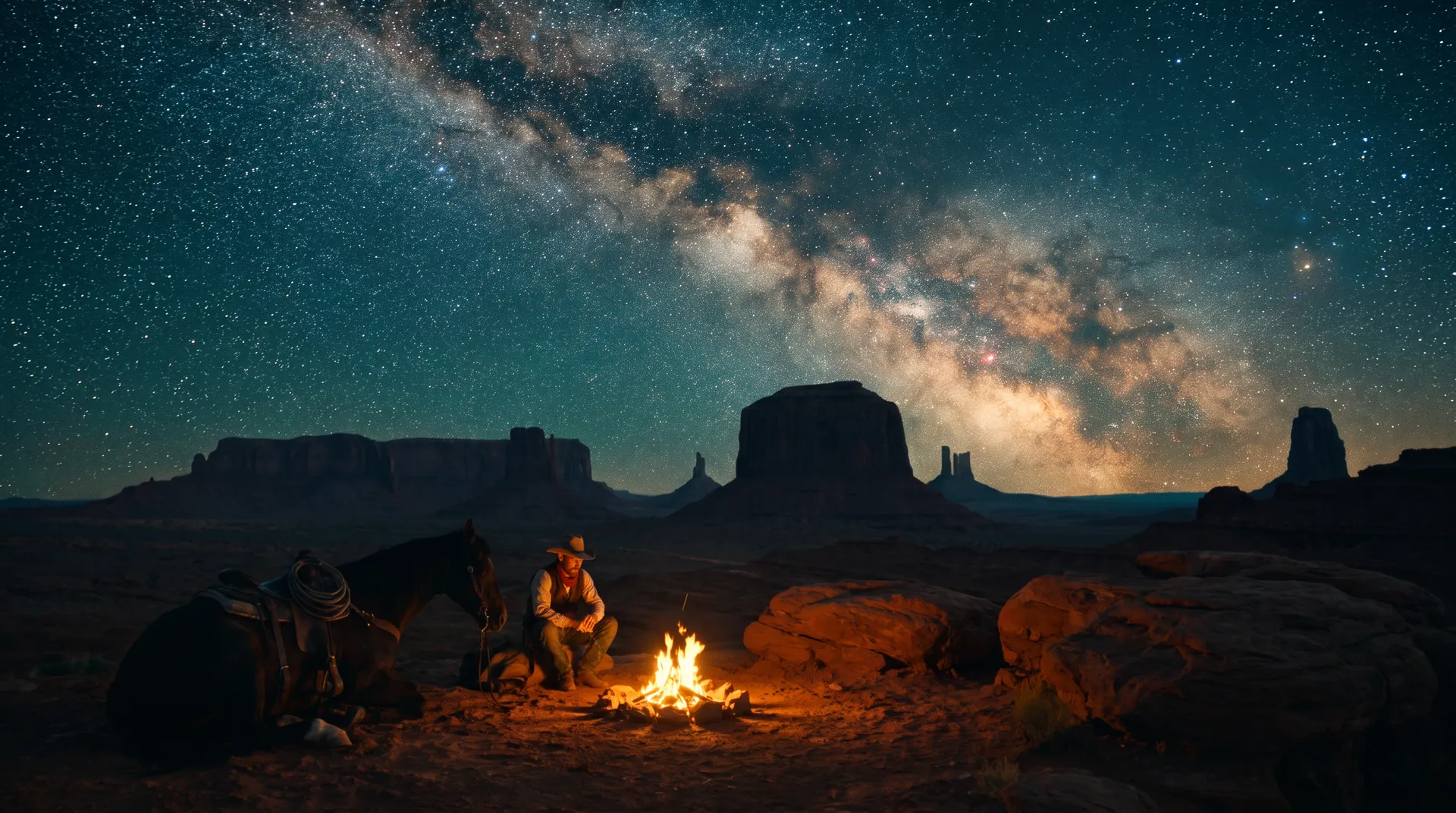
Customize your input with more control.
Video costs $0.0425 per second at 720p and $0.0725 per second at 1080p.
Note: these are promotional rates, 75% off for a limited time. The discount runs from October 15 to November 7, after which 720p is $0.17/second and 1080p is $0.29/second.
Video costs $0.0425 per second at 720p and $0.0725 per second at 1080p.
Note: these are promotional rates, 75% off for a limited time. The discount runs from October 15 to November 7, after which 720p is $0.17/second and 1080p is $0.29/second.
FLUX 3 Max combines fal Research’s post-training and inference optimization with Black Forest Labs’ FLUX 3 foundation model. The result pairs frontier visual quality with fast generation, supporting creative workflows that need both visual direction and rapid iteration.
The model ranks joint #1 in the preliminary Artificial Analysis image-to-video evaluation. Separately, benchmarks show 10-second video generation in approximately 11 seconds, more than 25× faster than Seedance 2.5 in the tested comparison.
The Keyframes-to-Video endpoint adds visual guidance at multiple moments within a sequence. Up to ten images guide specific frame positions, while a text prompt directs the action and movement connecting them.
frame_index on a 24 fps timeline.| Control | Supported values |
|---|---|
| Required inputs | Text prompt and keyframe images with frame positions |
| Maximum keyframes | 10 |
| Image formats | PNG, JPEG, WebP |
| Keyframe positioning | Unique frame indices on a 24 fps timeline |
| Maximum frame index | Selected duration × 24 |
| Duration | 5–20 seconds; 5 seconds by default |
| Resolution | 720p or 1080p; 720p by default |
| Aspect ratio | Auto, 21:9, 2:1, 16:9, 4:3, 1:1, 3:4, 9:16 |
| Automatic framing | Follows the first image |
| Audio generation | Enabled by default; optional |
| Reasoning level | Low or high; high by default |
| Seed | Optional; randomly selected when omitted |
Keyframes establish the visual milestones of a shot. A sequence might begin with a product resting on a table, show it opening midway through the clip and finish with its contents revealed.
Each image is assigned a position in the timeline. The prompt describes the movement connecting those positions, including the subject’s action and the camera’s path.
A continuous close-up follows the box as its lid slowly opens. The camera moves forward to reveal the objects inside, then settles into the final overhead composition. Warm studio lighting remains consistent throughout. Subtle paper and packaging sounds.
Keyframe conditioning guides the generated sequence. It does not imply that every detail between the supplied frames is fixed.
The joint #1 result describes the preliminary image-to-video evaluation, rather than a separate keyframes-to-video ranking. The speed comparison describes the tested benchmark configuration. Actual generation time varies with request settings and operating conditions.
Text-to-Video starts from a written scene. Image-to-Video starts from one image and supports an optional ending frame.
