Loading playground
Input
Additional Settings
Customize your input with more control.
Result
Idle

Customize your input with more control.
Customize your input with more control.
Type # to reference inputs.
Hint: Drag and drop image files from your computer, images from web pages, paste from clipboard (Ctrl/Cmd+V), or provide a URL. Accepted file types: jpg, jpeg, png, webp, gif, avif, heic, heif
Hint: Drag and drop image files from your computer, images from web pages, paste from clipboard (Ctrl/Cmd+V), or provide a URL. Accepted file types: jpg, jpeg, png, webp, gif, avif, heic, heif
Customize your input with more control.
Video costs $0.0425 per second at 720p and $0.0725 per second at 1080p.
Note: these are promotional rates, 75% off for a limited time. The discount runs from October 15 to November 7, after which 720p is $0.17/second and 1080p is $0.29/second.
Video costs $0.0425 per second at 720p and $0.0725 per second at 1080p.
Note: these are promotional rates, 75% off for a limited time. The discount runs from October 15 to November 7, after which 720p is $0.17/second and 1080p is $0.29/second.
FLUX 3 Max delivers frontier image-to-video quality with substantially lower generation latency. Post-trained by fal Research in collaboration with Black Forest Labs, it ranks joint #1 in the preliminary Artificial Analysis image-to-video evaluation, statistically alongside the highest-ranked models.
In benchmarks, FLUX 3 Max generates a 10-second video in approximately 11 seconds, compared with 277.8 seconds for Seedance 2.5. That is more than 25× faster generation, pairing competitive visual quality with shorter waits between creative iterations.
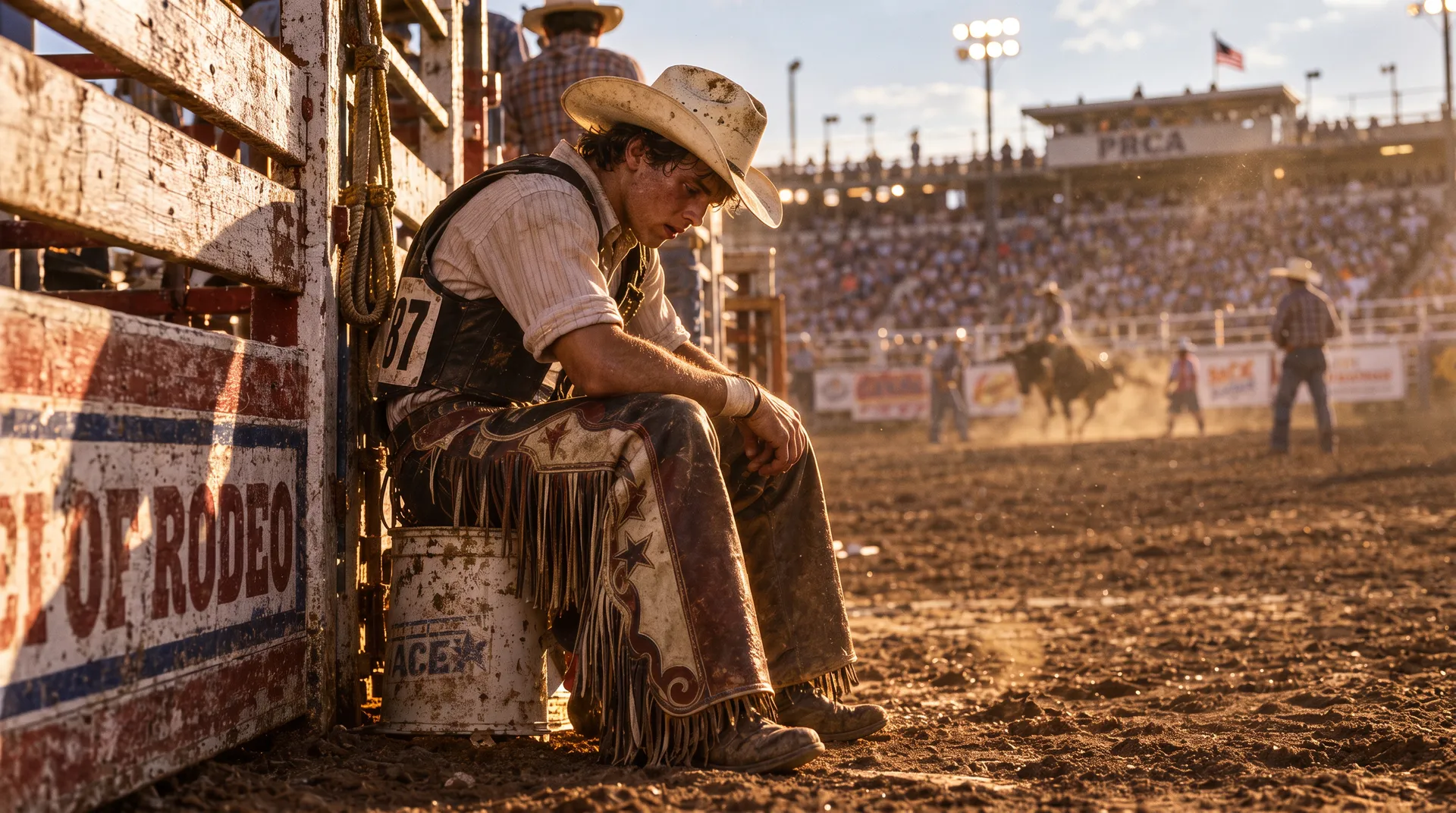
The Image-to-Video endpoint turns a starting image into a moving scene. The image establishes the opening composition, while a text prompt directs subject movement, camera motion and changes within the scene. An optional ending image guides the final frame.
| Control | Supported values |
|---|---|
| Required inputs | Starting image and text prompt |
| Optional image input | Ending frame |
| Image formats | PNG, JPEG, WebP |
| Duration | 5–20 seconds; 5 seconds by default |
| Resolution | 720p or 1080p; 720p by default |
| Aspect ratio | Auto, 21:9, 2:1, 16:9, 4:3, 1:1, 3:4, 9:16 |
| Automatic framing | Follows the starting image |
| Audio generation | Enabled by default; optional |
| Reasoning level | Low or high; high by default |
| Seed | Optional; randomly selected when omitted |
Motion prompts describe what changes after the opening frame. Subject actions, camera movement and environmental details provide direction without requiring the prompt to repeat every visible element in the source image.
The camera slowly moves closer as the woman turns toward the window. A light breeze moves the curtain and a few loose strands of hair. She pauses, smiles slightly and looks outside. Quiet room ambience and distant street sounds.
This endpoint supports animated portraits, product scenes, illustrated sequences and motion studies that begin with an established visual composition.
The joint #1 result describes a preliminary image-to-video evaluation. Rankings can change as evaluations receive more votes. The latency comparison describes the tested benchmark configuration, rather than a guaranteed completion time for every request. Actual generation time varies with request settings and operating conditions.
Text-to-Video creates a scene without a starting image. Keyframes-to-Video provides image guidance at multiple points throughout a sequence.
