Image to Video APIs
Showing 97 to 120 of 227 results
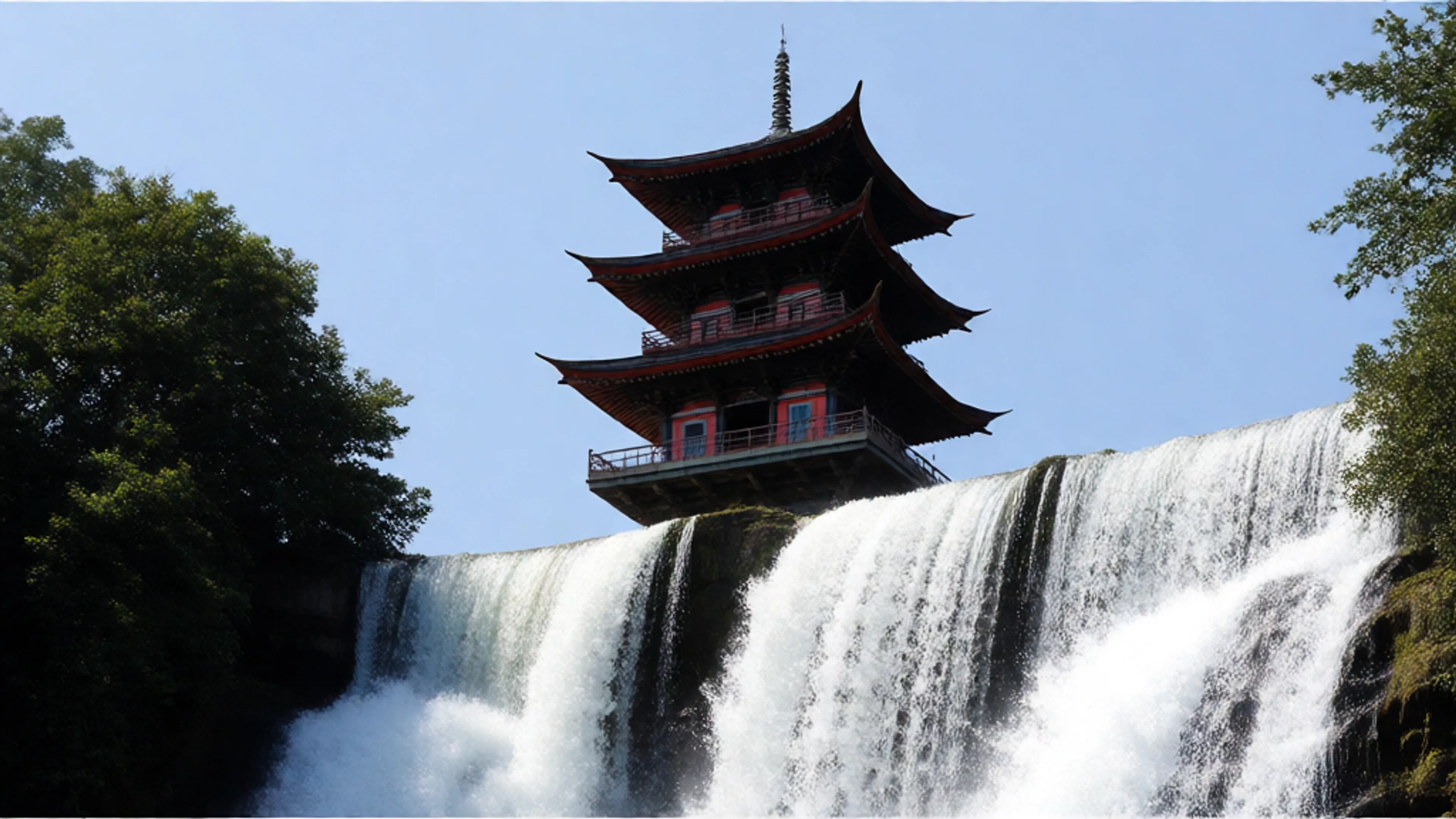

Generate high quality video clips from text and image prompts using PixVerse v5.5


Generate 1080p video with synchronized native audio from a text prompt and references. Aspect ratios: 16:9, 9:16, 1:1, 4:3, 3:4. Duration: 3–15s.
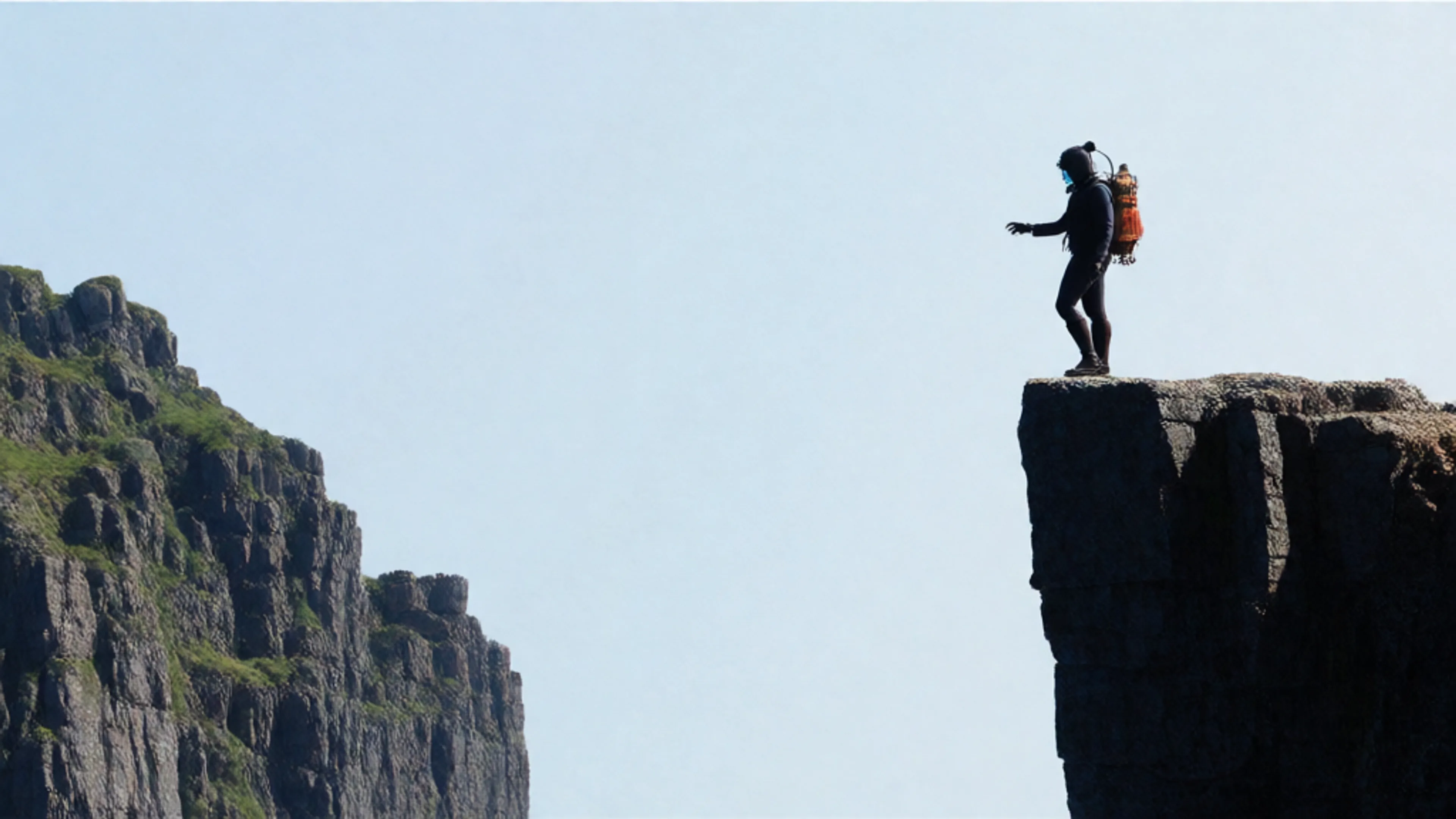
MuseTalk is a real-time high quality audio-driven lip-syncing model. Use MuseTalk to animate a face with your own audio.
Vidu's Q3 Turbo Model
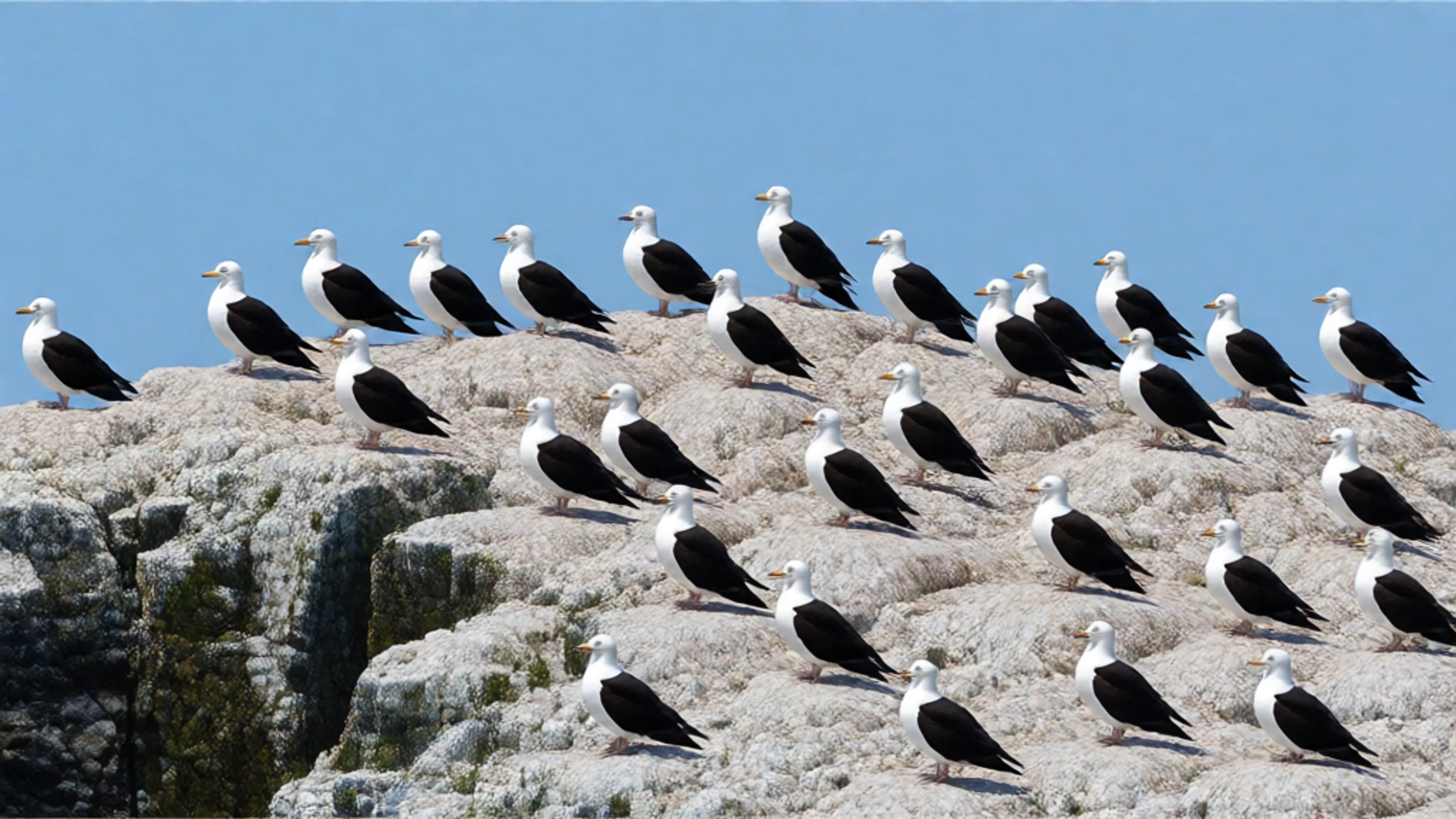
Generate high quality video clips from text and image prompts using PixVerse v5
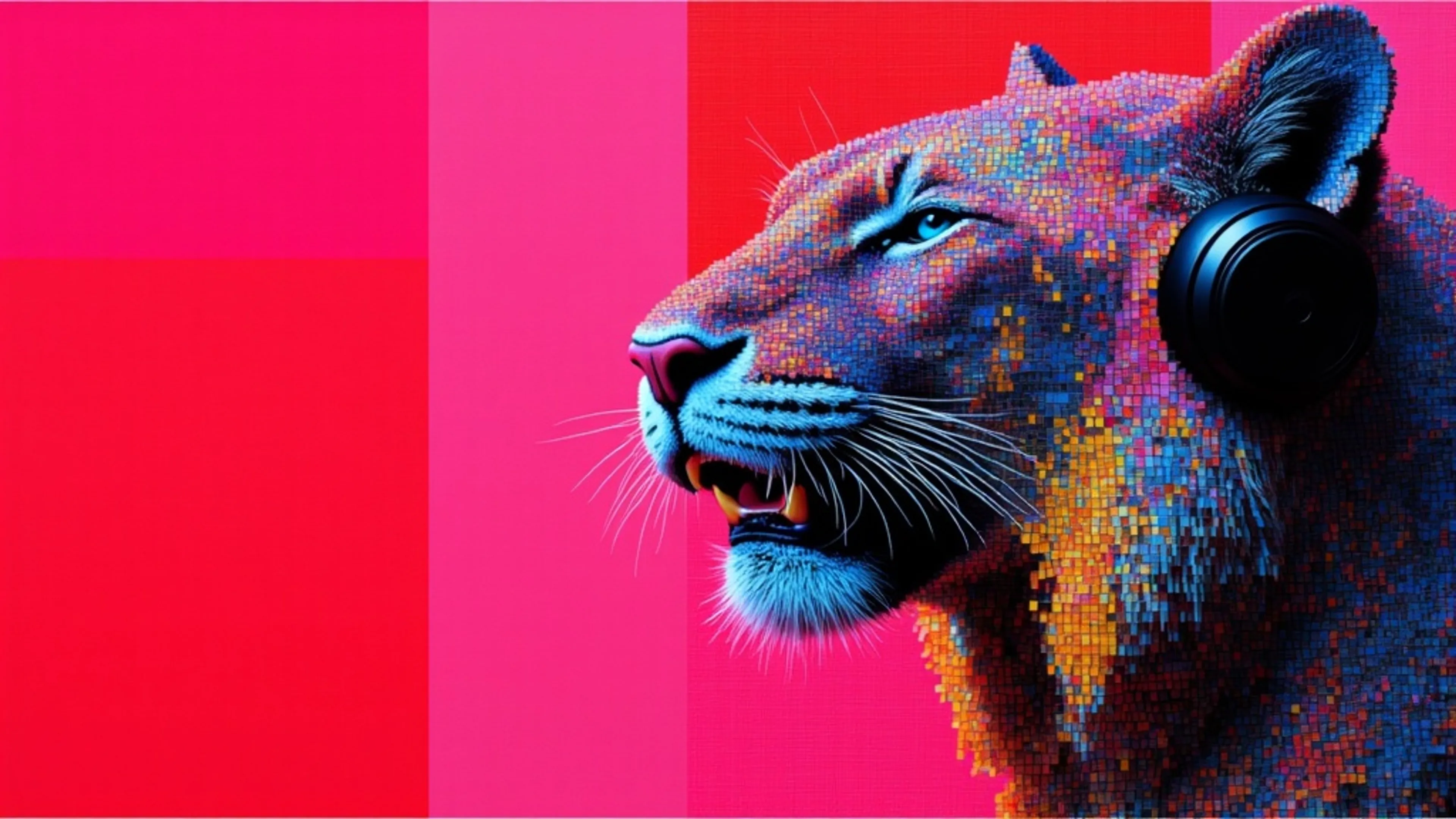

Kling AI Avatar Standard: Endpoint for creating avatar videos with realistic humans, animals, cartoons, or stylized characters


MiniMax Hailuo-2.3-Fast Image To Video API (Pro, 1080p): Advanced fast image-to-video generation model with 1080p resolution
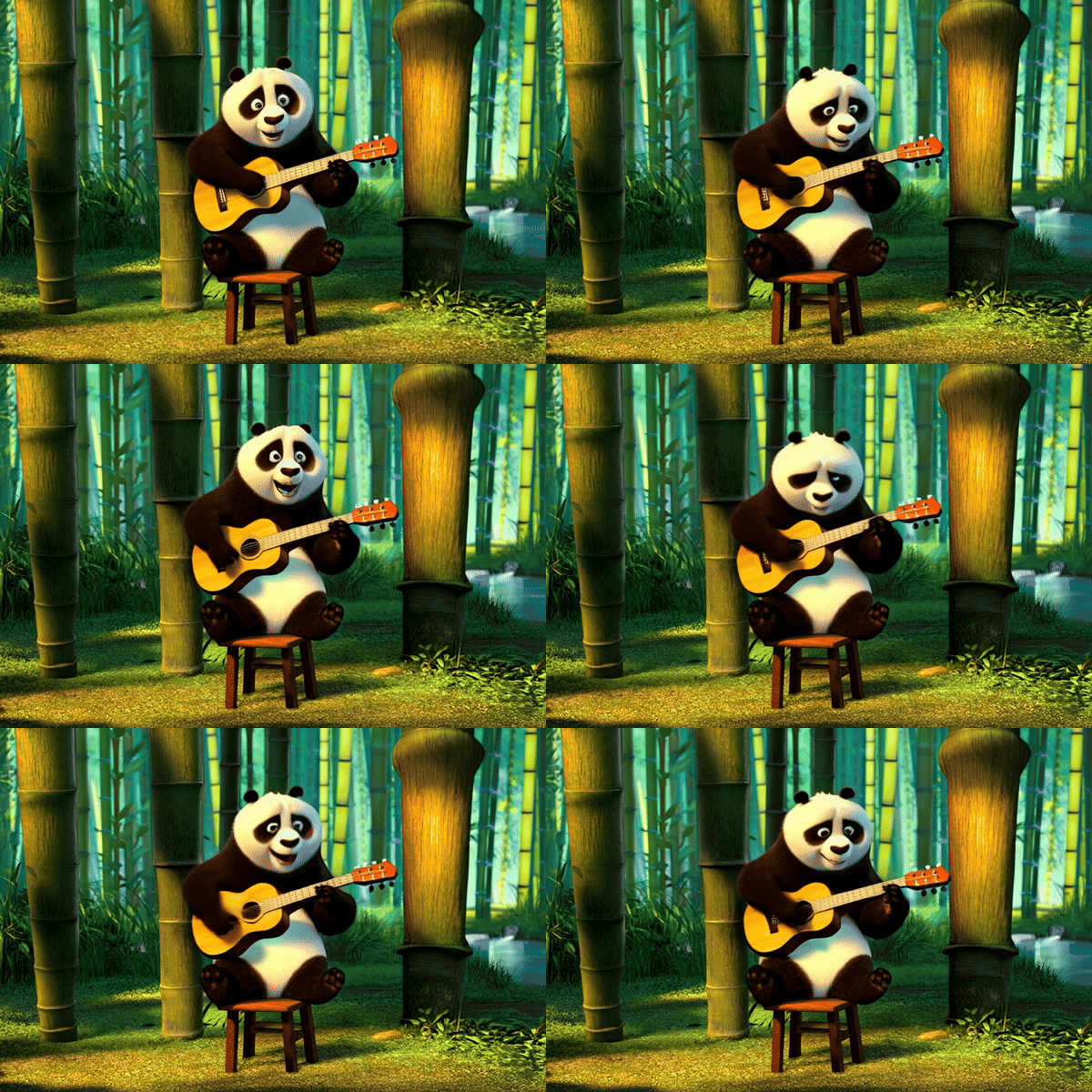

Generate videos from images using LTX Video 0.9.1

Transfer expression from a video to a portrait.

Kling AI Avatar Pro: The premium endpoint for creating avatar videos with realistic humans, animals, cartoons, or stylized characters
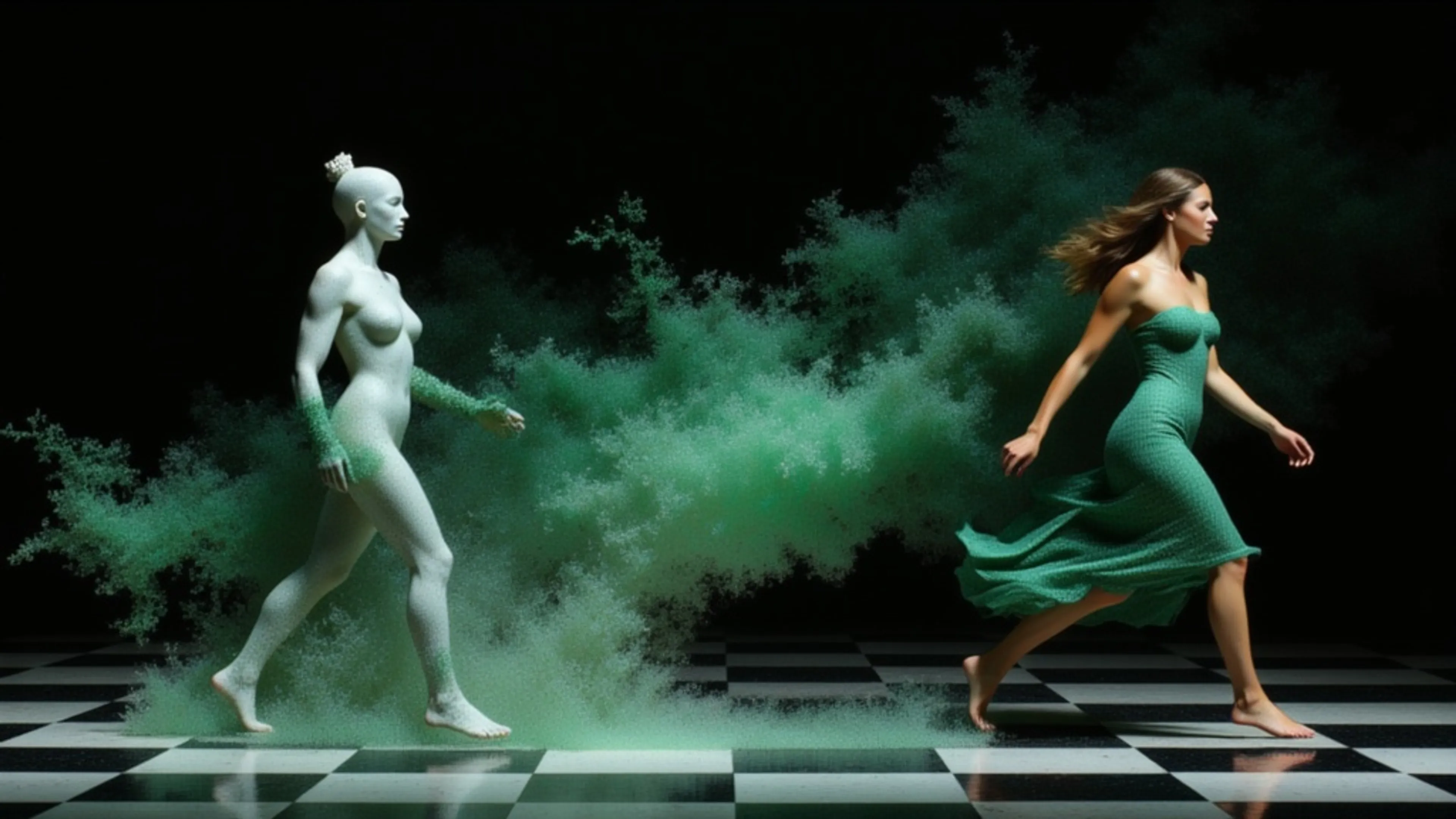
Generate character-consistent videos from reference images using PixVerse C1, with subject and background references.


VEED Fabric 1.0 is an image-to-video API that turns any image into a talking video

Generate video clips from your images using MiniMax Video model
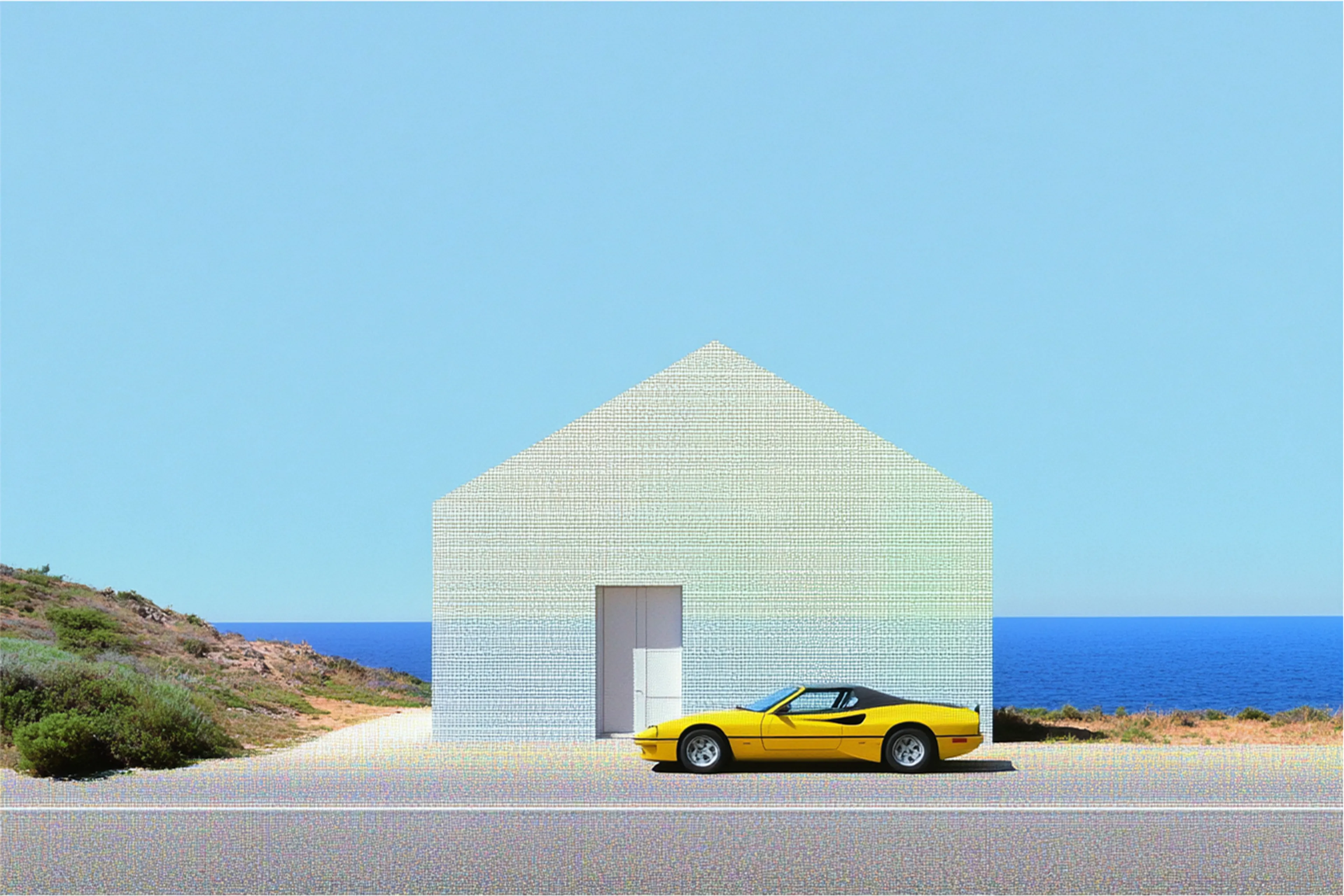
Wan-2.1 flf2v generates dynamic videos by intelligently bridging a given first frame to a desired end frame through smooth, coherent motion sequences.
Learning Realistic 3D Motion Coefficients for Stylized Audio-Driven Single Image Talking Face Animation
Generate long videos from prompts and images using LTX Video-0.9.8 13B Distilled and custom LoRA
Generate high quality video clips from text and image prompts using PixVerse v4.5
Generate videos from prompts and images using LTX Video-0.9.7 13B Distilled and custom LoRA

Generate video with audio from images using LTX-2.3 Distilled
Generate long videos in 720p/30fps from images using LongCat Video Distilled
Turn one product photo into a seamless 5 to 15 second video loop with a locked camera, subtle ambient motion or a full 360° spin.
Create seamless transition between images using PixVerse v5
Images into video with synchronized audio using MiniMax H3; your image becomes the first frame, prompt optional, with trained LoRA support for subject consistency.
MultiTalk model generates a multi-person conversation video from an image and audio files. Creates a realistic scene where multiple people speak in sequence.
fal is the best developer-friendly, one-stop shop for AI image-to-video models. Every image-to-video model on fal runs through the same SDK pattern, so once you’ve integrated one, switching between Seedance 2.0, Kling 3.0 Pro, or Veo 3.1 is a one-line endpoint change.
Image-to-video endpoints take an image URL plus a text prompt describing the motion, and return a URL to a generated video file. After installing @fal-ai/client and setting your FAL_KEY, it looks like this:
jsimport { fal } from "@fal-ai/client";

const result = await fal.subscribe("bytedance/seedance-2.0/image-to-video", {
  input: {
    prompt: "Slow cinematic push-in with the subject's hair moving gently in the wind",
    image_url: "https://your-host.com/photo.jpg",
    resolution: "720p"
  }
});

console.log(result.data.video.url);
The same call shape works across Seedance 2.0, Kling 3.0 Pro, Veo 3.1, and the rest of the catalog. You swap the endpoint string and adjust the input fields each model expects. For example, Seedance 2.0 takes image_url, while Kling 3.0 Pro takes start_image_url.
Most premium image-to-video models on fal generate synchronized audio alongside the video itself.
generate_audio is on or off. Output covers music, lip-synced dialogue, and ambient sound.generate_audio is enabled, with support for multiple speakers and English and Chinese voice output. Audio adds 50% to the per-second cost, moving from $0.112 to $0.168.For projects where audio is part of the delivery, the cost difference can be meaningful. Enabling audio on Veo 3.1 doubles the rate, while Seedance bills the same either way.
Several models on fal accept an end frame alongside the start image, animating the transition between two specific points.
image_url and end_image_url. When both are provided, the model generates motion that transitions from the first frame to the second.veo3.1/first-last-frame-to-video and the fast variant, built for this workflow.end_image_url in the same way, with the same start-to-end transition behavior.For longer narratives, Kling 3.0 Pro’s multi_prompt feature lets you define multiple shots in sequence with distinct prompts and durations.
Pricing on fal generally scales by the second across image-to-video models, with resolution, audio, or both affecting the rate depending on the model.
| Model | Price |
|---|---|
| Kling 2.5 Turbo Pro | $0.35 for 5 seconds, then $0.07 / additional second |
| Kling 3.0 Pro | $0.112 / second audio off |
| Kling 3.0 Pro with audio | $0.168 / second |
| Kling 3.0 Pro with voice control | $0.196 / second |
| Seedance 2.0 Fast | $0.2419 / second at 720p, audio included |
| Seedance 2.0 Standard | $0.3024 / second at 720p, audio included |
| Veo 3.1 | $0.20 / second without audio at 720p or 1080p |
| Veo 3.1 with audio | $0.40 / second at 720p or 1080p |
As a worked example, a 5-second image-to-video clip costs roughly:
You only pay for what you generate, so you can compare motion quality, audio behavior, and frame-control options without rewriting your integration.
bashnpm install --save @fal-ai/client
bashexport FAL_KEY="YOUR_API_KEY"
jsimport { fal } from "@fal-ai/client";

const result = await fal.subscribe("bytedance/seedance-2.0/image-to-video", {
  input: {
    prompt: "Slow cinematic push-in with the subject's hair moving gently in the wind",
    image_url: "https://your-host.com/photo.jpg",
    resolution: "720p"
  }
});

console.log(result.data.video.url);
The same auth, billing, and queue logic carry across every image-to-video endpoint, so you can compare models side by side without rewriting integration code.
For longer generations, higher-resolution outputs, or production workflows, submit to the queue and rely on webhooks instead of blocking on the result.


