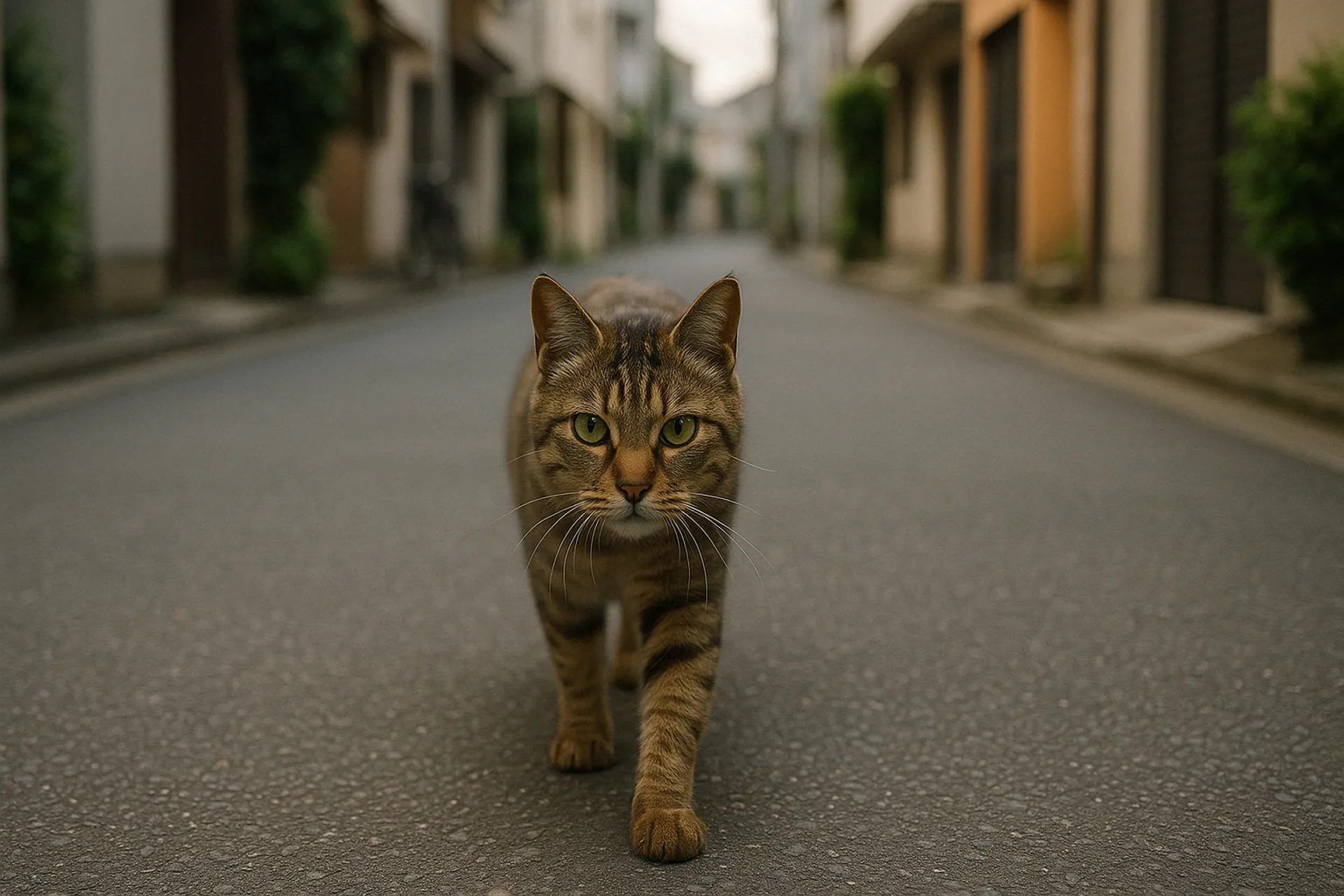
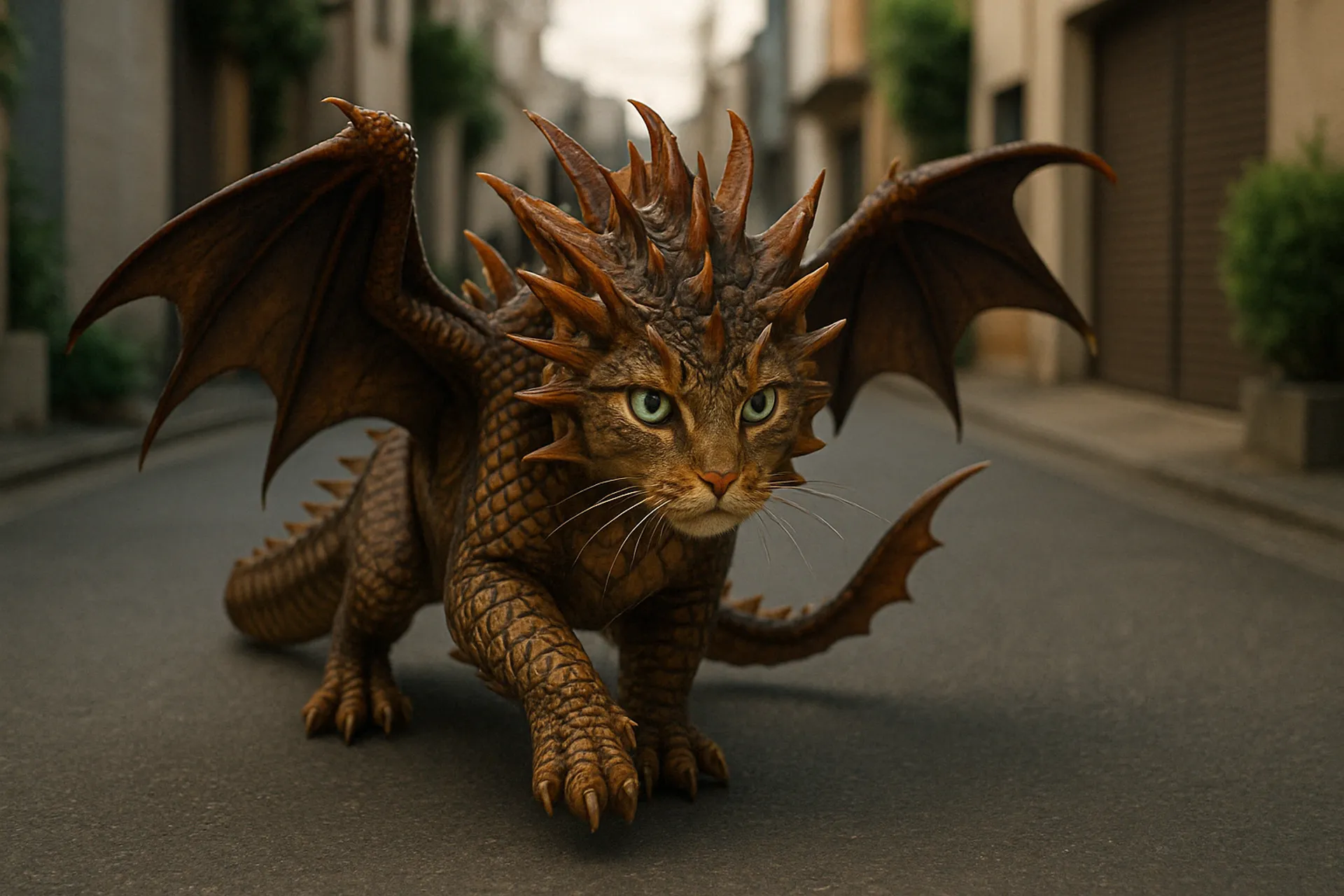
Readme
Wan-2.1 First-Last-Frame-to-Video
Advanced AI Model for Dynamic Video Generation from Key Frames
Transform your creative workflows with Wan-2.1 FLF2V, a powerful AI model that generates smooth, coherent video sequences by intelligently bridging between first and last frame images.
Overview
Wan-2.1 FLF2V delivers high-quality video generation by synthesizing intermediate frames between user-specified start and end images. Built on fal.ai's robust infrastructure, it offers seamless integration options through both REST APIs and native SDKs.
Key Benefits
Transform your applications with Wan-2.1 FLF2V's unique advantages:
- Generate dynamic videos from just two frame images
- Create smooth, natural transitions between scenes
- Produce 720p high-definition video output
- Fast processing times (approximately 1 minute)
- Commercial use permitted
Getting Started
Getting up and running with Wan-2.1 FLF2V takes just a few minutes. Here's how to begin:
- Install your preferred SDK:
For JavaScript/TypeScript:
npm install --save @fal-ai/client
For Python:
- Configure your authentication:
JavaScript:
import { fal } from "@fal-ai/client";
fal.config({
credentials: "YOUR_FAL_KEY"
});
Python:
import fal_client
import os
os.environ["FAL_KEY"] = "YOUR_FAL_KEY"
Implementation Example
Here's a practical example of generating videos with Wan-2.1 FLF2V:
import { fal } from "@fal-ai/client";
async function generateVideo() {
try {
const result = await fal.subscribe("fal-ai/wan-flf2v", {
input: {
first_frame_url: "https://your-domain.com/first-frame.jpg",
last_frame_url: "https://your-domain.com/last-frame.jpg",
prompt: "Smooth transition between frames",
resolution: "720p"
}
});
return result;
} catch (error) {
console.error("Generation failed:", error);
}
}
Best Practices
Maximize your results by following these proven approaches:
- Use high-quality images for first and last frames
- Ensure both frames have consistent aspect ratios
- Write clear prompts to guide the transition
- Choose appropriate resolution based on your needs
- Implement proper error handling for production environments
Advanced Usage
For production deployments, consider implementing these patterns:
Queue-based Processing:
const { request_id } = await fal.queue.submit("fal-ai/wan-flf2v", {
input: {
first_frame_url: "your-first-frame.jpg",
last_frame_url: "your-last-frame.jpg",
prompt: "Your transition description"
},
webhookUrl: "https://your-webhook.url"
});
// Check status
const status = await fal.queue.status("fal-ai/wan-flf2v", {
requestId: request_id
});
// Get result
const result = await fal.queue.result("fal-ai/wan-flf2v", {
requestId: request_id
});
File Upload Support:
const file = new File([imageData], "frame.jpg", { type: "image/jpeg" });
const url = await fal.storage.upload(file);
// Use the uploaded URL in your request
Technical Specifications
Input Requirements:
- First frame image: JPG, JPEG, PNG, WEBP, GIF, AVIF formats
- Last frame image: Same formats as above
- Resolution options: 480p or 720p
Output:
- Format: MP4 video
- Resolution: 480p or 720p (based on input)
- Processing time: Approximately 1 minute
Integration Support
Our comprehensive support ensures smooth implementation:
- Detailed API documentation
- Direct technical support through fal.ai's support channels
- Regular updates and performance improvements
- Community Discord for knowledge sharing
- Example code and integration patterns
Pricing and Usage
Transparent, usage-based pricing:
- 480p resolution: $0.20 per video generation
- 720p resolution: $0.40 per video generation
- Pay-per-use model with no subscription required
- No hidden fees or minimum commitments
Example: For $1, you can generate approximately 5 videos at 480p or 2.5 videos at 720p.
View detailed pricing or contact sales for enterprise solutions.
Getting Help
We're here to support your implementation:
- Visit our documentation at fal.ai/models/fal-ai/wan-flf2v
- Join our community Discord for real-time assistance
- Contact our support team for technical questions
- Check our blog for tutorials and best practices
- Monitor system status at status.fal.ai
Start building with Wan-2.1 FLF2V today and experience powerful video generation from key frames. Create your free account at fal.ai/login to begin exploring the possibilities.
 fal-ai/wan-flf2v