Image to Video APIs
Showing 1 to 24 of 227 results

Kling 3.0 Pro: Top-tier image-to-video with cinematic visuals, fluid motion, and native audio generation, with custom element support.

fal's H3 Max is a post-trained variant of MiniMax H3, tuned for stronger prompt adherence and better aesthetics while co-optimized with our custom inference stack for higher throughput with no compromises on output quality
fal's H3 Max Turbo is a post-trained variant of MiniMax H3, tuned for stronger prompt adherence and better aesthetics while co-optimized with our custom inference stack for higher throughput with no compromises on output quality
fal's H3 Max is a post-trained variant of MiniMax H3, tuned for stronger prompt adherence and better aesthetics while co-optimized with our custom inference stack for higher throughput with no compromises on output quality
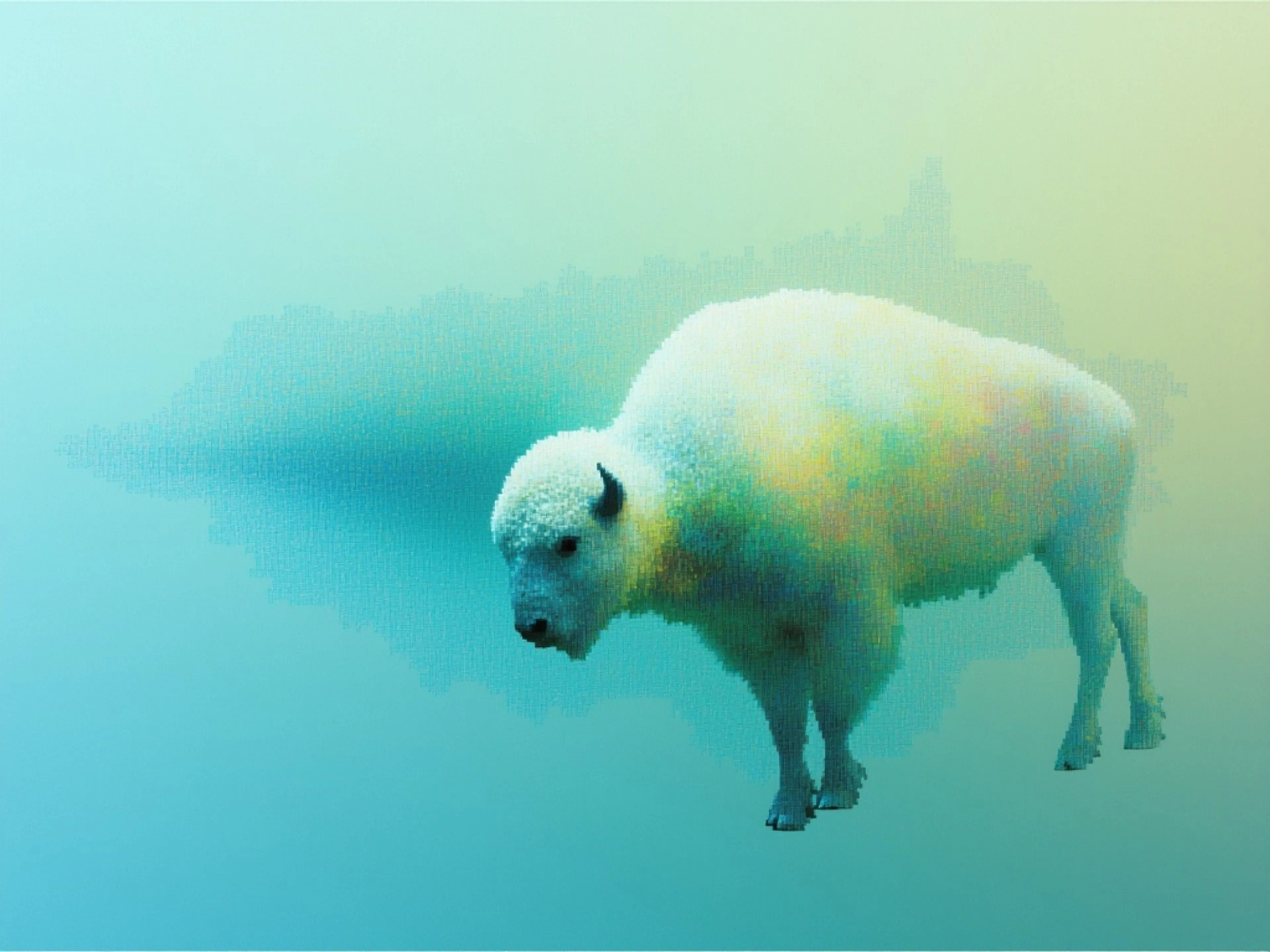
Kling 2.5 Turbo Pro: Top-tier image-to-video generation with unparalleled motion fluidity, cinematic visuals, and exceptional prompt precision.

fal’s FLUX 3 Max is a post-trained variant of FLUX 3 Video, tuned for stronger prompt adherence and better visual quality while optimized for lower latency.
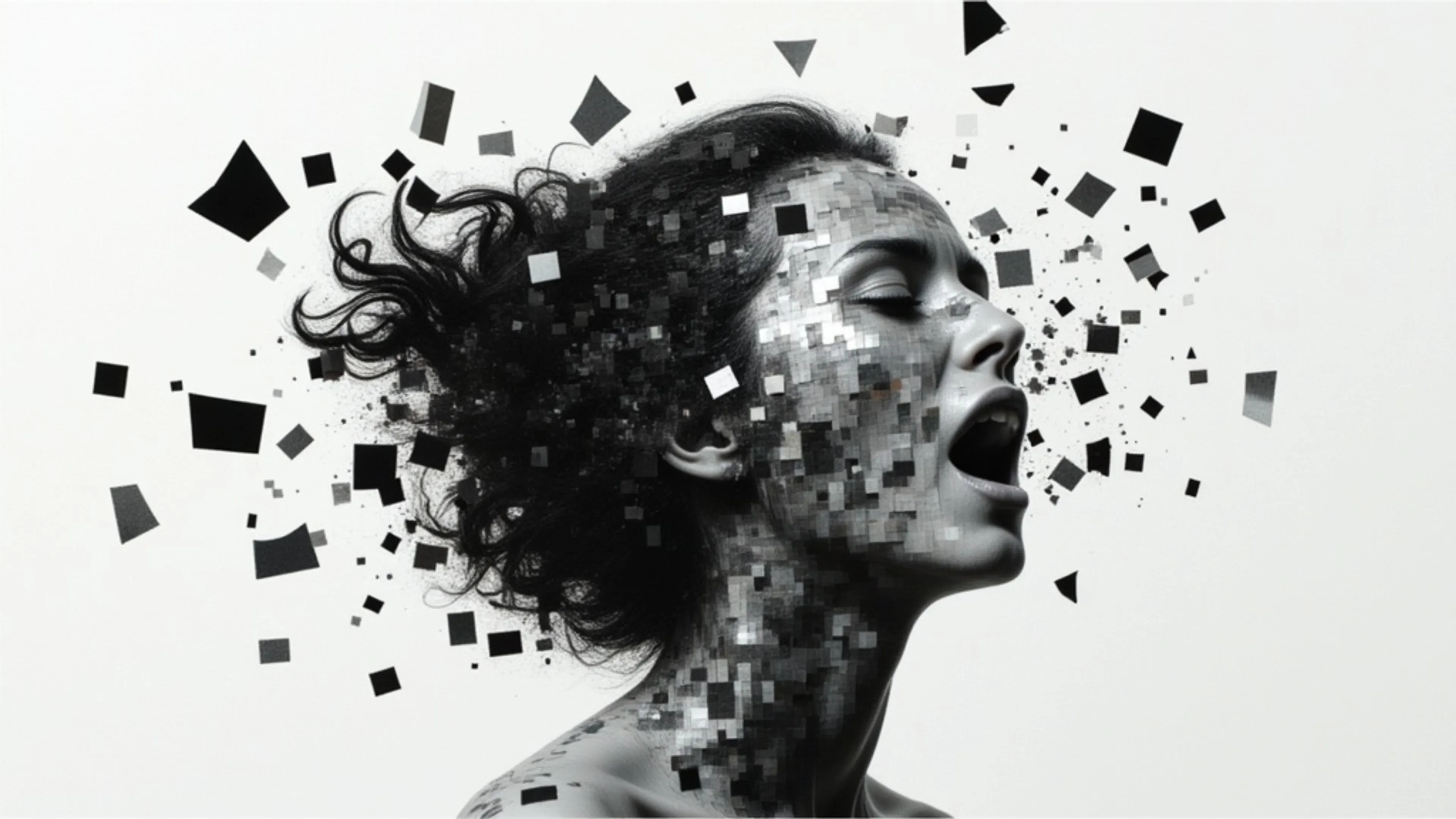
Kling 3.0 Standard: Top-tier image-to-video with cinematic visuals, fluid motion, and native audio generation, with custom element support.

Kling 2.6 Pro: Top-tier image-to-video with cinematic visuals, fluid motion, and native audio generation.
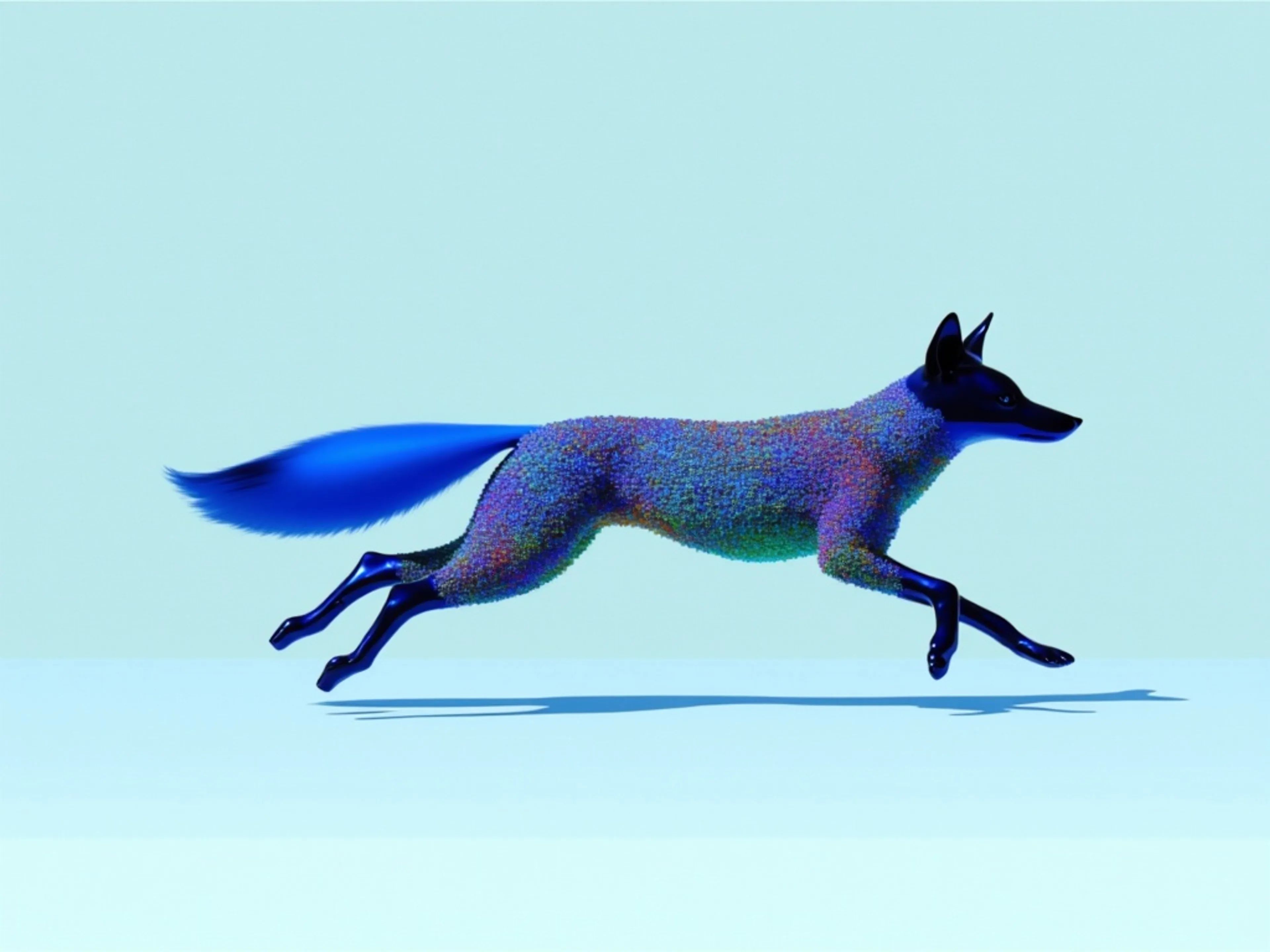

US-hosted ByteDance Seedance 2.5 generates video with native audio from up to 30 images, 10 videos, and 10 audio references. Supports reference-guided generation, video editing, and extension at 480p, 720p or 1080p.
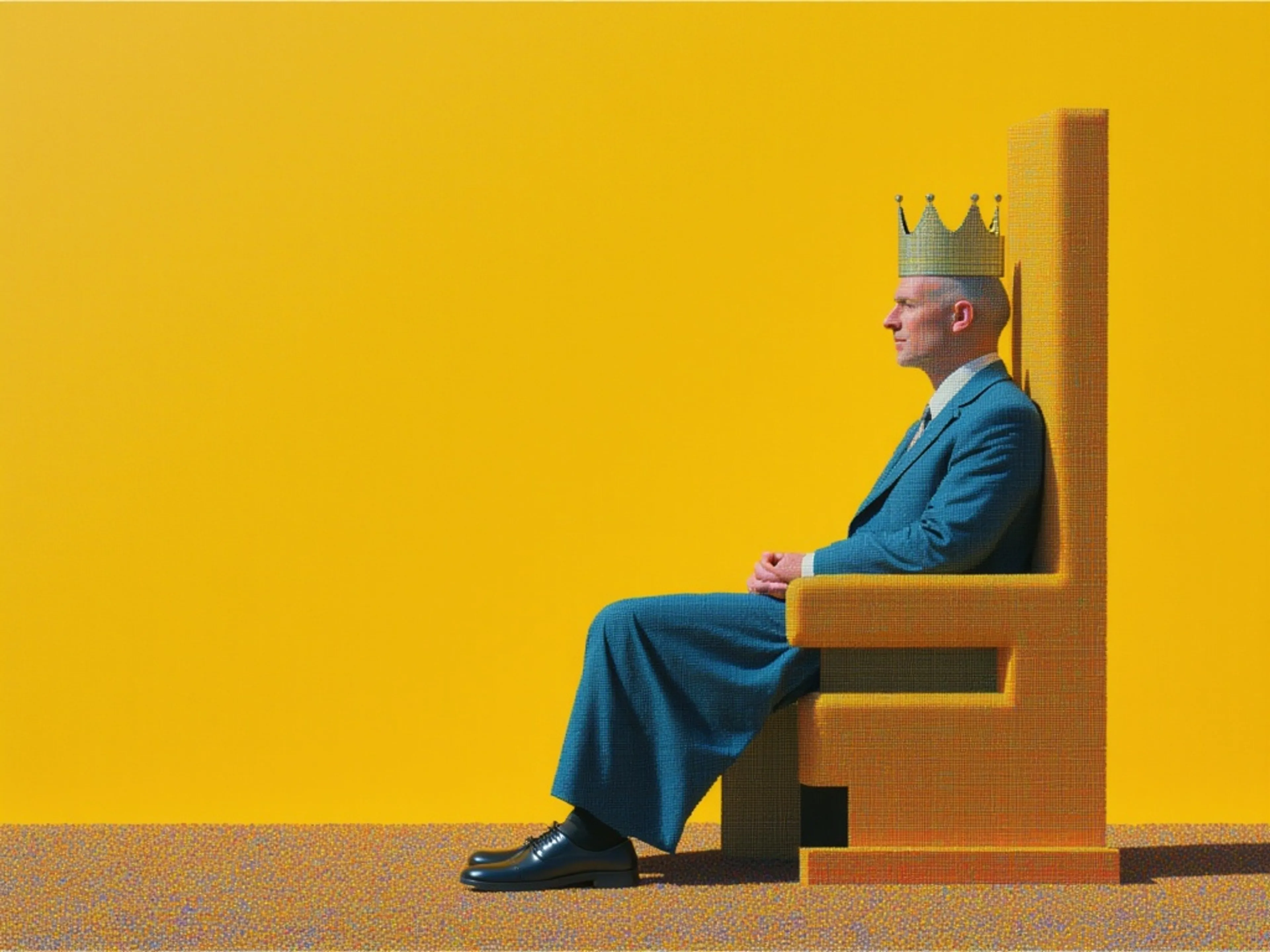

MiniMax H3 is a frontier video model. This endpoint animates a supplied image into 2K video, using it as the opening frame or pairs a first and last frame to control a transition between two images with the aspect ratio following the input.

Wan 3.0 is the latest generation AI video model, delivering enhanced motion smoothness, superior scene fidelity, and greater visual coherence.

Gemini Omni Flash 1.1 is Google's multimodal video model. This endpoint animates a still image into video with synchronized audio, extending a single frame into coherent motion that reflects the logic of the real world.

Kling 4.0 animates a starting image into a 3 to 30-second video at 720p or 1080p, with optional ending frames and per-shot prompts.
MiniMax H3 is a frontier video model. This endpoint generates 2K video from multimodal references up to 9 images for subject and style, 3 video clips for motion, and 3 audio clips each cited in the prompt by order, keeping subjects consistent while following the referenced motion and audio.
Kling AI Avatar v2 Standard: Endpoint for creating avatar videos with realistic humans, animals, cartoons, or stylized characters
H3 Max Lip Sync generates a video from an image and supplied audio, synchronizing mouth movements to the soundtrack. It supports optional transcription guidance and output resolutions from 480p to 2K.
Generate videos with audio with Seedance 1.5 (supports start & end frame)
Kling AI Avatar v2 Pro: The premium endpoint for creating avatar videos with realistic humans, animals, cartoons, or stylized characters
Omnihuman v1.5 is a new and improved version of Omnihuman. It generates video using an image of a human figure paired with an audio file. It produces vivid, high-quality videos where the character’s emotions and movements maintain a strong correlation with the audio.
US-hosted ByteDance Seedance 2.5 animates still images with synchronized audio and optional end-frame control. Generate videos up to 30 seconds at 480p, 720p or 1080p.
Generate a video by taking a start frame and an end frame, animating the transition between them while following text-driven style and scene guidance.
Transform images, elements, and text into consistent, high-quality video scenes, ensuring stable character identity, object details, and environments.

Generate videos from images with audio using xAI's Grok Imagine Video model.
ByteDance's most advanced image-to-video model, fast tier. Lower latency and cost with synchronized audio, start and end frame control, and motion prompts.
fal is the best developer-friendly, one-stop shop for AI image-to-video models. Every image-to-video model on fal runs through the same SDK pattern, so once you’ve integrated one, switching between Seedance 2.0, Kling 3.0 Pro, or Veo 3.1 is a one-line endpoint change.
Image-to-video endpoints take an image URL plus a text prompt describing the motion, and return a URL to a generated video file. After installing @fal-ai/client and setting your FAL_KEY, it looks like this:
jsimport { fal } from "@fal-ai/client";

const result = await fal.subscribe("bytedance/seedance-2.0/image-to-video", {
  input: {
    prompt: "Slow cinematic push-in with the subject's hair moving gently in the wind",
    image_url: "https://your-host.com/photo.jpg",
    resolution: "720p"
  }
});

console.log(result.data.video.url);
The same call shape works across Seedance 2.0, Kling 3.0 Pro, Veo 3.1, and the rest of the catalog. You swap the endpoint string and adjust the input fields each model expects. For example, Seedance 2.0 takes image_url, while Kling 3.0 Pro takes start_image_url.
Most premium image-to-video models on fal generate synchronized audio alongside the video itself.
generate_audio is on or off. Output covers music, lip-synced dialogue, and ambient sound.generate_audio is enabled, with support for multiple speakers and English and Chinese voice output. Audio adds 50% to the per-second cost, moving from $0.112 to $0.168.For projects where audio is part of the delivery, the cost difference can be meaningful. Enabling audio on Veo 3.1 doubles the rate, while Seedance bills the same either way.
Several models on fal accept an end frame alongside the start image, animating the transition between two specific points.
image_url and end_image_url. When both are provided, the model generates motion that transitions from the first frame to the second.veo3.1/first-last-frame-to-video and the fast variant, built for this workflow.end_image_url in the same way, with the same start-to-end transition behavior.For longer narratives, Kling 3.0 Pro’s multi_prompt feature lets you define multiple shots in sequence with distinct prompts and durations.
Pricing on fal generally scales by the second across image-to-video models, with resolution, audio, or both affecting the rate depending on the model.
| Model | Price |
|---|---|
| Kling 2.5 Turbo Pro | $0.35 for 5 seconds, then $0.07 / additional second |
| Kling 3.0 Pro | $0.112 / second audio off |
| Kling 3.0 Pro with audio | $0.168 / second |
| Kling 3.0 Pro with voice control | $0.196 / second |
| Seedance 2.0 Fast | $0.2419 / second at 720p, audio included |
| Seedance 2.0 Standard | $0.3024 / second at 720p, audio included |
| Veo 3.1 | $0.20 / second without audio at 720p or 1080p |
| Veo 3.1 with audio | $0.40 / second at 720p or 1080p |
As a worked example, a 5-second image-to-video clip costs roughly:
You only pay for what you generate, so you can compare motion quality, audio behavior, and frame-control options without rewriting your integration.
bashnpm install --save @fal-ai/client
bashexport FAL_KEY="YOUR_API_KEY"
jsimport { fal } from "@fal-ai/client";

const result = await fal.subscribe("bytedance/seedance-2.0/image-to-video", {
  input: {
    prompt: "Slow cinematic push-in with the subject's hair moving gently in the wind",
    image_url: "https://your-host.com/photo.jpg",
    resolution: "720p"
  }
});

console.log(result.data.video.url);
The same auth, billing, and queue logic carry across every image-to-video endpoint, so you can compare models side by side without rewriting integration code.
For longer generations, higher-resolution outputs, or production workflows, submit to the queue and rely on webhooks instead of blocking on the result.


