AI Video Generator
Turn a prompt into video with Veo 3.1, Kling 3, Seedance and more. Every frontier model behind one prompt box.
Your prompt opens in the playground, where you generate.


Pick any AI video model
Text to video and image to video across frontier models. Same prompt, one platform, pay-per-second pricing.


Veo 3.1 by Google, the most advanced AI video generation model in the world. With sound on!


ByteDance's most advanced text-to-video model. Cinematic output with native audio, multi-shot editing, real-world physics, and director-level camera control.
![Kling O3 Text to Video [Pro]](https://refinery.fal.media/url/https%3A%2F%2Fv3b.fal.media%2Ffiles%2Fb%2F0a8c3ad2%2FZ4ZRnSwVTn1ZsiXuSVpE-_ee73b123ab38450684f4902430914242.jpg/tr:w-1920,q-80/Z4ZRnSwVTn1ZsiXuSVpE-_ee73b123ab38450684f4902430914242.webp)


Generate realistic videos using Kling O3 from Kling Team!


Happy Horse 1.1 is Alibaba's #1-ranked video model. This text-to-video endpoint generates 1080p video with synchronized native audio and multilingual lip-sync from a text prompt alone.
Creates video with synchronized audio from text input. Grounded in Gemini's real-world knowledge, with improved physics understanding for more coherent motion and interaction.
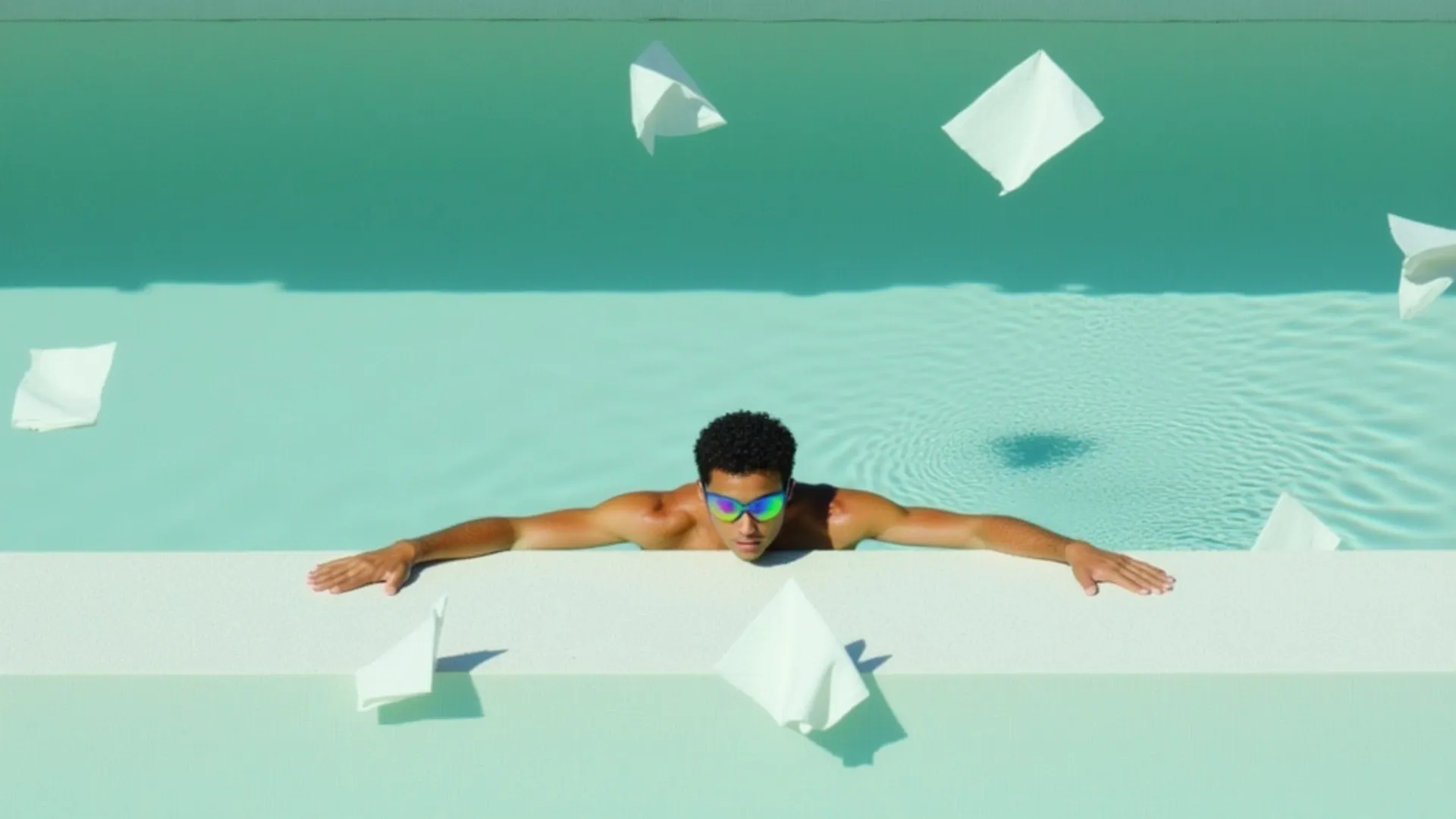


Generate videos from images with audio using xAI's Grok Imagine 1.5 Video model.

Real prompts, real motion
Every clip was generated on fal with the model shown. Open any prompt in the playground to run it yourself.
Action sequence
“High-speed car chase at night through a neon-lit city in the rain, a sports car drifts hard around a corner as sparks fly, the camera tracks fast alongside then cuts to a dramatic low angle, cinematic 4K action”
Try this promptTalking head
“A young man on a sunny city street smiles at the camera and says, 'Honestly, this is the coolest thing I have seen all year.' Natural daylight, shallow depth of field, accurate lip sync, cinematic”
Try this promptCinematic reveal
“Aerial drone shot revealing a misty coastal city at sunrise, mist burning off the harbor, warm golden light, slow cinematic push-in”
Try this promptStylized night
“A neon-lit alley in the rain at night, camera dollies forward past glowing signs, reflections on wet pavement, cinematic, moody”
Try this promptWhat each model is great at
Every model reads the same prompt. Pick by what fits the job.
| Model | Best for | Max duration | Resolution | Audio |
|---|---|---|---|---|
| Veo 3.1Google DeepMind | Cinematic video with audio | Up to 8s | Up to 4K | Native |
| Seedance 2ByteDance | Camera control & multi-shot | Up to 15s | Up to 720p | Native |
| Kling 3Kuaishou | Multi-shot storyboards | Up to 15s | Up to 1080p | Native |
| Happy Horse 1.1Alibaba | Talking-head & lip-sync | Up to 15s | Up to 1080p | Native |
| Gemini OmniGoogle DeepMind | Physics-coherent motion | Up to 10s | 720p | Native |
| Grok Imagine 1.5xAI | Image to video | Up to 15s | Up to 720p | Native |
From idea to video in three steps

Built for every kind of creator
On-brand ads in minutes
Turn a brief into a polished spot without a shoot. Generate hero scenes and product cutaways from a prompt.
A week of content in an afternoon
Short-form for TikTok, Reels, and Shorts. Native audio and vertical formats built in.
Cinematic shots and b-roll
Establishing shots, transitions, and atmosphere with real camera moves and shallow depth of field.
Animate a still into motion
Bring a product photo to life with image-to-video, or generate a spokesperson scene from a written brief.
Stylized, beat-friendly visuals
Generate expressive, stylized video straight from a prompt for music and art projects.
Every model, one API
Ship video generation into your product with a serverless API. Switch models with a one-line change.


Generate video from your own stack
Every model here runs on the same serverless fal API. Install the client, add your key, and switch models with a one-line endpoint change.
import { fal } from "@fal-ai/client";

const result = await fal.subscribe("fal-ai/veo3.1", {
  input: {
    prompt: "A lighthouse at dusk, waves crashing against the rocks, cinematic, slow push-in",
    resolution: "1080p",
    generate_audio: true,
  },
  logs: true,
  onQueueUpdate: (update) => {
    if (update.status === "IN_PROGRESS") {
      update.logs.map((log) => log.message).forEach(console.log);
    }
  },
});

console.log(result.data);
console.log(result.requestId);
Frequently asked questions
Which AI video models can I use on fal?
fal gives you every frontier AI video model behind one prompt box: Veo 3.1, Kling 3, Seedance 2, Happy Horse 1.1, Gemini Omni, and Grok Imagine 1.5, with new models added as they launch. Pick a model above, write your prompt, and generate in the playground. Browse every video model.
Which video model should I pick?
It depends on the job. Veo 3.1 is great for cinematic 4K with native audio and dialogue lip-sync; Seedance 2 for multi-shot scenes with director-level camera control; Kling 3 for multi-shot storyboards; Happy Horse 1.1 for multilingual lip-synced talking-head video; Gemini Omni for physics-coherent motion; and Grok Imagine 1.5 for animating a still image. The comparison table shows what each is great at.
What is the difference between text to video and image to video?
Text to video creates a clip from a written prompt alone, so you need no footage. Image to video animates an image you provide, which is ideal for product shots, consistent characters, and turning a still into motion. Most models here do text to video (see the dedicated text to video generator); Grok Imagine 1.5 is image to video, so you add your image in the playground.
What aspect ratios, durations, and resolutions are supported?
It varies by model, and you set the exact format in the playground after you pick a model. Common options include 16:9 and 9:16 aspect ratios, durations up to about 15 seconds, and resolutions up to 4K on models that support it.
Do I need to sign in to generate a video?
Yes, to run a generation. You can write your prompt and choose a model here, then you sign in on the playground to generate. Your prompt carries over, so nothing is lost.
Do I own commercial rights to what I generate?
Yes. Video you generate through fal can be used in commercial projects. See fal's terms of service for full details on usage rights and licensing.
Can I access these models via API?
Yes. Every model here runs on the same serverless fal API. Switch models with a one-line endpoint change, no GPUs to manage. Grab a key from your dashboard and see the code examples above to make your first request.
Finish the job with the other tools.
The free image tools chain together and none of them watermark what you download: cut the background out, upscale the result, then export it at the exact size you need.
Free in your browser
No account, no watermark, no upload limits, nothing to install.
Remove a background in one click
Drop an image and get a clean cutout with transparent edges, up to 4K. Handles hair, fur, and glass without manual masking.
Open Background RemoverUpscale without the mush
Increase resolution and recover detail instead of just stretching pixels. Good for small product shots, old photos, and print.
Open Image UpscalerUncrop and extend past the edges
Generate new scenery beyond the frame so a photo fits a wider or taller aspect ratio, with no cropping and nothing cut off.
Open Image ExtenderCrop and resize to exact pixels
Drag a frame over what matters, then export at exact dimensions or a social preset. Nothing to install, nothing to sign up for.
Open Image ResizerRuns on your fal account
Generating video runs real inference on our platform, so these open in the fal playground: sign in, then pay per second of compute.

Talk to us about AI video at scale
Building video generation into your product? Leave your details and our team will reach out.