Kling 4.0 turns text, images, keyframes, and reference clips into video. The useful prompting skill is deciding what each input controls: a character’s identity, a product’s appearance, the camera path, or the order of events.
Start with the examples below. Each puts the result first, followed by a prompt and the input media. The library contains 60 official results, 14 reference videos, and 89 image placements, including the interface screenshots at the end.
Native Multimodal Reference
Give every asset one clear job. A reference video can supply motion while an image supplies identity; they do not have to control the same part of the scene.
Characters, Products & Motion
Multiple Characters in One Scene
prompt
Use the image references for character or product appearance. If a reference video is supplied, use it for motion, framing, and pacing only. Preserve the identity and material details from the images throughout. Keep the reference video’s original subject out of the new scene.
Try it in ChatGPT Try it in fal Agentreference images
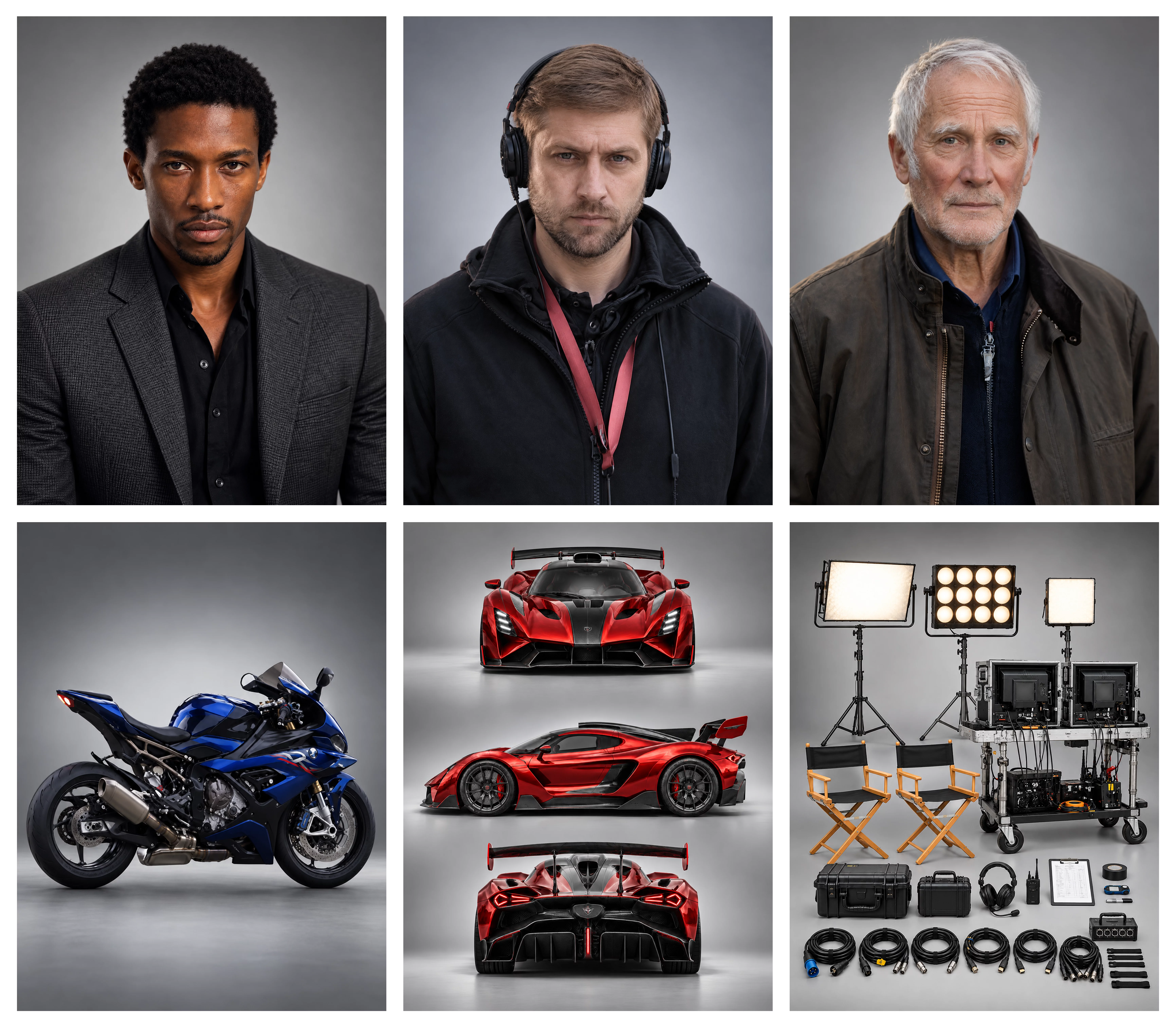
reference files
matching workflow
Reference to Video · View result file
Product Identity Meets Reference Motion
prompt
Use the image references for character or product appearance. If a reference video is supplied, use it for motion, framing, and pacing only. Preserve the identity and material details from the images throughout. Keep the reference video’s original subject out of the new scene.
Try it in ChatGPT Try it in fal Agentreference images
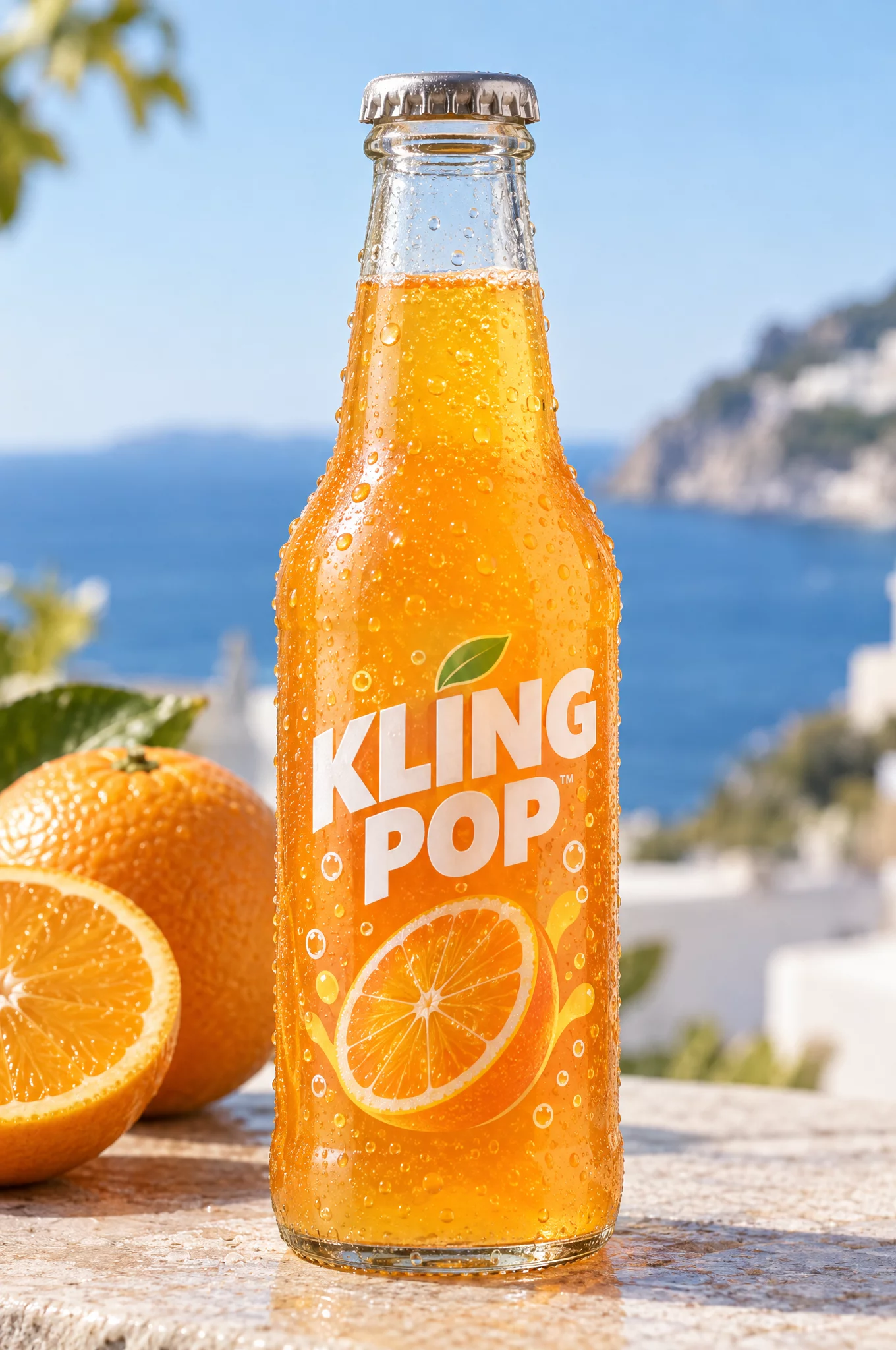
reference videos
reference files
matching workflow
Reference to Video · View result file
Motion Transfer with Image References
prompt
Use the image references to define the subject’s appearance and the reference video to guide body motion and timing. Preserve the subject’s face, proportions, and clothing while transferring the action. Maintain natural foot contact, hand motion, and balance. Do not copy the reference performer’s identity.
Try it in ChatGPT Try it in fal Agentreference images
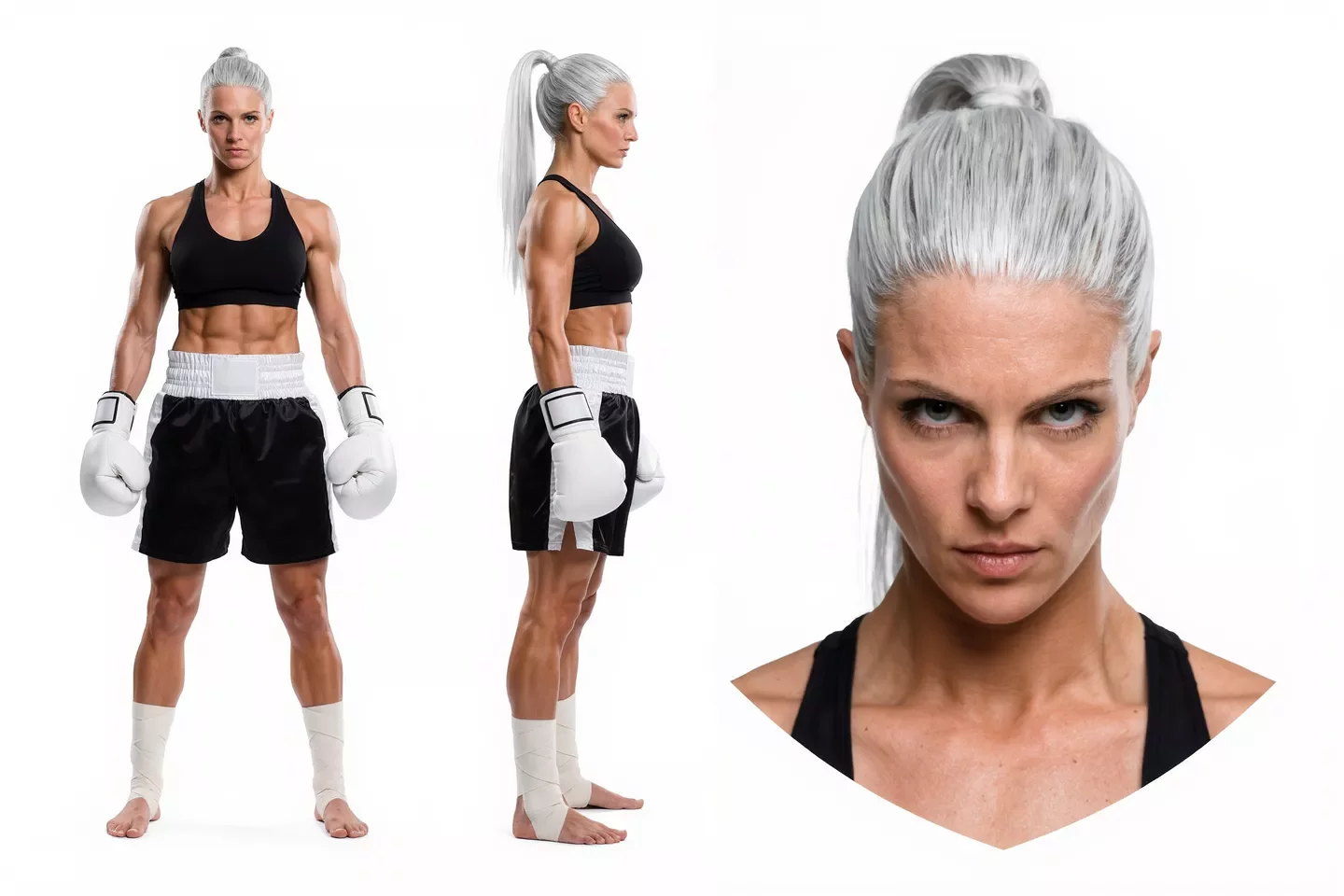
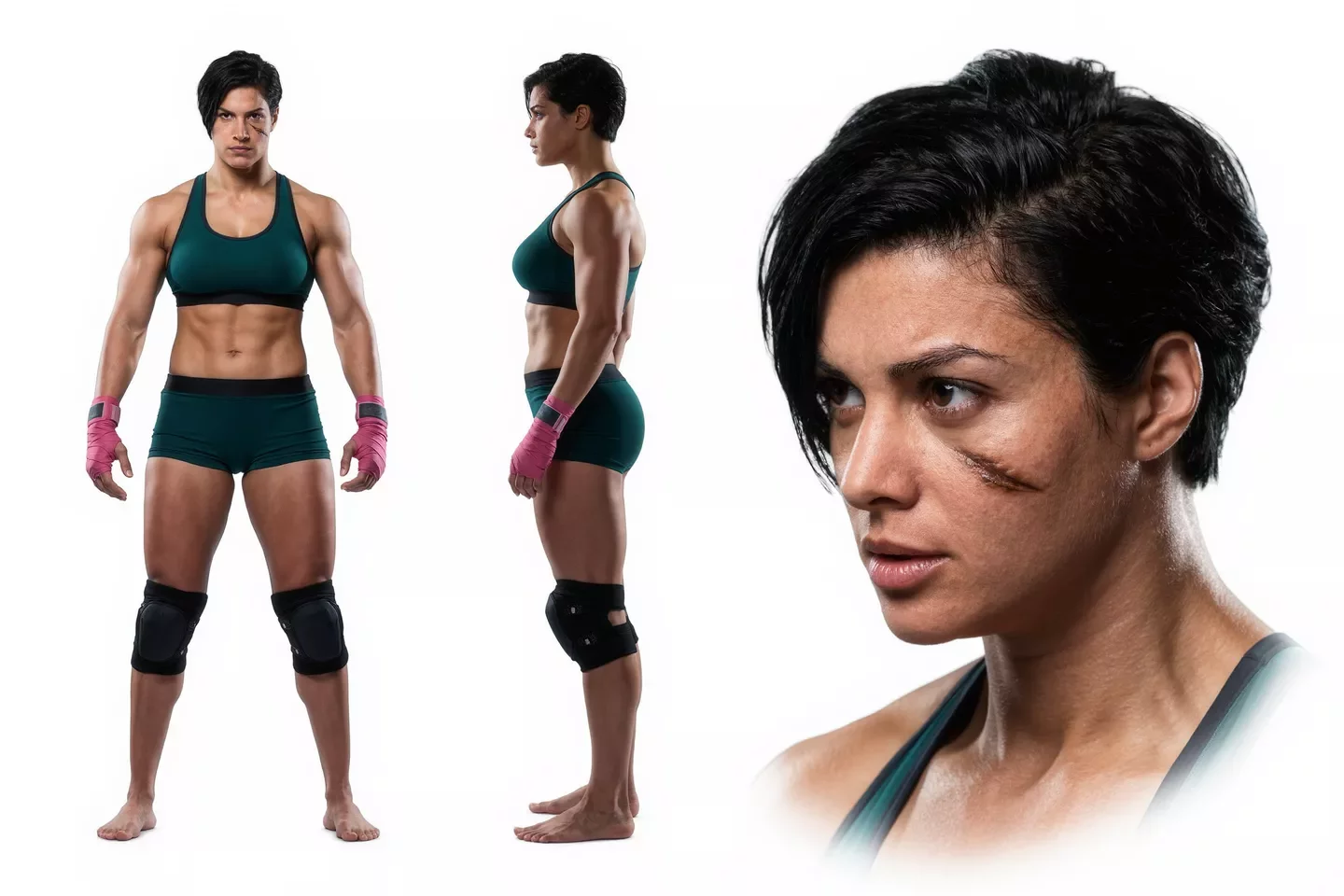
reference videos
reference files
matching workflow
Reference to Video · View result file
Performance Transfer with Image References
prompt
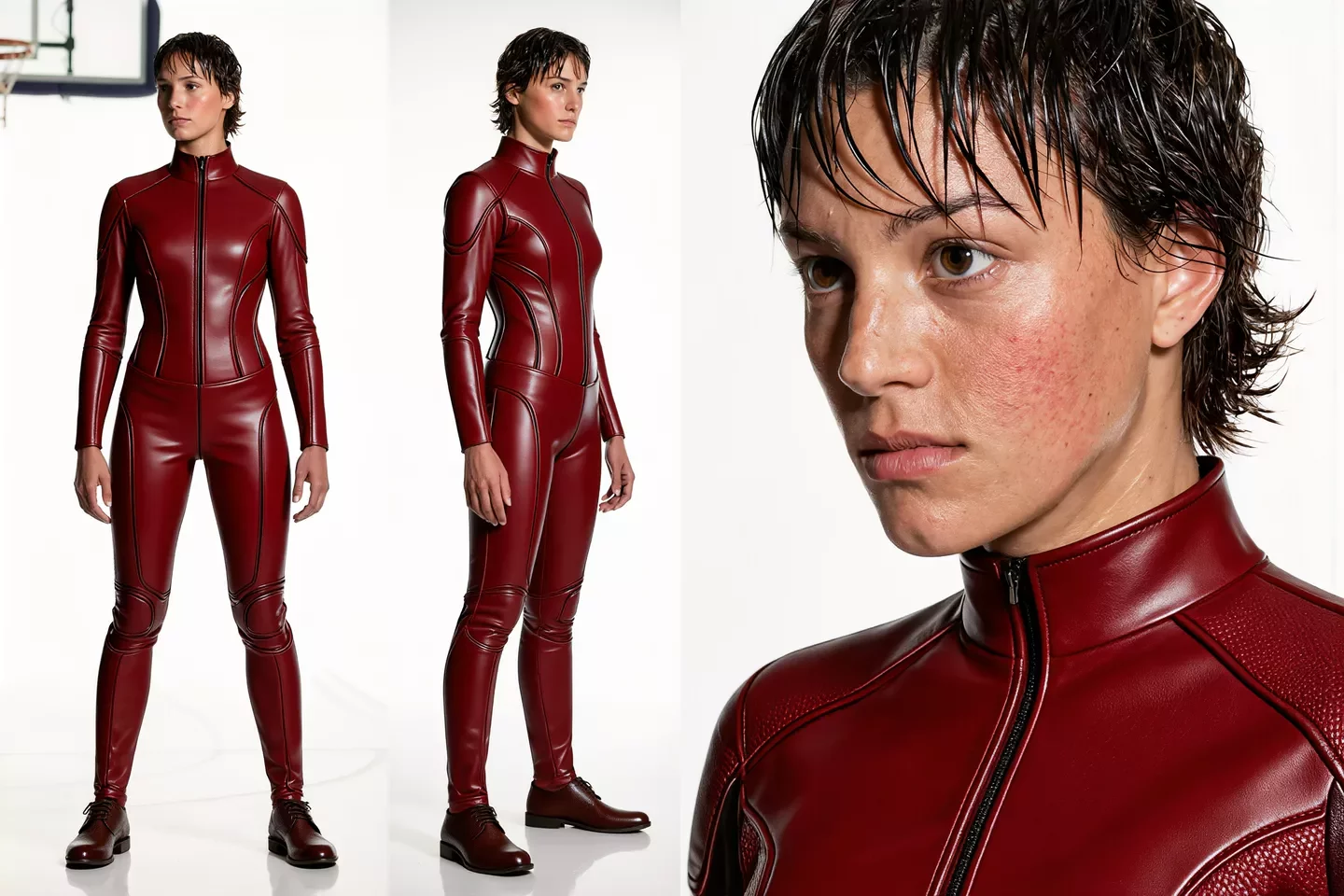
Use the image references to define the subject’s appearance and the reference video to guide body motion and timing. Preserve the subject’s face, proportions, and clothing while transferring the action. Maintain natural foot contact, hand motion, and balance. Do not copy the reference performer’s identity.
Try it in ChatGPT Try it in fal Agentreference images
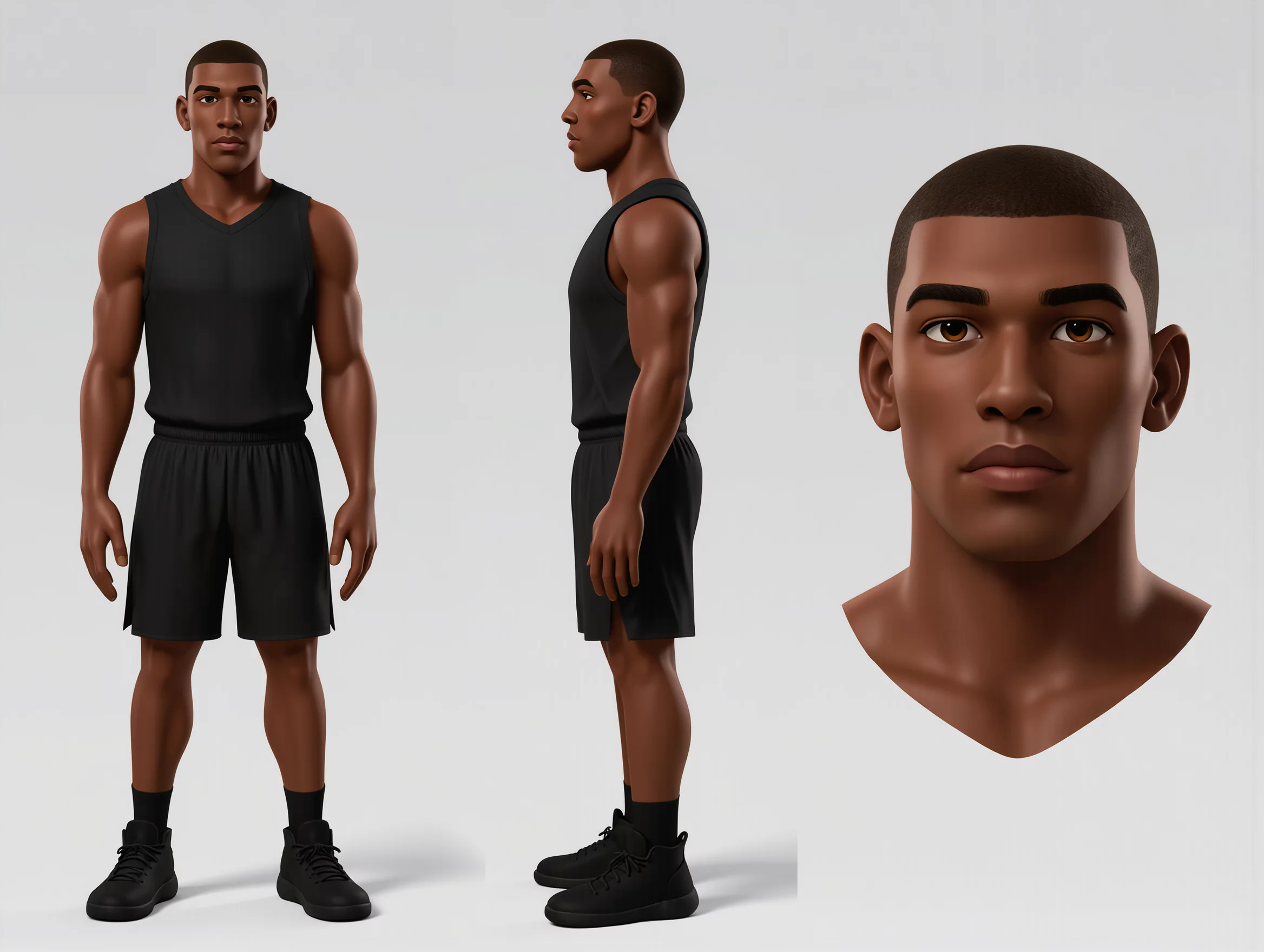
reference videos
reference files
matching workflow
Reference to Video · View result file
Camera, Layout & Spatial Control
A Camera Path Guided by References
prompt
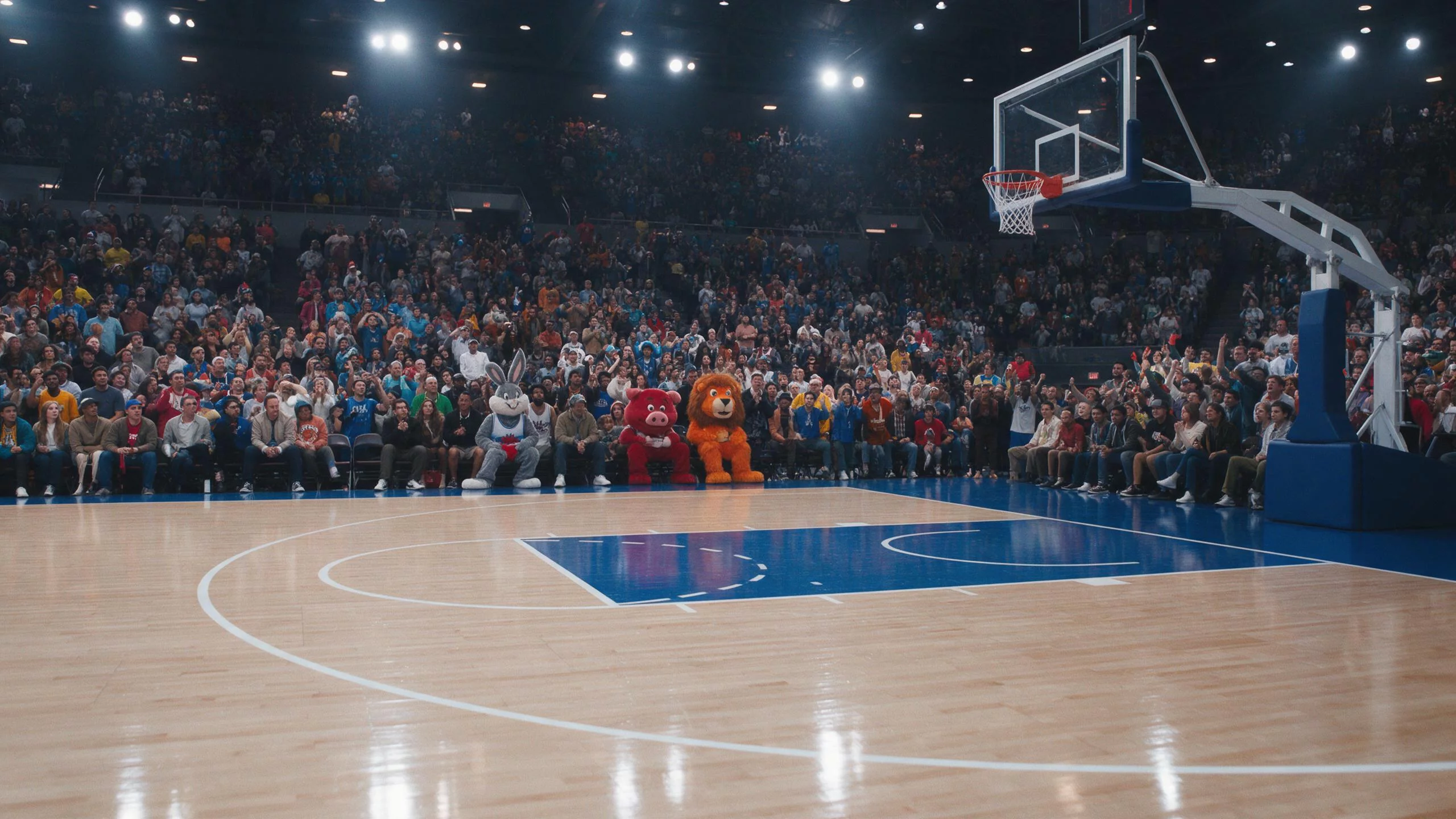
Use the reference video to establish scene continuity and the camera-reference images to guide framing and viewpoint. Make the camera path smooth and physically coherent. Preserve the subject and scene layout while changing the viewpoint. Avoid sudden perspective jumps.
Try it in ChatGPT Try it in fal Agentreference images
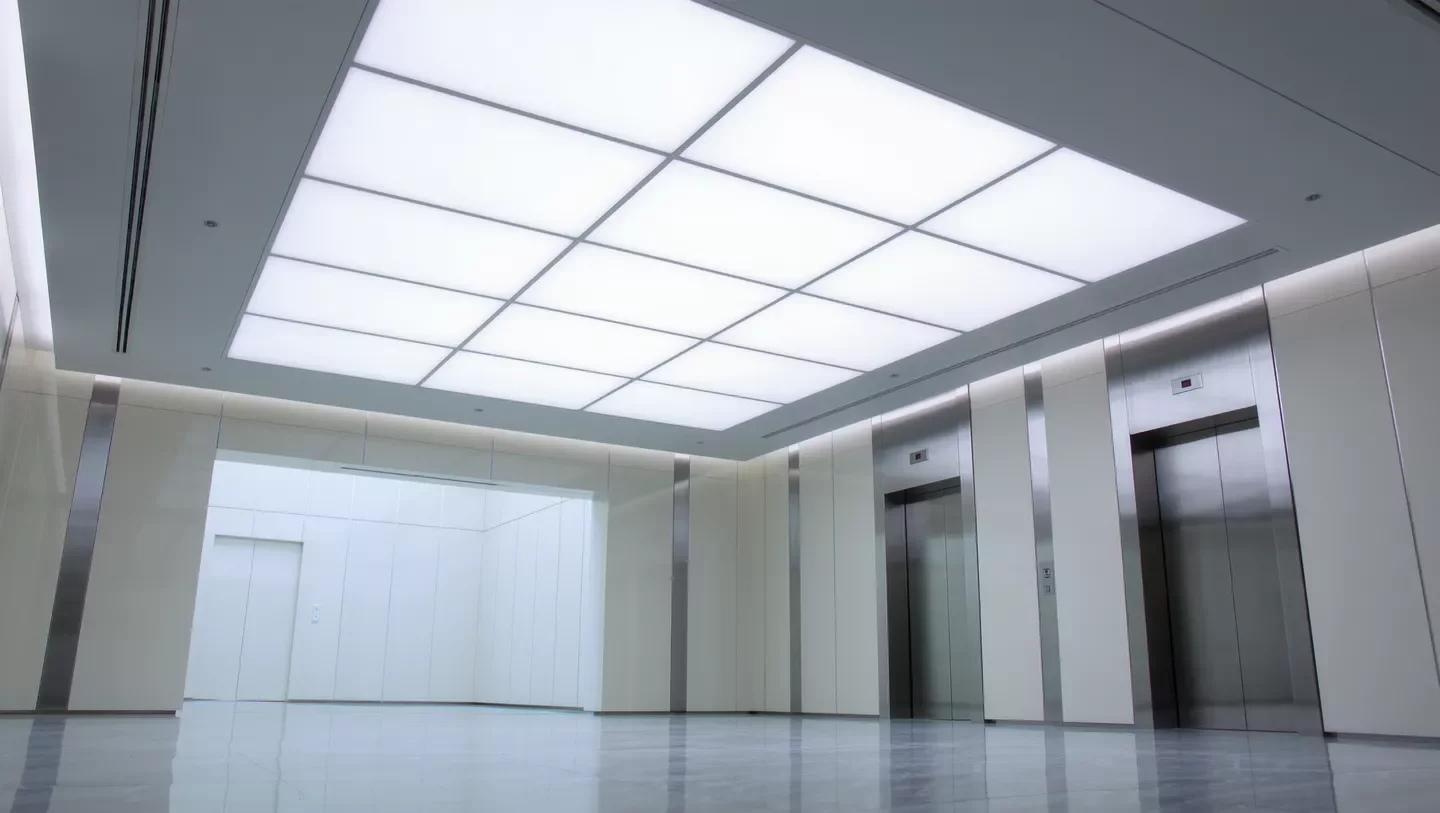
reference videos
reference files
matching workflow
Reference to Video · View result file
Combining Camera and Scene References
prompt
Use the reference video to establish scene continuity and the camera-reference images to guide framing and viewpoint. Make the camera path smooth and physically coherent. Preserve the subject and scene layout while changing the viewpoint. Avoid sudden perspective jumps.
Try it in ChatGPT Try it in fal Agentreference images
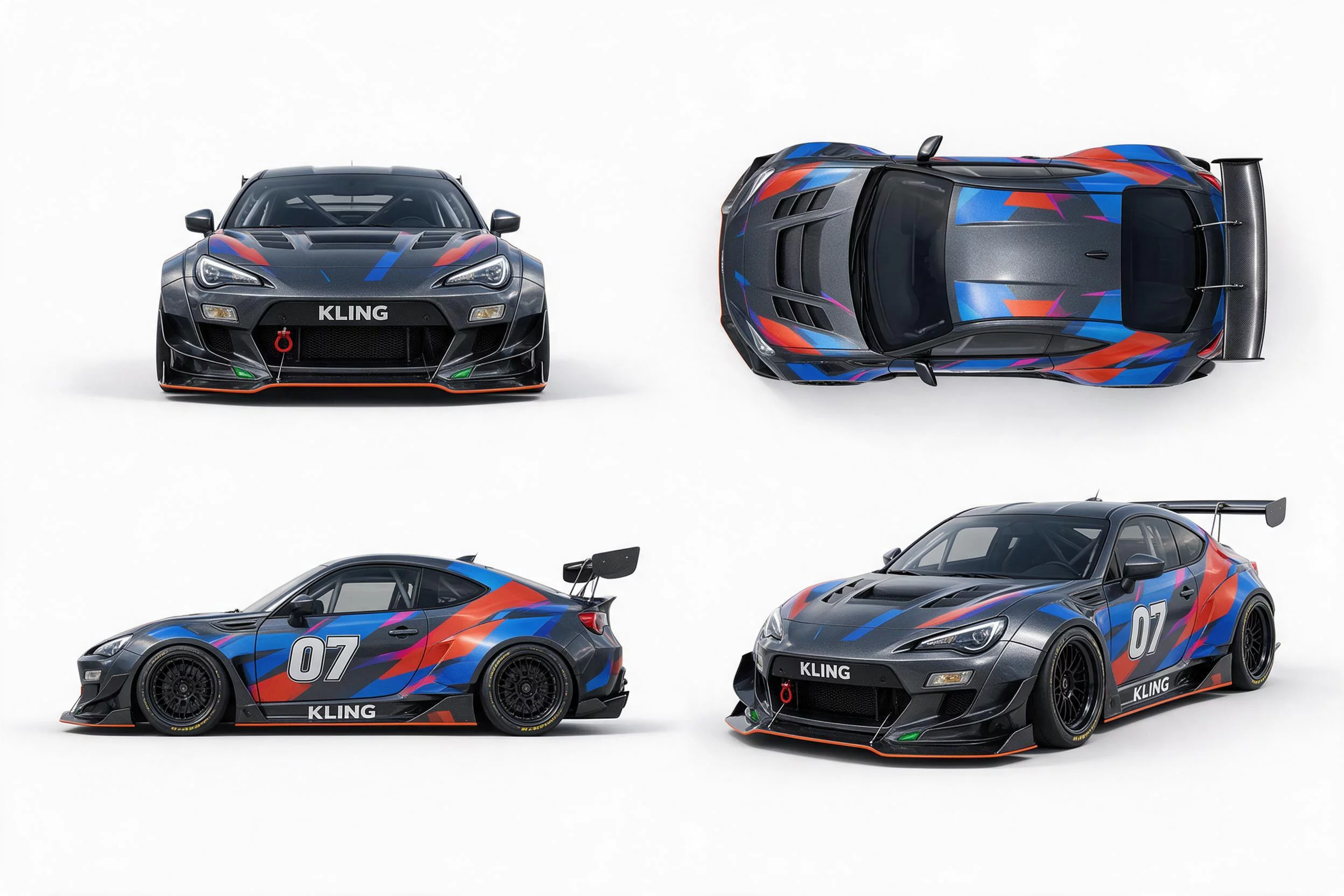
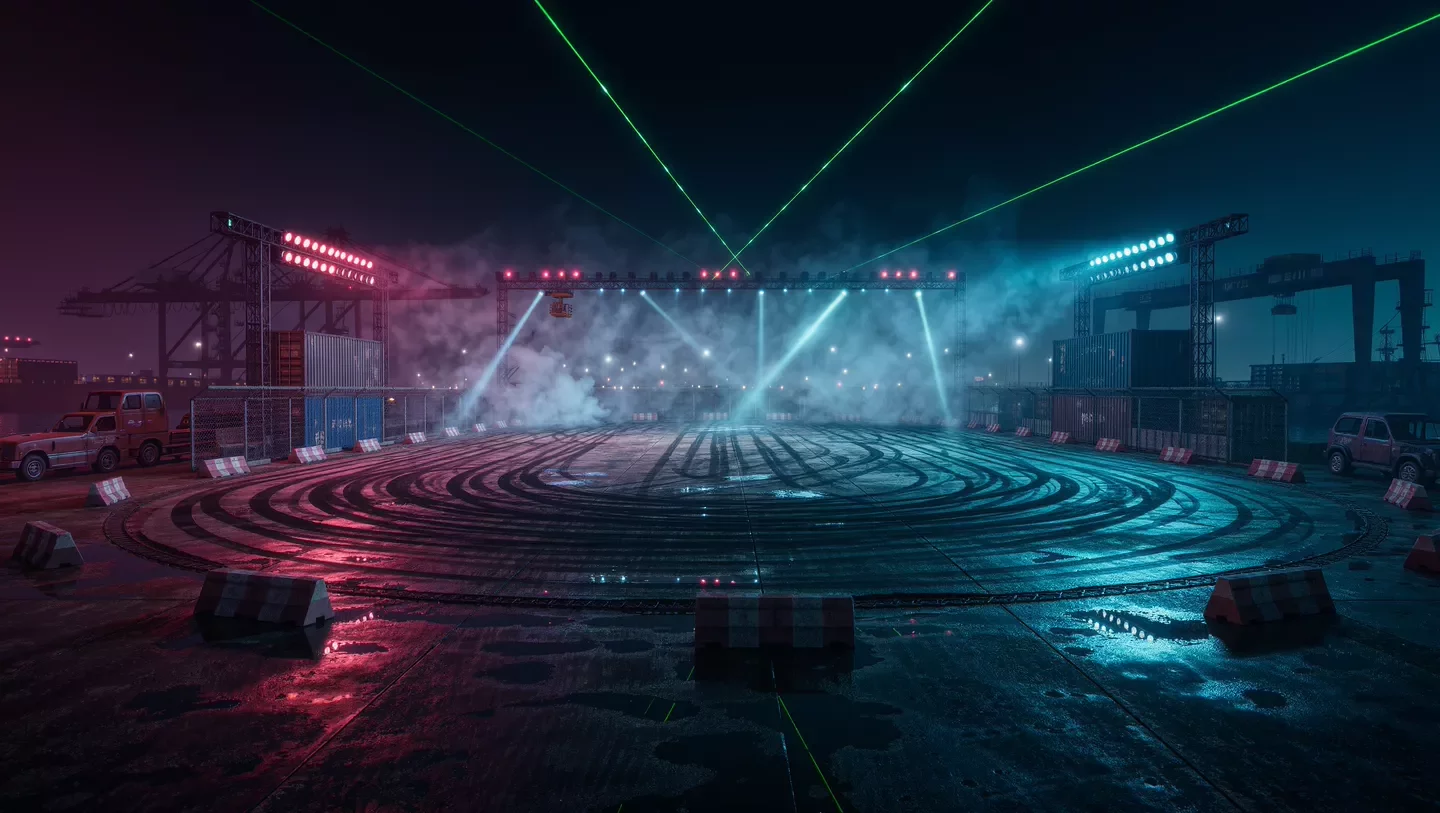
reference videos
reference files
matching workflow
Reference to Video · View result file
From Game UI to Motion
prompt
Use the supplied layout as the visual plan. Preserve the arrangement, colors, and important shapes. Animate the intended elements in a clear sequence with brief holds between changes. Keep text and interface elements stable, and do not add unrelated panels or symbols.
Try it in ChatGPT Try it in fal Agentreference images
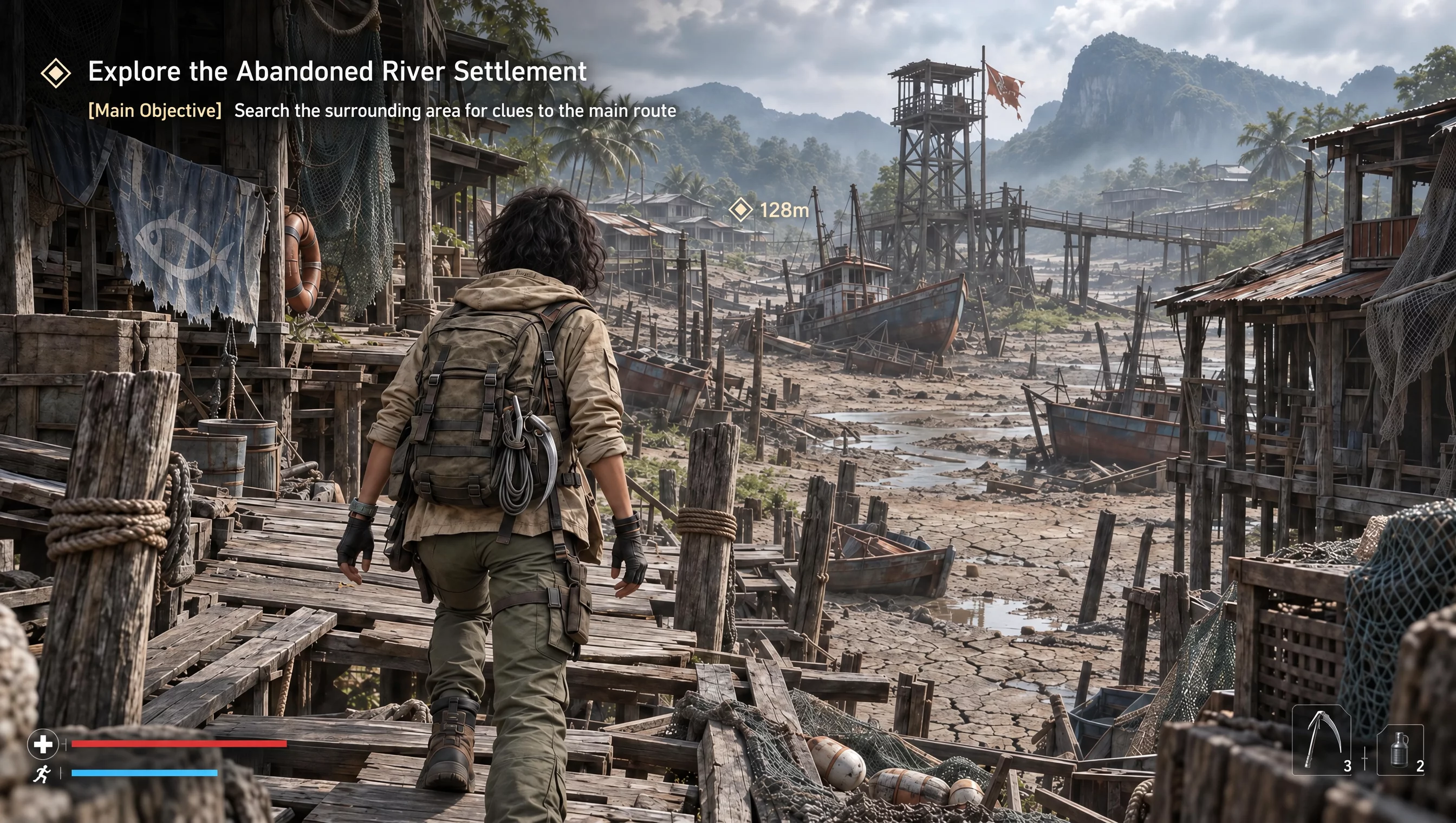
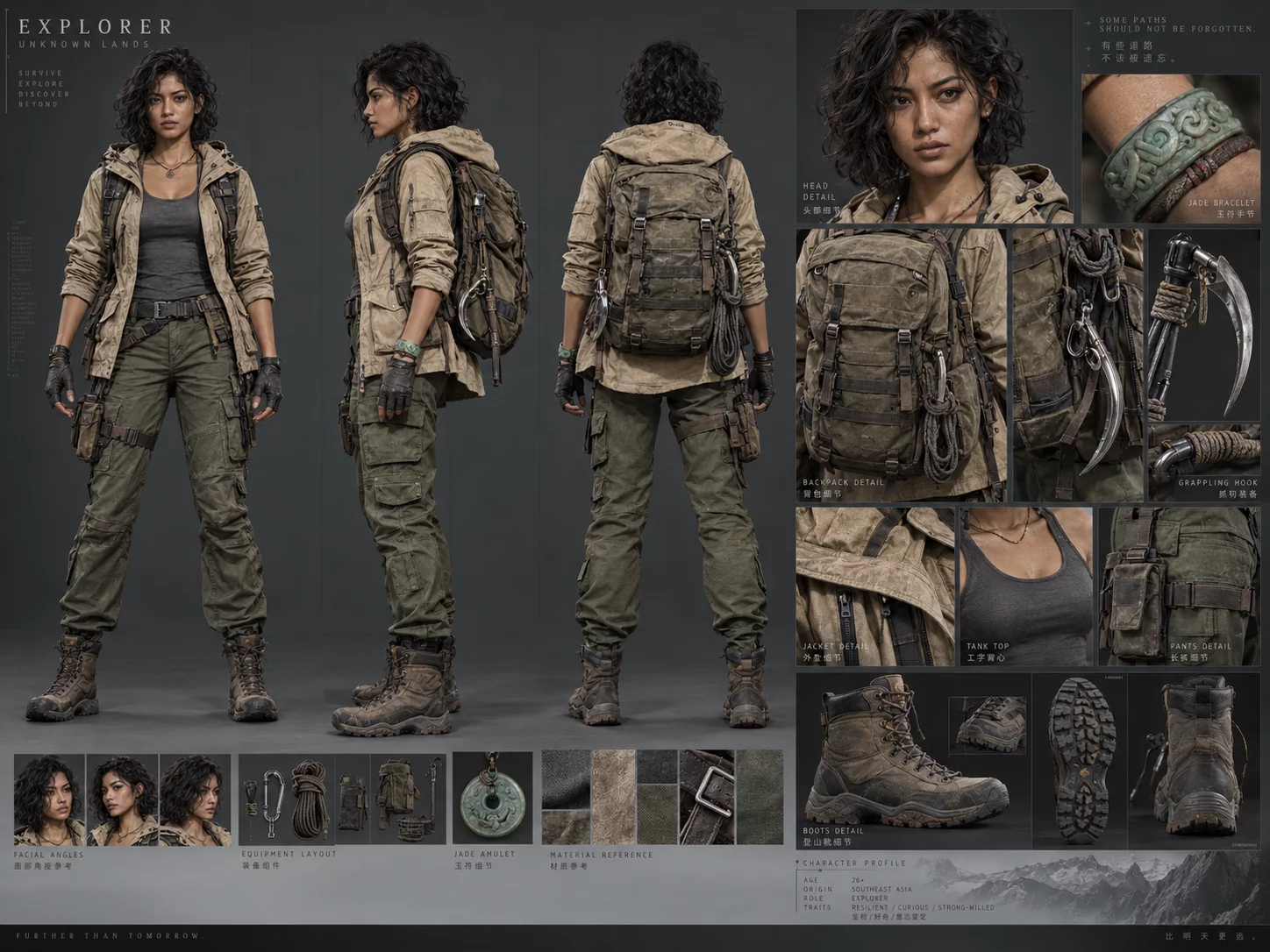
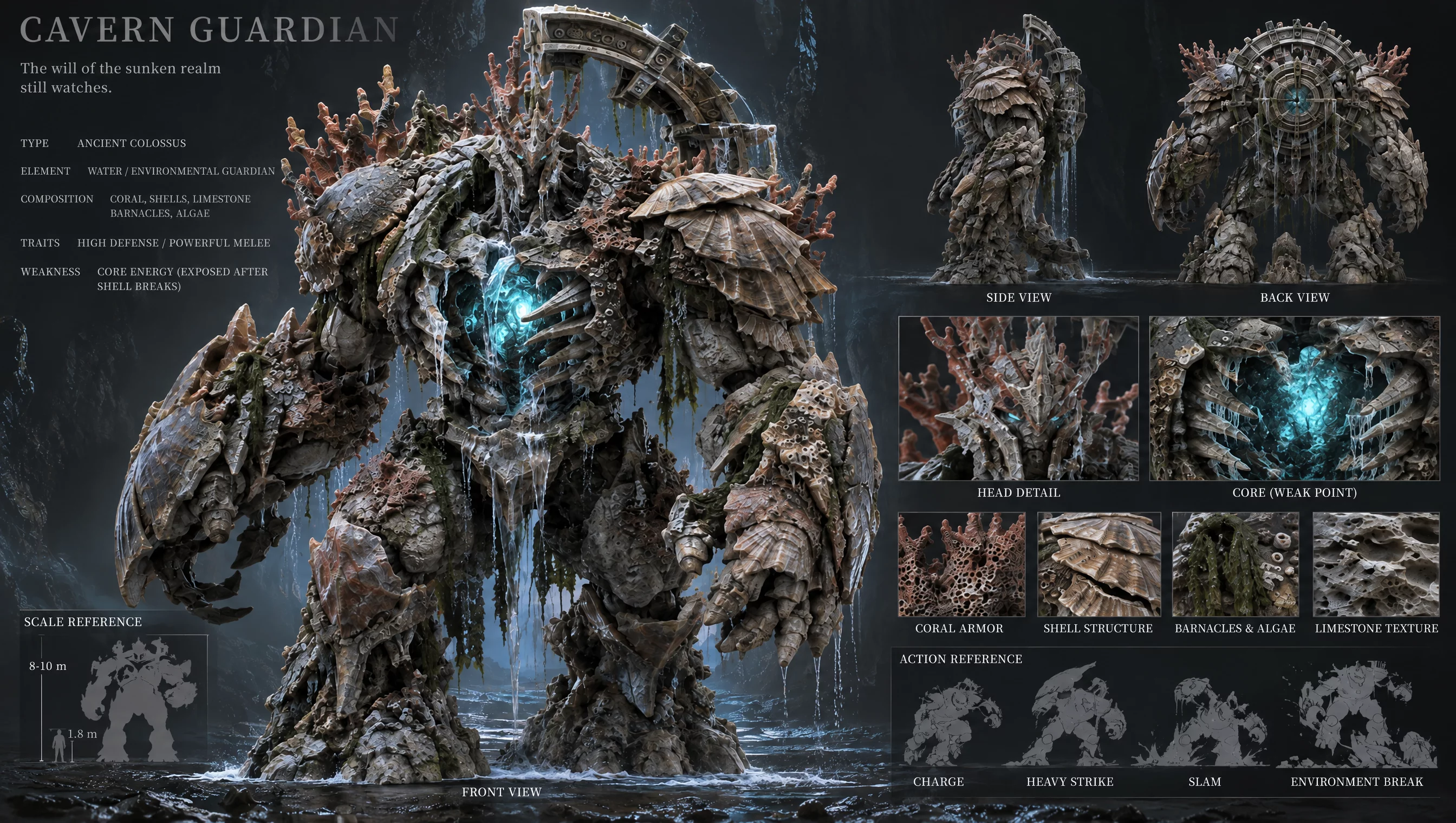
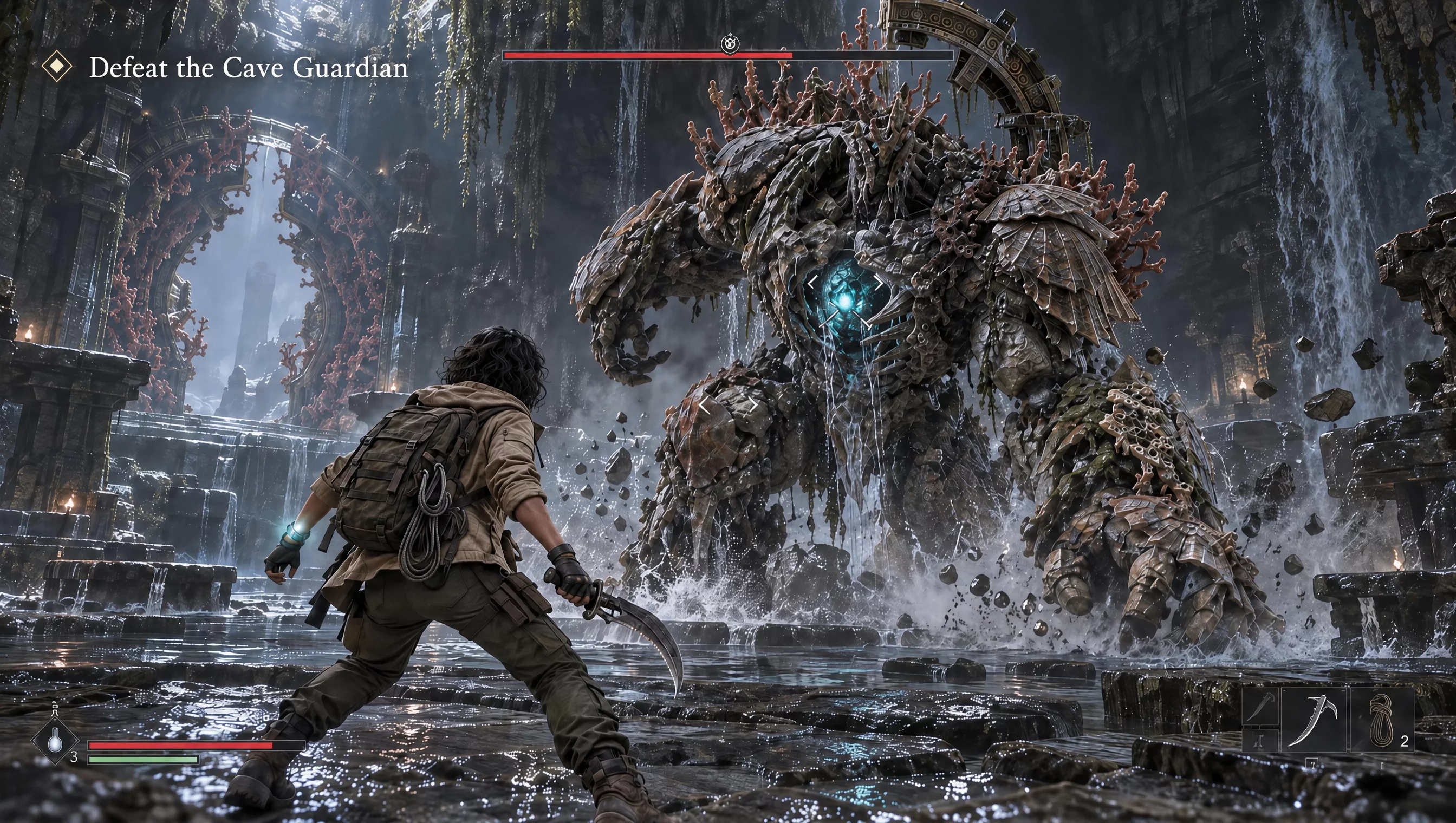
reference files
Image 1 · Image 2 · Image 3 · Image 4
matching workflow
Reference to Video · View result file
Turning an Image Grid into a Sequence
prompt
Use the supplied layout as the visual plan. Preserve the arrangement, colors, and important shapes. Animate the intended elements in a clear sequence with brief holds between changes. Keep text and interface elements stable, and do not add unrelated panels or symbols.
Try it in ChatGPT Try it in fal Agentreference images
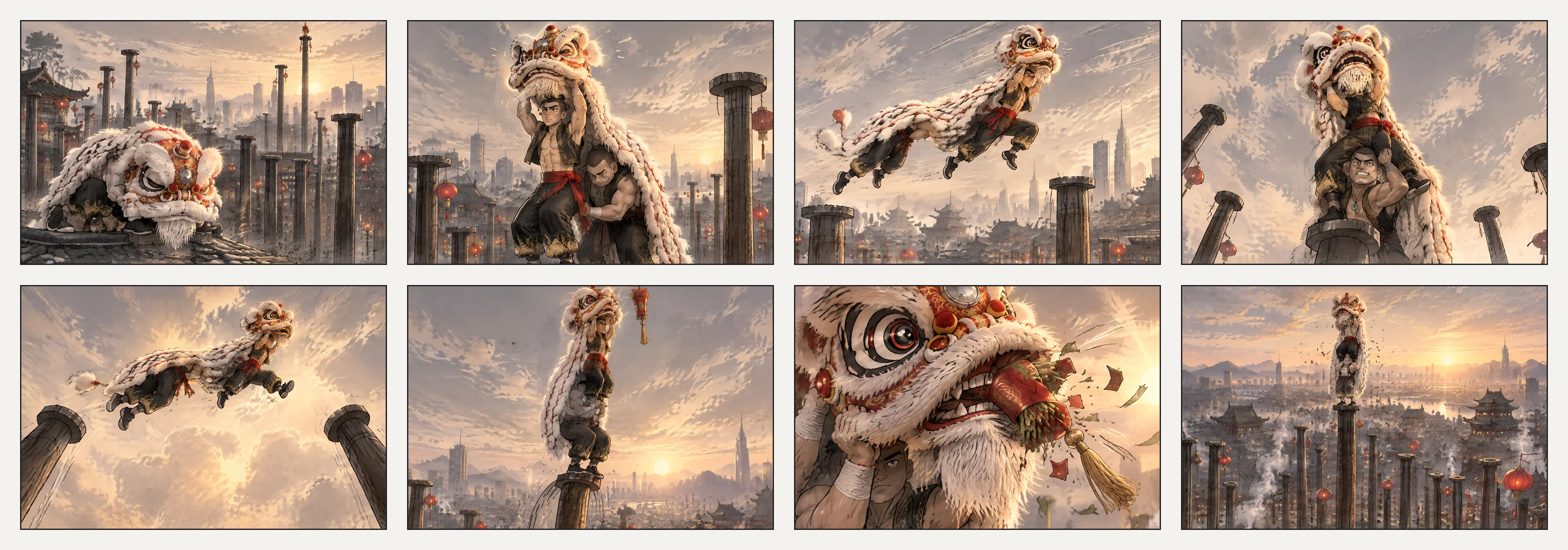
reference files
matching workflow
Reference to Video · View result file
From Storyboard to Moving Shots
prompt
Follow the supplied storyboard or motion reference for the order of events, shot composition, and pacing. Use the appearance images for the finished subjects and setting. Connect the planned moments through purposeful motion rather than holding on static images. Preserve continuity between shots.
Try it in ChatGPT Try it in fal Agentreference images
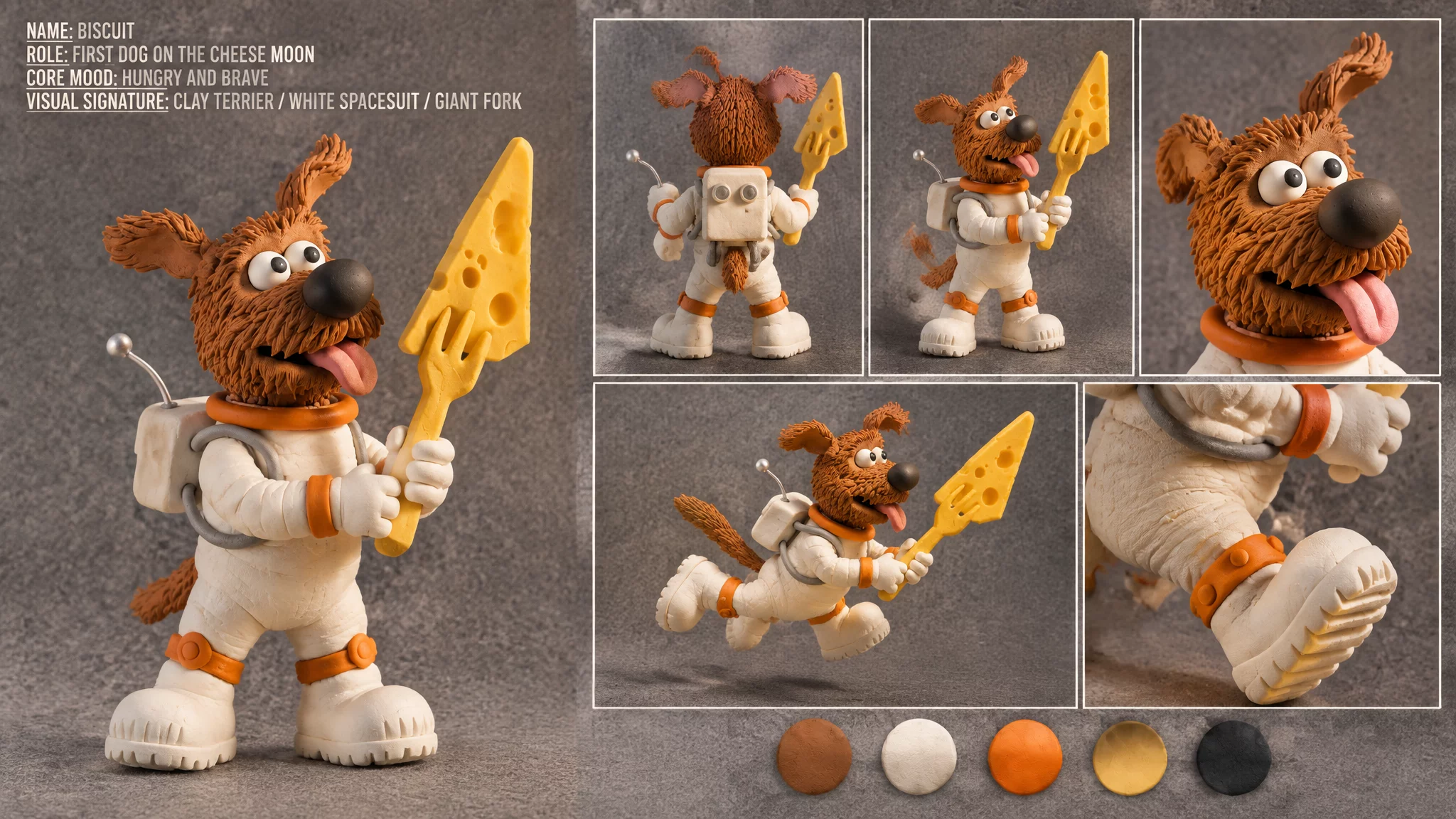
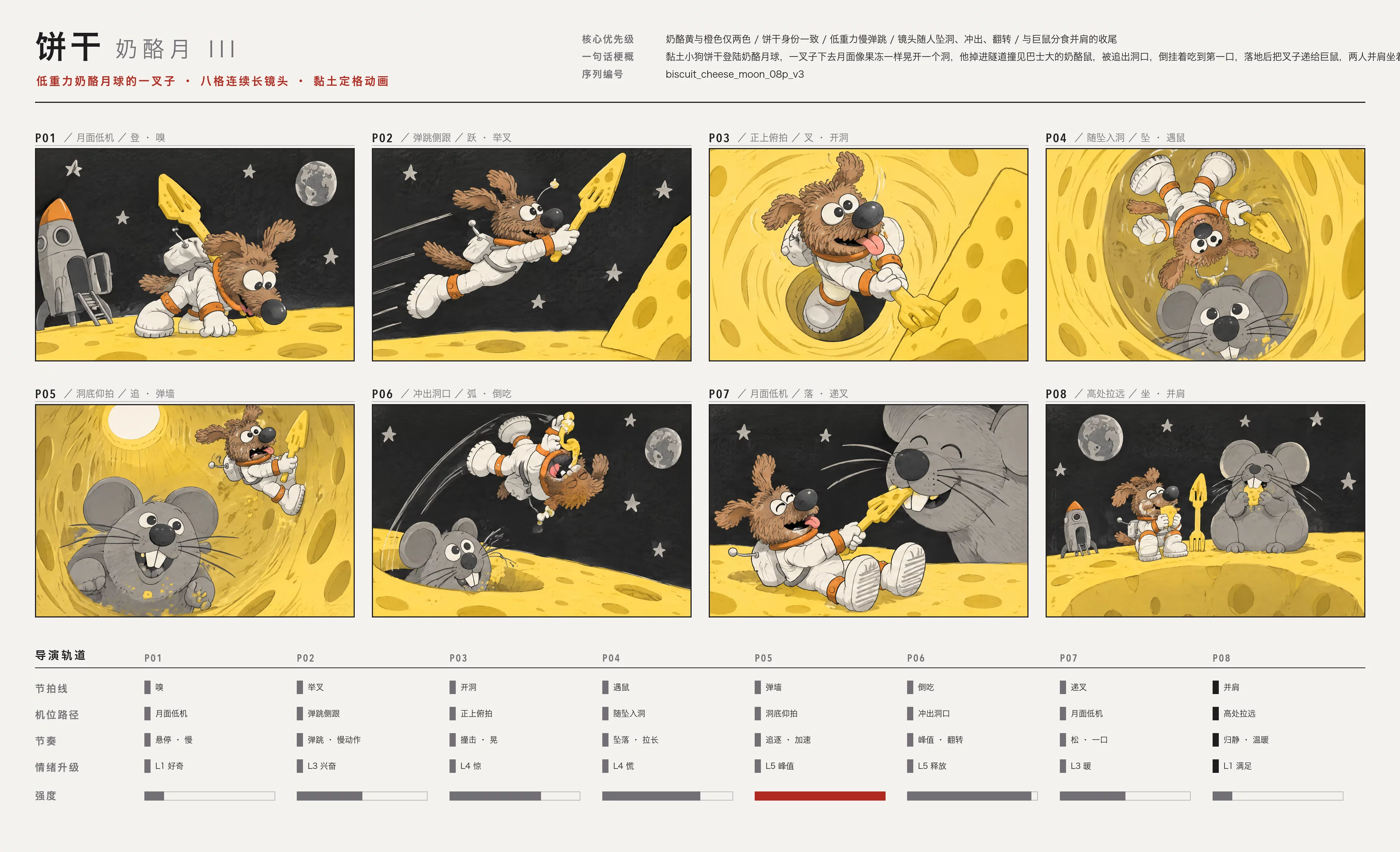
reference files
matching workflow
Reference to Video · View result file
White-Model Motion with Finished Visuals
prompt
Follow the supplied storyboard or motion reference for the order of events, shot composition, and pacing. Use the appearance images for the finished subjects and setting. Connect the planned moments through purposeful motion rather than holding on static images. Preserve continuity between shots.
Try it in ChatGPT Try it in fal Agentreference images
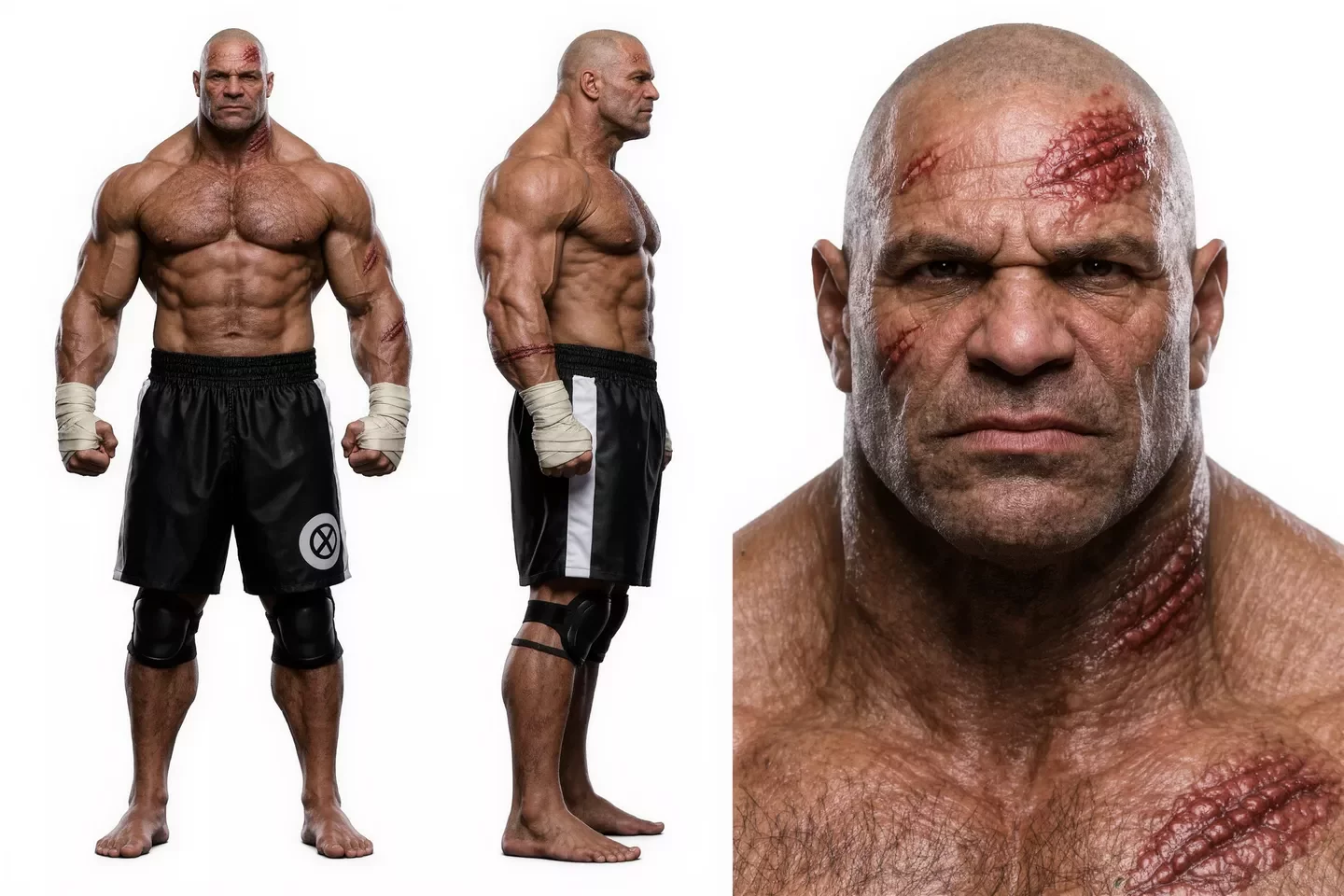
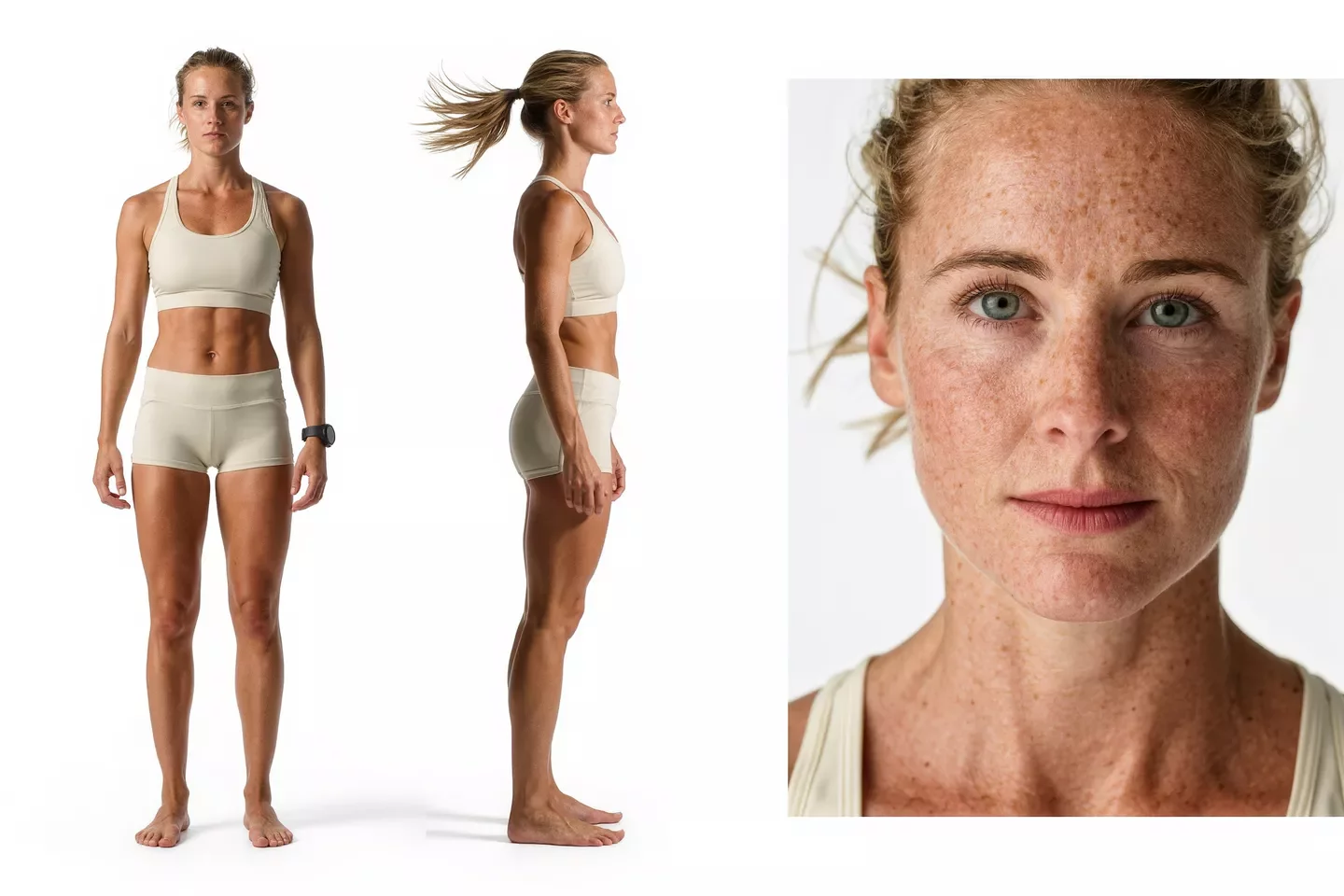
reference videos
reference files
matching workflow
Reference to Video · View result file
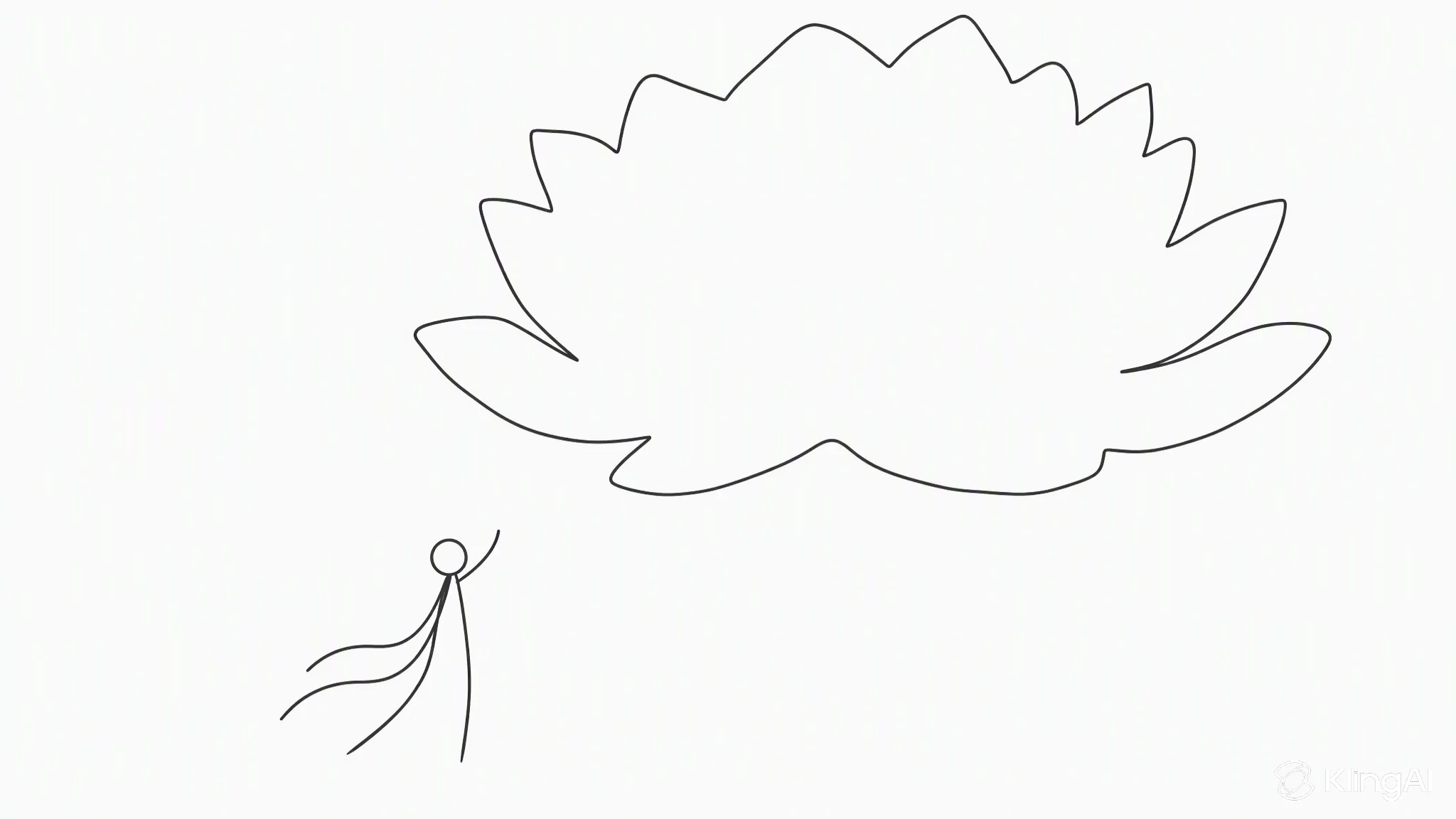
Composition-Led Generation
prompt
Use the composition or depth reference to control spatial arrangement and camera movement. Use the appearance image for the subject and visual treatment. Preserve foreground-to-background relationships, scale, and occlusion as the camera moves. Keep the scene geometry coherent.
Try it in ChatGPT Try it in fal Agentreference images
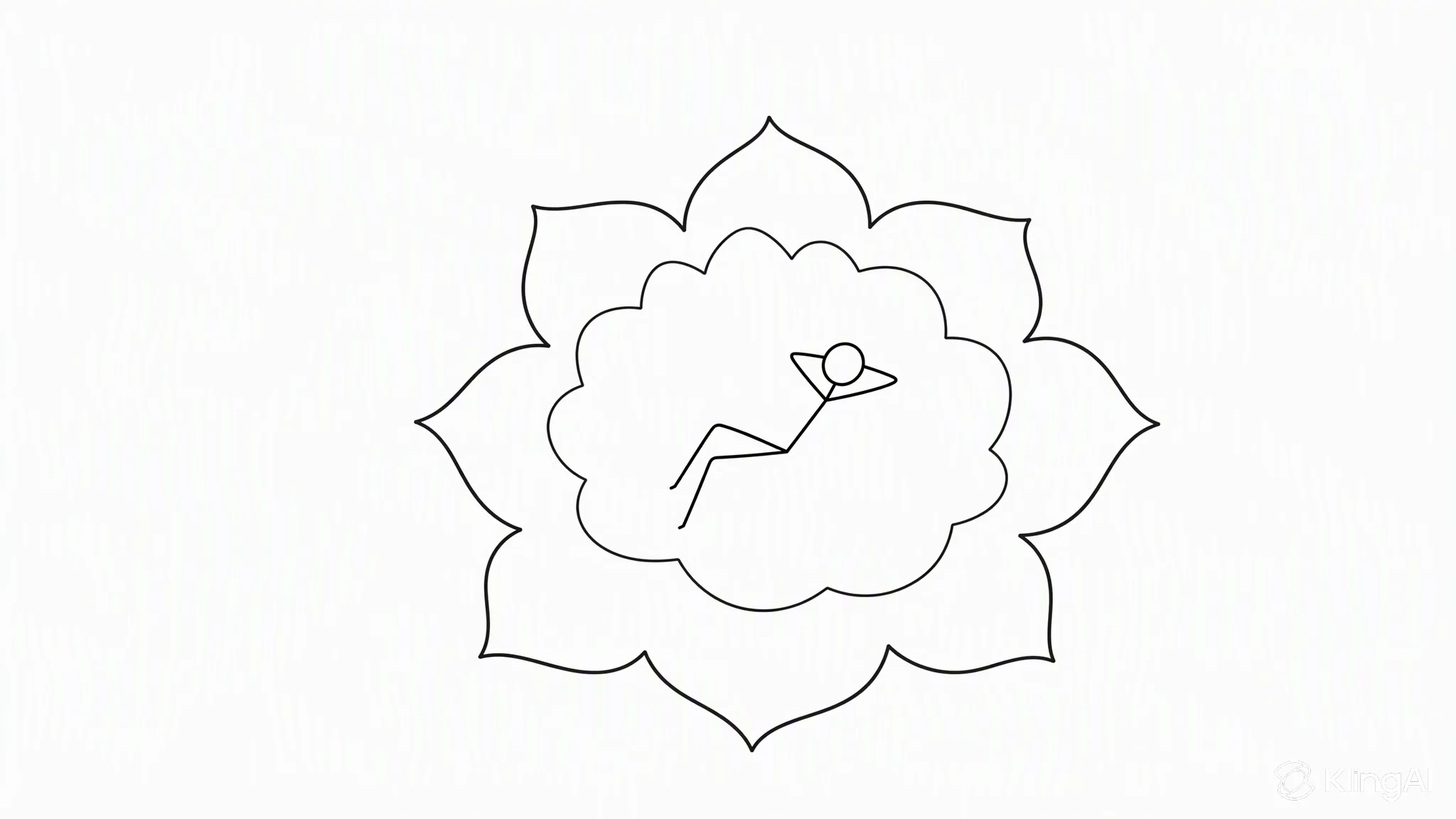
reference files
matching workflow
Reference to Video · View result file
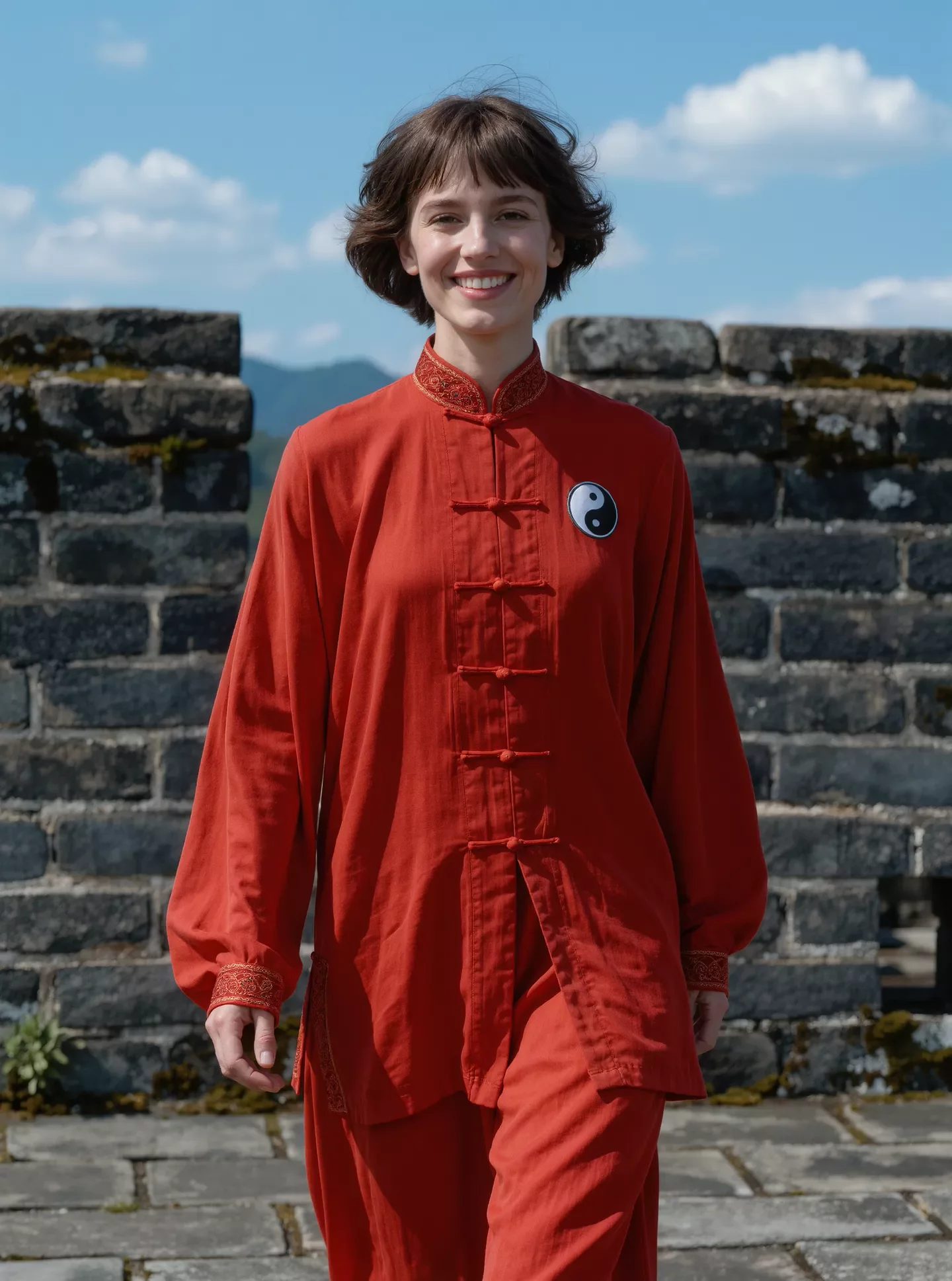
Depth-Guided Movement
prompt
Use the composition or depth reference to control spatial arrangement and camera movement. Use the appearance image for the subject and visual treatment. Preserve foreground-to-background relationships, scale, and occlusion as the camera moves. Keep the scene geometry coherent.
Try it in ChatGPT Try it in fal Agentreference images
reference videos
reference files
matching workflow
Reference to Video · View result file
Consistency Across Reference Sets
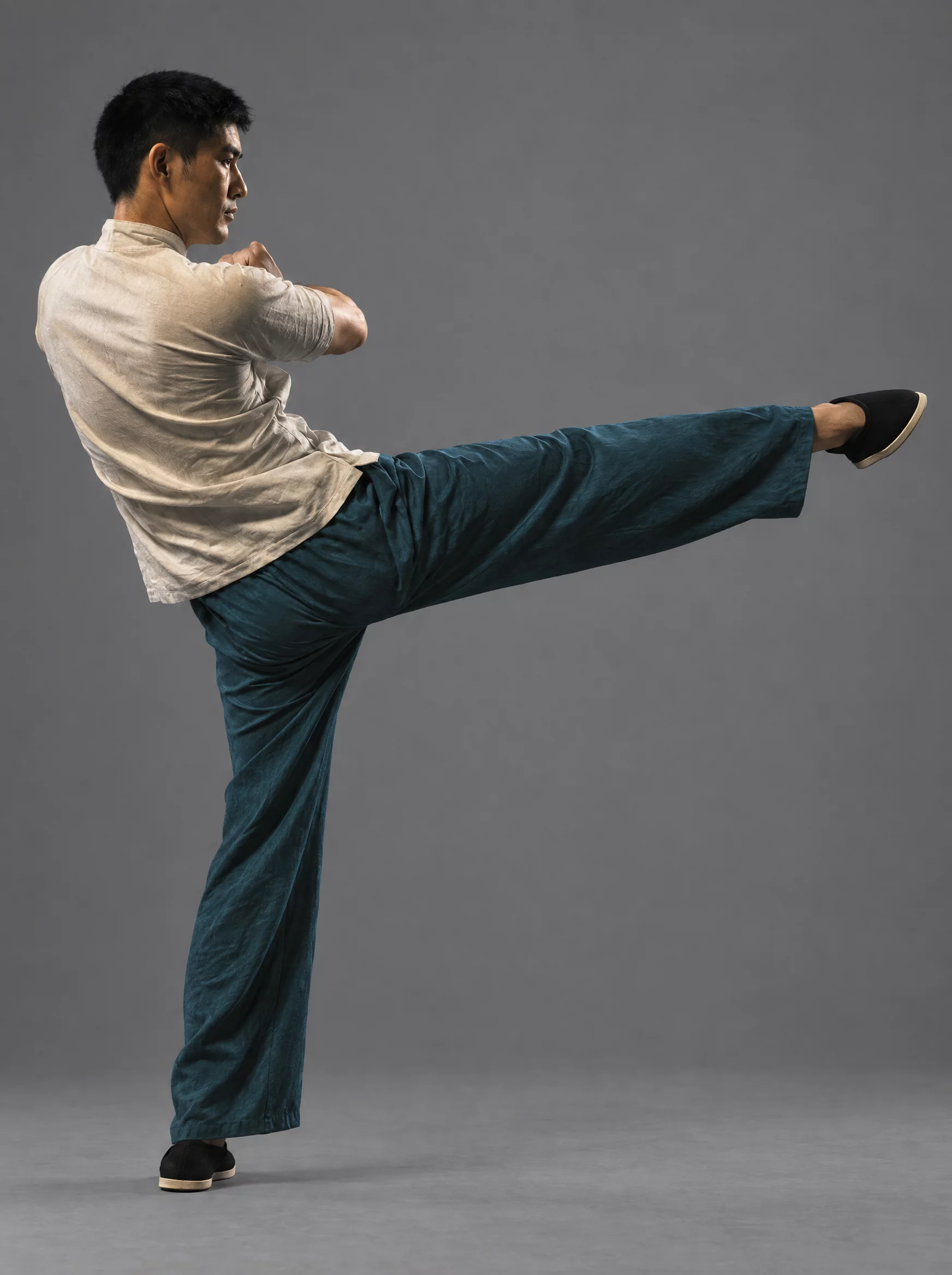
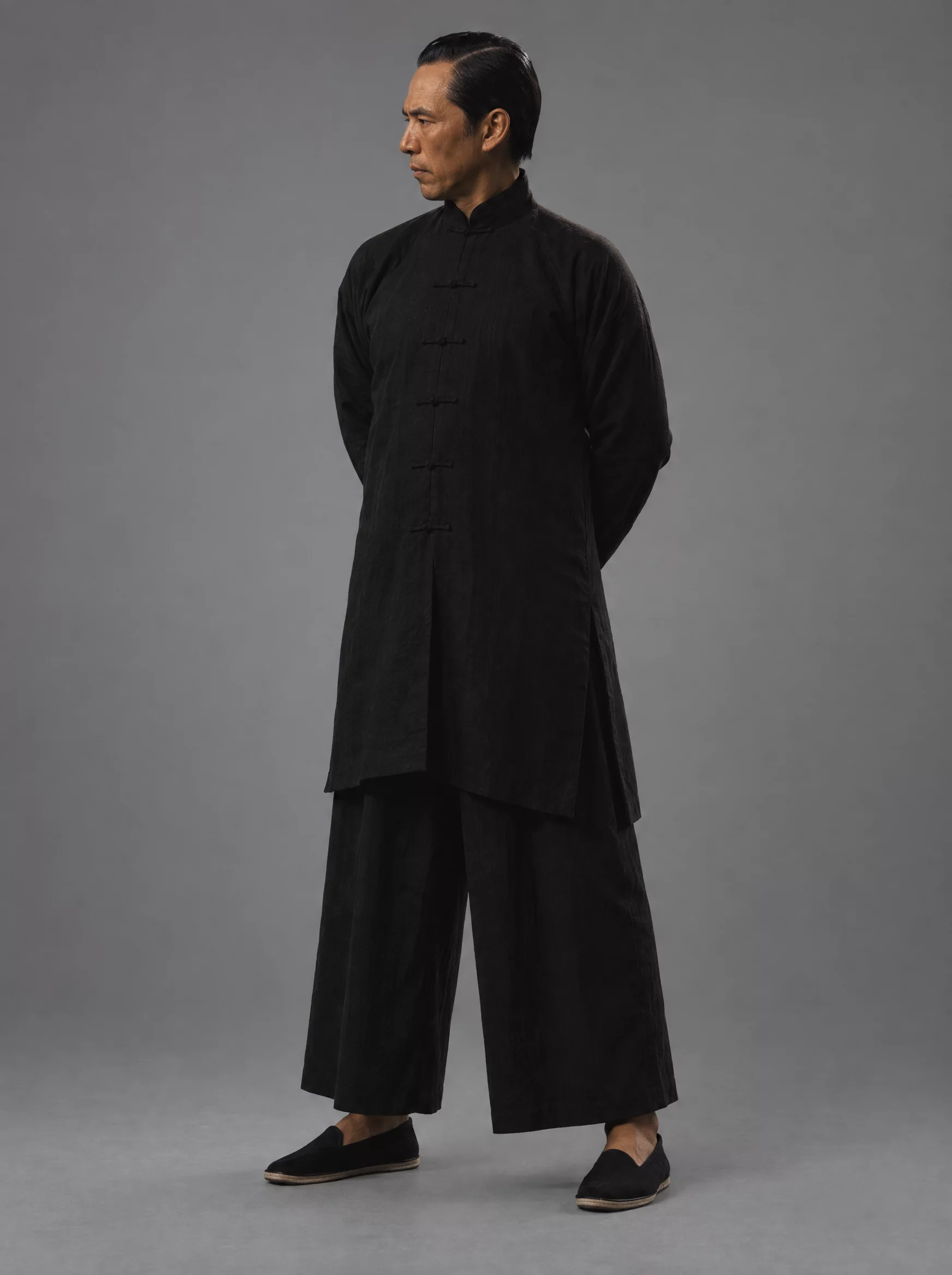
Identity Across Multiple References
prompt
Use all supplied reference images as one consistent visual brief. Preserve each subject’s identity, costume, and distinguishing details. Keep the setting and lighting coherent as the action develops. Resolve conflicting references by prioritizing clear identity details over incidental background objects.
Try it in ChatGPT Try it in fal Agentreference images
reference files
matching workflow
Reference to Video · View result file
Combining a Larger Reference Set
prompt
Use all supplied reference images as one consistent visual brief. Preserve each subject’s identity, costume, and distinguishing details. Keep the setting and lighting coherent as the action develops. Resolve conflicting references by prioritizing clear identity details over incidental background objects.
Try it in ChatGPT Try it in fal Agentreference images
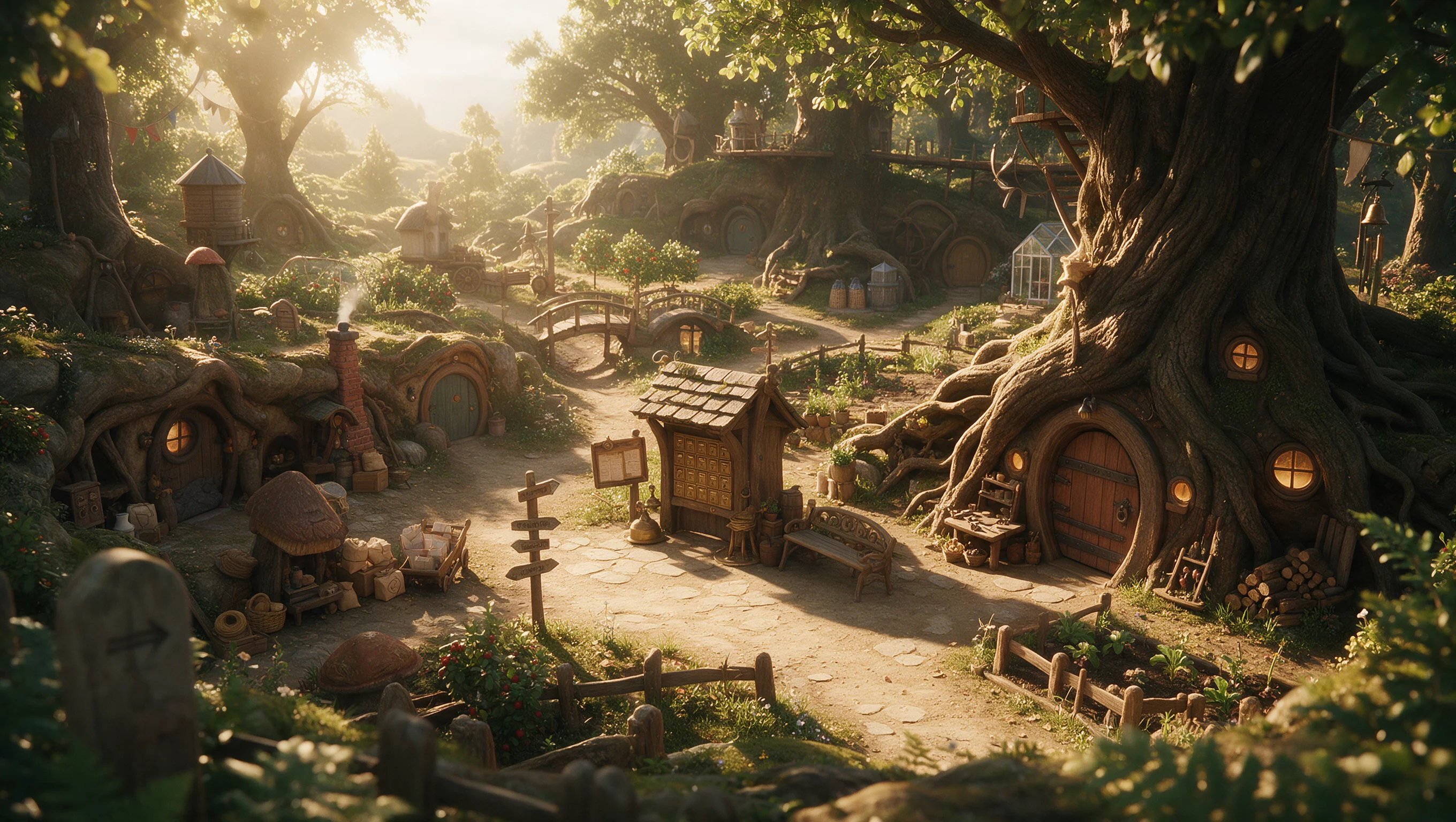
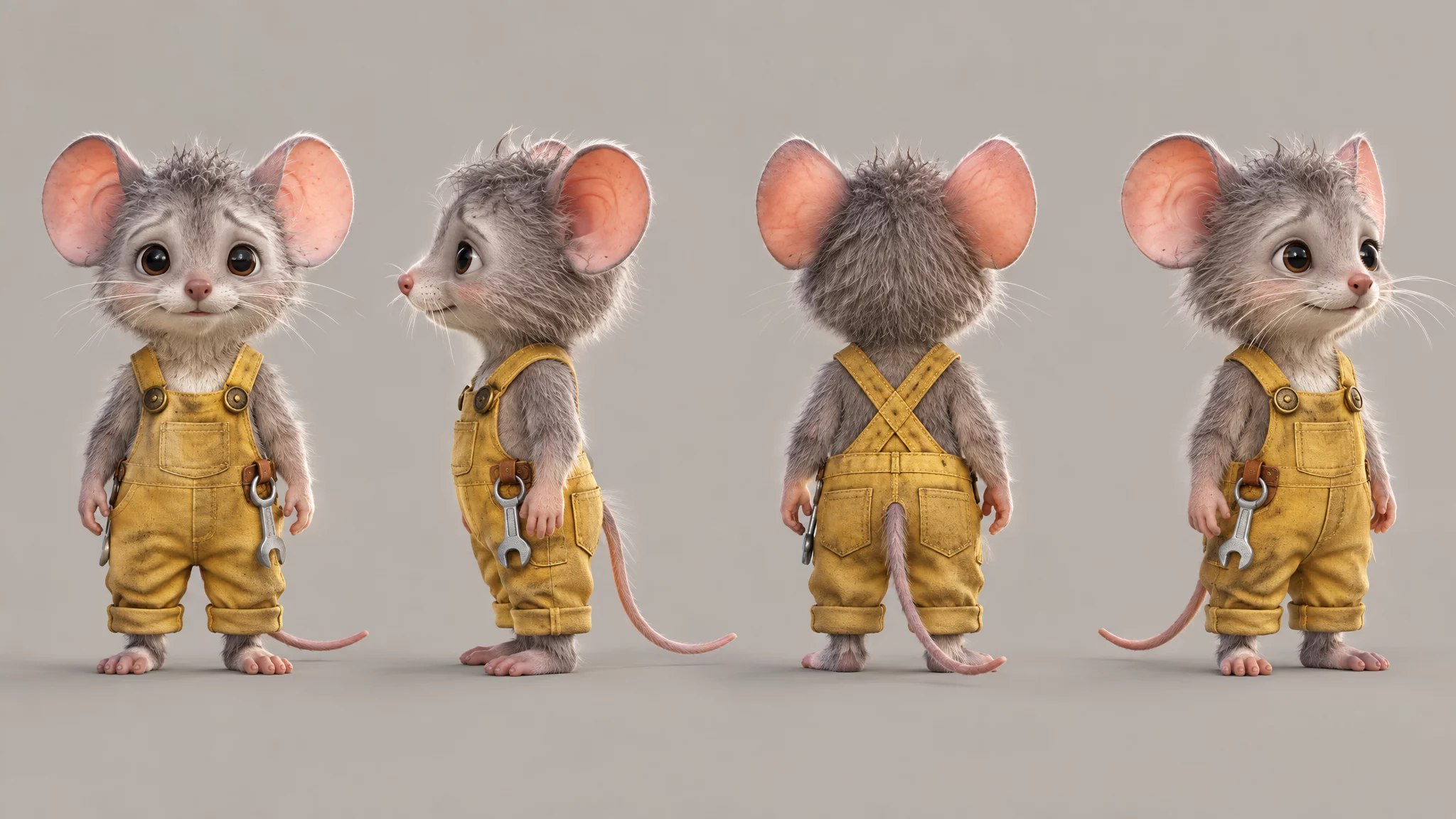
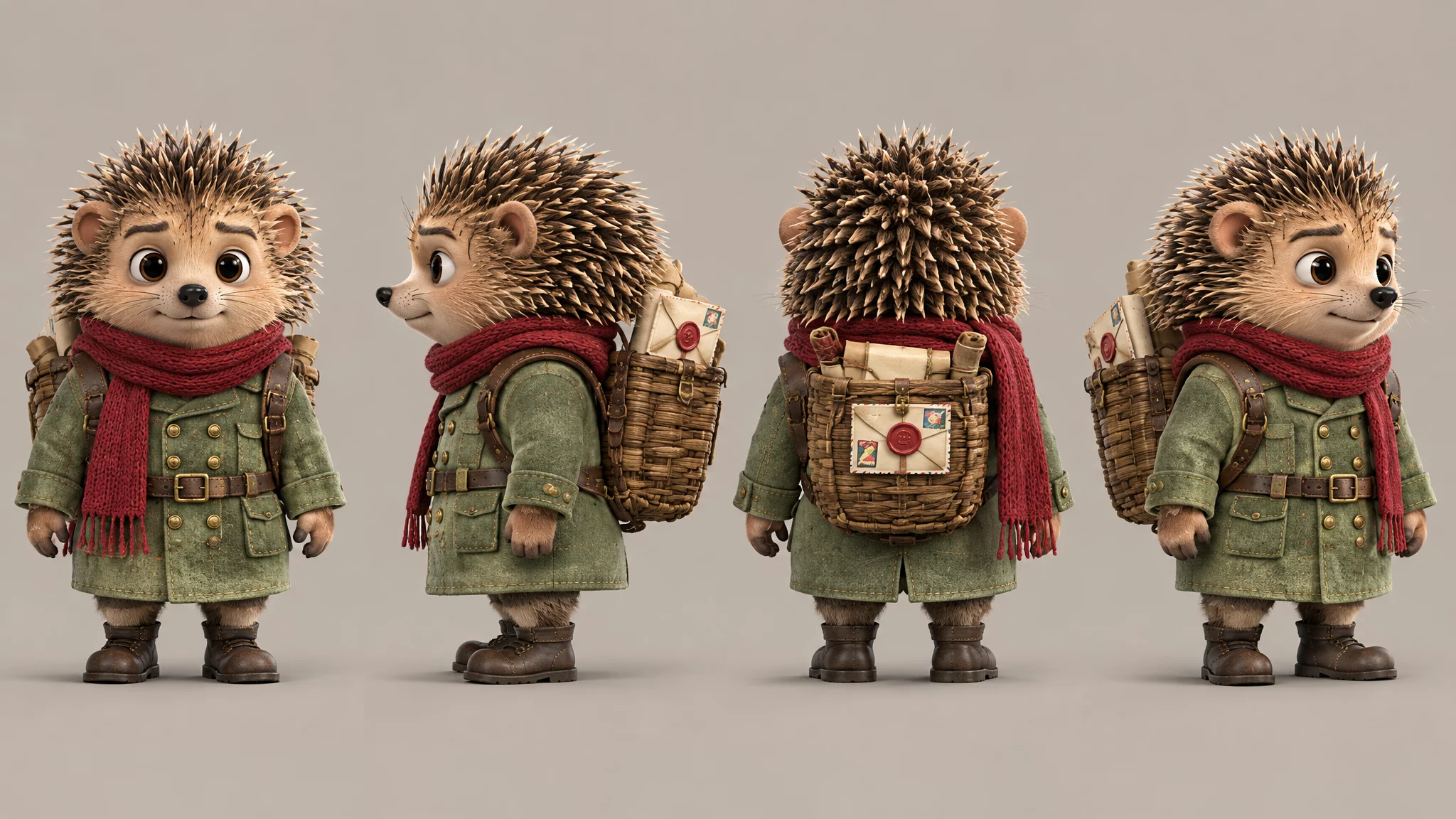

reference files
Image 1 · Image 2 · Image 3 · Image 4
matching workflow
Reference to Video · View result file
Maintaining a Consistent Visual World
prompt
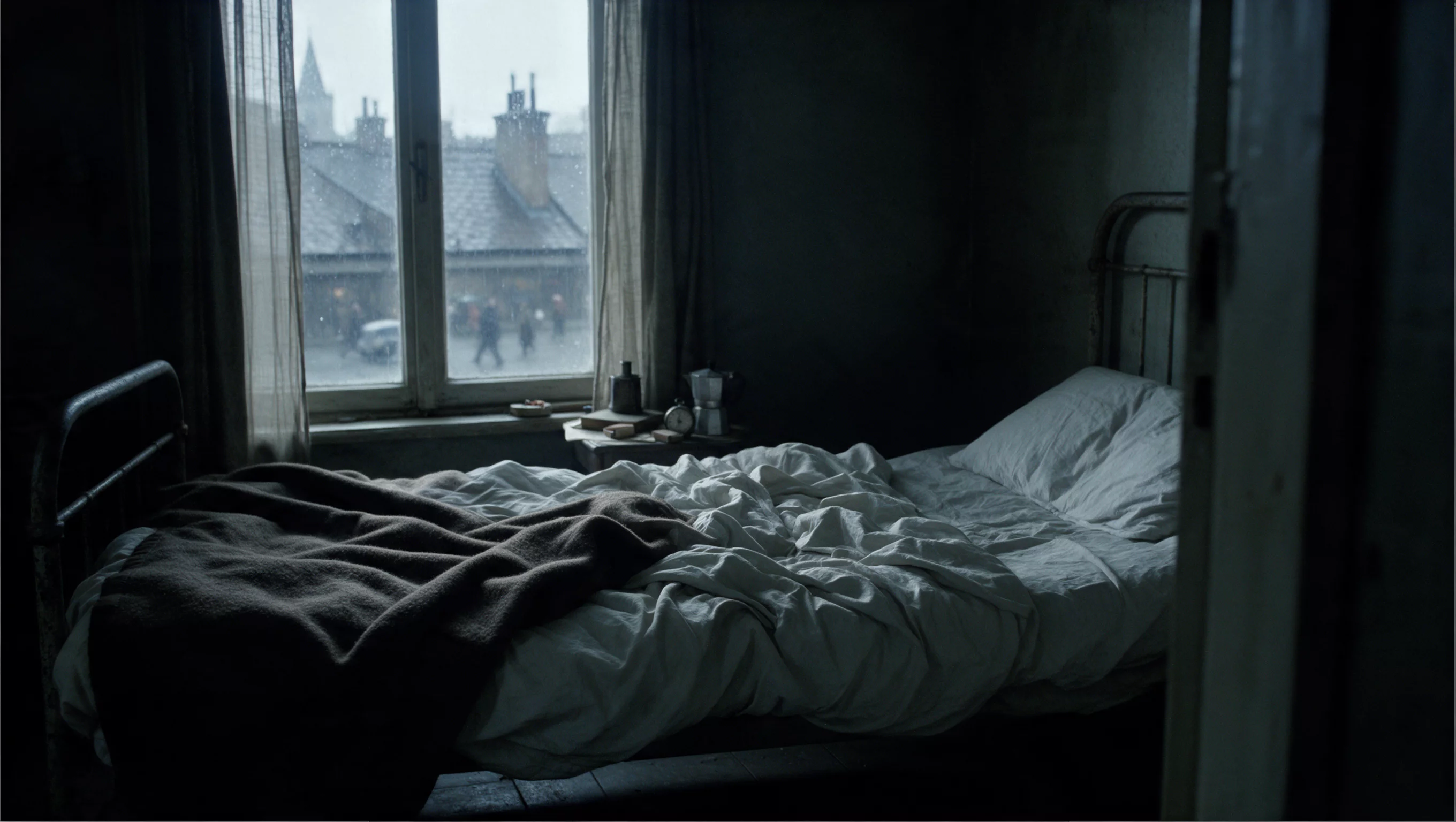
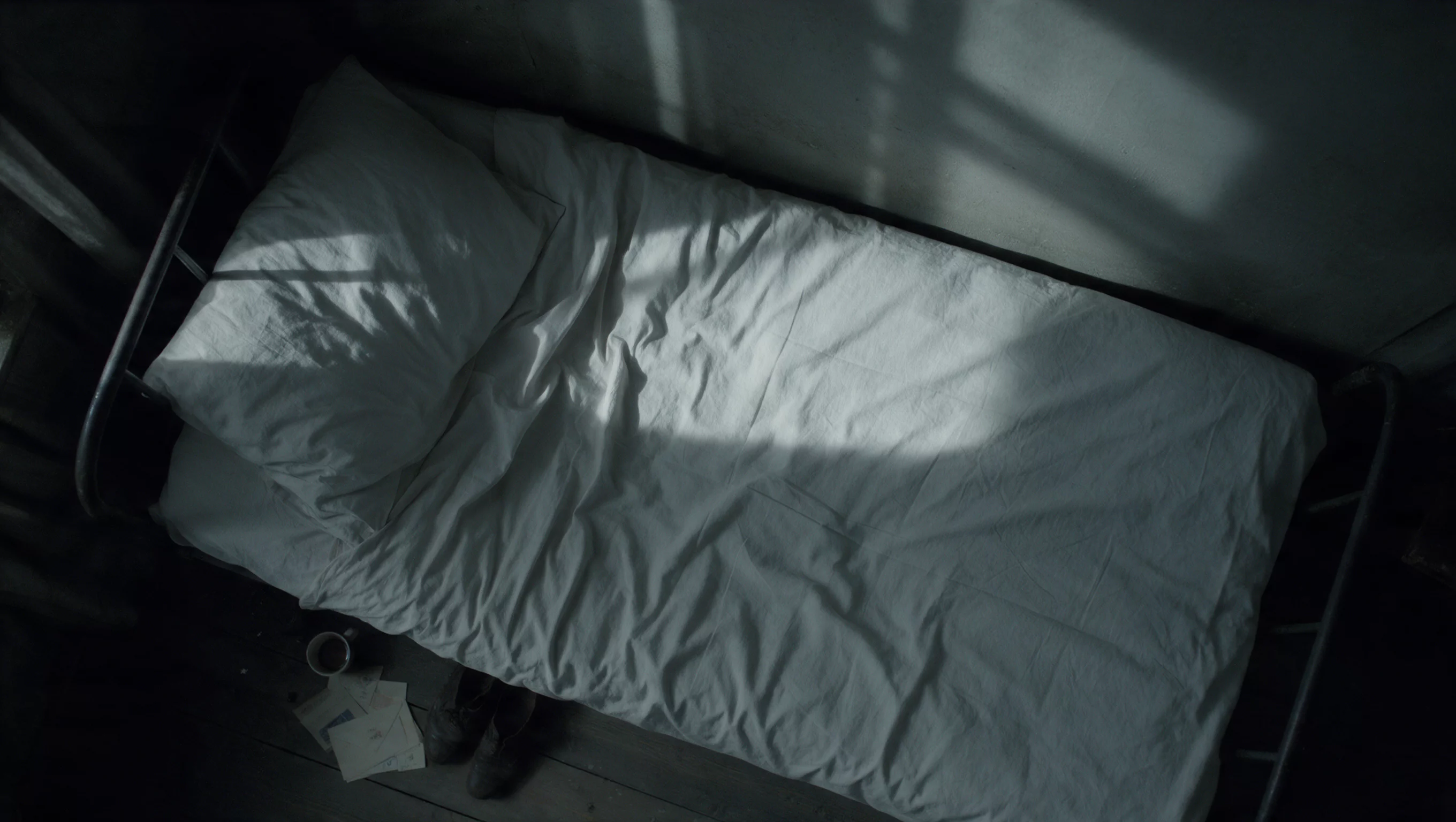
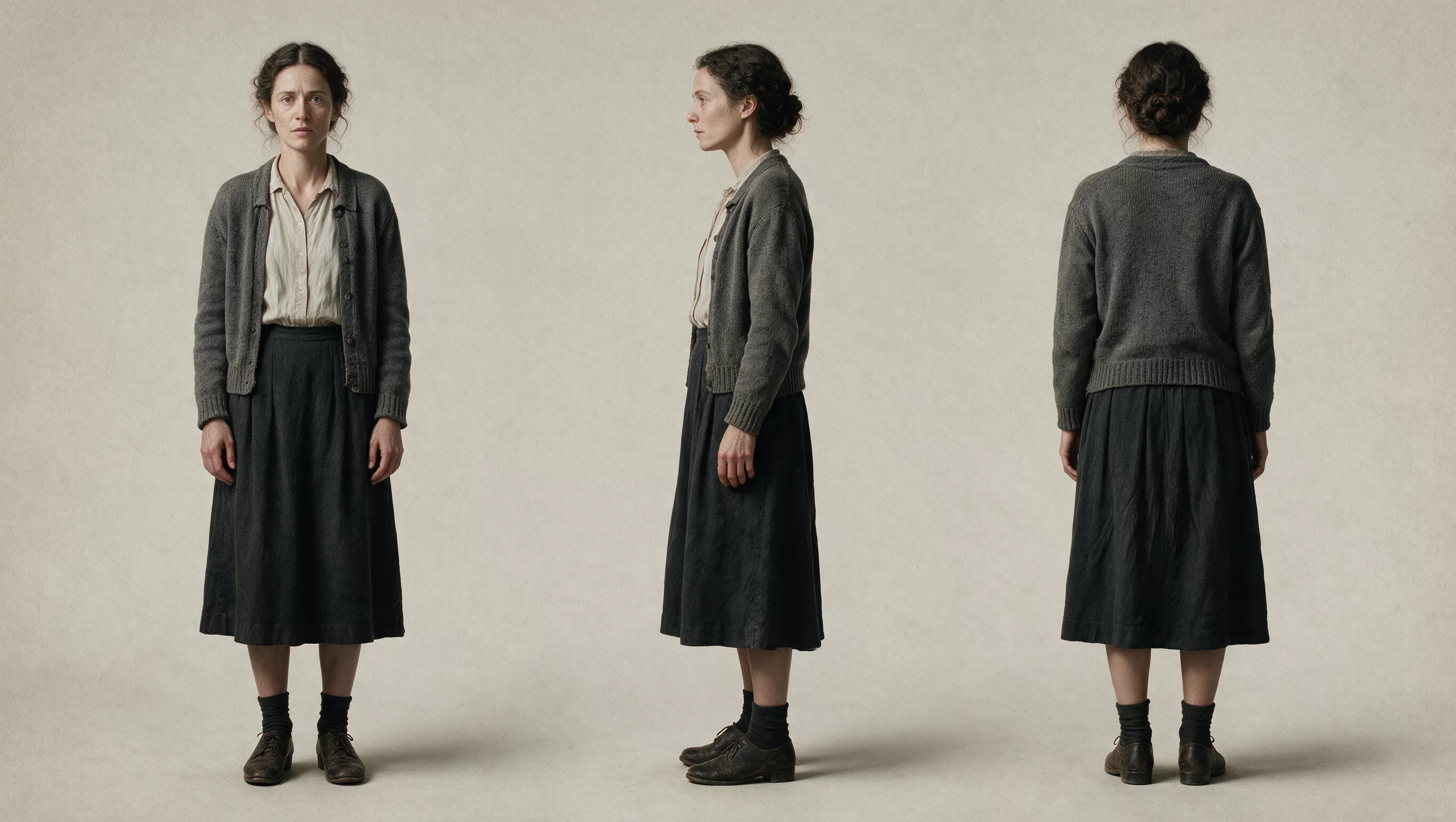
Build one coherent scene from the reference set. Keep recurring subjects recognizable through changes in framing. Preserve face shape, hair, wardrobe, material texture, and the main environment features. Use a restrained camera move that reveals the scene without changing its layout.
Try it in ChatGPT Try it in fal Agentreference images
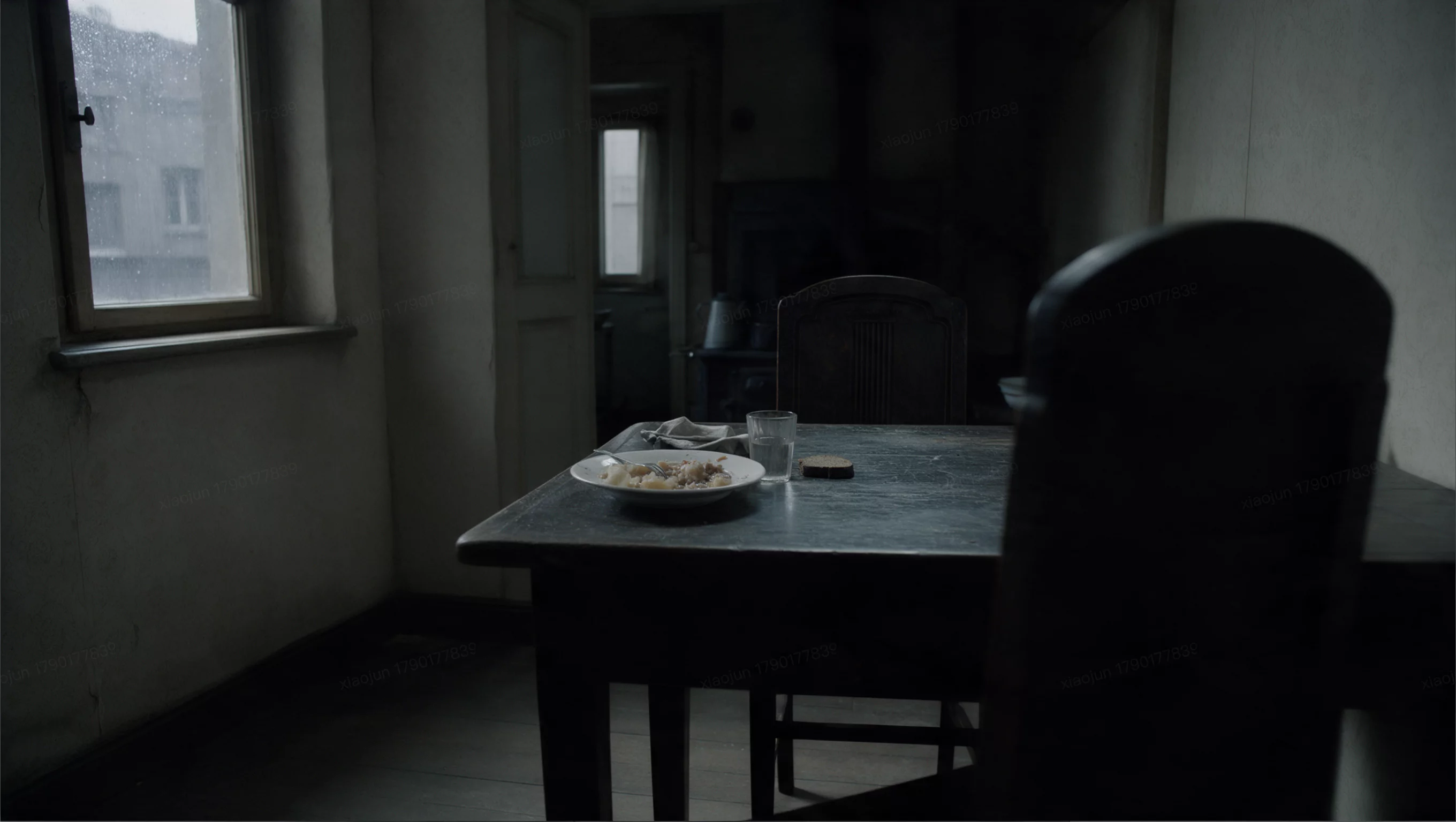
reference files
Image 1 · Image 2 · Image 3 · Image 4
matching workflow
Reference to Video · View result file
Creative Recreation
Recreating a Creative with New Assets
prompt
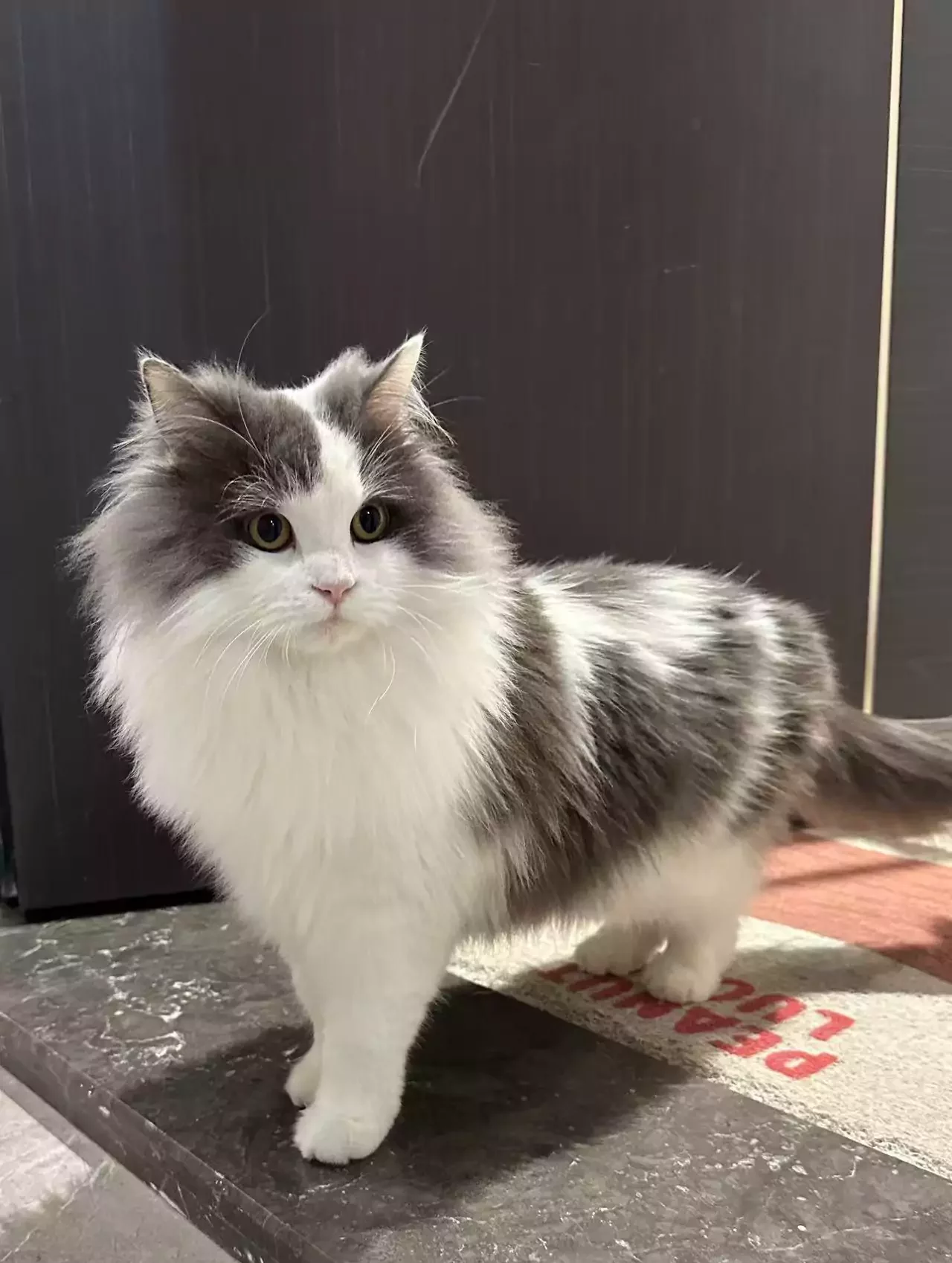
Recreate the reference video’s sequence, shot rhythm, and camera language using the subject or product from the supplied image. Preserve the replacement asset’s shape, colors, markings, and materials. Adapt interactions and lighting so the new asset belongs in the scene. Do not copy unrelated branding from the source.
Try it in ChatGPT Try it in fal Agentreference images
reference videos
reference files
matching workflow
Reference to Video · View result file
Reusing a Video’s Rhythm and Composition
prompt
Recreate the reference video’s sequence, shot rhythm, and camera language using the subject or product from the supplied image. Preserve the replacement asset’s shape, colors, markings, and materials. Adapt interactions and lighting so the new asset belongs in the scene. Do not copy unrelated branding from the source.
Try it in ChatGPT Try it in fal Agentreference images
reference videos
reference files
matching workflow
Reference to Video · View result file
Production Work Across Commercial Use Cases
Product advertising, UGC, games, drama, and animation. Start with the visual asset you need to preserve, then describe the action that makes it useful.
Product & E-Commerce Marketing
Product Advertising with Multiple References
prompt
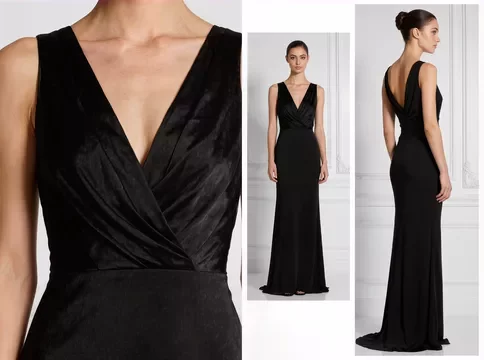
Create a polished product video using the supplied references for appearance. Preserve product proportions, materials, colors, and label placement. Establish the product, show one clear interaction or feature, then end on a clean hero view. Use realistic reflections and contact shadows. Do not invent additional product features.
Try it in ChatGPT Try it in fal Agentreference images
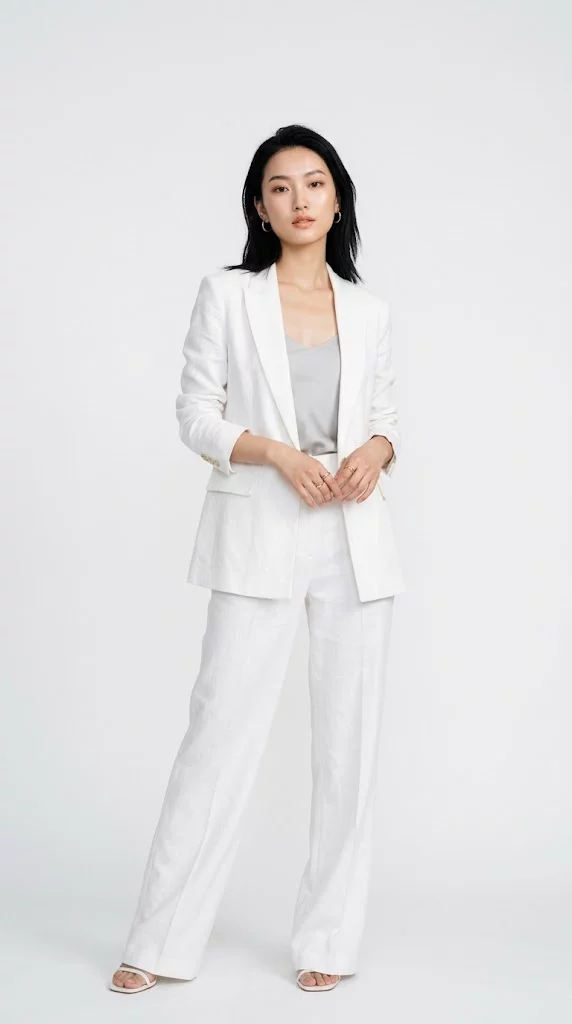
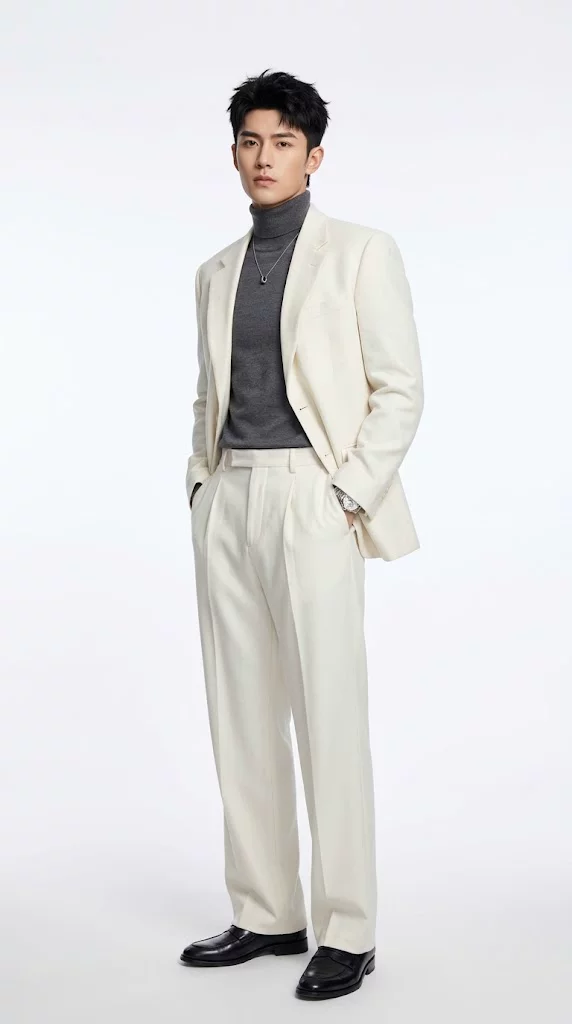
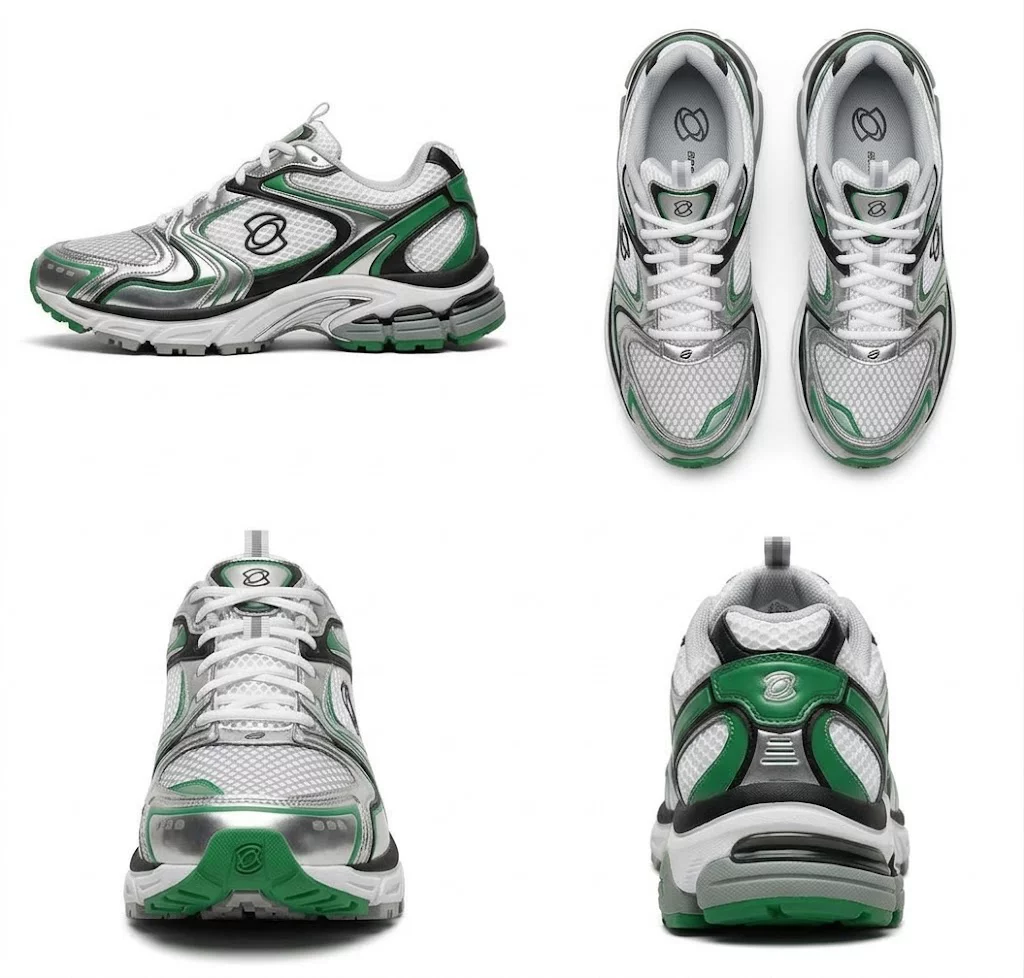
reference files
matching workflow
Reference to Video · View result file
UGC Product Promotion
prompt
Use the reference to preserve the presenter and product. Create a natural UGC-style product demonstration: introduce the product, demonstrate one visible use, and finish with a clear view of it. Keep the product’s shape and markings consistent. Use conversational delivery, everyday lighting, and readable hand movements.
Try it in ChatGPT Try it in fal Agentreference images
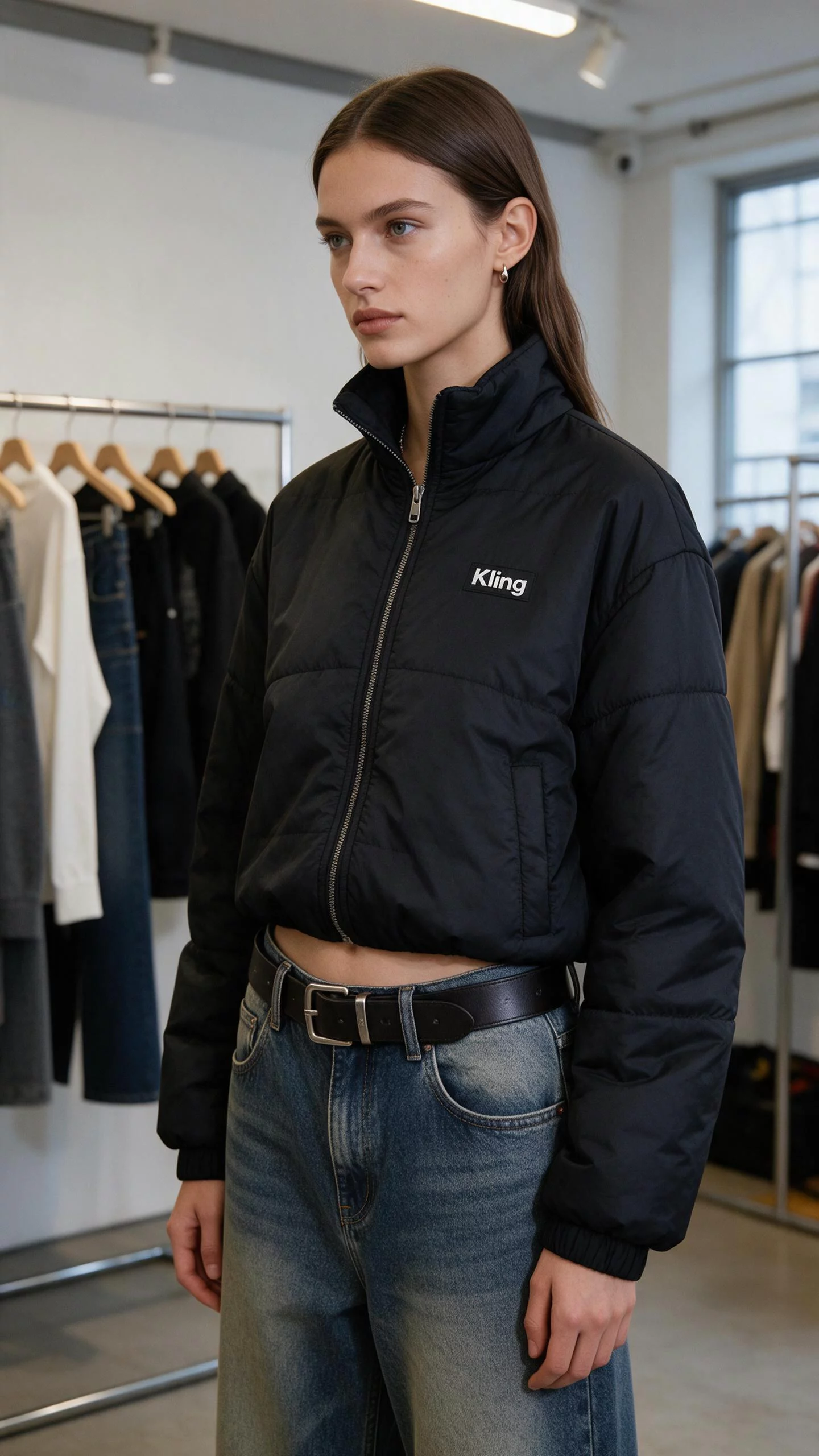
reference files
matching workflow
Reference to Video · View result file
Game Trailers, Drama & Commercial Design
Game Trailer
prompt
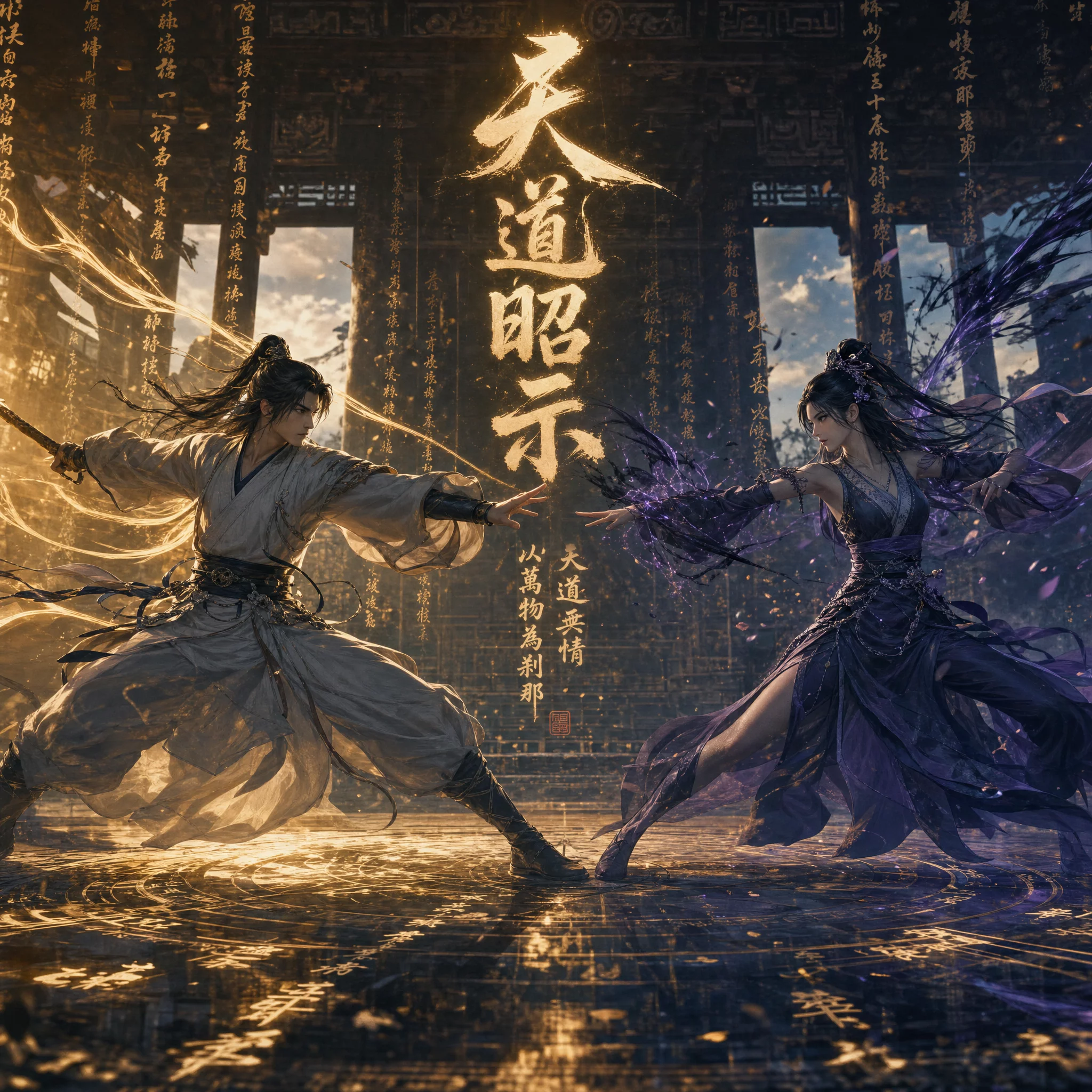
Use Image 1 to preserve the two fantasy swordsmen, their costumes, and the ancient temple setting. Create a 15-second cinematic 3D martial-arts game trailer on a shallow, water-covered stone floor between ruined pillars. The man has long black hair, an ornate white robe with gold detailing, and a sword emitting golden light. Opposite him, a long-haired woman in flowing violet clothing wields a sword surrounded by purple energy.
0–3 seconds: establish both fighters facing each other, then cut to medium views of their opposing sword sweeps. Track the blade arcs closely; gold and violet trails follow the movement while hair and long sleeves whip behind them. 3–6 seconds: their blades collide in a brilliant central flash. Cut wider for a rapid exchange of strikes and counters, with water splashing at each step and the temple remaining spatially consistent.
6–8 seconds: interrupt the fast cutting with an extreme close-up of their approaching index fingertips. A concentrated golden spark appears at contact. 8–11 seconds: pull back as opposing gold and violet energy fans bloom behind the two figures. 11–15 seconds: expand into a symmetrical wide composition, the energy rising like enormous luminous wings, with vertical glowing glyphs surrounding the fighters and a central golden Chinese title. Finish on this magical confrontation tableau.
Use polished fantasy-game cinematics, detailed embroidered fabric, dramatic backlight, controlled motion blur, and strong gold-versus-violet color separation. Keep faces, costume details, and screen positions consistent through the cuts. Make the energy effects illuminate the characters and wet ground.
Try it in ChatGPT Try it in fal Agentreference images
reference files
matching workflow
Reference to Video · View result file
Short Drama
prompt
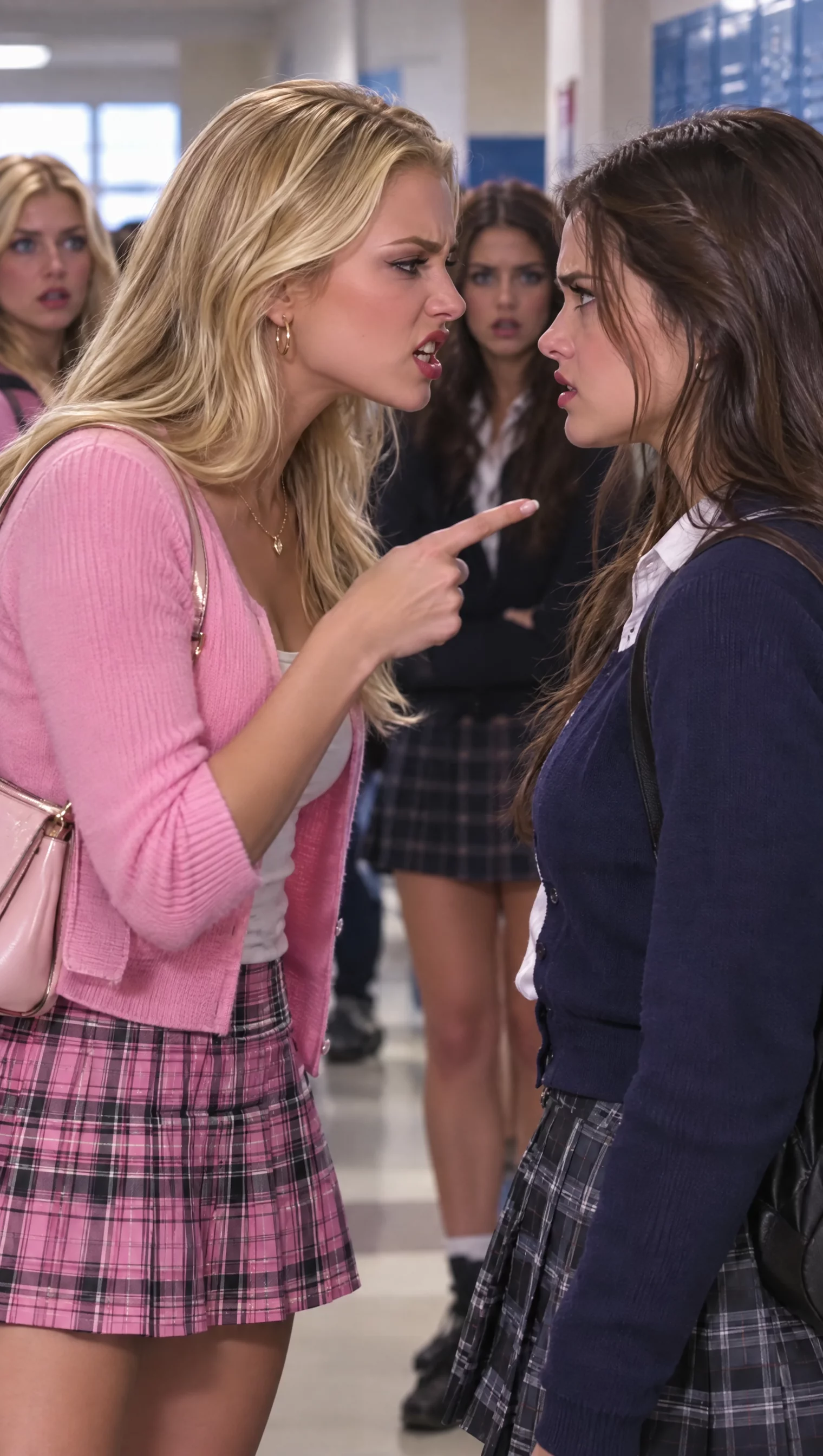
Use Image 1 to preserve the three characters, their school uniforms, and the hallway. Create a 15-second vertical, photorealistic school drama in a brightly lit corridor lined with blue lockers. A blonde student in a pale pink cardigan and plaid skirt confronts a dark-haired student in a navy cardigan over a white collared shirt. A third dark-haired student watches from behind them.
Open in a tight two-shot: the blonde leans toward the other student and points an accusing finger. Cut into quick shot/reverse-shot close-ups as the dark-haired student responds defiantly and the blonde presses her accusation. Let the tension come from pointed gestures, raised eyebrows, changing eye contact, and emphatic mouth movements. Around the middle, hold briefly on the dark-haired student's challenging expression; then show a surprised sideways glance as the confrontation shifts. Return to a wider three-person composition for the final beat, with the two students facing off and the observer behind them.
Keep the camera mostly steady within each shot, with shallow depth of field separating faces from the lockers. Maintain the pink-versus-navy wardrobe contrast, consistent faces, and clear indoor lighting across every cut. End on the unresolved standoff. No captions or on-screen text.
Try it in ChatGPT Try it in fal Agentreference images
reference files
matching workflow
Reference to Video · View result file
Commercial Design in Motion
prompt
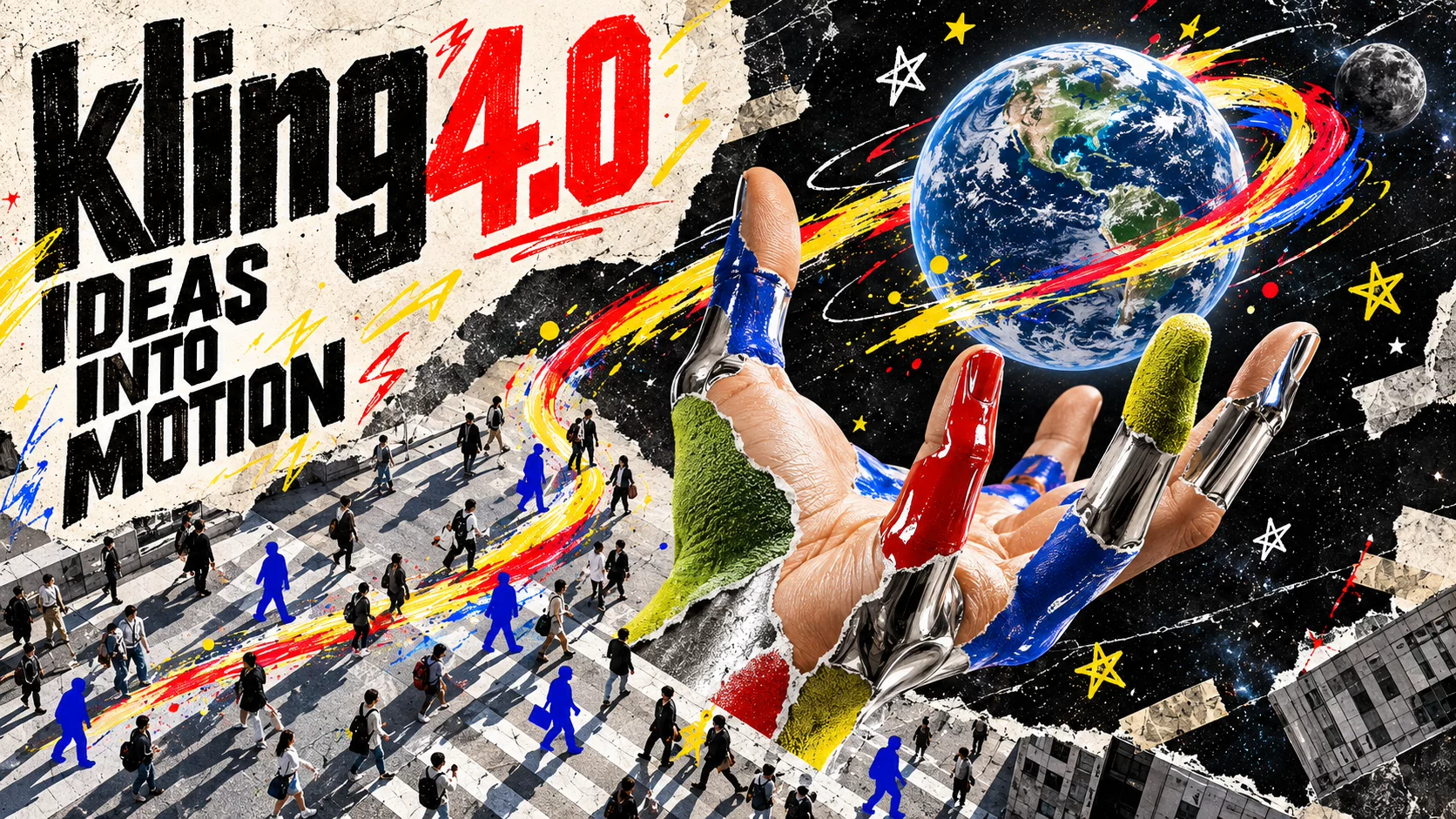
Animate the supplied design while retaining its distinctive composition, palette, and forms. Introduce motion in a readable sequence, keeping the important visual elements stable. Use the reference’s material and rendering style consistently. Finish with a composed hold rather than a sudden cutoff.
Try it in ChatGPT Try it in fal Agentreference images
reference files
matching workflow
Reference to Video · View result file
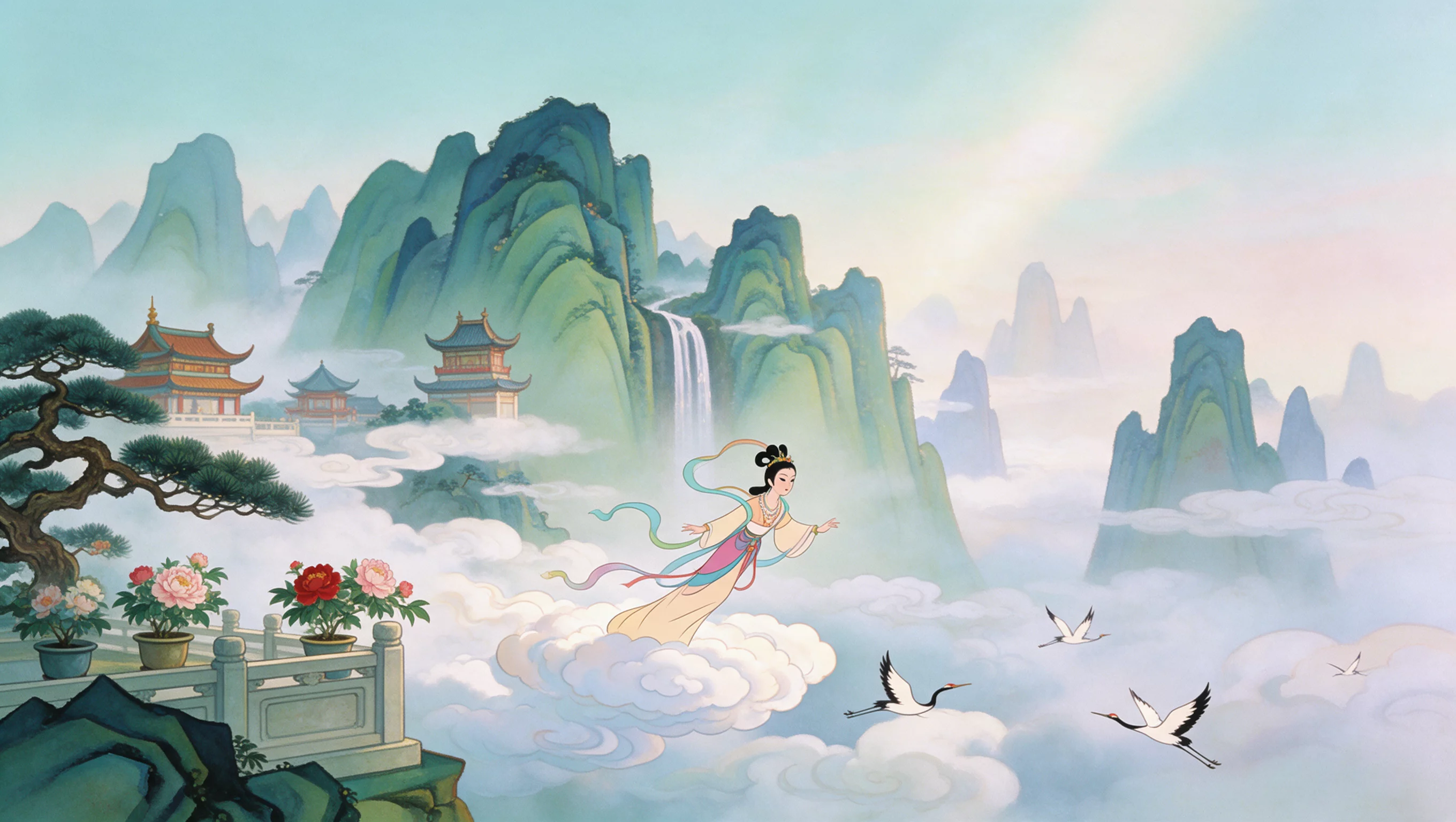
Animation from a Visual Reference
prompt
Animate the supplied design while retaining its distinctive composition, palette, and forms. Introduce motion in a readable sequence, keeping the important visual elements stable. Use the reference’s material and rendering style consistently. Finish with a composed hold rather than a sudden cutoff.
Try it in ChatGPT Try it in fal Agentreference images
reference files
matching workflow
Reference to Video · View result file
Vlogs, Documentary & Stylized Visuals
Vlog
prompt
Create an authentic vlog moment with a person speaking casually to the camera. Use natural pauses, small gestures, and a comfortable conversational expression. Keep the framing close and the camera movement restrained. Use everyday lighting, realistic skin texture, and quiet environmental sound.
Try it in ChatGPT Try it in fal Agentmatching workflow
Text to Video · View result file
Realistic Documentary
prompt
Create an observational documentary scene built around one everyday action. Use available light, believable textures, and patient framing. Let small environmental movements continue in the background. Keep performances unforced, with natural ambience and no dramatic camera flourishes.
Try it in ChatGPT Try it in fal Agentmatching workflow
Text to Video · View result file
Claymation
prompt
Create a short clay-animation scene. Use handmade shapes, visible clay texture, soft edges, and a consistent tabletop scale. Give the character one clear action with readable anticipation and follow-through. Preserve the character’s proportions and use deliberate stop-motion timing.
Try it in ChatGPT Try it in fal Agentmatching workflow
Text to Video · View result file
Glitch Art
prompt
Create a short glitch-art sequence with a consistent subject and composition. Use brief signal breakup, channel offsets, scan-line texture, and rhythmic distortion as accents. Keep the main forms recognizable between effects. End on a clear image rather than unresolved visual noise.
Try it in ChatGPT Try it in fal Agentmatching workflow
Text to Video · View result file
Felt Animation
prompt
Create a short felt-animation scene with soft fibers, stitched edges, rounded forms, and a handmade miniature setting. Give the main character one simple action. Keep the material treatment consistent across the character and environment, with gentle light and restrained camera motion.
Try it in ChatGPT Try it in fal Agentmatching workflow
Text to Video · View result file
3D Cyberpunk
prompt
Create a short 3D cyberpunk scene with a clear focal subject, layered architecture, and controlled neon lighting. Use glossy and rough materials distinctly, with believable reflections. Follow one deliberate camera path and keep the main silhouette readable against the environment.
Try it in ChatGPT Try it in fal Agentmatching workflow
Text to Video · View result file
Cinematic Movement & Character Performance
Direct subject movement and camera movement separately. The reference should establish the look; the prompt should explain what changes over time.
Large-Scale Motion & Keyframe Action
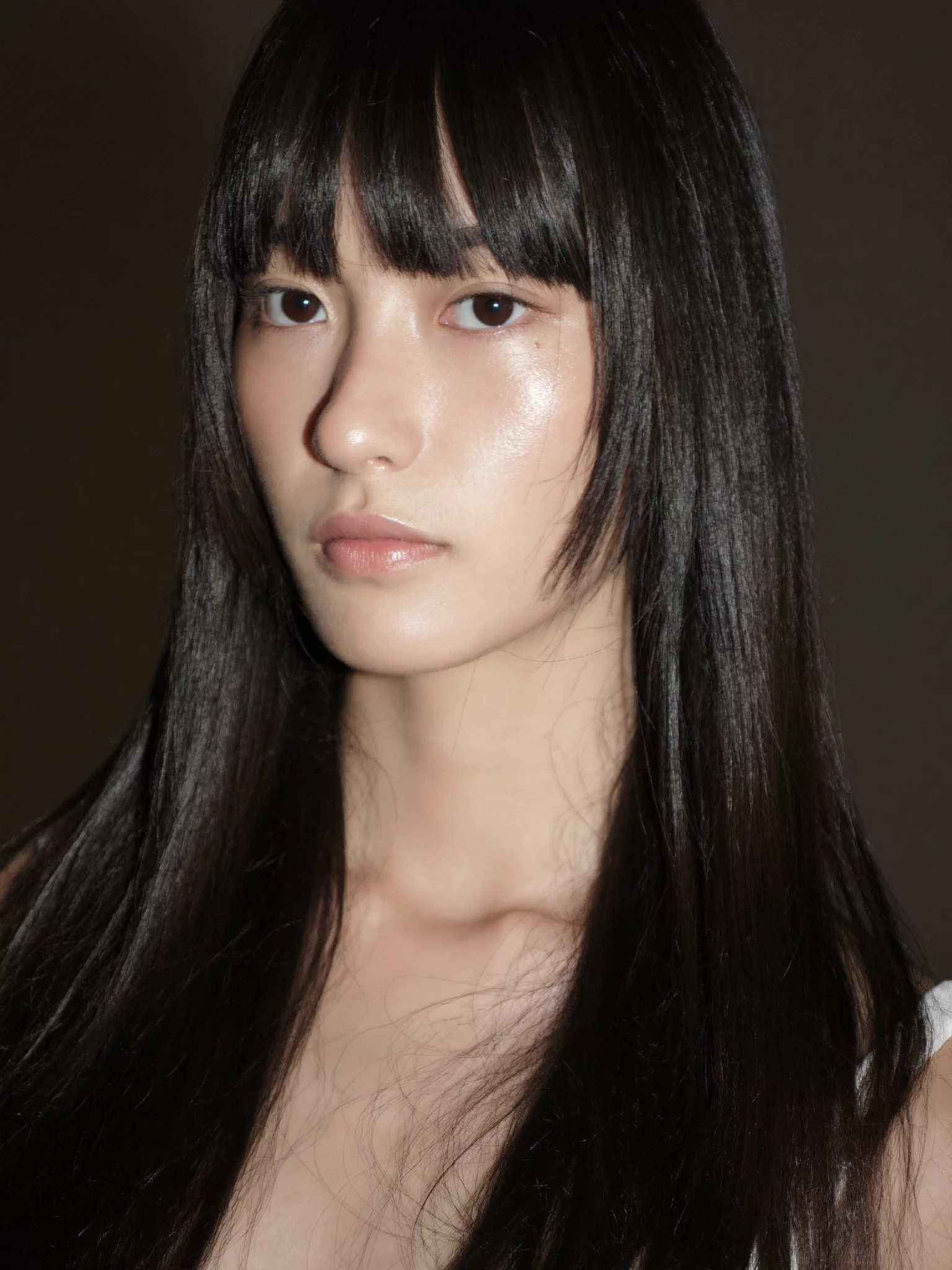
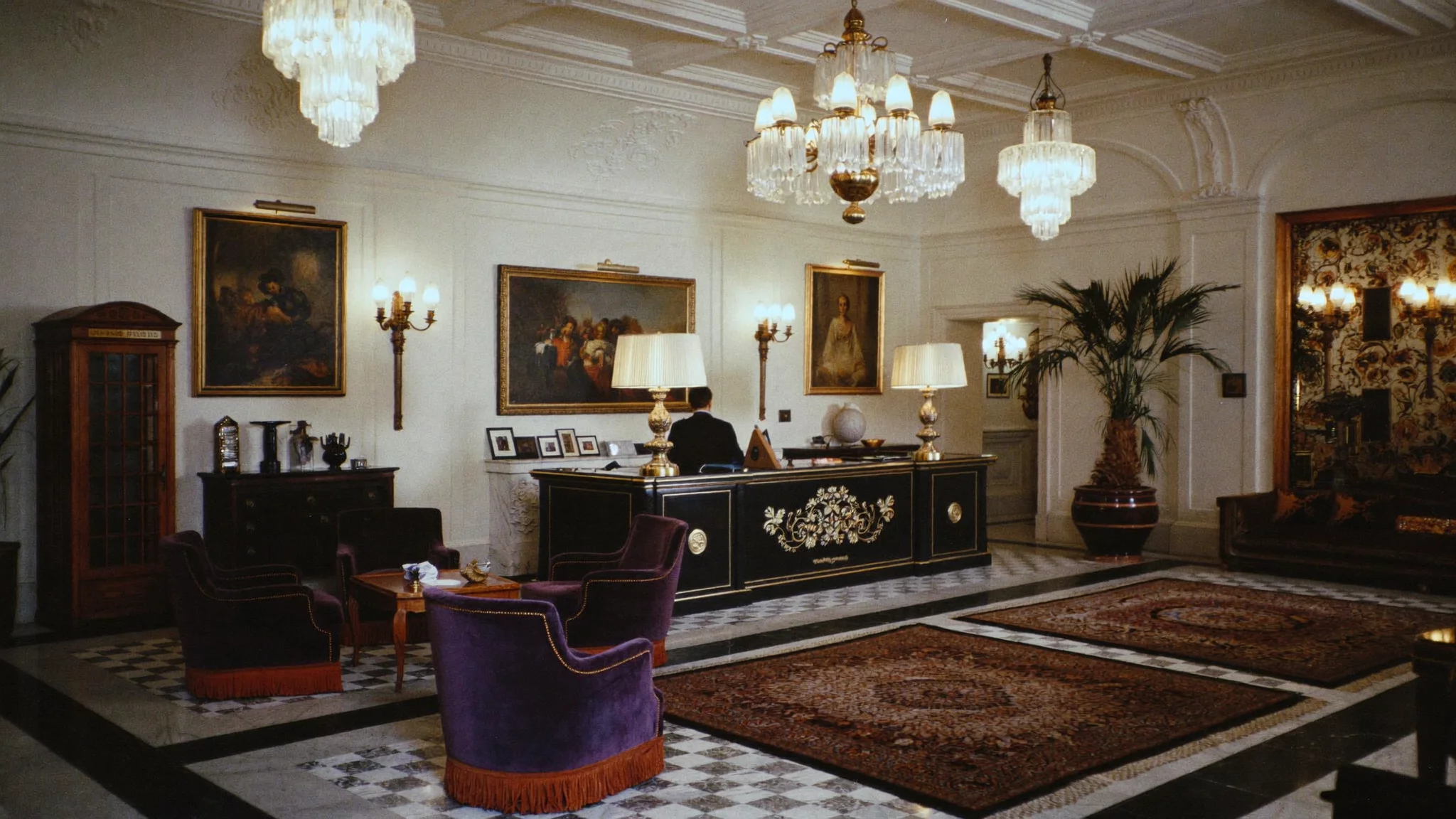
Character and Interior References
prompt
Use the supplied images to preserve the subject, environment, and key visual moments. Create a continuous cinematic scene with a deliberate camera move. Maintain consistent facial features, proportions, wardrobe, and lighting as the camera changes position. Keep background geometry stable and avoid abrupt cuts.
Try it in ChatGPT Try it in fal Agentreference images
reference files
matching workflow
Reference to Video · View result file
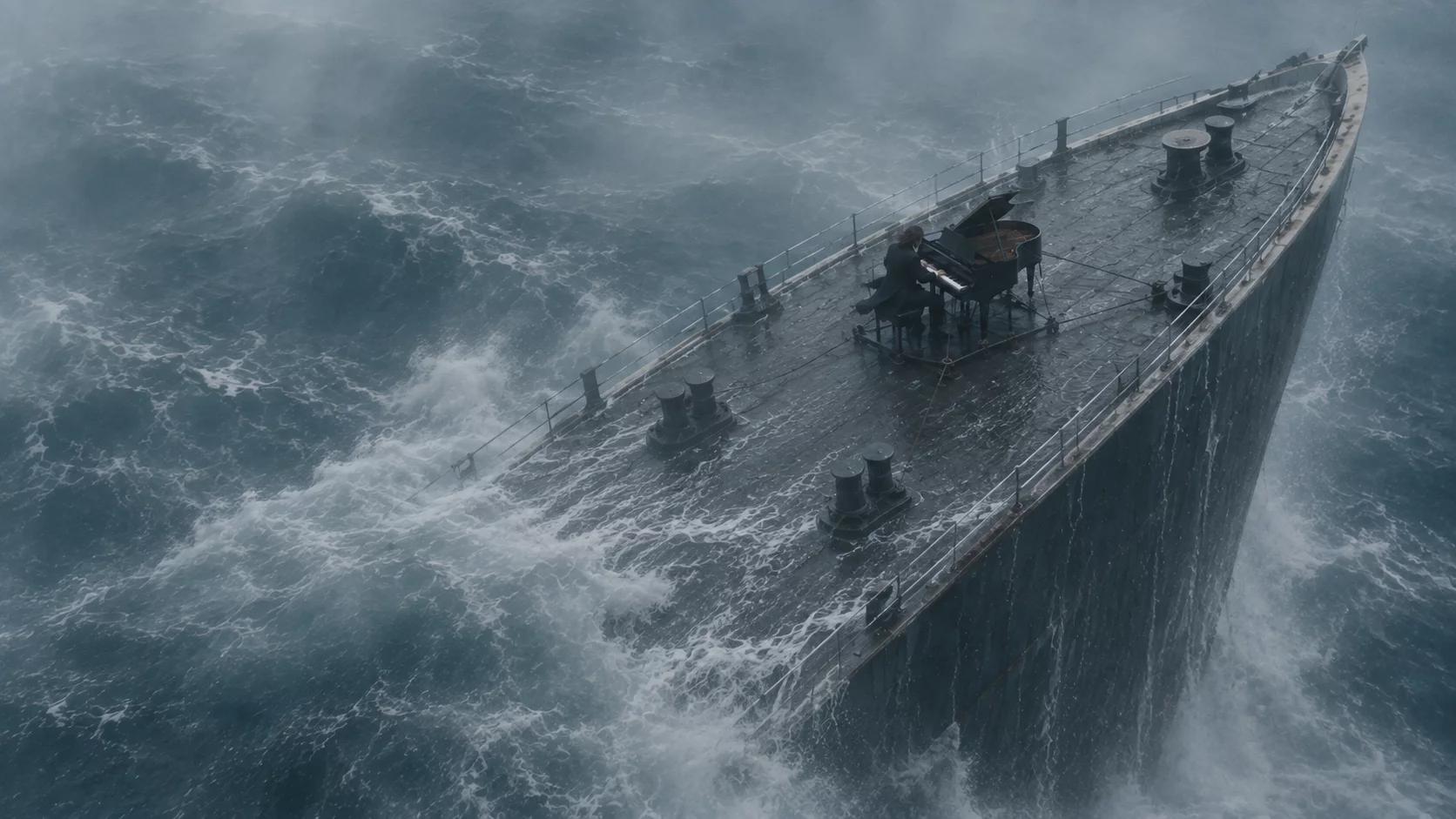
Pianist on a Storm-Tossed Ship
prompt
Use the supplied keyframes in order: the ship in rough water, the pianist on deck, the hands at the keyboard, and the pianist’s face. Connect them into a cinematic performance sequence. Maintain the same ship, pianist, piano, storm lighting, and sea conditions. Coordinate the playing with piano sound and storm ambience. Make the camera motion continuous within each shot.
Try it in ChatGPT Try it in fal Agentreference images
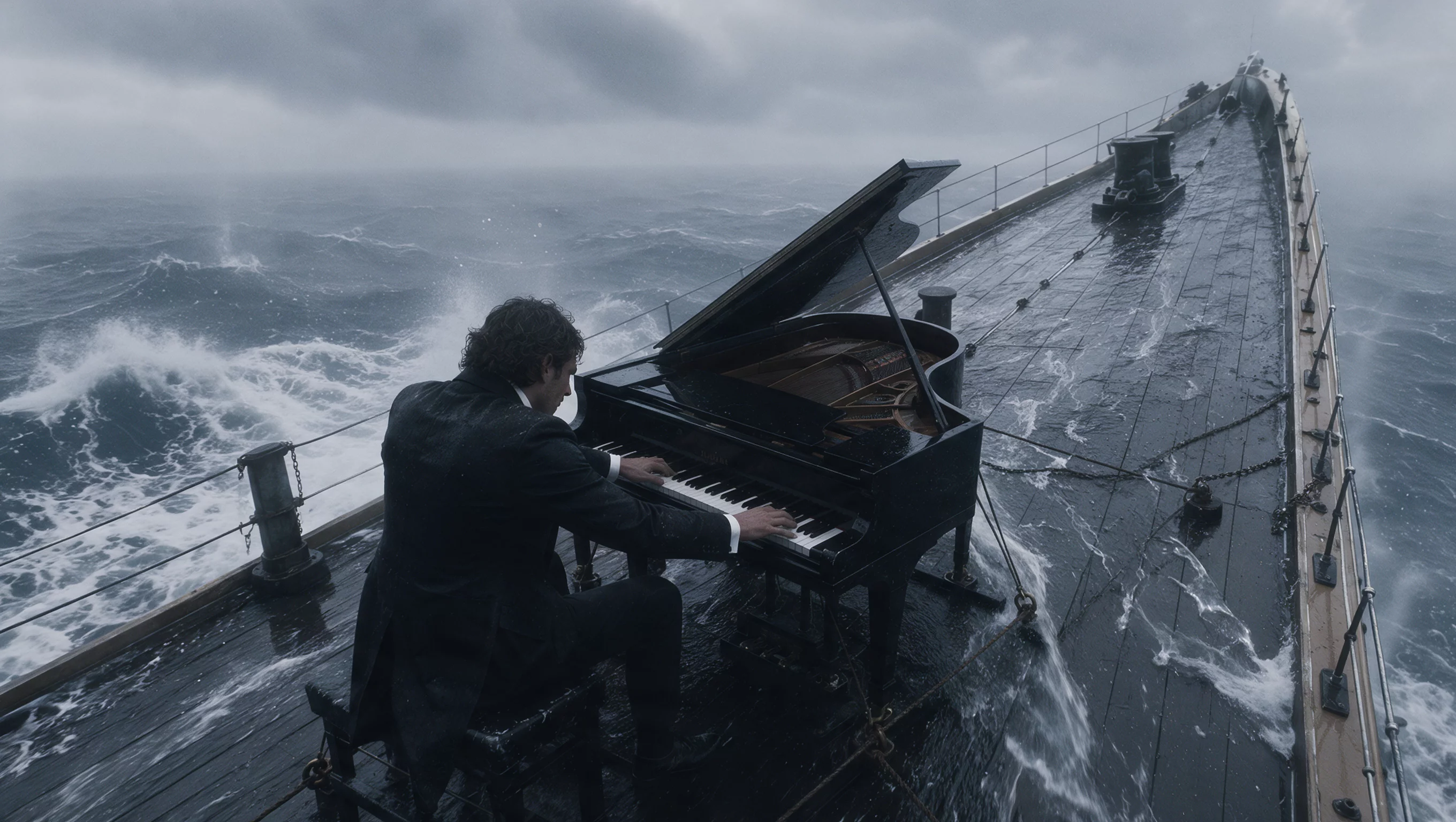
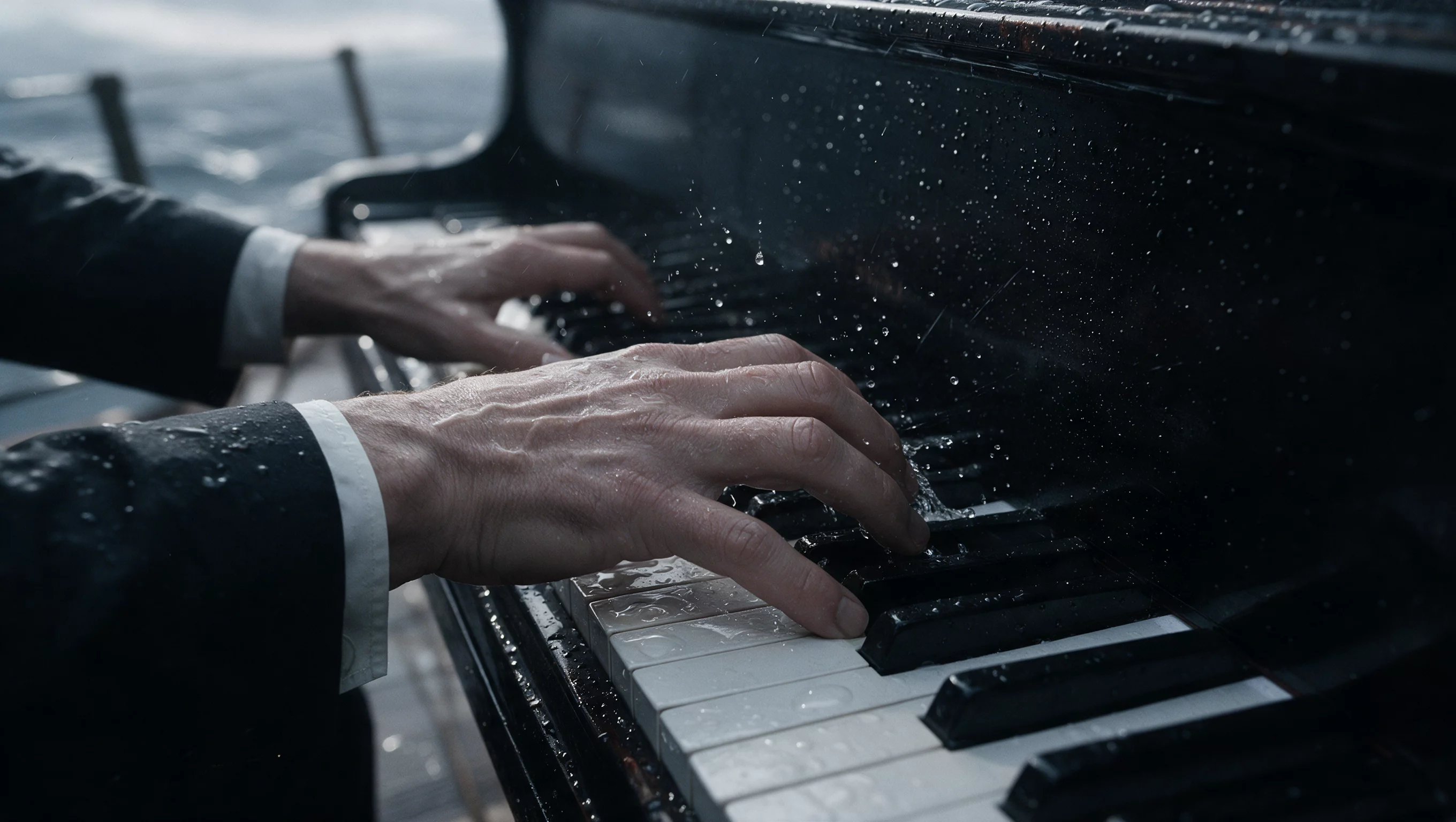
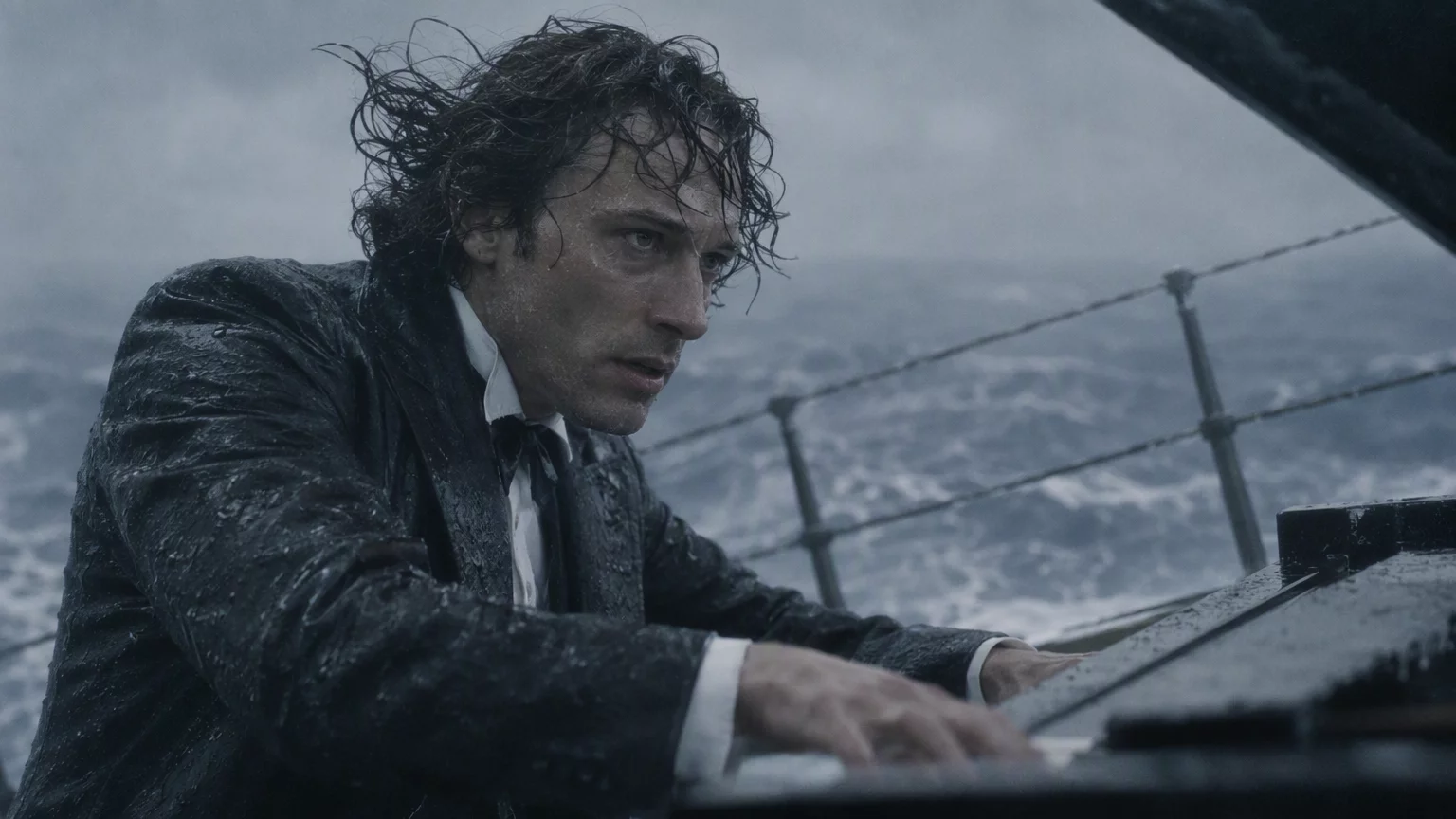
reference files
Image 1 · Image 2 · Image 3 · Image 4
matching workflow
Image to Video · View result file
Fantasy Character in Motion
prompt
Animate the supplied first frame. Preserve the character’s face, costume, and overall composition. Introduce flowing fabric, restrained hair movement, and drifting foreground details while the camera advances slowly. Keep the figure readable and maintain the original visual style.
Try it in ChatGPT Try it in fal Agentreference images
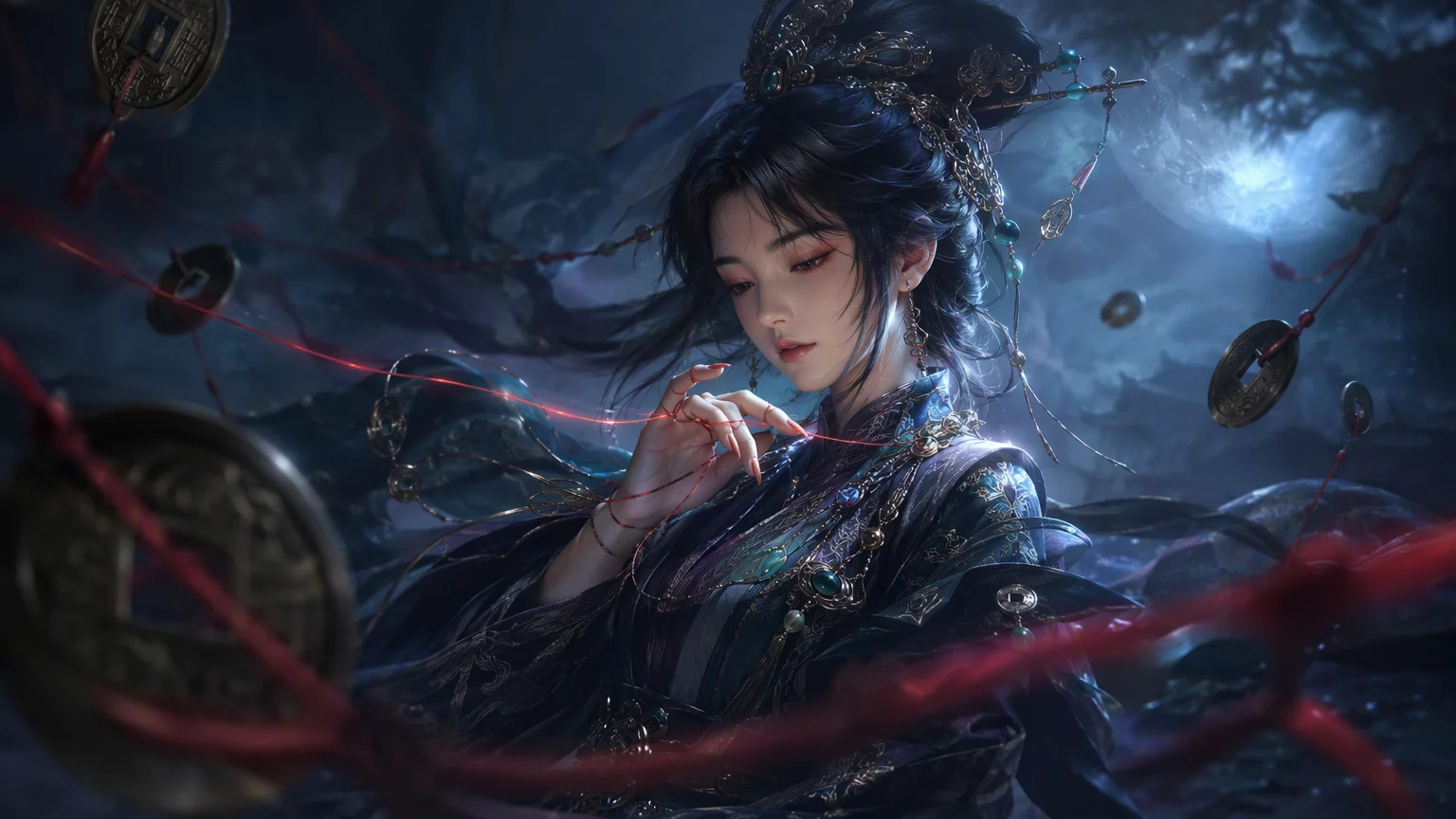
reference files
matching workflow
Image to Video · View result file
Audiovisual Performance
Multi-Reference Audiovisual Performance
prompt
Use the references to establish the subjects and setting. Create a natural performance with coherent gestures and clearly synchronized sound. Preserve identities, costume details, and light direction. Keep camera movement controlled and make the performance the focus of the shot.
Try it in ChatGPT Try it in fal Agentreference images
reference files
Image 1 · Image 2 · Image 3 · Image 4
matching workflow
Reference to Video · View result file
Performance from a Start Frame
prompt
Use the references to establish the subjects and setting. Create a natural performance with coherent gestures and clearly synchronized sound. Preserve identities, costume details, and light direction. Keep camera movement controlled and make the performance the focus of the shot.
Try it in ChatGPT Try it in fal Agentreference images
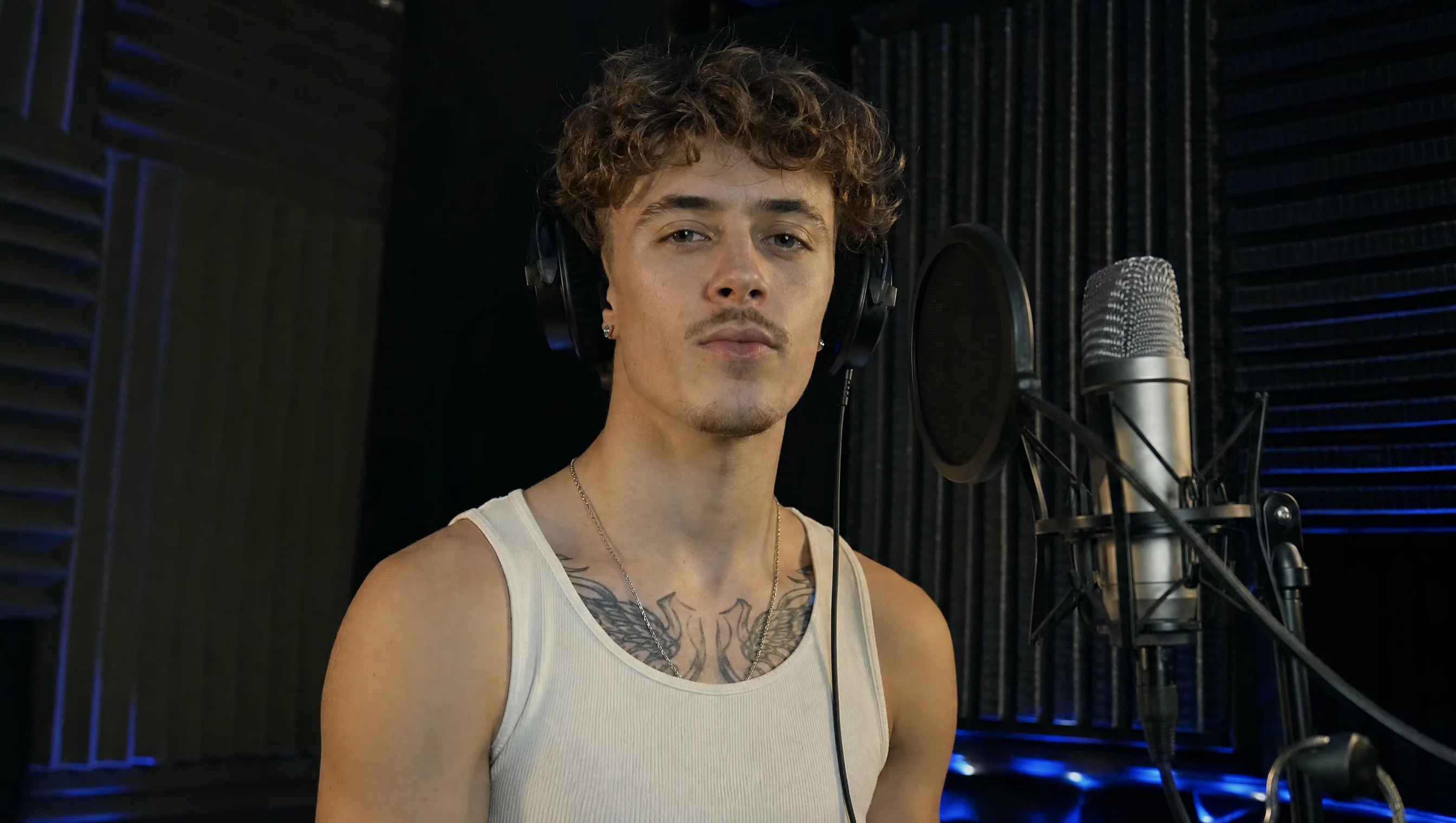
reference files
matching workflow
Image to Video · View result file
A Performance That Lands on the End Frame
prompt
Use the supplied frame or keyframes as the visual anchors. Connect the important character states with continuous movement, preserving the setting and identity. Time gestures and sound together. Arrive at the final visual state naturally and hold it long enough to read.
Try it in ChatGPT Try it in fal Agentreference images
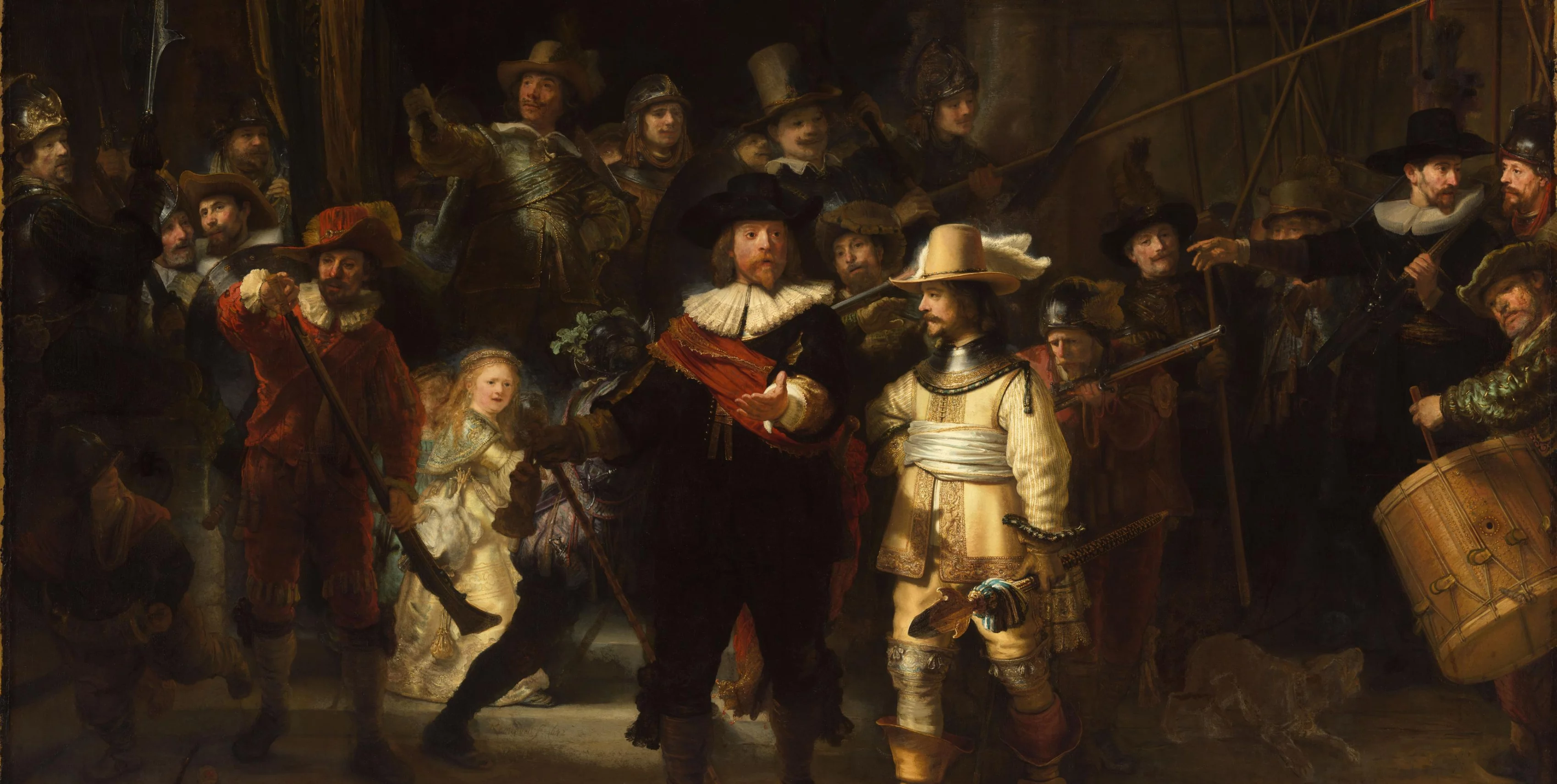
reference files
matching workflow
Image to Video · View result file
Audiovisual Storytelling with Keyframes
prompt
Use the supplied frame or keyframes as the visual anchors. Connect the important character states with continuous movement, preserving the setting and identity. Time gestures and sound together. Arrive at the final visual state naturally and hold it long enough to read.
Try it in ChatGPT Try it in fal Agentreference images
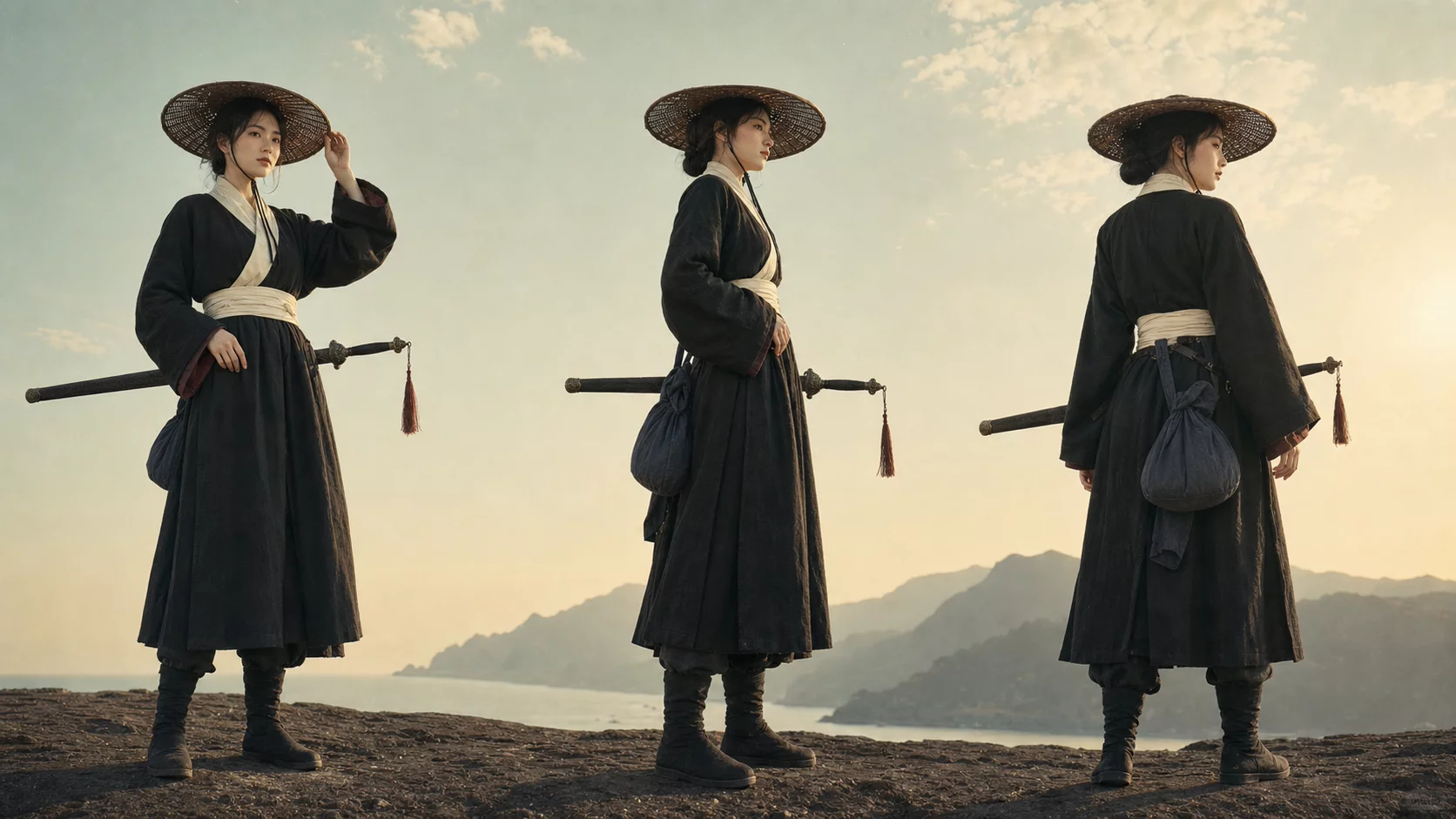
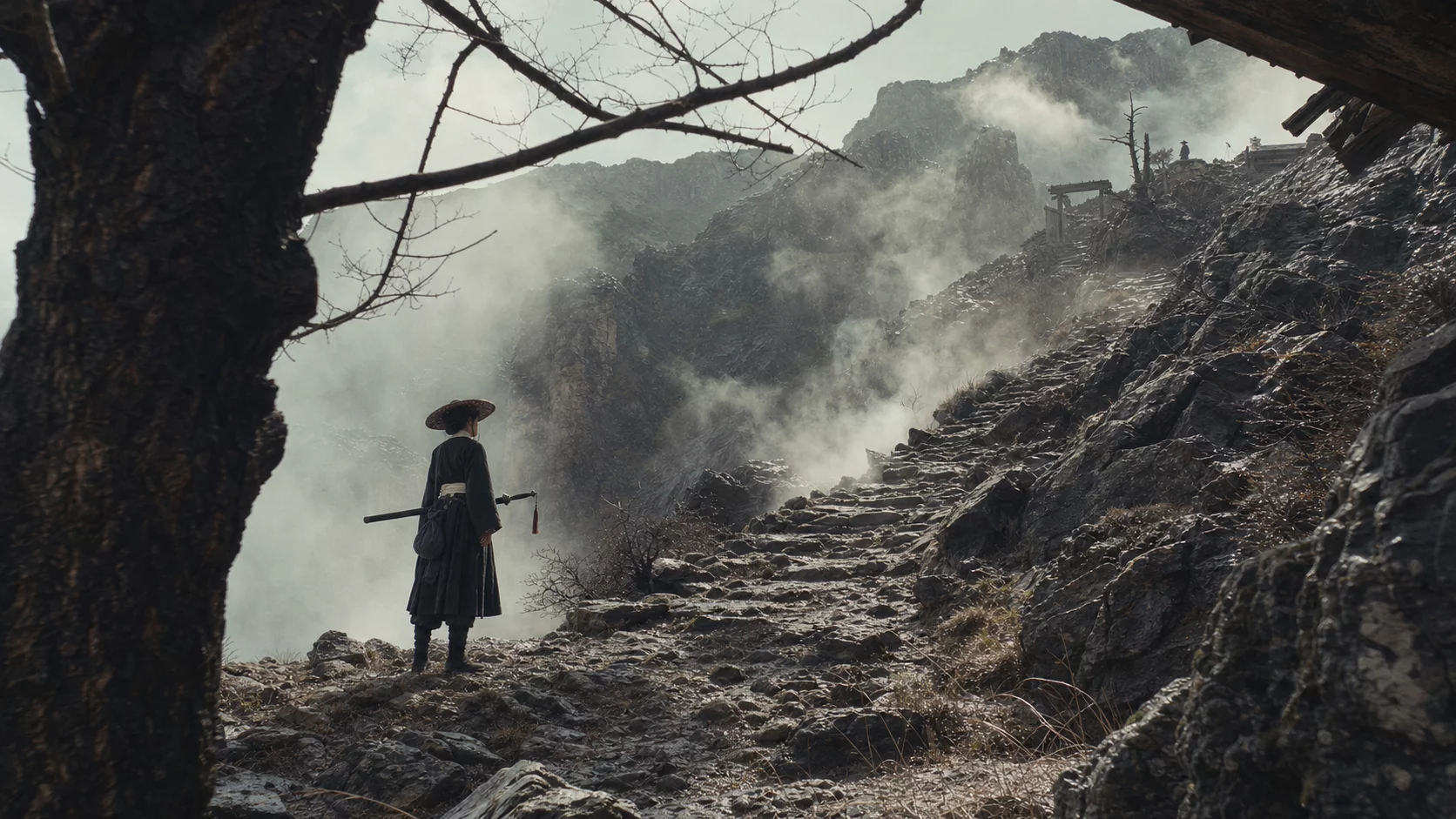
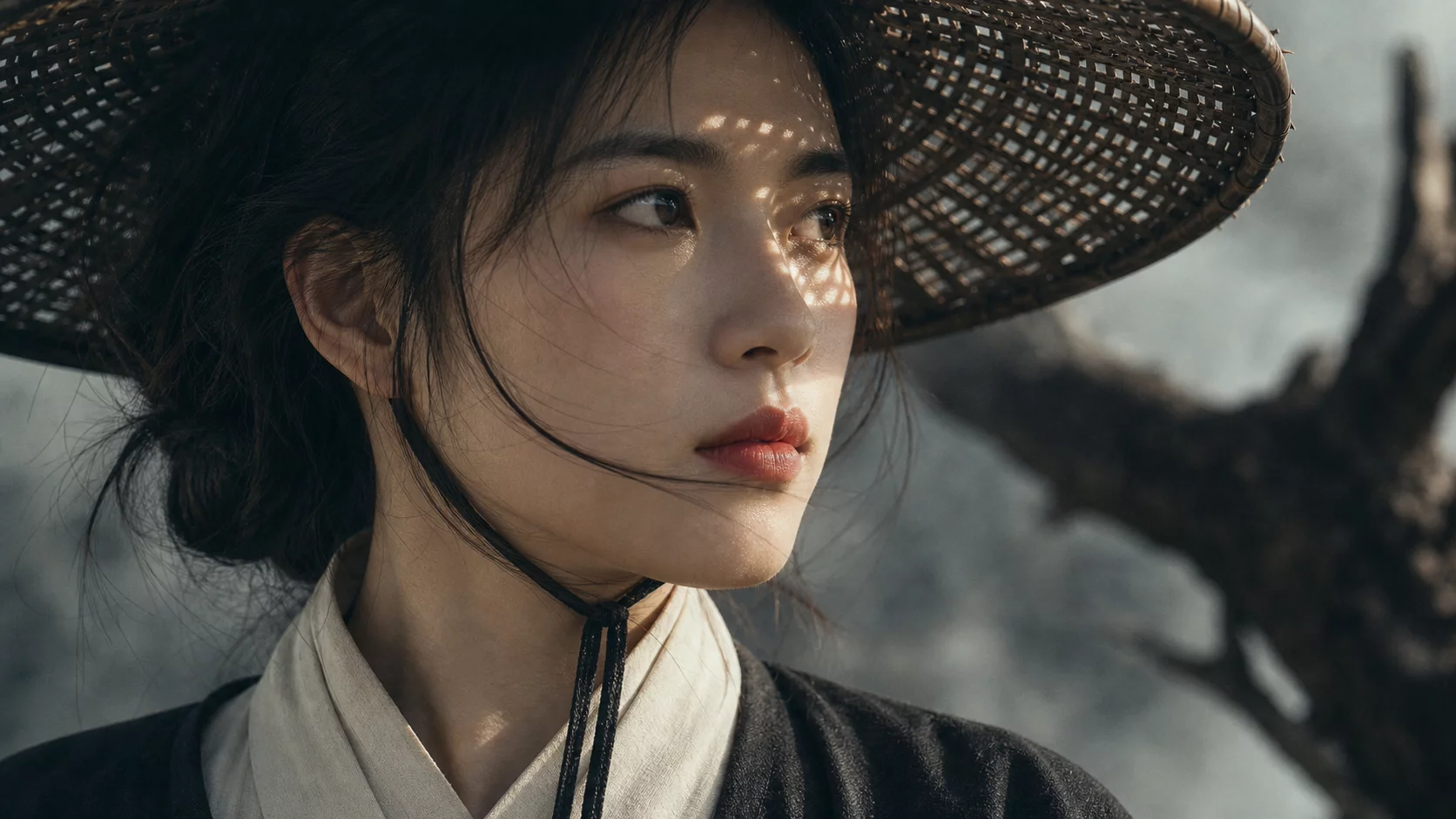
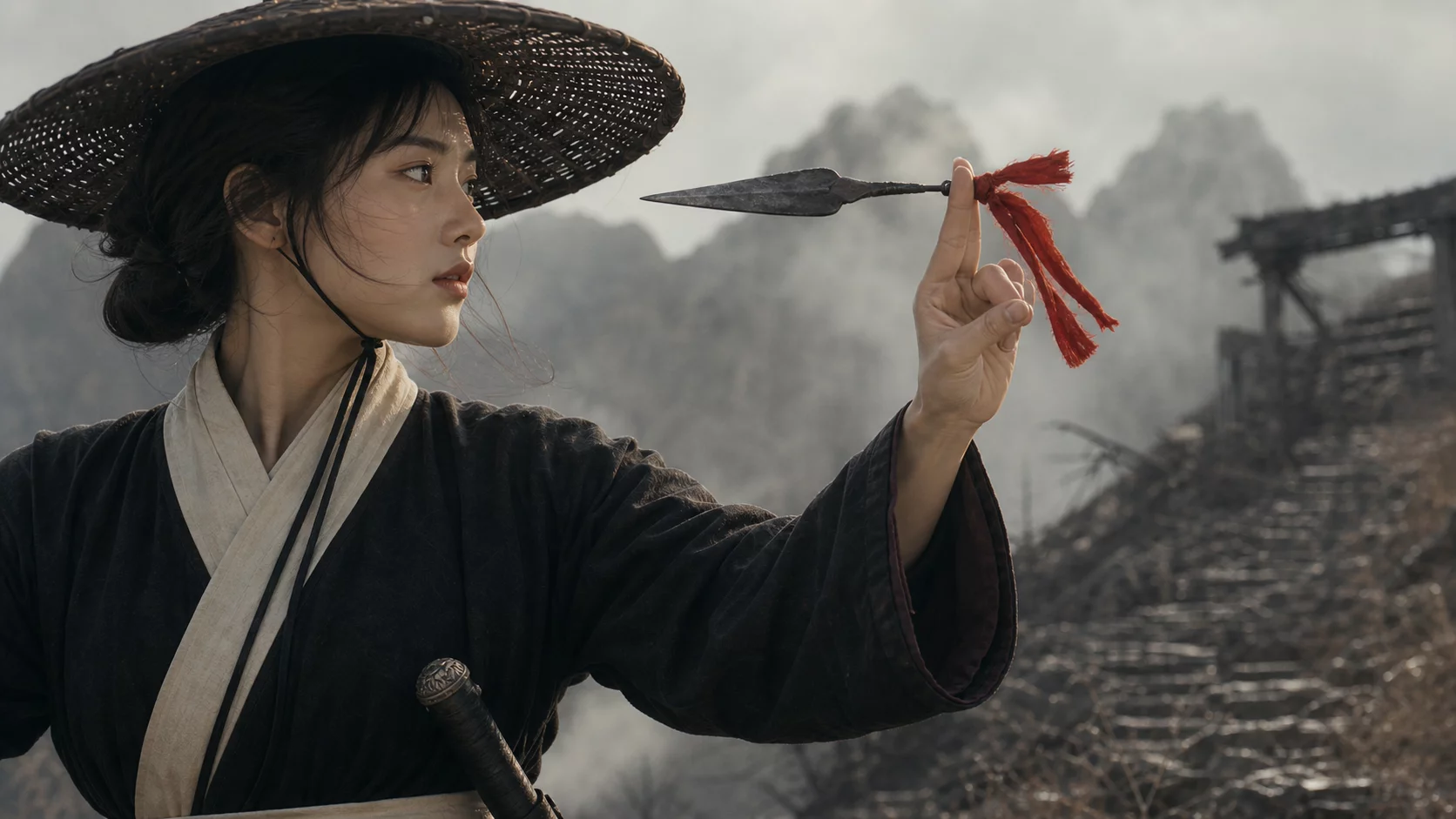
reference files
Image 1 · Image 2 · Image 3 · Image 4
matching workflow
Image to Video · View result file
Natural Expressions & Delivery
Subtle Performance from a Portrait
prompt
Use the starting frame to preserve the character and setting. Create a restrained, realistic performance: a small change in gaze, a pause, and a subtle expression. Keep the camera steady and preserve natural skin detail. Avoid exaggerated facial movement.
Try it in ChatGPT Try it in fal Agentreference images
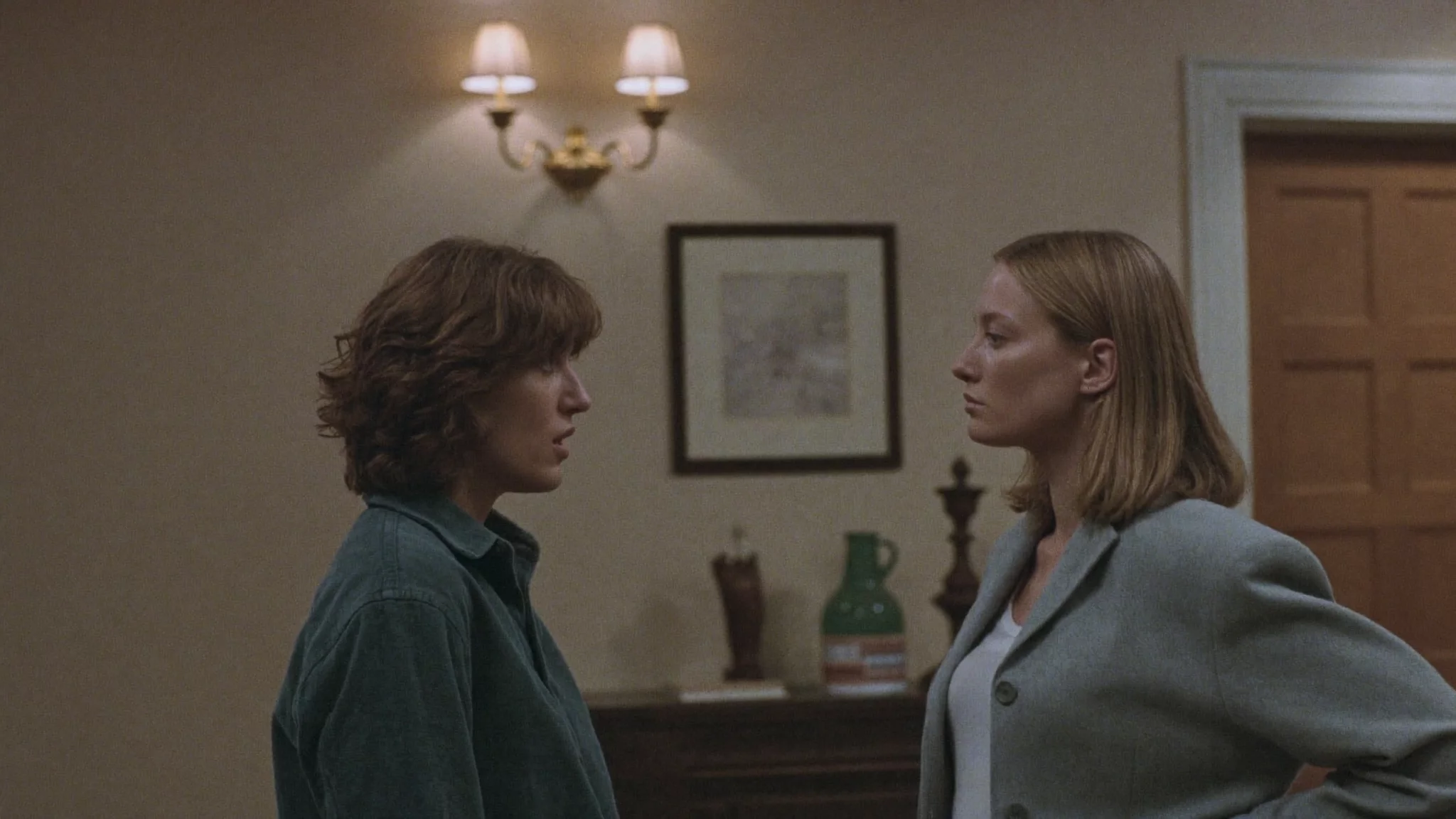
reference files
matching workflow
Image to Video · View result file
A Natural Vlogger Introduction
prompt
A vlogger-style video in which the woman cheerfully introduces herself to the audience. Maintain a natural, authentic look and realistic image quality.
Try it in ChatGPT Try it in fal Agentmatching workflow
Text to Video · View result file
Professional Visual Output
Professional Output: Example One
prompt
Create a cinematic scene with a clear foreground subject and layered background. Use controlled highlights, readable shadows, and a deliberate camera move. Preserve texture in bright surfaces and dark clothing. Keep the lighting direction consistent across the shot.
Try it in ChatGPT Try it in fal Agentmatching workflow
Text to Video · View result file
Professional Output: Example Two
prompt
Create a cinematic scene with a clear foreground subject and layered background. Use controlled highlights, readable shadows, and a deliberate camera move. Preserve texture in bright surfaces and dark clothing. Keep the lighting direction consistent across the shot.
Try it in ChatGPT Try it in fal Agentmatching workflow
Text to Video · View result file
Precise Video Editing
Name the change and what should remain untouched in the same brief. Treat the original footage as the source of timing, framing, and unaffected action.
Character & Scene Replacement
An Element Edit Guided by Images
prompt
Edit the source video using the supplied images for the replacement subject or environment. Preserve the original shot timing, camera path, and unaffected actions. Match lighting, contact shadows, and perspective so the replacement fits the scene. Keep unrelated objects stable.
Try it in ChatGPT Try it in fal Agentreference images
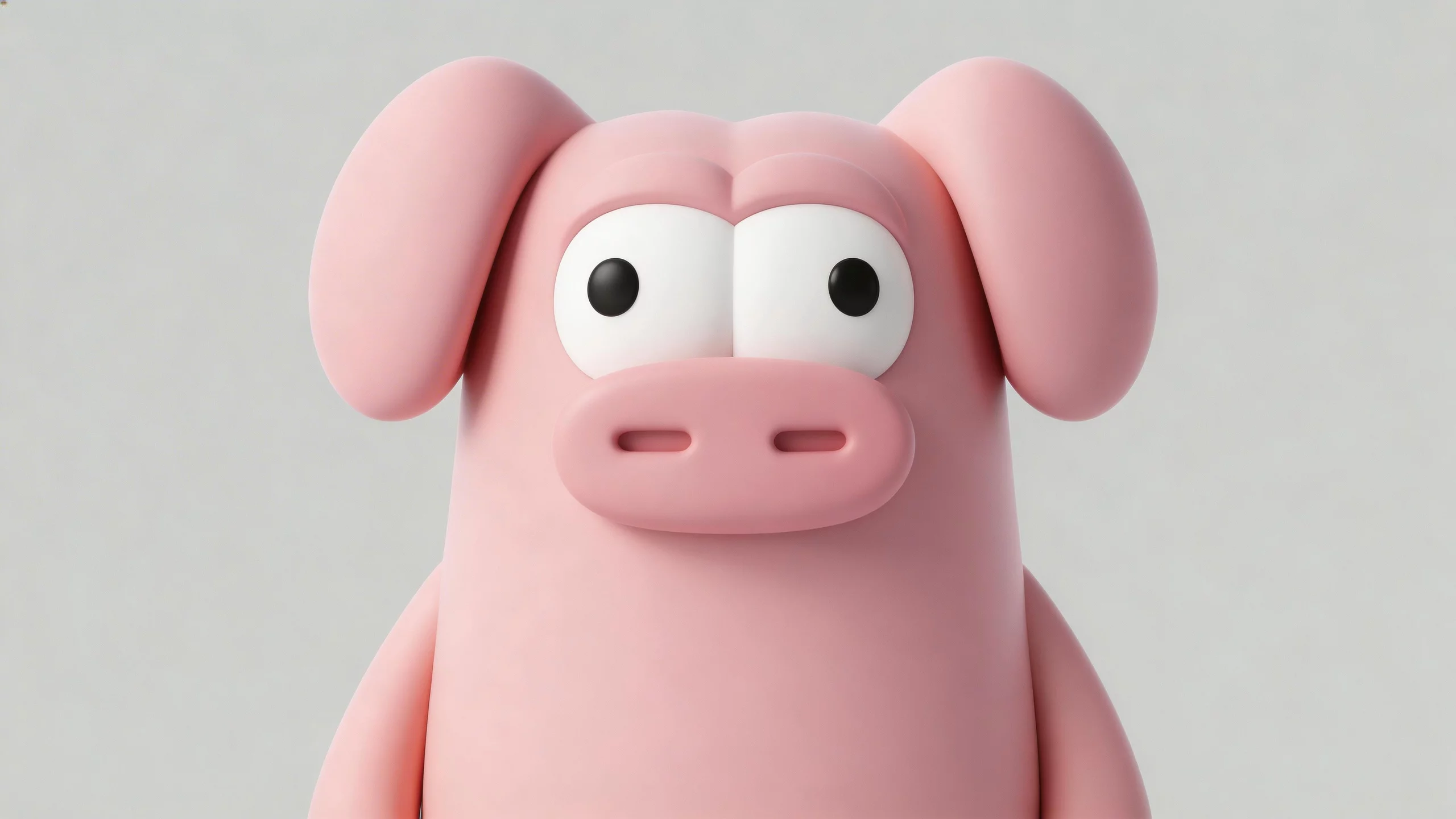
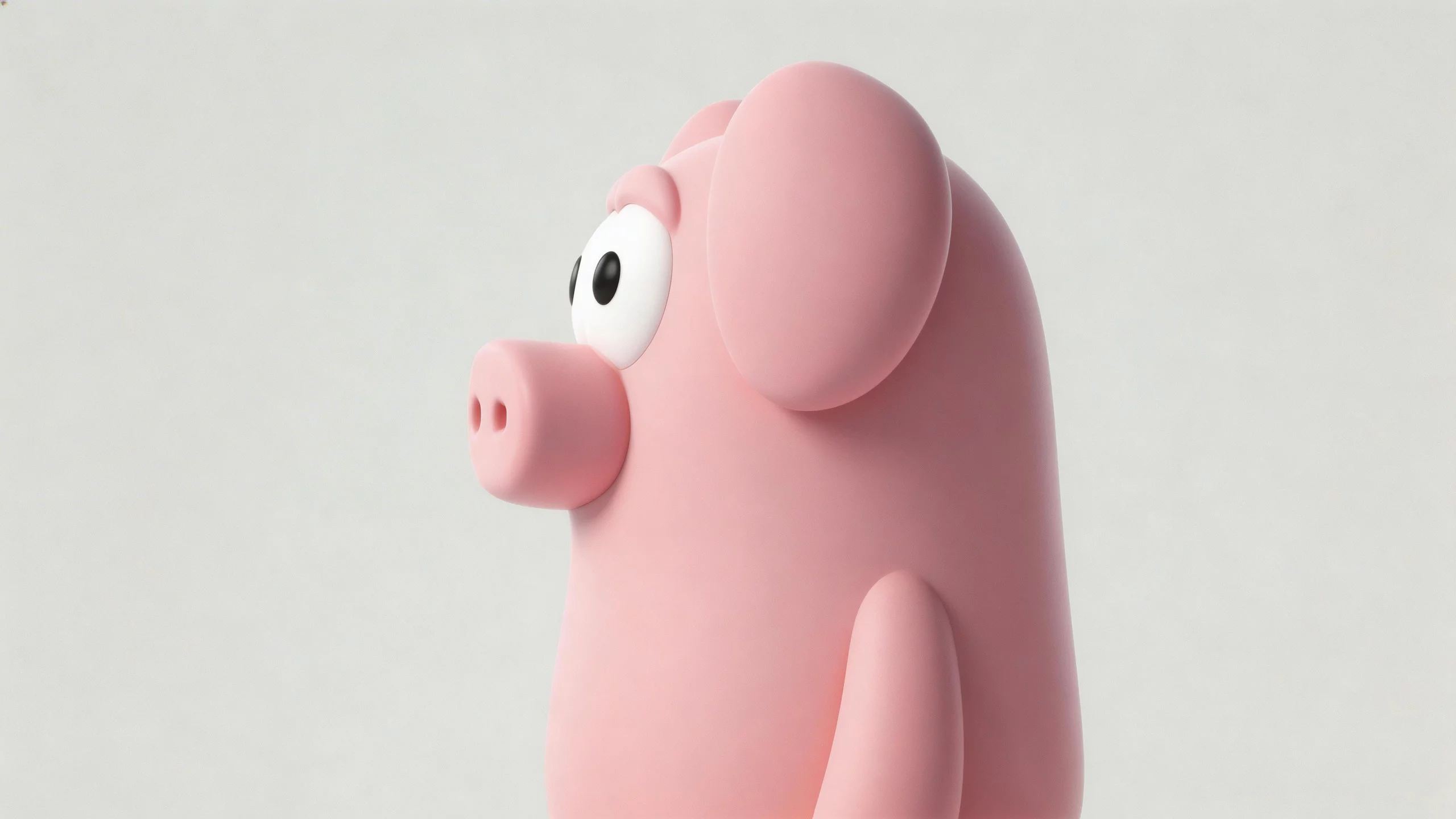
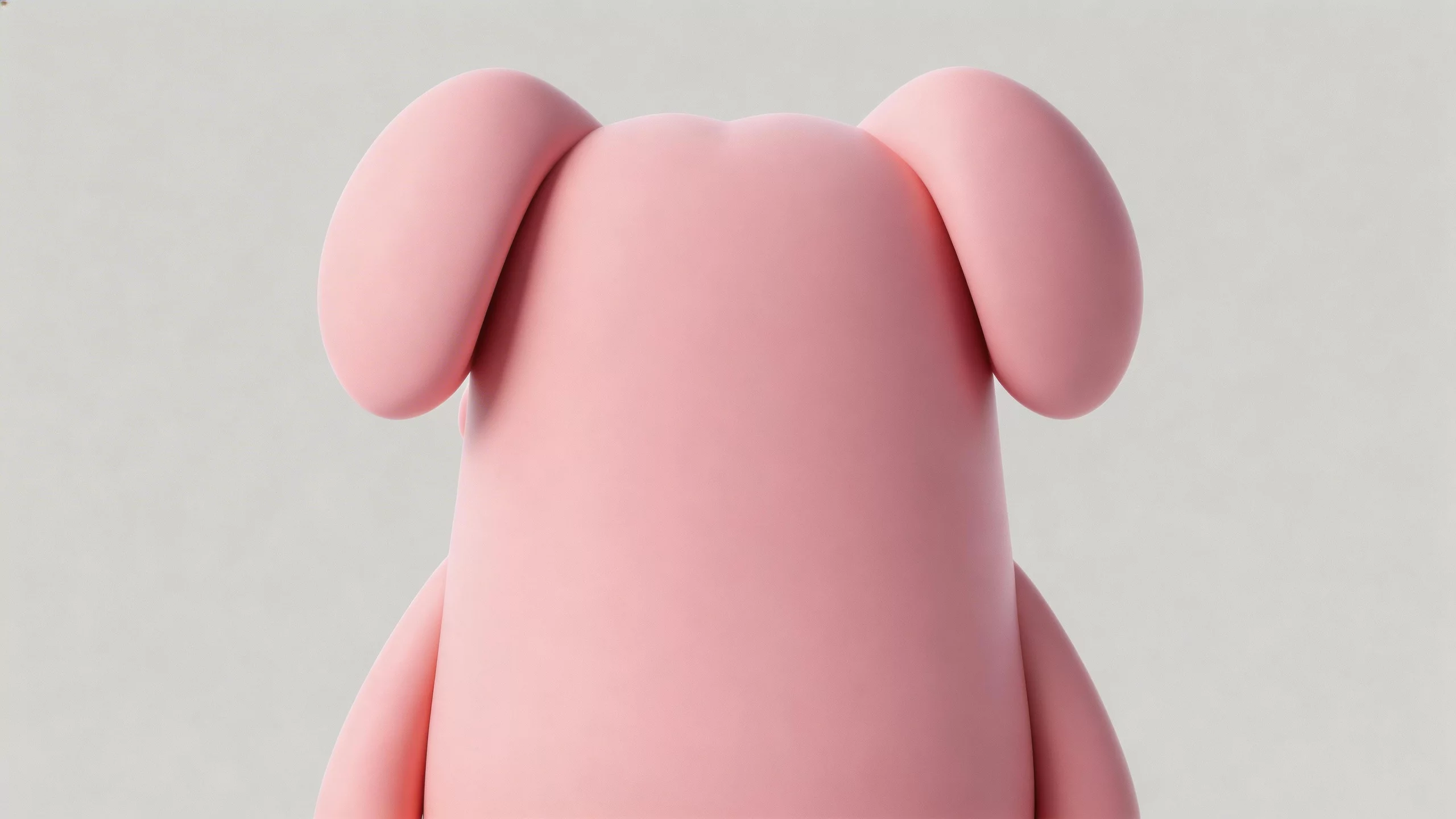
reference videos
reference files
Video 1 · Image 1 · Image 2 · Image 3
matching workflow
Video Editing · View result file
Character and Scene Replacement
prompt
Edit the source video using the supplied images for the replacement subject or environment. Preserve the original shot timing, camera path, and unaffected actions. Match lighting, contact shadows, and perspective so the replacement fits the scene. Keep unrelated objects stable.
Try it in ChatGPT Try it in fal Agentreference images
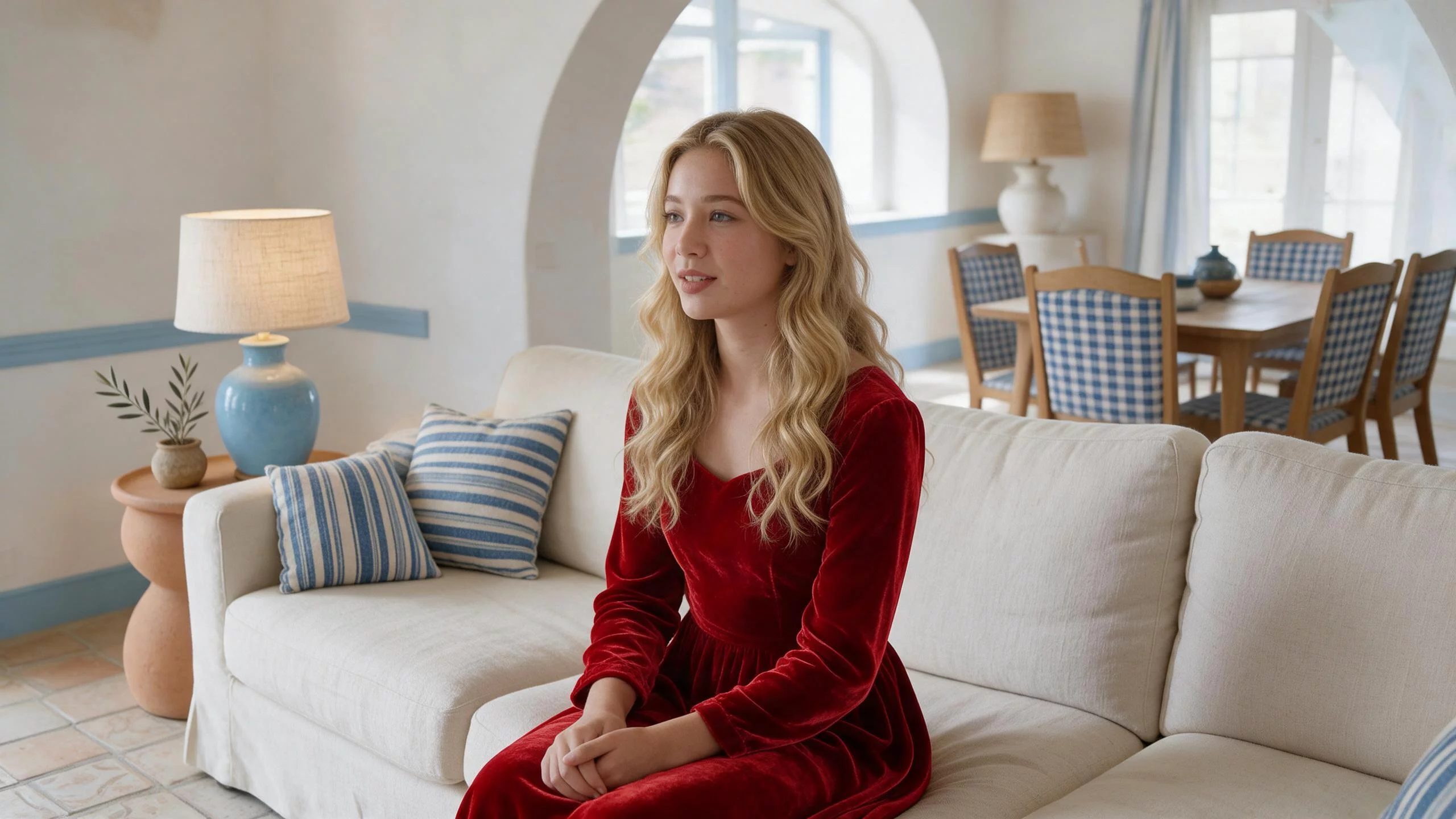
reference videos
reference files
matching workflow
Video Editing · View result file
Multi-Character Replacement
prompt
Apply only the intended replacement or removal to the source video. Preserve the timing, camera motion, background structure, and all unaffected characters. For replacements, keep each identity tied to its own reference. For removal, reconstruct the background naturally without altering neighboring objects.
Try it in ChatGPT Try it in fal Agentreference images
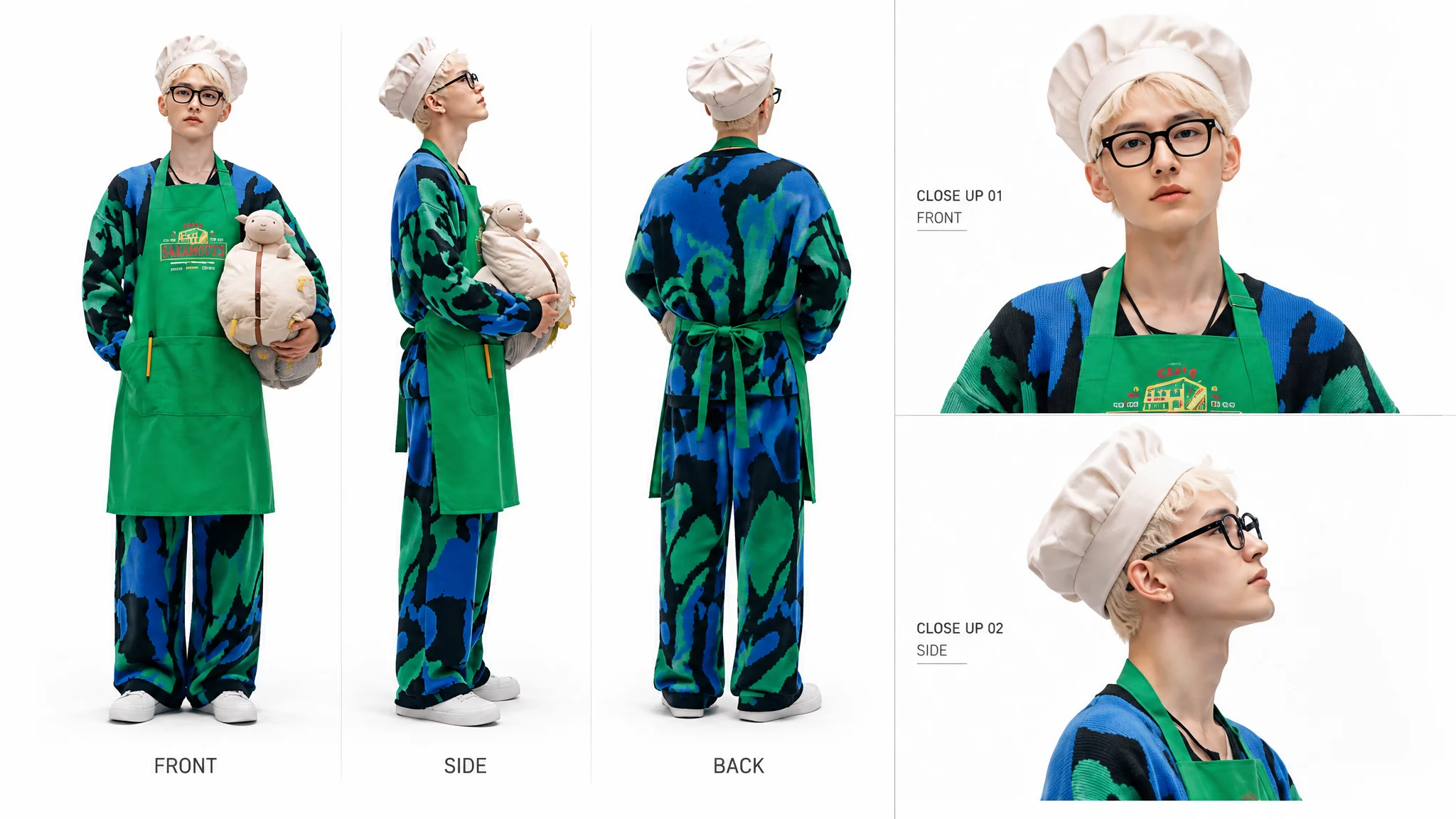
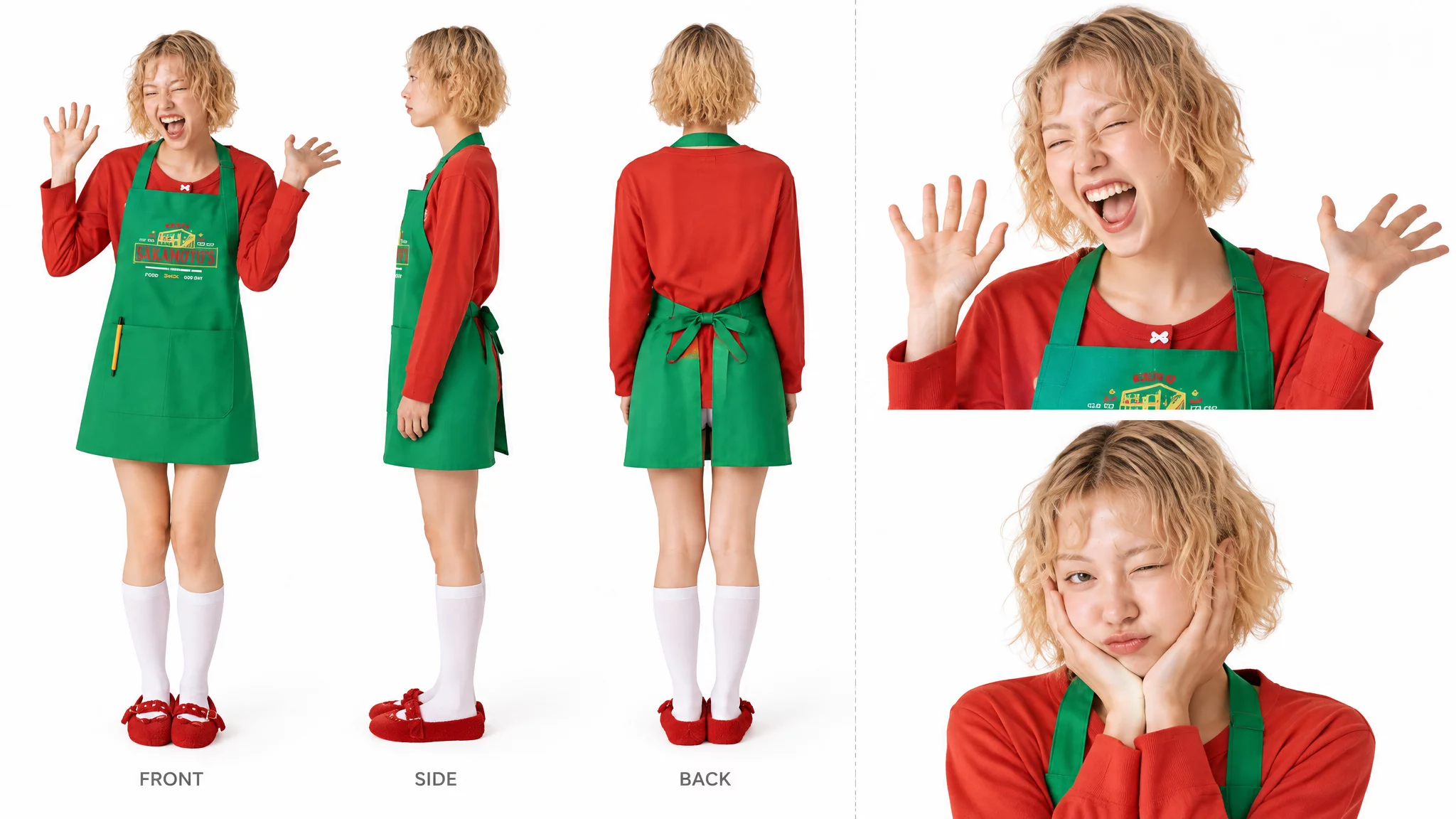
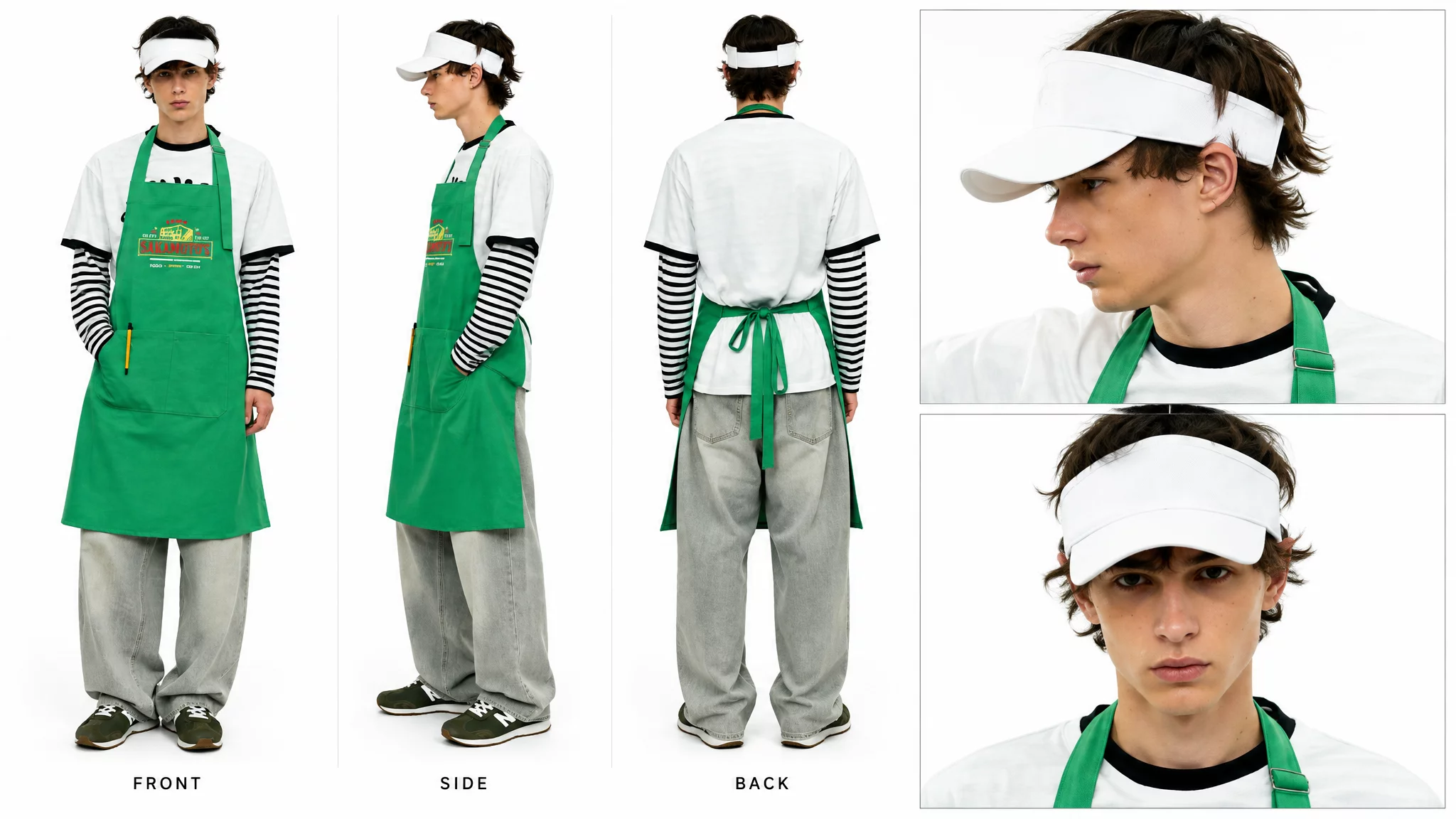
reference videos
reference files
Video 1 · Image 1 · Image 2 · Image 3
matching workflow
Video Editing · View result file
Element Removal & Style Changes
Removing an Element from a Clip
prompt
Remove the unwanted element from the source video. Reconstruct the background where it appeared, matching texture, lighting, and camera motion. Preserve the original action, timing, and all other objects. Keep the repaired area stable throughout the shot.
Try it in ChatGPT Try it in fal Agentreference videos
reference files
matching workflow
Video Editing · View result file
Changing a Video’s Visual Style
prompt
Change the source video’s rendering style while preserving its action sequence, shot timing, camera movement, and composition. Apply one consistent visual treatment across subjects and background. Keep silhouettes and important details recognizable. Do not introduce extra cuts or new events.
Try it in ChatGPT Try it in fal Agentreference videos
reference files
matching workflow
Video Editing · View result file
Longer Stories, Keyframes & Camera Direction
A longer clip needs a sequence the viewer can follow. Anchor the important visual moments and describe the action that connects them.
Continuous Storytelling
A Longer Story from a Reference Image
prompt
Use the reference images to establish the subject and setting for a continuous story. Begin with a clear setup, let one main action develop, then finish on a readable resolution. Maintain identity and scene layout throughout. Leave a short hold at the end instead of cutting off mid-action.
Try it in ChatGPT Try it in fal Agentreference images
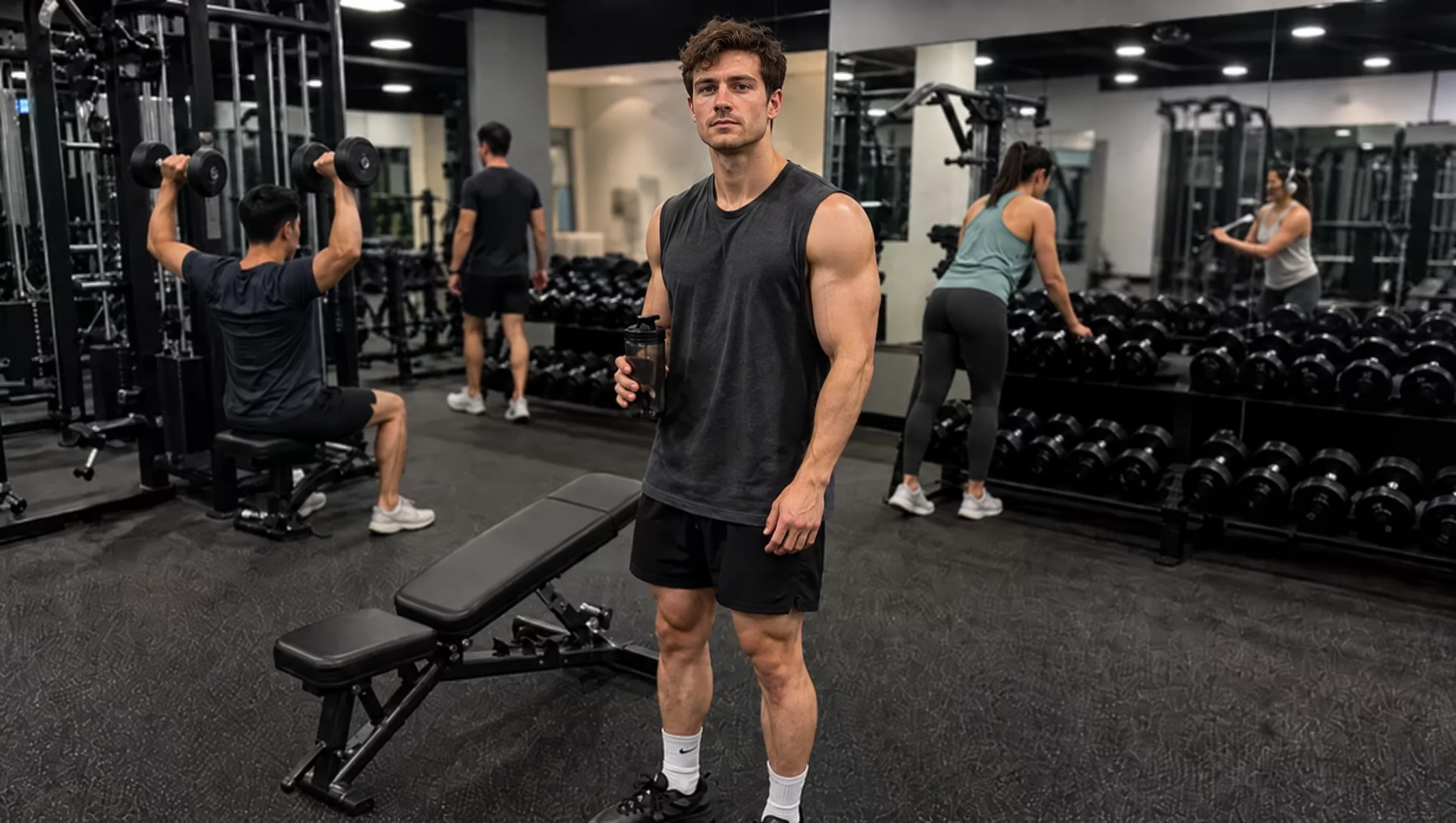
reference files
matching workflow
Reference to Video · View result file
Continuous Storytelling with Two References
prompt
Use the reference images to establish the subject and setting for a continuous story. Begin with a clear setup, let one main action develop, then finish on a readable resolution. Maintain identity and scene layout throughout. Leave a short hold at the end instead of cutting off mid-action.
Try it in ChatGPT Try it in fal Agentreference images

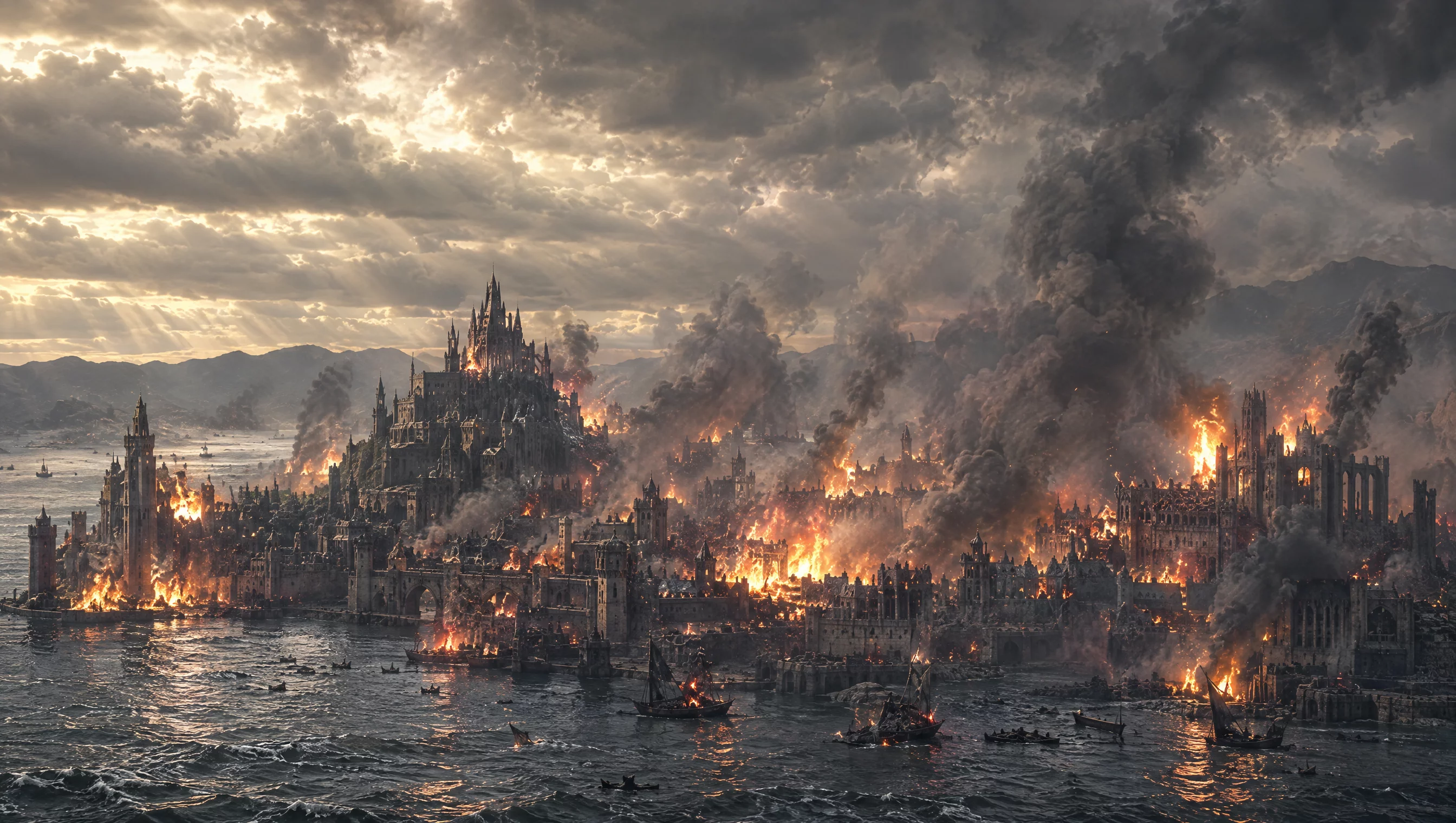
reference files
matching workflow
Reference to Video · View result file
Multi-Keyframe Control
Keyframe-Controlled Storytelling
prompt
Use the supplied keyframe material to anchor the important visual moments. Preserve the subject’s identity and the scene’s main geometry. Develop the action naturally into the target state, with a coherent camera path and no unrequested scene changes. Hold briefly on the key composition.
Try it in ChatGPT Try it in fal Agentreference images
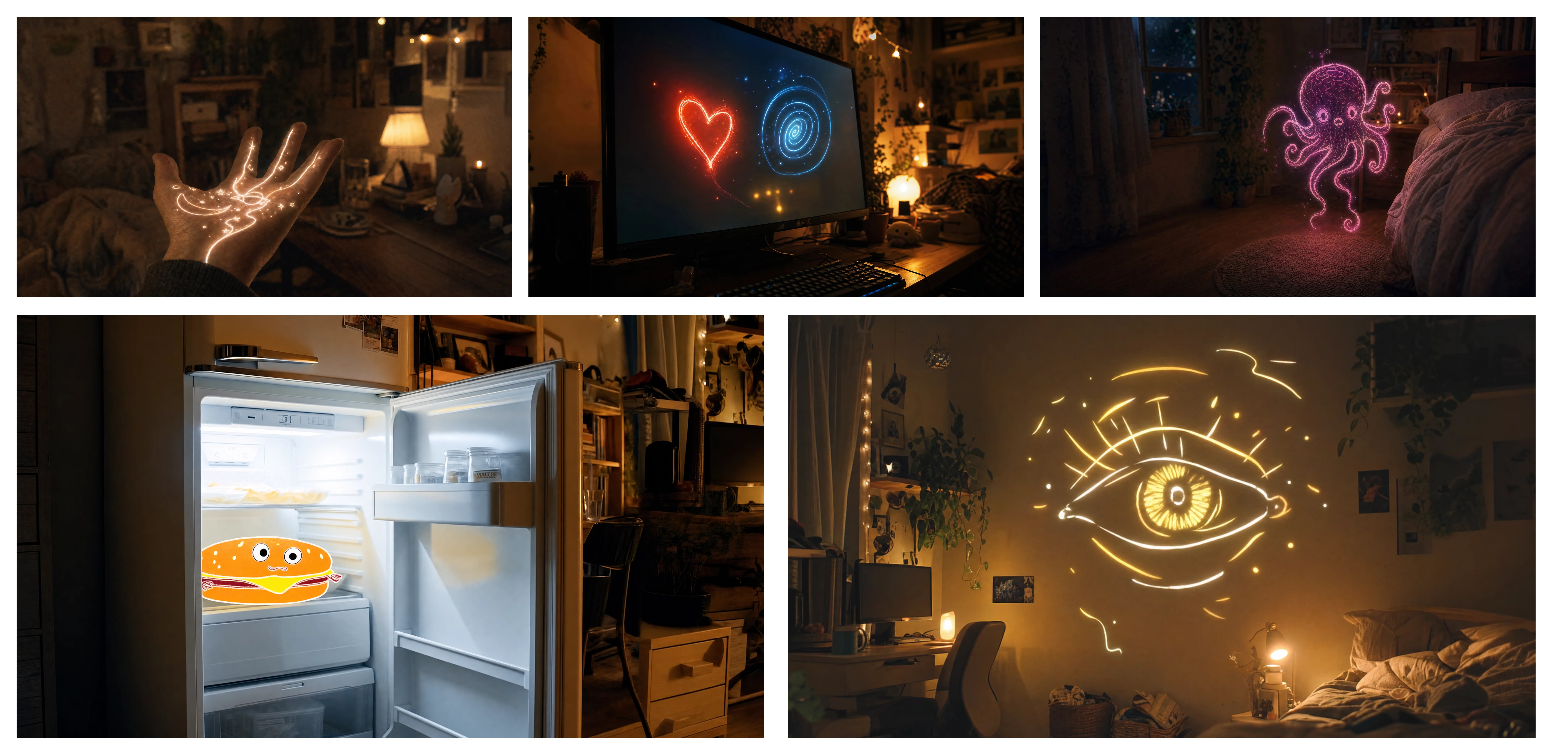
reference files
matching workflow
Image to Video · View result file
Anchoring the Key Story Beat
prompt
Use the supplied keyframe material to anchor the important visual moments. Preserve the subject’s identity and the scene’s main geometry. Develop the action naturally into the target state, with a coherent camera path and no unrequested scene changes. Hold briefly on the key composition.
Try it in ChatGPT Try it in fal Agentreference images
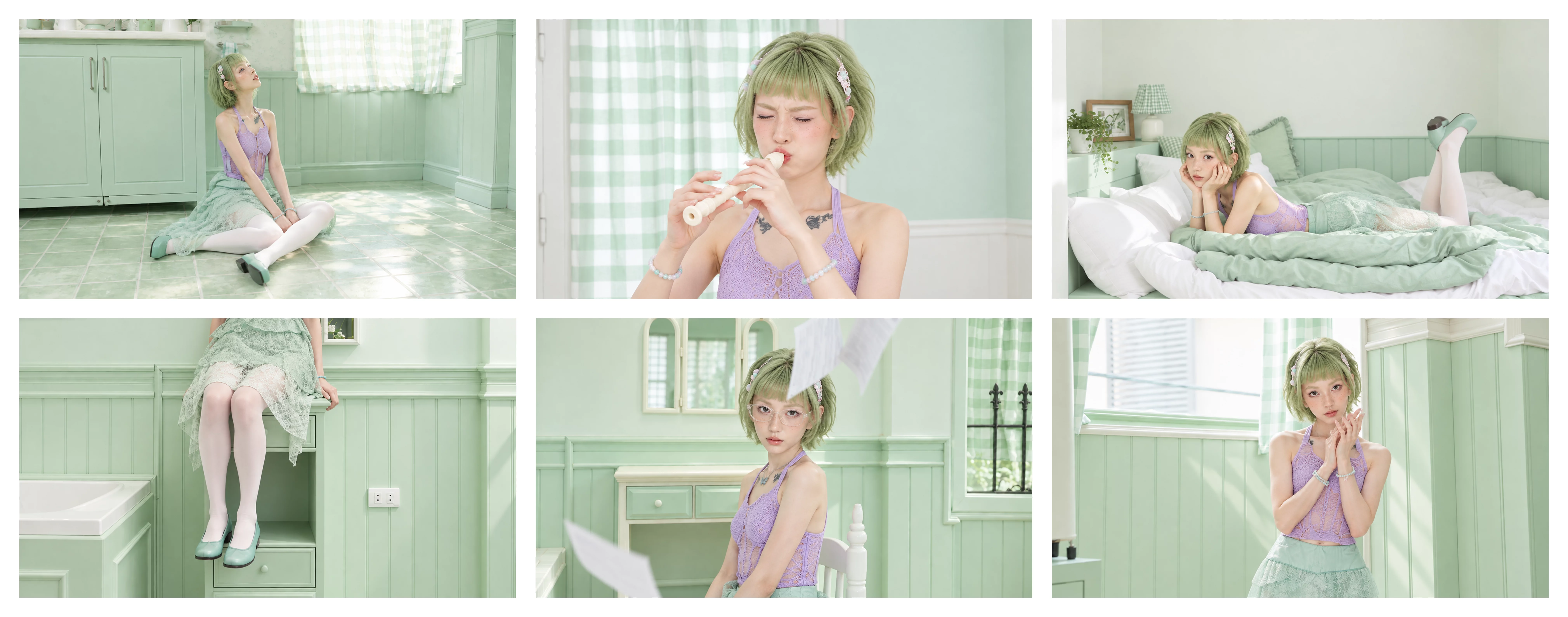
reference files
matching workflow
Image to Video · View result file
Connecting Multiple Visual Moments
prompt
Follow the supplied keyframes in order. Preserve character identity, proportions, and lighting between them. Show the movement that connects each pose or scene state rather than crossfading between still images. Keep the camera path coherent and let the final frame settle.
Try it in ChatGPT Try it in fal Agentreference images
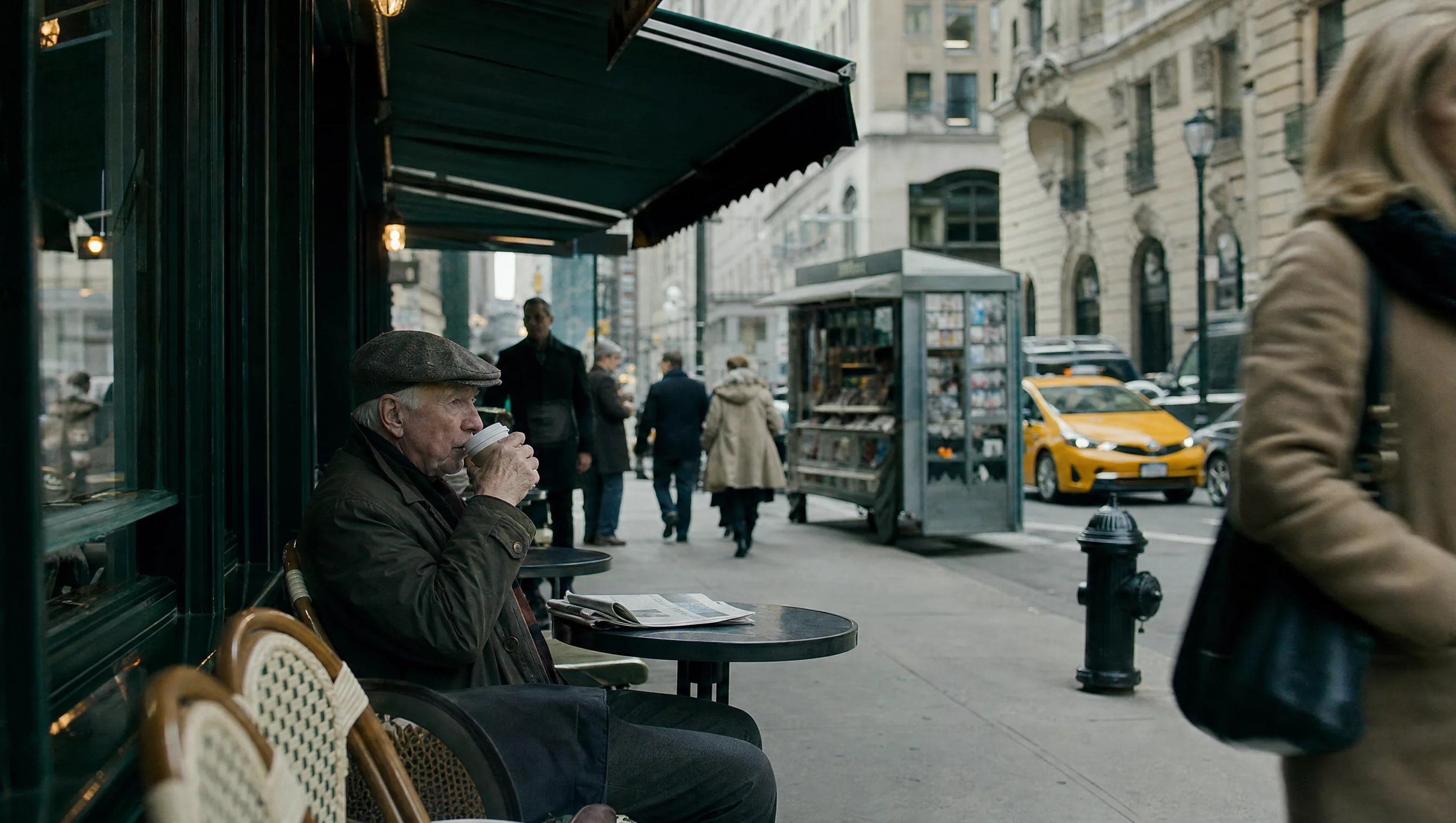
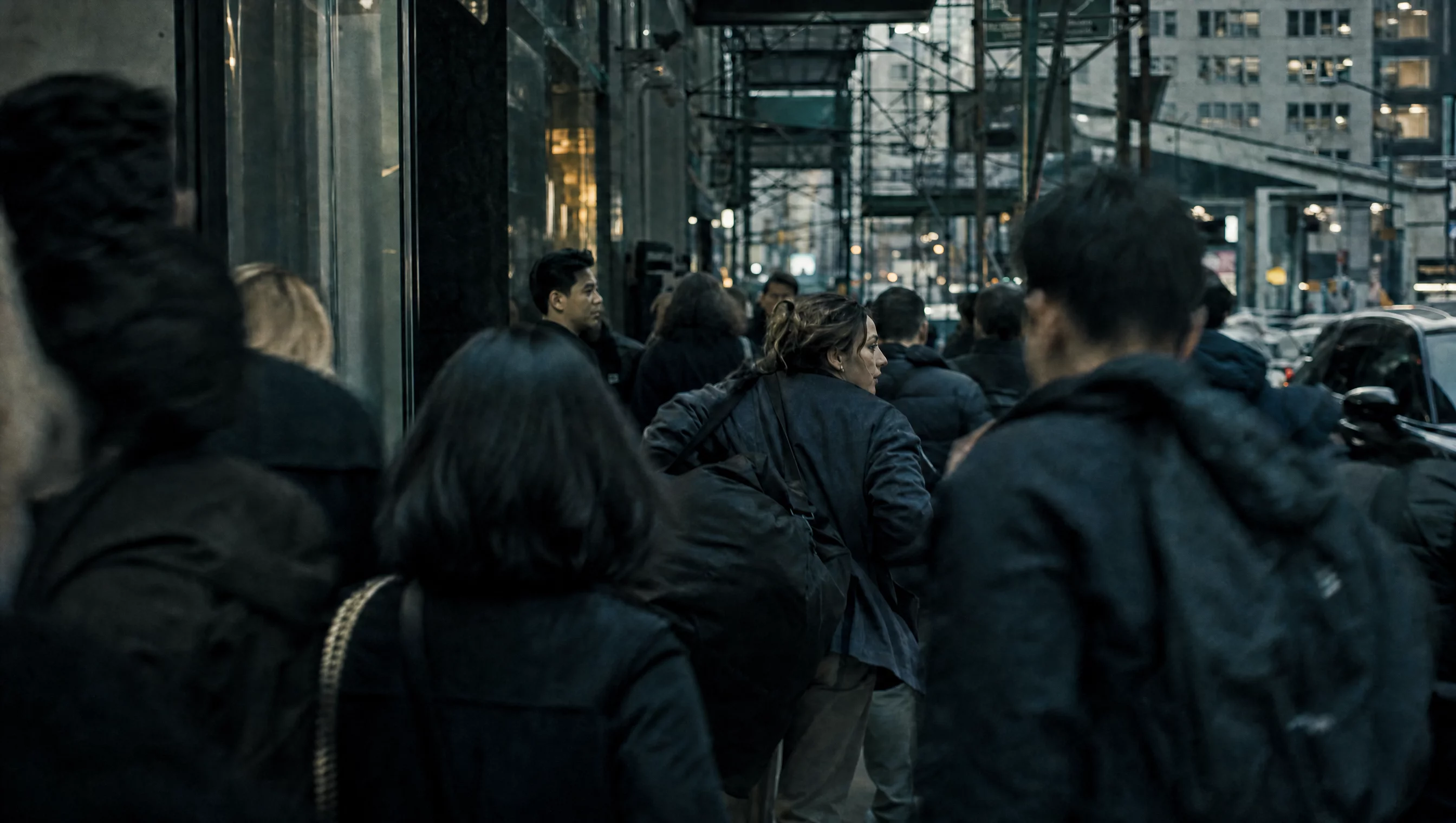
reference files
matching workflow
Image to Video · View result file
Short and Detailed Official Prompts
An Old Man Ranting About AI
prompt
An old man ranting about AI.
Try it in ChatGPT Try it in fal Agentmatching workflow
Text to Video · View result file
Two Friends Reunite at Dusk
prompt
A continuous 7-second shot set in the UK. Two friends who have not seen each other for a long time meet at the corner of a quiet street at dusk, surrounded by a diverse crowd going about their daily lives. They smile, walk quickly toward each other, and share a warm embrace. Their facial expressions and body movements are natural. A handheld camera follows them with subtle camera shake. Soft, warm lighting with a nostalgic cinematic film look. Include natural footsteps, street ambience, background music, and English dialogue.
Try it in ChatGPT Try it in fal Agentmatching workflow
Text to Video · View result file
Camera Movement
Fluid Camera Direction: Example One
prompt
Create a cinematic continuous shot with a clearly defined camera move. Begin in a medium-wide composition, move smoothly toward the subject, and settle into a closer view. Keep the subject’s movement separate from the camera’s motion. Preserve stable perspective and avoid sudden changes in focal length.
Try it in ChatGPT Try it in fal Agentmatching workflow
Text to Video · View result file
Fluid Camera Direction: Example Two
prompt
Create a cinematic continuous shot with a clearly defined camera move. Begin in a medium-wide composition, move smoothly toward the subject, and settle into a closer view. Keep the subject’s movement separate from the camera’s motion. Preserve stable perspective and avoid sudden changes in focal length.
Try it in ChatGPT Try it in fal Agentmatching workflow
Text to Video · View result file
Dialogue & On-Screen Text
Write the spoken line or visible wording explicitly. Keep speaker assignment, delivery, and visual text separate in the prompt.
Language & Delivery
Reference-Led Dialogue: Example One
prompt
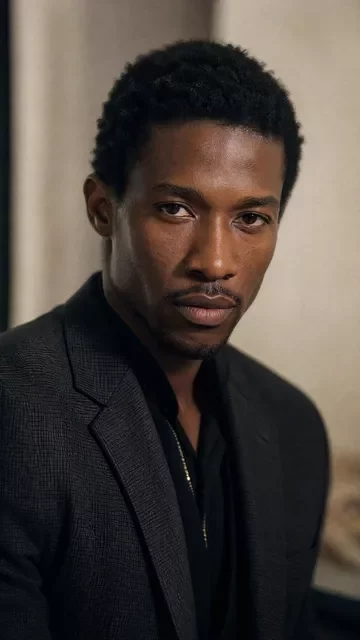
Use the supplied image to preserve the speaker’s identity and setting. Create a natural speaking performance with a clearly specified language and the English line “Let’s take a closer look,” spoken in a relaxed British accent. Keep the voice, mouth movement, expression, and gestures coordinated. Use quiet ambience and avoid overlapping voices.
Try it in ChatGPT Try it in fal Agentreference images
reference files
matching workflow
Reference to Video · View result file
Reference-Led Dialogue: Example Two
prompt
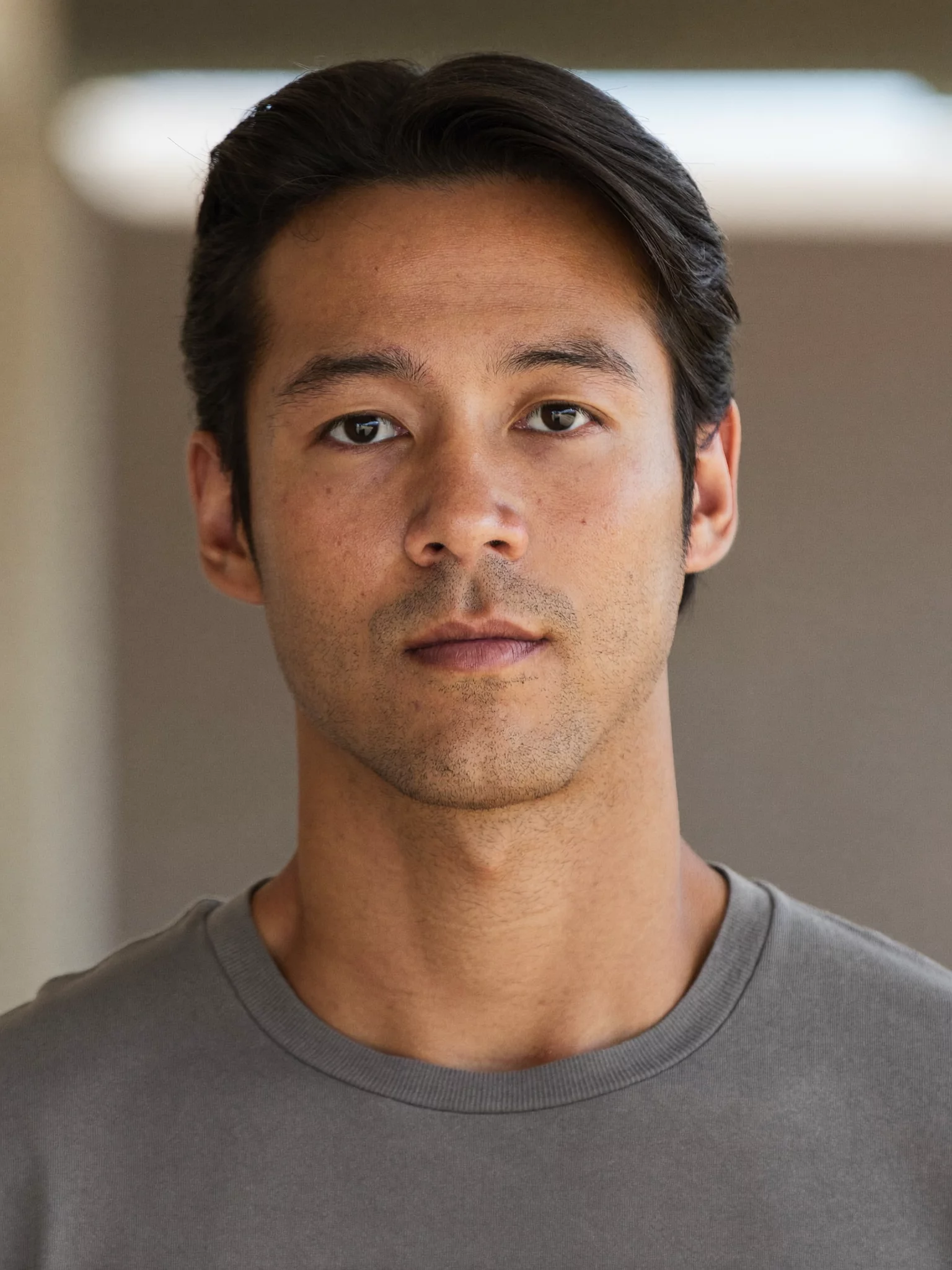
Use the supplied image to preserve the speaker’s identity and setting. Create a natural speaking performance with a clearly specified language and the Spanish line “Vamos a verlo de cerca,” spoken naturally. Keep the voice, mouth movement, expression, and gestures coordinated. Use quiet ambience and avoid overlapping voices.
Try it in ChatGPT Try it in fal Agentreference images
reference files
matching workflow
Reference to Video · View result file
Text Generation
Text Generation: Example One
prompt
Create a short scene with one clearly visible sign reading exactly “OPEN LATE”. Preserve the spelling and letter shapes while the camera makes a slow controlled move. Keep the sign fixed to its surface with consistent perspective and lighting. Do not add other text or subtitles.
Try it in ChatGPT Try it in fal Agentmatching workflow
Text to Video · View result file
Text Generation: Example Two
prompt
Create a short scene with one clearly visible sign reading exactly “OPEN LATE”. Preserve the spelling and letter shapes while the camera makes a slow controlled move. Keep the sign fixed to its surface with consistent perspective and lighting. Do not add other text or subtitles.
Try it in ChatGPT Try it in fal Agentmatching workflow
Text to Video · View result file
Kling 4.0 Flash
Use a focused brief for a short draft. Flash’s source specifications list 3–20 seconds at 720p; do not assume the full model’s output settings apply.
Reference-Based Flash Examples
Kling 4.0 Flash with Multiple References
prompt
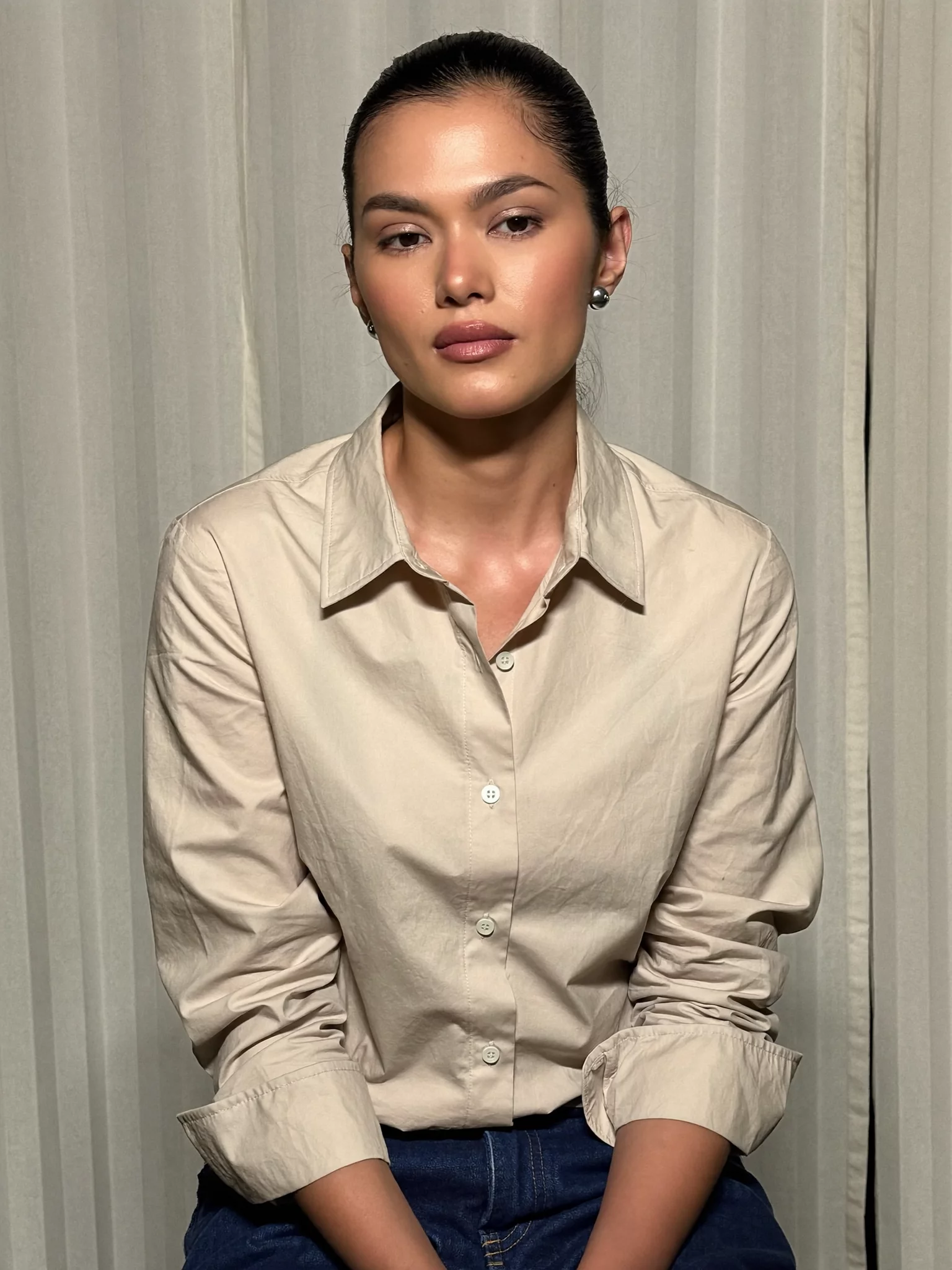
Use the supplied reference images to define the subject and setting. Create one short, focused action with a simple camera move. Preserve the key identity and material details. Keep the composition readable, avoid unnecessary scene changes, and finish with a clear final frame.
Try it in ChatGPT Try it in fal Agentreference images
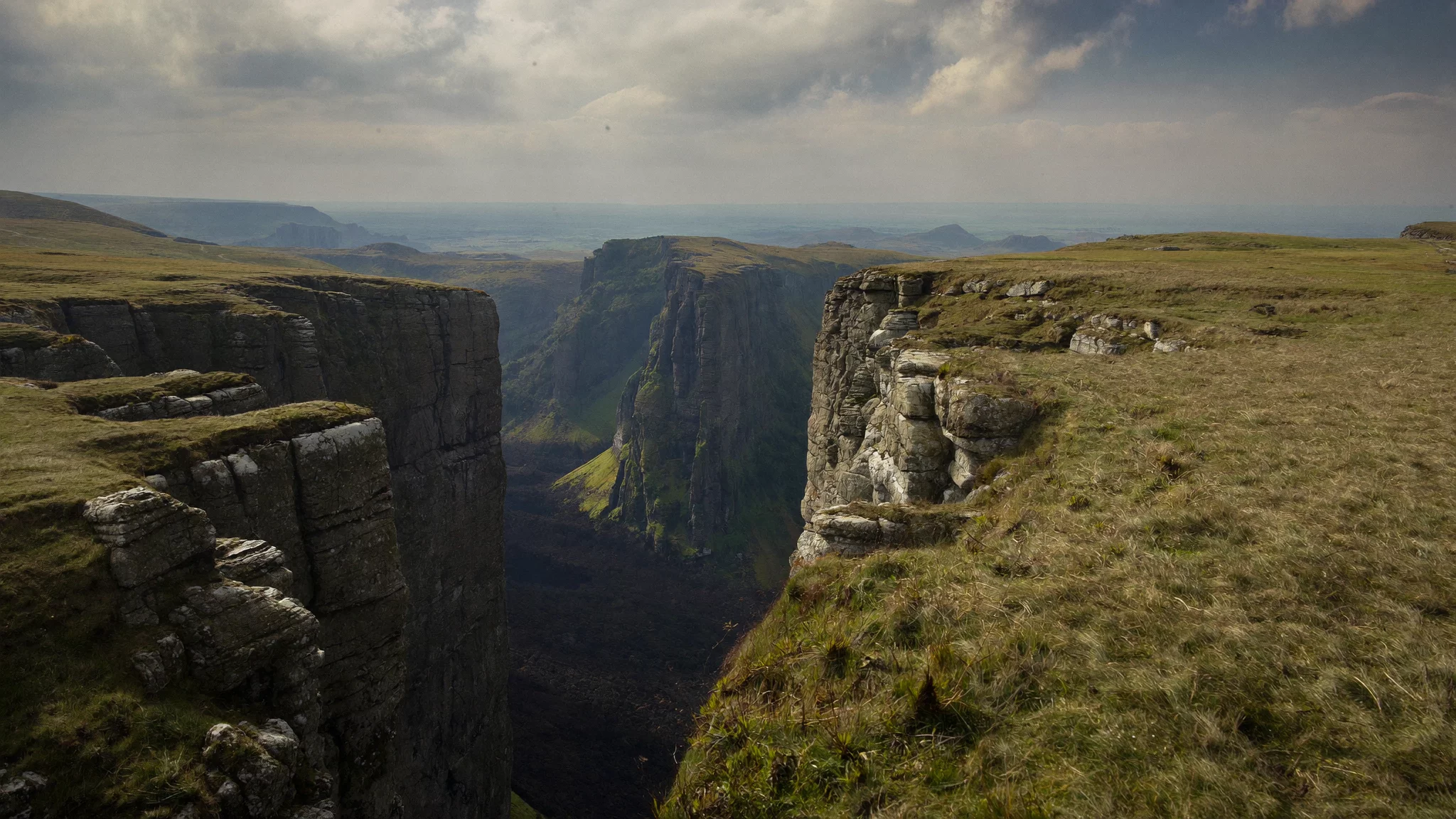
reference files
matching workflow
Reference to Video · View result file
Kling 4.0 Flash with One Reference
prompt
Use the supplied reference images to define the subject and setting. Create one short, focused action with a simple camera move. Preserve the key identity and material details. Keep the composition readable, avoid unnecessary scene changes, and finish with a clear final frame.
Try it in ChatGPT Try it in fal Agentreference images
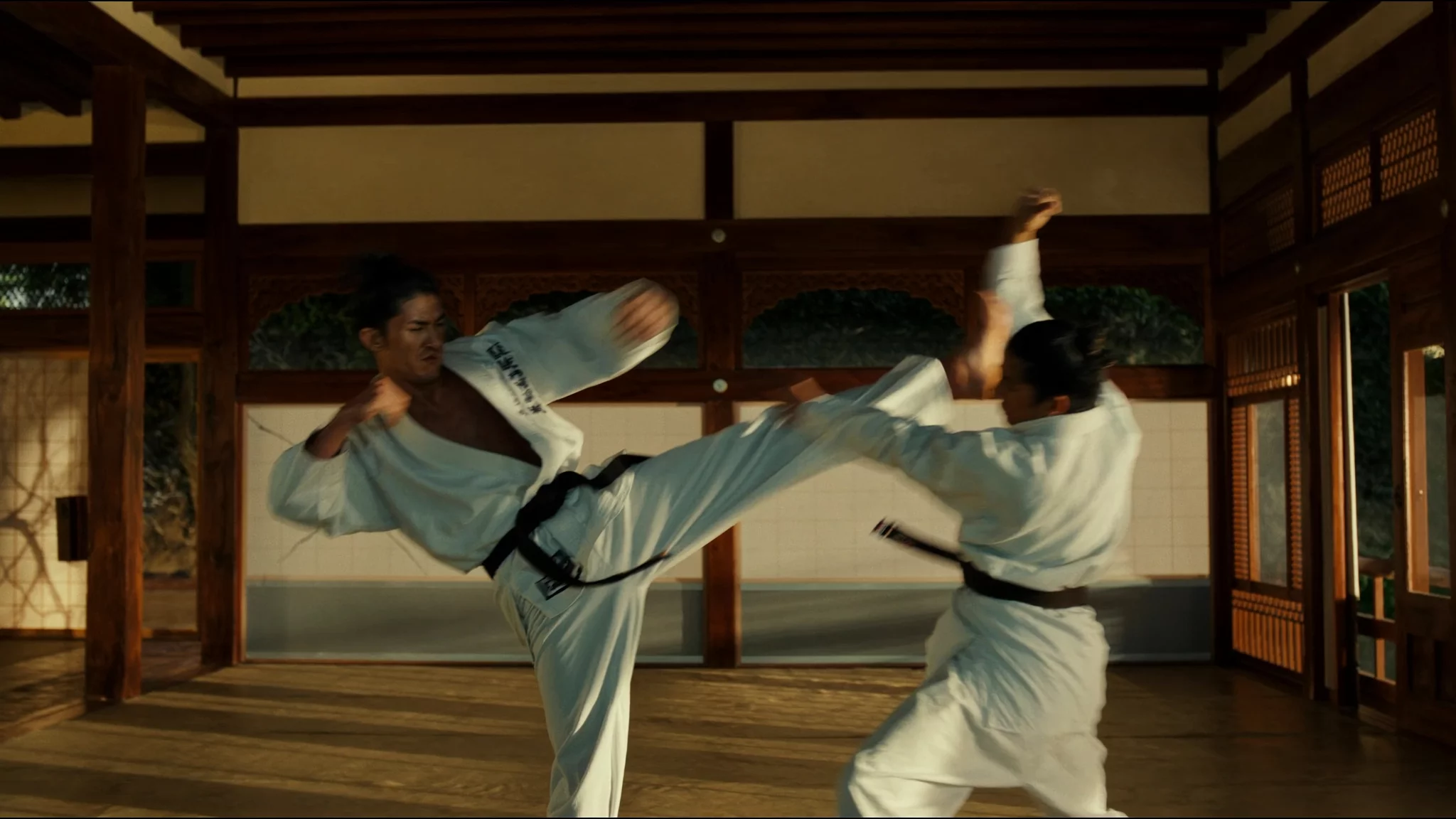
reference files
matching workflow
Reference to Video · View result file
How to Get Better Results with Kling 4.0
1. Give each reference a specific job
Write the assignments before the action: “Image 1 defines the character. Image 2 defines the room. Video 1 supplies the camera path only.” This prevents a reference from becoming an ambiguous instruction to copy everything. For product work, name the silhouette, material, label, and markings that must survive the shot.
2. Describe what changes, then what stays fixed
An image already supplies substantial visual information. Spend the prompt on the movement that follows it: a turn, a reveal, a hand interaction, or a camera move. Add preservation instructions for details that matter to the job. “Keep the package geometry and label unchanged” is more actionable than “make it high quality.”
3. Give a sequence an opening, development, and finish
For multiple beats, use a short timeline. Establish the subject first, show the important action second, and leave a final hold so the result can be understood. Treat timestamps as creative direction rather than a guarantee of frame-exact execution. If a scene feels rushed, remove an event before adding another paragraph.
4. Keep camera direction physically clear
Name the starting composition, the path, and the ending view. A camera can track beside a moving subject or push toward a stationary one; those are different instructions. Avoid asking for a locked camera and an orbit in the same shot. When using a motion reference, identify whether it governs the performer, the camera, or both.
5. Write dialogue as dialogue
Quote the line and name the speaker. Then specify language, delivery, and pauses. Keep background sound subordinate to speech when the words matter. On-screen text is a separate task: state its exact spelling, position, and how long it should remain readable. Inspect both lip synchronization and lettering before publishing.
6. Make edits narrow enough to evaluate
For an existing clip, put the requested replacement or removal first. Protect the original timing, camera path, unaffected identities, and object interactions. Review occlusions and contact shadows, not just the first frame. If several changes fail together, isolate them rather than rewriting every part of the brief.
7. Choose keyframes for meaningful state changes
Use a keyframe when a composition, character state, or story beat must be anchored. Explain the transition between frames. Keep the same subject and setting consistent unless a deliberate change is part of the story. More keyframes are useful only when they resolve a specific visual requirement.
8. Iterate against a visible problem
Keep the prompt, references, asset order, and settings with each result. Change one major dimension at a time. If identity drifts, revise the identity assignment; if pacing drifts, simplify the timeline. A longer prompt is not automatically a clearer one.
Choose the Right Workflow
| Input you have | Starting workflow | Main instruction |
|---|---|---|
| A scene described in words | Text to Video | Subject, action, camera, look, and sound |
| An opening image | Image to Video | What happens after that exact frame |
| Opening and closing states | First and last frames | The movement connecting them |
| Several required visual moments | Multi-keyframes | Order, transitions, and continuity |
| Character, product, style, or motion assets | Reference to Video | What each asset controls |
| Existing footage to change | Video Editing | What changes and what stays fixed |
The workflow links are starting points for recreating the type of example. They are not claims that the official clips were generated through fal. Check the current playground controls for available settings before making a request.
Model Specifications and Release Details
The following specifications and release copy come from the saved official Kling notes. Availability can differ by host. The notes’ table lists 4K and HDR, while the accompanying text calls 10-bit HDR at 1080p and 4K “coming soon.” Repeated extension to two minutes is also marked “coming soon.” Do not treat a listed feature as a confirmed control in every playground.
Dear Kling AI Creators,
The all-new Kling 4.0 officially became available to everyone on October 15.
Realism, control, and professional quality are at the heart of this upgrade.
Kling 4.0 brings major improvements in visual realism, creative control, and narrative completeness, alongside breakthroughs in audiovisual quality, multi-keyframes, lip-sync, text generation, creative recreation, and more.
Built for frequent creation, Kling 4.0 Flash combines fast generation with reliable generation quality, helping you turn ideas into videos with ease.
We’ve also redesigned the creation page to give you a more flexible and intuitive creative experience.
Let's explore what’s new in Kling 4.0!
Kling 4.0 Core Capabilities and Specifications
| Capability | Kling 4.0 |
|---|---|
| Text-to-video | ✓ |
| Image-to-video | ✓ |
| First & Last Frames | ✓ |
| Multi-keyframes | ✓ Up to 10 keyframe images as input |
| Omni Reference | ✓ |
| Video Duration | 3–30 seconds |
| Resolution | 720p / 1080p / 4K |
| Dynamic Range | 10-bit HDR (1080p、4K) |
| Aspect Ratio | 21:9 / 16:9 / 1:1 / 9:16 / Auto |
| Audio Output | Two-channel stereo |
| Languages | Chinese, English, Japanese, Korean, Spanish, Portuguese, German , French , Hindi , and more. |
| Dialects and accents | Chinese: Beijing accent, Taiwanese Mandarin accent, Northeastern accent, Sichuan dialect, Cantonese, and more English: American, British, Indian, and more. |
| Text Generation | Chinese, English, Japanese, Korean, Spanish, Portuguese, German, French, Hindi, and emojis |
| Text Input Length | Up to 8,000 tokens |
| Reference Images Input | Up to 10 images |
| Reference Video Input | Up to 5 videos, with a combined duration of up to 30 seconds |
| Reference Audio Input | Voice reference only |
| Reference Element Input | Up to 7 elements in total, including up to 3 video-based elements |
| Reference Capability Notes | Up to 15 items across images, videos, voice references, and elements |
| Video Editing | Supports up to 5 input video clips, including 1 primary video. Each clip must be 3–30 seconds long, and the combined duration of all clips must not exceed 30 seconds. |
Kling 4.0 Highlights
1. Audio-Visual Performance for True-to-Life Visuals
Stable Dynamic Motions and an immersive audio-visual experience, taking video generation to professional-grade production.
Handle large-scale scenes with ease
Dynamic Motions and complex camera movements remain smooth and stable. Whether it’s high-speed movement, continuous action, tracking shots, or orbit shots, footage stays stable and seamless.
A major leap in audio-visual quality
Supports high-quality audio and two-channel stereo. More accurate Lip Sync keeps voices, dialogue, and performances naturally synchronized, delivering a more immersive audio experience.
Lifelike Visuals, Down to the Details
Greater visual realism and more expressive characters make facial details, lighting, and textures feel more natural, while expressions, body language, and emotions come through with greater nuance. A glance, a moment of hesitation, or the slightest change in expression can convey emotion clearly on screen.
Professional-Grade Output
10-bit HDR output at 4K and 1080p is coming soon, delivering richer color and smoother transitions between light and shadow. In high-contrast scenes such as backlit shots, night scenes, and neon-lit settings, it preserves more detail in highlights and shadows, reduces color banding, and gives creators more flexibility in color grading. 21:9 ultrawide format is also supported, expanding the field of view and giving creators more room to compose immersive, cinematic shots.
2)Omni Reference for Greater Creative Control
Richer reference options and more consistent results, making it easy to recreate trending videos.
Richer Reference Options
● Multimodal References: Use up to 15 reference assets in a single generation, combining images, videos, and elements (including a specified voice for an element). You can include up to 10 images, 5 videos (up to 30 seconds in total, including video elements), and 7 elements (including elements defined by multiple images or videos).
● Image References: Use element images, three-view references, image grids, infographics, keyframes, wireframes, and more to define characters, scene layouts, visual styles, text and graphic elements, shot composition, and key story beats. This makes it easier to communicate your creative intent clearly and precisely.
● Video References: Use video inputs to guide character performances, actions, camera movements, and narrative pacing. White-model and depth-map videos are also supported, giving you more precise control over motion, camera movement, and timing.
Stable consistency
References work together more reliably, keeping characters, actions, camera shots, and audio closer to your intended results.
Effortless Creative Recreation
Reference the narrative pacing, shot composition, and visual expression of existing videos while replacing products, characters, and other assets. No need to start from scratch or repeatedly fine-tune. Quickly turn proven creative concepts into your own content for social media, product advertising, fashion and beauty, consumer electronics, and other commercial video applications.
Precise video editing
Make targeted edits to character expressions, body movements, camera positions, camera movements, overall style, video backgrounds, and more, while keeping the rest of the scene stable. Reduce repeated generations and iterate more efficiently.
3) Narrative Upgrade for Seamless Storytelling
Generation up to 30 seconds, with precise control over narrative beats—turning your spark of inspiration into a complete story.
Long-form storytelling
Generate up to 30 seconds of video in a single generation, supporting long takes and continuous storytelling.
Precise multi-keyframe control
Freely define key visual moments and precisely specify character states, scene changes, and story beats, allowing the narrative to unfold naturally as intended. Supports up to 10 keyframe inputs.
Smarter Prompt Understanding
Whether you start with a simple prompt or a carefully crafted, complex one (now up to 8,000 tokens), Kling 4.0 can expand and refine your instructions with a director’s eye, helping you develop your creative vision further.
Fluid Camera Direction
Kling 4.0 shows a stronger understanding of camera movement and shot sequencing. Push-ins, pull-outs, pans, tracking shots, and orbiting moves feel more natural and stable, while changes in shot size and transitions flow smoothly. From character entrances and action sequences to product reveals and story turns, it brings more polished, expressive shot composition to every scene.
4)Diverse Content for Limitless Creativity
Greater creative freedom with support for Multiple Languages, Accents, and Dialects and Text Generation, so your creativity knows no bounds.
More Possibilities for Creative Production
Push the boundaries of filmmaking, short-form drama, animation, advertising, and music videos. Kling 4.0 handles distinctive visual and audio styles with precision, helping bring both personal ideas and professional commercial projects to life.
A Wider Range of Visual Styles
Create in styles ranging from vlogs and realistic documentaries to clay animation, glitch art, felt textures, and 3D cyber aesthetics, across a variety of elements and creative concepts.
5)Enhanced Language, Dialect and Accent Capabilities
Faster generation, greater value
Stronger Multilingual Capabilities
Improved support for languages, accents, and dialects. Kling 4.0 now supports Chinese, English, Japanese, Korean, Spanish, Portuguese, German, French, Hindi, and more. It also supports a range of accents and dialects, including Beijing, Taiwanese, Northeastern Chinese, Sichuanese, and Cantonese, as well as American, British, and Indian English accents.
Clear, Reliable Text Generation
Generate legible text in Chinese, English, Japanese, Korean, Spanish, Portuguese, German, French, Hindi, and more, alongside emoji and logos. Text remains clear and stable even as the camera moves or scenes change, keeping key information easy to read.
Kling 4.0 Flash for Faster, Easier Creation
Built for frequent creation, Kling 4.0 Flash combines fast generation with excellent value, making it easier to bring your video ideas to life.
Kling 4.0 Flash Core Capabilities and Specs
| Capability | Kling 4.0 Flash |
|---|---|
| Text to Video | ✓ |
| Image to Video (First Frame) | ✓ |
| Omni Reference | ✓ |
| Video Duration | 3–20 seconds |
| Resolution | 720p |
| Dynamic Range | 8-bit SDR |
6)Video Extension for Longer Stories
Extend videos multiple times, up to 2 minutes, to keep the story going.
Upload a video and extend it multiple times, up to 2 minutes, giving actions, emotional buildup, and multi-part storylines more room to unfold (coming soon).
All-new Creation Interface
A Simpler, More Efficient Way to Create Videos
We’ve redesigned Kling’s creation page to make the creative process clearer and the workflow more efficient.
An All-in-One Creation Experience
One input box for every idea.
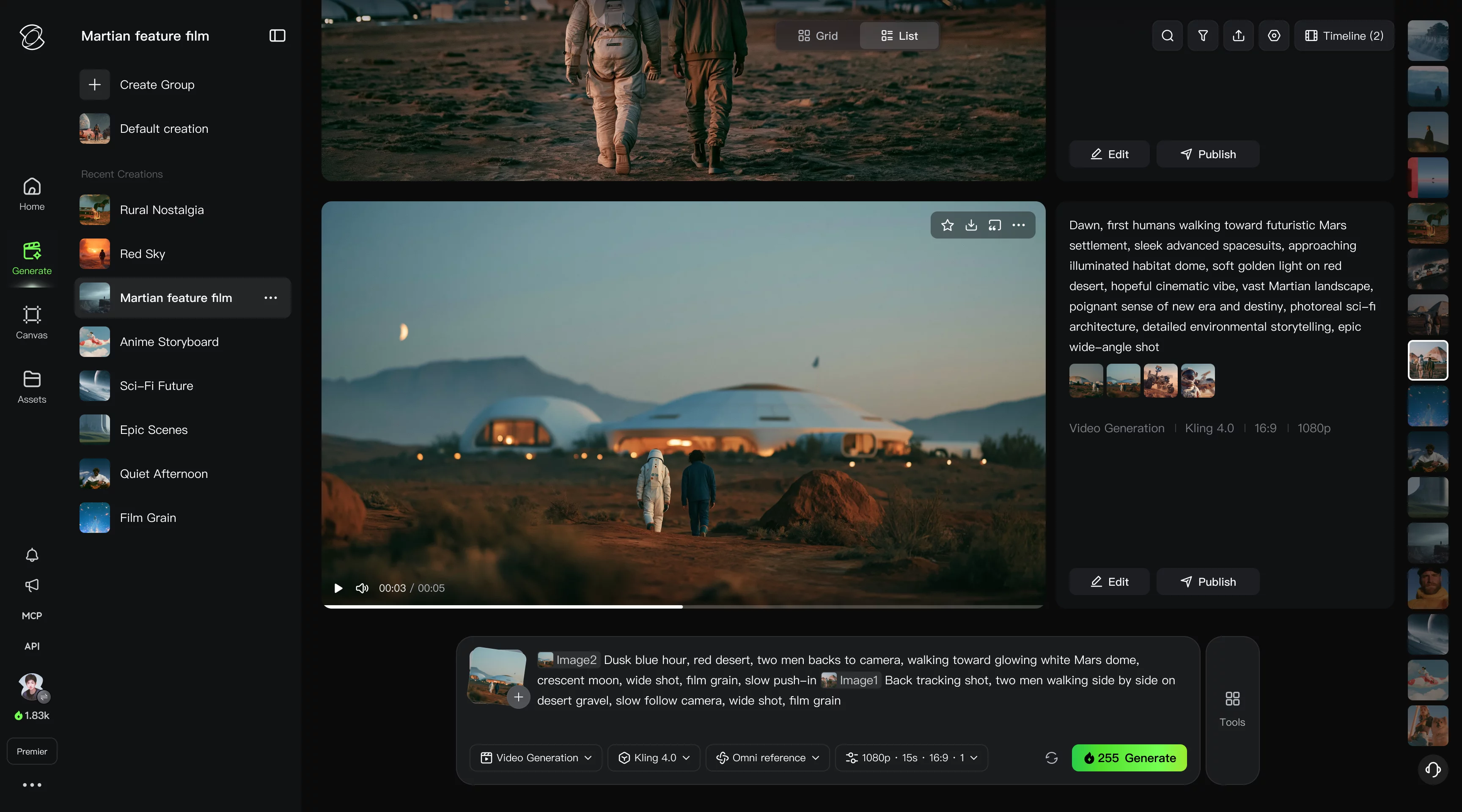
We’ve brought the input options previously spread across the toolbar into a single box. Combine images, videos, and audio as references in one place, and bring your ideas together in a single creative workflow.
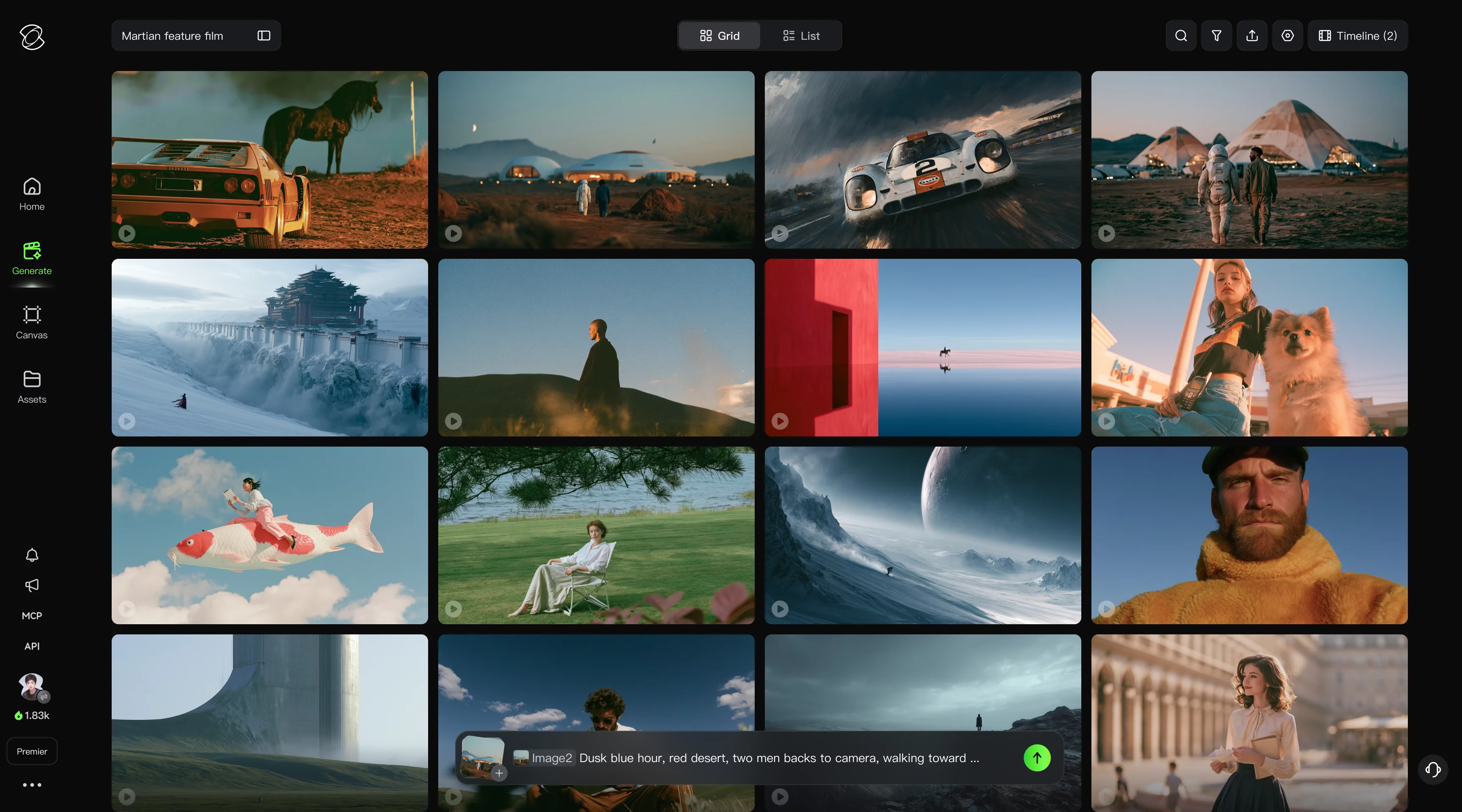
Switch Between Grid and List Views
Browse quickly in a grid. Focus on each creation in a list.
The creation interface now lets you switch between grid and list views. Grid view makes it easy to browse and compare multiple creations at a glance, while list view lets you review and edit them one by one.
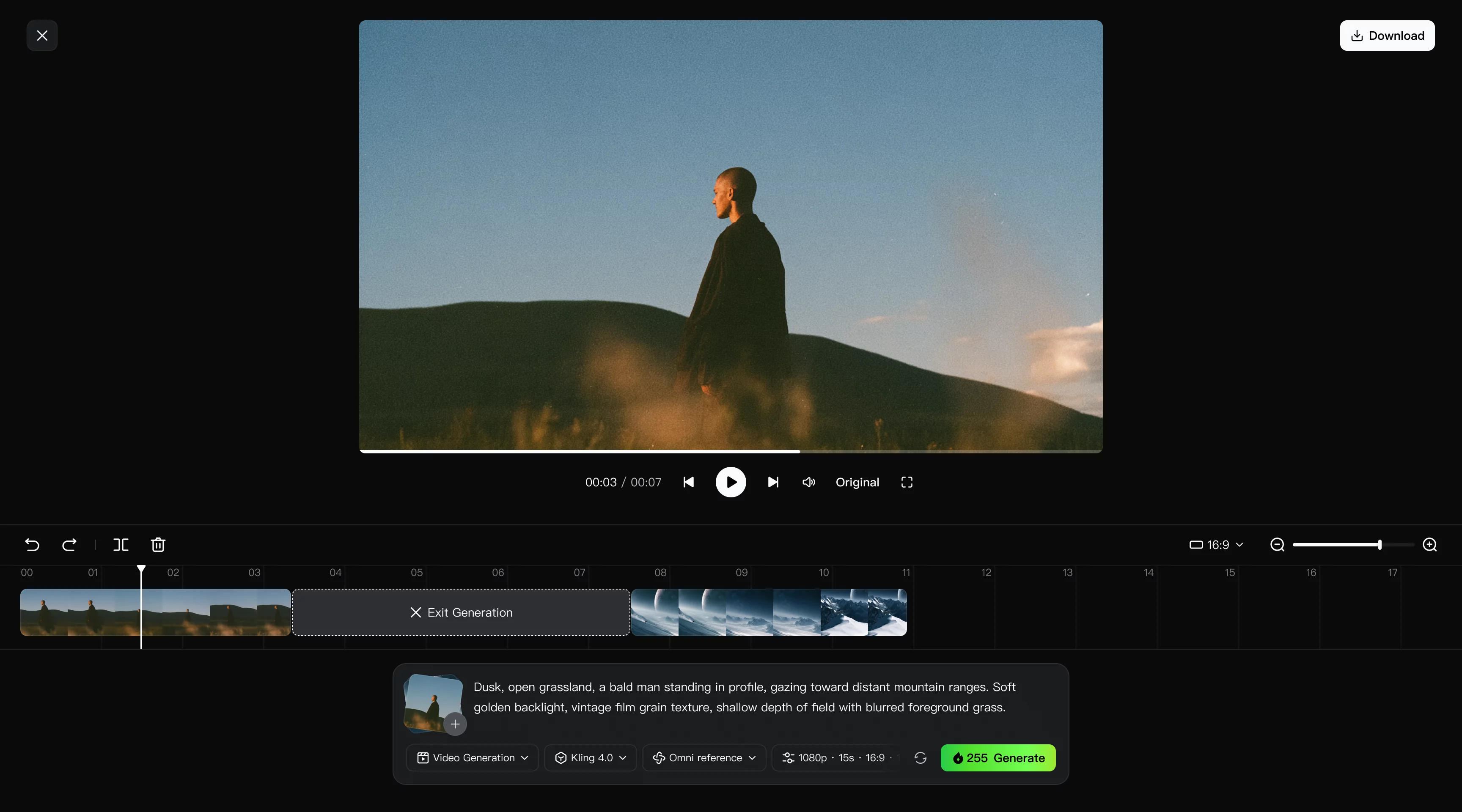
Continuous Timeline Creation
Preview and refine as you go, without breaking your flow.
Preview, edit, and add assets on a single timeline. Make changes or insert new material at any point without leaving your workflow or starting over, so you can keep creating as your ideas evolve.
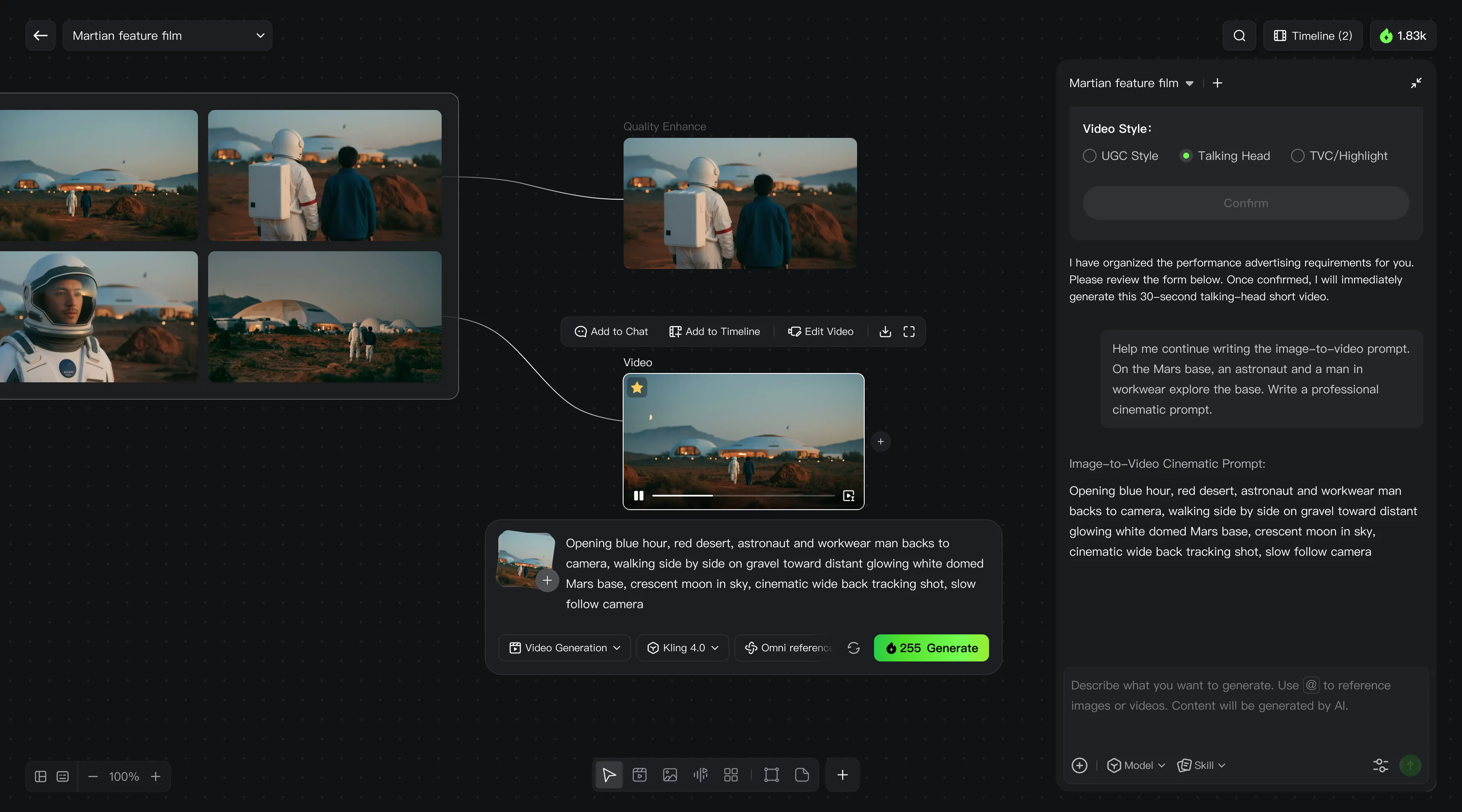
A New Canvas and Agent Experience
Connect every step on the canvas, with Agent to help you create.
The new canvas lets you create nodes, connect content, and arrange your workspace freely. It brings your assets, creative process, and generated results into one view, making even complex workflows easier to follow. You can also tell the Agent what you want to create. It can understand your request, use tools, and carry out tasks to help move your project forward.
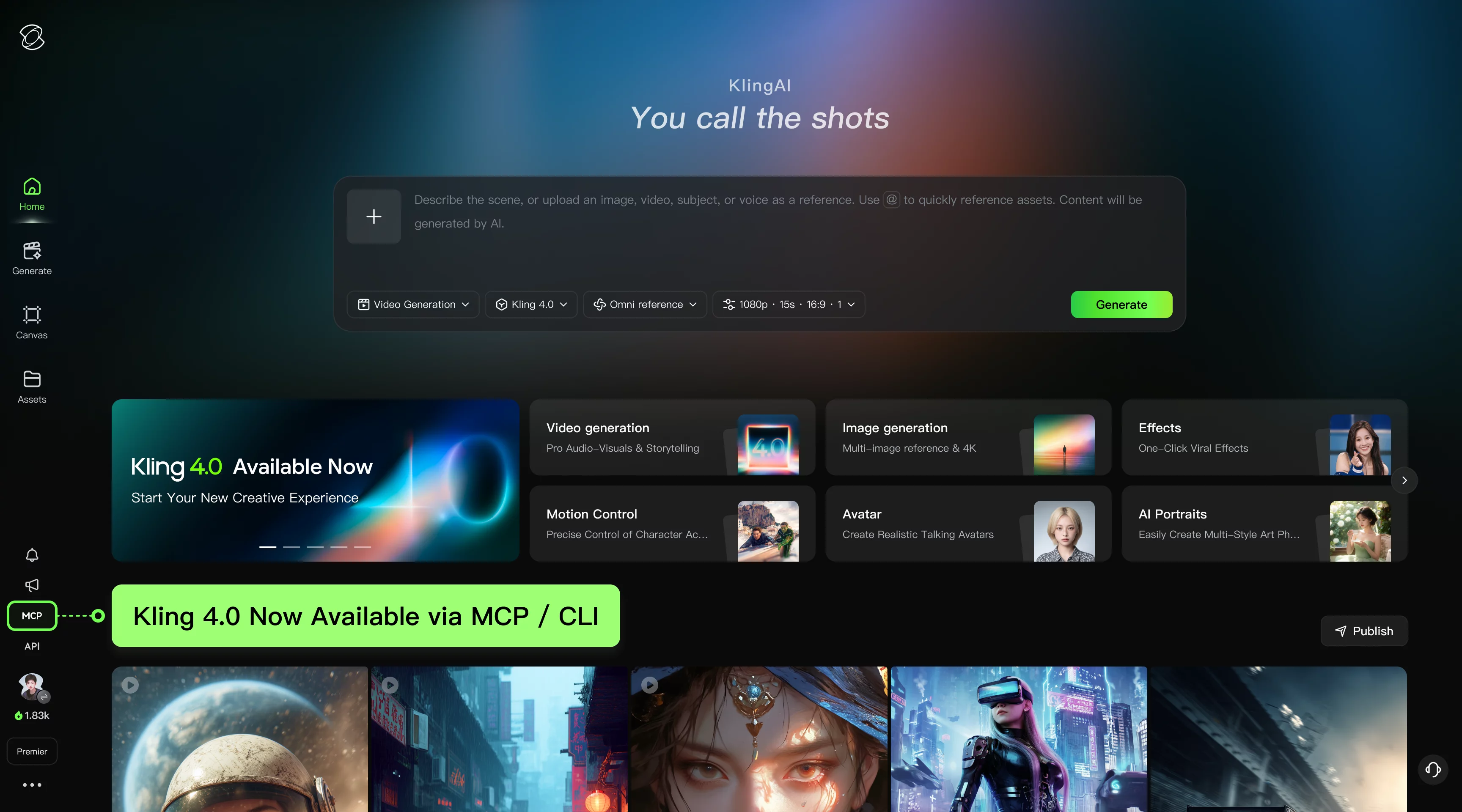
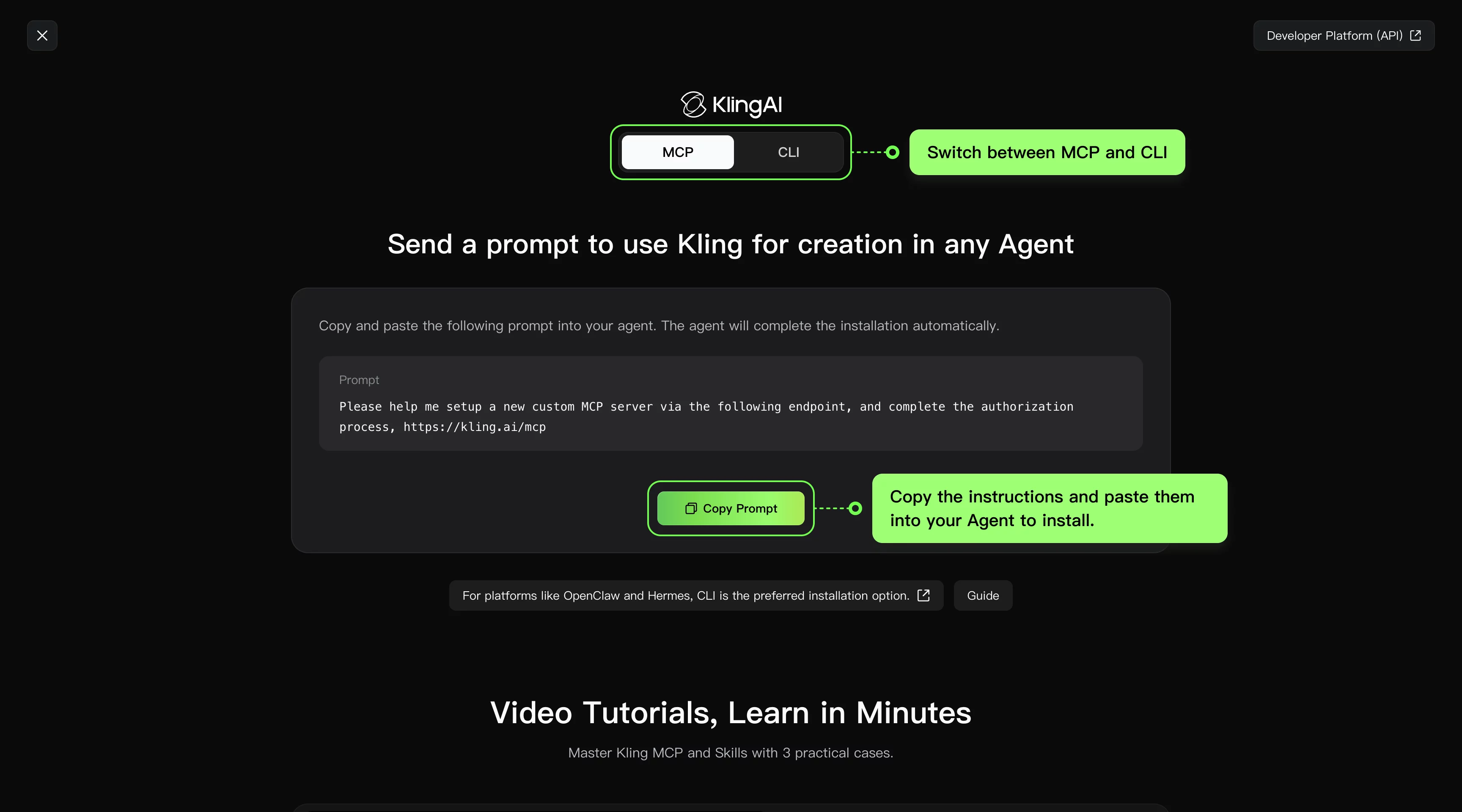
Kling 4.0 Now Available via MCP / CLI
MCP and CLI now support Kling 4.0, including Omni Reference and video generation with keyframes. From marketing asset creation and short-form video production at scale to storyboard previsualization and character consistency, users can leverage Agents to automate Kling 4.0 workflows for more flexible, controllable video generation.
Creation Interface Screenshots
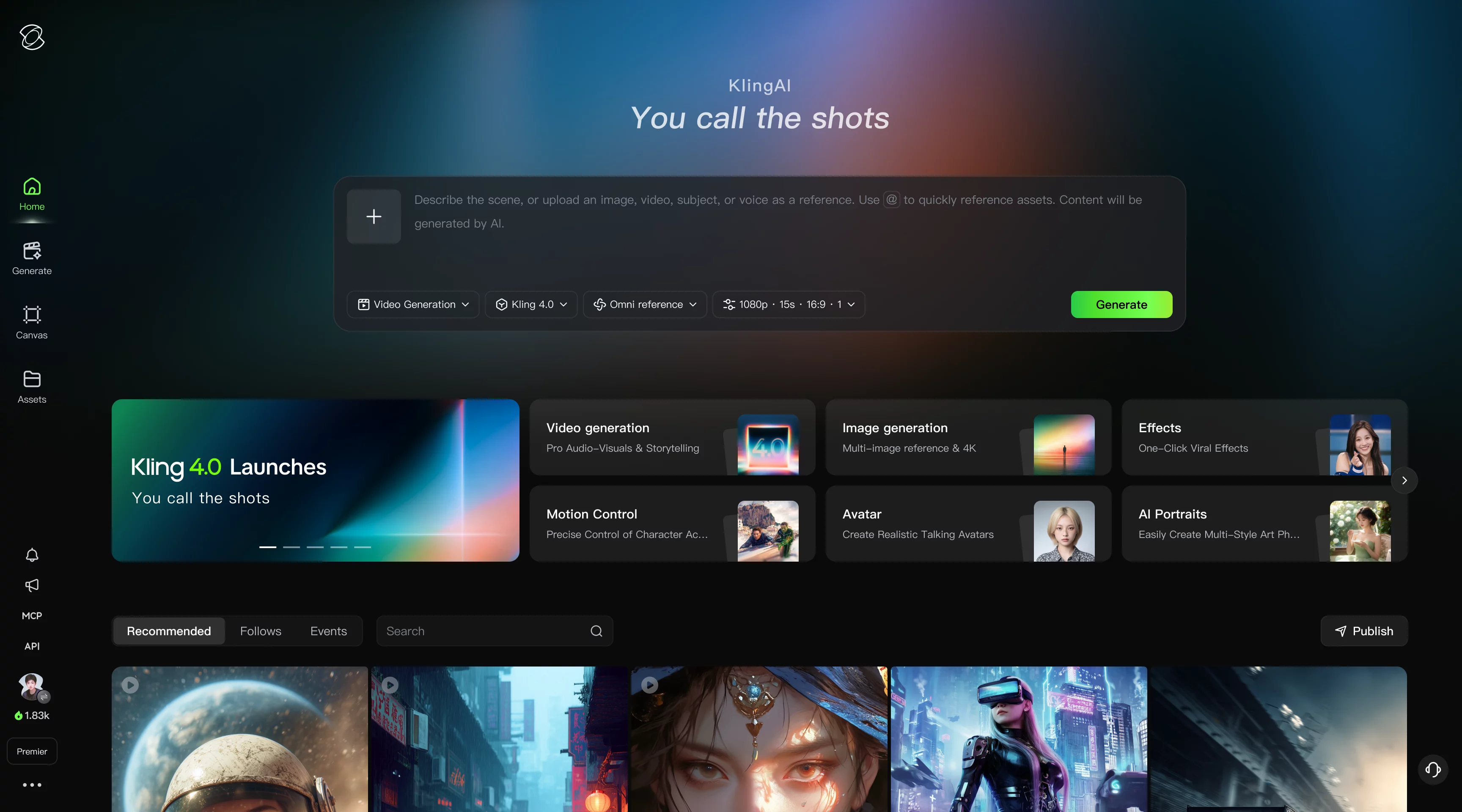
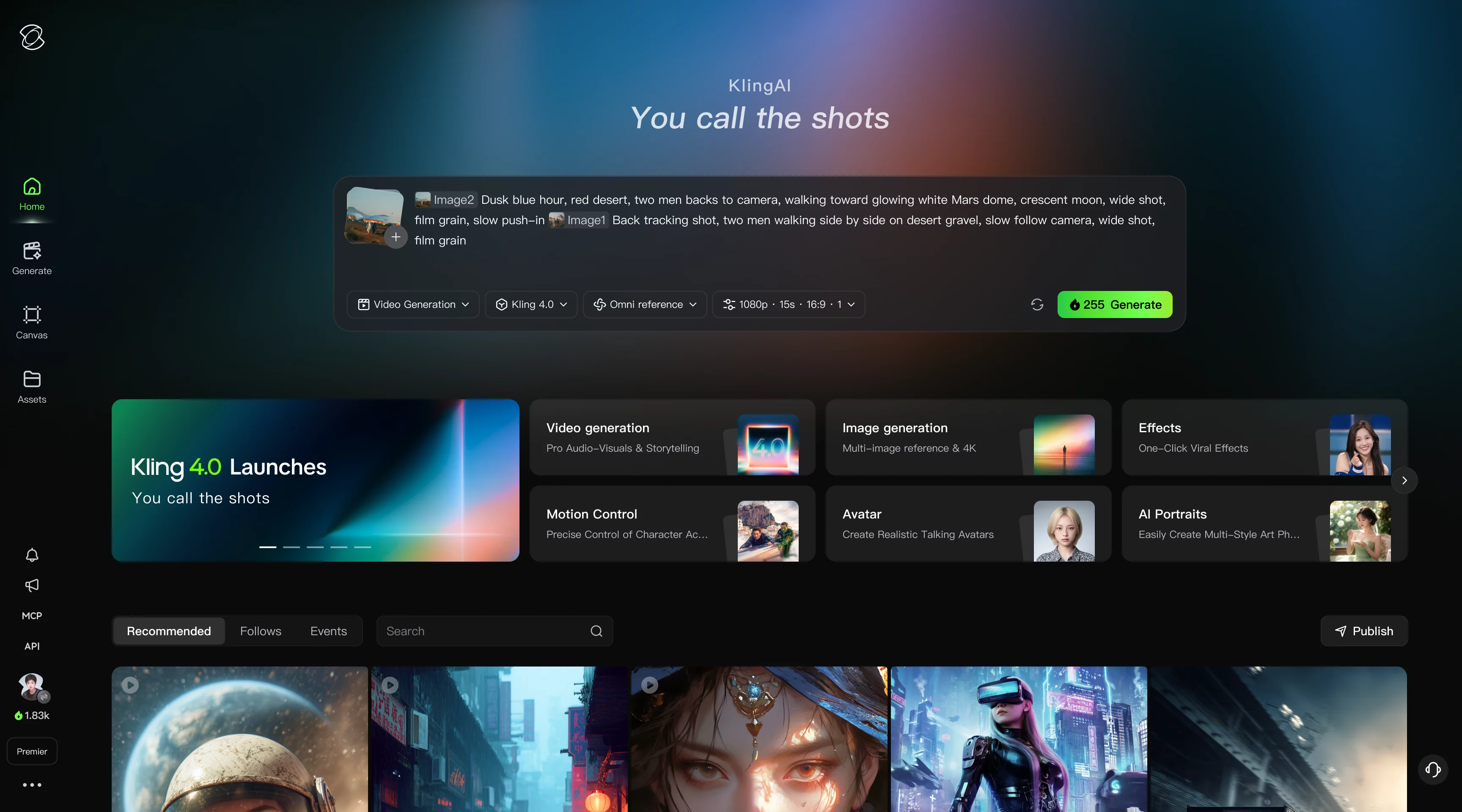
Ready to Try It?
Pick one example, open it in ChatGPT or fal Agent, and adapt the brief to your own subject. The buttons carry the prompt and input URLs; they do not automatically reproduce the published output. Keep the first attempt focused, review what changed, and refine the instruction that matters most.