Hunyuan 3D From Words and Images to 3D
Generate production-ready 3D models with PBR materials from text or images. Up to 1.5M polygons, 8-angle image input, and a full post-processing pipeline.
Available Endpoints
Generate, process, and optimize
Pro and Rapid generation from text or images, plus post-processing for part splitting and mesh retopology.
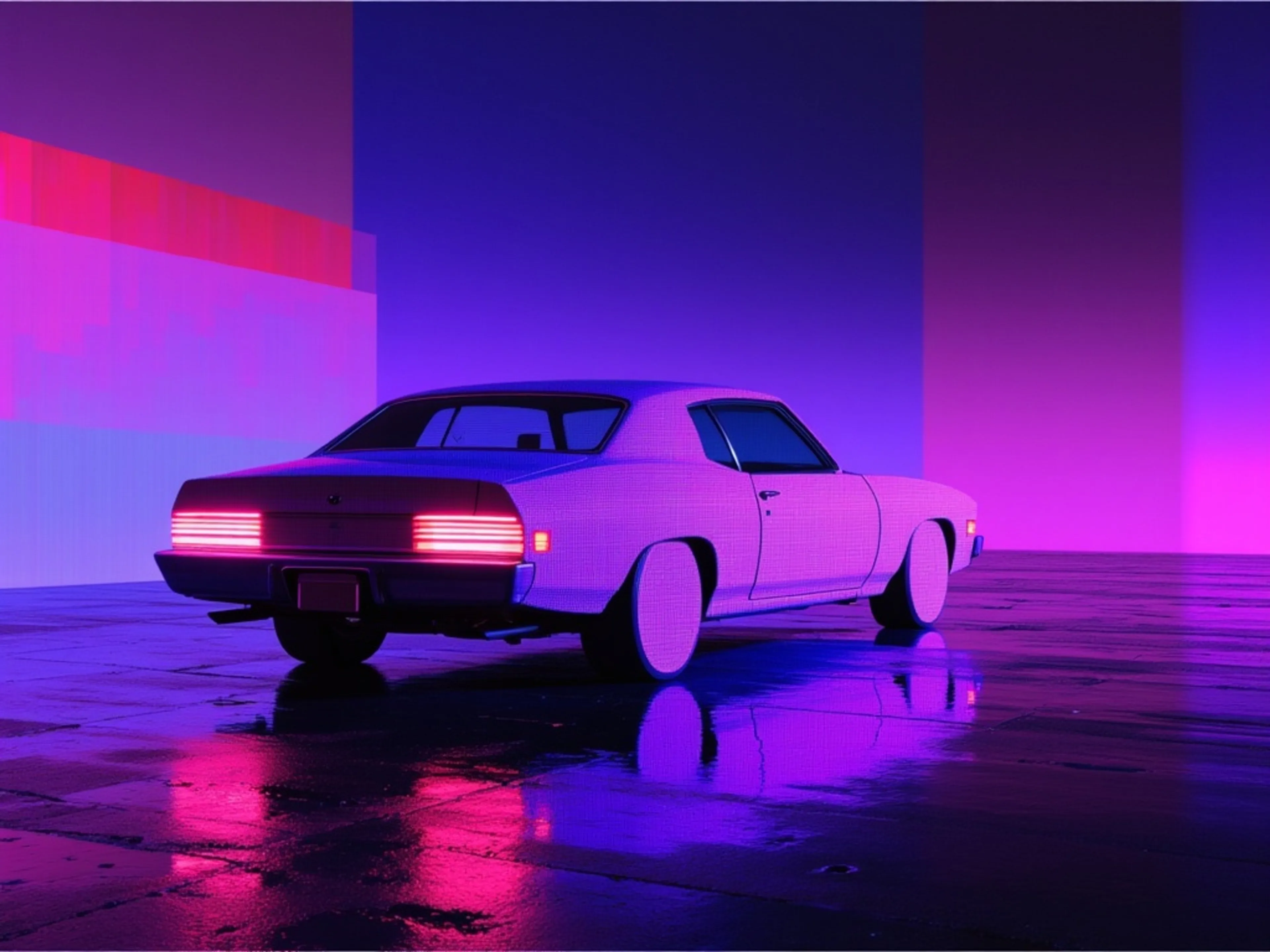
fal-ai/hunyuan-3d/v3.1/pro/text-to-3d
text-to-3d
Generate 3D models from text prompts with Hunyuan 3D Pro
3dhunyuantext-to-3d
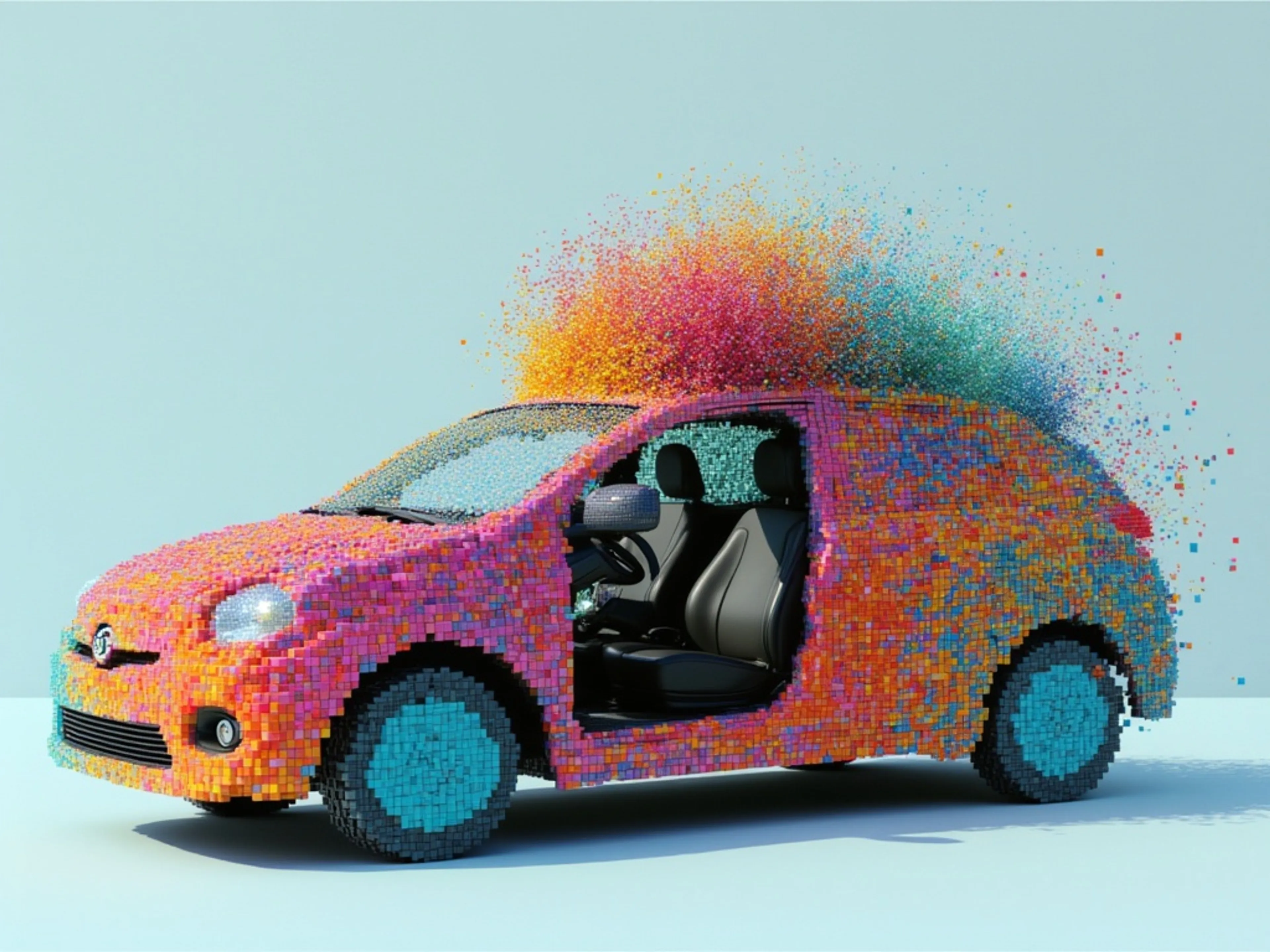
fal-ai/hunyuan-3d/v3.1/pro/image-to-3d
image-to-3d
Generate 3D models from images with Hunyuan 3D Pro
3dhunyuanimage-to-3d
fal-ai/hunyuan-3d/v3.1/rapid/text-to-3d
text-to-3d
Create detailed, fully-textured 3D models with text
3d
fal-ai/hunyuan-3d/v3.1/rapid/image-to-3d
image-to-3d
Rapidly generate 3D models from images using Hunyuan 3D.
3dhunyuanimage-to-3d

fal-ai/hunyuan-3d/v3.1/part
3d-to-3d
Split 3D models into parts with Hunyuan 3D
3dhunyuanmesh
fal-ai/hunyuan-3d/v3.1/smart-topology
3d-to-3d
Optimize 3D mesh topology with Hunyuan 3D Smart Topology.
3dhunyuantopology
Text or Image In. 3D Model Out.
PBR Materials
Production-Ready Textures
Generate models with metallic, roughness, and normal map textures that look realistic under any lighting conditions. Output is ready for game engines, AR/VR, and film production pipelines.
Multi-View Input
8 Angles, One Model
Provide up to 8 reference images including front, back, sides, top, bottom, and diagonal views. More angles mean more accurate geometry. Exclusive to v3.1 Pro.
Post-Processing
Split, Retopologize, Ship
Split generated models into individual parts with the Part endpoint. Clean up mesh topology with Smart Retopology, choosing quad or triangle output and controlling polygon density. A full pipeline from prompt to production.


API Documentation
How to get access to the Hunyuan 3D API
The client handles the submit protocol — request status updates and the final result when generation completes.
import { fal } from "@fal-ai/client";

const result = await fal.subscribe("fal-ai/hunyuan-3d/v3.1/pro/text-to-3d", {
  input: {
    prompt: "A low-poly fox sitting upright with a bushy tail",
    enable_pbr: true,
  },
  logs: true,
  onQueueUpdate: (update) => {
    if (update.status === "IN_PROGRESS") {
      update.logs.map((log) => log.message).forEach(console.log);
    }
  },
});

console.log(result.data);
console.log(result.requestId);
Examples
See what Hunyuan 3D can create
Drag to rotate any model below. Run any prompt in ChatGPT or fal Agent, or try it yourself in the playground.
Stylized low-poly character
"A low-poly fox sitting upright with a bushy tail, clean geometric facets, soft orange and white coloring"
Organic forms with natural textures
"A potted succulent plant in a terracotta pot, with realistic soil and small pebbles on top"
Architectural miniature with organic detail
"A miniature medieval castle with stone walls, a drawbridge, round towers with cone roofs, and moss growing in the crevices"
Furniture with mixed material surfaces
"A cozy armchair with tufted leather upholstery, wooden legs, and a knitted throw blanket draped over one arm"

FAQ
Common questions about Hunyuan 3D
What can I create with Hunyuan 3D?
Hunyuan 3D v3.1 generates 3D models from text prompts or images. It outputs GLB and OBJ files with up to 1.5 million polygons, optional PBR materials (metallic, roughness, normal maps), and textured or geometry-only modes. Post-processing endpoints handle part splitting and smart retopology.
What is the difference between Pro and Rapid?
Pro endpoints ($0.375/generation) support longer prompts (up to 1,024 characters), custom polygon counts (40K to 1.5M faces), and multi-view image input with up to 8 angles. Rapid endpoints ($0.225/generation) are faster and cheaper with shorter prompts (200 characters) and fixed polygon output.
What are PBR materials?
PBR (Physically Based Rendering) materials include metallic, roughness, and normal map textures that make 3D models look realistic under any lighting. Enable PBR on any generation endpoint for an additional $0.15 per generation. The result is game-engine and production-ready.
How many images can I use as input?
The Pro image-to-3D endpoint accepts up to 8 view angles: front, back, left, right, top, bottom, and two 45-degree diagonal views. Top, bottom, and diagonal views are exclusive to v3.1. More views produce more accurate 3D reconstructions. Rapid image-to-3D accepts a single front view.
How much does Hunyuan 3D cost on fal.ai?
Pro text-to-3D and image-to-3D: $0.375/generation. Rapid variants: $0.225/generation. PBR materials add $0.15. Part splitting: $0.45/generation. Smart retopology: $0.75/generation. Pay-per-use with no minimums.
How do I get started with the API?
Install the fal.ai SDK (Python or JavaScript), grab an API key from your dashboard, and make your first request in a few lines of code. The API is serverless, so no GPUs to manage. Check the API documentation for all available parameters.
Can I use Hunyuan 3D for commercial projects?
Yes. Content generated through the fal.ai API can be used in commercial projects. Check fal.ai's terms of service for full details on usage rights and licensing.
Get in touch about Hunyuan 3D
Want to learn more about integrating Hunyuan 3D into your workflow? Leave your details and our team will reach out.