Loading playground
Input
Additional Settings
Customize your input with more control.
Result
Idle

Customize your input with more control.
Customize your input with more control.
Type # to reference inputs.
Type # to reference inputs.
Type # to reference inputs.
Hint: Drag and drop image files from your computer, images from web pages, paste from clipboard (Ctrl/Cmd+V), or provide a URL. Accepted file types: jpg, jpeg, png, webp, gif, avif, heic, heif
Hint: Drag and drop image files from your computer, images from web pages, paste from clipboard (Ctrl/Cmd+V), or provide a URL. Accepted file types: jpg, jpeg, png, webp, gif, avif, heic, heif
Reference as @Element1 in your prompt
Hint: Drag and drop image files from your computer, images from web pages, paste from clipboard (Ctrl/Cmd+V), or provide a URL. Accepted file types: jpg, jpeg, png, webp, gif, avif, heic, heif

Hint: Drag and drop files from your computer, images from web pages, paste from clipboard (Ctrl/Cmd+V), or provide a URL.
Hint: Drag and drop video files from your computer, video from web pages, paste from clipboard (Ctrl/Cmd+V), or provide a URL. Accepted file types: mp4, mov, webm, m4v, gif
Customize your input with more control.
For every second of video you generated, you will be charged $0.112 (audio off) or $0.168 (audio on), if voice control is used while generating audio you will be charged $0.196. For example, a 5s video with audio on and voice control will cost $0.98
For every second of video you generated, you will be charged $0.112 (audio off) or $0.168 (audio on), if voice control is used while generating audio you will be charged $0.196. For example, a 5s video with audio on and voice control will cost $0.98
Kling 3.0 Pro image-to-video on fal.ai. Cinematic visuals, fluid motion, native audio generation, and custom element support.
elements parameter (reference characters/objects)| Duration | Cost (audio off) | Cost (audio on) |
|---|---|---|
| Per second | $0.112 | $0.168 |
| Per second (voice control) | — | $0.196 |
| 5s example | $0.56 | $0.84 |
| 15s example | $1.68 | $2.52 |
bashnpm install --save @fal-ai/client
bashexport FAL_KEY="YOUR_API_KEY"
javascriptimport { fal } from "@fal-ai/client";

const result = await fal.subscribe("fal-ai/kling-video/v3/pro/image-to-video", {
  input: {
    start_image_url: "https://example.com/your-image.png",
    prompt: "Slow cinematic push-in. Golden light. No people.",
    duration: "10",
    generate_audio: true,
  },
  logs: true,
  onQueueUpdate: (update) => {
    if (update.status === "IN_PROGRESS") {
      update.logs.map((log) => log.message).forEach(console.log);
    }
  },
});

console.log(result.data.video.url);
| Parameter | Type | Default | Description |
|---|---|---|---|
start_image_url | string | — | Required. Start frame image URL |
prompt | string | — | Text prompt (required if multi_prompt not set) |
multi_prompt | KlingV3MultiPromptElement[] | — | Multi-shot prompt list (overrides prompt) |
duration | DurationEnum | "5" | Video length in seconds: 3–15 |
generate_audio | boolean | true | Generate native audio |
end_image_url | string | — | Optional end frame image URL |
elements | KlingV3ComboElementInput[] | — | Custom characters/objects (see below) |
negative_prompt | string | "blur, distort, and low quality" | Things to avoid |
cfg_scale | float | 0.5 | Prompt adherence strength |
shot_type | string | "customize" | Required when using multi_prompt |
Inject a reference character or object into the video using the elements array. Reference them in your prompt as @Element1, @Element2, etc.
Each element can be either an image set (frontal + optional reference images) or a video:
json{
  "elements": [
    {
      "frontal_image_url": "https://example.com/character-front.png",
      "reference_image_urls": ["https://example.com/character-side.png"]
    }
  ]
}
Note: Voice binding is only supported for video elements, not image elements. Attempting voice binding with an image element returns an error.
Divide the video into multiple shots, each with its own prompt and duration:
javascript{
  multi_prompt: [
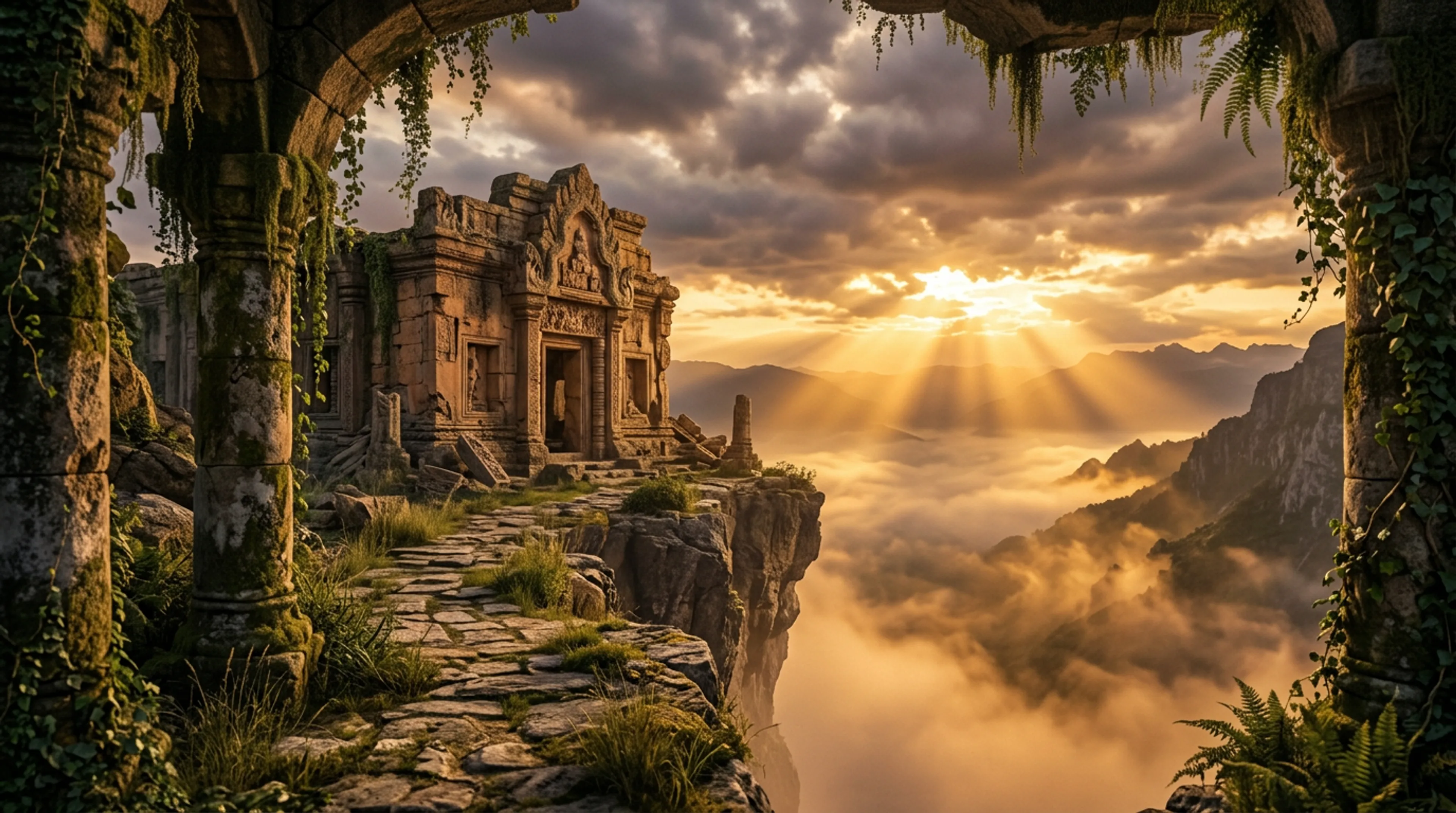
    { prompt: "Wide establishing shot of the temple at dawn.", duration: "5" },
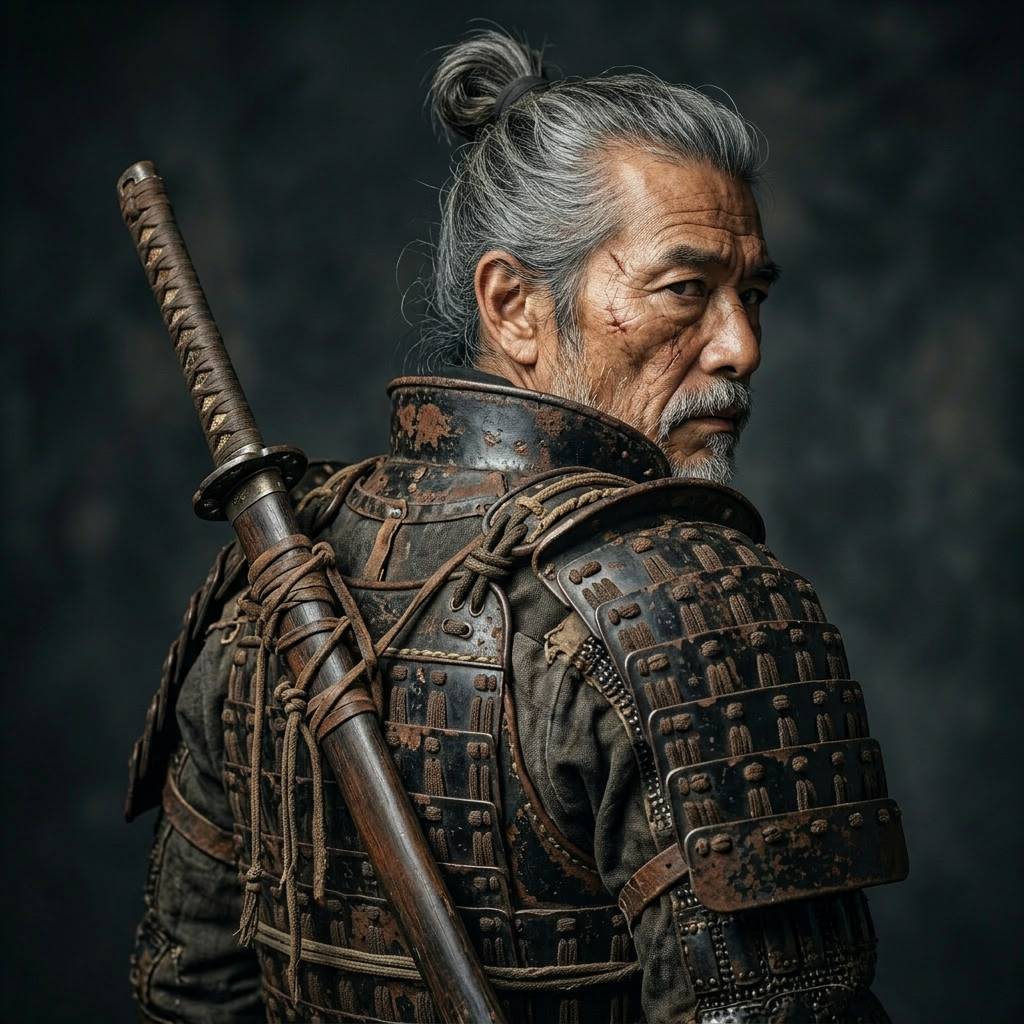
    { prompt: "Close-up on the warrior's face. Wind in his hair.", duration: "5" },
  ],
  shot_type: "customize",
  start_image_url: "https://example.com/scene.png",
  duration: "10",
}
json{
  "video": {
    "url": "https://storage.googleapis.com/...",
    "content_type": "video/mp4",
    "file_name": "out.mp4",
    "file_size": 8431922
  }
}
fal-ai/kling-video-v3fal-ai/kling-video/v3/pro/image-to-video/playgroundfal.queue.submit + webhook instead of blockingaspect_ratio field in the UI is ignored by the model.| Endpoint | Description |
|---|---|
fal-ai/kling-video/v3/pro/text-to-video | Text-to-video, Kling 3.0 Pro |
fal-ai/kling-video/v3/standard/image-to-video | Standard tier, lower cost |
fal-ai/kling-video/v3/pro/image-to-video/4k | 4K output variant |
fal-ai/kling-video/v2.6/pro/image-to-video | Previous generation |
