Loading playground
Input
Additional Settings
Customize your input with more control.
Result
Idle
Customize your input with more control.
Customize your input with more control.
Type # to reference inputs.
Hint: Drag and drop image files from your computer, images from web pages, paste from clipboard (Ctrl/Cmd+V), or provide a URL. Accepted file types: jpg, jpeg, png, webp, gif, avif, heic, heif
Customize your input with more control.
Your request will cost $0.1 per megapixel.
Transform your photos with professional lighting effects and background changes using ICLight V2, an advanced image-to-image model that re-lights photos and modifies backgrounds based on text descriptions.
ICLight V2 delivers exceptional image relighting and background replacement capabilities through an easy-to-use API. Whether you're enhancing product photography, creating artistic effects, or adjusting lighting for professional imagery, ICLight V2 provides the flexibility to transform your images while preserving important details.
Transform your images with ICLight V2's powerful capabilities:
Getting up and running with ICLight V2 takes just a few minutes. Here's how:
JavaScript/TypeScript:
bashnpm install --save @fal-ai/client
Python:
bashpip install fal-client
javascriptimport { fal } from "@fal-ai/client";

fal.config({
  credentials: "YOUR_FAL_KEY_HERE"
});
javascriptconst result = await fal.subscribe("fal-ai/iclight-v2", {
  input: {
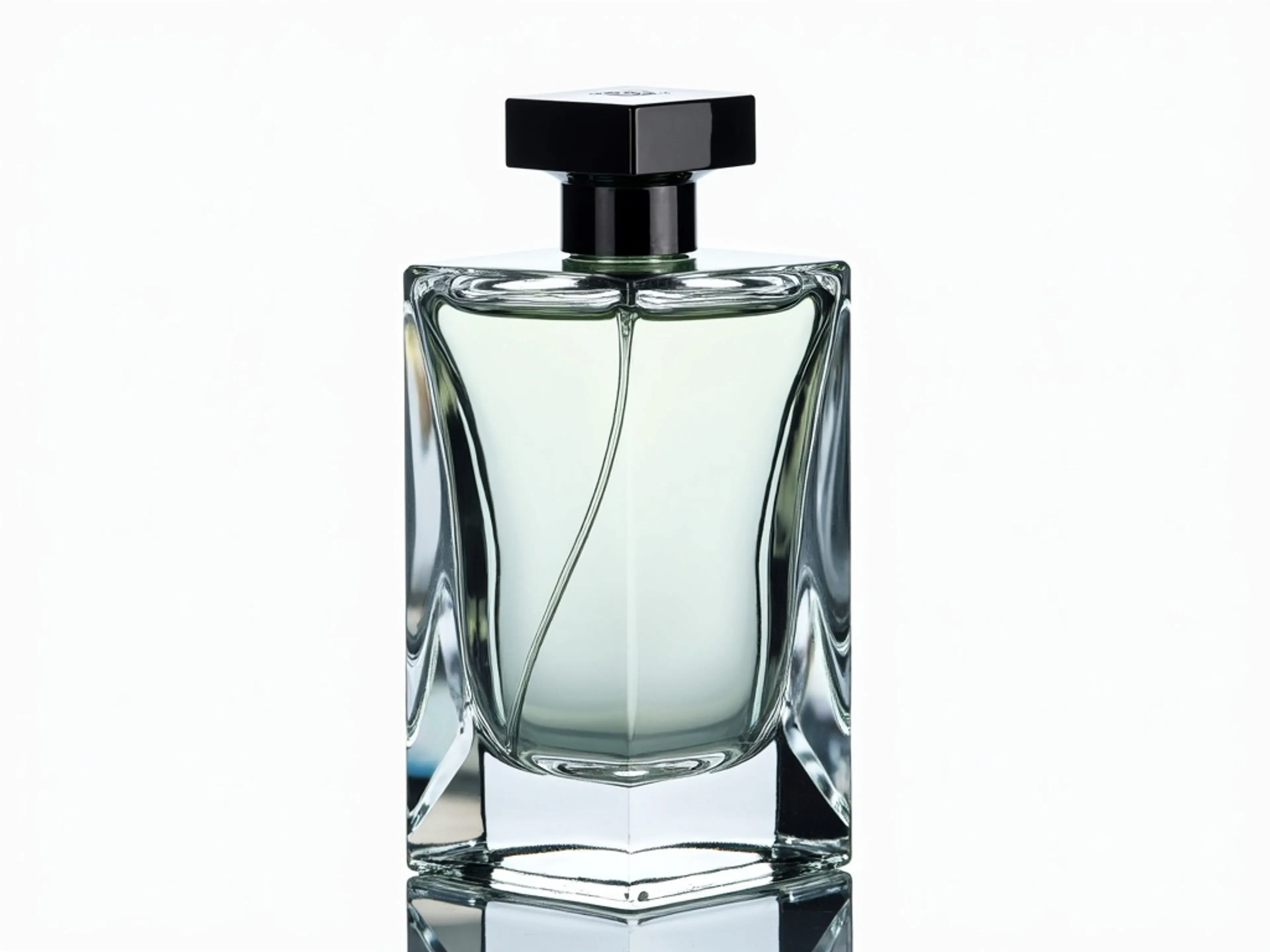
    image_url: "https://storage.googleapis.com/falserverless/iclight-v2/bottle.png",
    prompt: "perfume bottle in a volcano surrounded by lava."
  }
});

console.log(result.images[0].url);
ICLight V2 supports advanced parameters for fine-tuned control:
image_url: URL of the input image to be re-litprompt: Text description of desired lighting/backgroundbackground_threshold: Threshold for background removal (default: 0.67)num_inference_steps: Number of denoising steps (default: 28)initial_latent: Initial latent state (default: "None")num_images: Number of images to generate (default: 1)cfg: CFG scale (default: 1)lowres_denoise: Low resolution denoise strength (default: 0.98)highres_denoise: High resolution denoise strength (default: 0.95)hr_downscale: High resolution downscale factor (default: 0.5)guidance_scale: Guidance scale for generation (default: 5)enable_safety_checker: Enable safety checks (default: true)output_format: Output image format (default: "jpeg")Example with custom parameters:
javascriptconst result = await fal.subscribe("fal-ai/iclight-v2", {
  input: {
    image_url: "https://example.com/your-image.jpg",
    prompt: "professional studio lighting with soft shadows, neutral background",
    num_inference_steps: 30,
    guidance_scale: 7,
    num_images: 3,
    output_format: "png"
  }
});

// Process multiple variations
result.images.forEach((image, index) => {
  console.log(`Variation ${index + 1}: ${image.url}`);
});
ICLight V2 excels in various applications:
Maximize your results with these proven approaches:
For handling requests asynchronously:
javascript// Submit request
const { request_id } = await fal.queue.submit("fal-ai/iclight-v2", {
  input: {
    image_url: "https://example.com/image.jpg",
    prompt: "dramatic sunset lighting with warm tones"
  }
});

// Check status
const status = await fal.queue.status("fal-ai/iclight-v2", {
  requestId: request_id
});

// Get result
const result = await fal.queue.result("fal-ai/iclight-v2", {
  requestId: request_id
});
Our comprehensive support ensures your success:
View detailed pricing or contact sales for enterprise solutions.
We're here to help you succeed:
Sign up now at fal.ai and start enhancing your images with professional lighting and backgrounds using ICLight V2.