Loading playground
Input
Additional Settings
Customize your input with more control.
Result
Idle

Customize your input with more control.
Images are billed by rounding up to the nearest megapixel.
Images are billed by rounding up to the nearest megapixel.
Customize your input with more control.
Images are billed by rounding up to the nearest megapixel.
Images are billed by rounding up to the nearest megapixel.
Hint: Drag and drop image files from your computer, images from web pages, paste from clipboard (Ctrl/Cmd+V), or provide a URL. Accepted file types: jpg, jpeg, png, webp, gif, avif, heic, heif
Type # to reference inputs.
Customize your input with more control.
Your request will cost $0.03 per megapixel.
Images are billed by rounding up to the nearest megapixel.
Your request will cost $0.03 per megapixel.
Images are billed by rounding up to the nearest megapixel.
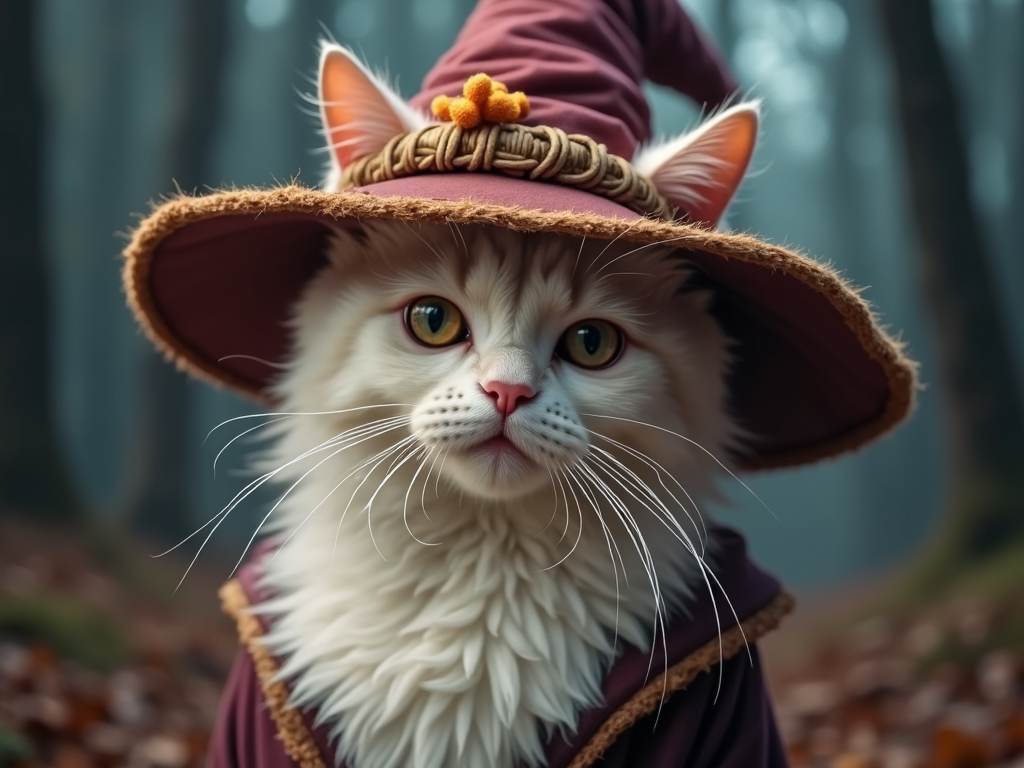
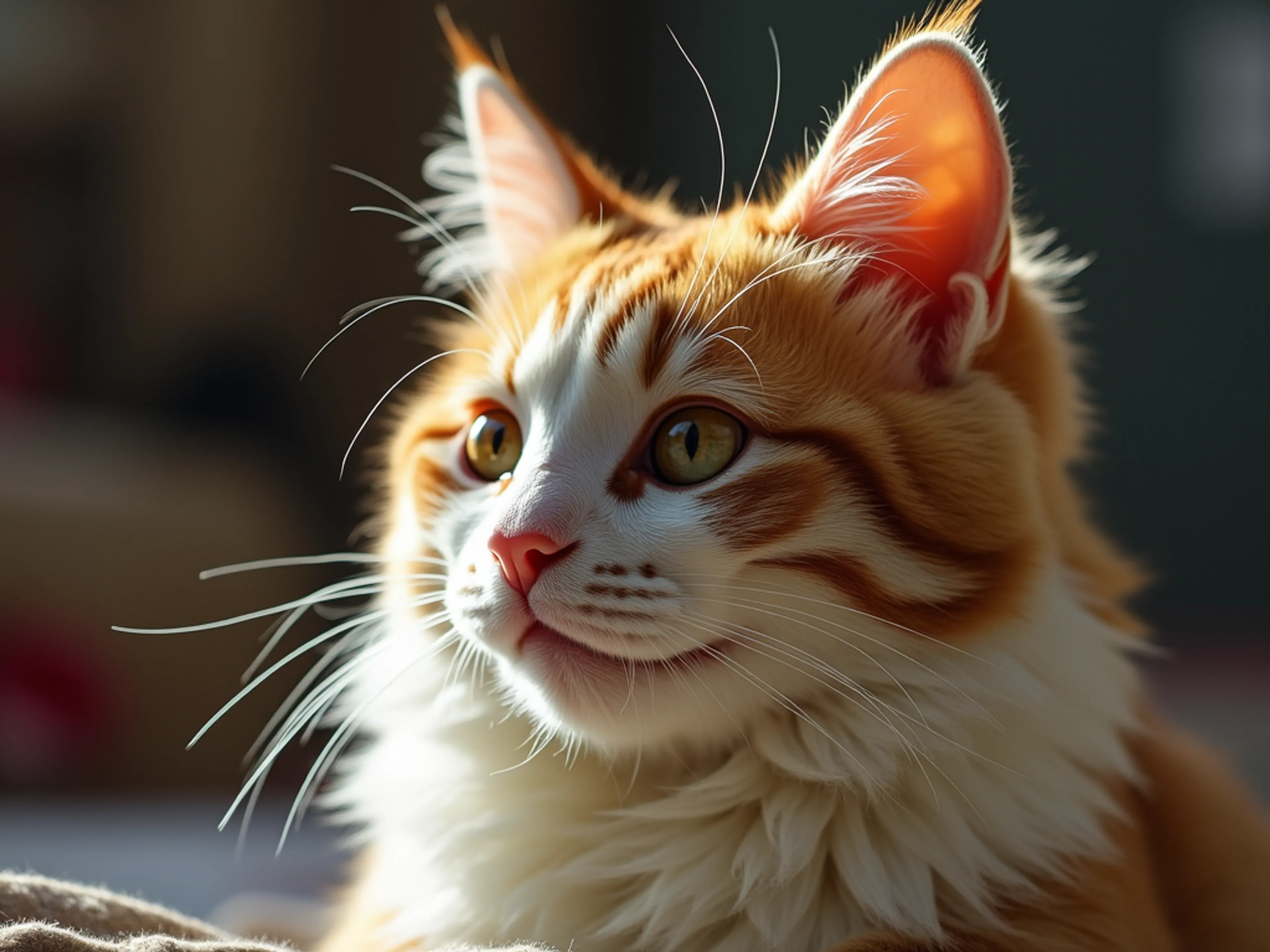
Transform your existing images into stunning visuals with FLUX.1 [dev] Image-to-Image, a high-performance endpoint that enables rapid transformation of existing images, delivering high-quality style transfers and image modifications with the core FLUX capabilities.
FLUX.1 Image-to-Image is built on the powerful 12-billion parameter FLUX.1 [dev] flow transformer, designed specifically for transforming existing images based on text prompts. The model excels at style transfers, image modifications, and artistic variations while preserving the core composition of the input image.
Image-to-Image Transformation
Performance Optimizations
Setting up FLUX.1 Image-to-Image is straightforward. First, install your preferred client library:
For JavaScript/TypeScript:
bashnpm install --save @fal-ai/client
For Python:
bashpip install fal-client
Initialize the client with your API key:
javascriptimport { fal } from '@fal-ai/client'

fal.config({
  credentials: 'YOUR_API_KEY'
})
Transform your first image with this example:
javascriptconst result = await fal.subscribe('fal-ai/flux/dev/image-to-image', {
  input: {
    image_url: 'https://your-image-url.com/image.jpg',
    prompt: 'Transform this into a watercolor painting style',
    strength: 0.8
  }
})
Maximize the quality of your image transformations:
Consider including specific details about the desired style, artistic direction, or modifications. For example, instead of "make it artistic", try "transform into a vibrant oil painting with visible brush strokes and rich colors".
Our comprehensive SDK support makes it easy to integrate FLUX.1 Image-to-Image into your existing workflow:
Your request will cost $0.03 per megapixel. Images are billed by rounding up to the nearest megapixel. Our transparent, usage-based pricing scales with your needs:
View detailed pricing or contact sales for enterprise solutions.
Style Transfer and Artistic Transformation Convert photographs into paintings, sketches, or other artistic styles while maintaining the original composition and subject matter.
Image Enhancement and Modification Modify lighting, colors, textures, or artistic direction of existing images based on natural language descriptions.
Creative Workflows Ideal for designers, artists, and content creators who need to quickly explore different visual styles and modifications of existing images.
Commercial Applications Perfect for marketing materials, social media content, and product imagery that requires style consistency or artistic enhancement.
We're here to support your implementation:
Start transforming your images with FLUX.1 [dev] Image-to-Image today and bring your creative visions to life with state-of-the-art image transformation capabilities.