



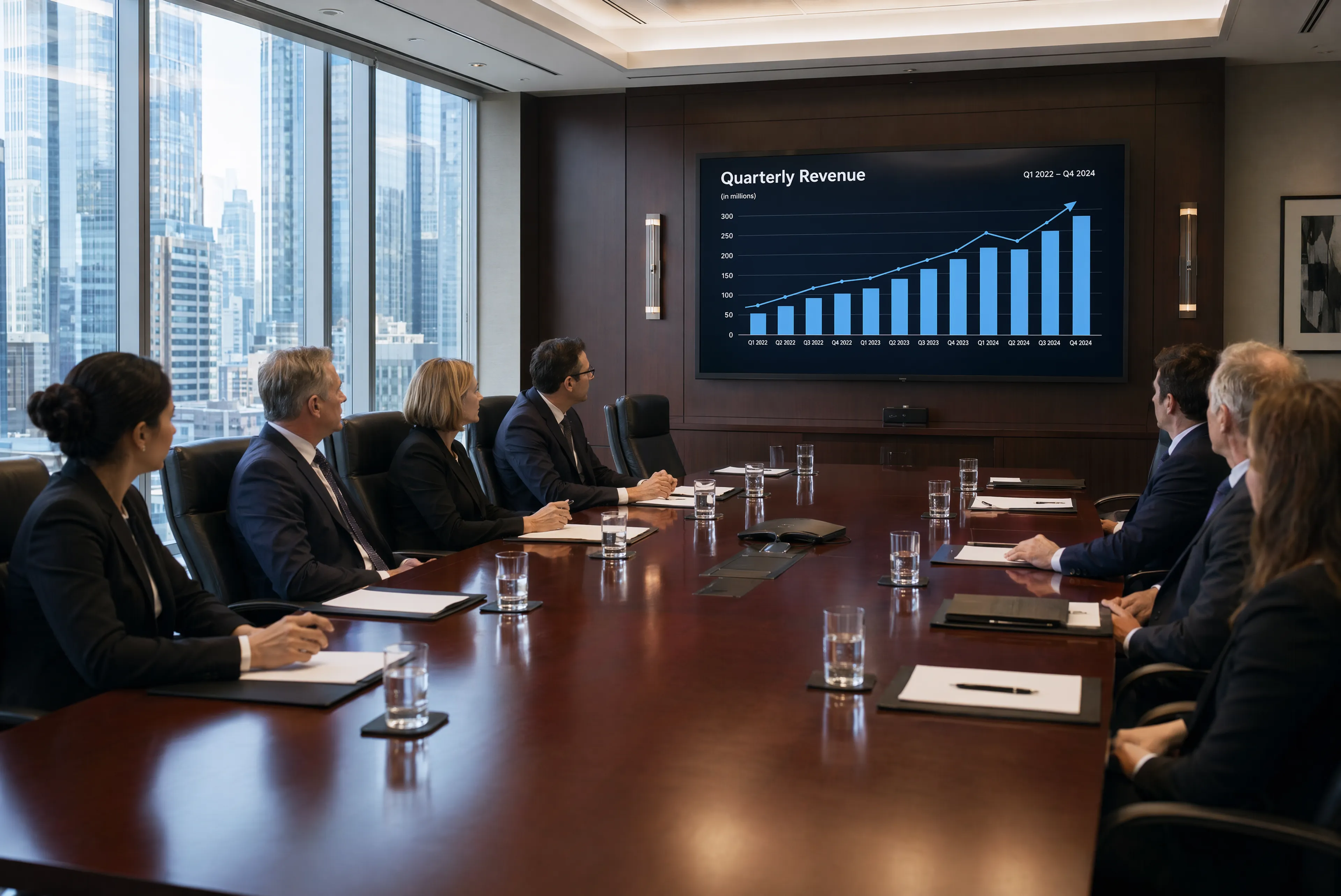
Photorealistic corporate boardroom: a long polished mahogany conference table with leather executive chairs, a glass of water at each place setting, notepads and pens arranged neatly, a large flat-screen TV at the end showing a quarterly revenue chart going up. Floor-to-ceiling windows with a city skyline view. Serious, sterile corporate atmosphere. Several business executives in suits seated around the table in a meeting.
moreGenerate, edit, and transform images
AI Image Models Production-ready image generation APIs
Build with the latest AI image models on fal. Generate, edit, and transform production-ready images through fast, scalable APIs.
Latest models
Choose the right image model for your workflow
Compare current image generation models from leading providers, selected from the active fal catalog.
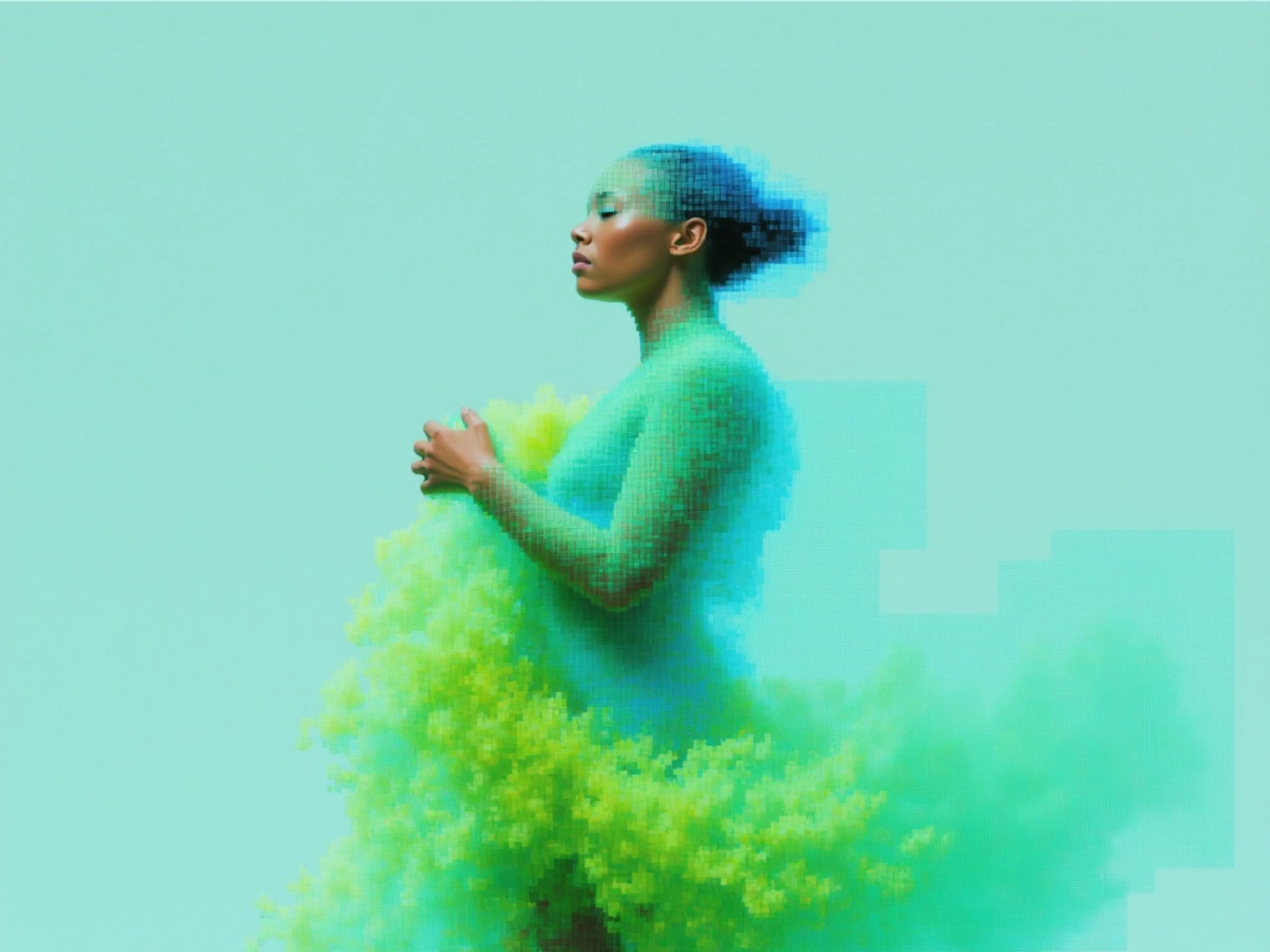
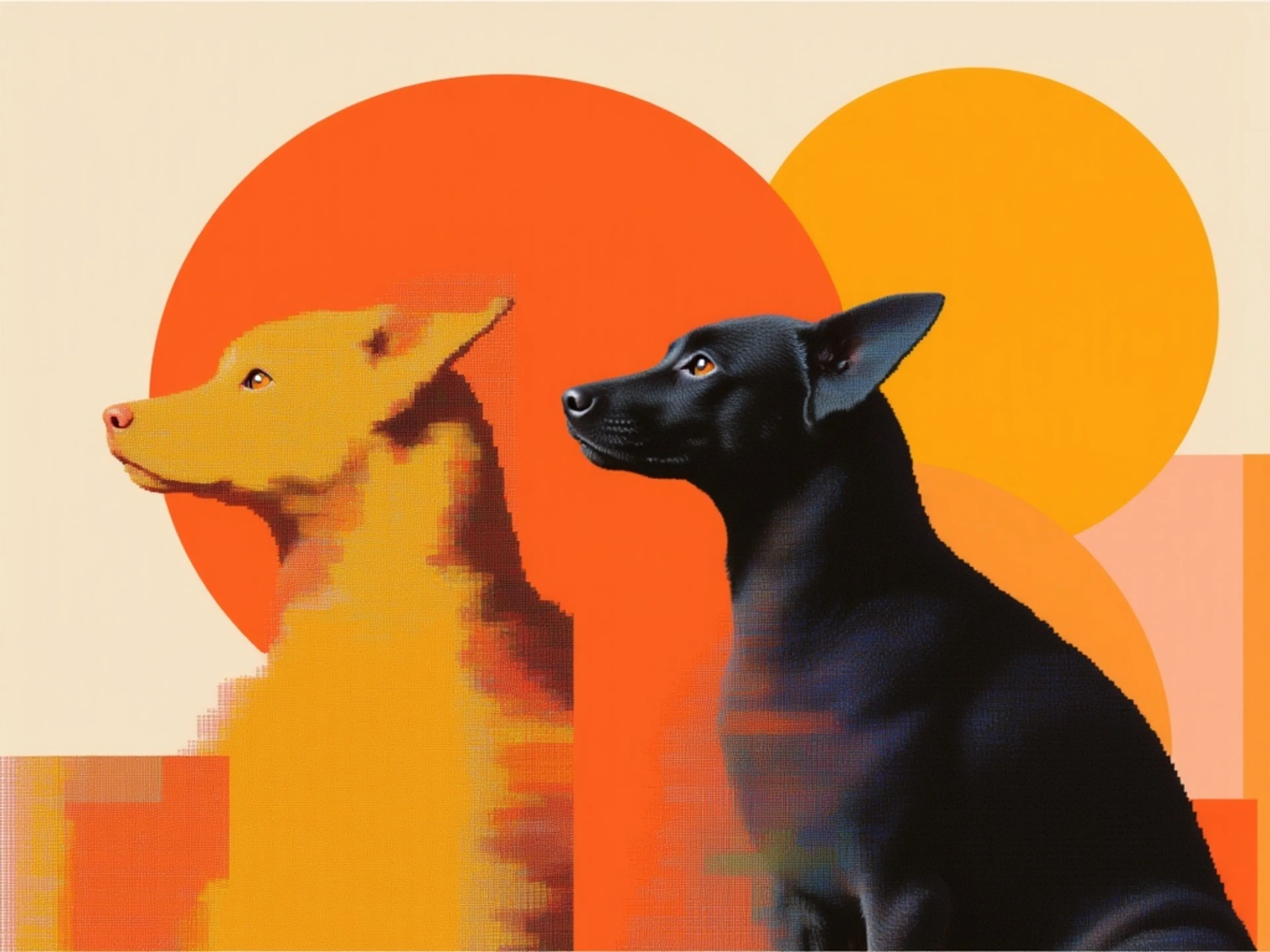
recraft/v4/style/text-to-image
text-to-image
Generates raster images that hold a consistent style, from either a saved style ID or reference images attached directly.
realismtypographystylized

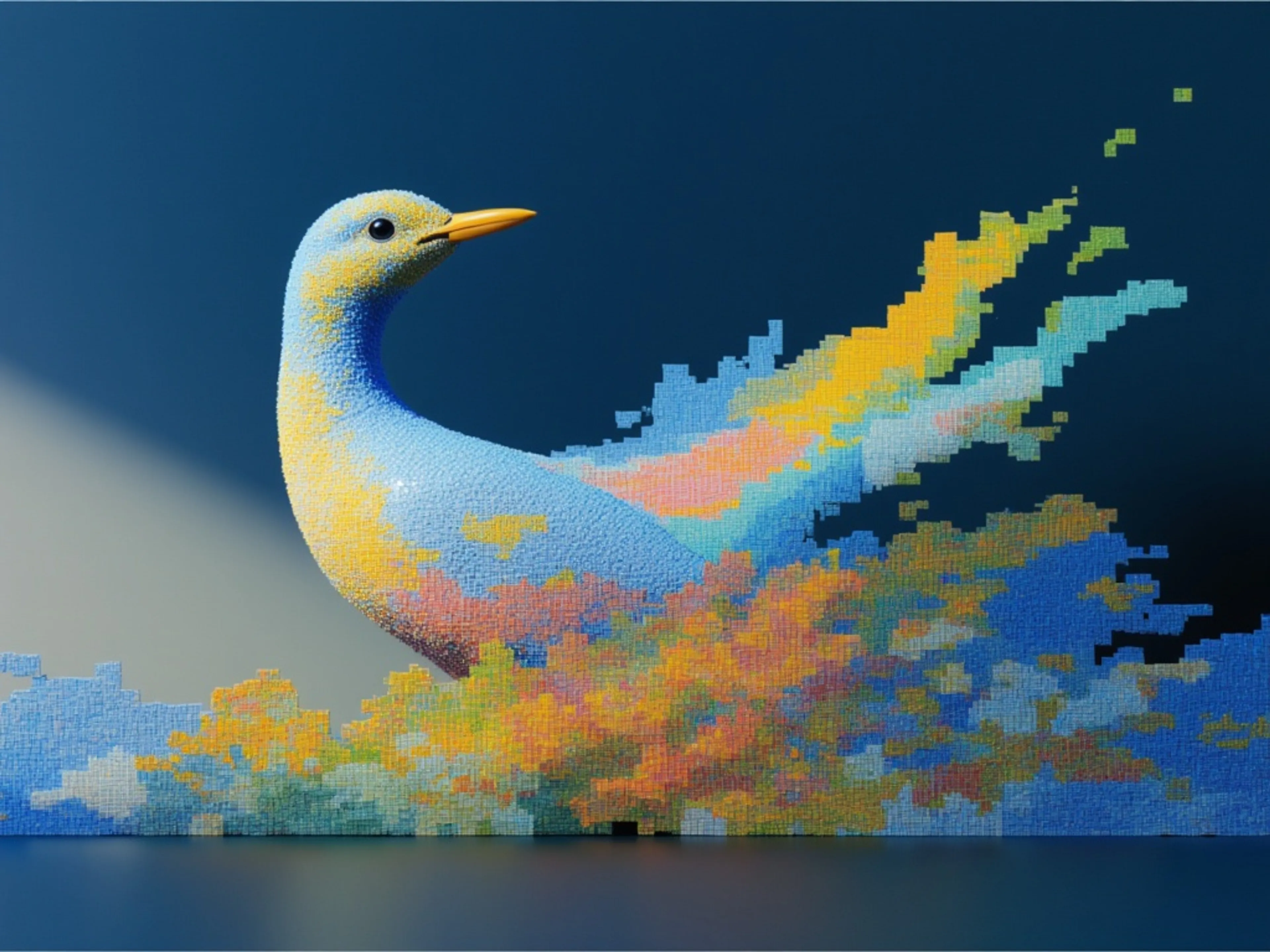
text-to-image
Generates images from a text prompt at resolutions up to 2048×2048, with automatic prompt rewriting and prompt-guided resolution selection, building on Qwen's strength in complex text rendering and precise prompt adherence
stylizedtransformtypography

text-to-image
Generate high-fidelity images from text with Krea 2 using a style reference image. Apply a reference image to guide the visual style into new generations, with aspect ratio, creativity, and seed controls.
stylizedstyle transferreference image
![V4.0q [instant]](https://refinery.fal.media/url/https%3A%2F%2Fv3b.fal.media%2Ffiles%2Fb%2F0aa12d17%2F6liDSFFStjD4rStlm4CS1.jpg/tr:w-3840,q-80/6liDSFFStjD4rStlm4CS1.webp)

text-to-image
Generate high-quality images, posters, and logos with Ideogram's latest V4.0q — producing crisp visuals with accurate text rendering, fine detail, and full creative control for polished, ready-to-use designs FRACTION OF A SECOND.
realismtypographystylized
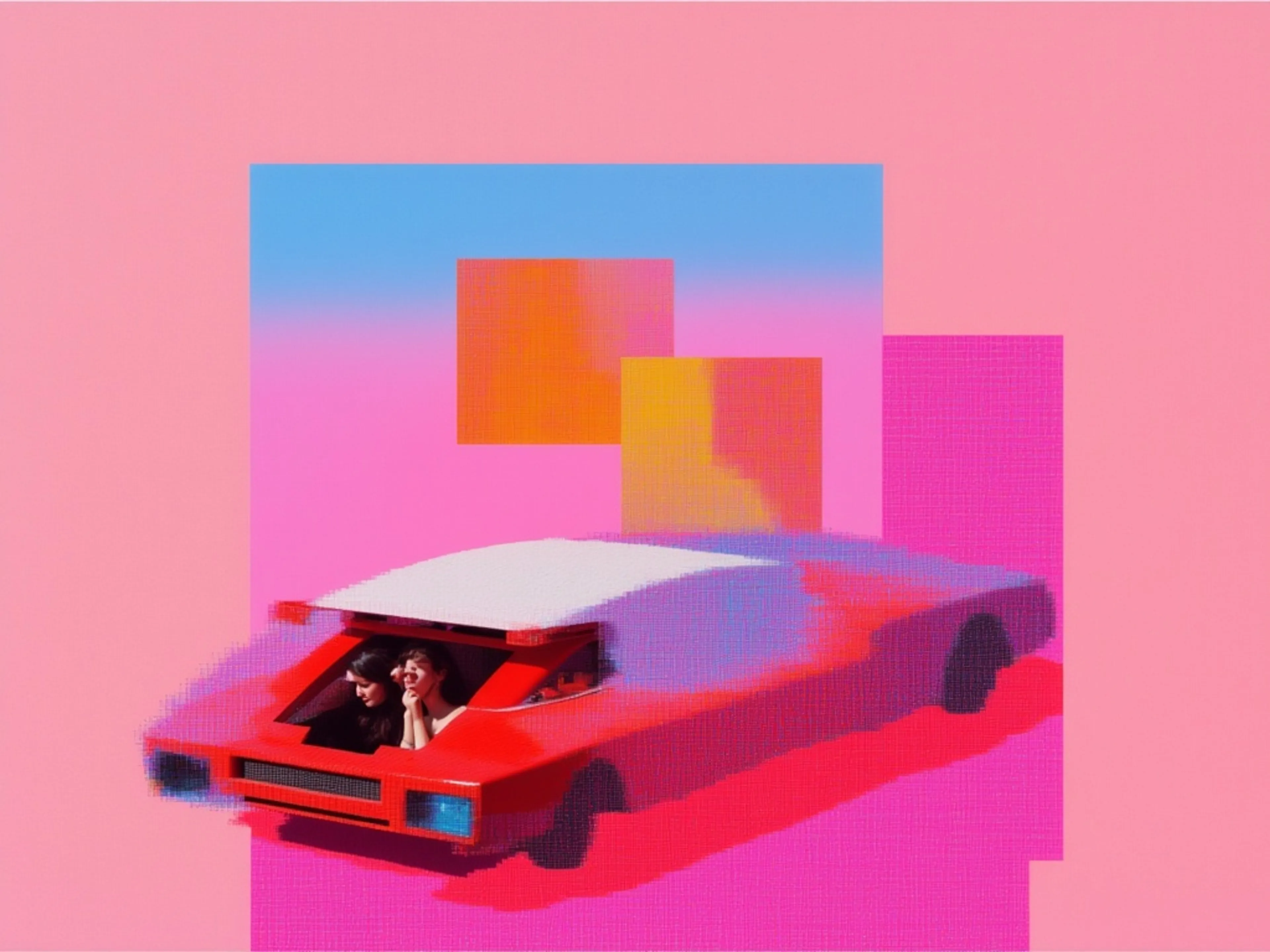

text-to-image
Nano banana lite is the efficiency-focused model in the image generation family. Sub-2 second latency with cost-effective generation and editing, fast multi-turn local edits, and 14 supported aspect ratios.
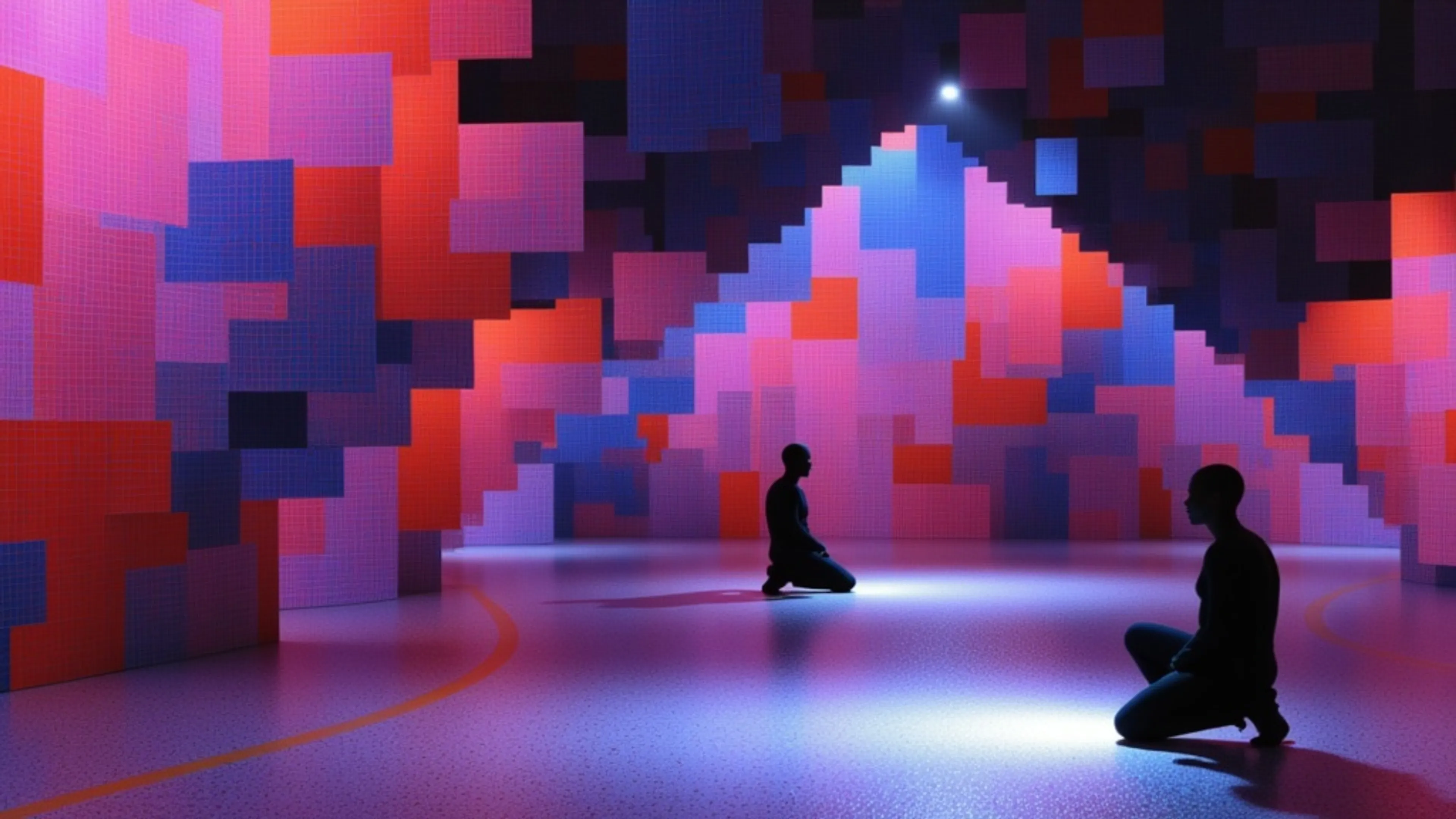
microsoft/mai-image-2.5
text-to-image
MAI-Image-2.5 is Microsoft's photorealistic image generation and editing model that turns text prompts or uploaded images into high-quality, design-ready visuals with fine-grained, pixel-level control.
realismtypographystylized
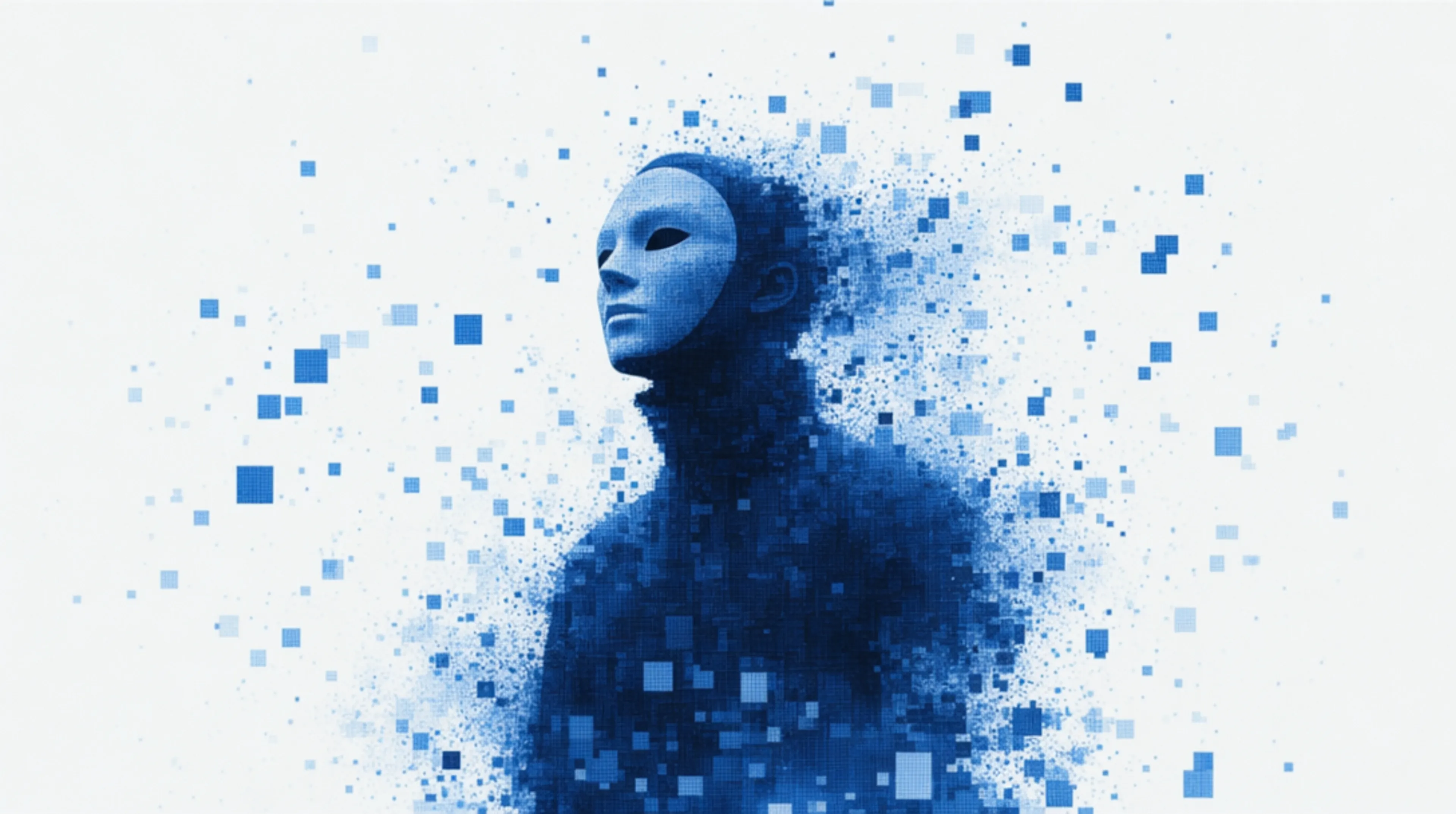

text-to-image
GPT Image 2, OpenAI's latest image model, is capable of creating extremely detailed images with fine typography.
gpt-image-2openaitypography
How it works
From a prompt to a production image
Use the playground for a quick test or call the same model from your application through the API.
01Choose a modelCompare models by speed, visual style, text rendering, editing support, and output controls. Open any endpoint to inspect its full schema and pricing.
02Describe the imageWrite a prompt in the playground and add reference images when the selected workflow supports them. Tune dimensions, format, and model-specific controls.
03Generate and integrateTest the result interactively, then call the same hosted endpoint from your application with the fal client or HTTP API.
Examples
See what the latest AI image models can create
Explore generations from the featured models, then open an example to inspect its inputs and run it yourself.
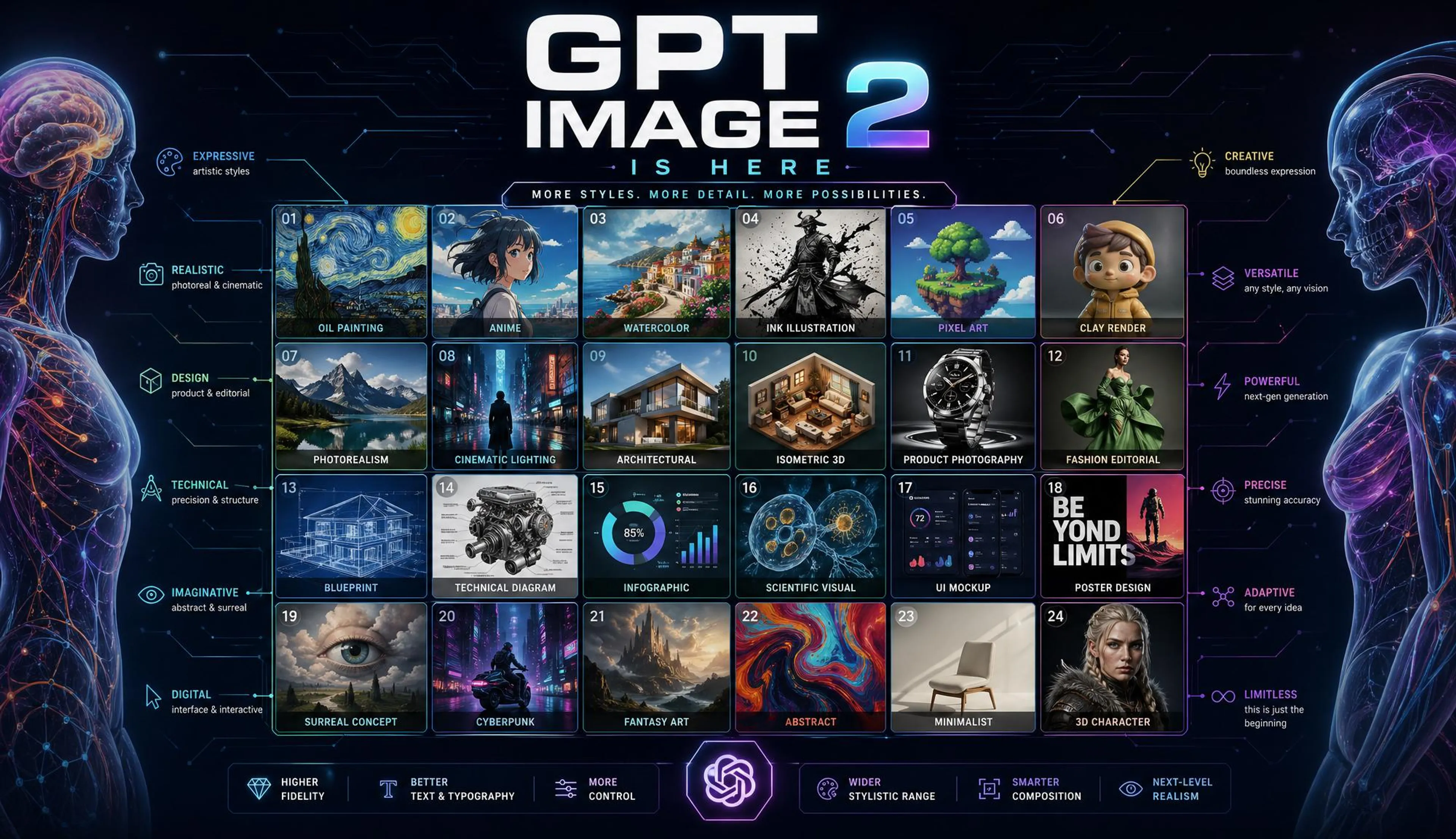
Create a high-end hero infographic announcing “GPT Image 2 is here”. Design it like a futuristic periodic table mixed with a clean anatomical diagram: a precise grid of 16–24 mini image panels, each showcasing a different visual style such as oil painting, anime, blueprint, isometric 3D, photorealism, watercolor, pixel art, clay render, cinematic lighting, product photography, fashion editorial, UI mockup, technical diagram, and surreal concept art. The image should feel electric, colorful, premium, and extremely polished. Use a clean modern layout, sharp typography, subtle labels, thin lines, glowing accents, and a strong visual hierarchy. The infographic itself should demonstrate the power of an advanced image model: beautiful composition, perfect grids, consistent spacing, readable text, and diverse styles in one coherent design. No date. No extra caption. Just a powerful visual announcement that speaks for itself.
moreimage_size: 2000x1152
generated withopenai/gpt-image-2
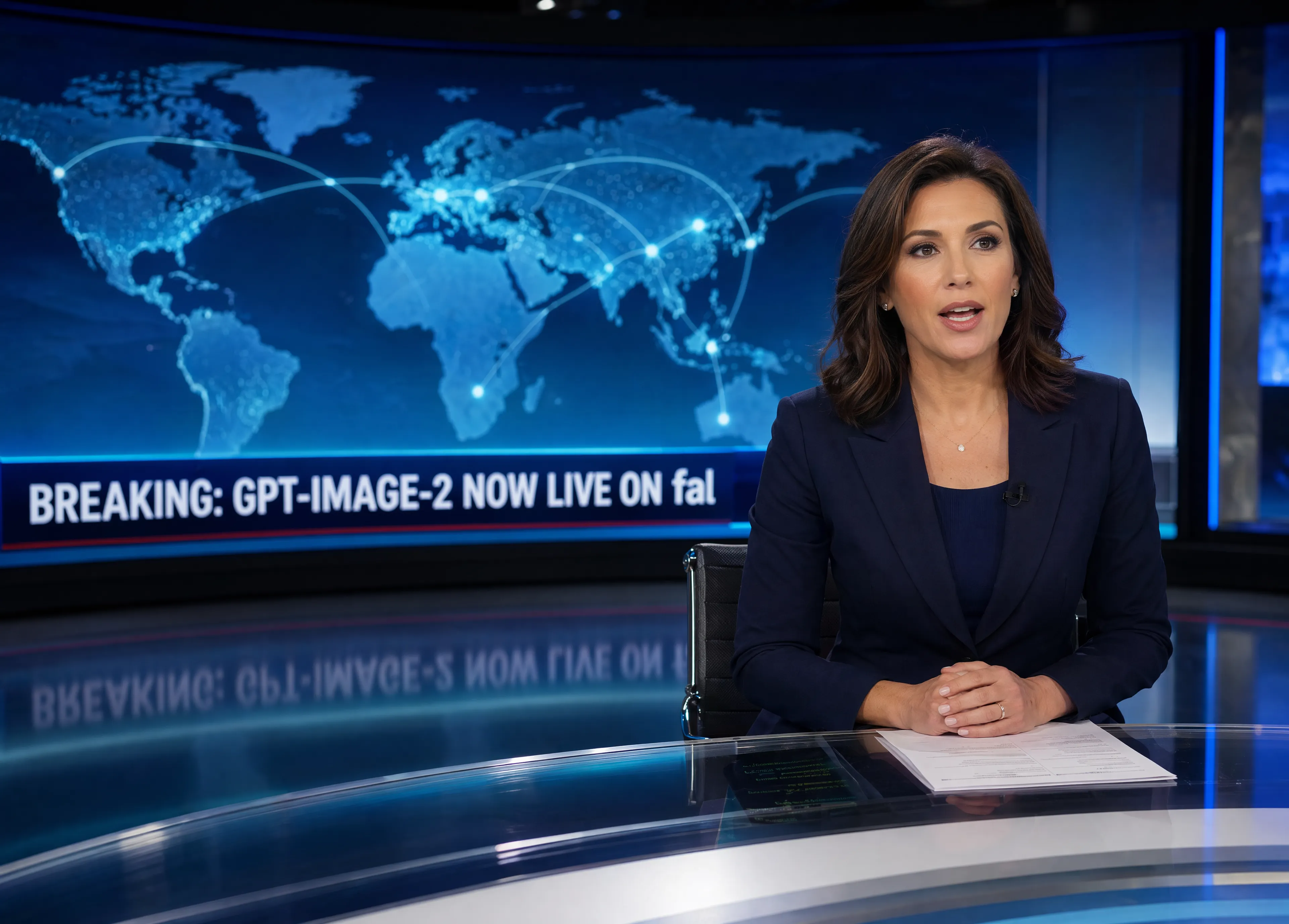
Broadcast news still captured mid-broadcast: a single professional news anchor seated at a sleek modern desk, caught mid-sentence with a natural speaking expression, lips slightly parted, eyes focused just off-camera toward an unseen lead camera. Subtle teleprompter reflection faintly visible on the polished glass surface of the desk, hinting at scrolling script text without being legible. Behind the anchor, a large curved LED wall screen dominates the background, displaying a stylized world map in deep navy and cool cyan tones with soft glowing connection lines arcing between continents. A clean lower-third news ticker runs across the bottom of the background screen in bold uppercase sans-serif typography, reading exactly: "BREAKING: GPT-IMAGE-2 NOW LIVE ON fal" (with "fal" rendered in lowercase as a proper stylized brand name, kept intentionally small and distinct from the uppercase ticker text around it). Studio atmosphere: crisp, even key lighting on the anchor's face with a soft rim light separating them from the background, faint haze catching the backlight for subtle depth, polished reflective floor adding a slight mirror effect beneath the desk. Color palette is restrained and professional, built around deep navy blue, cool steel gray, and muted slate, with tiny accents of electric cyan from the screen graphics. Composition: medium shot, anchor framed slightly off-center following the rule of thirds, composed upright posture, tailored blazer, minimal jewelry, neatly styled hair. Shallow depth of field with the background screen softly falling off but the ticker text remaining crisp and legible. Shot on a cinema camera look, 50mm equivalent, natural skin tones, broadcast-grade clarity. Negative: no real-world network logos, no watermarks, no channel bugs, no visible brand names other than the stylized "fal" on the ticker, no text overlays on the anchor, no distorted typography.
moreimage_size: 3500x2500
generated withopenai/gpt-image-2
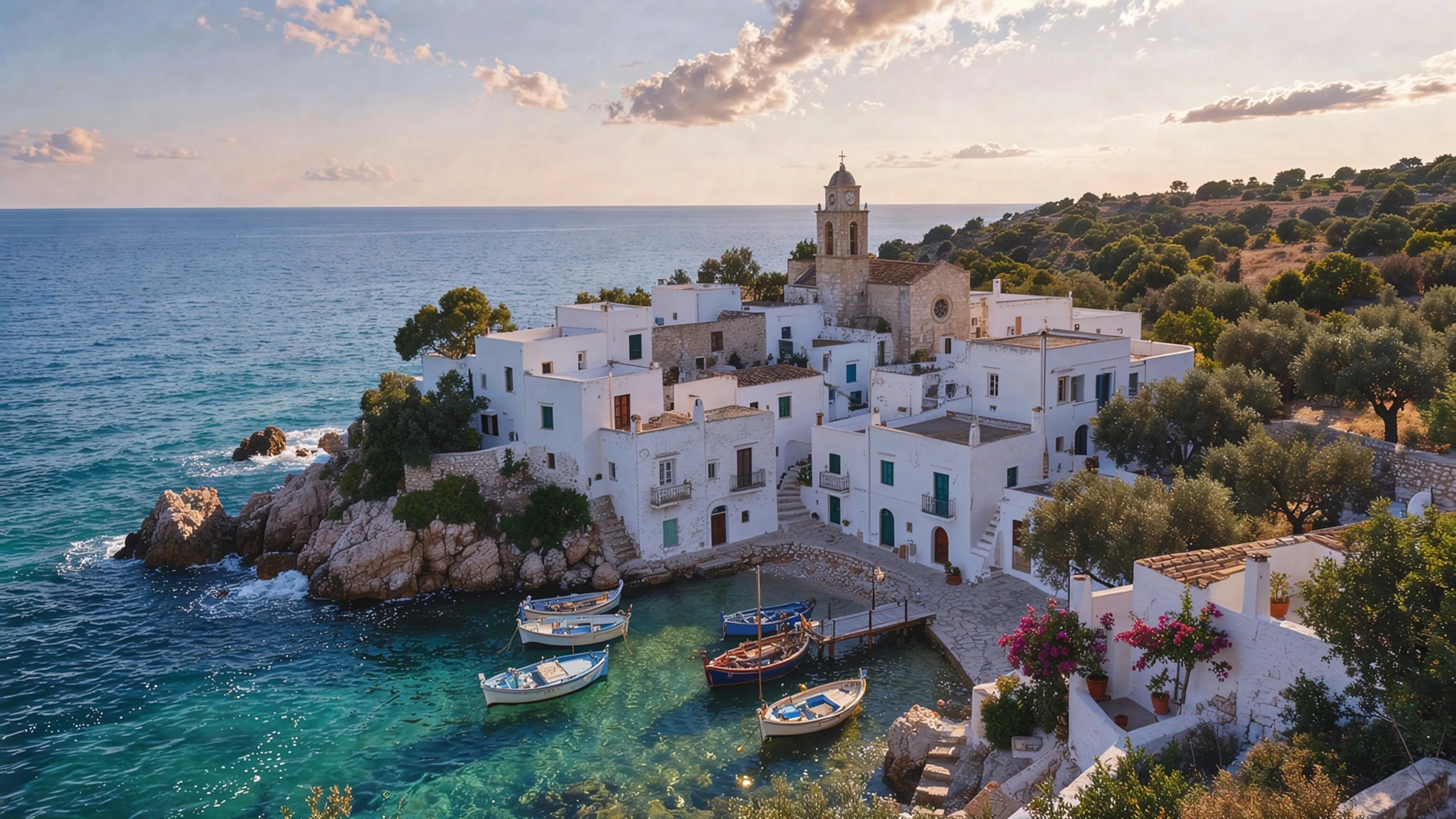
Aerial photo of a Mediterranean coastal village with whitewashed houses at golden hour, turquoise water, fishing boats, realistic detail, travel photography
moreimage_size: 2048x1152
generated withideogram/v4/instant
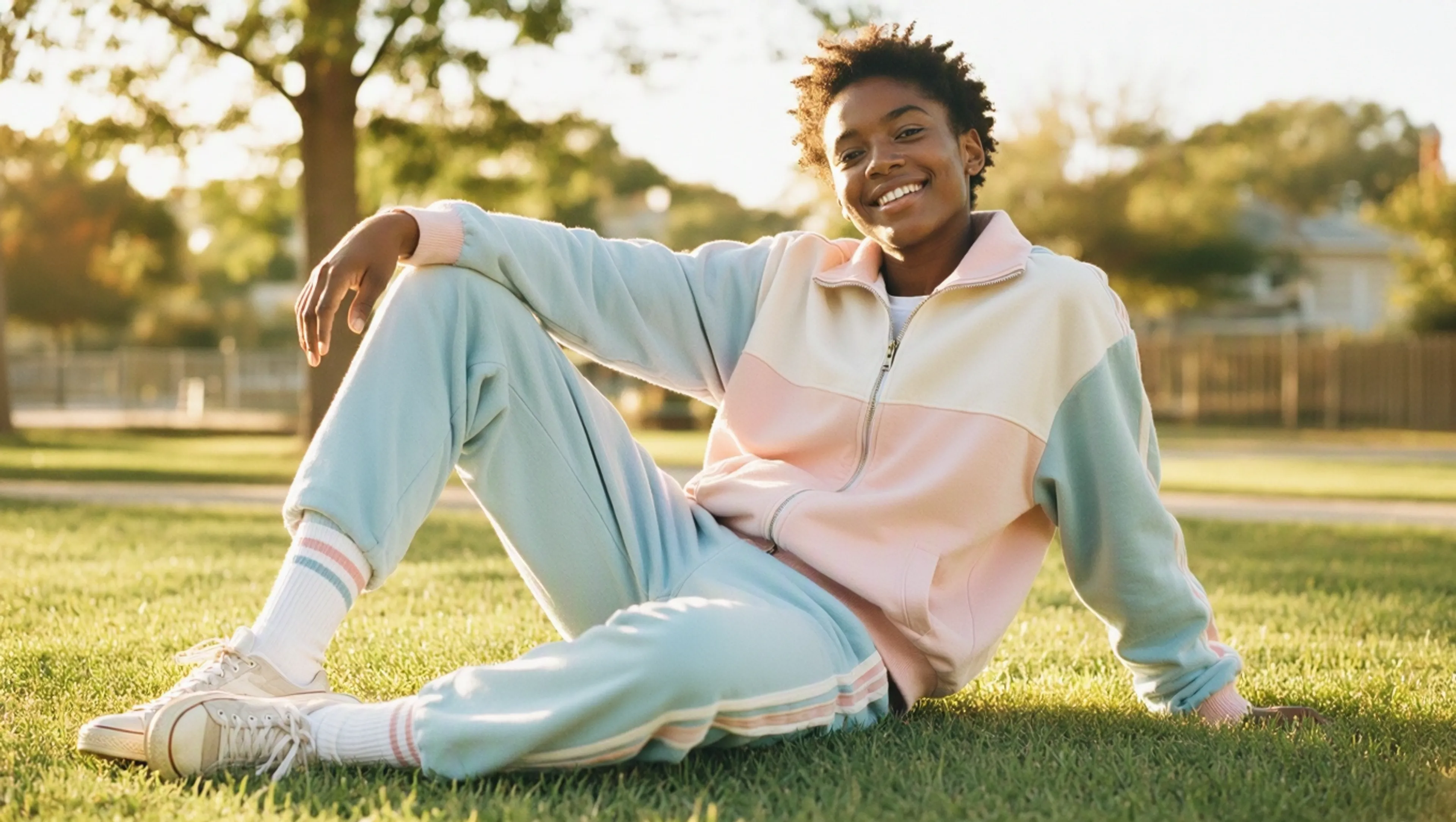
Sun-drenched outdoor shot of a model in vintage sportswear, retro tracksuit and tube socks, lounging on a grassy lawn, Tyler Mitchell warm utopian aesthetic, soft golden light, nostalgic pastel palette, joyful relaxed Americana, gentle film grain
moreaspect_ratio: 16:9
generated withmicrosoft/mai-image-2.5
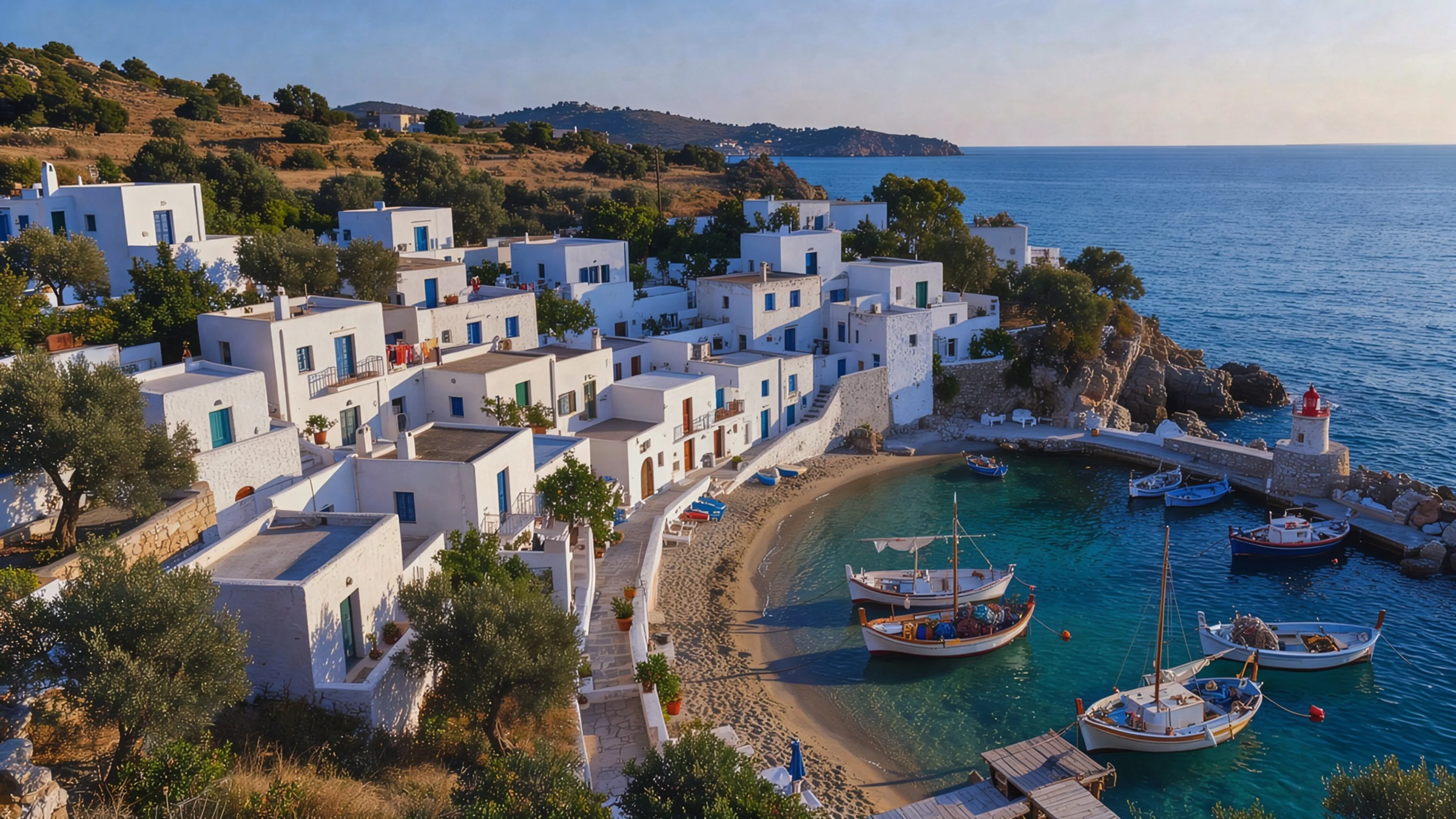
Aerial photo of a Mediterranean coastal village with whitewashed houses at golden hour, turquoise water, fishing boats, realistic detail, travel photography
moreimage_size: 2048x1152
generated withideogram/v4/instant
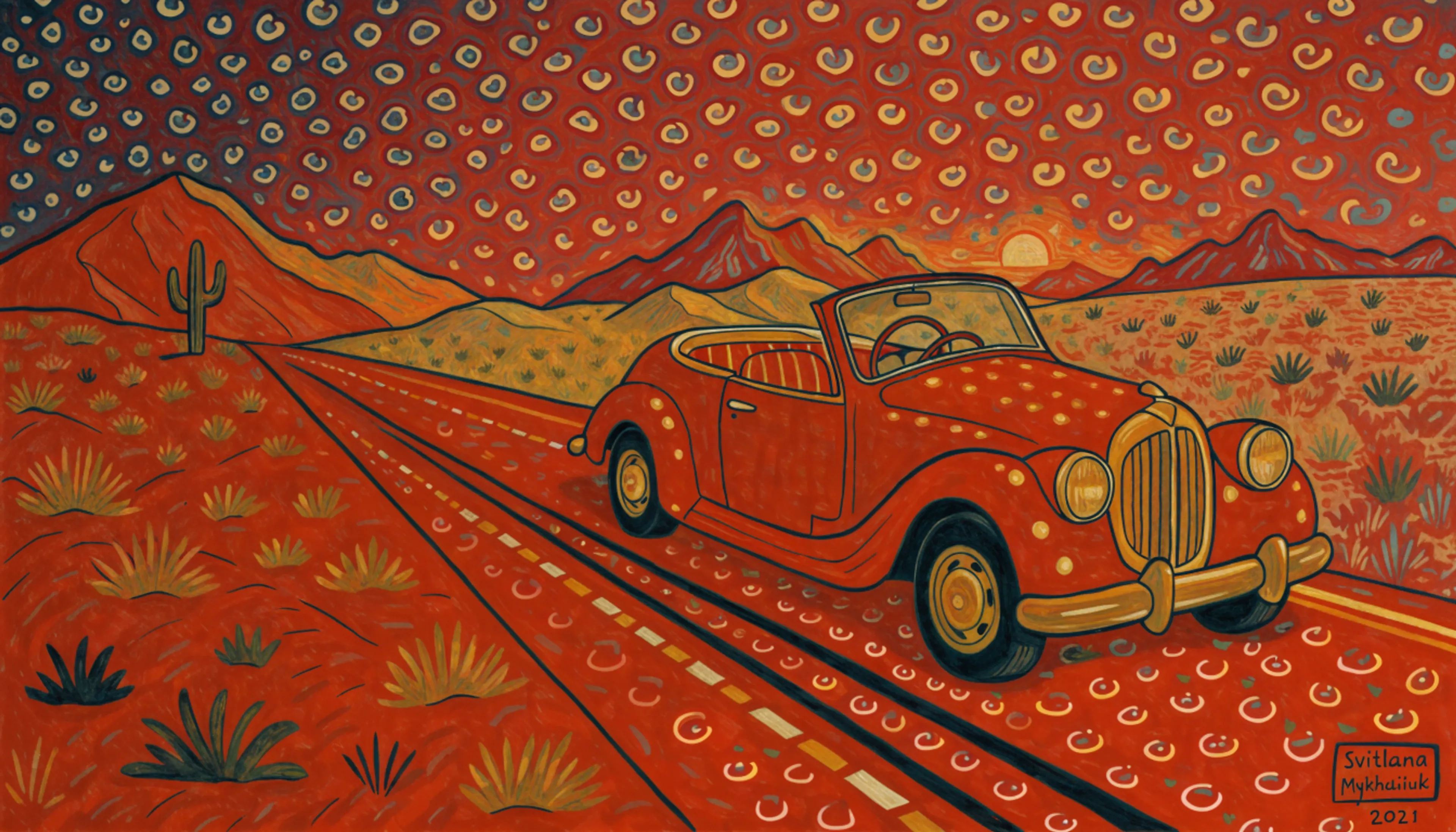
Vintage convertible parked on a desert highway at golden hour
moreimage_size: 1024x576
generated withrecraft/v4/style/text-to-image
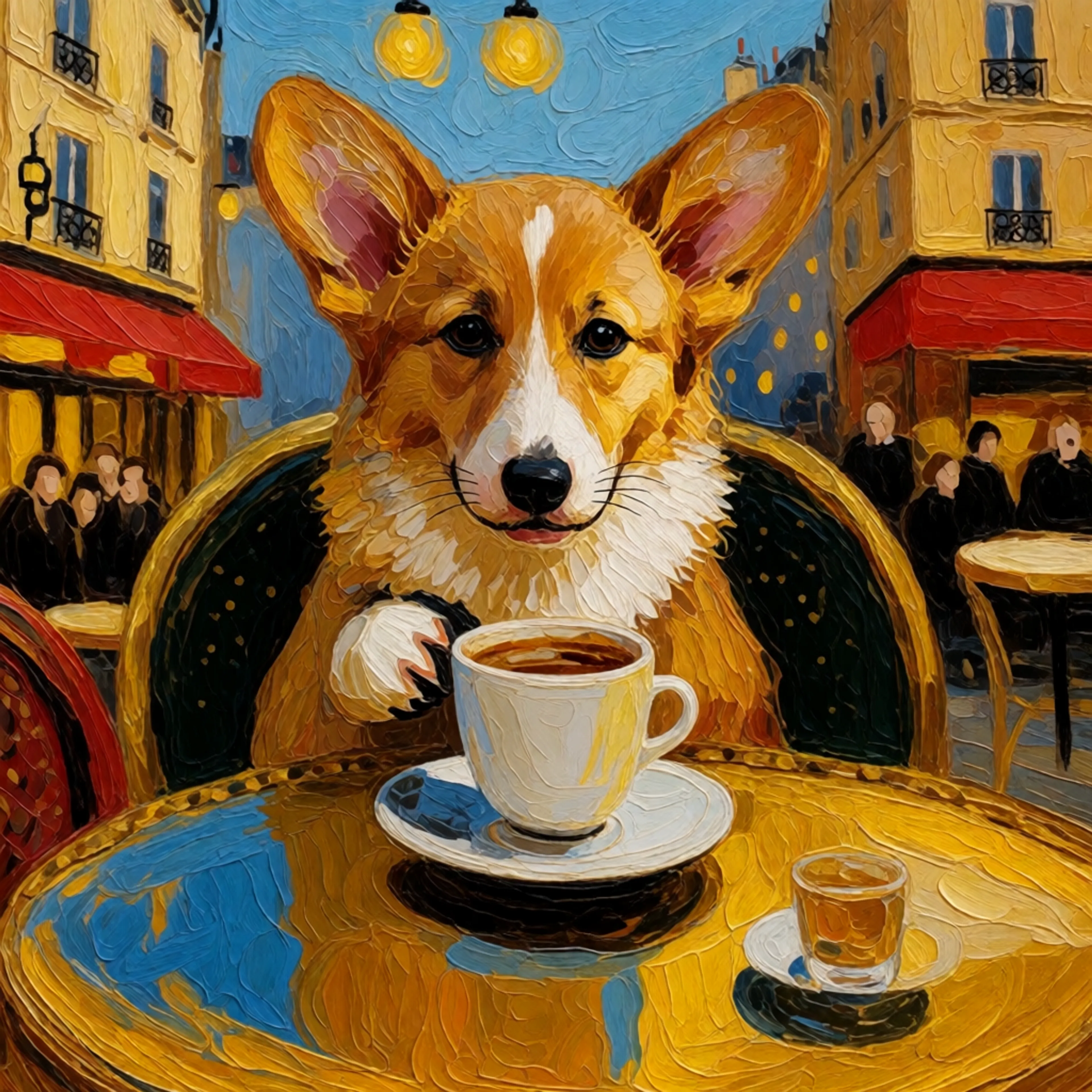
a corgi puppy sipping coffee at a parisian cafe
moreseed: 42
image_size: 1024x1024
generated withfal-ai/krea-2/turbo/style
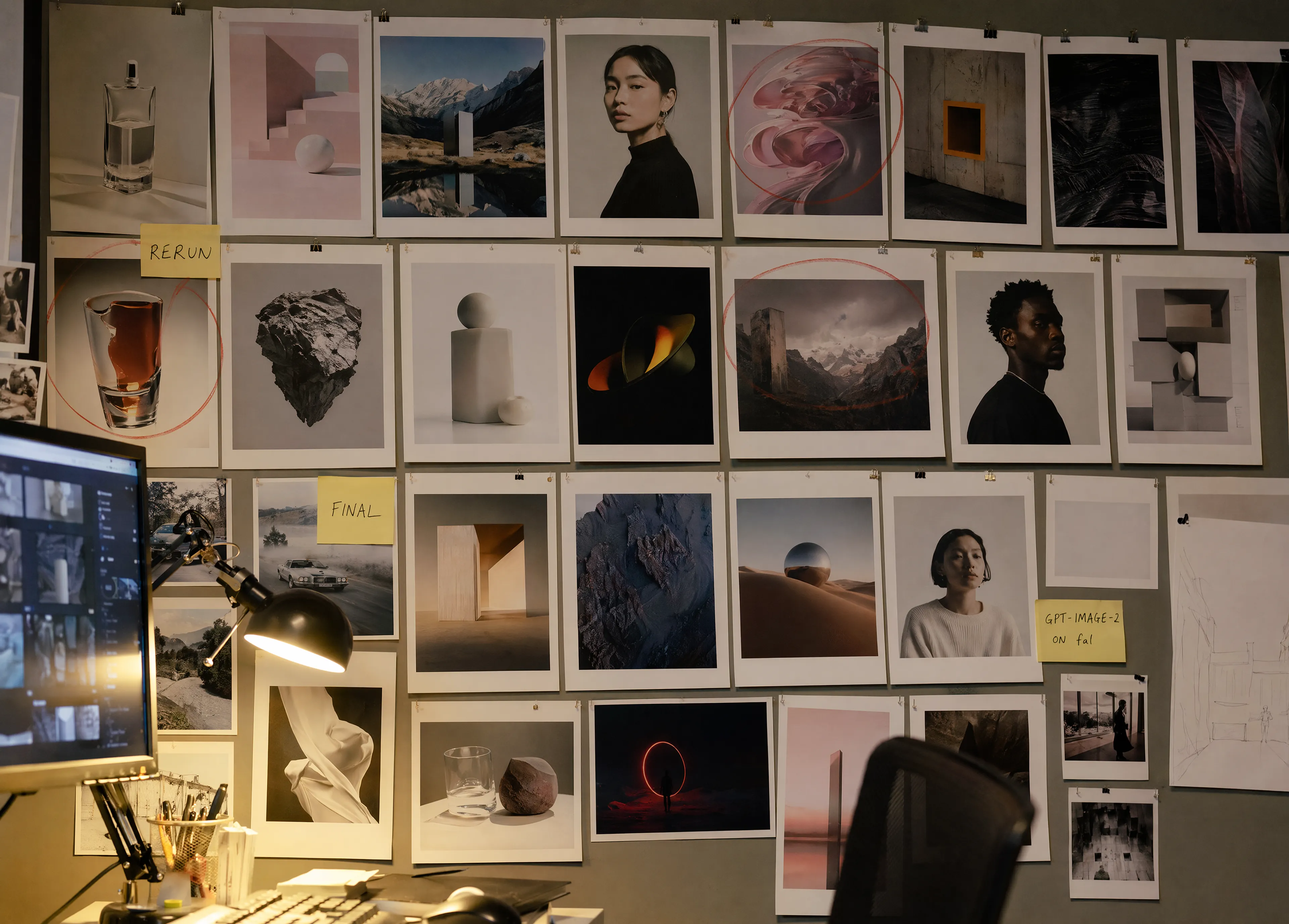
Candid photograph of a creative studio's review wall covered in a neat grid of printed image sheets and loose pinned photographs showing a range of AI generated visuals: product shots, portraits, landscapes, abstract compositions. Some prints circled in red grease pencil, a few with handwritten sticky notes saying "RERUN", "FINAL", and "GPT-IMAGE-2 ON fal". Warm desk-lamp light from below, the corner of a monitor and a keyboard visible in the foreground, a chair back partially in frame. An honest, working-studio feel. No real brand logos, no watermark.
moreimage_size: 3500x2500
generated withopenai/gpt-image-2
Use Cases
What can you build with AI image models?
Create and transform visual content without managing model infrastructure.
Creative production
Turn briefs into finished visuals
Create campaign concepts, illustrations, social assets, and editorial imagery from natural-language direction.
Product design
Build repeatable image workflows
Generate product scenes, variations, and on-brand assets with reference images and reusable style controls.
Image editing
Transform existing images
Restyle, localize, replace, and refine visual content while preserving the parts of the source that matter.
FAQ
Common questions about AI image models
Which AI image model should I choose?
Choose based on the job. Some models prioritize speed, while others specialize in photorealism, typography, style consistency, or precise editing. Open a featured model to compare its inputs, outputs, pricing, and examples.
Can these models generate and edit images?
Yes. fal hosts text-to-image and image-to-image endpoints. Capabilities vary by model and can include reference-guided generation, multi-image editing, style transfer, typography, and custom LoRA support.
Can I use AI image models through an API?
Yes. Every model listed here has a hosted fal API and an interactive playground. Open a model to review its request schema, pricing, and code examples, or create an API key from your dashboard.
What image formats and sizes are available?
Formats, aspect ratios, and maximum resolutions depend on the endpoint. Check the selected model's input and output schema for the exact dimensions and file types it supports.
Can generated images be used commercially?
Commercial usage depends on the selected model and your use case. Review the model page and fal.ai's terms of service before shipping generated content.