


Idol Max
One image in, a game-ready 3D asset out. Clean mesh, sharp texture, and an optional rig with ready-to-use animations, in under a minute.
Built by fal, on top of Idol by SperidLabs.


What can Idol Max do?
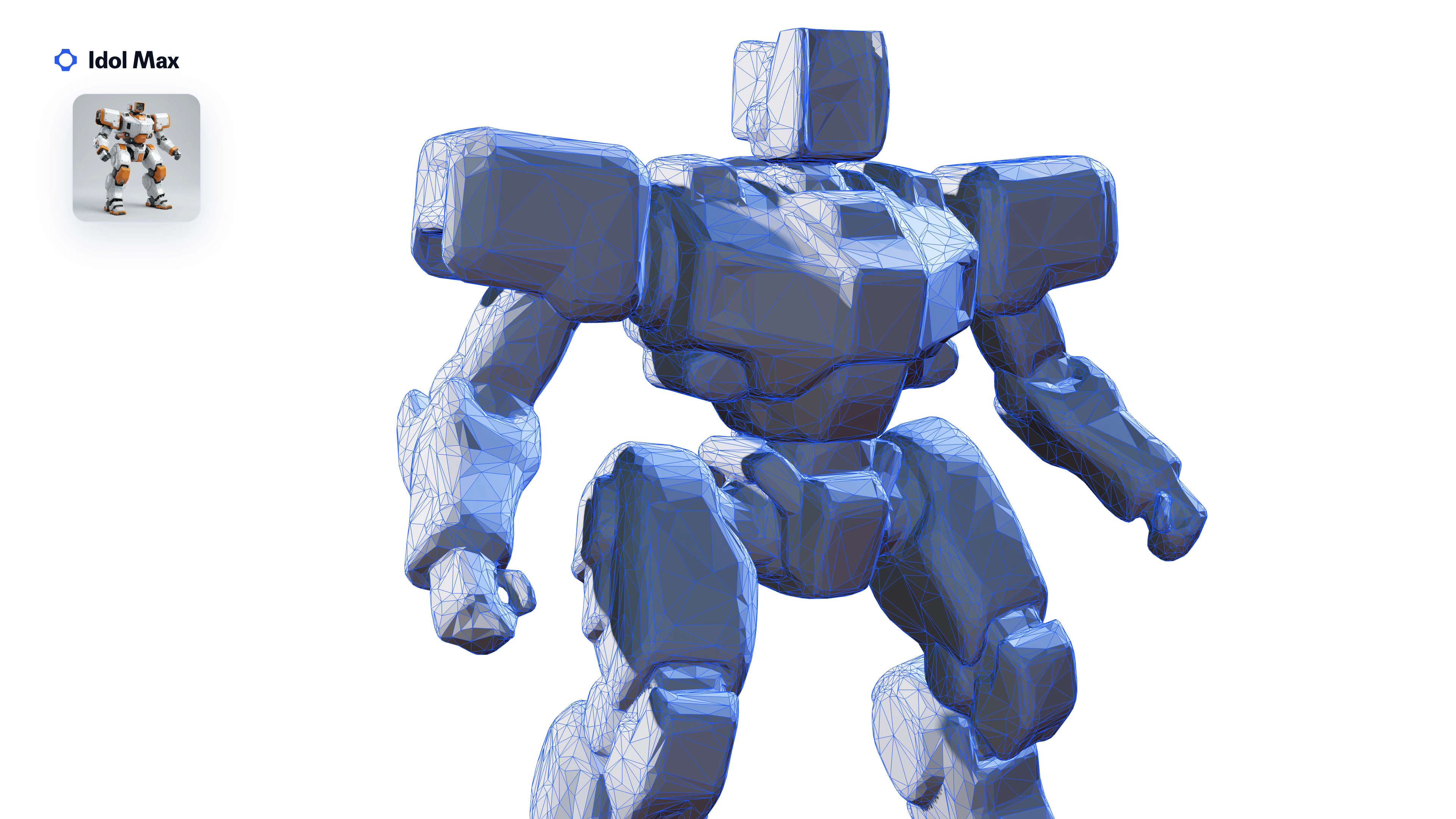
Made for games, not for screenshots
Idol Max returns a real, lightweight mesh that drops straight into Unity, Unreal, Godot or three.js.
- 30k triangles with proper UVs
- A 2K texture and a normal map
- Delivered as one .glb
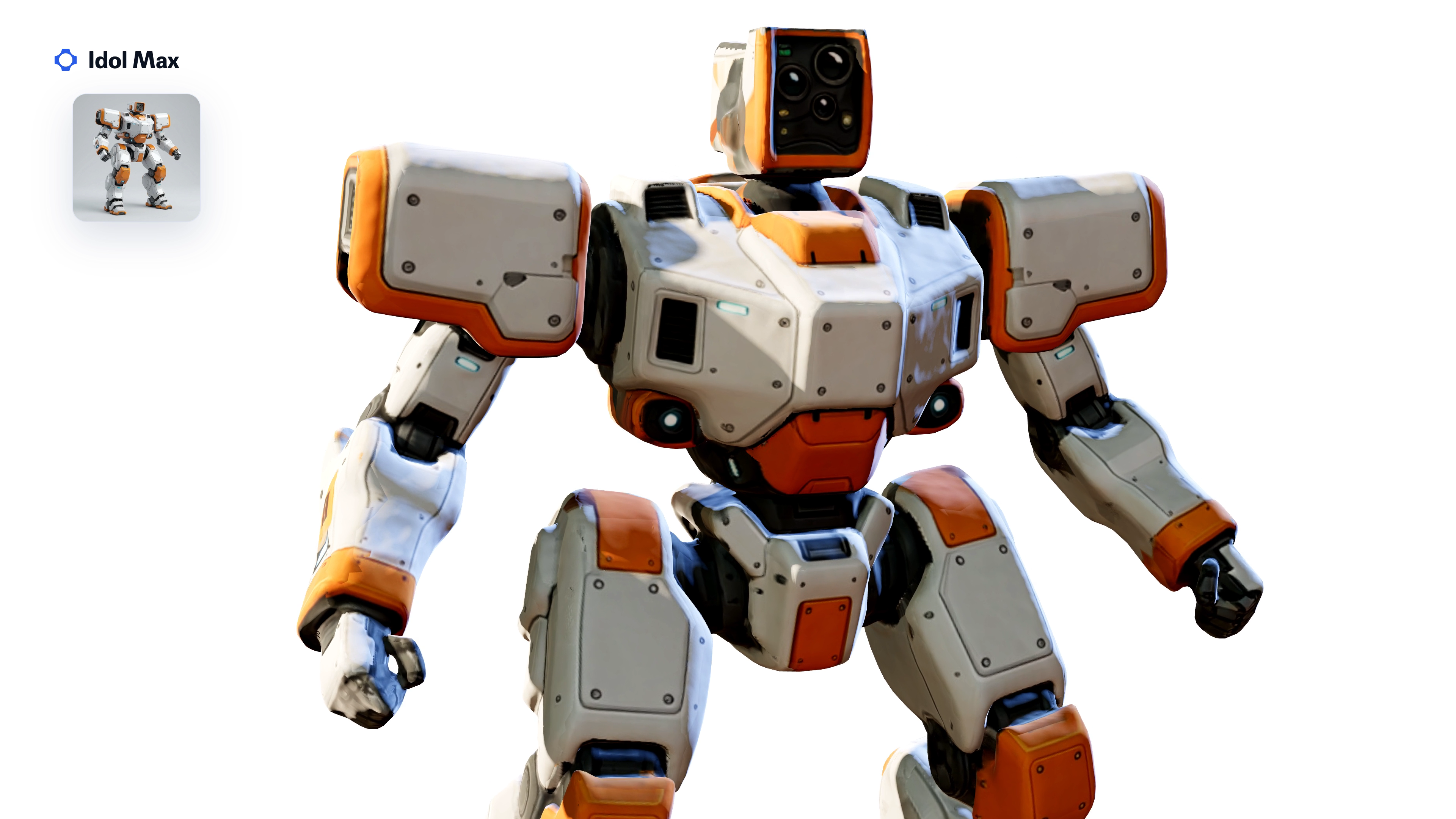
Faithful to your image
The texture is painted back from your picture, so colors and details stay true to the original.
- Base color repainted from the input image
- Idol Max gives the sharpest texture and the most faithful colors
- Turbo projects color from the 3D shape, for speed
Rig and animate in one switch
Turn on rig and get a rigged character plus looping animation clips, ready to play.
- Walk, run, jump and idle clips, for the ones the skeleton can play
- One .glb per clip, plus the rigged character
- Rigging adds about 15 seconds to a request
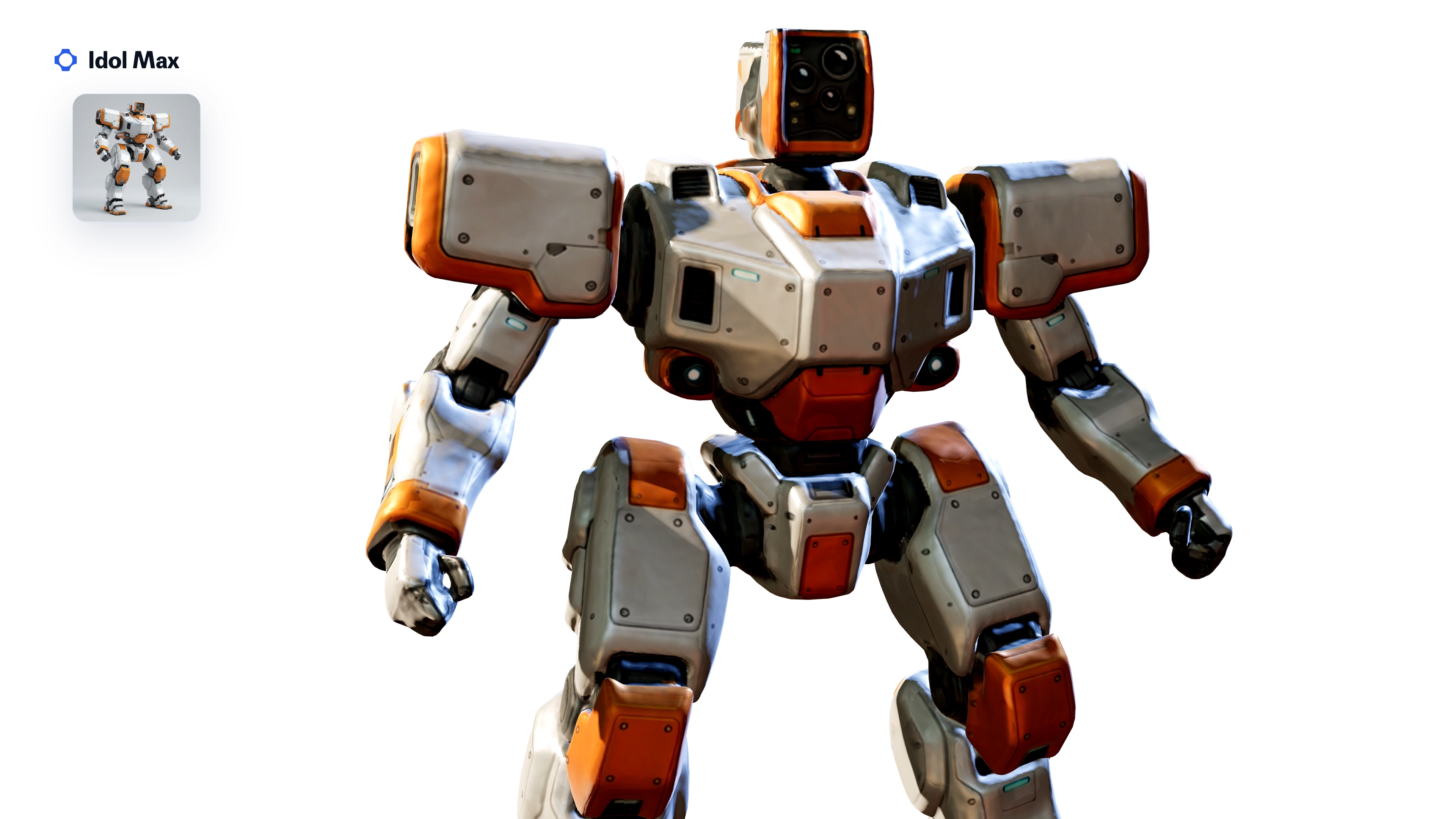
PBR materials for realistic shading
Switch on enable_pbr to add roughness and metalness maps for realistic shading in any engine.
- Roughness and metalness maps
- Metal, plastic and painted surfaces read correctly under engine lighting
- Off by default; adds typically 20 seconds to 2 minutes
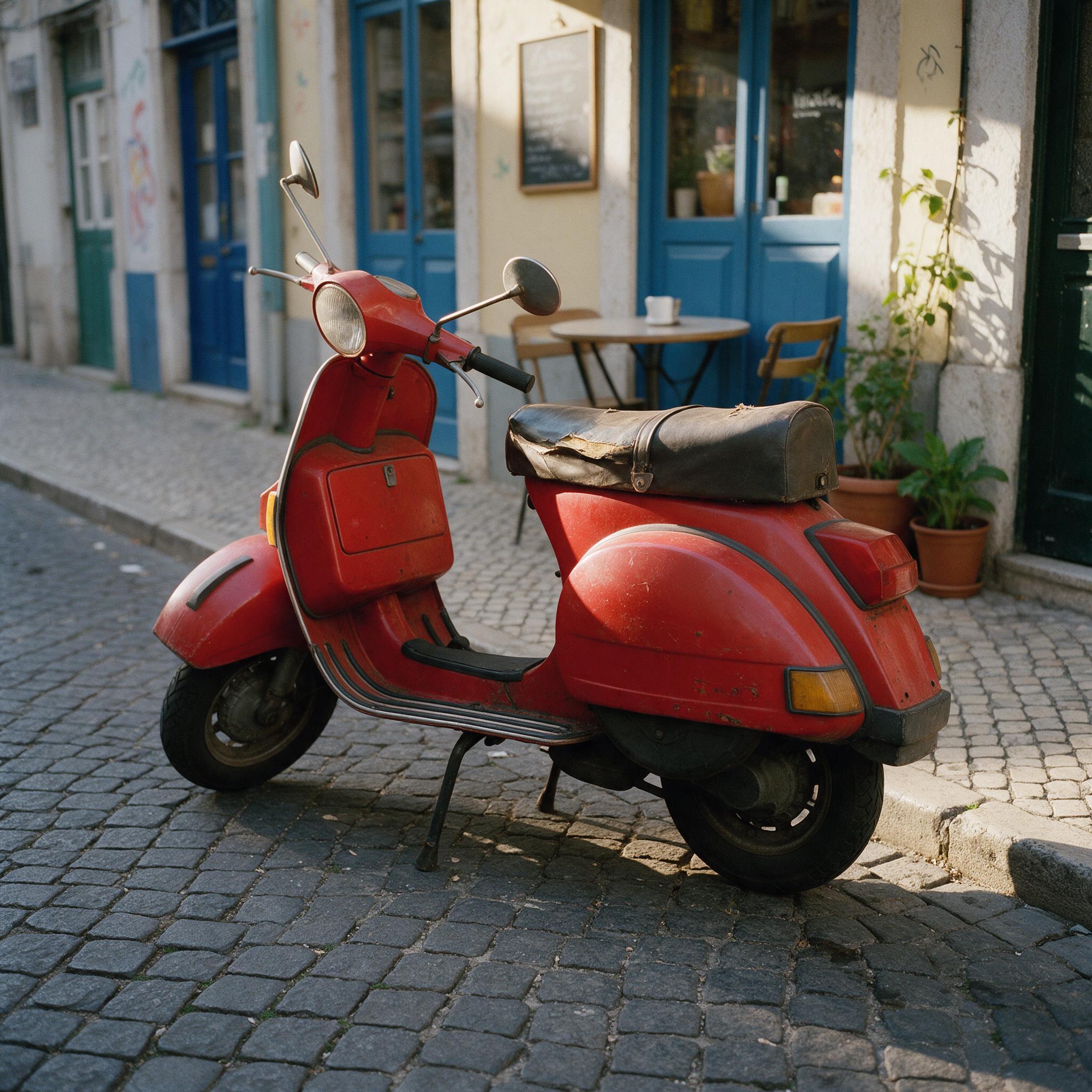
Works on real photos
The background is removed for you, so a photo with a street, a room or a forest behind the subject works fine.
- No masking or cutout needed
- Set image_type to real for photographs, synthetic for renders and generated images
- The cleaned-up input comes back as preprocessed_image
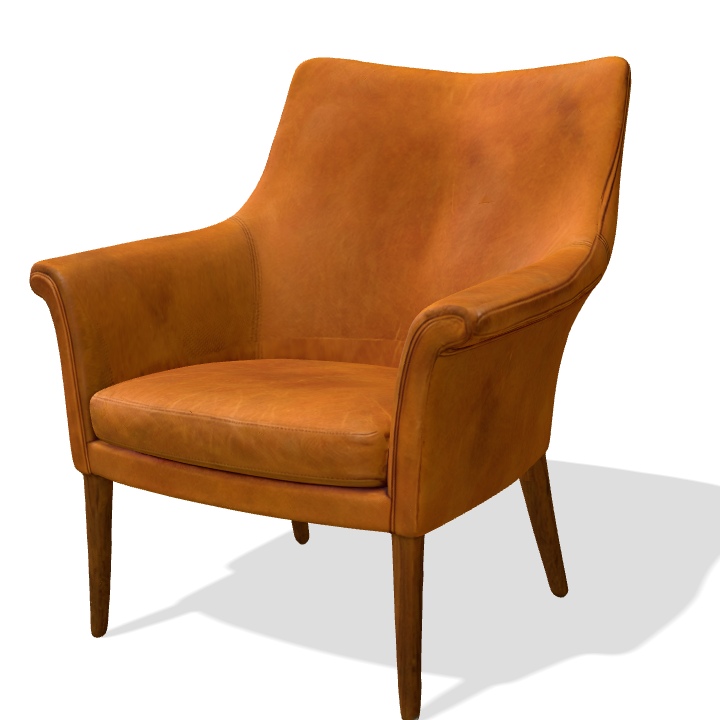
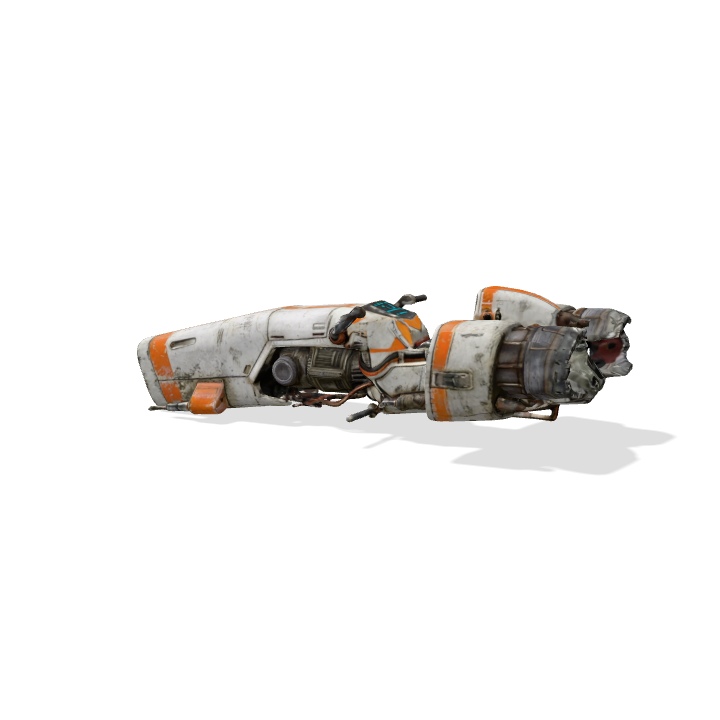
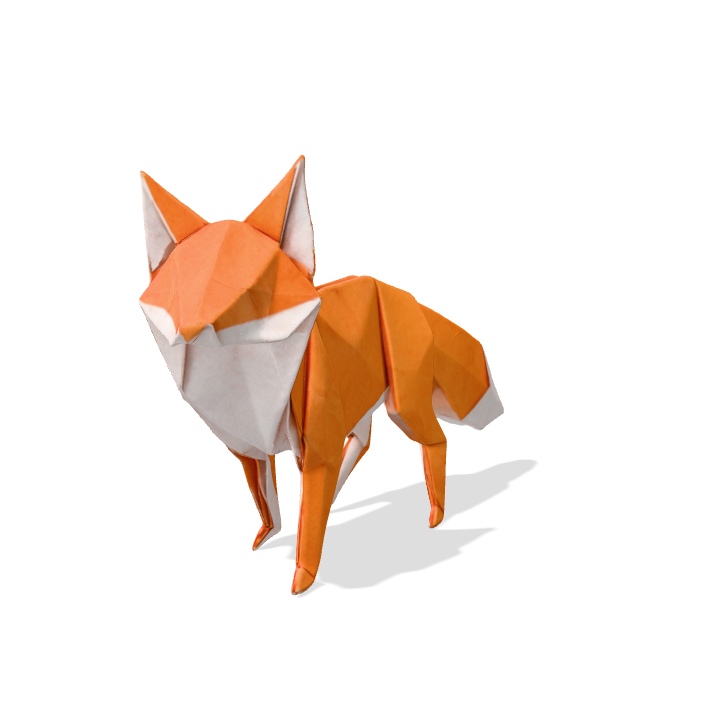
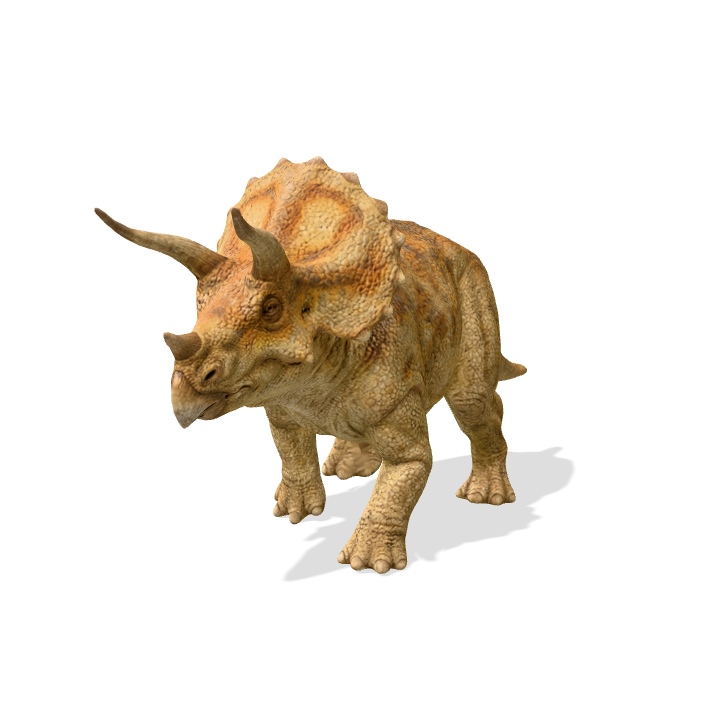
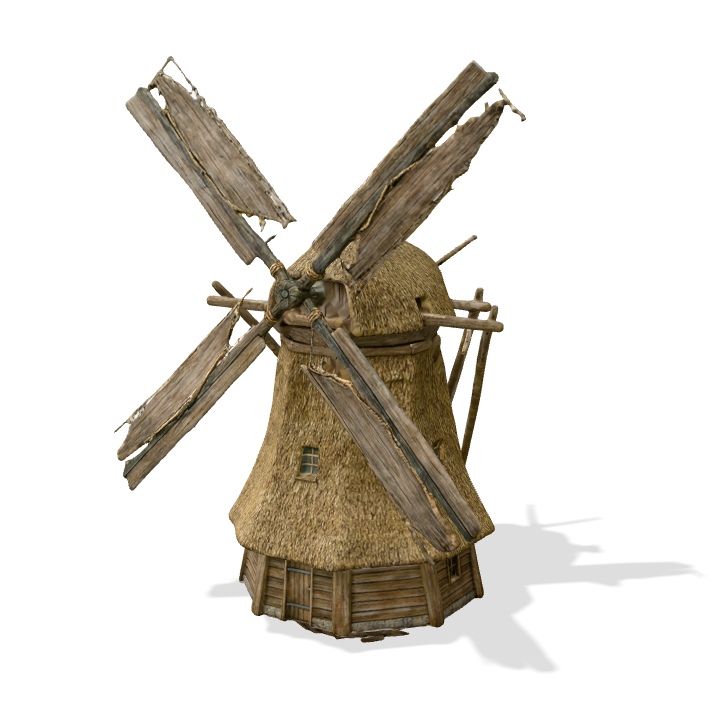
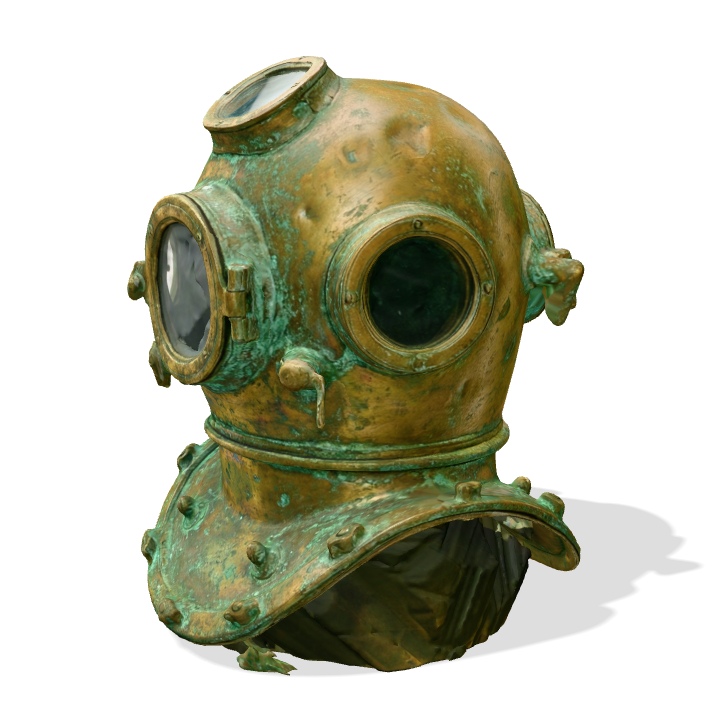
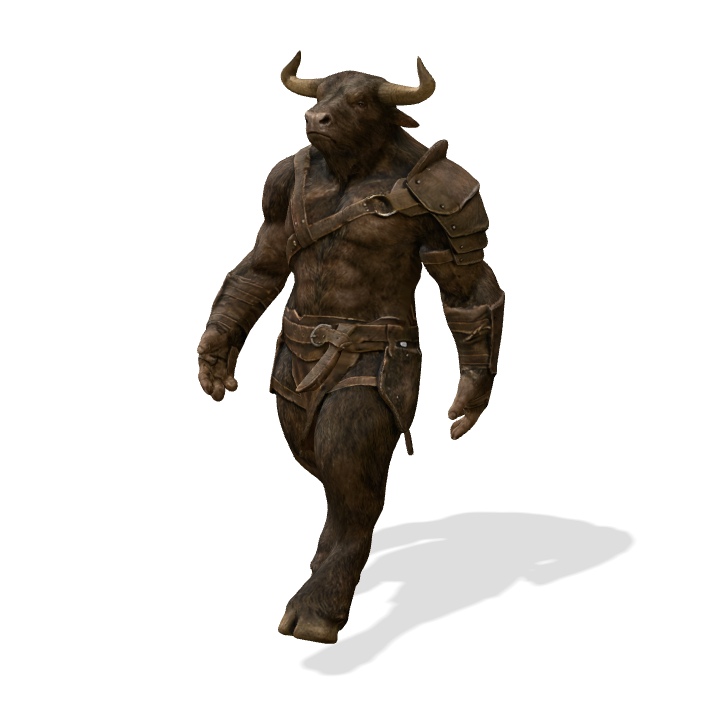
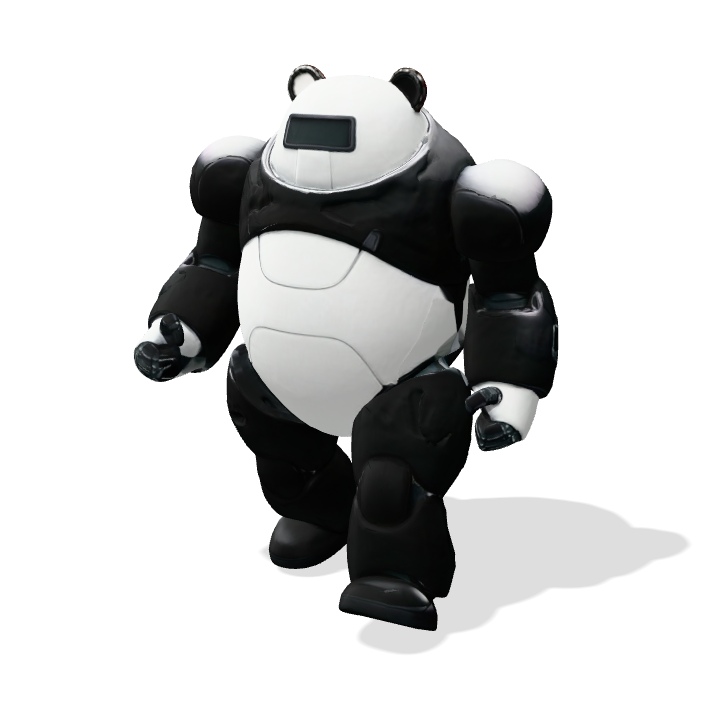
Any kind of subject
Idol Max handles whatever your game needs, from heroes to set dressing.
- Robots, characters, creatures and animals
- Vehicles, furniture and props
- Buildings
From 3D asset to finished video
Put an Idol Max asset in front of a camera and turn the render into photoreal footage.
- The same scooter, orbited as a plain 3D render (inset)
- H3 Max 3D to Video keeps the camera move and the asset, and builds the street around it
- One image to a 1080p shot, all on fal
How Idol Max works
Image, 3D shape, game mesh, details, texture, materials, rig, animation: every pass on the same robot.
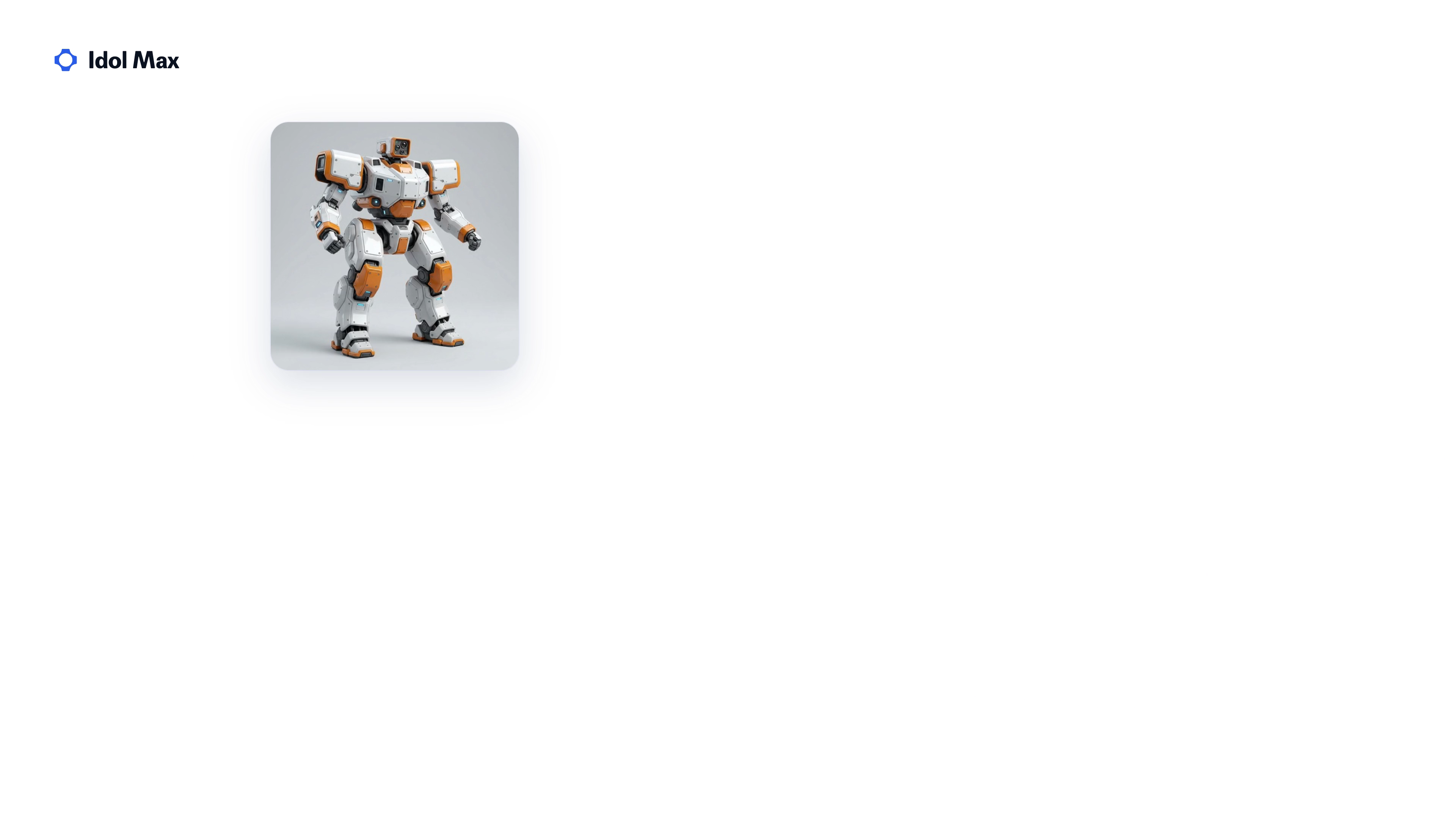 01Image
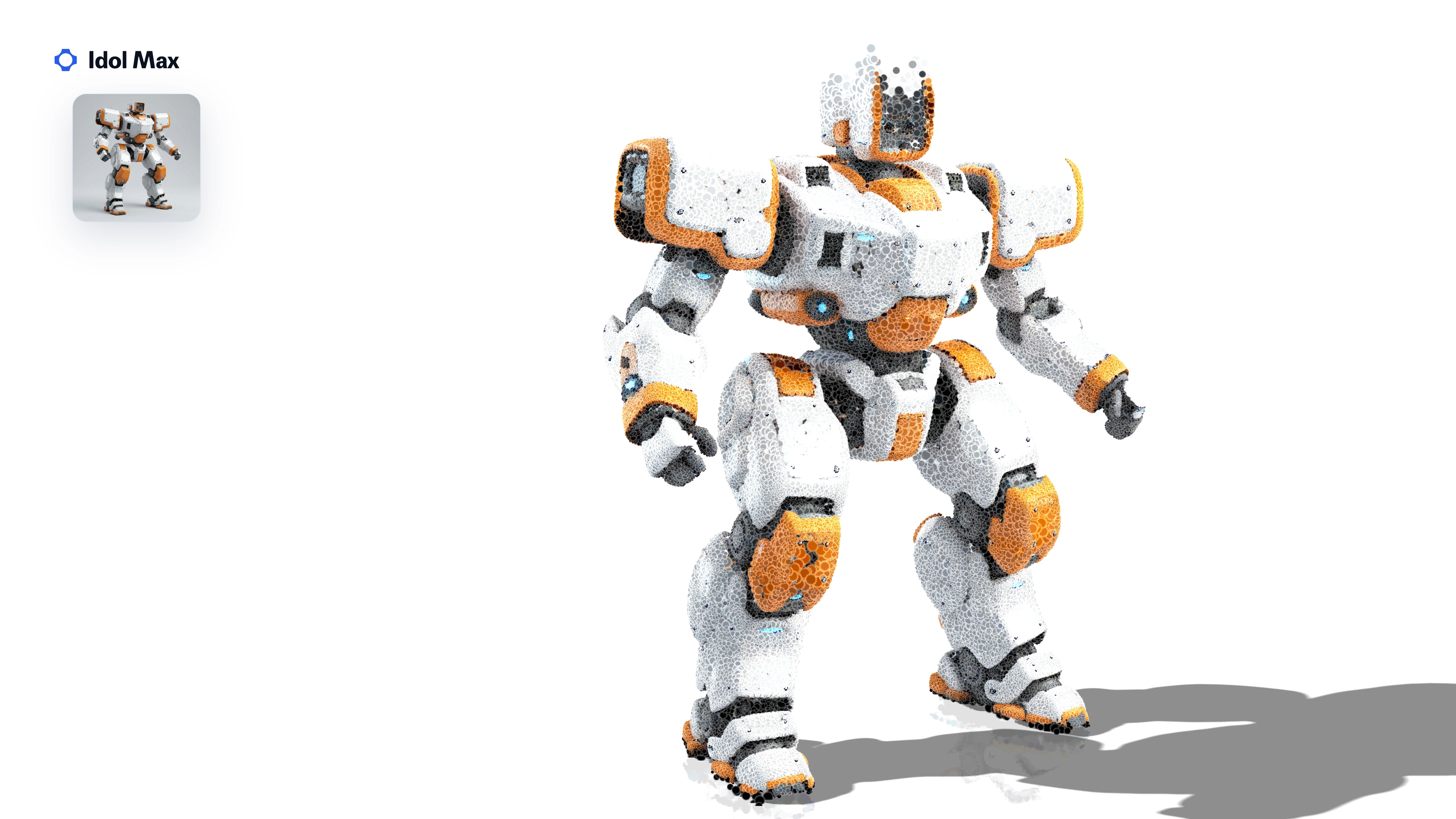 023D shape
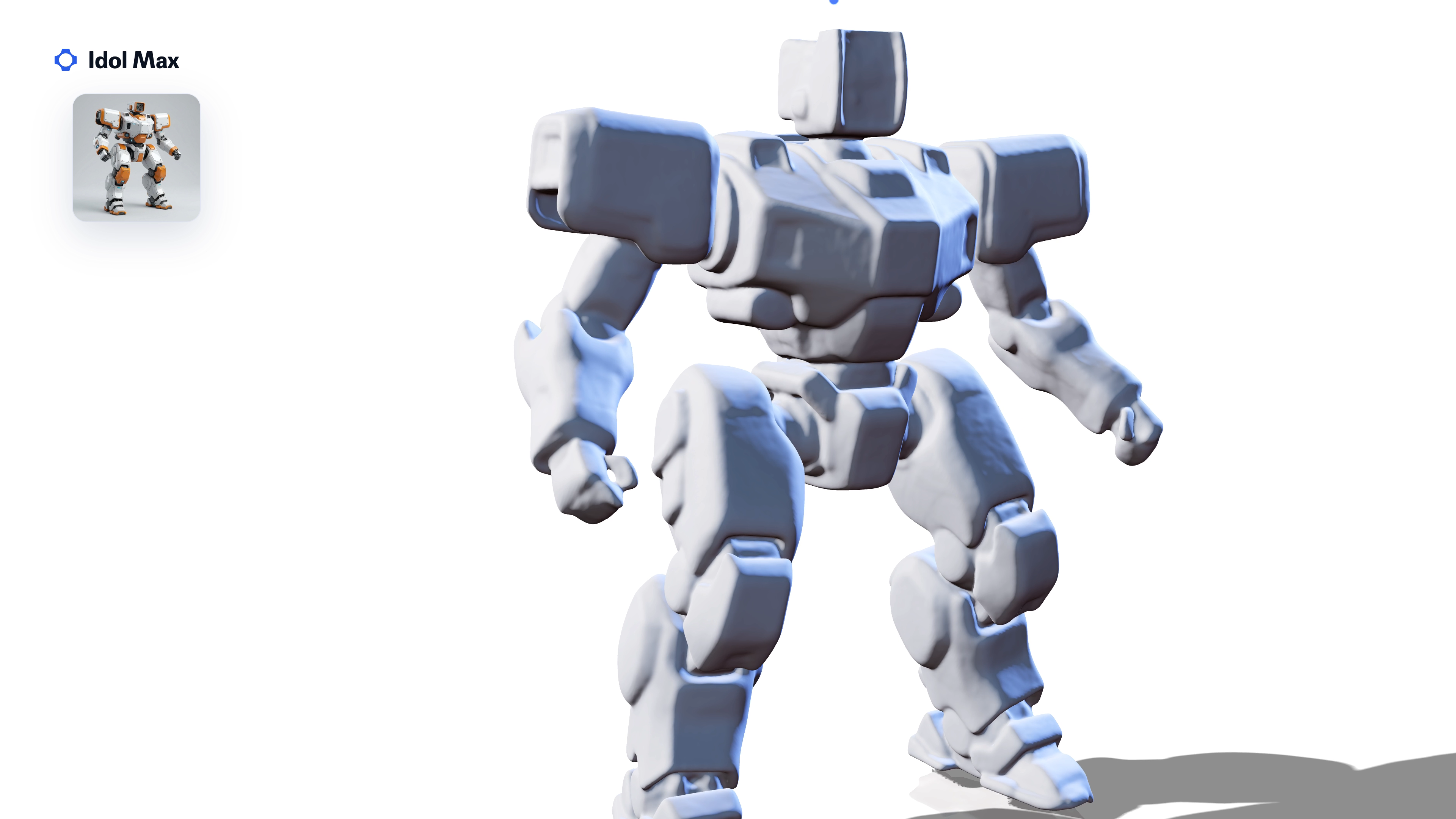 03Surface
- 04Game mesh
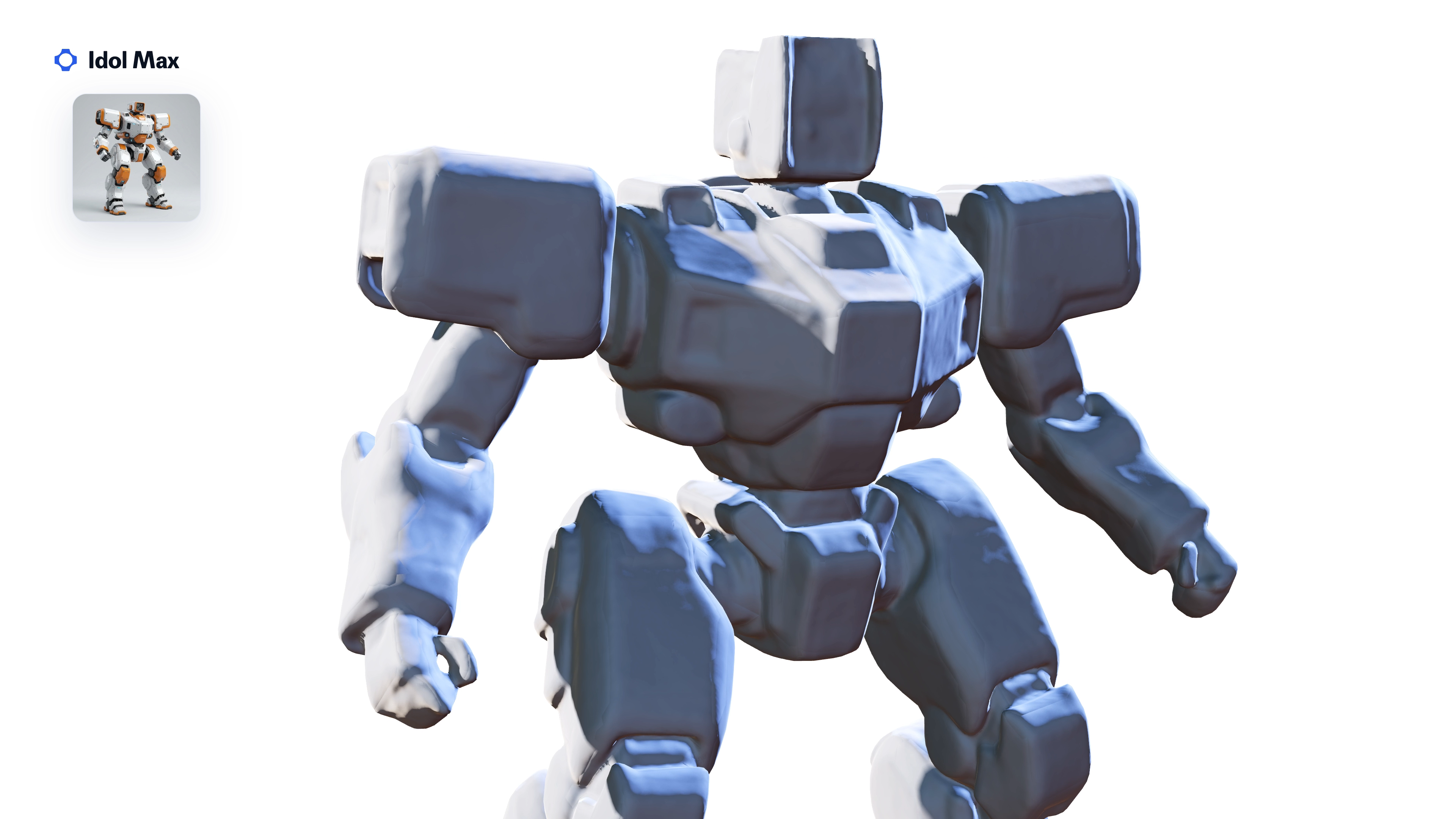 05Details
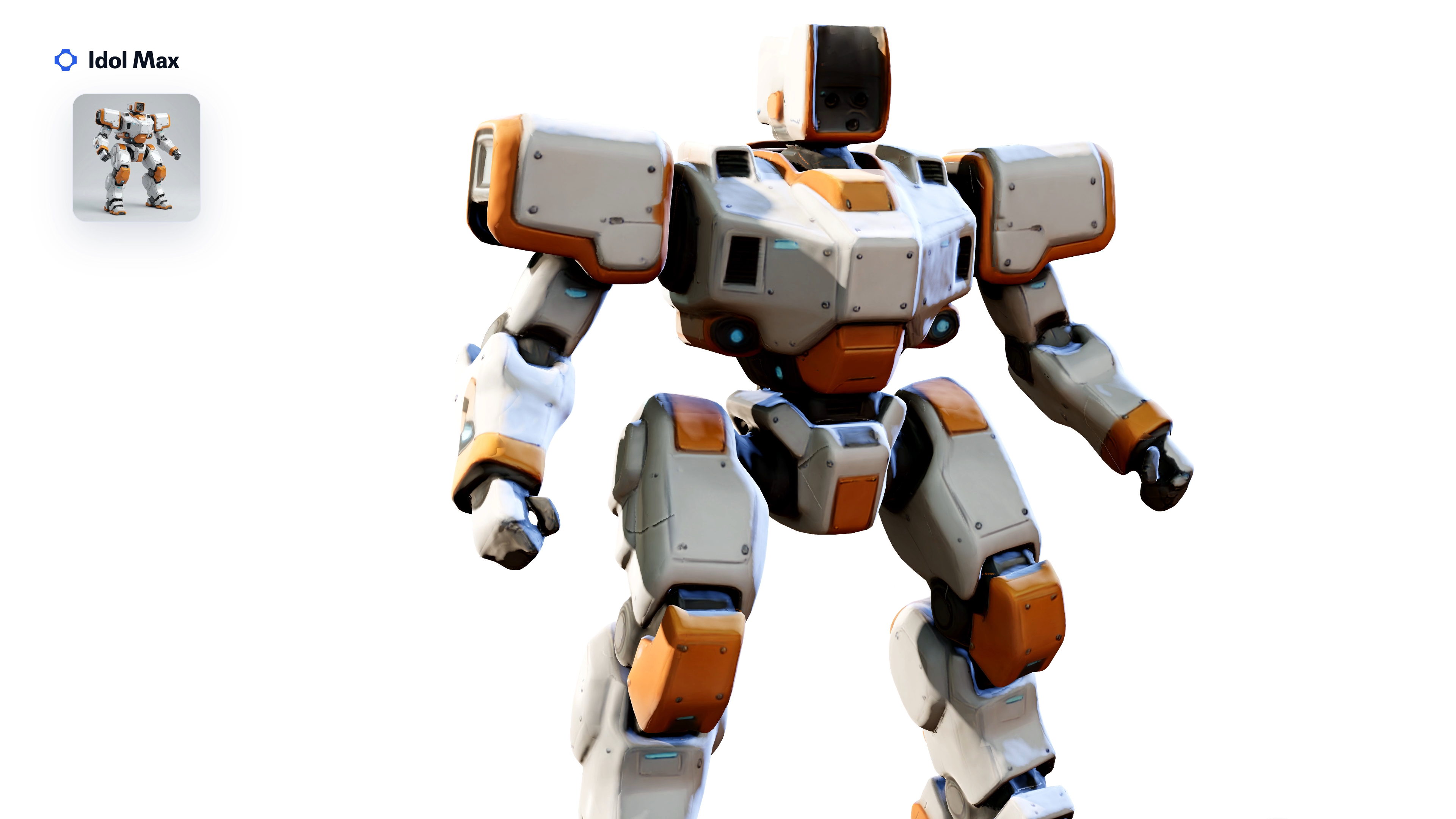 06Texture
- 07Repaint
- 08Materials
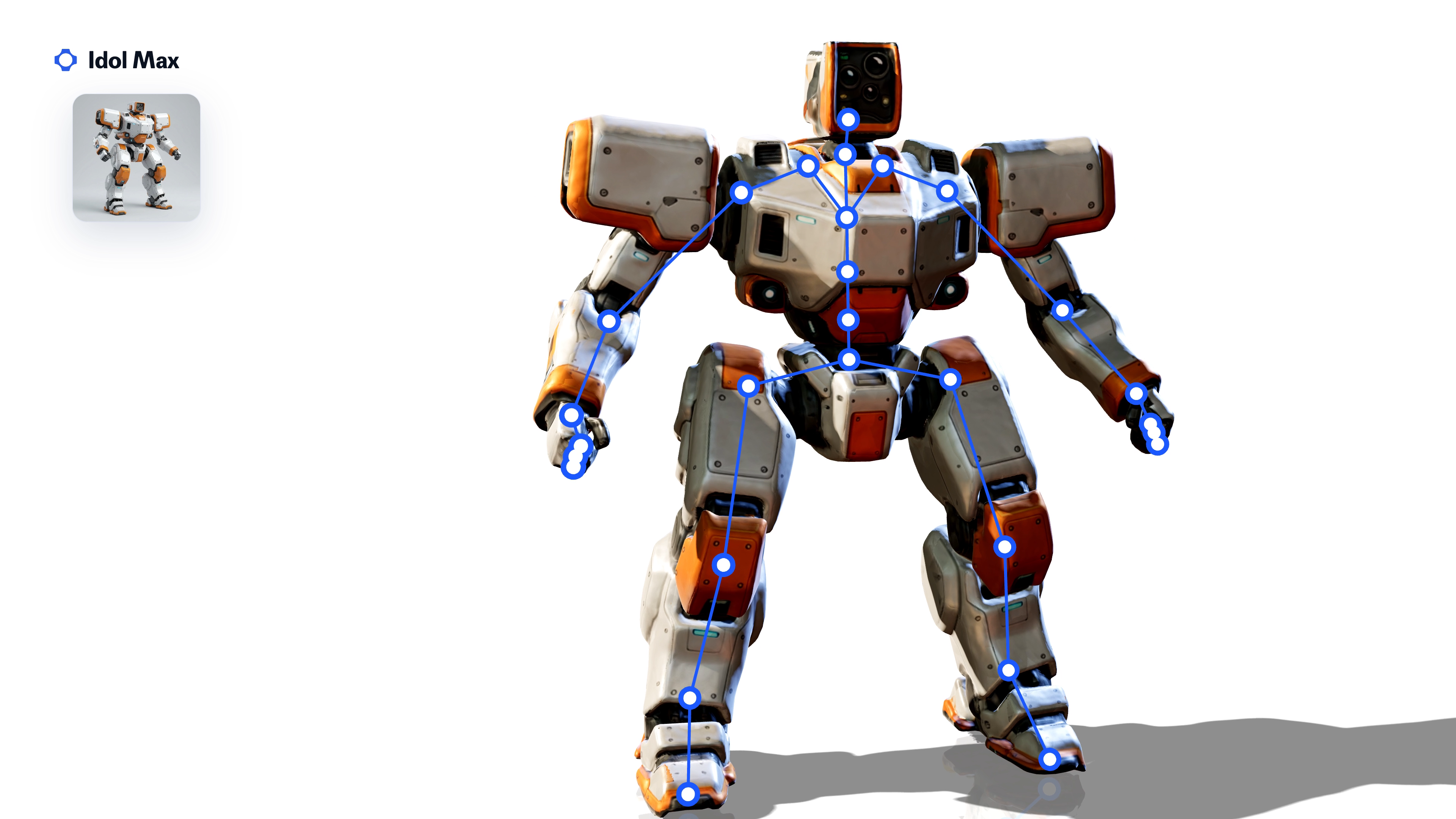 09Rig
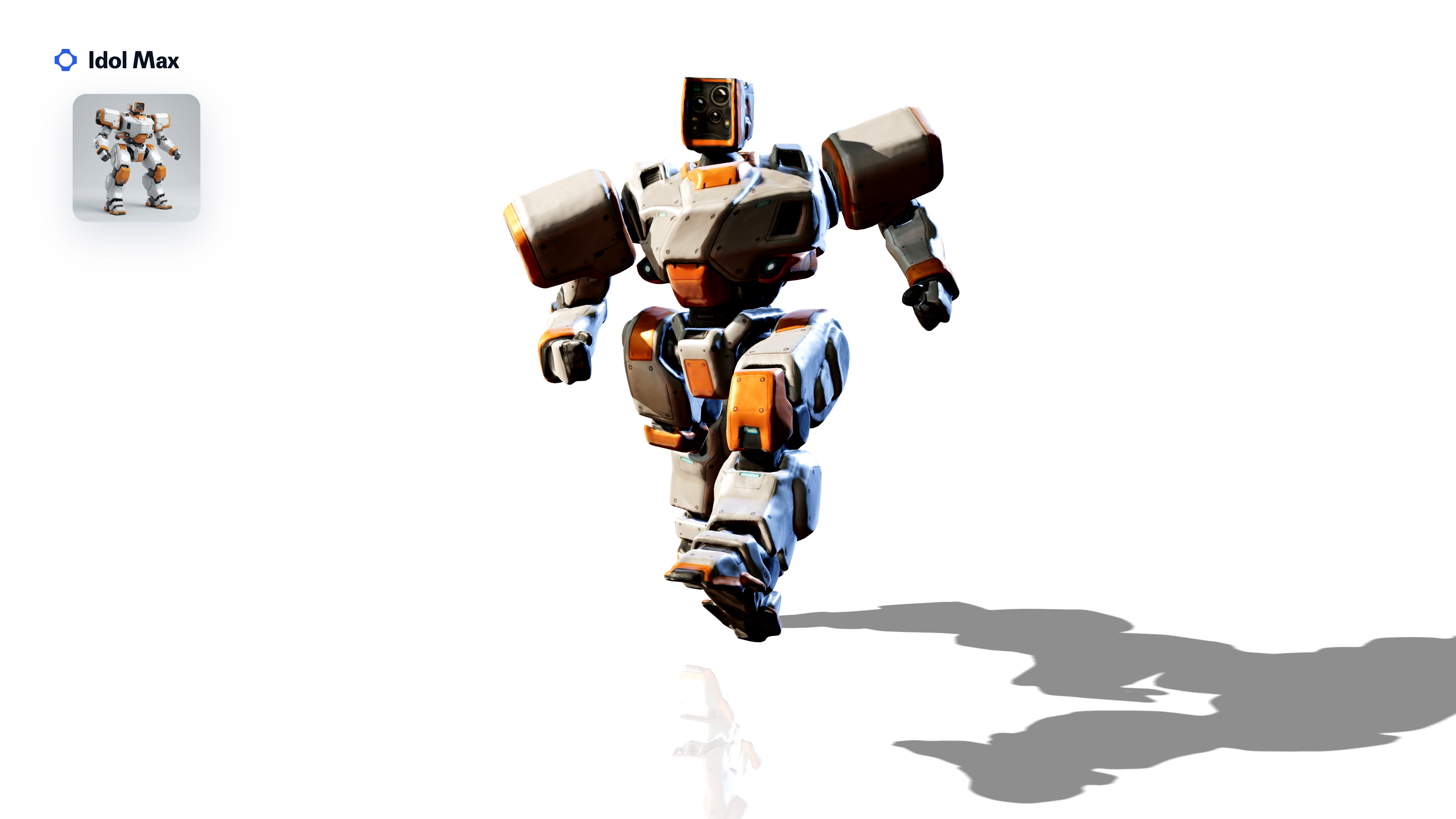 10Animation


What can you make with Idol Max?
21 assets from the launch film, each from a single image (inset). Upload your own in the Idol Max playground.
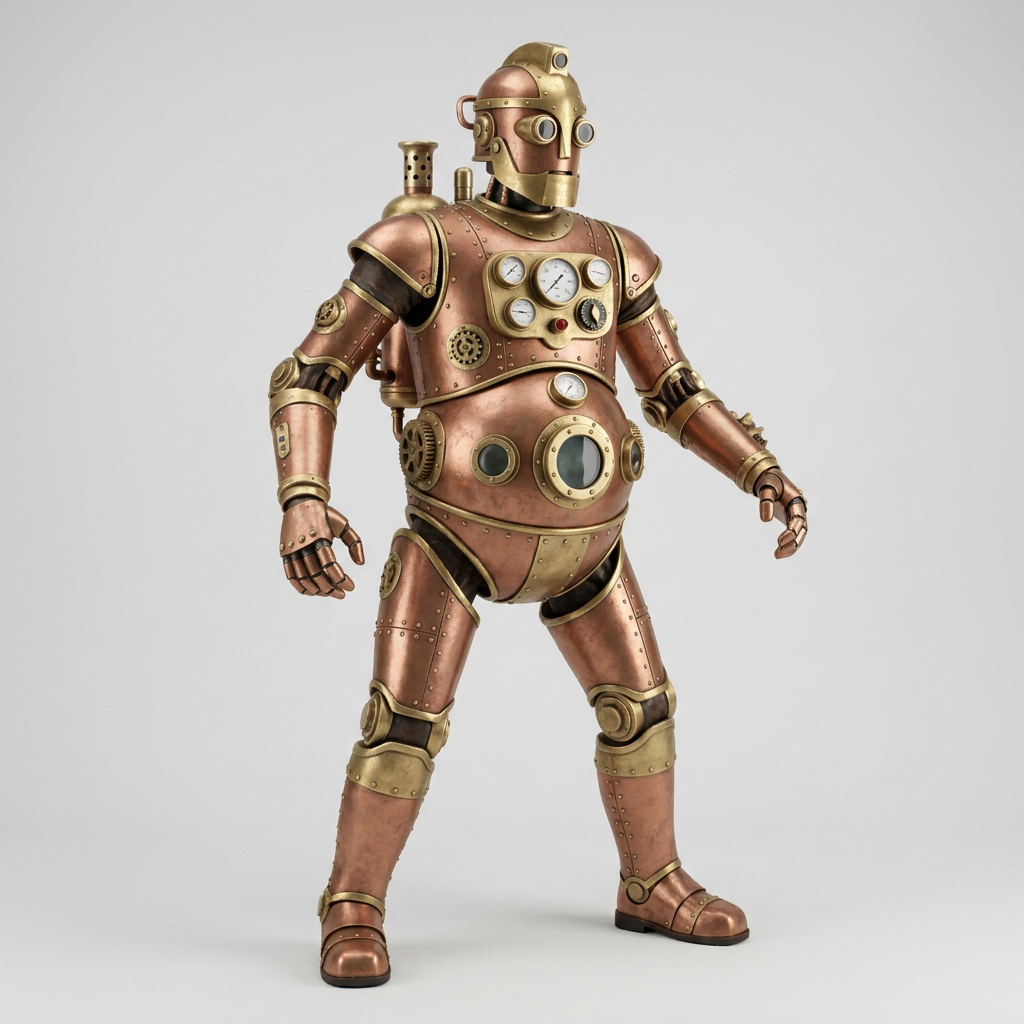 Walk
Steam automaton
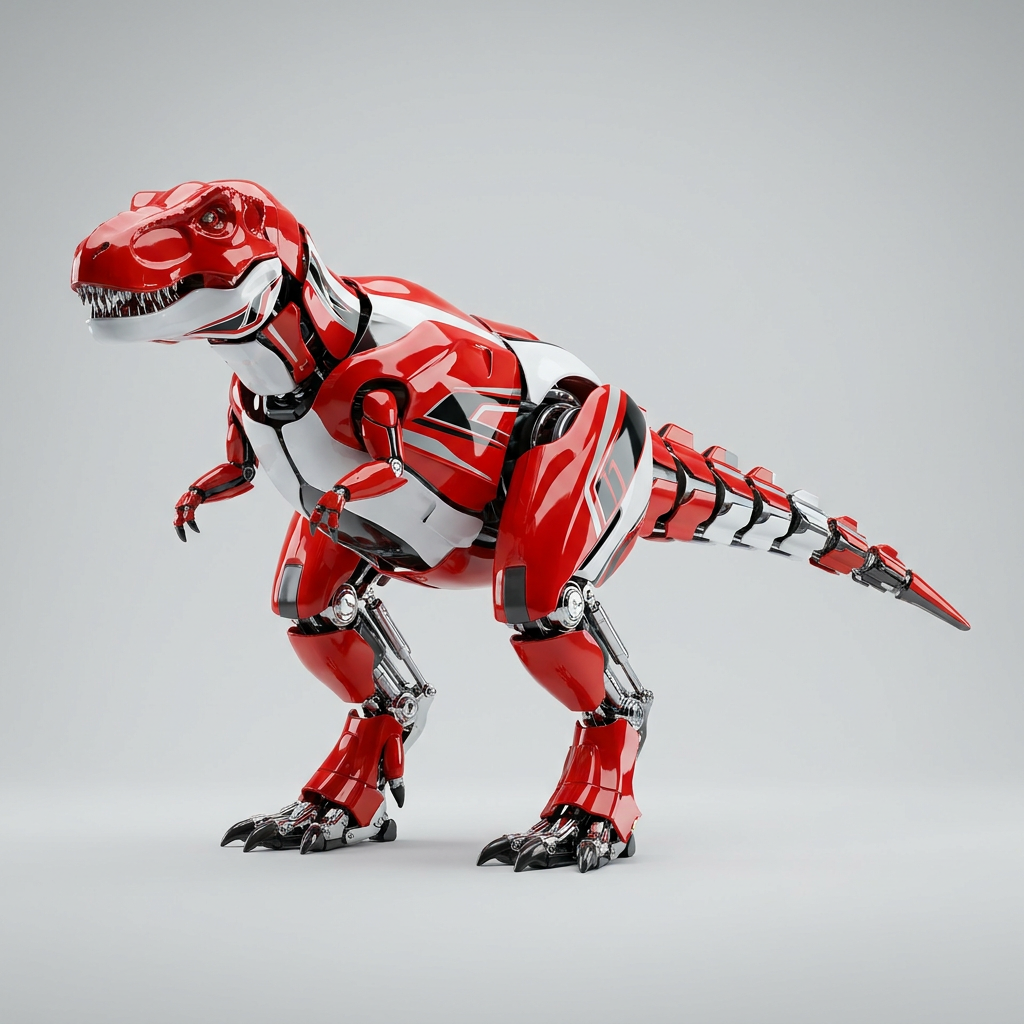 Walk
Racing rex
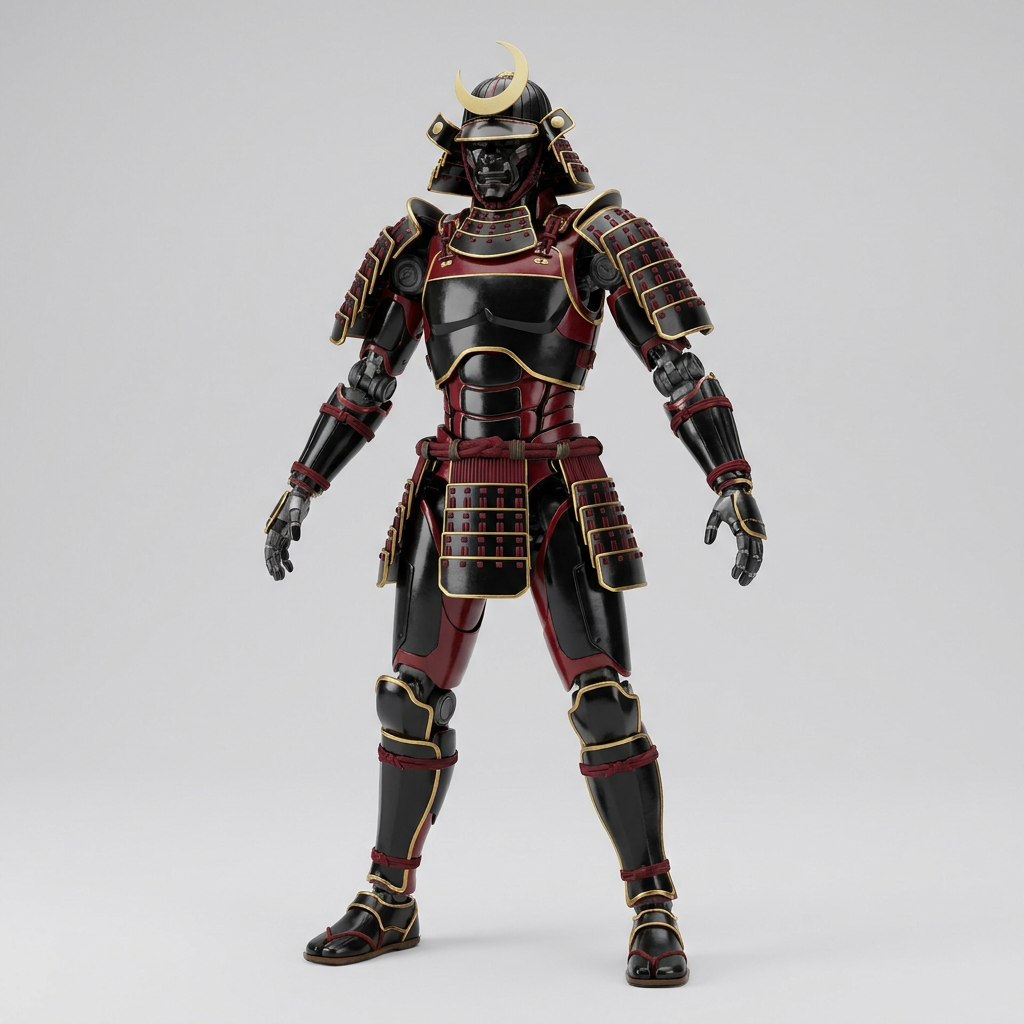 Walk
Shogun mech
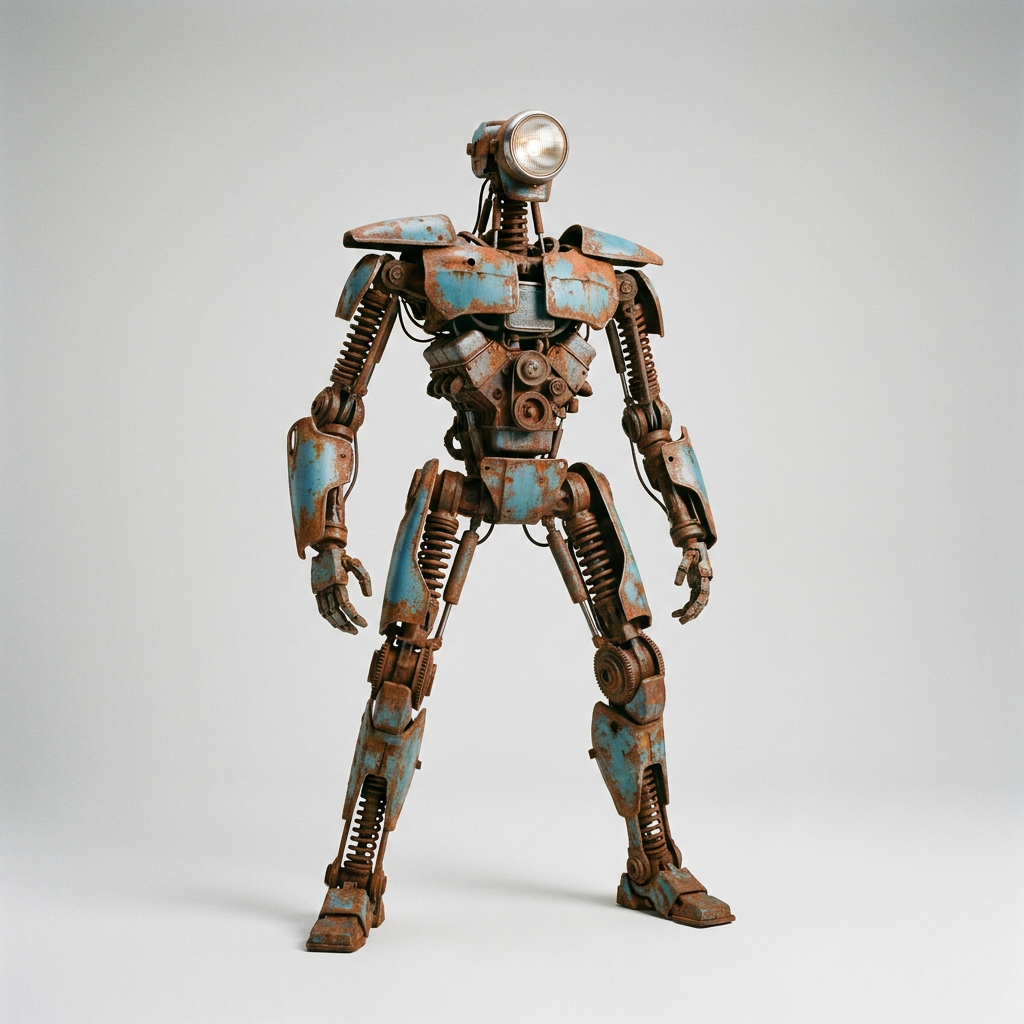 Walk
Scrap robot
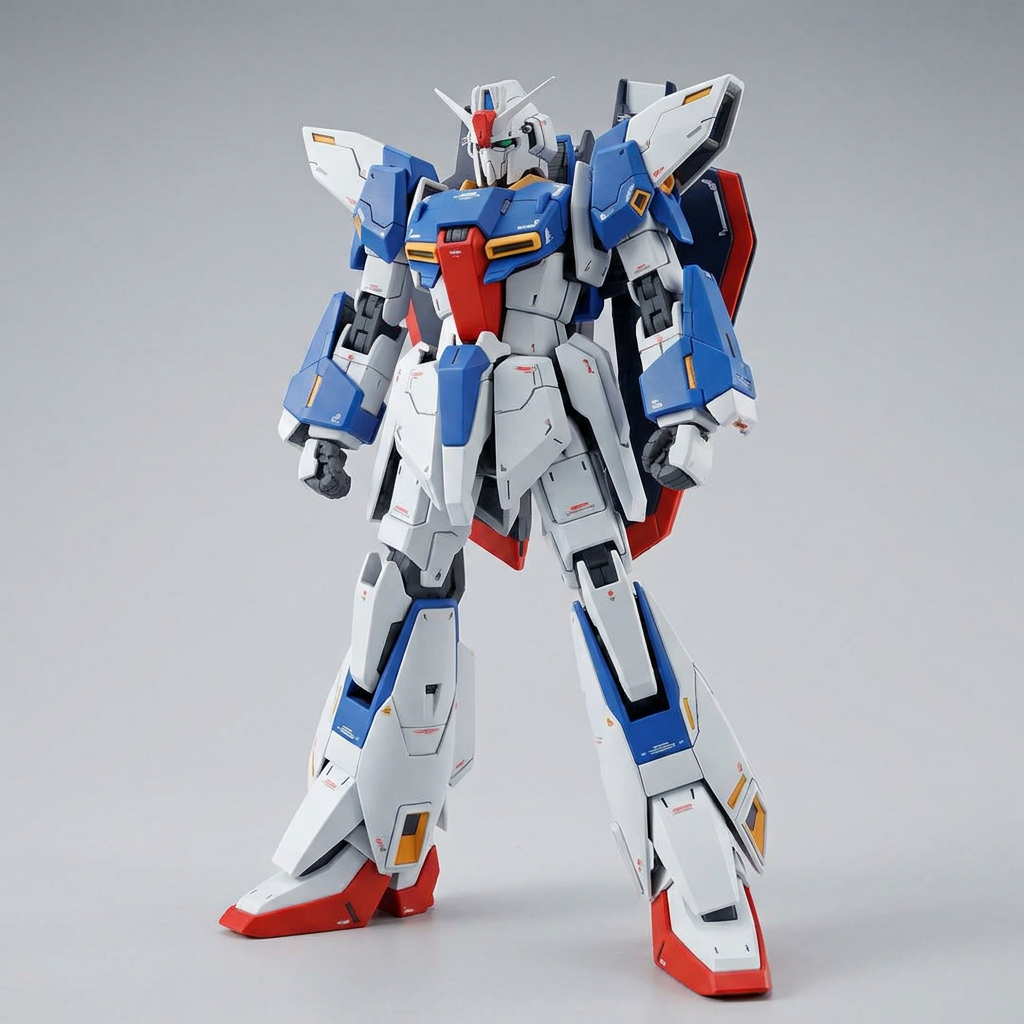 Walk
Hero mecha
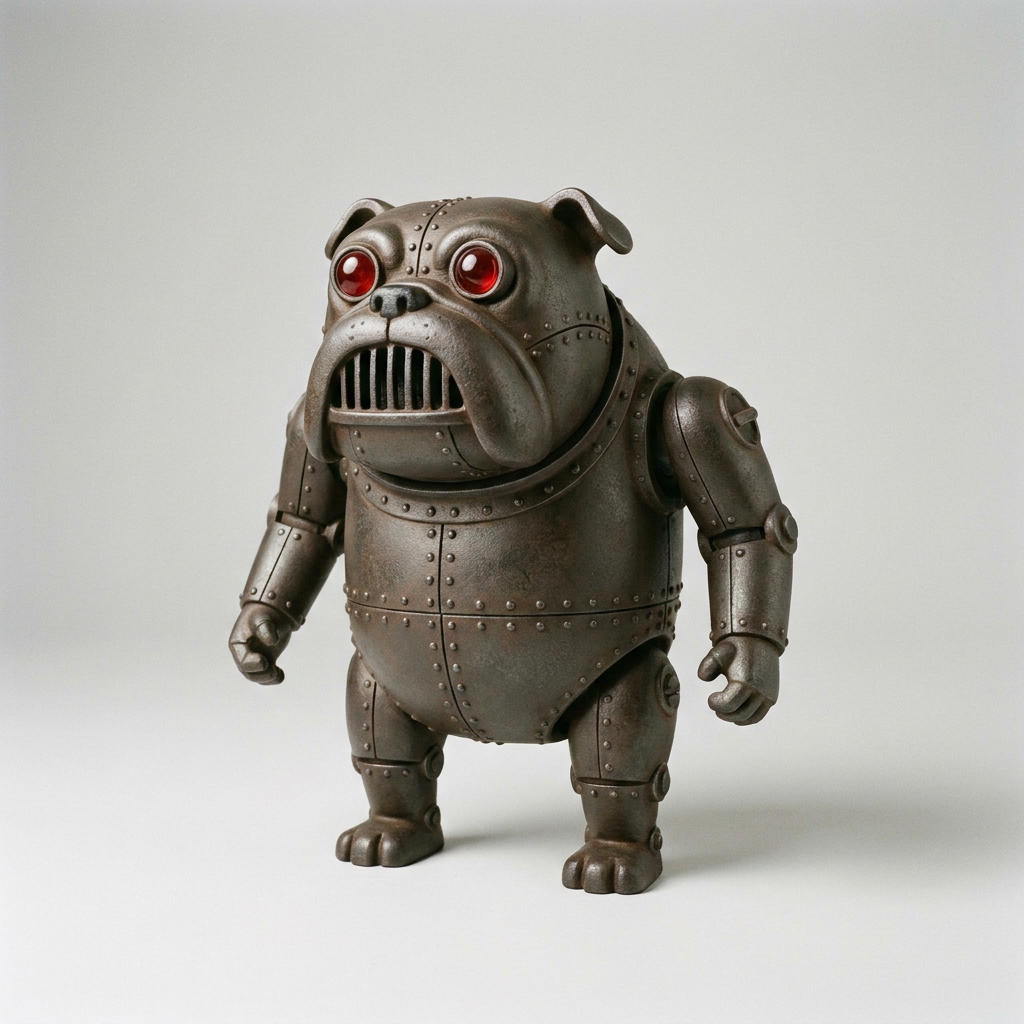 Walk
Iron bulldog
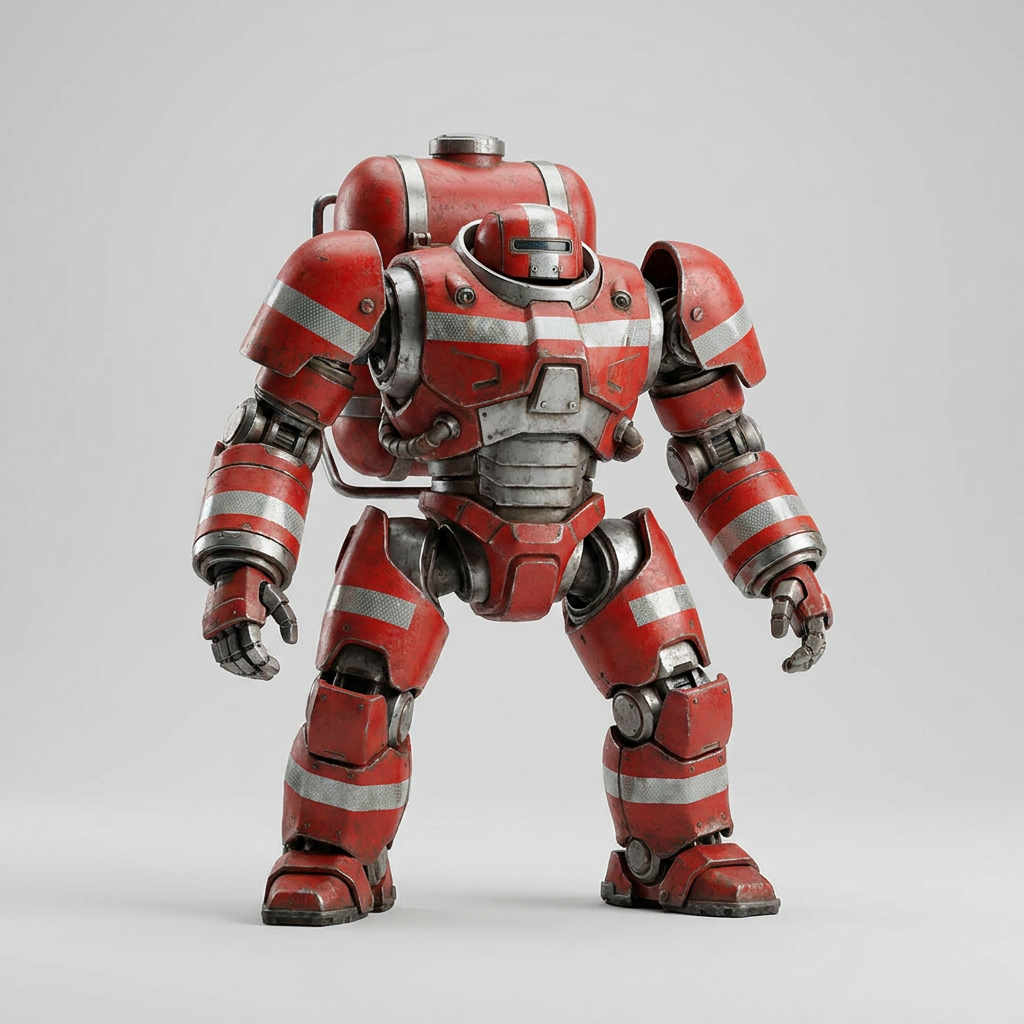 Walk
Rescue bot
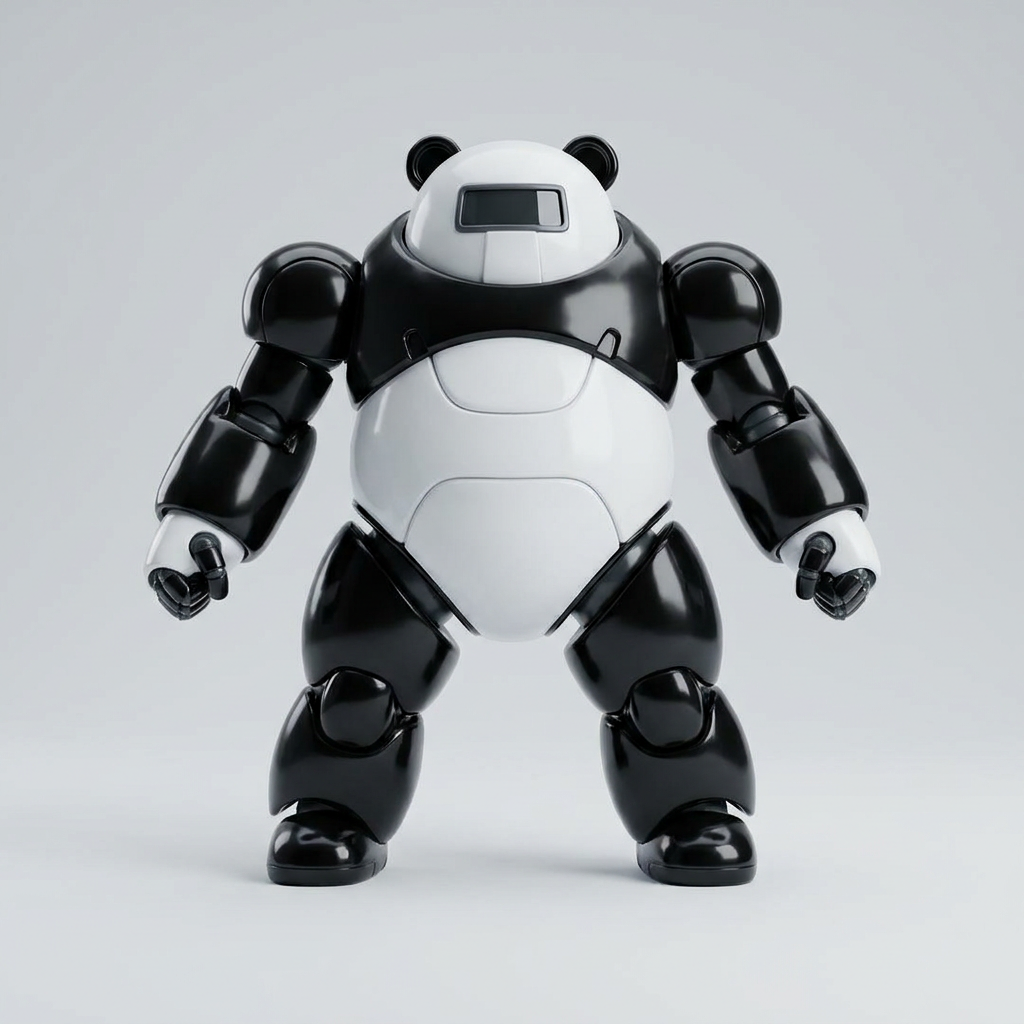 Walk
Panda mech
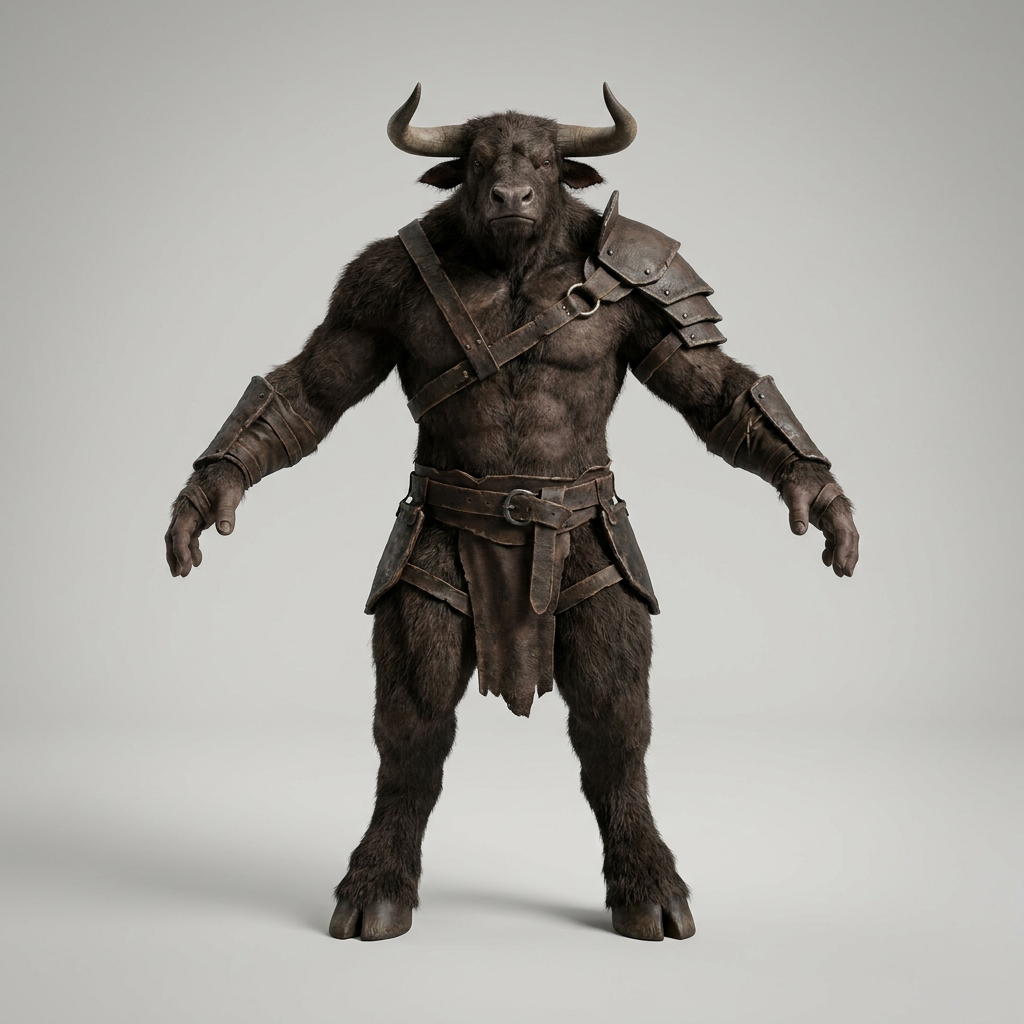 Walk
Minotaur
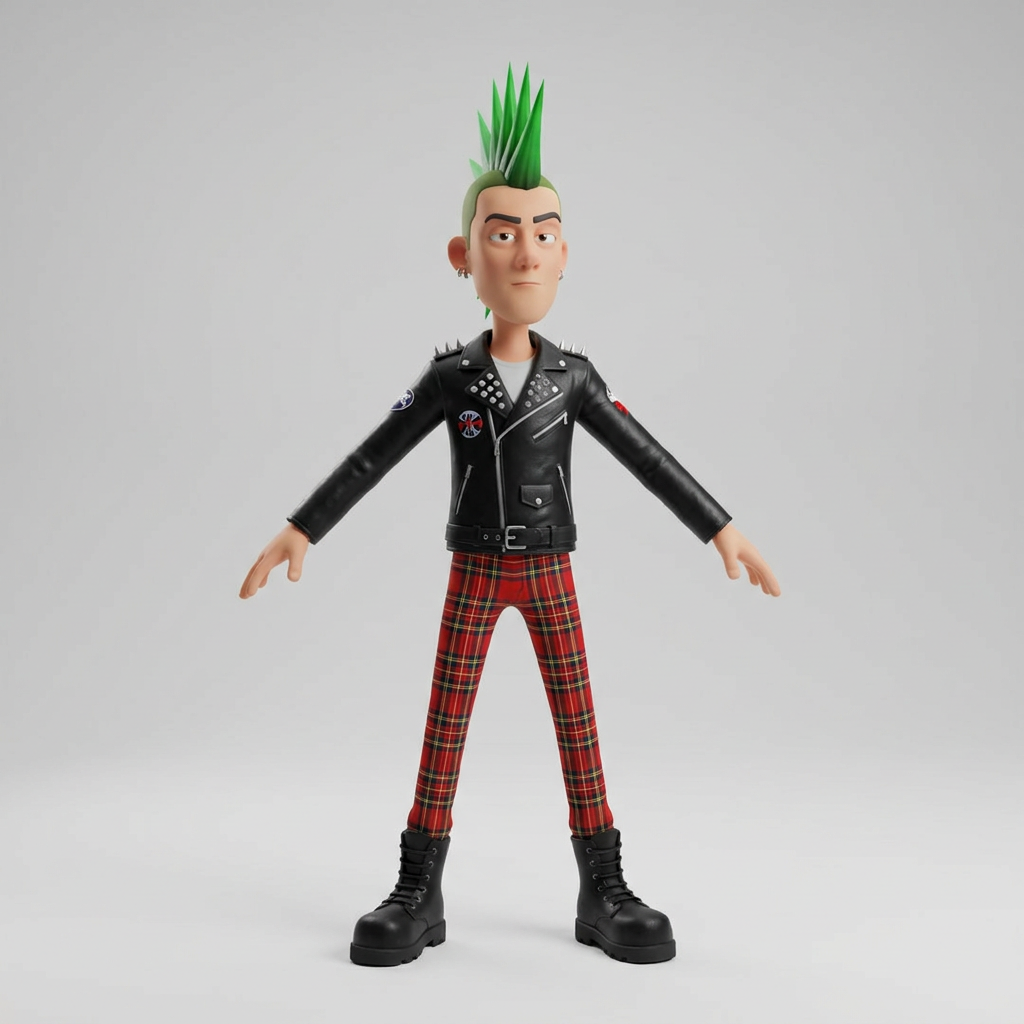 Walk
Punk
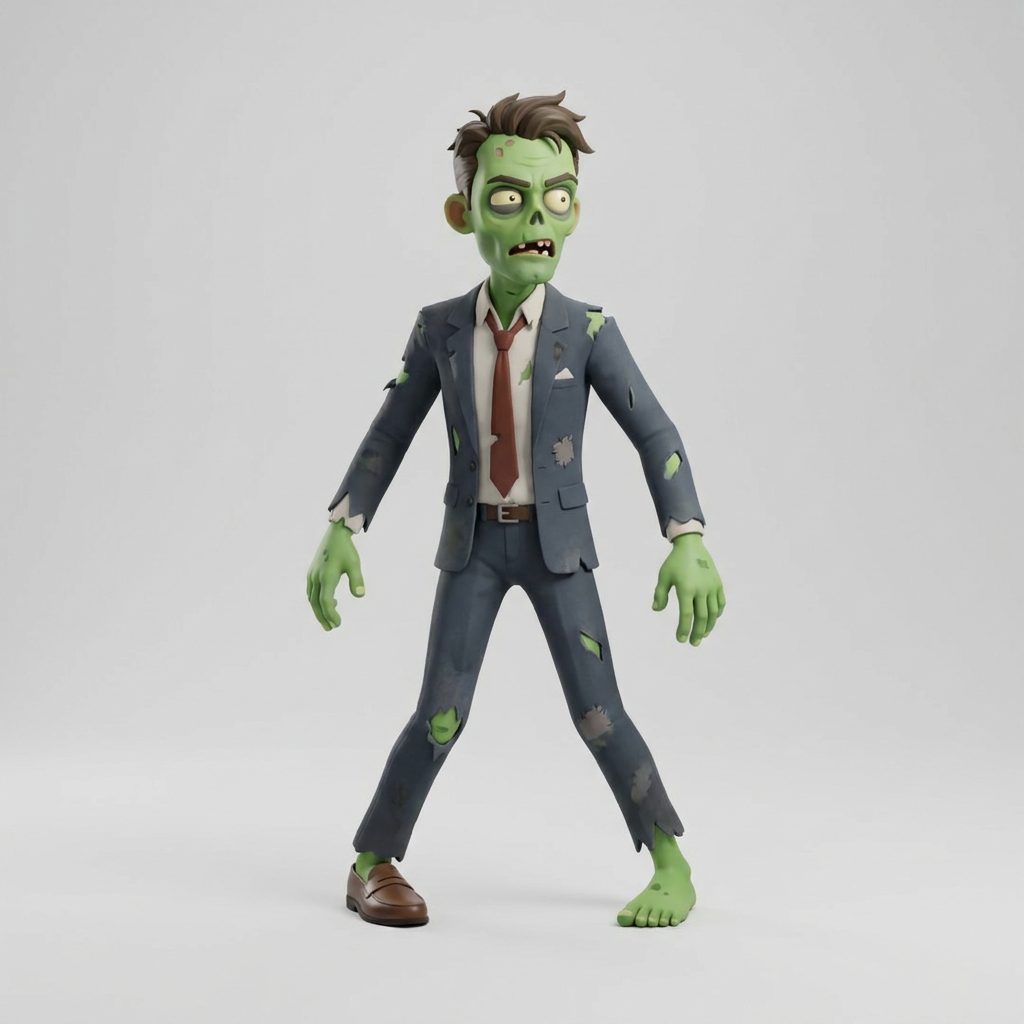 Walk
Office zombie
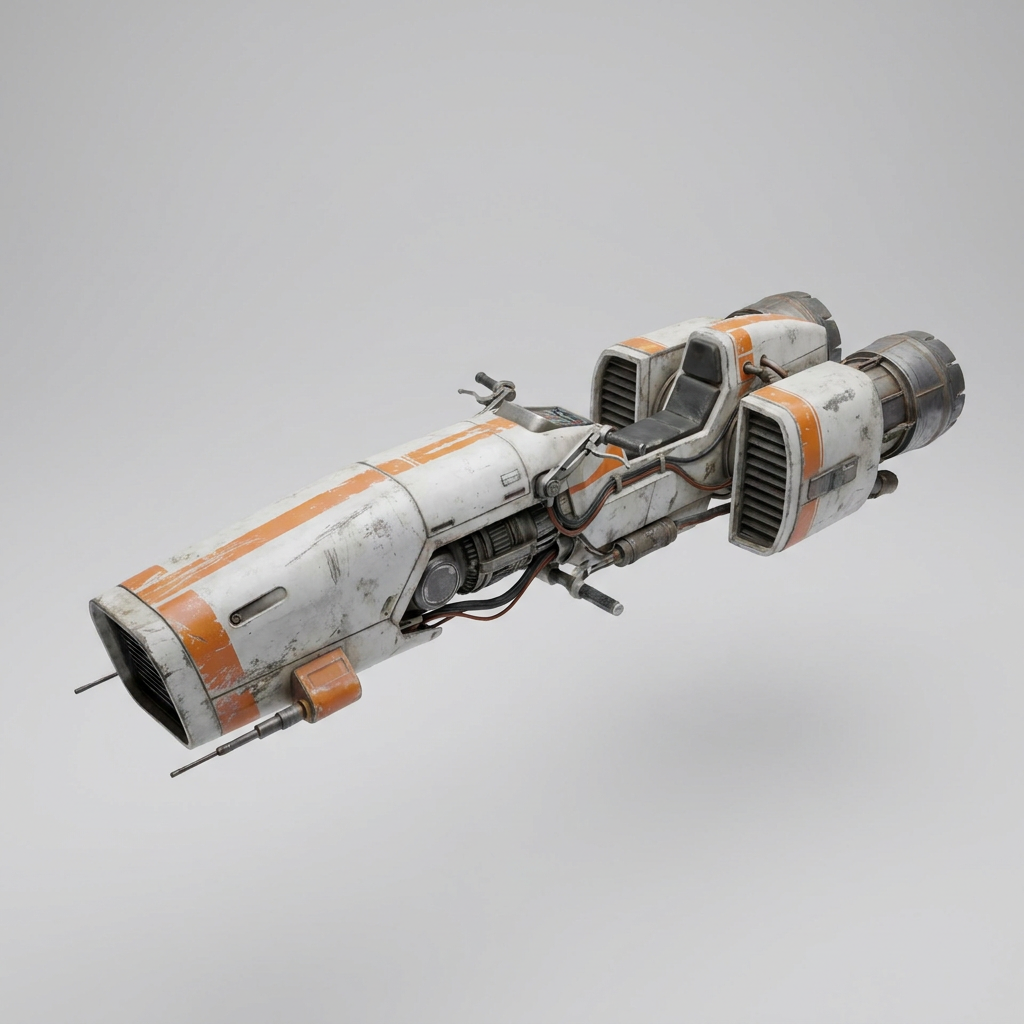 Turntable
Hover bike
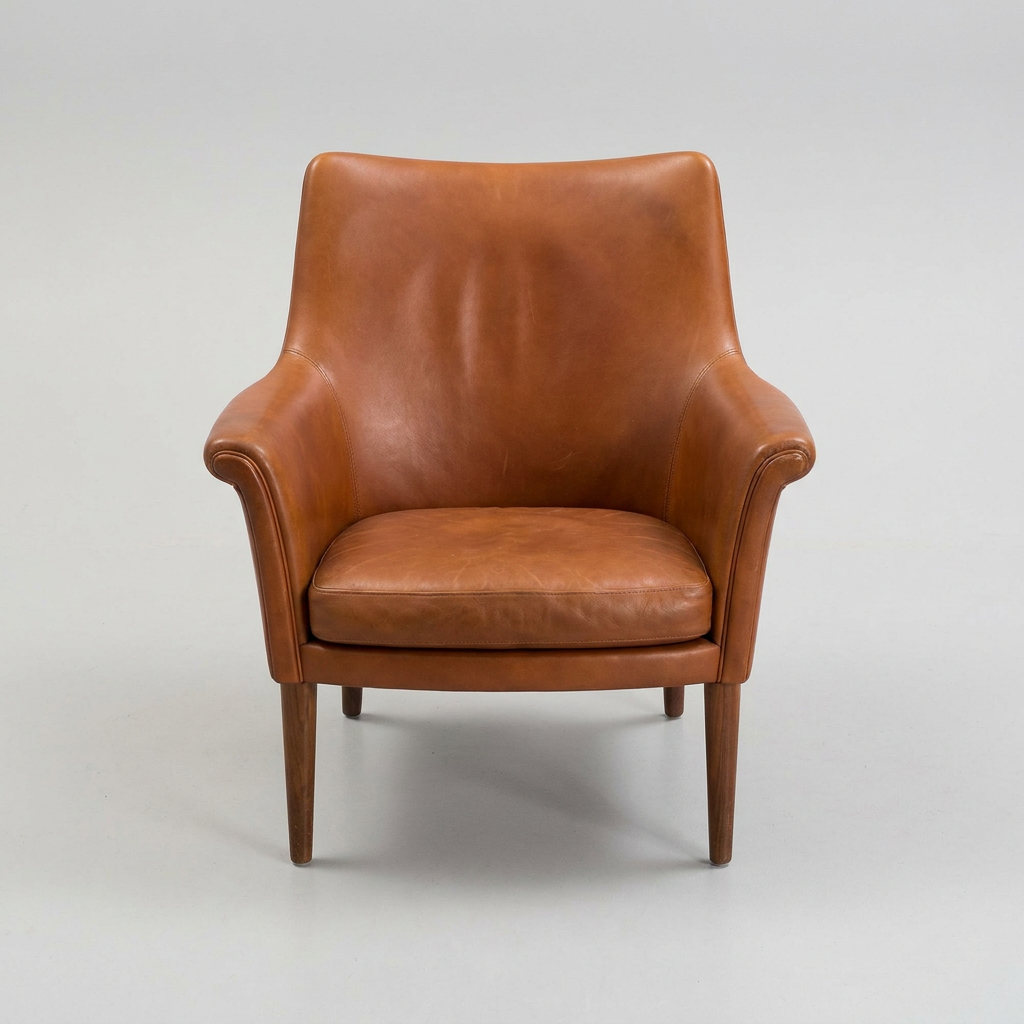 Turntable
Armchair
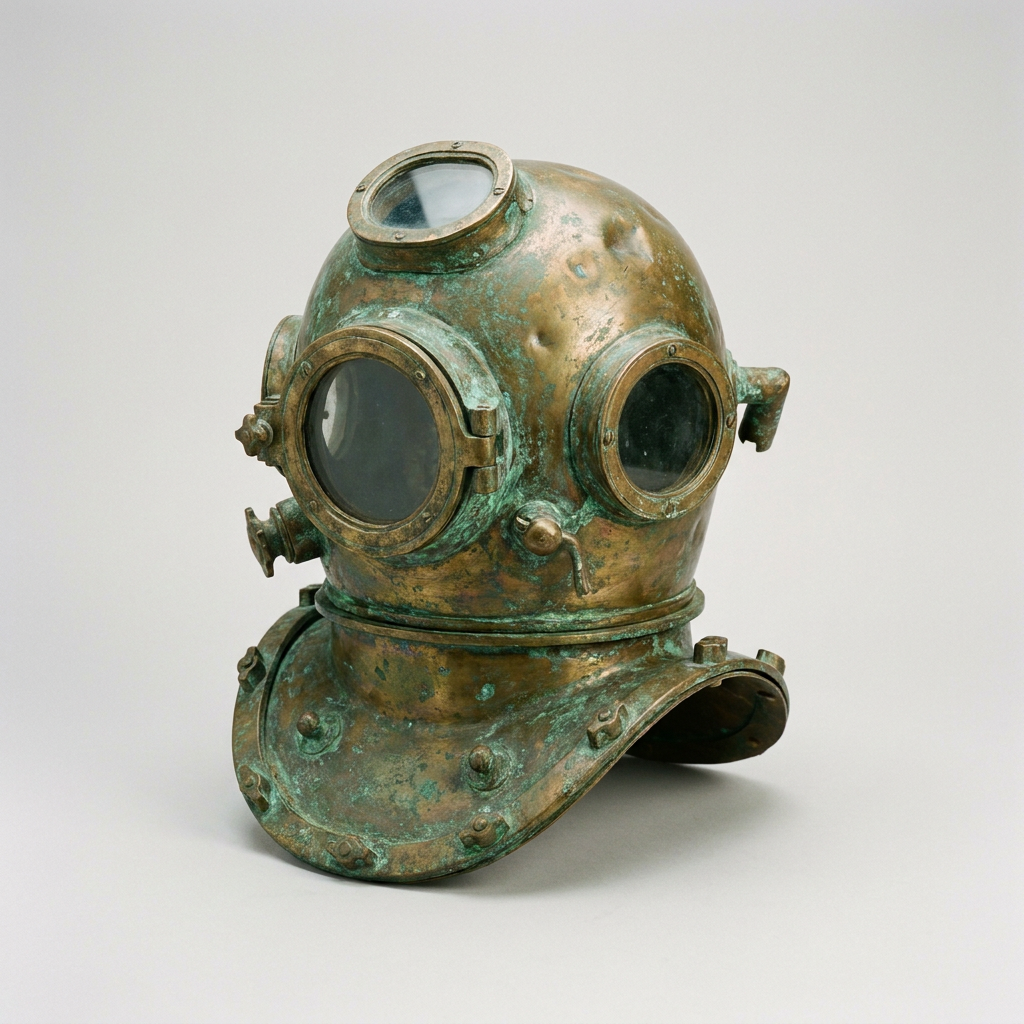 Turntable
Diving helmet
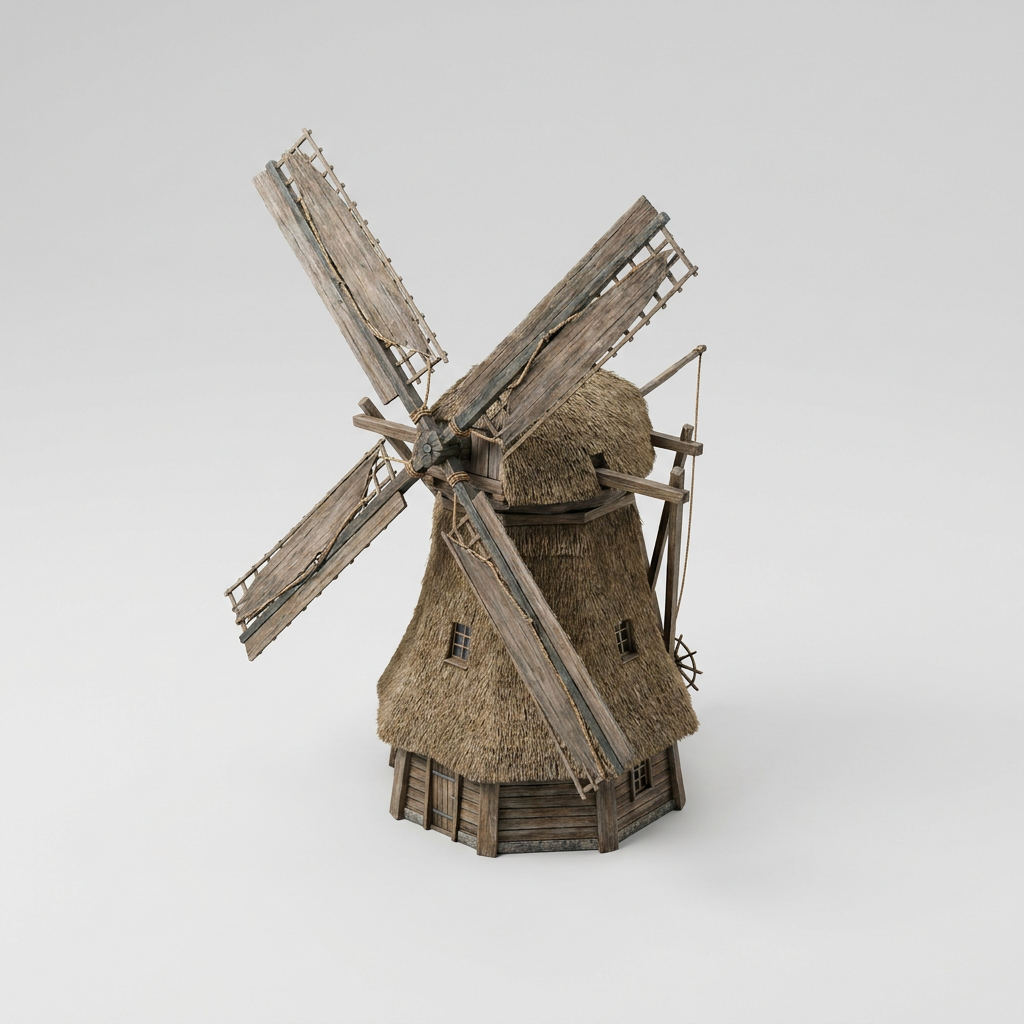 Turntable
Windmill
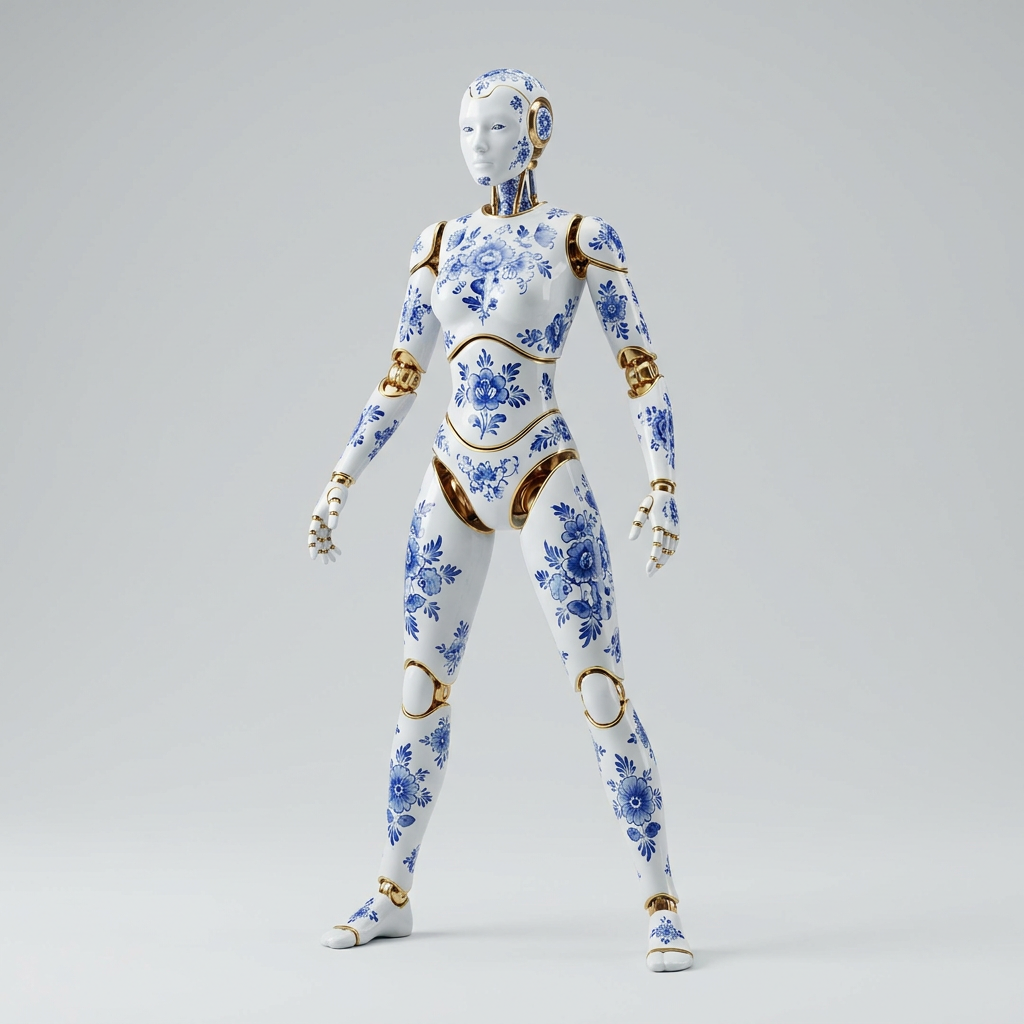 Walk
Porcelain android
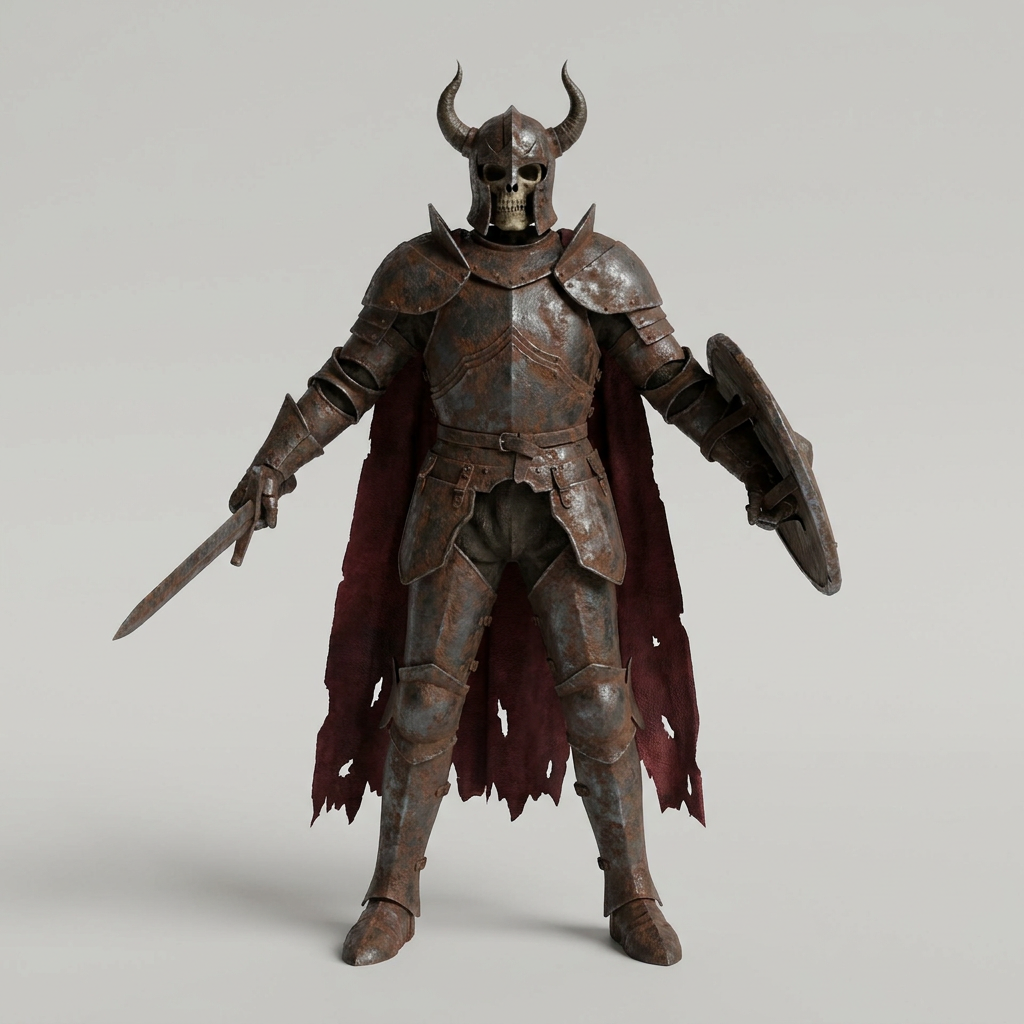 Walk
Skeleton knight
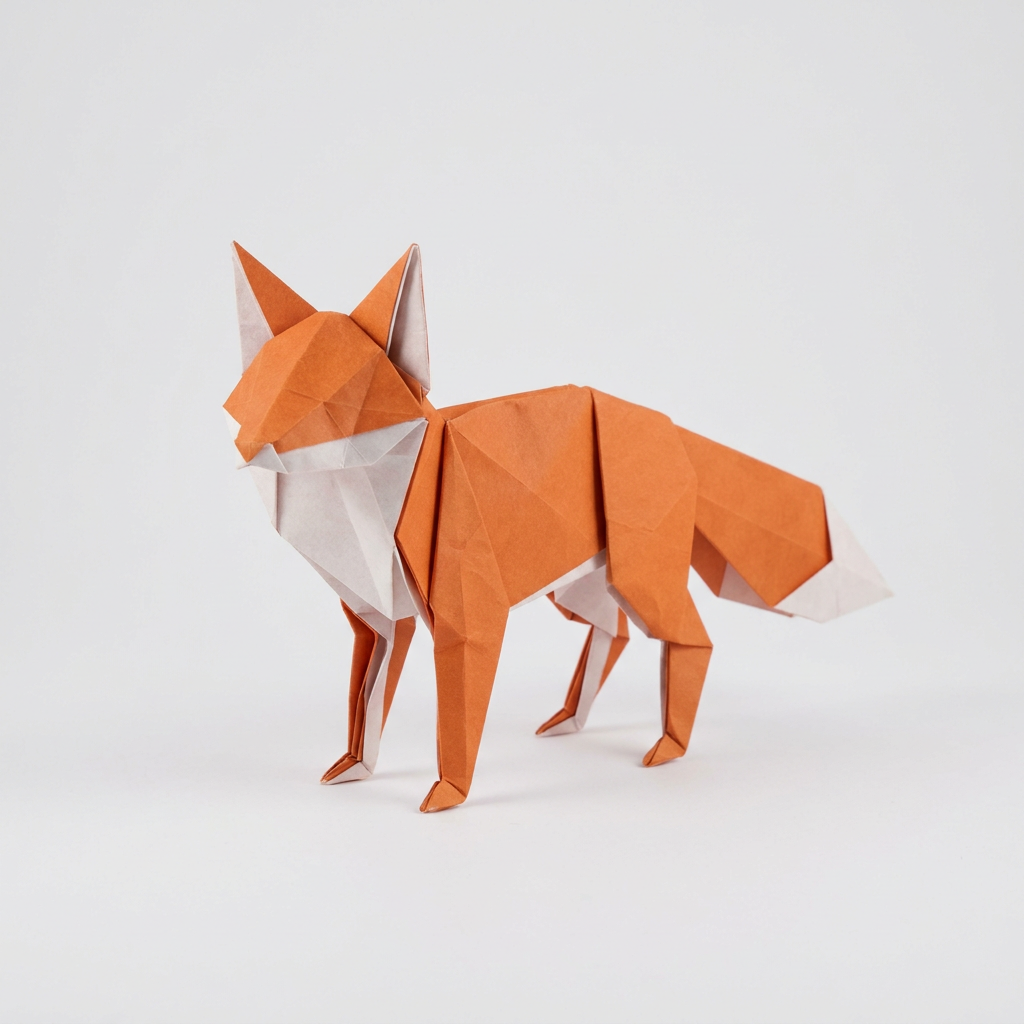 Walk
Origami fox
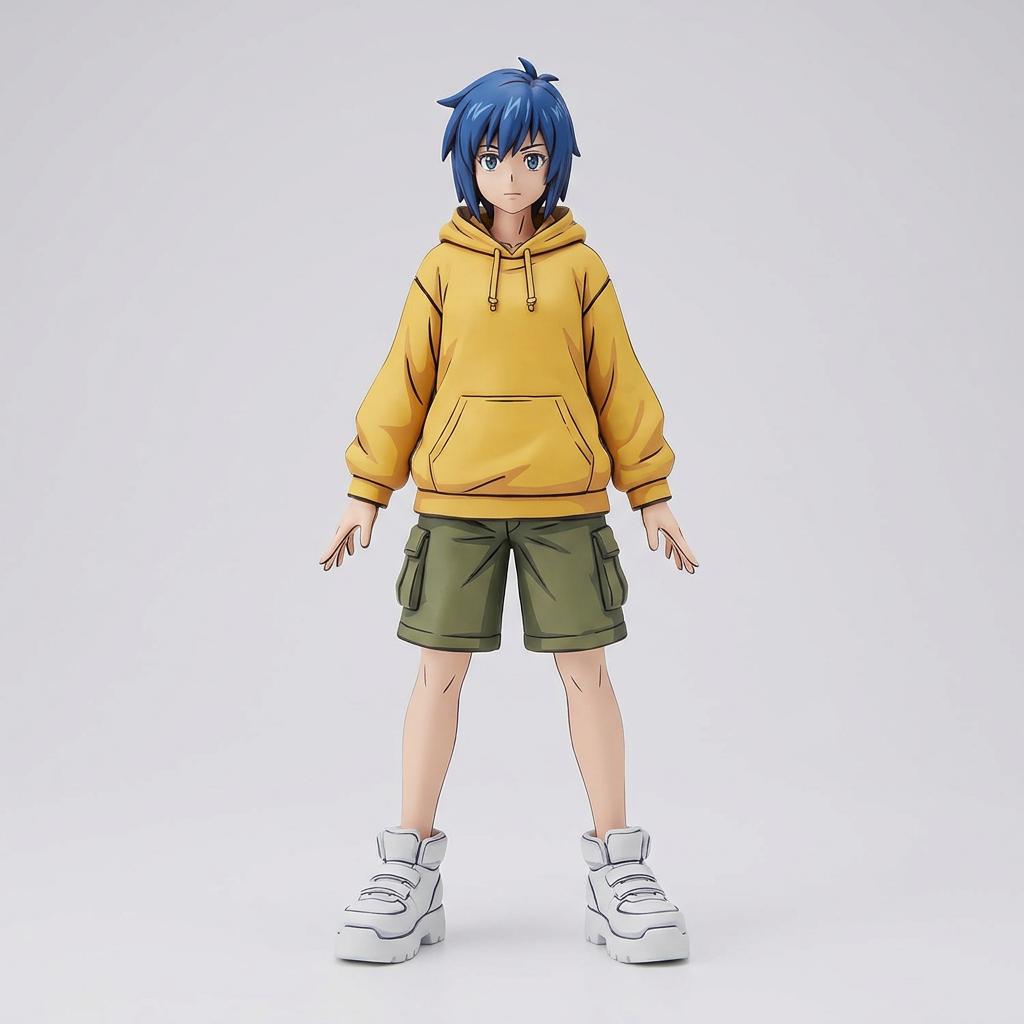 Walk
Cyber girl
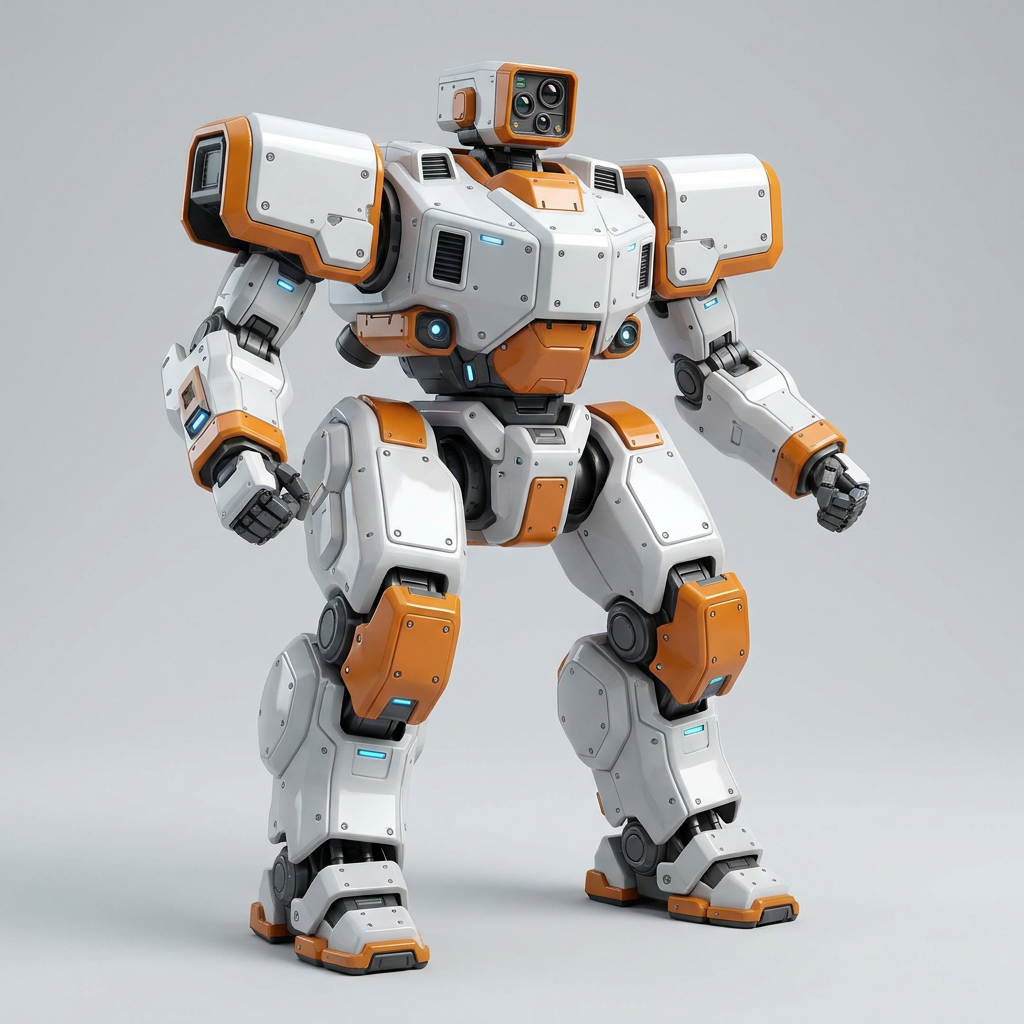 Walk
Mech
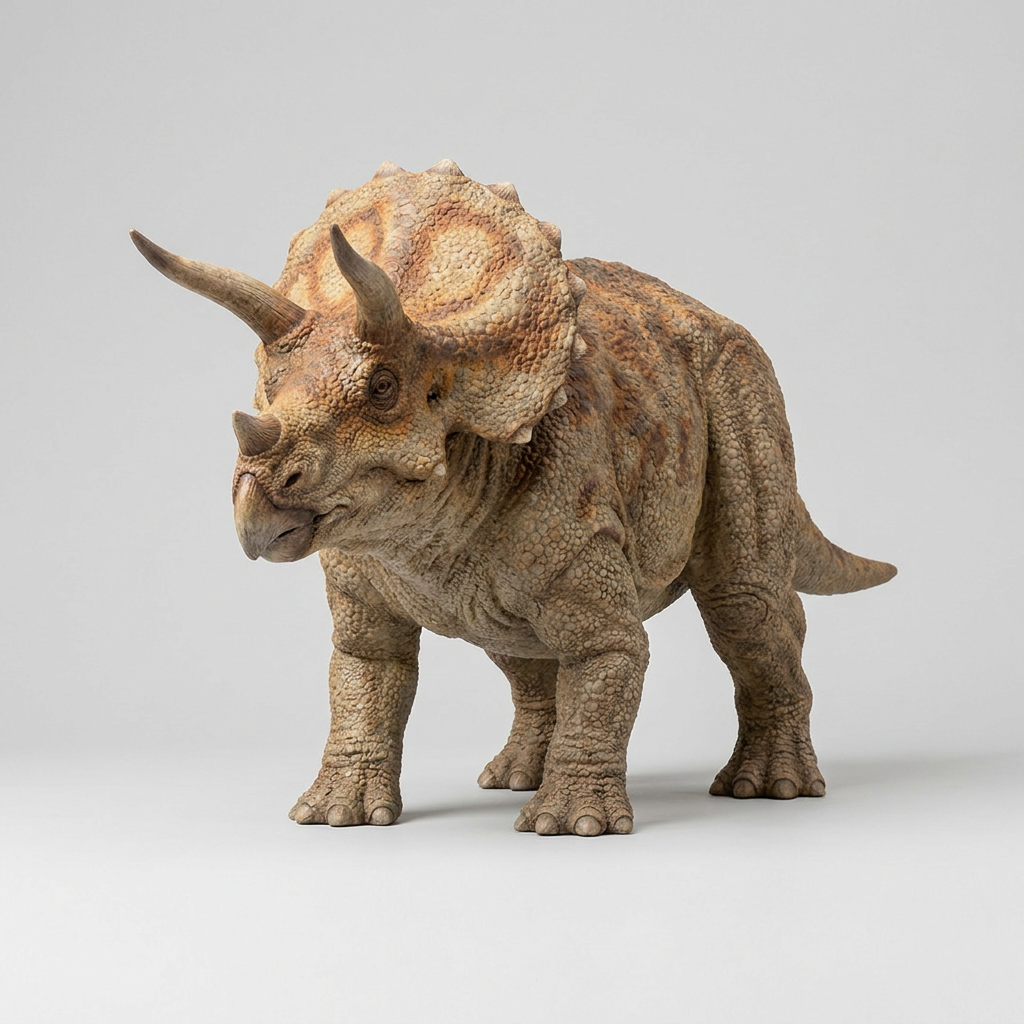 Walk
Triceratops


How do you access the Idol Max API?
Get a fal API key, install the client for JavaScript or Python, and send one image. The client handles the queue protocol and returns the result when the request completes: game_glb (the game-ready mesh), model_glb (the full-detail mesh) and, with rig on, rigged_character_glb plus one animation .glb per clip.
import { fal } from "@fal-ai/client";

const result = await fal.subscribe("speridlabs/idol/max", {
  input: {
    image_url: "https://v3b.fal.media/files/b/0ab21819/3xTHAXZi41yCcq25k0uZY_YGG7j3lg.png",
    rig: true,
    animations: ["walk", "run", "jump", "idle"],
  },
  logs: true,
  onQueueUpdate: (update) => {
    if (update.status === "IN_PROGRESS") {
      update.logs.map((log) => log.message).forEach(console.log);
    }
  },
});

// rigged_character_glb, animations[], game_glb, model_glb
console.log(result.data);


The Idol Max API endpoints
Idol Max for the best quality, Idol Max Turbo for speed. Same inputs, same outputs.
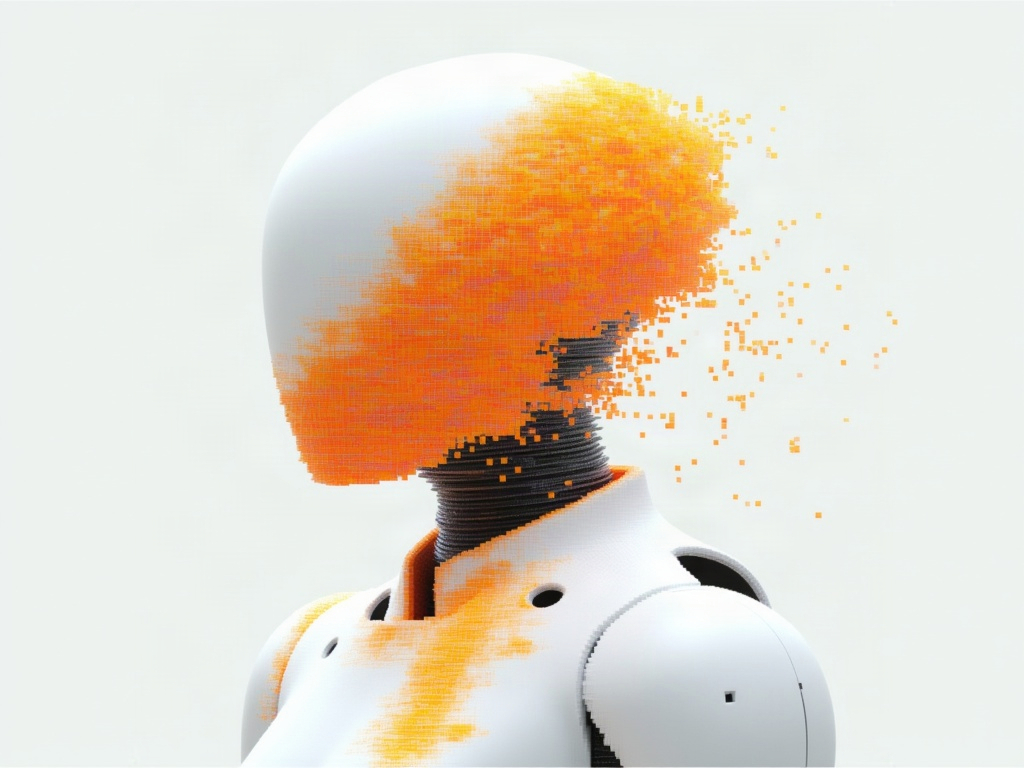
Turn one image into a game-ready 3D mesh with clean geometry and a sharp repainted texture, with an optional rig and animations.
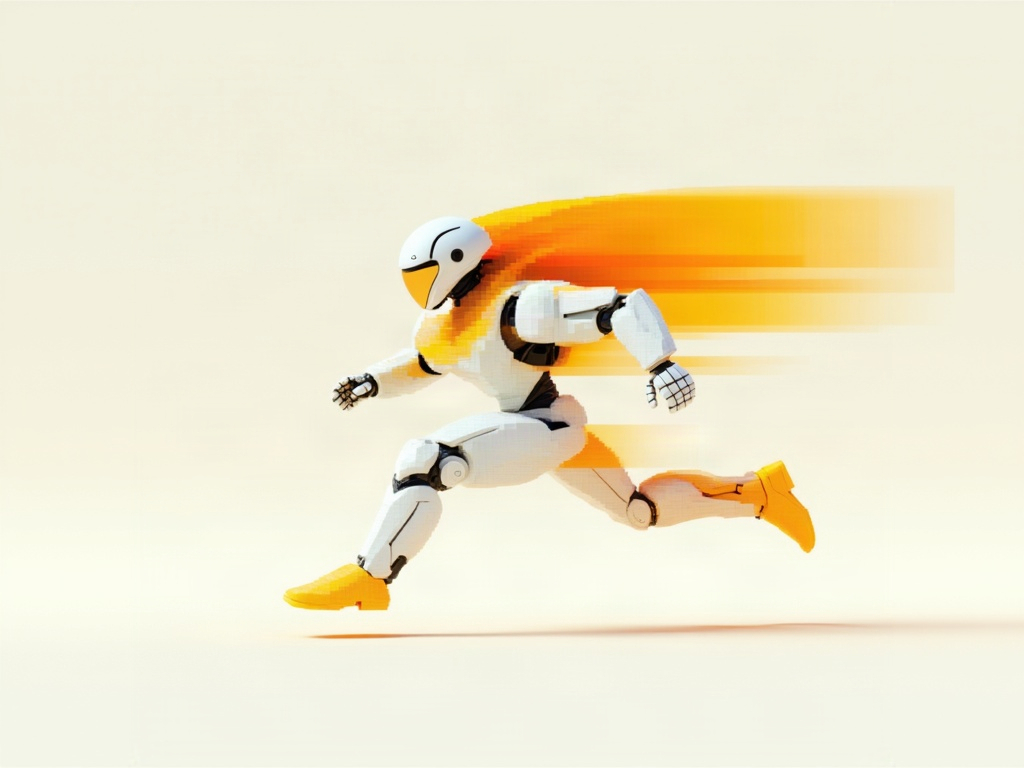
Turn one image into a game-ready 3D mesh in about 20 seconds, with an optional rig and animations.


Idol Max FAQ
What is Idol Max?
Idol Max turns a single image into a game-ready 3D asset. Give it a picture of a character, a creature, a vehicle or a prop, and it returns a clean, lightweight 3D model that drops straight into Unity, Unreal, Godot or three.js. It can also rig the model and hand back ready-to-play animations. Idol Max is built by fal, on top of Idol by SperidLabs.
What's the difference between Idol Max and Idol Max Turbo?
Idol Max is the best quality, at about 50 seconds per asset, with the sharpest texture and the most faithful colors. Idol Max Turbo is the fast one, at about 15 seconds per asset, ideal for prototyping and generating lots of assets quickly. There are no quality settings to tune: pick the one you need.
What do I get back, and which engines does it work with?
Every request returns game_glb, the game-ready mesh (30k triangles, UVs, a 2K texture and a normal map), and model_glb, the full-detail mesh. With rig on, you also get rigged_character_glb, the rigged character, and animations, one .glb per clip. Everything is glTF binary (.glb), which imports directly into Unity, Unreal, Godot and three.js.
Can Idol Max rig and animate my character?
Yes. Set rig to true and Idol Max adds a skeleton and skin weights, then returns the looping walk, run, jump and idle clips you ask for that its skeleton can play: walk, run and jump need two legs, or three or four on an animal, and rig.animations in the result lists what was written. Rigging is for characters and creatures (bipeds, quadrupeds, winged or tailed), adds about 15 seconds, and failed rigs are not billed.
Does it work on photos with a background?
Yes. The background is removed for you, so a photo with a street, a room or a forest behind the subject works fine. Set image_type to real for photographs and leave it on synthetic for renders and generated images.
What kinds of subjects work best?
One subject per image: robots, characters, creatures, animals, vehicles, furniture, props and buildings all work. Characters and creatures can also be rigged and animated.
How much does Idol Max cost?
Pay per use, with no subscription. Idol Max costs $0.20 per asset, or $0.25 with rig and animations. Idol Max Turbo costs $0.10 per asset, or $0.125 with rig and animations. Failed rigs and errors are not billed.
How do I access the Idol Max API?
Install the fal SDK for JavaScript or Python, grab an API key from your dashboard, and send one image_url to speridlabs/idol/max or speridlabs/idol/max/turbo. The Idol Max API docs list every parameter. Serverless, with no GPUs to manage.
Can I use the assets commercially?
Yes. 3D assets generated through the fal API can be used in commercial projects, including games you ship. Check fal's terms of service for full details on usage rights and licensing.

Get in touch about Idol Max
Building a game or a 3D pipeline on Idol Max? Leave your details and our team will get back to you.