FLUX Kontext Edit any image with a prompt
FLUX.1 Kontext introduced prompt-based image editing from Black Forest Labs. Its successors, FLUX 3 Image Edit and FLUX 3 Klein Edit, make precise local changes and combine up to ten reference images, all on the same pay-per-use API.

The newest FLUX endpoints
The newest Black Forest Labs endpoints on fal: editing, text to image, video, LoRA and training. Every endpoint is pay-per-use with no minimums.

FLUX.1 Kontext [pro] handles both text and reference images as inputs, seamlessly enabling targeted, local edits and complex transformations of entire scenes.
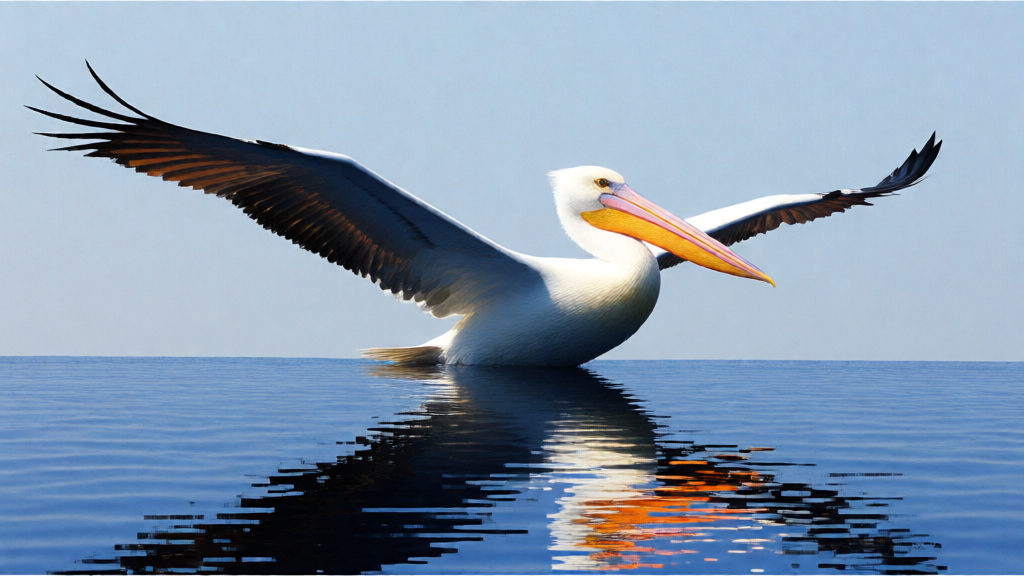
FLUX.1 Kontext [max] is a model with greatly improved prompt adherence and typography generation meet premium consistency for editing without compromise on speed.
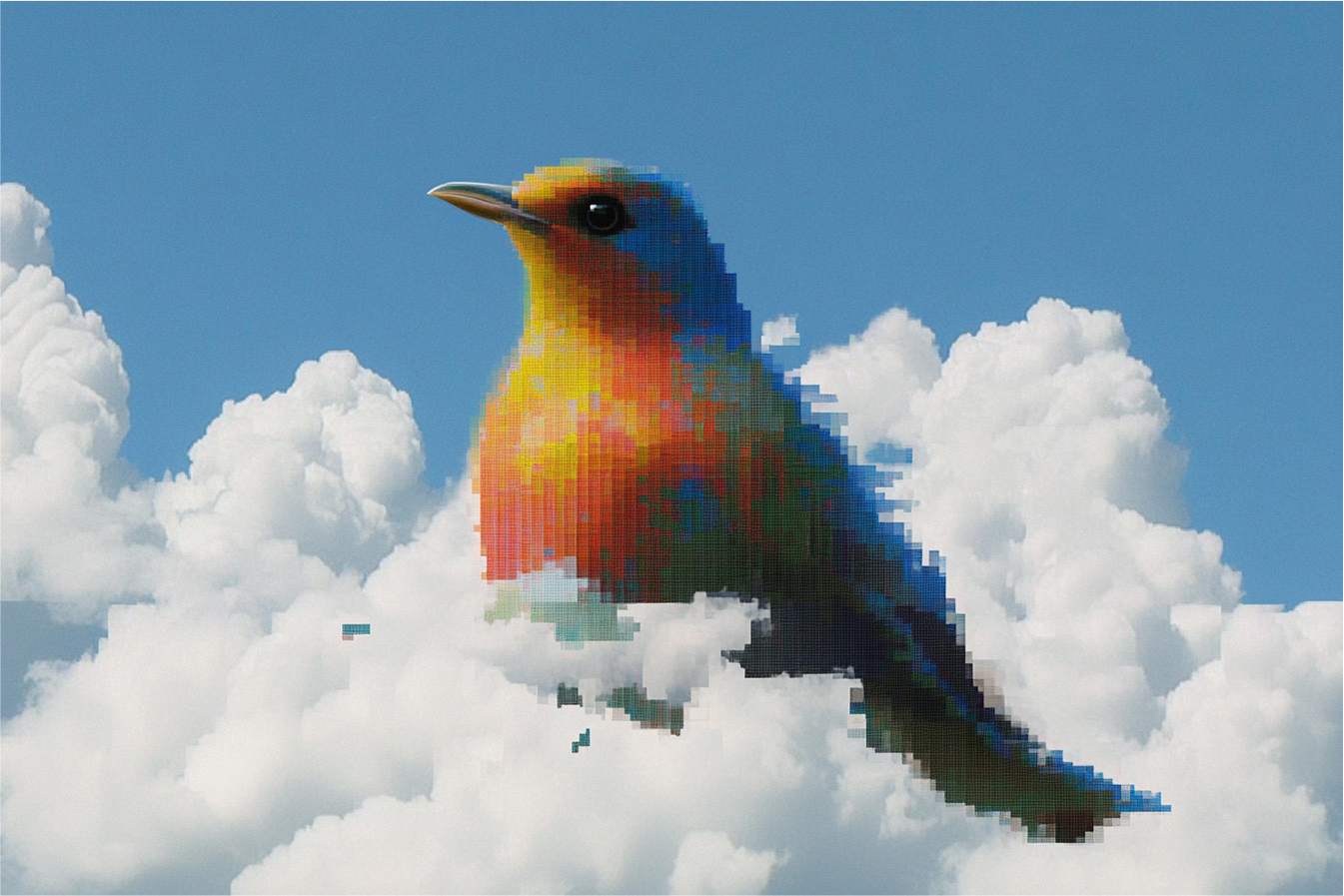
Experimental version of FLUX.1 Kontext [pro] with multi image handling capabilities
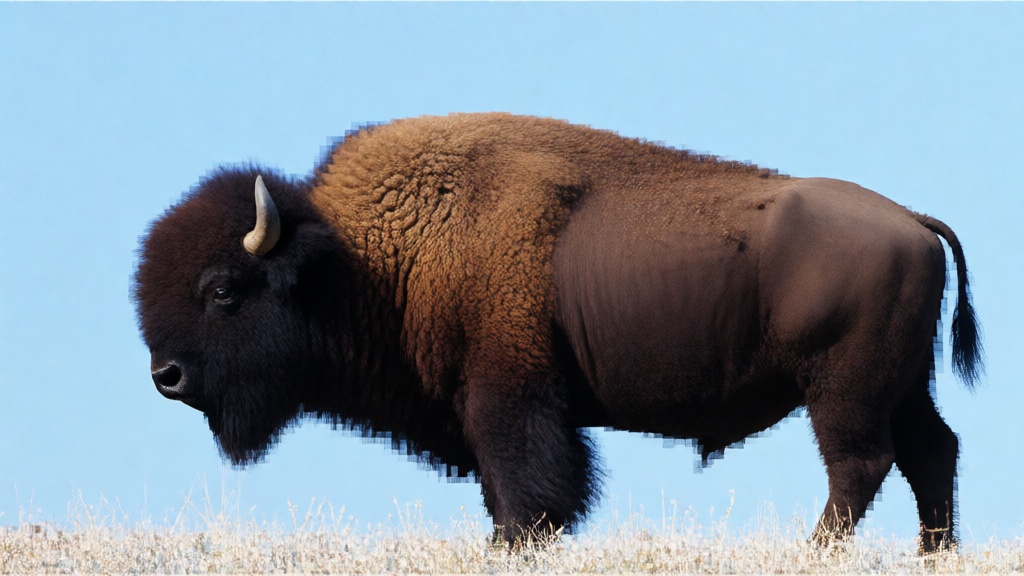
Experimental version of FLUX.1 Kontext [max] with multi image handling capabilities
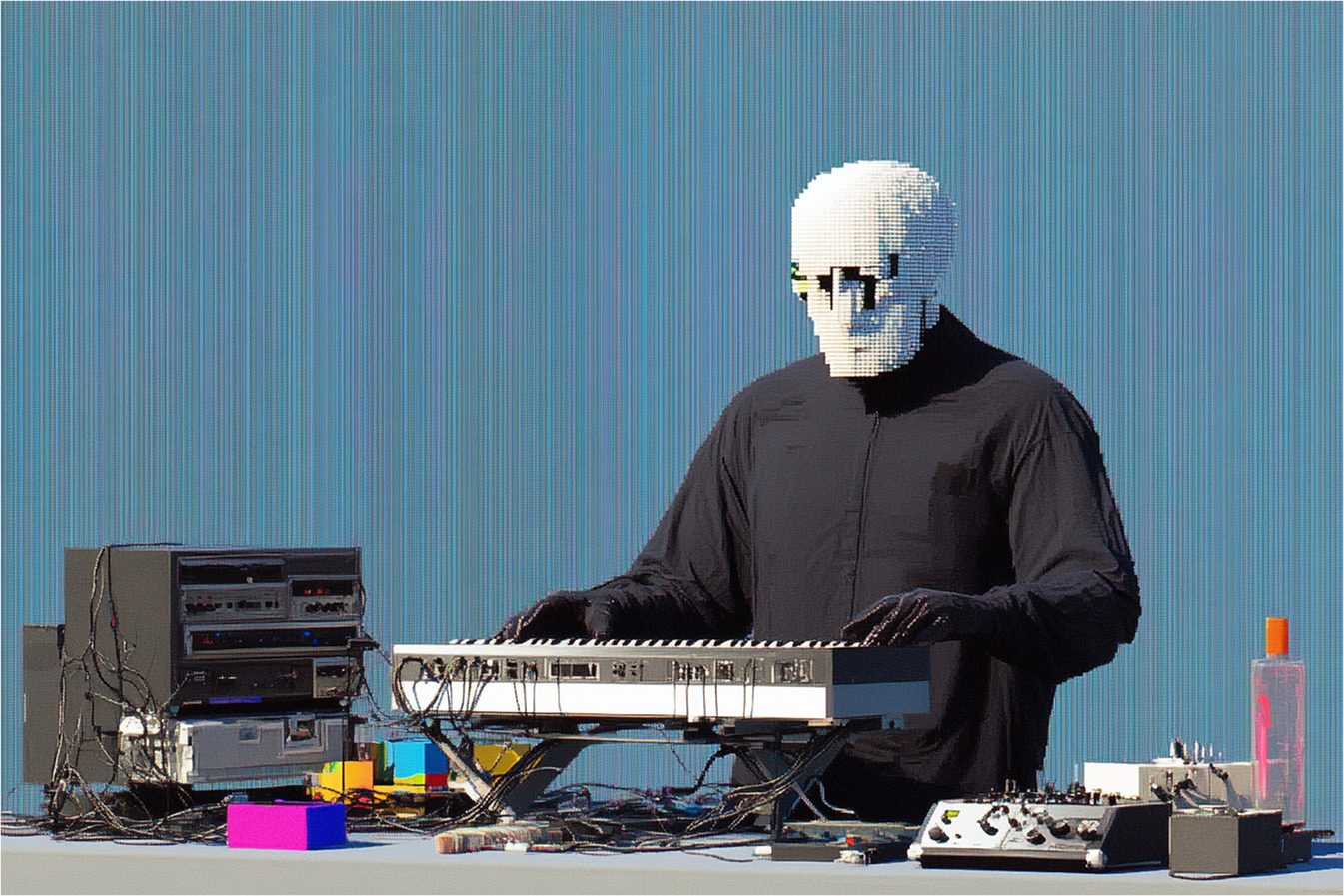
Frontier image editing model.
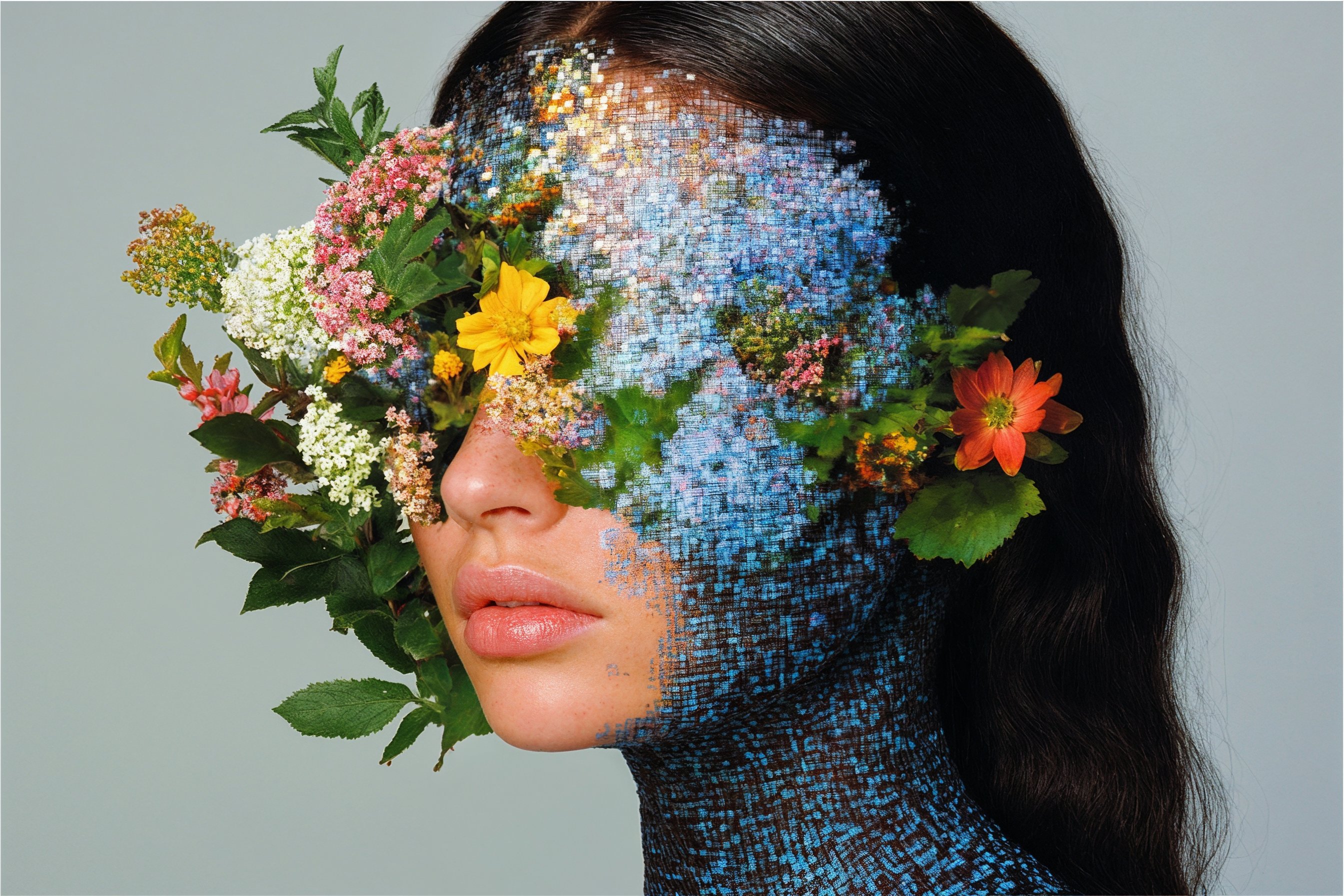
Fast endpoint for the FLUX.1 Kontext [dev] model with LoRA support, enabling rapid and high-quality image editing using pre-trained LoRA adaptations for specific styles, brand identities, and product-specific outputs.

Edit images fast with distilled FLUX 3 Image Klein and up to 3 custom LoRAs.

Generate images fast with distilled FLUX 3 Image Klein and up to 3 custom LoRAs.

Edit images with FLUX 3 Image Klein base and up to 3 custom LoRAs.

Generate images with FLUX 3 Image Klein base and up to 3 custom LoRAs.

Fine-tune FLUX 3 Image Klein on before/after image pairs to teach it a custom edit, with up to 10 input images per pair.

Fine-tune FLUX 3 Image Klein with your own images to teach it a subject, a product or a style.
Describe the change, keep the rest
Restyle any image
Turn a photo into a pencil sketch, an oil painting or a poster with one sentence. The composition, subjects and layout stay where they were.

Swap signs, labels and posters
Say what the new text should read and what to keep. The edit models replace lettering in place and match the original typeface and perspective.

Change one element at a time
Recolor a car, move a mountain or swap a prop without disturbing the rest of the frame. FLUX 3 Image Edit is built for precise local changes.

Same character, new scene
Keep a character's face, outfit and style across different scenes. FLUX 3 Image Edit and FLUX 3 Klein Edit accept up to ten references for one consistent result.


How to get access to the FLUX Kontext API
The client handles the submit protocol: it reports request status and returns the edited image when generation completes.
import { fal } from "@fal-ai/client";

const result = await fal.subscribe("blackforestlabs/flux-3/edit-image", {
  input: {
    prompt: "Convert to pencil sketch with natural graphite lines and visible paper texture",
    image_urls: ["https://example.com/source.jpg"],
  },
  logs: true,
  onQueueUpdate: (update) => {
    if (update.status === "IN_PROGRESS") {
      update.logs.map((log) => log.message).forEach(console.log);
    }
  },
});

console.log(result.data);
console.log(result.requestId);
Common questions about FLUX Kontext
What is FLUX Kontext?
FLUX.1 Kontext is the Black Forest Labs model family that edits images from a text instruction instead of a mask. You describe the change and the model keeps the rest of the image intact. It is available on fal in Pro, Max and Dev variants.
What are the newest FLUX editing models?
FLUX 3 Image Edit makes precise local edits and combines up to ten references into one result. FLUX 3 Klein Edit is the fast, low-cost option, with bounding-box controls for object placement. The endpoint list on this page updates automatically as Black Forest Labs releases new editing models.
Can I still use FLUX.1 Kontext?
Yes. FLUX.1 Kontext [pro], [max] and [dev] are all still available on fal, so existing integrations keep working.
How much does FLUX image editing cost?
FLUX 3 Image Edit costs $0.048 for a 1K (1 megapixel) image, with pricing that scales by resolution. FLUX 3 Klein Edit costs $0.009 at 1K, $0.014 at 2K and $0.036 at 4K. Every endpoint is pay-per-use with no minimums.
How do I get started with the API?
Install the fal client for Python or JavaScript, grab an API key from your dashboard, and send an image URL with your edit prompt. Check the API documentation for every parameter.
Can I use edited images commercially?
Yes. Images generated through the fal API can be used in commercial projects. Check fal's terms of service for full details on usage rights and licensing.
Get in touch about FLUX Kontext
Want to learn more about integrating FLUX image editing into your workflow? Leave your details and our team will reach out.