Loading playground
Input
Additional Settings
Customize your input with more control.
Result
Idle

Customize your input with more control.
Customize your input with more control.
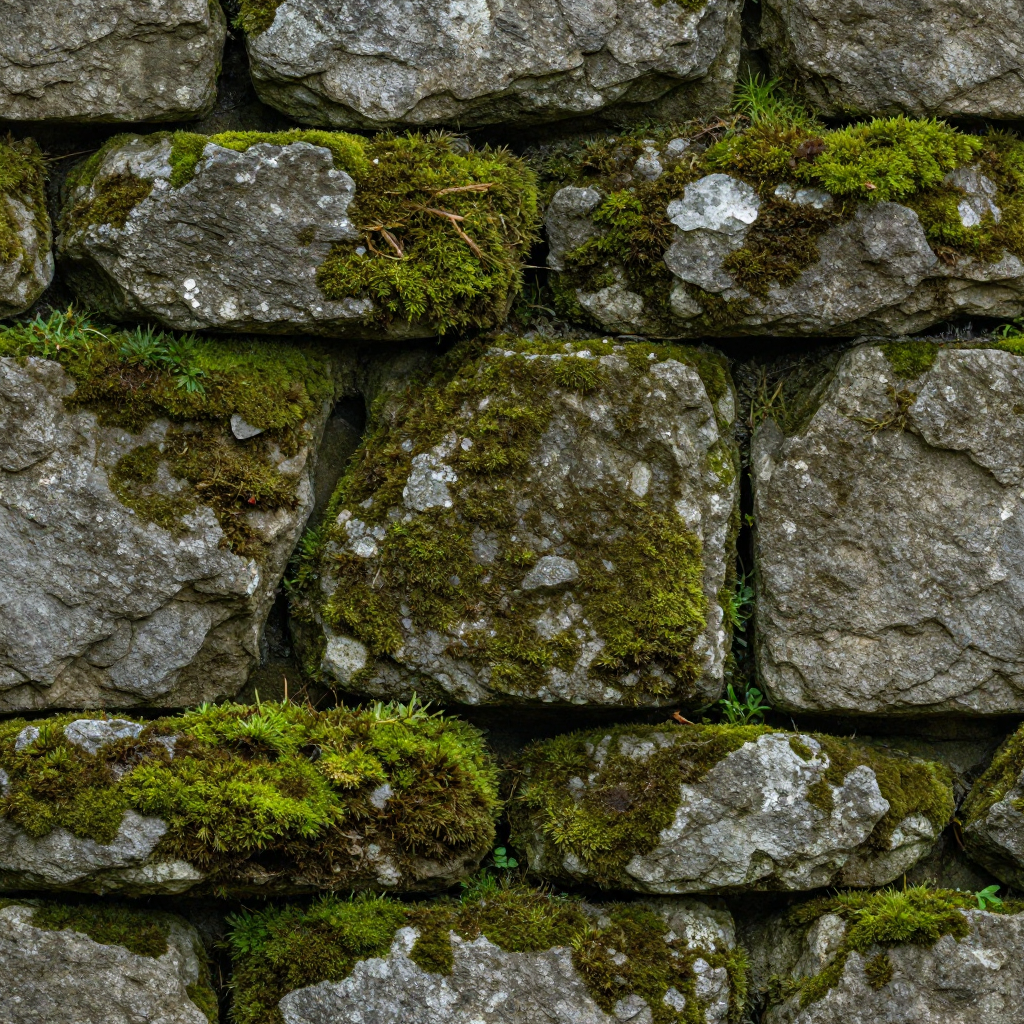
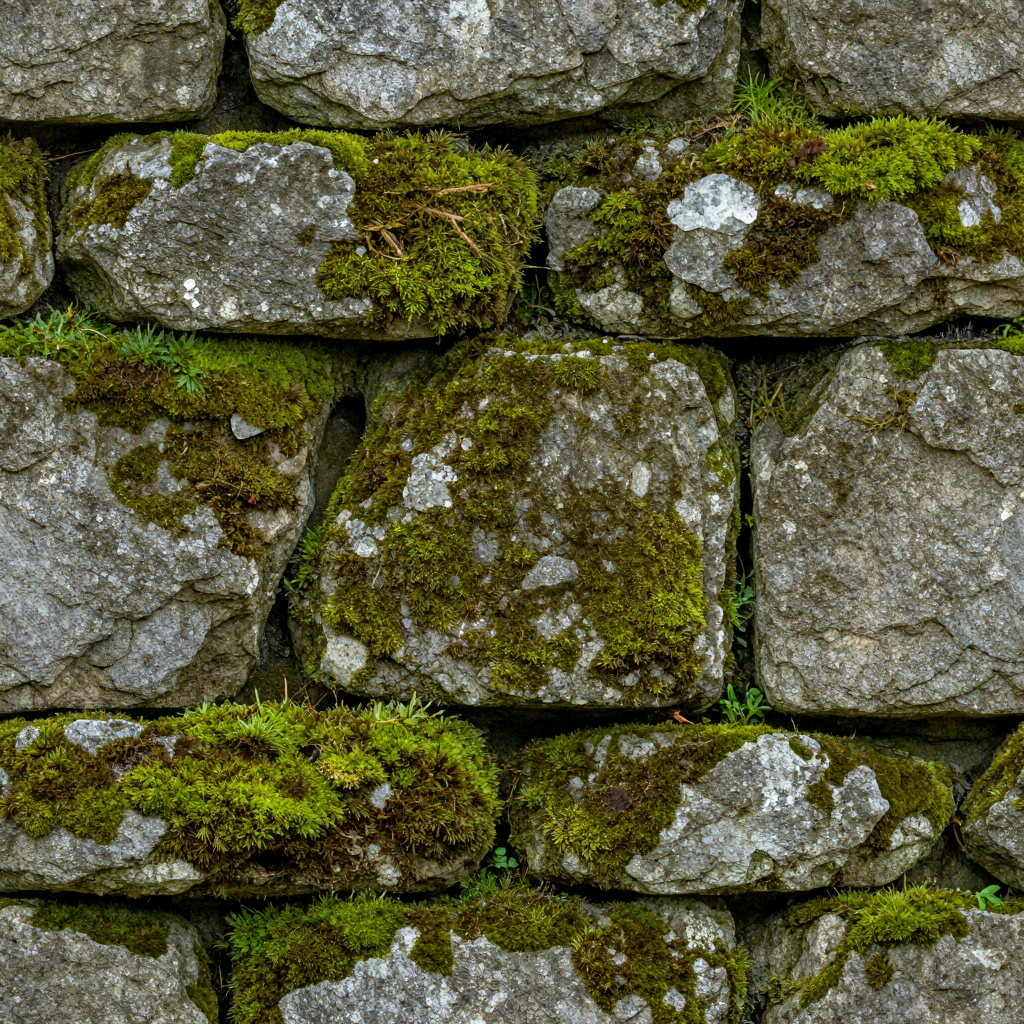
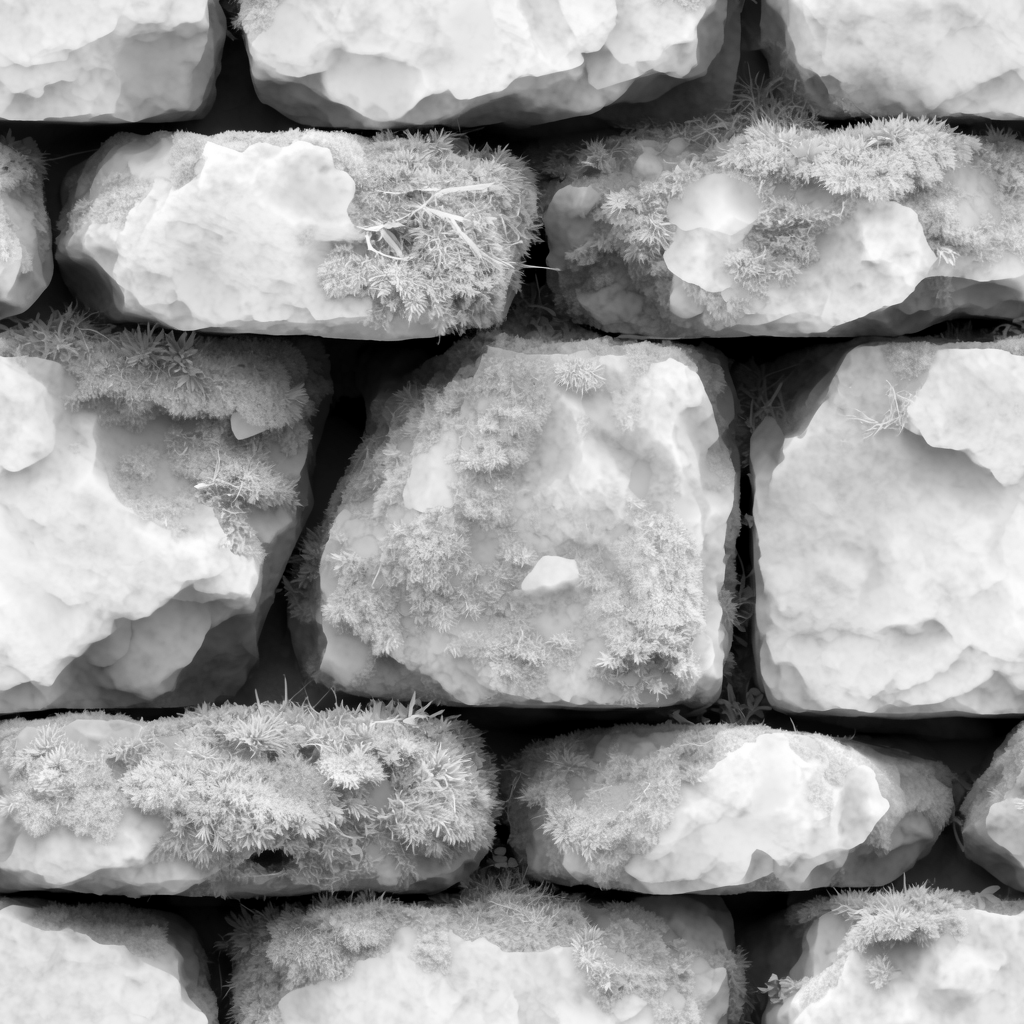
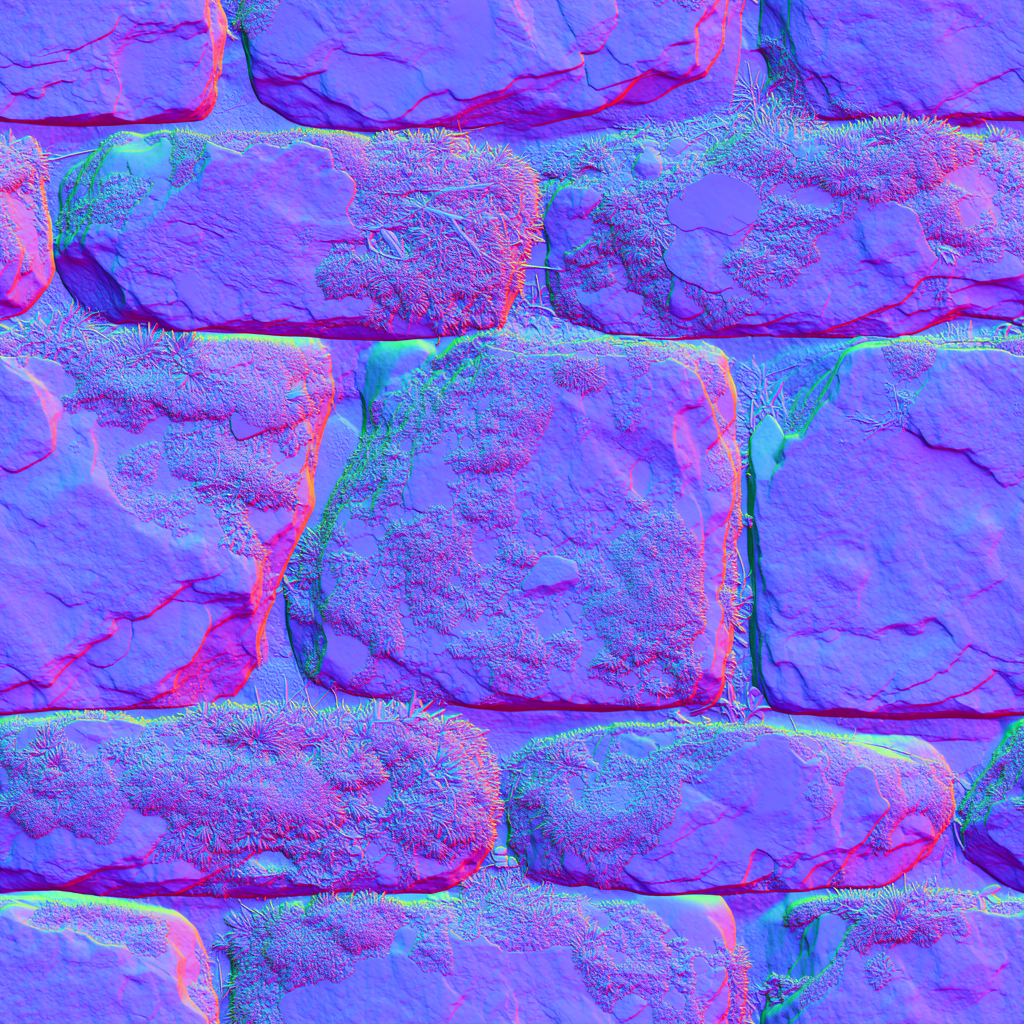
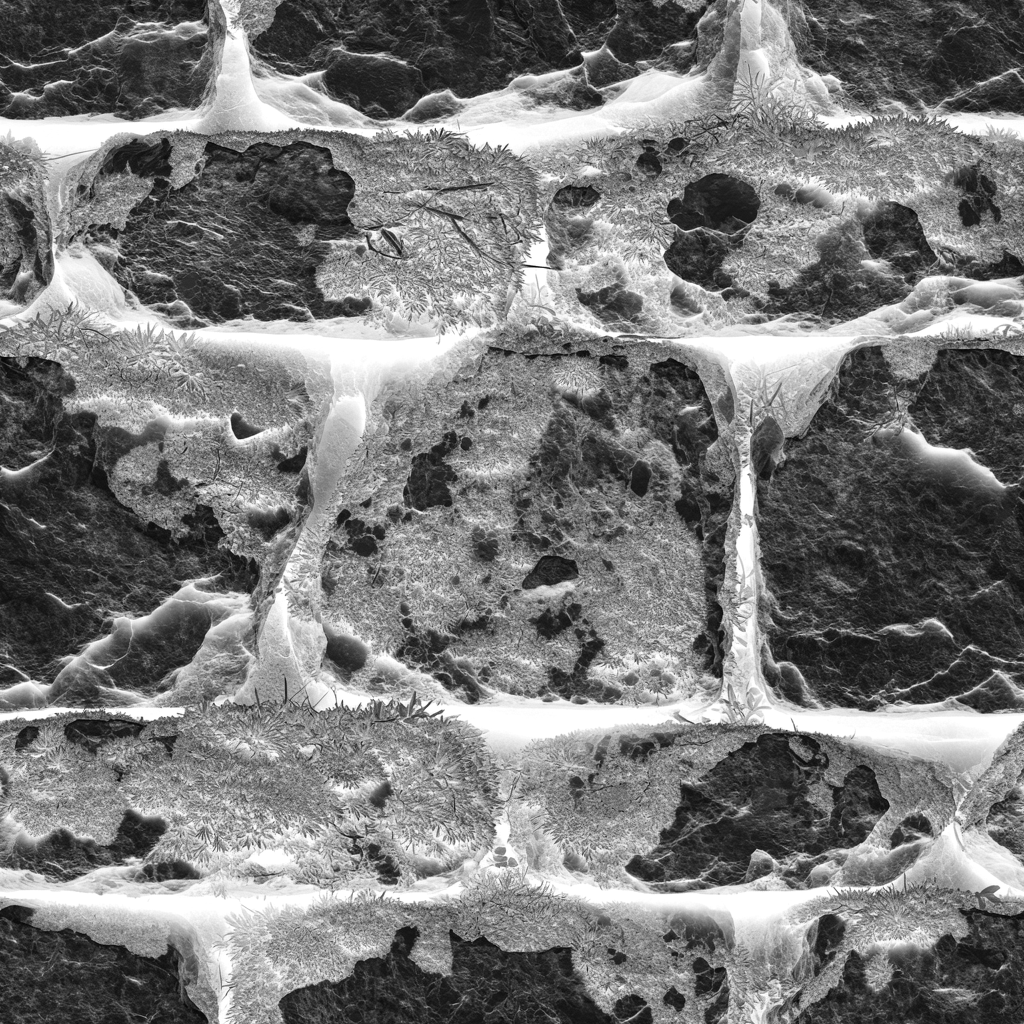

Your request will cost $0.01 plus $0.02 per megapixel plus $0.01 per megapixel per map type. When using 2x upscaling, an additional $0.004 per (pre-upscaling) megapixel per map will be charged, and when using 4x upscaling, an additional $0.016 per (pre-upscaling) megapixel per map will be charged. For example, A 1024x1024 material with all 5 maps and no upscaling (1K) will cost $0.08, and a 2048x2048 material with all 5 maps and 4x upscaling (8K) will cost $0.61.
Endpoint: fal-ai/patina/material
Category: Text-to-image (also supports image-to-image)
Pricing: $0.01 base + $0.02 per megapixel + $0.01 per megapixel per map. Upscaling adds $0.004 (2x) or $0.016 (4x) per megapixel per map.
Generate complete, seamlessly tiling PBR materials from text prompts - up to 8K resolution with built-in upscaling. Also supports image-to-image for creating variations of existing textures.
Use this endpoint to generate new PBR materials from scratch using a text description, or to create variations of an existing texture via image-to-image.
Good for:
image_url (pure image-to-image, not an edit)image_url + mask_image_urlUse a different endpoint if:
/patina/patina/material/extractjavascriptimport { fal } from "@fal-ai/client"; const result = await fal.subscribe("fal-ai/patina/material", { input: { prompt: "weathered copper patina with verdigris" } }); // result.data.images - generated texture + PBR maps
javascriptconst result = await fal.subscribe("fal-ai/patina/material", {
  input: {
    prompt: "mossy stone wall",
    image_url: "https://example.com/stone-texture.jpg",
    strength: 0.75
  }
});
| Parameter | Type | Required | Default | Description |
|---|---|---|---|---|
prompt | string | Yes | - | Text description of the material to generate |
image_size | string or object | No | square_hd | A named size, or an object like {"width": 1024, "height": 2048} |
num_inference_steps | integer | No | 8 | Number of denoising steps (1-8) |
seed | integer | No | Random | Seed for reproducible generation |
num_images | integer | No | 1 | Number of texture images to generate (1-4) |
enable_prompt_expansion | boolean | No | true | Expand prompt with an LLM for richer detail. Adds ~$0.0025. |
enable_safety_checker | boolean | No | true | Enable safety filtering on outputs |
tiling_mode | string | No | "both" | Tiling direction: both, horizontal, or vertical |
tile_size | integer | No | 128 | Tile size in latent space (64 = 512px, 128 = 1024px). Range: 32-256 |
tile_stride | integer | No | 64 | Tile stride in latent space. Range: 16-128 |
image_url | string | No | - | Input image URL for image-to-image. Without mask_image_url, creates variations. With it, performs inpainting. |
mask_url | string | No | - | Mask image for inpainting. White regions are regenerated, black regions are preserved. Requires image_url. |
strength | float | No | 0.75 | How much to transform the input image. Only used with image_url. |
maps | string[] | No | All five | Which PBR maps to predict: basecolor, normal, roughness, metalness, height. Deselect all to skip PBR estimation. |
upscale_factor | integer | No | 0 | Upscale via SeedVR seamless: 0 (none), 2 (2x), or 4 (4x) |
output_format | string | No | "png" | Output format: jpeg, png, or webp |
json{
  "prompt": "mossy stone wall",
  "image_size": "square_hd",
  "maps": ["basecolor", "normal", "roughness", "metalness", "height"]
}
json{
  "prompt": "mossy stone wall",
  "image_url": "https://example.com/stone-texture.jpg",
  "strength": 0.75,
  "maps": ["basecolor", "normal", "roughness", "metalness", "height"]
}
| Field | Type | Description |
|---|---|---|
images | (ImageFile | MapImageFile)[] | The generated texture (no map_type) followed by PBR maps (each with map_type). |
seed | integer | Seed used for generation |
prompt | string | The prompt used (may differ from input if prompt expansion was enabled) |
timings | object | Timing breakdown in seconds |
json{
  "images": [
    { "url": "https://fal.media/files/..." },
    { "url": "https://fal.media/files/...", "map_type": "basecolor" },
    { "url": "https://fal.media/files/...", "map_type": "height" },
    { "url": "https://fal.media/files/...", "map_type": "normal" },
    { "url": "https://fal.media/files/...", "map_type": "roughness" },
    { "url": "https://fal.media/files/...", "map_type": "metalness" }
  ],
  "seed": 42,
  "prompt": "mossy stone wall"
}
The first image (without map_type) is the generated texture itself. The rest are the PBR maps.
| Map | What it represents |
|---|---|
| Base Color | The surface color (albedo). What the material looks like without lighting effects. |
| Normal | Per-pixel surface orientation. Adds fine detail and bumps without changing geometry. |
| Roughness | How rough or smooth each point is. Controls reflection sharpness. |
| Metalness | Whether each point is metallic or dielectric. Affects how light reflects and refracts. |
| Height | Elevation data. Can be used for parallax mapping or actual mesh displacement. |
javascriptimport { fal } from "@fal-ai/client";

const result = await fal.subscribe("fal-ai/patina/material", {
  input: {
    prompt: "mossy stone wall"
  },
  logs: true,
  onQueueUpdate: (update) => {
    if (update.status === "IN_PROGRESS") {
      update.logs.map((log) => log.message).forEach(console.log);
    }
  },
});
console.log(result.data);
pythonimport fal_client

result = fal_client.subscribe(
    "fal-ai/patina/material",
    arguments={
        "prompt": "mossy stone wall"
    },
    with_logs=True,
)
print(result)
bashcurl -X POST https://fal.run/fal-ai/patina/material \
  -H "Authorization: Key $FAL_KEY" \
  -H "Content-Type: application/json" \
  -d '{"prompt": "mossy stone wall"}'
