PATINA - Image to PBR Maps
Endpoint: fal-ai/patina
Category: Image-to-image
Pricing: $0.01 base + $0.01 per megapixel per output map
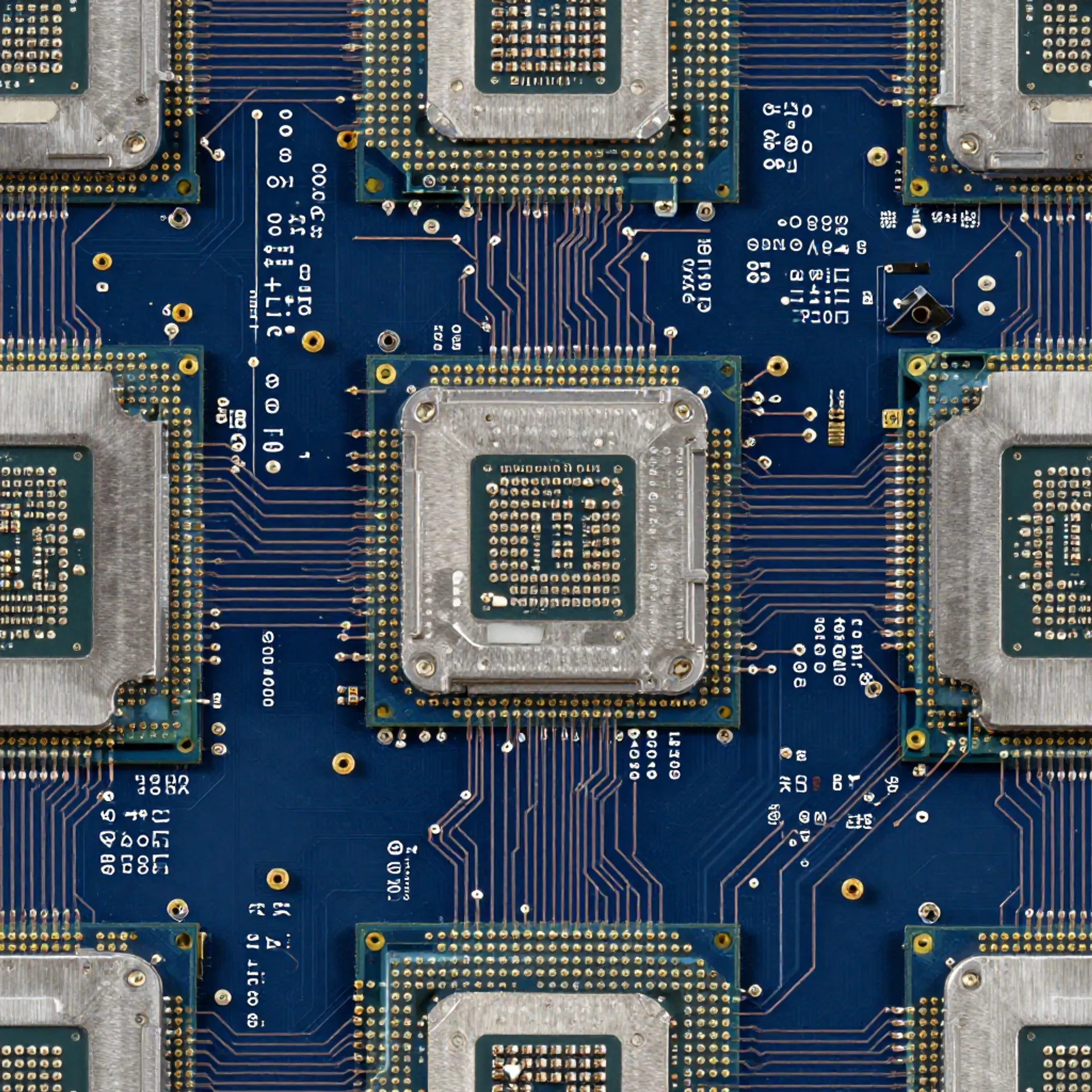
Give PATINA an image that already looks the way you want, and it will predict a full set of PBR material maps from it. The image itself is not modified - it is analyzed to extract physically-based material properties.
When to use this
Use this endpoint when you already have a texture or photo and just need PBR maps generated from it. No changes are made to the original image.
Good for:
- A photo of a real surface (brick, wood, metal) that you want to use as a 3D material
- A texture from another tool that needs PBR data added
- Any flat image you want to turn into a full PBR material
Use a different endpoint if:
Quick start
import { fal } from "@fal-ai/client";
const result = await fal.subscribe("fal-ai/patina", {
input: {
image_url: "https://example.com/my-texture.jpg"
}
});
// result.data.images - array of PBR maps, each with a map_type
| Parameter | Type | Required | Default | Description |
|---|
image_url | string | Yes | - | URL of the input image (photo or render) |
maps | string[] | No | All five | Which PBR maps to generate: basecolor, normal, roughness, metalness, height |
seed | integer | No | Random | Seed for reproducible denoising |
output_format | string | No | "png" | Output format: jpeg, png, or webp |
enable_safety_checker | boolean | No | true | Enable safety filtering on outputs |
sync_mode | boolean | No | false | If true, return images as data URIs instead of CDN URLs |
Example request
{
"image_url": "https://example.com/brick-wall.jpg",
"maps": ["basecolor", "normal", "roughness", "metalness", "height"],
"output_format": "png"
}
Output
| Field | Type | Description |
|---|
images | MapImageFile[] | Array of predicted PBR maps. Each entry includes url, content_type, file_name, file_size, and map_type |
seed | integer | The seed used for denoising |
timings | object | Timing breakdown in seconds |
Example response
{
"images": [
{ "url": "https://fal.media/files/...", "map_type": "basecolor" },
{ "url": "https://fal.media/files/...", "map_type": "normal" },
{ "url": "https://fal.media/files/...", "map_type": "roughness" },
{ "url": "https://fal.media/files/...", "map_type": "metalness" },
{ "url": "https://fal.media/files/...", "map_type": "height" }
],
"seed": 42
}
Output maps explained
| Map | What it represents |
|---|
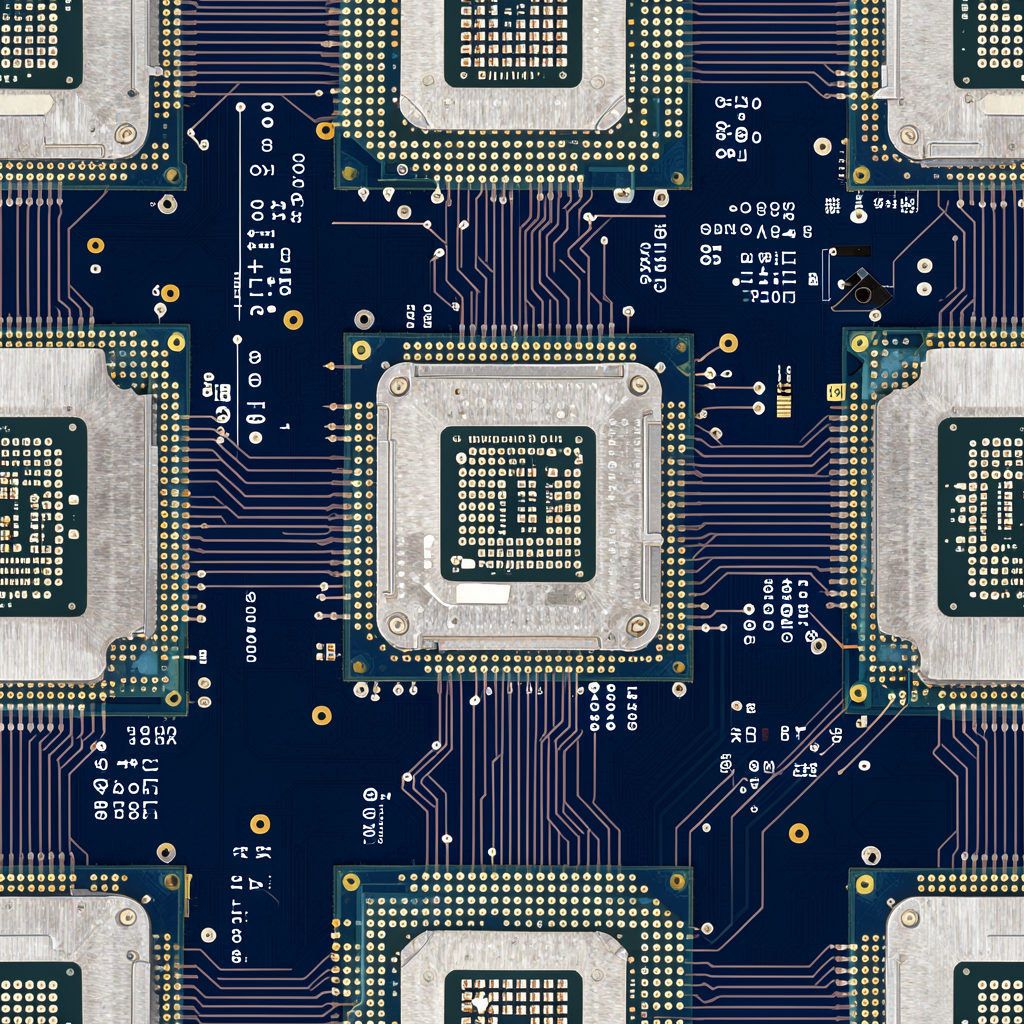
| Base Color | The surface color (albedo). What the material looks like without lighting effects. |
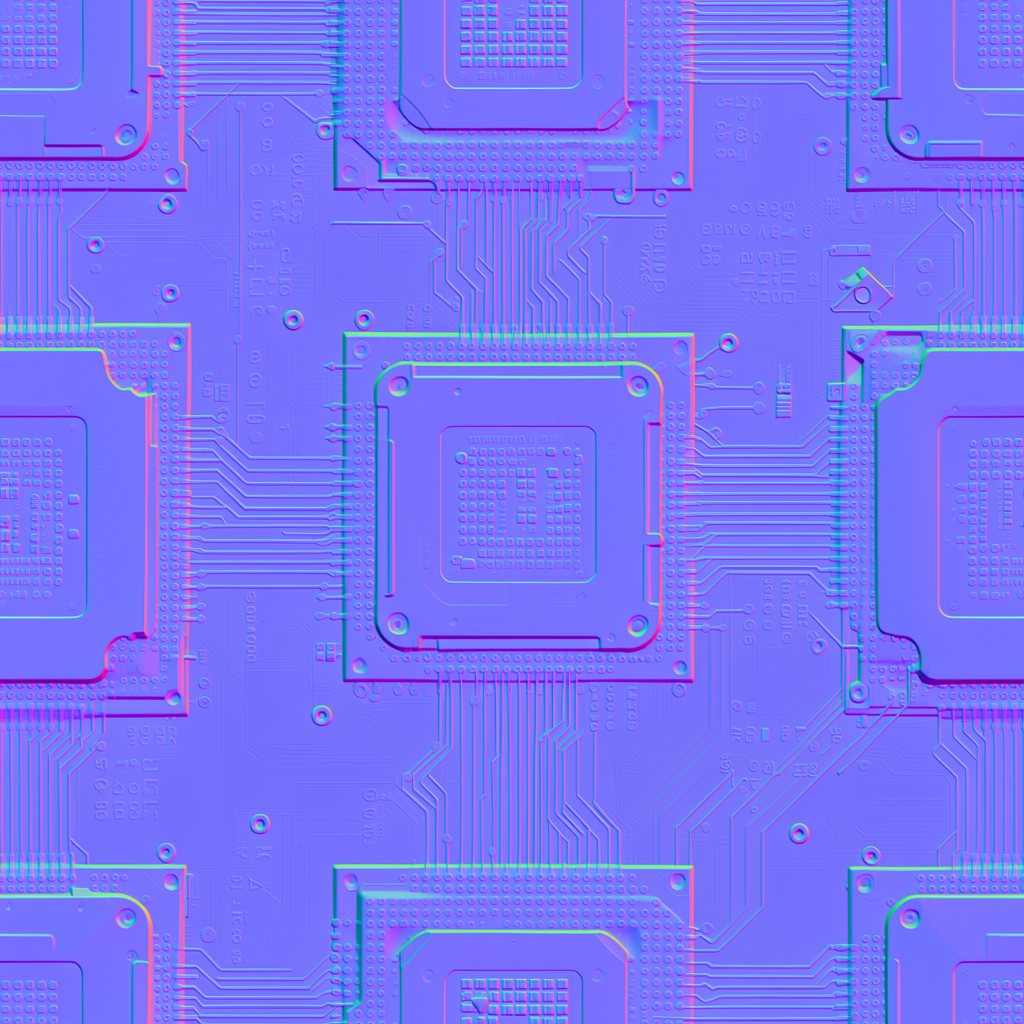
| Normal | Per-pixel surface orientation. Adds fine detail and bumps without changing geometry. |
| Roughness | How rough or smooth each point is. Controls reflection sharpness. |
| Metalness | Whether each point is metallic or dielectric. Affects how light reflects and refracts. |
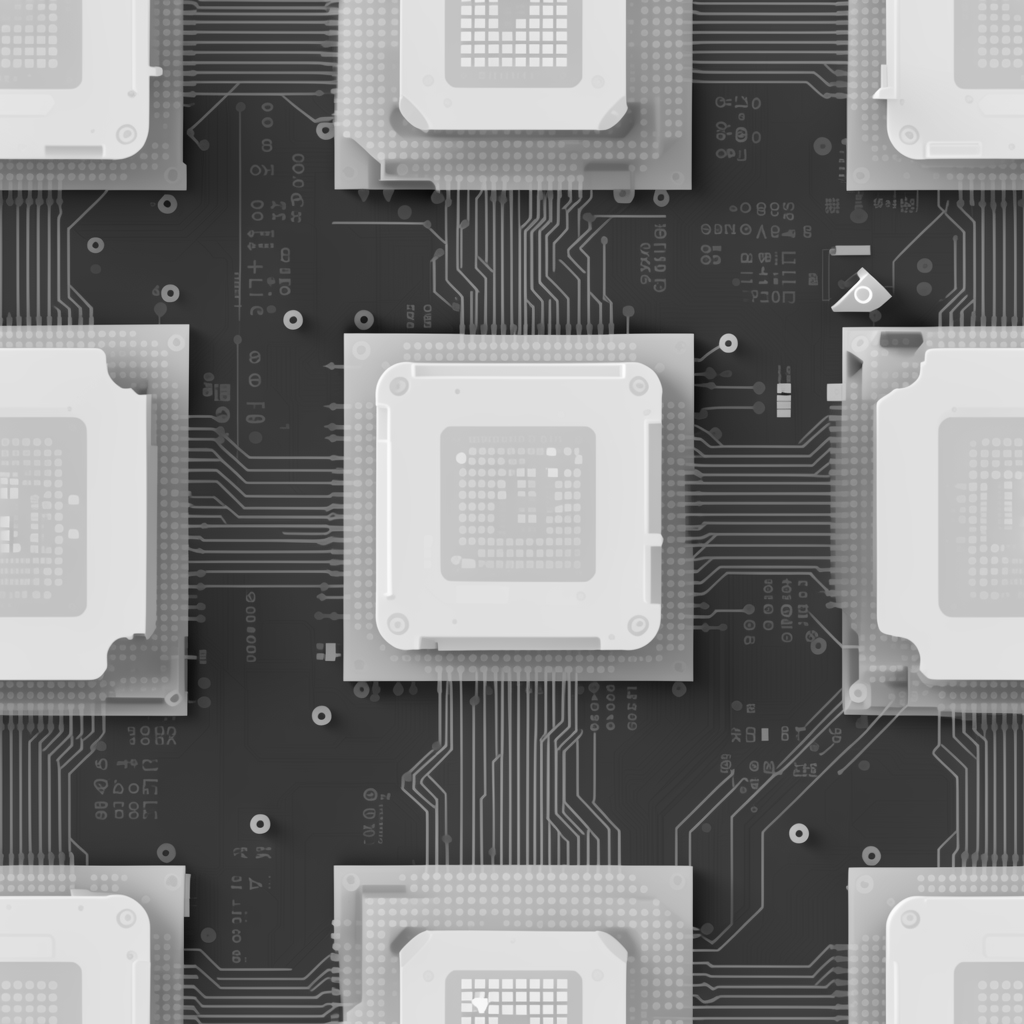
| Height | Elevation data. Can be used for parallax mapping or actual mesh displacement. |
Code examples
JavaScript
import { fal } from "@fal-ai/client";
const result = await fal.subscribe("fal-ai/patina", {
input: {
image_url: "https://example.com/my-texture.jpg"
},
logs: true,
onQueueUpdate: (update) => {
if (update.status === "IN_PROGRESS") {
update.logs.map((log) => log.message).forEach(console.log);
}
},
});
console.log(result.data);
Python
import fal_client
result = fal_client.subscribe(
"fal-ai/patina",
arguments={
"image_url": "https://example.com/my-texture.jpg"
},
with_logs=True,
)
print(result)
cURL
curl -X POST https://fal.run/fal-ai/patina \
-H "Authorization: Key $FAL_KEY" \
-H "Content-Type: application/json" \
-d '{"image_url": "https://example.com/my-texture.jpg"}'