Endpoint: fal-ai/patina/material/extract
Category: Image-to-image
Pricing: $0.10 base + $0.02 per megapixel + $0.01 per megapixel per map. Upscaling adds $0.004 (2x) or $0.016 (4x) per megapixel per map.
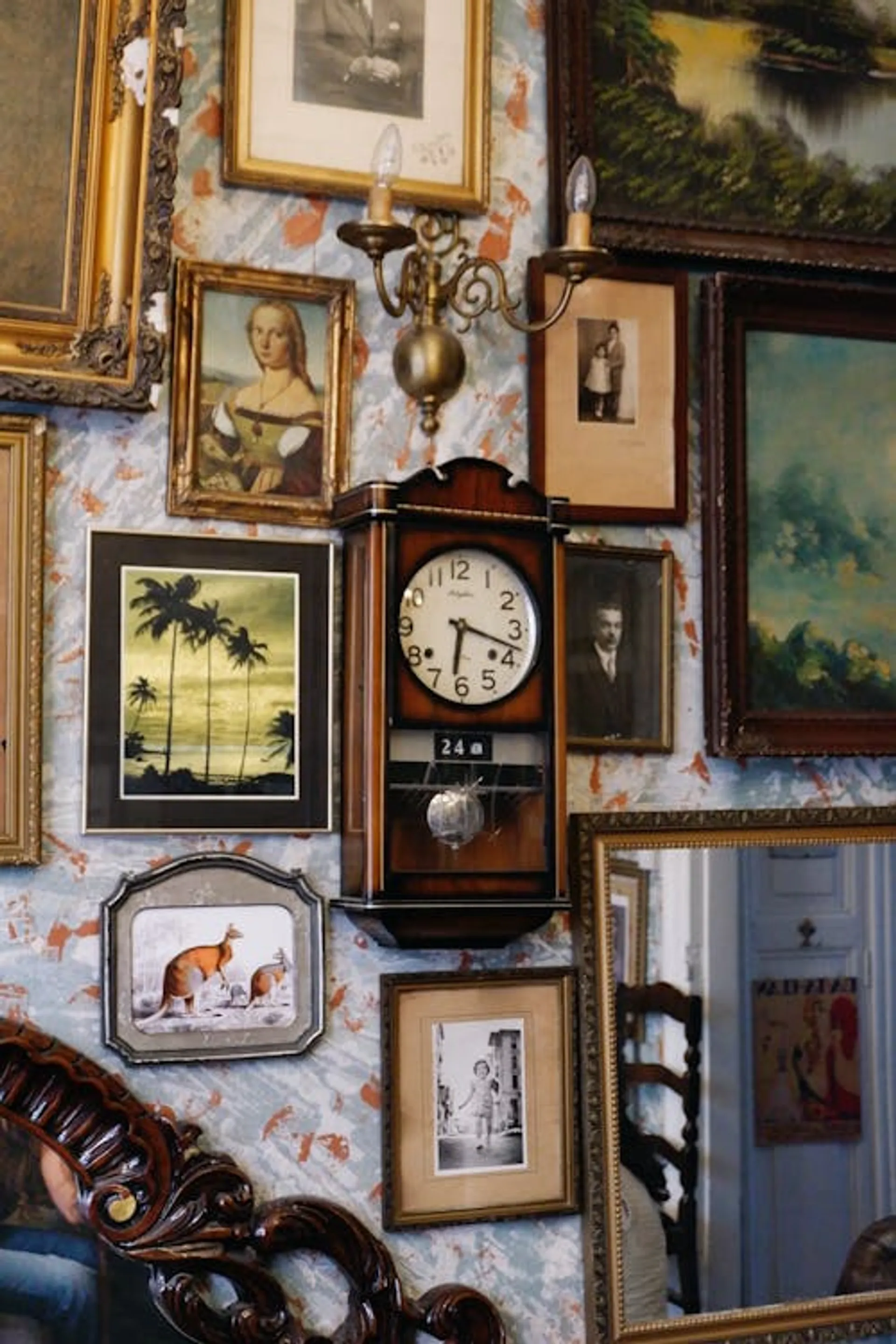
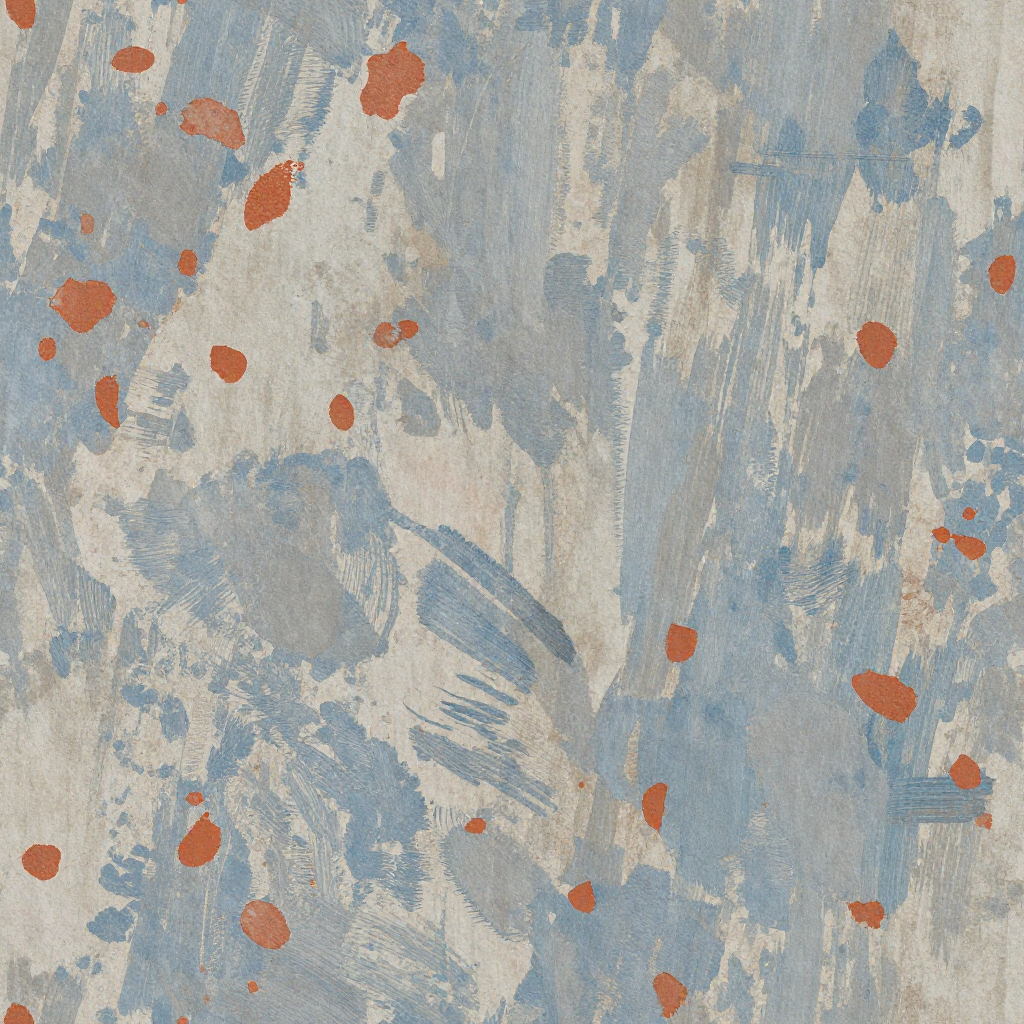
Point at a material in a photo and PATINA will extract it into a clean, seamlessly tiling PBR texture. It first flattens and normalizes the material from the image, then generates a tileable texture with full PBR maps.
When to use this
Use this endpoint when you have a photo that contains a material you want, but the photo itself isn't a clean texture. For example, a photo of a brick wall taken at an angle, with shadows and perspective. Extract will isolate the material, flatten it, make it seamless, and generate PBR maps.
Good for:
- Extracting a material from a real-world photo (a wall, a floor, a surface)
- Turning reference photos into production-ready seamless textures
- Using the
prompt to tell the model which material in the image to focus on
Use a different endpoint if:
- You already have a clean, flat texture and just want PBR maps - use
/patina
- You want to generate a material from text only, with no reference image - use
/patina/material
- You want to create variations of an existing texture - use
/patina/material with image_url
How it works
- An editing model extracts the chosen material from the image and renders it flat and uniform
- The flattened result is run through image-to-image to make it seamlessly tileable
- PBR maps are predicted from the final texture
This is different from /patina (which does not modify the image) and /patina/material with image_url (which does pure image-to-image without the extraction step).
Quick start
import { fal } from "@fal-ai/client";
const result = await fal.subscribe("fal-ai/patina/material/extract", {
input: {
prompt: "the brick wall",
image_url: "https://example.com/photo-of-building.jpg"
}
});
// result.data.images - extracted seamless texture + PBR maps
| Parameter | Type | Required | Default | Description |
|---|
prompt | string | Yes | - | Describe which texture to extract from the image (e.g. "the wall", "the wooden floor") |
image_url | string | Yes | - | URL of the image to extract a texture from |
image_size | string or object | No | square_hd | A named size, or an object like {"width": 1024, "height": 2048} |
num_inference_steps | integer | No | 8 | Number of denoising steps (1-8) |
seed | integer | No | Random | Seed for reproducible generation |
num_images | integer | No | 1 | Number of texture images to generate (1-4) |
strength | float | No | 0.75 | How much to transform the input image |
enable_prompt_expansion | boolean | No | true | Expand prompt with an LLM for richer detail. Adds ~$0.0025. |
enable_safety_checker | boolean | No | true | Enable safety filtering on outputs |
tiling_mode | string | No | "both" | Tiling direction: both, horizontal, or vertical |
tile_size | integer | No | 128 | Tile size in latent space (64 = 512px, 128 = 1024px). Range: 32-256 |
tile_stride | integer | No | 64 | Tile stride in latent space. Range: 16-128 |
maps | string[] | No | All five | Which PBR maps to predict: basecolor, normal, roughness, metalness, height. Deselect all to skip PBR estimation. |
upscale_factor | integer | No | 0 | Upscale via SeedVR seamless: 0 (none), 2 (2x), or 4 (4x) |
output_format | string | No | "png" | Output format: jpeg, png, or webp |
Example request
{
"prompt": "the brick wall",
"image_url": "https://example.com/photo-of-building.jpg",
"image_size": "square_hd",
"maps": ["basecolor", "normal", "roughness", "metalness", "height"]
}
Output
| Field | Type | Description |
|---|
images | (ImageFile | MapImageFile)[] | The extracted seamless texture (no map_type) followed by PBR maps (each with map_type). |
seed | integer | Seed used for generation |
prompt | string | The prompt used (may differ from input if prompt expansion was enabled) |
timings | object | Timing breakdown in seconds |
Example response
{
"images": [
{ "url": "https://fal.media/files/..." },
{ "url": "https://fal.media/files/...", "map_type": "basecolor" },
{ "url": "https://fal.media/files/...", "map_type": "height" },
{ "url": "https://fal.media/files/...", "map_type": "normal" },
{ "url": "https://fal.media/files/...", "map_type": "roughness" },
{ "url": "https://fal.media/files/...", "map_type": "metalness" }
],
"seed": 42,
"prompt": "the brick wall"
}
The first image (without map_type) is the extracted seamless texture. The rest are the PBR maps.
Output maps explained
| Map | What it represents |
|---|
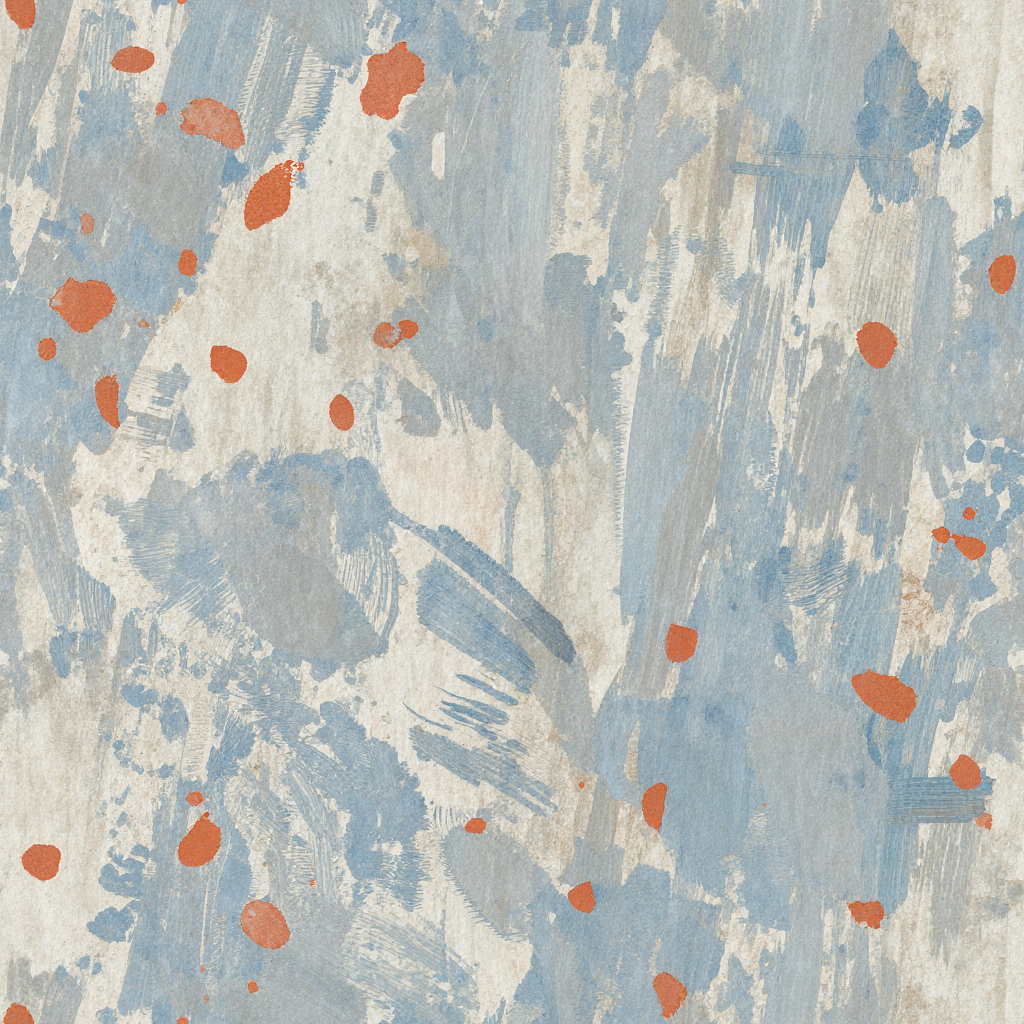
| Base Color | The surface color (albedo). What the material looks like without lighting effects. |
| Normal | Per-pixel surface orientation. Adds fine detail and bumps without changing geometry. |
| Roughness | How rough or smooth each point is. Controls reflection sharpness. |
| Metalness | Whether each point is metallic or dielectric. Affects how light reflects and refracts. |
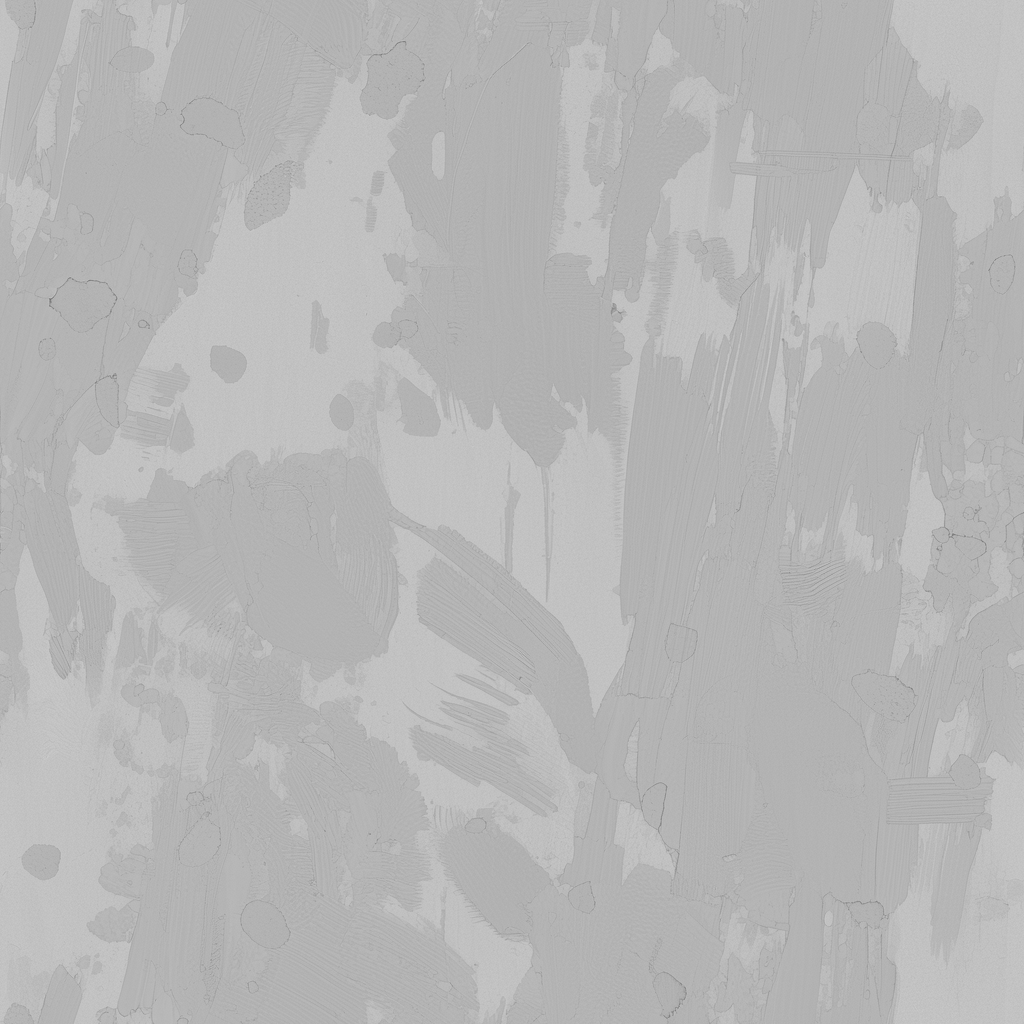
| Height | Elevation data. Can be used for parallax mapping or actual mesh displacement. |
Code examples
JavaScript
import { fal } from "@fal-ai/client";
const result = await fal.subscribe("fal-ai/patina/material/extract", {
input: {
prompt: "the brick wall",
image_url: "https://example.com/photo-of-building.jpg"
},
logs: true,
onQueueUpdate: (update) => {
if (update.status === "IN_PROGRESS") {
update.logs.map((log) => log.message).forEach(console.log);
}
},
});
console.log(result.data);
Python
import fal_client
result = fal_client.subscribe(
"fal-ai/patina/material/extract",
arguments={
"prompt": "the brick wall",
"image_url": "https://example.com/photo-of-building.jpg"
},
with_logs=True,
)
print(result)
cURL
curl -X POST https://fal.run/fal-ai/patina/material/extract \
-H "Authorization: Key $FAL_KEY" \
-H "Content-Type: application/json" \
-d '{
"prompt": "the brick wall",
"image_url": "https://example.com/photo-of-building.jpg"
}'