Loading playground
Input
Additional Settings
Customize your input with more control.
Result
Idle
Customize your input with more control.
Customize your input with more control.
Type # to reference inputs.
Hint: Drag and drop image files from your computer, images from web pages, paste from clipboard (Ctrl/Cmd+V), or provide a URL. Accepted file types: jpg, jpeg, png, webp, gif, avif, heic, heif
Customize your input with more control.
Your request will cost $0.0333 per second.
Transform static images into dynamic videos with Framepack, an advanced image-to-video model that autoregressively generates high-quality video content. Perfect for developers and creative professionals working with video production, content creation, and digital media.
Framepack is an efficient neural network that converts single images into compelling video sequences using text prompts to guide the generation process. The model generates videos frame-by-frame in an autoregressive manner, creating smooth motion and realistic video content from your input images.
Create engaging video content with advanced AI capabilities:
Getting started with Framepack takes just a few minutes. First, install your preferred SDK:
For JavaScript/TypeScript:
bashnpm install --save @fal-ai/client
For Python:
bashpip install fal-client
Configure your authentication:
javascriptimport { fal } from "@fal-ai/client";
fal.config({
  credentials: "YOUR_FAL_KEY_HERE"
});
Here's a simple example of image-to-video generation:
javascriptimport { fal } from "@fal-ai/client";

const result = await fal.subscribe("fal-ai/framepack", {
  input: {
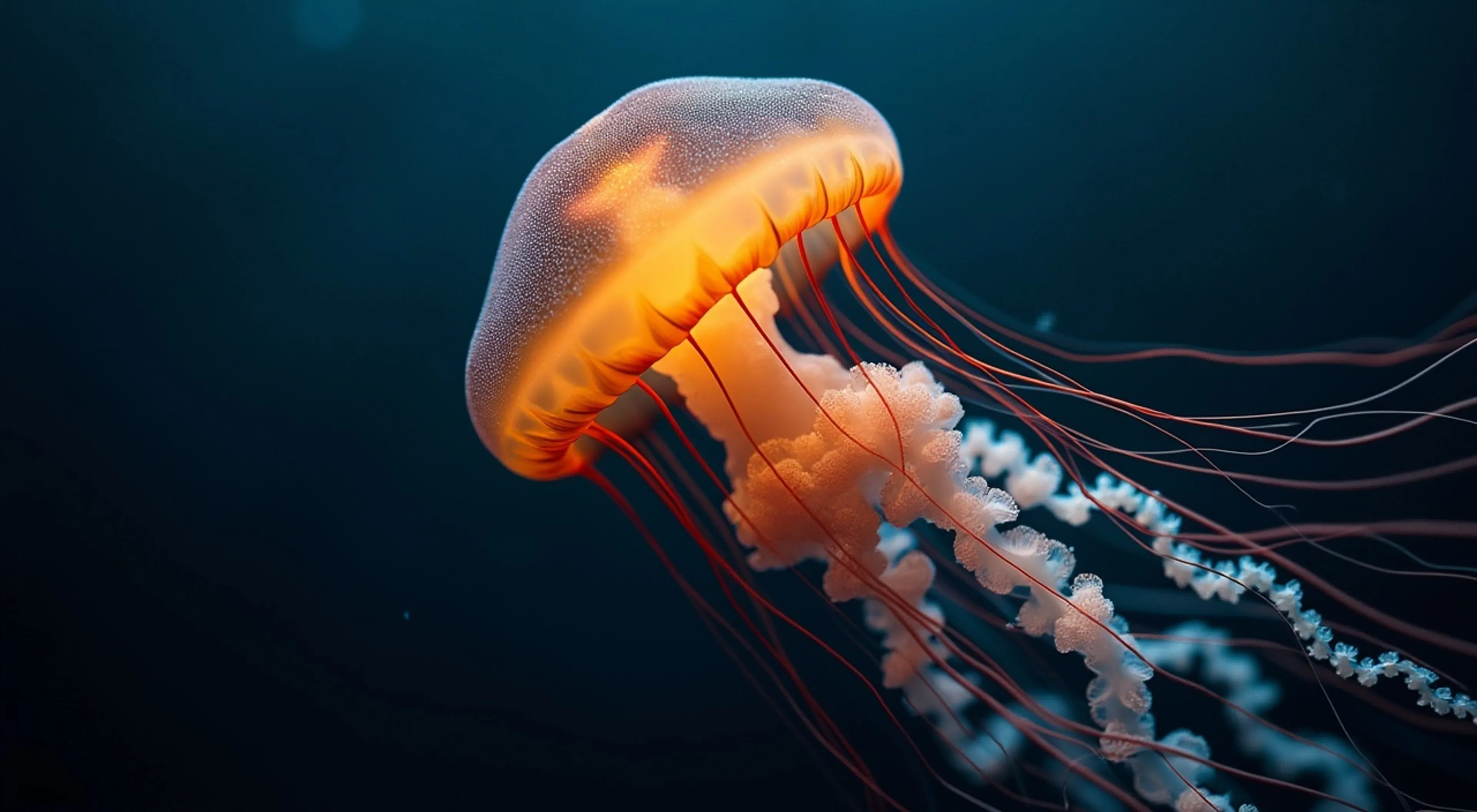
    prompt: "A mesmerising video of a deep sea jellyfish moving through an inky-black ocean. The jellyfish glows softly with an amber bioluminescence.",
    image_url: "https://your-image-url.com/image.jpg",
    aspect_ratio: "16:9",
    resolution: "480p",
    num_frames: 180
  }
});

console.log(result.data.video.url);
Framepack offers comprehensive controls for professional video generation:
For production applications, use the queue API for better control:
javascript// Submit request
const { request_id } = await fal.queue.submit("fal-ai/framepack", {
  input: {
    prompt: "Your video description here",
    image_url: "your-image-url"
  },
  webhookUrl: "https://your-webhook-endpoint.com/results"
});

// Check status
const status = await fal.queue.status("fal-ai/framepack", {
  requestId: request_id,
  logs: true
});

// Get result when complete
const result = await fal.queue.result("fal-ai/framepack", {
  requestId: request_id
});
Framepack supports multiple input methods:
javascriptinput: {
  image_url: "https://publicly-accessible-image.com/image.jpg"
}
javascriptinput: {
  image_url: "data:image/jpeg;base64,/9j/4AAQSkZJRgABAQAAAQ..."
}
javascriptconst file = new File([imageData], "image.jpg", { type: "image/jpeg" });
const url = await fal.storage.upload(file);

const result = await fal.subscribe("fal-ai/framepack", {
  input: {
    image_url: url,
    prompt: "Your description"
  }
});
For optimal results with Framepack:
Framepack returns a video object with the following structure:
javascript{
  "video": {
    "url": "https://storage.googleapis.com/falserverless/framepack/output_video.mp4",
    "content_type": "video/mp4",
    "file_name": "generated_video.mp4",
    "file_size": 2048576
  },
  "seed": 123456789
}
Set your API key as an environment variable:
bashexport FAL_KEY="your_api_key_here"
Or configure it programmatically:
javascriptimport { fal } from "@fal-ai/client";
fal.config({
  credentials: "YOUR_FAL_KEY"
});
For additional support and resources:
Framepack uses transparent per-second pricing:
For detailed pricing information, visit fal.ai/pricing or contact support@fal.ai for enterprise solutions.
Framepack is also available in additional variants:
Both variants share the same API interface and pricing structure.