Loading playground
Input
Additional Settings
Customize your input with more control.
Result
Idle

Customize your input with more control.
Customize your input with more control.
Hint: Drag and drop image files from your computer, images from web pages, paste from clipboard (Ctrl/Cmd+V), or provide a URL. Accepted file types: jpg, jpeg, png, webp, gif, avif, heic, heif
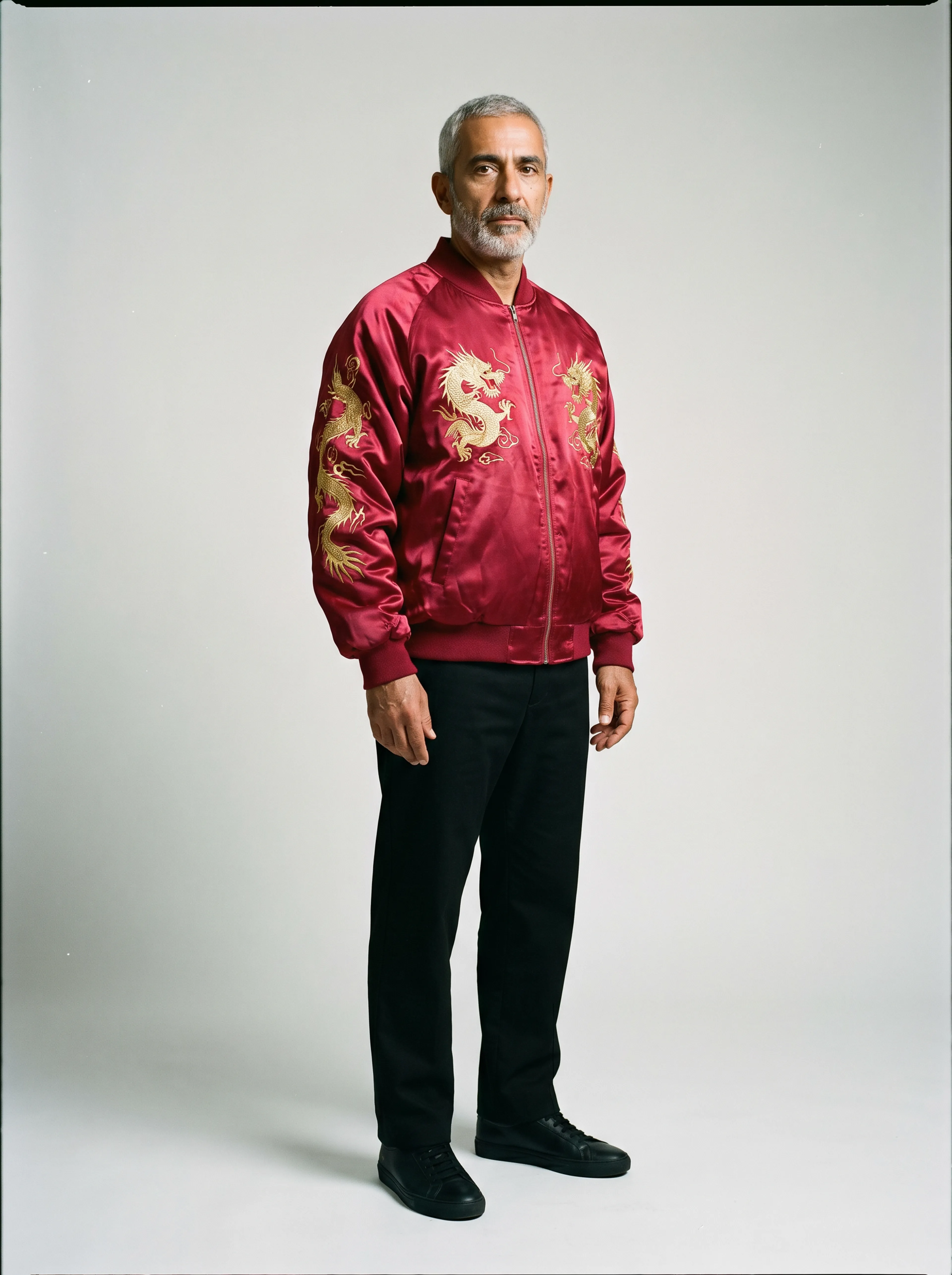
Your request will cost $0.02 per second.
Lucy 2.1 Virtual Try On is a real-time virtual try-on model — it transforms your live webcam feed using a text prompt and/or reference garment image over a WebRTC connection.
javascriptimport { fal } from "@fal-ai/client";

let pc = null;

fal.config({
  credentials: "YOUR_FAL_KEY"
});

const connection = fal.realtime.connect("decart/lucy2-vton/realtime", {
  connectionKey: `session-${Date.now()}`,
  throttleInterval: 0,
  onResult: handleResult,
  onError: (err) => console.error(err),
});

// Send initial prompt (and optional reference image)
// `stream`      → your MediaStream (e.g. from getUserMedia)
// `outputVideo` → your <video> element for the transformed output
connection.send({
  prompt: "Substitute the current top with a bright red hoodie with an oversized casual fit",
  reference_image_url: "https://example.com/outfit.png", // optional
});
onResult)javascriptasync function handleResult(result) { switch (result.type) { case "iceservers": case "iceServers": { const servers = (result.iceservers || result.iceServers || result.ice_servers) .map((s) => ({ urls: s.urls, username: s.username, credential: s.credential })); pc = new RTCPeerConnection({ iceServers: servers }); stream.getTracks().forEach((track) => pc.addTrack(track, stream)); pc.ontrack = (e) => { outputVideo.srcObject = e.streams[0]; }; pc.onicecandidate = (e) => { if (e.candidate) { connection.send({ type: "icecandidate", candidate: { candidate: e.candidate.candidate, sdpMid: e.candidate.sdpMid, sdpMLineIndex: e.candidate.sdpMLineIndex, }, }); } }; const offer = await pc.createOffer(); await pc.setLocalDescription(offer); connection.send({ type: "offer", sdp: offer.sdp }); break; } case "answer": await pc.setRemoteDescription({ type: "answer", sdp: result.sdp }); break; case "icecandidate": await pc.addIceCandidate(new RTCIceCandidate(result.candidate)); break; case "ice-restart": if (result.turn_config && pc) { pc.setConfiguration({ iceServers: [ { urls: "stun:stun.l.google.com:19302" }, { urls: result.turn_config.server_url, username: result.turn_config.username, credential: result.turn_config.credential, }, ], }); const offer = await pc.createOffer({ iceRestart: true }); await pc.setLocalDescription(offer); connection.send({ type: "offer", sdp: offer.sdp }); } break; case "prompt_ack": if (!result.success) console.error("Prompt failed:", result.error); break; case "set_image_ack": if (!result.success) console.error("Image failed:", result.error); break; case "generation_started": console.log("Model is producing frames"); break; case "error": console.error("Server error:", result.error); break; } }
javascriptconnection.send({
  prompt: "Add a navy baseball cap with a blue logo to the person's head",
  enhance_prompt: true,
});
javascriptconnection.send({
  reference_image_url: "https://example.com/new-outfit.png",
  prompt: "Add a navy baseball cap with a blue logo to the person's head",
  enhance_prompt: true,
});
javascriptpc.close();
connection.close();
For more details, visit the official docs: