Loading playground
Input
Additional Settings
Customize your input with more control.
Result
Idle

Customize your input with more control.
Customize your input with more control.
Type # to reference inputs.
Hint: Drag and drop image files from your computer, images from web pages, paste from clipboard (Ctrl/Cmd+V), or provide a URL. Accepted file types: jpg, jpeg, png, webp, gif, avif, heic, heif
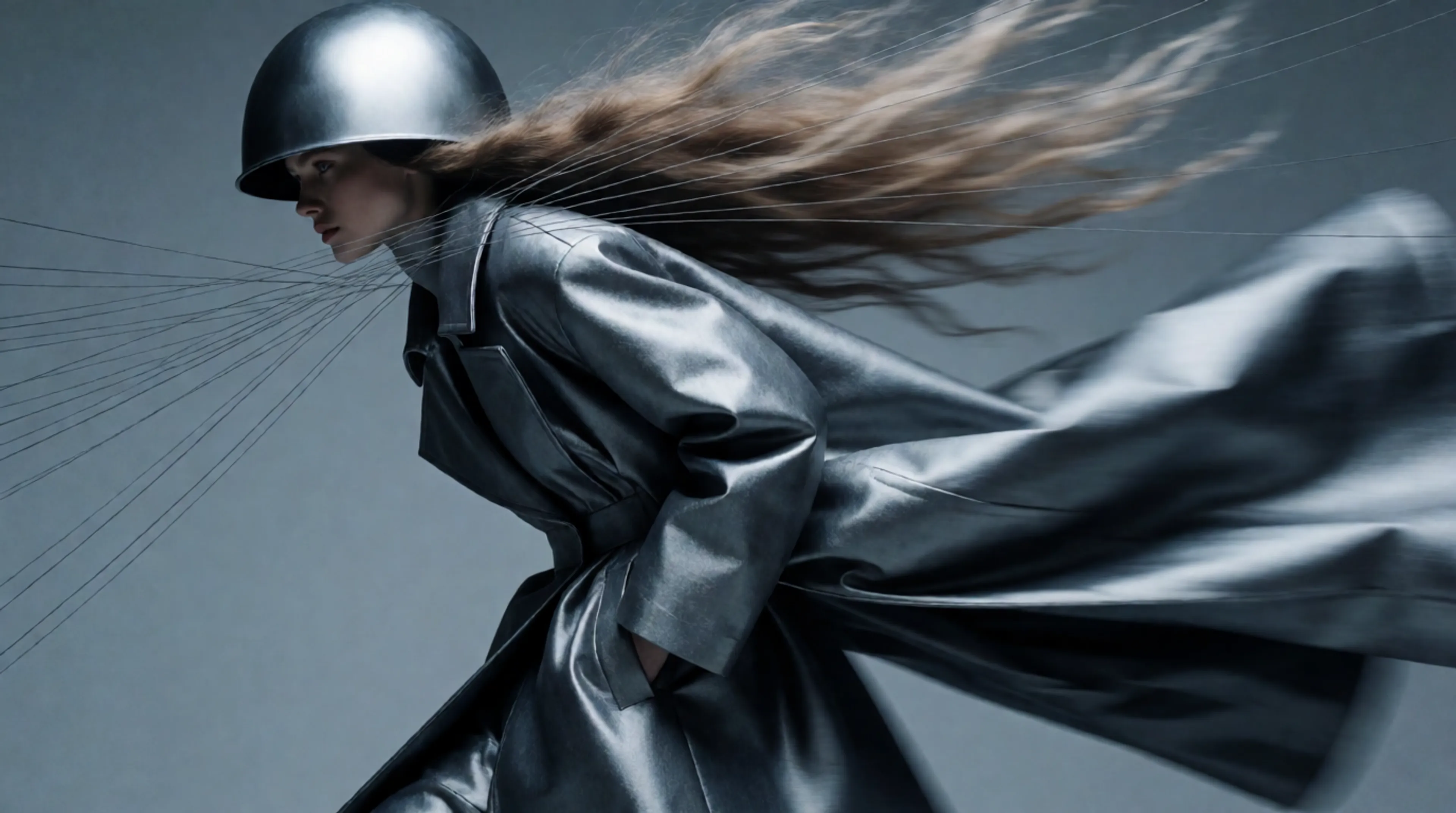
Hint: Drag and drop image files from your computer, images from web pages, paste from clipboard (Ctrl/Cmd+V), or provide a URL. Accepted file types: jpg, jpeg, png, webp, gif, avif, heic, heif
Customize your input with more control.
For 480p, your request will cost roughly $0.2205 per second of generated video, for 720p, you will be charged roughly $0.4730 per second of generated video, and for 1080p, roughly $1.164 per second of generated video. Your request will cost $0.0214 per 1,000 tokens for 480p and 720p video and roughly $0.0234 per 1,000 tokens for 1080p. The number of tokens is roughly given by (height of output video * width of output video * (input video duration + output video duration) * 24) / 1024.
Animate a still image into up to 30 seconds of cinematic video with native audio, real-world physics, and director-level camera control, all in a single pass.
bytedance/seedance-2.5/image-to-video
Seedance 2.5 is the next generation of the world's top-ranked video model. Image to video uses your image as the first frame and generates motion, camera work, and synchronized audio from it. Optionally supply an end frame to control where the video concludes. The model preserves the look, palette, and style of your input while adding natural motion, and audio is co-processed in the same latent space as the visuals — no post-production layering.
| Endpoint | Model ID |
|---|---|
| Text to Video | bytedance/seedance-2.5/text-to-video |
| Image to Video | bytedance/seedance-2.5/image-to-video |
| Reference to Video | bytedance/seedance-2.5/reference-to-video |
Billing is token-based. Tokens are a function of output frame area, duration, and frame rate:
tokens = (output_height * output_width * duration_seconds * 24) / 1024
You are charged $0.0214 per 1000 tokens at both 480p and 720p. Input images are not billed — you pay only for generated output.
In per-second terms, for standard 16:9 output:
| Resolution | Price |
|---|---|
| 720p with audio | ~$0.4730 / second |
| 480p with audio | ~$0.2205 / second |
Per-second figures are approximations for the common 16:9 case. The token formula is authoritative — wider aspect ratios have larger frame areas and cost more per second, narrower ones cost less.
Worked examples
| Generation | Tokens | Cost |
|---|---|---|
| 5s at 720p 16:9 (1280×720) | 108,000 | ~$2.31 |
| 30s at 720p 16:9 | 648,000 | ~$13.87 |
| 10s at 480p 16:9 (864×496) | 100,440 | ~$2.15 |
Native 30-second generation. A full 30 seconds in a single pass — no stitching, no scene-cut splicing, no visible seams. Roughly double the native ceiling of Seedance 2.0. For image to video this matters most for subject consistency: your input character or product holds its appearance across the whole clip.
Up to 50 multimodal reference inputs. Images, video, audio, and style references in one generation, up from 12 in the previous generation. If you need more than a start and end frame, use the reference-to-video endpoint.
Audio in the same latent space. Sound and visuals are generated jointly rather than sequentially, improving lip sync, impact timing, and ambient coherence.
Better prompt adherence. Roughly 20% better, per ByteDance, meaning fewer generations before a usable result.
Intelligent duration. Set duration to "auto" and the model picks the optimal length for the content.
Adaptive aspect ratio. Set aspect_ratio to "auto" and the model chooses the best fit based on your input image.
Install the client:
bashnpm install --save @fal-ai/client
Note:
@fal-ai/serverless-clientis deprecated. Use@fal-ai/clientinstead.
pythonimport fal_client

result = fal_client.subscribe(
    "bytedance/seedance-2.5/image-to-video",
    arguments={
        "image_url": "https://example.com/portrait.jpg",
        "prompt": "The woman turns toward the window as rain starts against the glass. Slow push-in, handheld feel.",
        "duration": "10",
        "resolution": "720p",
        "aspect_ratio": "16:9",
    }
)

print(result["video"]["url"])
javascriptimport { fal } from "@fal-ai/client";

const result = await fal.subscribe("bytedance/seedance-2.5/image-to-video", {
  input: {
    image_url: "https://example.com/portrait.jpg",
    prompt: "The woman turns toward the window as rain starts against the glass.",
    duration: "10",
    resolution: "720p",
    aspect_ratio: "16:9",
  },
  logs: true,
  onQueueUpdate: (update) => {
    if (update.status === "IN_PROGRESS") {
      update.logs.map((log) => log.message).forEach(console.log);
    }
  },
});

console.log(result.data);
bashcurl -X POST https://fal.run/bytedance/seedance-2.5/image-to-video \
  -H "Authorization: Key $FAL_KEY" \
  -H "Content-Type: application/json" \
  -d '{
    "image_url": "https://example.com/portrait.jpg",
    "prompt": "The woman turns toward the window as rain starts against the glass.",
    "duration": "10",
    "resolution": "720p",
    "aspect_ratio": "16:9"
  }'
Note: You can upload local files with the fal client storage API and pass the returned URL as
image_url. Long generations take time — use the queue API rather than a synchronous call for anything past a few seconds of output.
bytedance/seedance-2.5/image-to-video)| Parameter | Type | Default | Description |
|---|---|---|---|
image_url | string | — | Required. Start frame image URL. Accepted: jpg, jpeg, png, webp, gif, avif. |
prompt | string | — | Scene description and motion direction. Put spoken dialogue in double quotes for lip-synced audio. |
end_image_url | string | — | Optional end frame image to control where the video concludes. |
resolution | string | "720p" | "480p" or "720p" |
duration | string | "auto" | "auto", or "4" through "30" |
aspect_ratio | string | "auto" | "auto", "21:9", "16:9", "4:3", "1:1", "3:4", "9:16" |
generate_audio | boolean | true | Generate synchronized audio alongside video. |
seed | integer | — | Optional seed for reproducibility. |
end_user_id | string | — | Required for B2B access. Unique identifier for your end customer. |
With aspect_ratio set to "auto" the model chooses the best fit from your input image. Since frame area drives cost, pass an explicit aspect ratio when you need predictable billing.
json{
  "video": {
    "url": "https://v3b.fal.media/files/...",
    "content_type": "video/mp4",
    "file_name": "video.mp4",
    "file_size": 18240512
  },
  "seed": 1094575694
}
Access the video URL at result["video"]["url"] (Python) or result.data.video.url (JavaScript).
| 21:9 | 16:9 | 4:3 | 1:1 | 3:4 | 9:16 | |
|---|---|---|---|---|---|---|
| 480p | 992×432 | 864×496 | 752×560 | 640×640 | 560×752 | 496×864 |
| 720p | 1470×630 | 1280×720 | 1112×834 | 960×960 | 834×1112 | 720×1280 |
First-frame animation. Your image anchors identity, palette, and composition; the prompt drives motion, camera, and audio. The model preserves the look and style of your input image while adding natural motion.
Start and end frame control. Supply end_image_url to land the clip on a specific composition — useful for loops, product reveals, and before-and-after transitions.
Native audio. Ambient sound, impacts, and dialogue are generated with the visuals in one pass, not layered afterward.
She looks up and says: "You came back."