Virtual Try On APIs
Virtually try on different outfits and character styles with our collection of APIs.
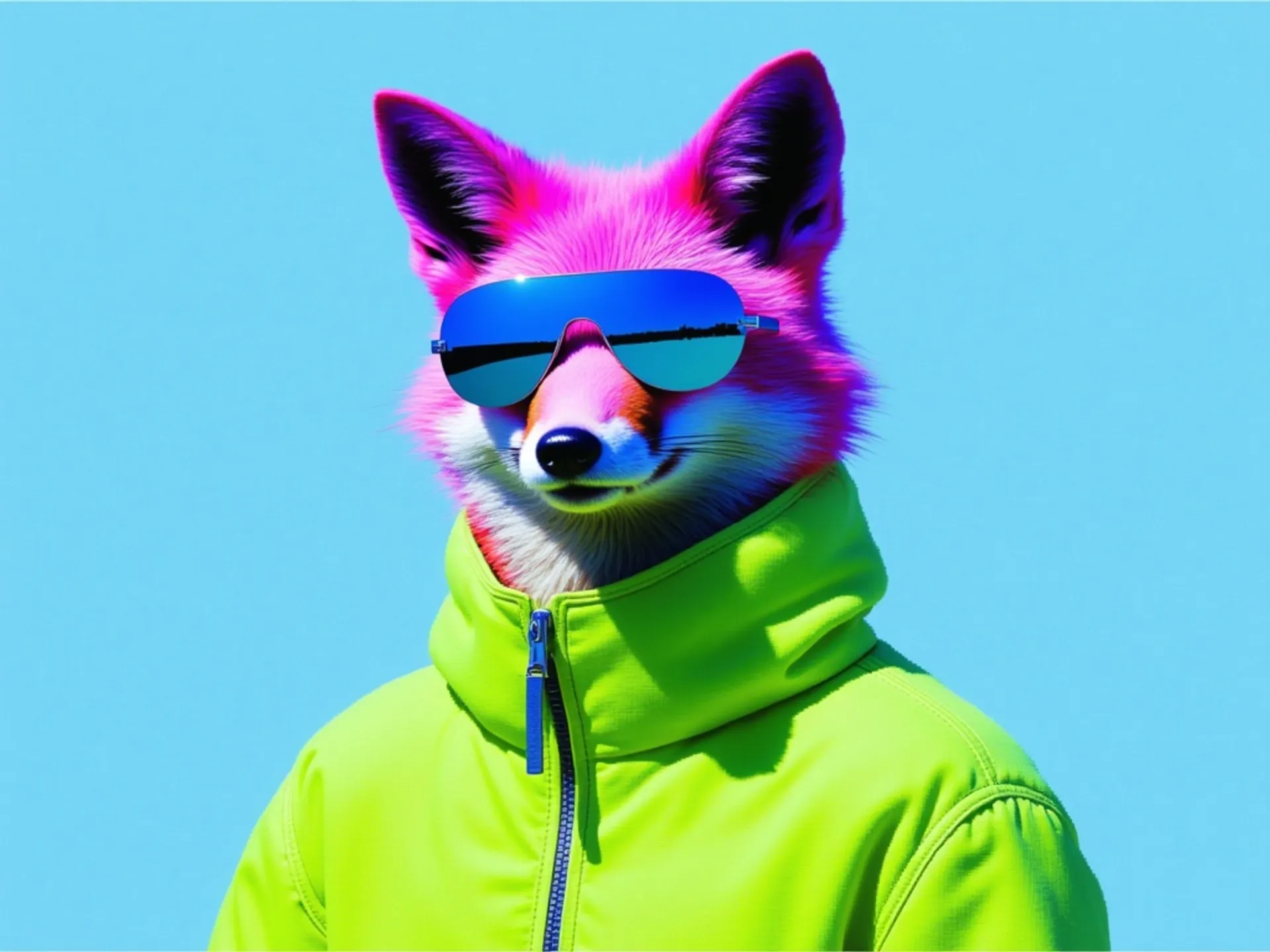

Bria Virtual Try-On edits a person photo to show the subject wearing garments or accessories from one to three reference images, guided by optional text instructions. Built on FIBO-Edit-1.5, it supports multi-garment changes and preserves the source aspect ratio by default.

Realtime Try On experience with Decart Lucy 2.1 VTON

Try on clothes virtually by combining person and clothing images.
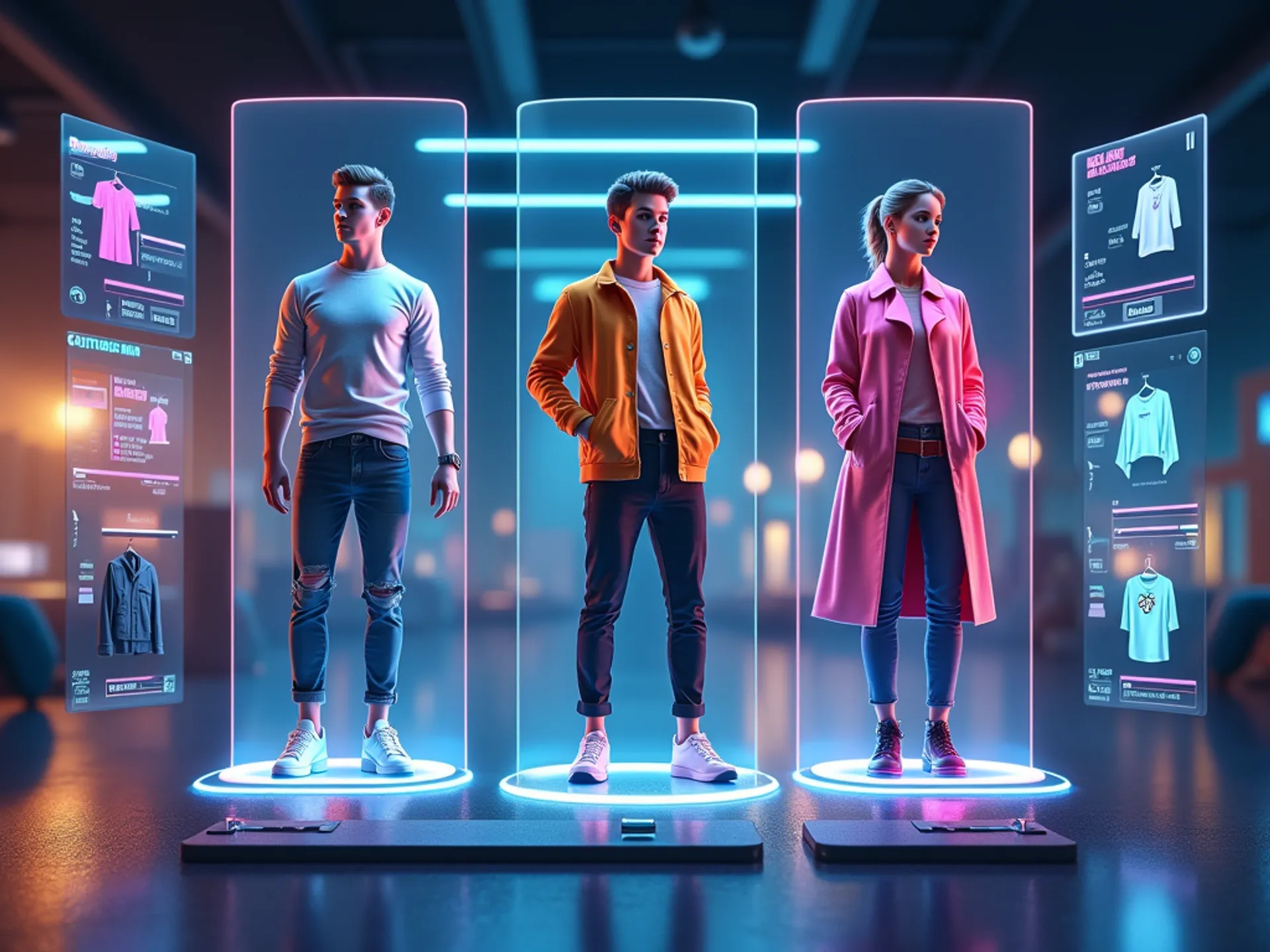

Kling Kolors Virtual TryOn v1.5 is a high quality image based Try-On endpoint which can be used for commercial try on.
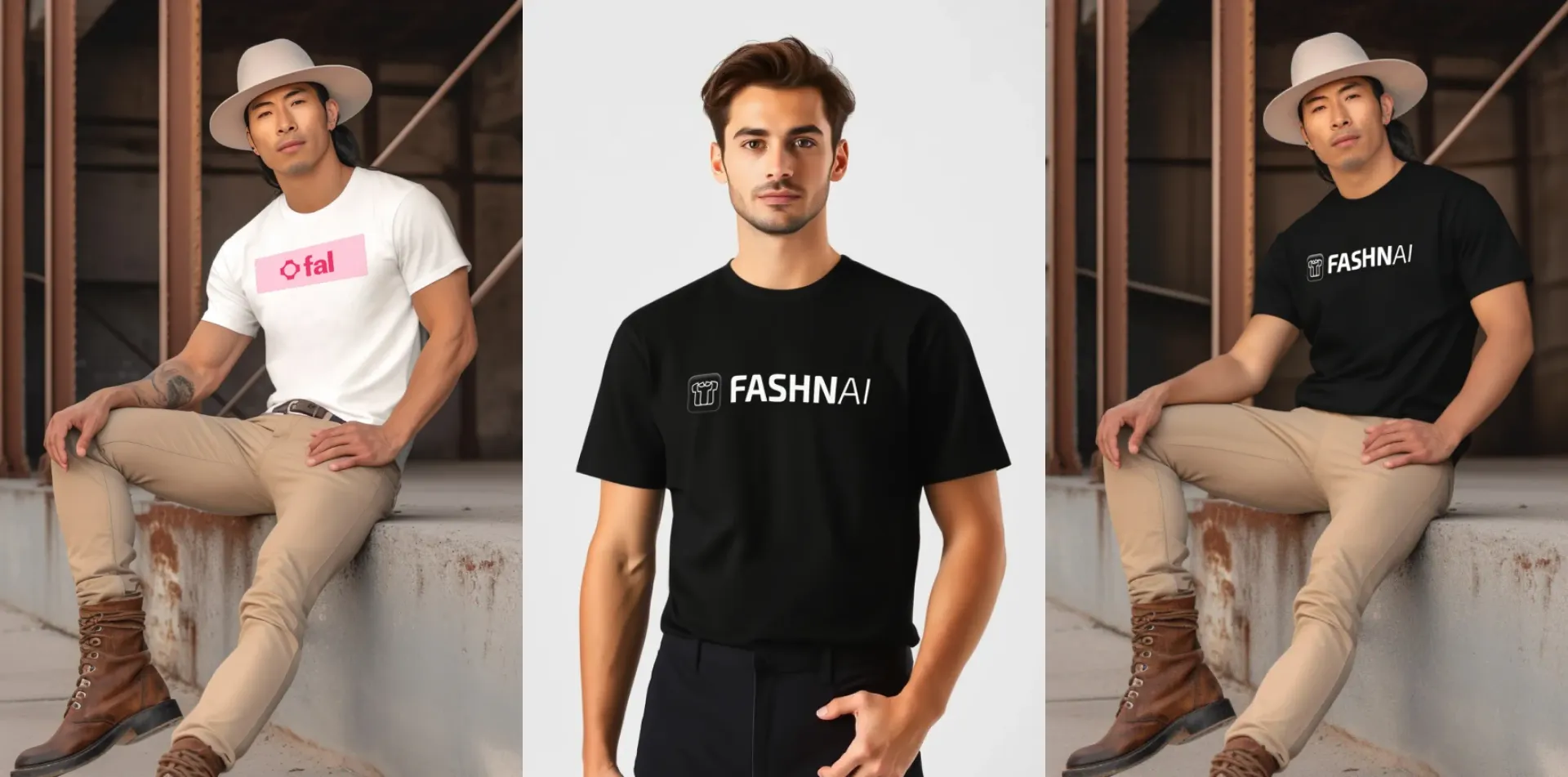
FASHN v1.6 delivers precise virtual try-on capabilities, accurately rendering garment details like text and patterns at 864x1296 resolution from both on-model and flat-lay photo references.
FASHN v1.5 delivers precise virtual try-on capabilities, accurately rendering garment details like text and patterns at 576x864 resolution from both on-model and flat-lay photo references.

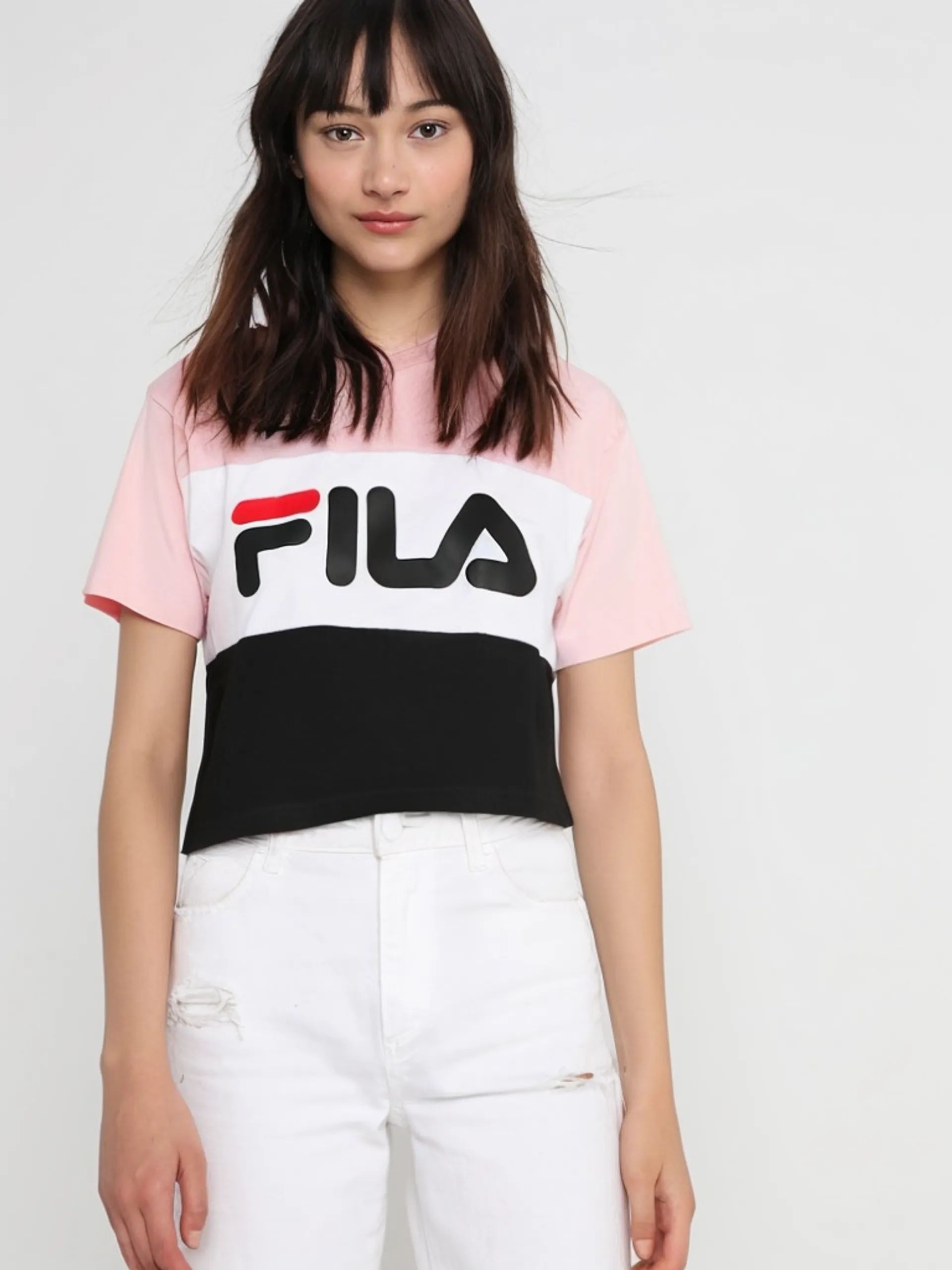
Virtual clothing try-on (2 images: person + garment)
Leffa Virtual TryOn is a high quality image based Try-On endpoint which can be used for commercial try on.
Image based high quality Virtual Try-On
fal is the best developer-friendly, one-stop shop for AI virtual try-on models. Every virtual try-on model on fal runs through the same SDK pattern, so once you’ve integrated one, switching between Kling Kolors v1.5, FASHN v1.6, image-apps-v2, or FLUX 2 LoRA Gallery is a one-line endpoint change.
The static try-on endpoints take a person image plus a garment image and return a composited result. Here’s what it looks like after installing and setting your .
The same call shape works across static virtual try-on endpoints. You swap the endpoint string and adjust the input fields each model expects.
Here are four models that handle static image-based virtual try-on.
Use these models when you need static try-on results for ecommerce, catalog imagery, personalization flows, or creative styling previews.
Decart Lucy 2.1 VTON Realtime transforms your webcam feed in real time using a text prompt and an optional reference garment image. It operates over WebRTC rather than the standard request-response queue.
To start a session, you can use with the endpoint and send your initial prompt.
You can update the prompt or reference image mid-session by sending new messages on the same connection, which is useful for shopping flows where the user cycles through garment options.
Each model exposes different parameters for tuning garment accuracy, generation speed, and output quality.
Use FASHN when you need more explicit control, FLUX 2 LoRA Gallery when you want LoRA-driven garment transfer and variations, and Kling Kolors when you want a simple two-image try-on flow.
Pricing varies by model and unit across fal’s virtual try-on catalog.
| Model | Price |
|---|---|
| FLUX 2 LoRA Gallery | $0.021 / processed megapixel |
| Decart Lucy 2.1 VTON Realtime | $0.02 / second of streaming |
| Kling Kolors v1.5 | $0.07 / generation |
As a worked example, 100 static try-on generations would cost roughly:
You only pay for what you generate or stream, which lets you compare static try-on quality, real-time responsiveness, and garment control options without rewriting your integration.
The same auth, billing, and queue logic carry across every virtual try-on endpoint, so you can compare models side by side without rewriting integration code.
For real-time try-on, use the WebRTC-based realtime connection flow instead of the standard request-response queue.
@fal-ai/clientFAL_KEYjsimport { fal } from "@fal-ai/client";
const result = await fal.subscribe("fal-ai/kling/v1-5/kolors-virtual-try-on", {
input: {
human_image_url: "https://your-host.com/person.jpg",
garment_image_url: "https://your-host.com/shirt.jpg"
}
});
console.log(result.data.image.url);categorypreserve_poselora_scalefal.realtime.connectjsimport { fal } from "@fal-ai/client";
const connection = fal.realtime.connect("decart/lucy2-vton/realtime", {
connectionKey: `session-${Date.now()}`,
throttleInterval: 0,
onResult: handleResult,
});
connection.send({
prompt: "Substitute the current top with a bright red hoodie",
reference_image_url: "https://example.com/outfit.png"
});modeperformancebalancedqualitygarment_photo_typenum_sampleslora_scaleaccelerationsync_modebashnpm install --save @fal-ai/clientbashexport FAL_KEY="YOUR_API_KEY"jsimport { fal } from "@fal-ai/client";
const result = await fal.subscribe("fal-ai/kling/v1-5/kolors-virtual-try-on", {
input: {
human_image_url: "https://your-host.com/person.jpg",
garment_image_url: "https://your-host.com/shirt.jpg"
}
});
console.log(result.data.image.url);

