

Resize any image without cropping free.
Pick a size and AI fills the difference. No signup, instant results. Nothing cut off, nothing stretched, no watermark, every time.
Drop an image to resize it
Or click to browse · JPEG · PNG · WEBP

Every format, powered by AI.
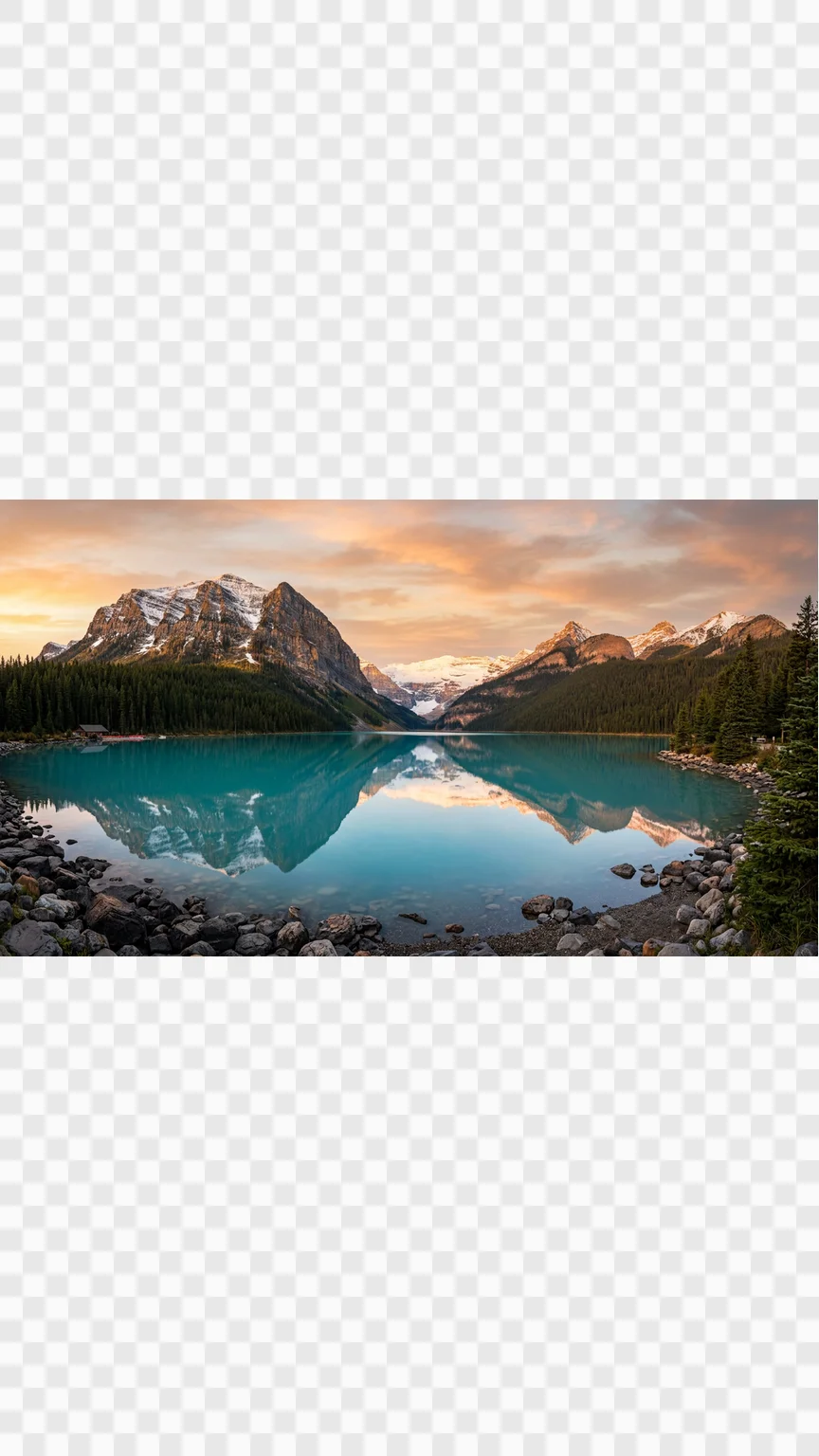
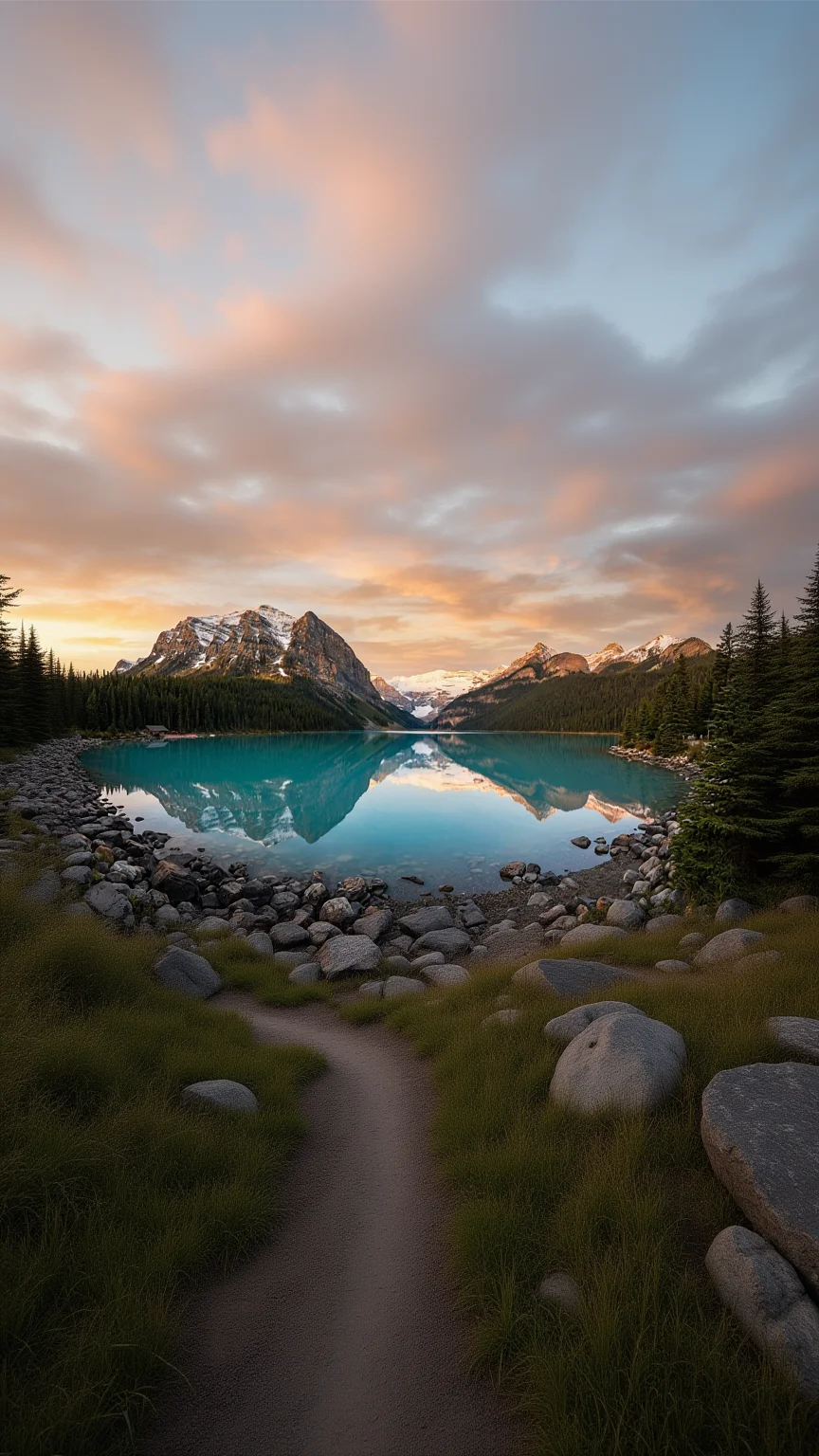
Change the shape, keep the whole photo.
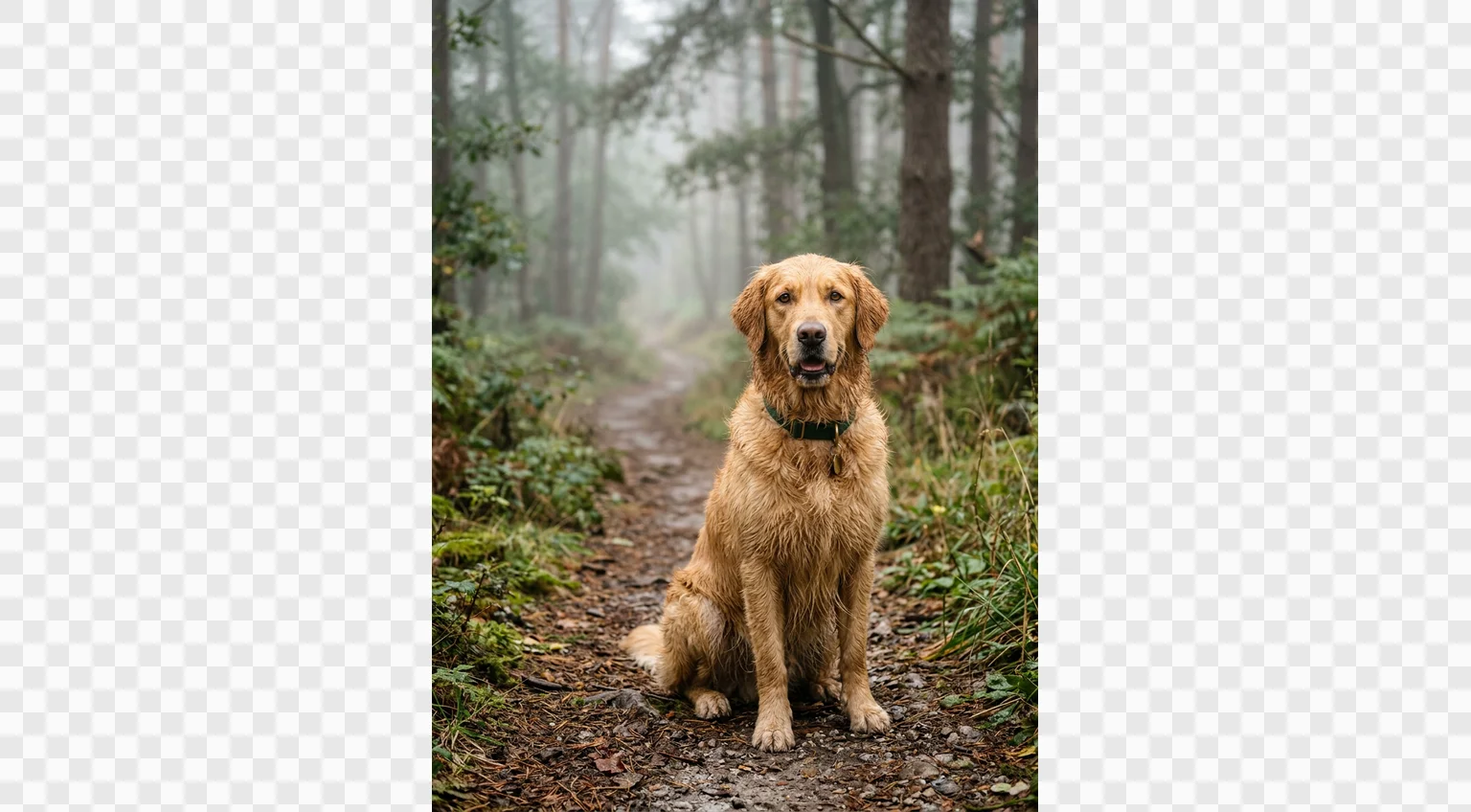
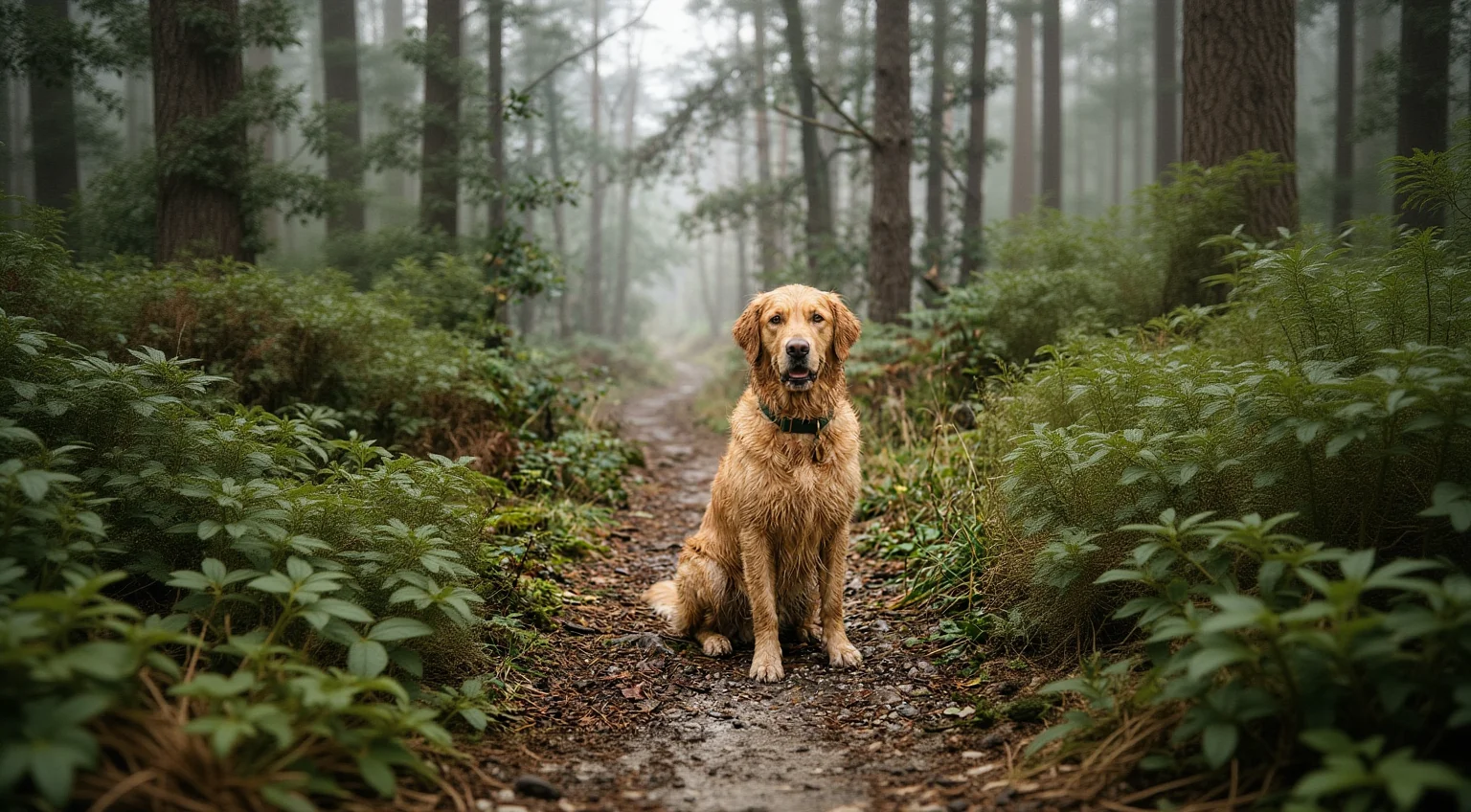
Basic resizers make you choose: crop away part of your image or squash it out of proportion. fal's AI expands the scene to fit the new size instead, so a landscape shot becomes a story with the full subject intact.

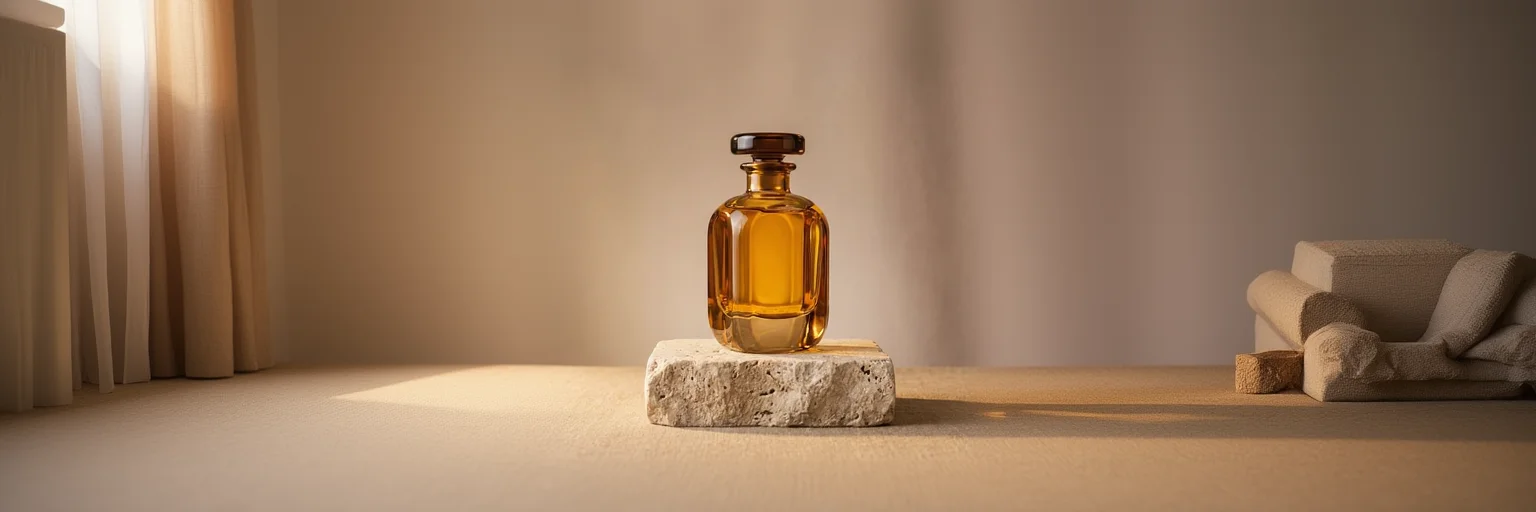
Every platform, one photo.
Square posts, portrait feeds, stories, banners. One upload covers all of them: tap a preset and download the exact pixel dimensions each platform expects, with AI filling whatever the new shape needs.
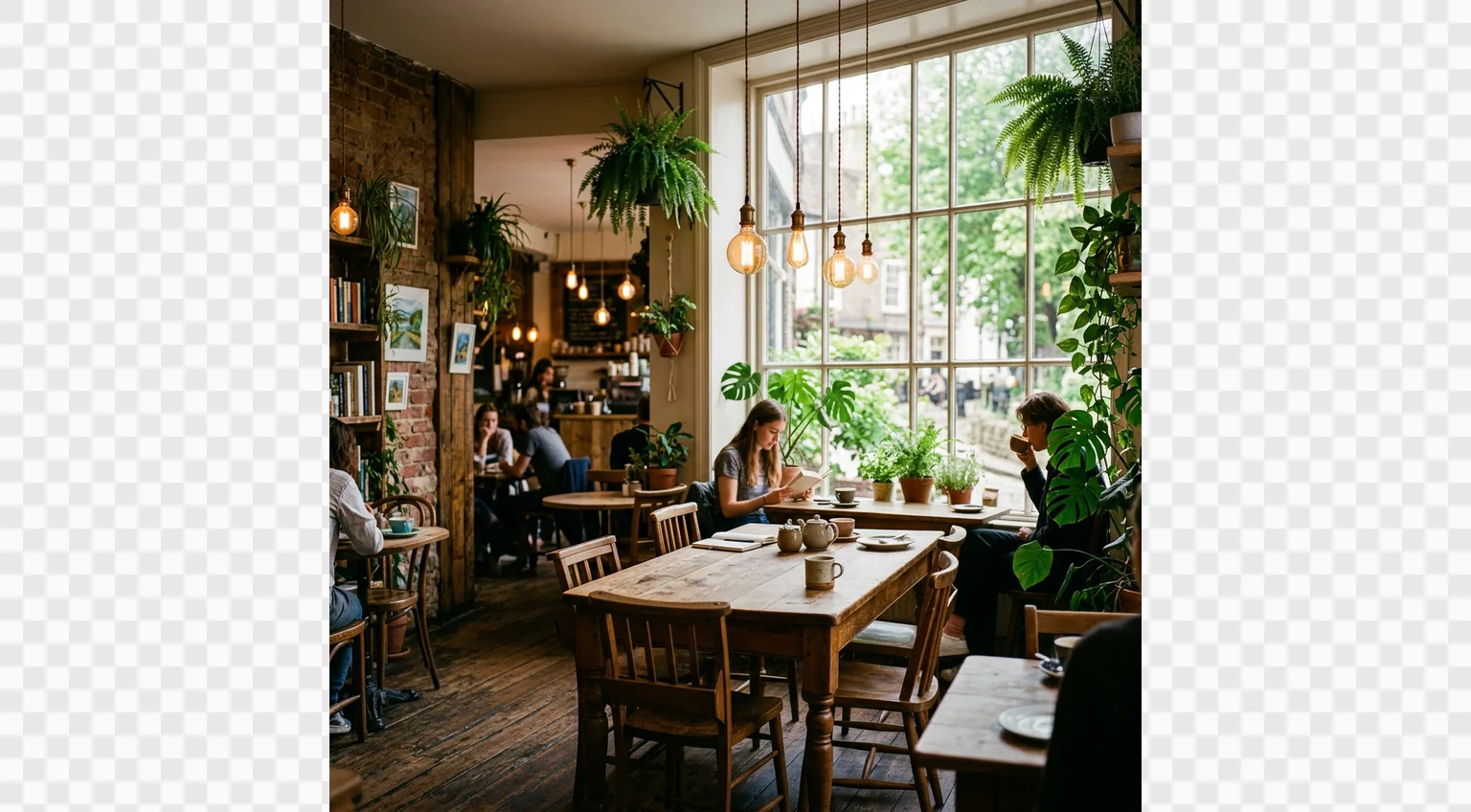
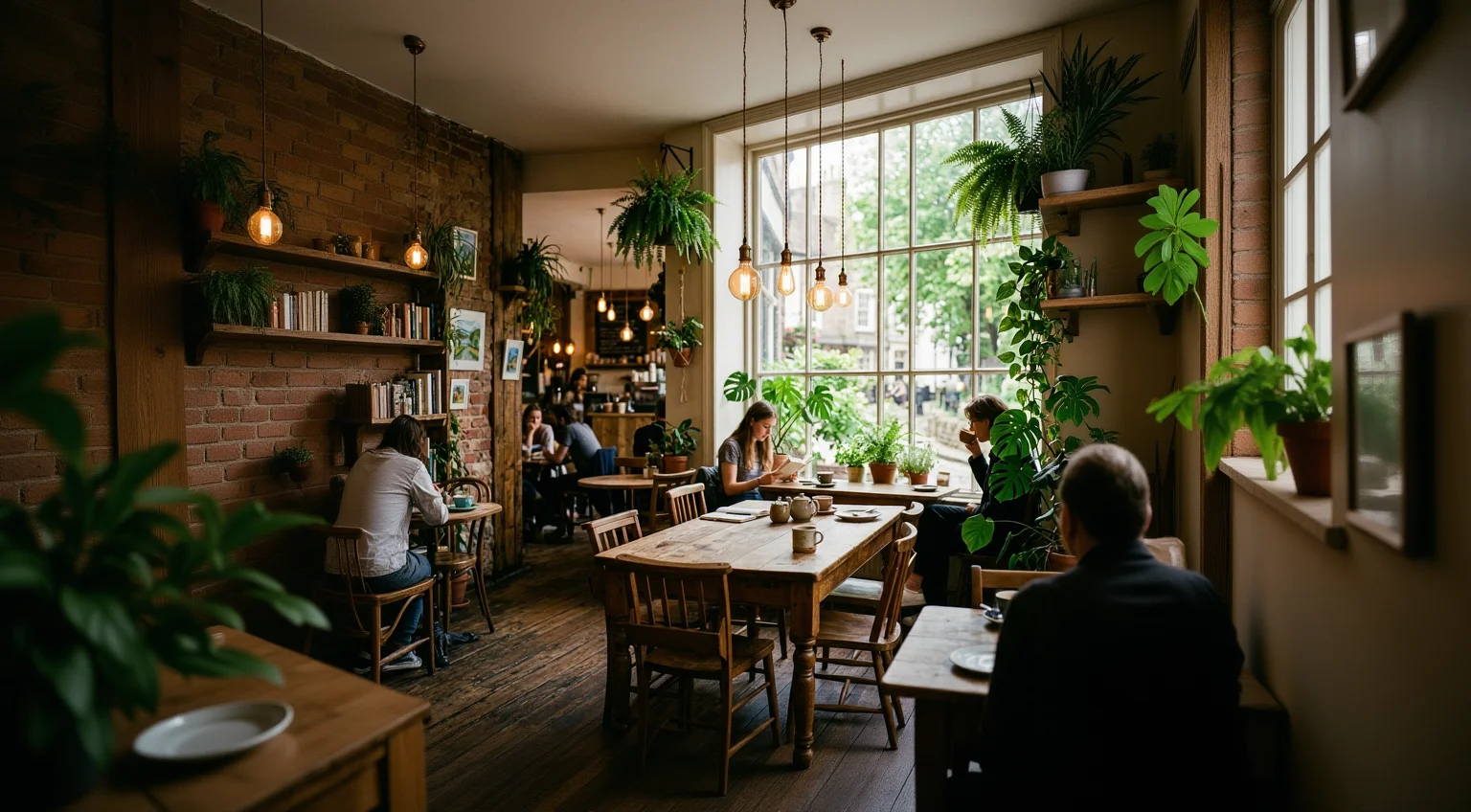
New space that looks like it was always there.
The AI continues your photo's lighting, texture, and scenery past the original edges. No blurred bars, no mirrored strips, no obvious seams. The expanded result looks like it was shot at the larger size.
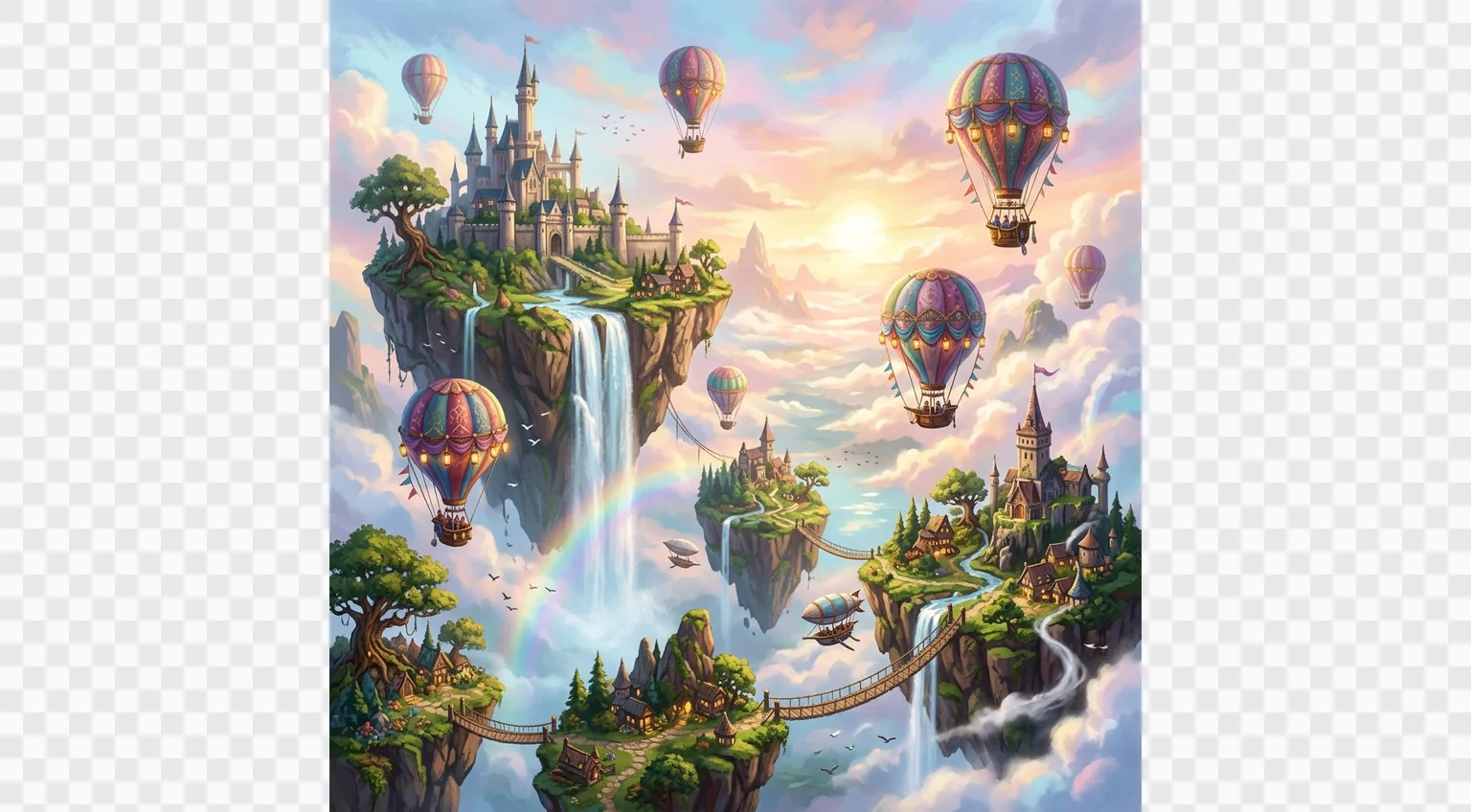
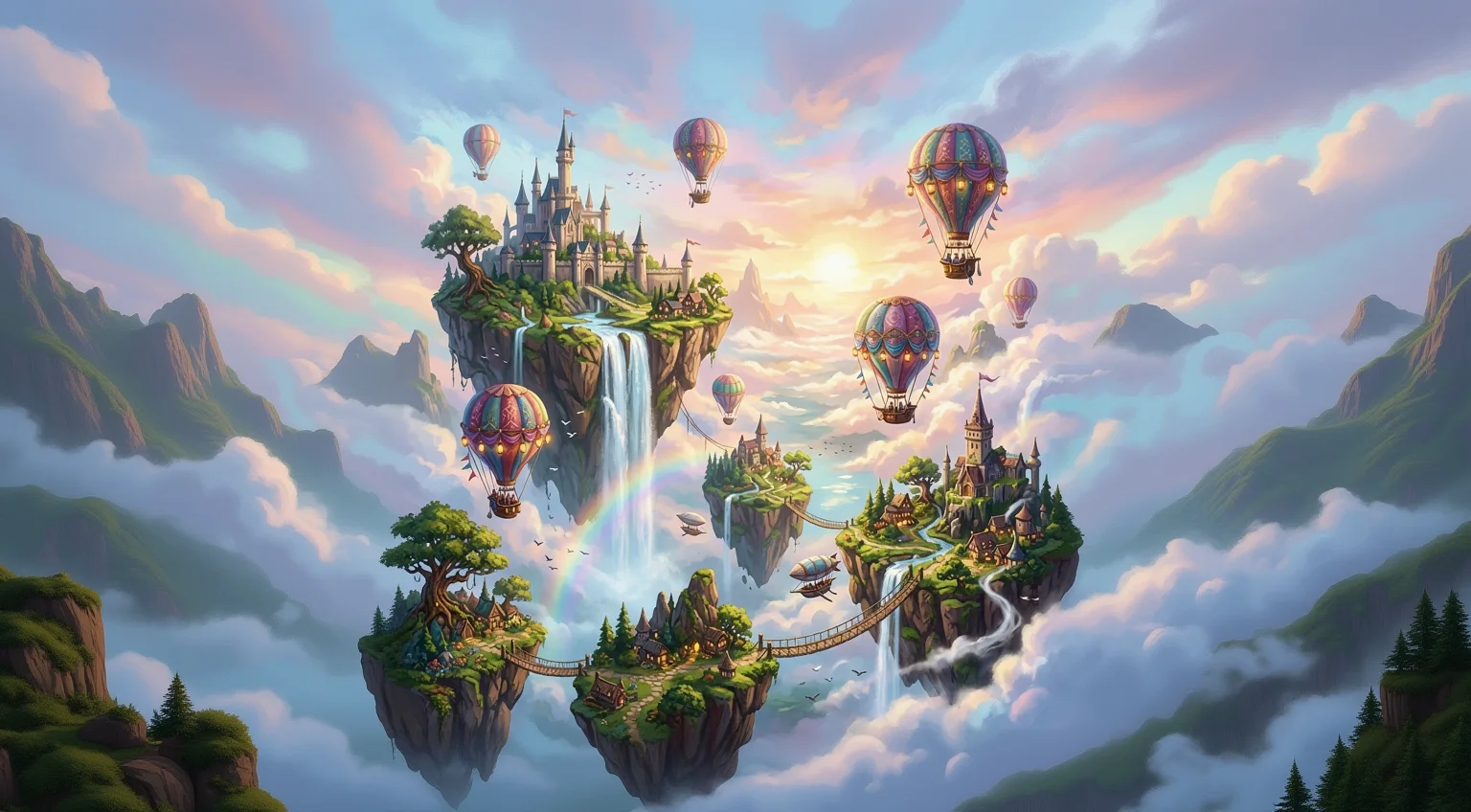
Built for AI production workflows.
Reformatting used to mean recomposing shots or hours in editing tools. fal does it in seconds, automatically, for free. Chain it into custom workflows: generate an image with one model, then expand it to every format you ship.


Three steps. Seconds.
Upload, pick a size, download. No accounts, no watermarks, no subscription tiers. Just your photo at the size you need.
Upload a photo
Drag and drop a JPEG, PNG, or WebP file, or click to browse. No account needed. Any shape works, the tool adapts to whatever you give it.
Pick a size
Tap the format you need: square, portrait, story, landscape, or banner. Matching shapes resize instantly on your device. New shapes are expanded by AI, with nothing cropped away.
Download free, exact pixels
Your image comes out at the exact dimensions the platform expects, the moment it's ready. No paywall, no watermark, no subscription. Drop it straight into your post, listing, or channel.

Get a cleaner expansion.
Not every photo expands the same way. A few small considerations give the AI more to work with.
Keep the subject inside the frame
AI expansion grows the scene outward, so photos with the subject fully in frame expand most naturally. Edge-cropped subjects may be continued in ways you didn't intend.
Continuous backgrounds expand best
Skies, walls, water, grass, and studio backdrops extend seamlessly. Busy backgrounds with lots of distinct objects give the AI more to invent, so inspect the edges before publishing.
Think about where the space goes
Going wider adds space left and right; going taller adds sky and foreground. Choose the format whose added regions make sense for your scene.
Enlarging? Upscale first
Resizing can't add sharpness to a small source. If your image is low resolution, run it through fal's free image upscaler first, then resize the sharp version.
Build it into anything.
Send an image URL and per-edge margins, get an expanded image back. Plug fal's outpainting API directly into your content pipeline, social scheduler, or internal tools. No per-seat licensing, no manual uploads.


Frequently asked
What is the best free image resizer?
fal resizes your image to any social or web format in seconds, for free. Unlike basic resizers that crop your photo or stretch it out of shape, fal's AI expands the image to fit the new size, so nothing gets cut off and nothing gets distorted.
How do I resize an image without cropping it?
Upload your image and pick a target size. If the shape has to change, fal's AI generates matching content to fill the new space instead of cutting into your photo. A landscape shot becomes a story, a square becomes a banner, with the original fully intact.
How does AI image expansion work?
The model looks at your photo's edges and generates new image content that continues the scene naturally, a technique called outpainting. The result looks like the photo was shot at the larger size in the first place.
What sizes can I resize to?
One-tap presets cover the common formats: square 1:1 and portrait 4:5 posts, 9:16 stories and Reels, 16:9 for YouTube and the web, and 3:1 header banners. Every download comes out at the exact pixel dimensions listed on the preset.
Does resizing reduce image quality?
No. Same-shape resizes are processed losslessly on your device and export at high quality. AI expansions generate the new regions at full resolution. If you need to enlarge a small image, pair this tool with fal's free image upscaler.
Can developers use fal's image expansion via API?
Yes. The same outpainting model behind this tool is available as an API, alongside hundreds of other image models, so you can build resizing and expansion directly into your own product or workflow. Start with the Outpaint endpoint.
Does fal work on mobile and desktop?
Yes. Upload from any device or browser. No app download required to get started, and the same workflow is available via API.