
In this guide, I'll review the 10 best AI models for generating music in 2026, covering audio fidelity, style control, generation length, vocal support, and pricing, so you can pick the right one without burning credits on trial and error.
What Factors Should Be Considered When Evaluating AI Music Generators?
Audio Fidelity and Production Quality
This is the first thing I listened carefully for.
Can the model produce a track that sounds like it came out of an actual session, or does it have that thin, over-compressed quality where everything is fighting for space in the same frequency range?
I played every output through studio monitors and decent headphones. I paid attention to how instruments separated in the stereo field, whether the low end felt full without being muddy, and whether the highs sounded crisp or harsh and digital.
Vocals were a big tell. Some models generate clean instrumentals but the moment lyrics enter, the mix collapses, and the voice sits on top of the music like it was glued there in post.
The other thing I watched for was consistency over duration. A model can sound great at the 15-second mark and start looping patterns or introducing artifacts by the 45-second mark.
If the track can't hold together for its full length, the fidelity at the start doesn't matter.
Note: I'm going to compare all AI music generation models with the same prompt so that we can hear the difference:
Tags: indie folk, acoustic, melancholic, introspective, soft male vocal, emotional, warm, slow build
Lyrics:
[Verse] I've been walking through the quiet Where the shadows gently stay Every thought a little heavier At the ending of the day
[Chorus] But the light comes in slow Through the cracks I couldn't see And it pulls me out of nowhere Back to something I could be
[Outro] Just a spark in the distance But it's more than I have known And for the first time in a while I don't feel so alone
Style Control and Genre Range
If you're building a product that serves different audiences, genre flexibility matters more than you'd think.
I pushed every model across at least four genres: ambient electronic, acoustic folk, cinematic orchestral, and hip-hop with heavy bass.
The reason is simple. Some models default to a pop-adjacent sound no matter what you ask for.
You write "dark ambient drone with industrial textures" and get back a synth-pop track with a slightly moodier chord progression.
The models that stood out gave me real control, whether through detailed prompt parsing, tag systems with genre vocabularies, or negative prompting to exclude what I didn't want.
I also tested how much the output shifted when I changed one variable at a time (swapping "melancholic" for "upbeat" while keeping everything else identical) to see whether the model was actually reading my prompt or just rolling dice on a narrow range.
Generation Length and Structure
A 30-second loop is fine for a game menu. But if you need a full song with an intro, two verses, a chorus, a bridge, and an outro, most models start showing cracks.
I tested this by asking for longer outputs and listening for the moment the track loses its thread.
Does the melody evolve, or does it repeat the same 8-bar phrase until the timer runs out? Does the arrangement build toward something, or does it just... continue?
The models that support structural tags (like [Verse] and [Chorus]) have a real advantage here because you're telling the model where the song should go, not hoping it figures out song structure on its own.
I also paid attention to which models let you extend existing audio after the fact, versus forcing you to regenerate the entire track when you need 30 more seconds.
Speed and Cost
Music generation pricing on fal varies wildly: from $0.0002 per second of audio to $0.80 per output minute.
That's roughly a 67x cost difference between the cheapest and most expensive model on this list when you normalize to per-minute rates.
I timed every generation and mapped it against the output quality.
Because speed without quality is just fast garbage, and quality without speed means your users are staring at a progress bar, wondering if the request died.
The sweet spot for most teams is somewhere in the middle: models that return usable audio in under 15 seconds at a cost that doesn't make your finance team twitch.
But your threshold depends on your use case. Prototyping and iteration reward cheap and fast. Final production output rewards fidelity, even if it costs 10x more per minute.
A rough benchmark: a 60-second instrumental track costs anywhere from $0.012 (ACE-Step) to $0.80 (ElevenLabs Music), depending on the model. Know your budget before you pick.
What Are The Best AI Music Generators in 2026?
The best AI music generator in 2026 is fal, where you can run advanced AI models for music generation, such as MiniMax Music 2.0 and ACE-Step.
Here's my shortlist of the 10 best models I reviewed:
| AI Music Generators | Best For | Price to Use |
|---|---|---|
| fal | Teams and developers who need access to every top music model through a single, fast API with pay-per-use pricing | Pay-per-use, starting at $0.0002/second of audio. |
| MiniMax Music 2.0 | Teams that need complete songs with synchronized vocals, structural tags, and configurable audio settings | $0.03 per generation on fal. |
| ACE-Step | Budget-conscious teams and open-source enthusiasts who need the lowest cost per second with editing, remixing, and outpainting capabilities | $0.0002 per second of generated audio on fal. |
| Sonauto V2 | Creators who want full songs with auto-generated lyrics, BPM control, and seed-based reproducibility | $0.075 per generation on fal. |
| CassetteAI | Teams that need fast, professional-grade instrumental tracks with precise duration control | $0.02 per output minute on fal. |
| Lyria 2 | Teams that want Google-grade audio quality with negative prompting and 48kHz output | $0.10 per 30 seconds on fal. |
| ElevenLabs Music | Teams that need section-level composition control with per-section style, lyrics, and duration | $0.80 per output audio minute on fal. |
| Beatoven Music Generation | Teams producing royalty-free instrumental background music for videos, podcasts, and games | $0.10 per request on fal. |
| Stable Audio 2.5 | Teams that need long-form ambient or cinematic audio with fine-tuned diffusion controls | $0.20 per audio on fal. |
| MiniMax Music v1 | Teams that want to generate music matching an existing reference track's style | $0.035 per generation on fal. |
fal
fal.ai (that's us) is the best place to generate AI music in 2026, as our platform gives you access to every music generation model on this list through a single API with pay-per-use pricing and no GPU management.
Full disclosure: Even though fal is our platform, I'll provide an unbiased perspective on why it's the best option for music generation in 2026.
Instead of signing up for separate accounts with MiniMax, ElevenLabs, Google, StabilityAI, and half a dozen other providers, you integrate once with fal and get access to all of them. Same API key, same billing, same integration pattern.
Swap one model endpoint string for another, and you're generating with a different music model. No code changes beyond that.
But the real reason fal sits at #1 isn't just model access. It's speed. fal built its inference engine from scratch with custom CUDA kernels optimized for specific model architectures, rather than wrapping general-purpose frameworks like most competitors do.
The result? Cold starts of 5-10 seconds versus 20-60+ seconds on other platforms, which is the difference between a music app that feels responsive and one that makes your users wonder if the request went through.
Here are the three things that make fal the best platform for AI music generation.
One API for Every Music Model You Need
Instead of juggling separate integrations with MiniMax, ElevenLabs, CassetteAI, Sonauto, and Google's Lyria, you integrate once with fal.
The same API pattern works across all 600+ models on the platform.
Your auth, error handling, queue logic, and billing stay identical whether you're generating vocal tracks with MiniMax Music 2.0, instrumentals with CassetteAI, or ambient soundscapes with Lyria 2.
What this means in practice: you can ship a music feature using ACE-Step for cost-efficient drafts, let users upgrade to ElevenLabs Music for section-level composition control, and add MiniMax Music 2.0 for vocal tracks, all without touching your integration code.
Generated using ACE-Step on fal.
When a new music model drops, fal typically has it available on day one. ACE-Step's full editing ecosystem (remix, inpaint, outpaint) is already live on the platform.
A few lines of code to get started:
javascript
import { fal } from "@fal-ai/client";
const result = await fal.subscribe("fal-ai/ace-step/prompt-to-audio", {
  input: {
    prompt:
      "A lofi hiphop song with a chill vibe about a sunny day on the boardwalk.",
  },
});
Every model also has a playground where you can test it in your browser before writing any code.

Speed That Actually Matters for Production
Our engineering team writes custom CUDA kernels for specific model architectures and uses techniques like epilogue fusion to eliminate unnecessary memory transfers between GPU operations.
For music generation specifically, this means models like CassetteAI can produce a 30-second sample in under 2 seconds and a full 3-minute track in under 10 seconds.
That kind of turnaround changes what's possible for interactive music apps, game soundtrack systems, and real-time content creation tools.
The infrastructure handles autoscaling automatically: regional GPU routing sends requests to the nearest available cluster, a custom CDN delivers generated audio with minimal latency, and the system expands from zero to thousands of GPUs based on demand without any configuration on your side.
Pay-Per-Use Pricing With No Idle Costs
fal charges per generation or per second of audio output rather than requiring you to reserve GPU capacity or commit to monthly subscriptions.
You don't pay when your app is idle. You don't estimate capacity in advance.
For music generation specifically, pricing starts at $0.0002 per second of generated audio for ACE-Step and goes up to $0.80 per output minute for ElevenLabs Music.
The range means you can pick the right model for each task and only pay for what you actually generate.
No hidden fees for API calls, storage, or CDN delivery. You pay for generation and computing: end of the story.
Pricing
fal uses pay-as-you-go pricing with no subscriptions or minimum commitments.
Here's a snapshot of music generation costs:
- ACE-Step: $0.0002 per second of audio (83 minutes per $1.00, the cheapest on this list).
- CassetteAI: $0.02 per output minute (fast instrumentals).
- MiniMax Music 2.0: $0.03 per generation (vocal songs with lyrics).
- MiniMax Music v1: $0.035 per generation (reference audio matching).
- Sonauto V2: $0.075 per generation (full songs with auto-lyrics).
- Beatoven: $0.10 per request (royalty-free instrumentals).
- Lyria 2: $0.10 per 30 seconds (Google quality).
- Stable Audio 2.5: $0.20 per audio (long-form, up to 190 seconds).
- ElevenLabs Music: $0.80 per output audio minute (section-level composition control).
Pros & Cons
Pros:
- Access to 600+ models through a single API, including every music generation model on this list.
- Fastest inference engine on the market with custom CUDA kernels and 5-10 second cold starts.
- Pay-per-use pricing with no idle costs, subscriptions, or minimum commitments.
- SOC 2 compliant and ready for enterprise procurement processes.
Cons:
- Per-generation pricing can add up for teams producing hundreds of tracks daily at high volume.
- No IP indemnity for generated audio content. If your use case requires legal coverage for outputs, you'll need to build that layer yourself.
falMODEL APIs
The fastest, cheapest and most reliable way to run genAI models. 1 API, 100s of models
MiniMax Music 2.0
Best for: Teams that need complete songs with synchronized vocals, structural arrangement tags, and configurable audio output settings.
Similar to: Sonauto V2, ACE-Step.
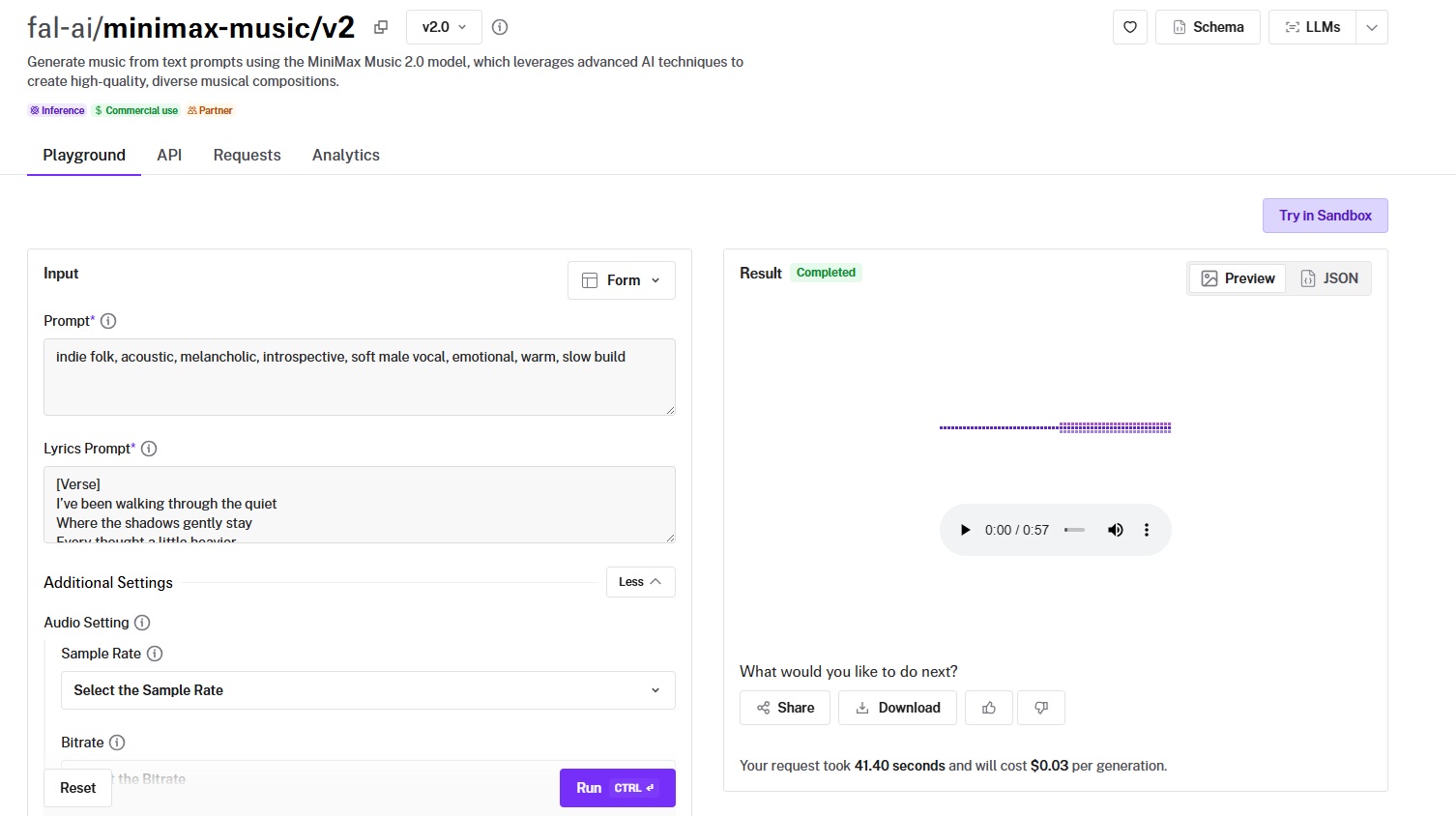
MiniMax Music 2.0 is MiniMax's latest text-to-music model, and it's the most polished option for lyric-driven song generation on this list.
The dual-prompt system separates your style direction (10-300 characters) from your lyrics (10-3,000 characters), giving you independent control over mood and words.
Performance
Generated using MiniMax Music 2.0 on fal, an AI model from MiniMax.
- Audio fidelity and production quality: Clean, well-balanced output with solid vocal clarity. The model handles a wide range of genres without muddying the mix, and the vocal synchronization with lyrics is tight enough for production use.
- Style control and genre range: The dual-prompt system works well here. Your style prompt sets genre, mood, and instrumentation while your lyrics prompt handles the words. Structural tags like [Intro], [Verse], [Chorus], [Bridge], and [Outro] let you define song arrangement directly in the lyrics.
- Generation length and structure: Supports up to 3,000 characters of lyrics, which accommodates full multi-verse songs with repeated choruses. The structural tags make a real difference for longer compositions that need to feel arranged rather than randomly generated.
- Speed and cost: $0.03 per generation. That's 33 complete songs per $1.00. For lyric-driven vocal music at this price point, it's hard to argue with the value.
How to Run MiniMax Music 2.0 on fal
Available through fal's API and playground at fal. Same integration pattern as every other model on fal.
Output format is configurable: MP3, PCM, or FLAC with sample rates from 8,000 to 44,100 Hz and bitrates from 32,000 to 256,000 bps.
If you've already integrated any other model on fal, switching to MiniMax Music 2.0 is a one-line endpoint change.
Earlier versions (v1.5 and v1) are also available on fal if you need reference audio matching or different generation characteristics.
Pricing
It costs $0.03 per generation to use MiniMax Music 2.0 on fal.
Pros & Cons
Pros:
- Dual-prompt system separates style direction from lyrics for precise creative control.
- Structural arrangement tags ([Verse], [Chorus], [Bridge], [Outro]) for composed, non-random song structures.
- Configurable audio output (MP3, PCM, FLAC) with adjustable sample rate and bitrate.
Cons:
- Style prompt is capped at 300 characters, which can limit instrumentation descriptions.
- No reference audio support in the v2 endpoint. You'll need the v1 endpoint for style matching from existing tracks.
ACE-Step
Best for: Budget-conscious teams that need the cheapest music generation available, with full editing capabilities including remixing, inpainting, and outpainting.
Similar to: Sonauto V2, Stable Audio 2.5.
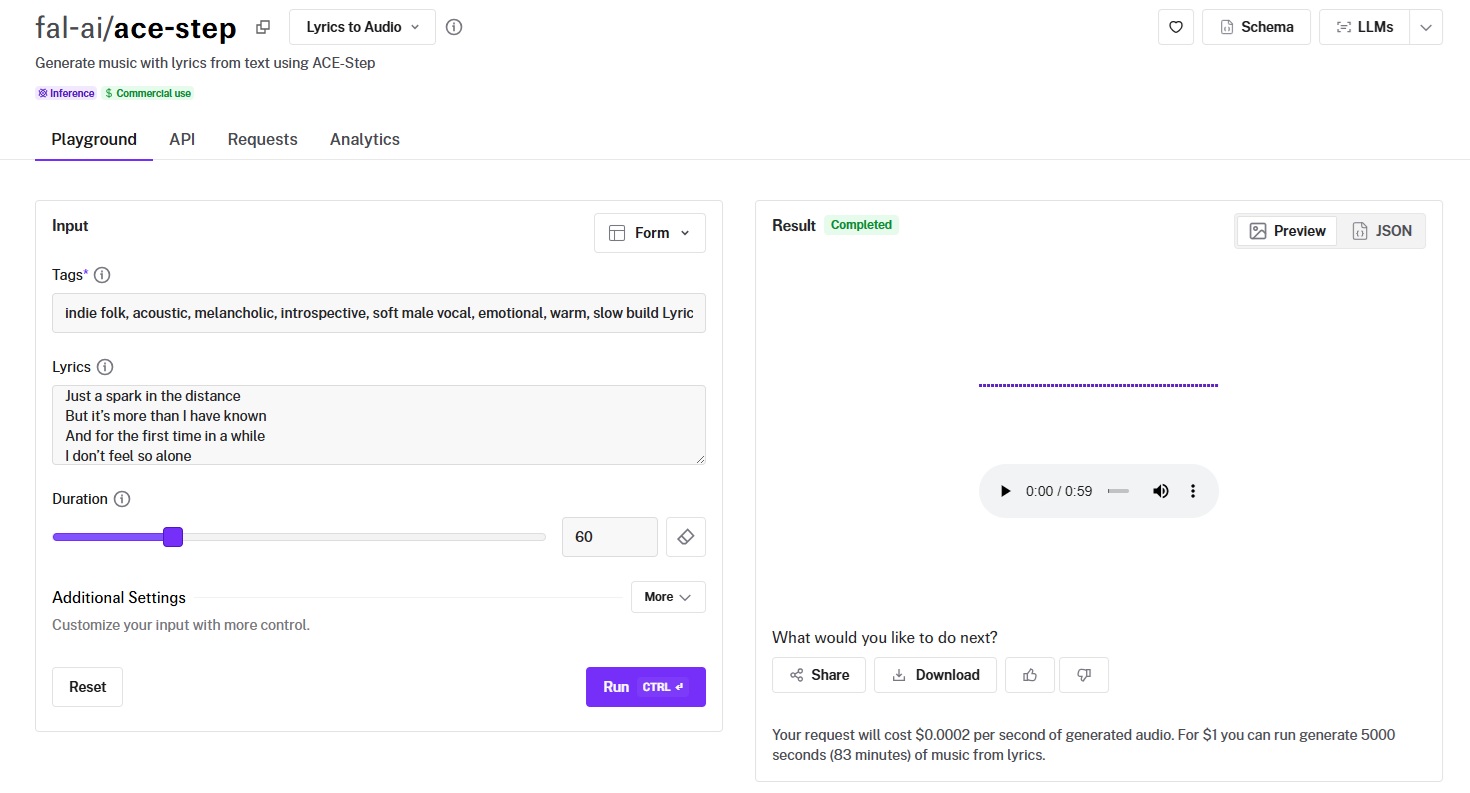
ACE-Step is an open-source music generation model that costs $0.0002 per second of generated audio, making it by far the cheapest option on this list.
But the real differentiator isn't just price: it's the full editing ecosystem, with separate endpoints for prompt-to-audio, audio-to-audio remixing, audio inpainting, and audio outpainting.
Performance
Generated using ACE-Step on fal.
- Audio fidelity and production quality: Solid for the price. The output is clean enough for background music, content soundtracks, and prototyping. At this cost, the quality-to-price ratio is genuinely impressive.
- Style control and genre range: Tag-based genre control lets you specify comma-separated style tags (e.g., "lofi, hiphop, chill") alongside lyrics with structural markers like [verse], [chorus], and [bridge]. Guidance scale controls (tag, lyric, and overall) give you fine-grained influence over how closely the output follows your directions.
- Generation length and structure: Default 60-second output with configurable duration. Supports instrumental-only output by passing [inst] or [instrumental] as the lyrics content. The outpainting endpoint lets you extend existing tracks by adding audio before or after the original, which solves the "I need this track to be longer" problem without regenerating from scratch.
- Speed and cost: $0.0002 per second of generated audio. That's $0.012 for a 60-second track, or roughly 83 minutes of music per $1.00. For prototyping, iteration, and volume production, nothing else comes close in cost.
How to Run ACE-Step on fal
Available through fal's API and playground at fal. Same integration pattern as every other model on fal.
Four endpoint variants: prompt-to-audio (generate from text), audio-to-audio (remix or edit lyrics on existing tracks), audio inpainting (replace a section of existing audio), and audio outpainting (extend a track from either end).
The prompt-to-audio endpoint also supports an instrumental toggle, so you can generate vocal tracks or pure instrumentals from the same endpoint.
Multiple scheduler options (euler, heun) and guidance types (cfg, apg, cfg_star) let you tune the generation process.
Pricing
It costs $0.0002 per second of generated audio to use ACE-Step on fal. For $1 you can generate 5,000 seconds (83 minutes) of music.
Pros & Cons
Pros:
- Cheapest music generation on this list at $0.0002 per second (83 minutes per $1.00).
- Full editing ecosystem: remix, inpaint, and outpaint existing audio, not just generate from scratch.
- Open-source with commercial use enabled. Tag-based genre control and structural lyric markers.
- Configurable guidance controls (tag, lyric, overall) for fine-tuning output adherence.
Cons:
- Audio quality is tuned for speed and cost efficiency, which means final production tracks may need post-processing or a second pass.
- The number of tunable parameters (guidance scales, scheduler options, granularity) can feel overwhelming for simple use cases.
Sonauto V2
Best for: Creators who want complete songs with auto-generated lyrics, BPM control, tag-based style conditioning, and seed-based reproducibility for iterative refinement.
Similar to: MiniMax Music 2.0, ACE-Step.
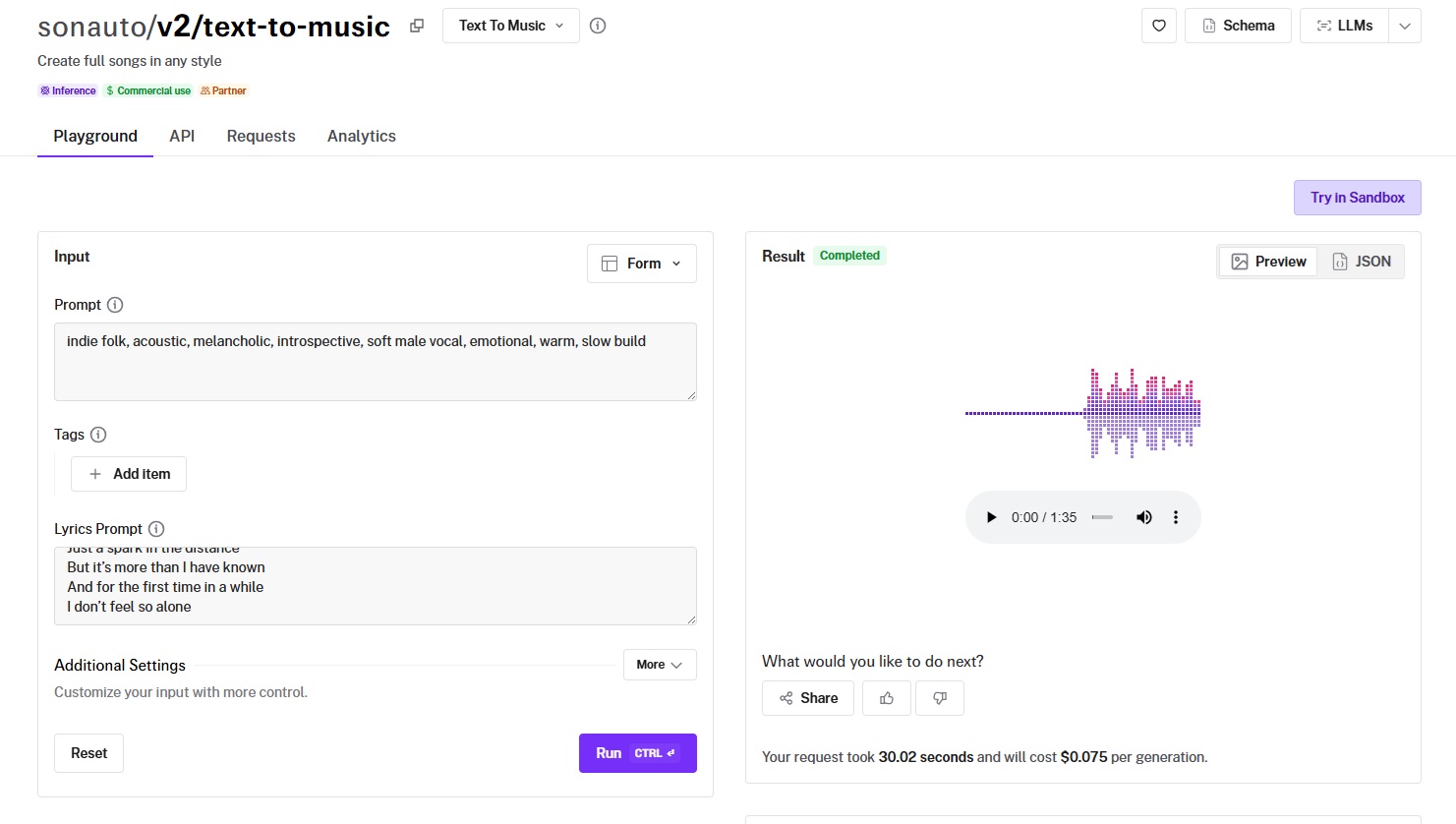
Sonauto V2 generates complete songs with vocals and instrumentals from text descriptions, handling melody, harmony, rhythm, lyrics, and arrangement in a single inference.
The standout feature is its tag explorer system paired with seed-based reproducibility, which lets you lock in a successful generation and iterate on variations without starting from zero.
Performance
Generated using Sonauto V2 on fal, an AI model from Sonauto.
- Audio fidelity and production quality: Strong. The output includes both vocals and full instrumental backing, with a level of production polish that holds up for content creation and marketing use. Multiple export formats (WAV, FLAC, MP3, OGG, M4A) with configurable bitrates up to 320 kbps.
- Style control and genre range: The tag explorer provides a wide vocabulary of genre and mood tags that you can combine for targeted aesthetic control. Prompt strength (CFG scaling from 1.4-3.1) lets you trade naturalness for precision when you need exact style matching.
- Generation length and structure: Full song output. You can provide lyrics manually or let the model auto-generate them from your prompt. BPM control accepts either a specific integer or "auto" to let the model pick a tempo based on your tags.
- Speed and cost: $0.075 per generation. 13 songs per $1.00. Generating two songs in a single request costs 1.5x ($0.1125 total), which is useful for A/B testing variations.
How to Run Sonauto V2 on fal
Available through fal's API and playground at fal. Same integration pattern as every other model on fal.
You must provide at least a prompt or tags. Lyrics are optional and need to be paired with either a prompt or tags.
The seed parameter enables reproducibility when combined with identical tags and lyrics.
Pricing
It costs $0.075 per generation to use Sonauto V2 on fal.
Pros & Cons
Pros:
- Full song generation with vocals and instrumentals from a single text prompt, including auto-lyric generation.
- Seed-based reproducibility and BPM control for iterative refinement and tempo matching.
- Multiple output formats (WAV, FLAC, MP3, OGG, M4A) with configurable bitrates up to 320 kbps.
Cons:
- Input constraints require a careful combination of prompt, tags, and lyrics fields.
- No post-generation editing, inpainting, or remixing capabilities.
CassetteAI
Best for: Teams that need fast, professional-grade instrumental tracks with precise duration control and minimal configuration.
Similar to: Beatoven Music Generation, Lyria 2.
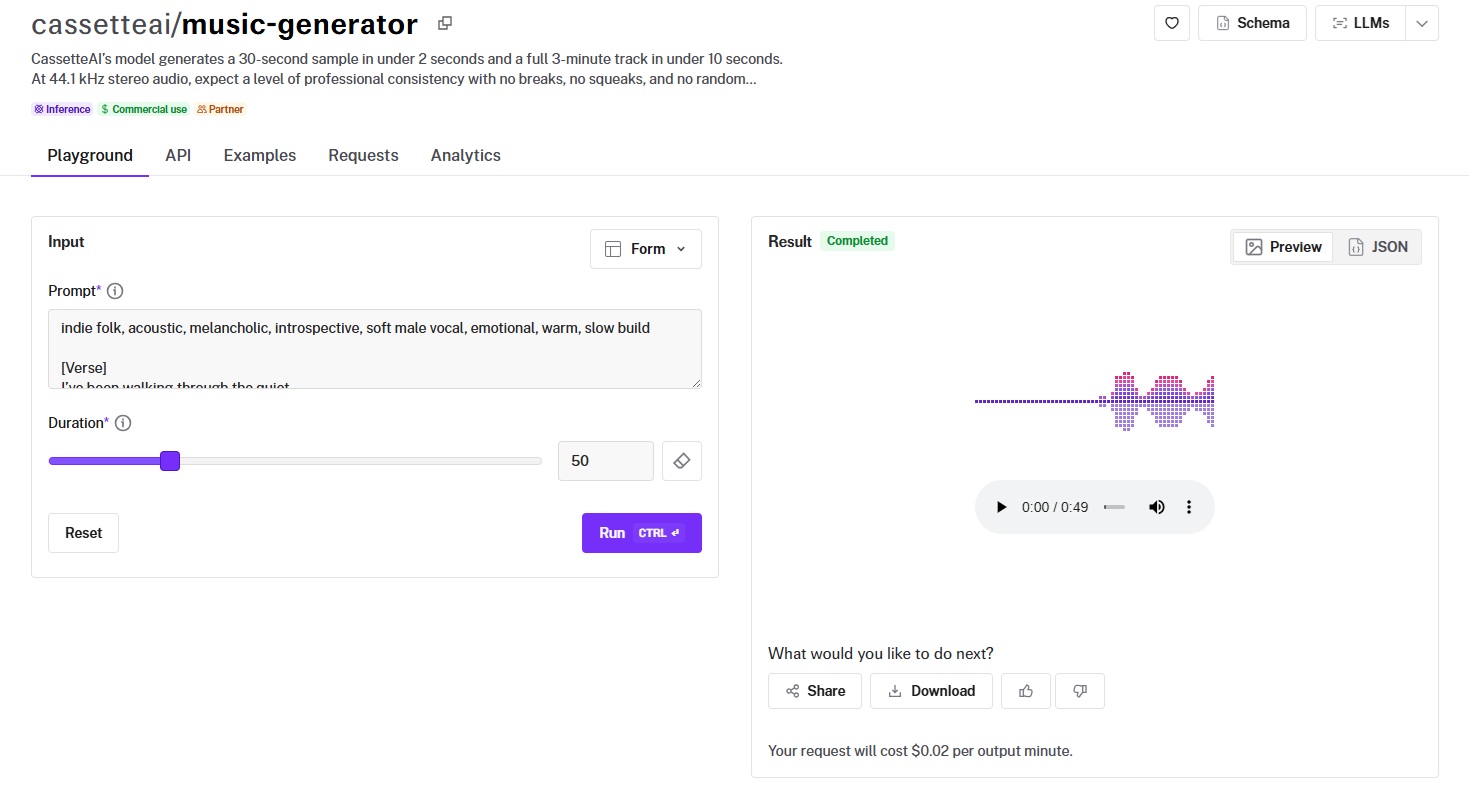
CassetteAI generates a 30-second sample in under 2 seconds and a full 3-minute track in under 10 seconds, per CassetteAI.
The model outputs 44.1 kHz stereo WAV audio with a focus on professional consistency: no breaks, no squeaks, no random interruptions.
Performance
Generated using CassetteAI on fal, an AI model from CassetteAI.
- Audio fidelity and production quality: Professional-grade stereo output at 44.1 kHz. The consistency is what stands out here. Tracks play through cleanly without the mid-song artifacts or sudden quality drops that can plague longer generations from other models.
- Style control and genre range: Prompt-based with support for key and tempo specification directly in the prompt text (e.g., "Key: D Minor, Tempo: 90 BPM"). The model handles a range of genres well, from chill hip-hop to electronic to cinematic scoring.
- Generation length and structure: Precise duration control via a duration parameter (in seconds). You set exactly how long you want the track to be, and the model fills that duration. Simple and predictable.
- Speed and cost: $0.02 per output minute. That's 50 minutes of generated music per $1.00. Combined with the fast generation speed, CassetteAI is one of the best value propositions on this list for teams that need instrumental tracks at volume.
How to Run CassetteAI on fal
Available through fal's API and playground at fal. Same integration pattern as every other model on fal.
The input is straightforward: a text prompt and a duration in seconds. No tags, no structural markers, no secondary prompts. Commercial use is enabled.
Pricing
It costs $0.02 per output minute to use CassetteAI on fal.
Pros & Cons
Pros:
- Fast generation.
- Clean 44.1 kHz stereo WAV output with professional consistency across the full duration.
- Simple input (prompt and duration), which makes integration and automation straightforward.
Cons:
- Instrumental only. No vocal or lyric support.
- No structural tags, no seed-based reproducibility, and no post-generation editing.
Lyria 2
Best for: Teams that want high-fidelity audio output with negative prompting, seed-based reproducibility, and Google-grade model quality.
Similar to: Stable Audio 2.5, Beatoven Music Generation.
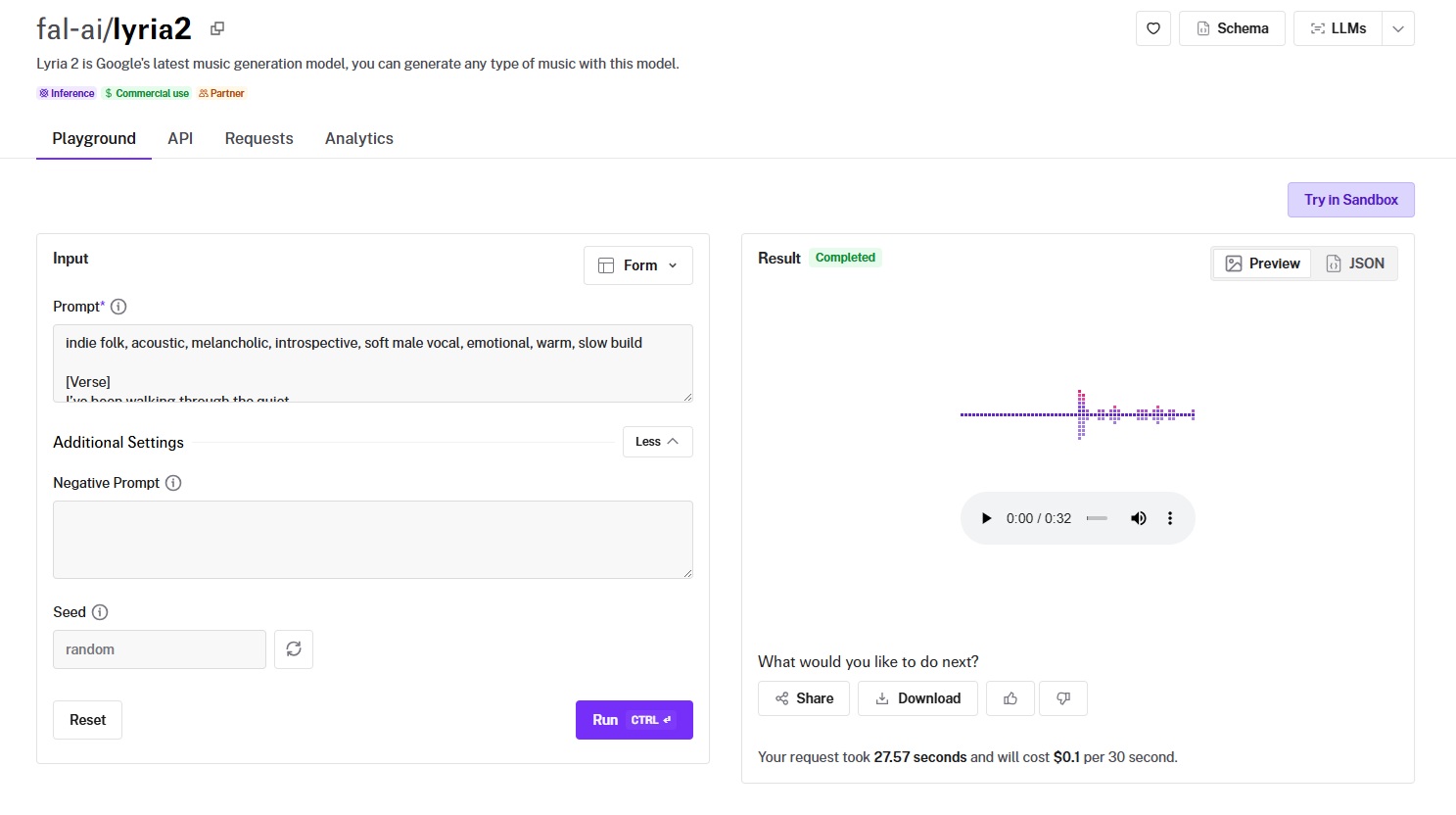
Lyria 2 is Google's latest music generation model, outputting 48kHz WAV audio at a fixed 30-second duration.
The negative prompting feature lets you specify what you don't want in the output (e.g., "vocals, slow tempo"), which is a level of exclusion control that most models on this list don't offer.
Performance
Generated using Lyria 2 on fal, an AI model from Google.
- Audio fidelity and production quality: This is where Lyria 2 earns its price. 48kHz WAV output is the highest sample rate on this list, and the audio quality reflects it. Instruments sound detailed and well-separated in the stereo field.
- Style control and genre range: Prompt-based with negative prompting for exclusion. Google recommends including genre, mood, instrumentation, tempo, soundscapes, arrangement, and production quality descriptors in your prompt. The negative prompt lets you subtract elements ("no drums, no bass") rather than just hoping the model doesn't include them.
- Generation length and structure: Fixed at 30 seconds per generation. This is the main constraint. If you need longer tracks, you'll need to stitch multiple generations together or pair Lyria 2 with a different model for full-length compositions.
- Speed and cost: $0.10 per 30 seconds. That's $0.20 per minute of audio, placing it in the mid-to-upper range on this list. For 30-second loops, intros, or high-quality segments, the fidelity-to-cost ratio is solid.
How to Run Lyria 2 on fal
Available through fal's API and playground at fal. Same integration pattern as every other model on fal.
Input takes a prompt, an optional negative prompt, and an optional seed for reproducibility. Safety filters prevent the generation of inappropriate content.
Pricing
It costs $0.10 per 30 seconds to use Lyria 2 on fal.
Pros & Cons
Pros:
- Highest audio quality on this list with 48kHz WAV output and Google-grade model quality.
- Negative prompting for exclusion control (specify what you don't want in the output).
- Seed-based reproducibility for consistent outputs across generations.
Cons:
- Fixed 30-second duration.
- Safety filters may restrict certain generation types.
ElevenLabs Music
Best for: Teams that need granular, section-level composition control with per-section style definitions, lyrics, and duration settings for structured musical pieces.
Similar to: MiniMax Music 2.0, Sonauto V2.
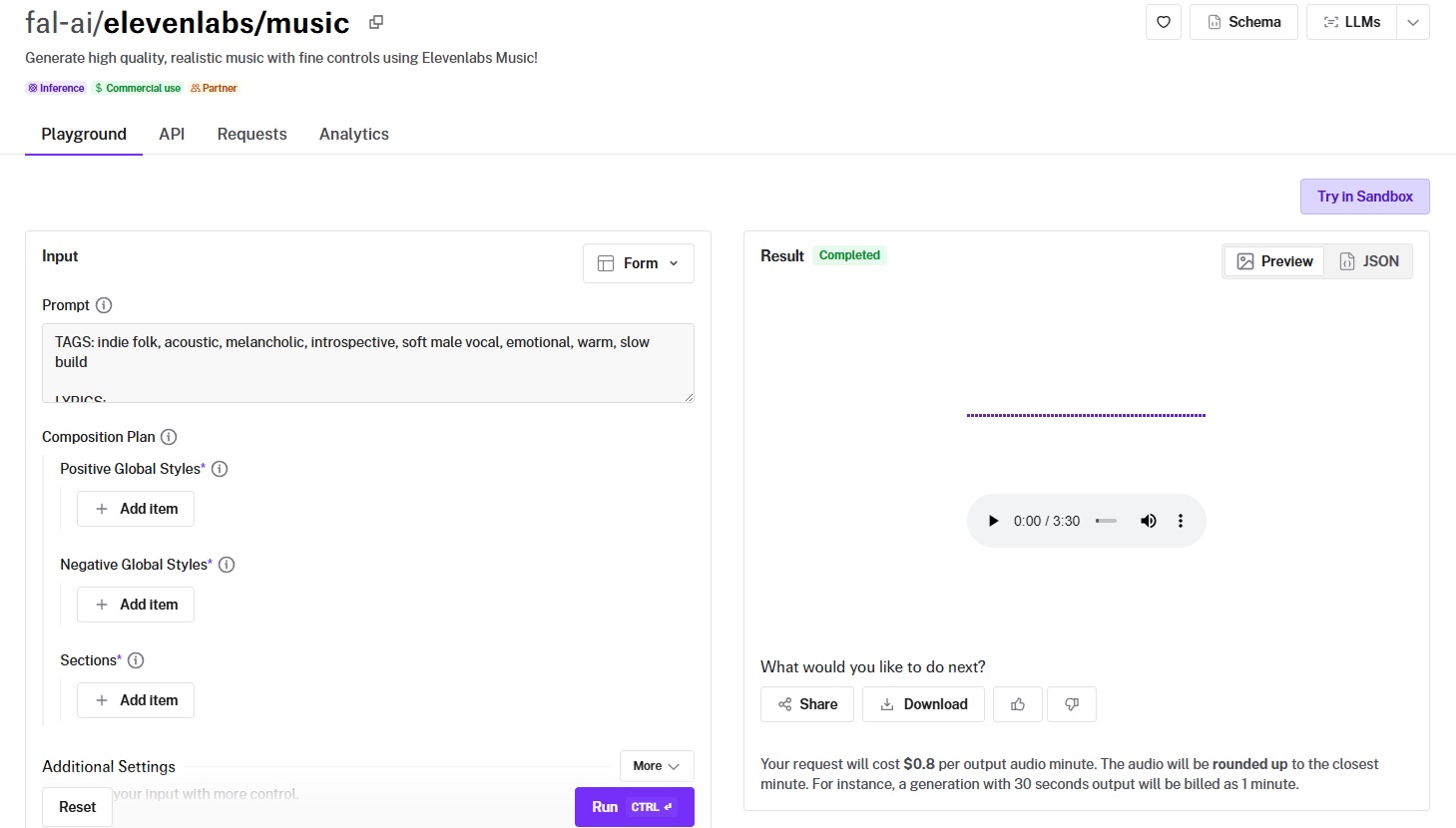
ElevenLabs Music brings the same production-quality approach ElevenLabs is known for in voice generation to full music composition.
The composition plan system lets you define positive and negative global styles, then break the song into individual sections, each with its own style overrides, duration, and lyrics.
Performance
Generated using ElevenLabs Music on fal, an AI model from ElevenLabs.
- Audio fidelity and production quality: Premium. ElevenLabs' reputation for audio quality carries over to music generation. The output is clean, well-mixed, and production-ready.
- Style control and genre range: Comes with a granular control system. Positive and negative styles set the overall direction. Individual sections get their own positive and negative local styles, duration in milliseconds (3,000-120,000ms per section), and lyrics with per-line control (up to 200 characters per line). You can force instrumental output globally.
- Generation length and structure: Supports tracks from 3 seconds to 10 minutes (3,000-600,000ms) via the prompt mode. The composition plan mode lets you build tracks section by section, with the respect_sections_durations flag controlling how strictly the model follows your timing. Duration enforcement works both strictly (exact section lengths) and loosely (model adjusts for better quality).
- Speed and cost: $0.80 per output audio minute, rounded up to the nearest minute. A 30-second generation costs the same as a 60-second one ($0.80). This is the most expensive model on this list, and by a wide margin. The section-level control and audio quality are what you're paying for.
How to Run ElevenLabs Music on fal
Available through fal's API and playground at fal. Same integration pattern as every other model on fal.
Two input modes: simple prompt mode (text description with optional duration and format settings) and composition plan mode (structured sections with per-section styles, lyrics, and timing).
Output format is configurable across a wide range of codecs and sample rates, from MP3 at 22kHz to PCM at 48kHz.
Pricing
It costs $0.80 per output audio minute to use ElevenLabs Music on fal. Audio is rounded up to the nearest minute.
Pros & Cons
Pros:
- Most granular composition control on this list: per-section styles, lyrics, duration, and global style definitions.
- Premium audio quality with configurable output formats up to PCM at 48kHz.
- Supports tracks up to 10 minutes with both strict and loose duration enforcement.
Cons:
- Most expensive model on this list at $0.80 per output minute.
- The composition plan system requires more setup and planning compared to simple prompt-based models.
Beatoven Music Generation
Best for: Teams producing royalty-free instrumental background music for videos, podcasts, games, and content creation workflows.
Similar to: CassetteAI, Lyria 2.
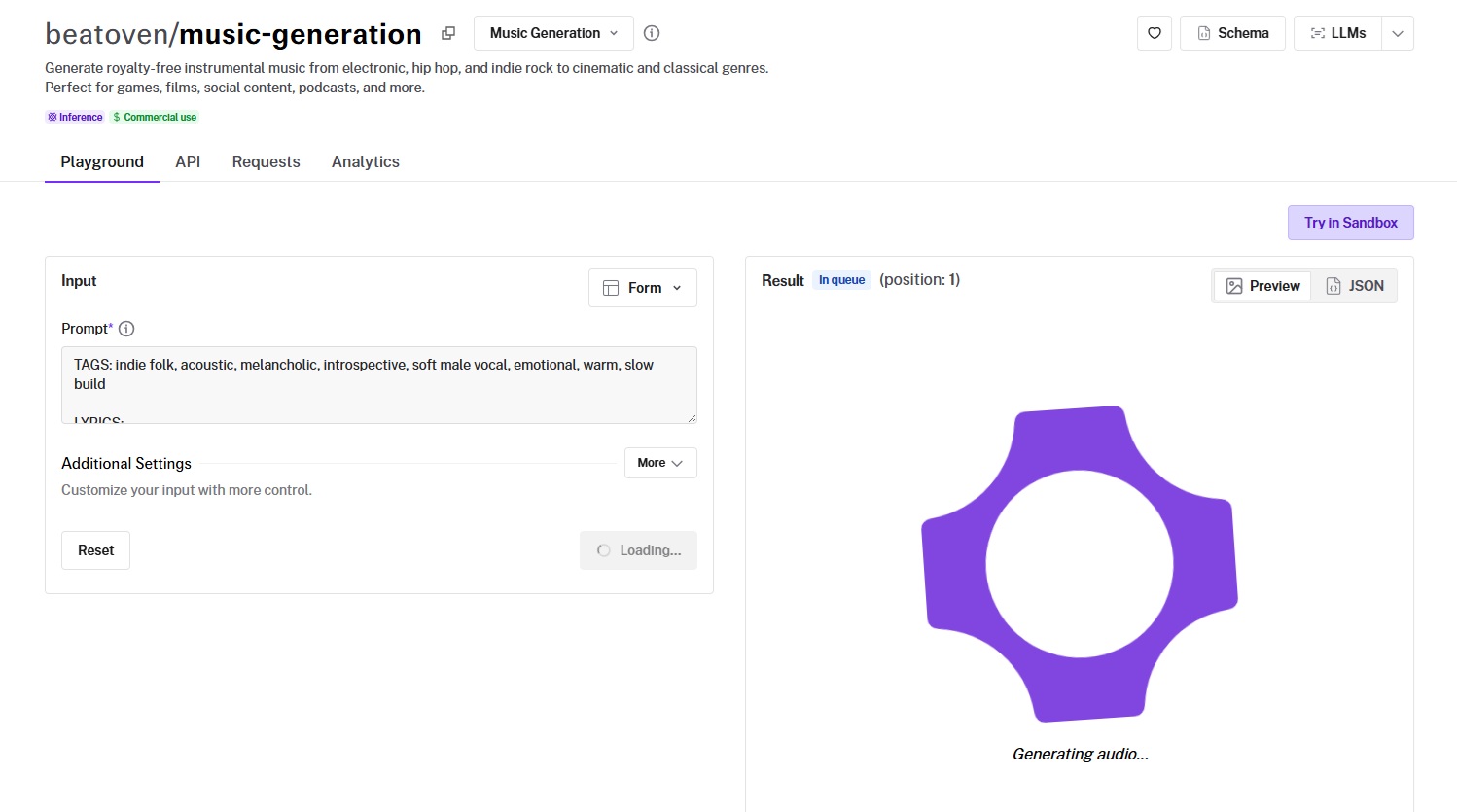
Beatoven uses diffusion-based generation to create original instrumental tracks from text descriptions, with a focus on professional background music across genres from jazz to cinematic.
It includes negative prompting, creativity and refinement controls, and seed-based reproducibility.
Performance
Generated using Beatoven Music Generation on fal, an AI model from Beatoven.
- Audio fidelity and production quality: Professional quality at 44.1kHz stereo WAV output. The focus on background music means tracks are mixed to sit behind voice or video content without competing for attention. Clean and well-balanced.
- Style control and genre range: Prompt-based with a negative prompt field for excluding unwanted elements (e.g., "noise"). The creativity parameter controls how loosely the model interprets your prompt, while the refinement parameter affects output quality at the cost of generation time.
- Generation length and structure: Supports durations from 5 seconds to 2.5 minutes (150 seconds). The model handles the arrangement automatically based on your prompt, with no structural tags or section markers.
- Speed and cost: $0.10 per request regardless of duration. A 5-second clip and a 2.5-minute track cost the same. For longer tracks near the duration limit, this is an excellent value. For short clips, you're paying a flat rate.
How to Run Beatoven Music Generation on fal
Available through fal's API and playground at fal. Same integration pattern as every other model on fal.
Input includes a prompt, an optional negative prompt, duration, refinement level, creativity level, and an optional seed.
Pricing
It costs $0.10 per request to use Beatoven Music Generation on fal, regardless of output duration.
Pros & Cons
Pros:
- Flat $0.10 per request regardless of duration, making it a great value for tracks near the 2.5-minute limit.
- Negative prompting, creativity control, refinement control, and seed-based reproducibility.
Cons:
- Instrumental only. No vocal or lyric support.
- Maximum duration capped at 2.5 minutes.
Stable Audio 2.5
Best for: Teams that need long-form ambient, cinematic, or atmospheric audio with fine-tuned diffusion controls and the longest single-generation output on this list.
Similar to: Lyria 2, Beatoven Music Generation.
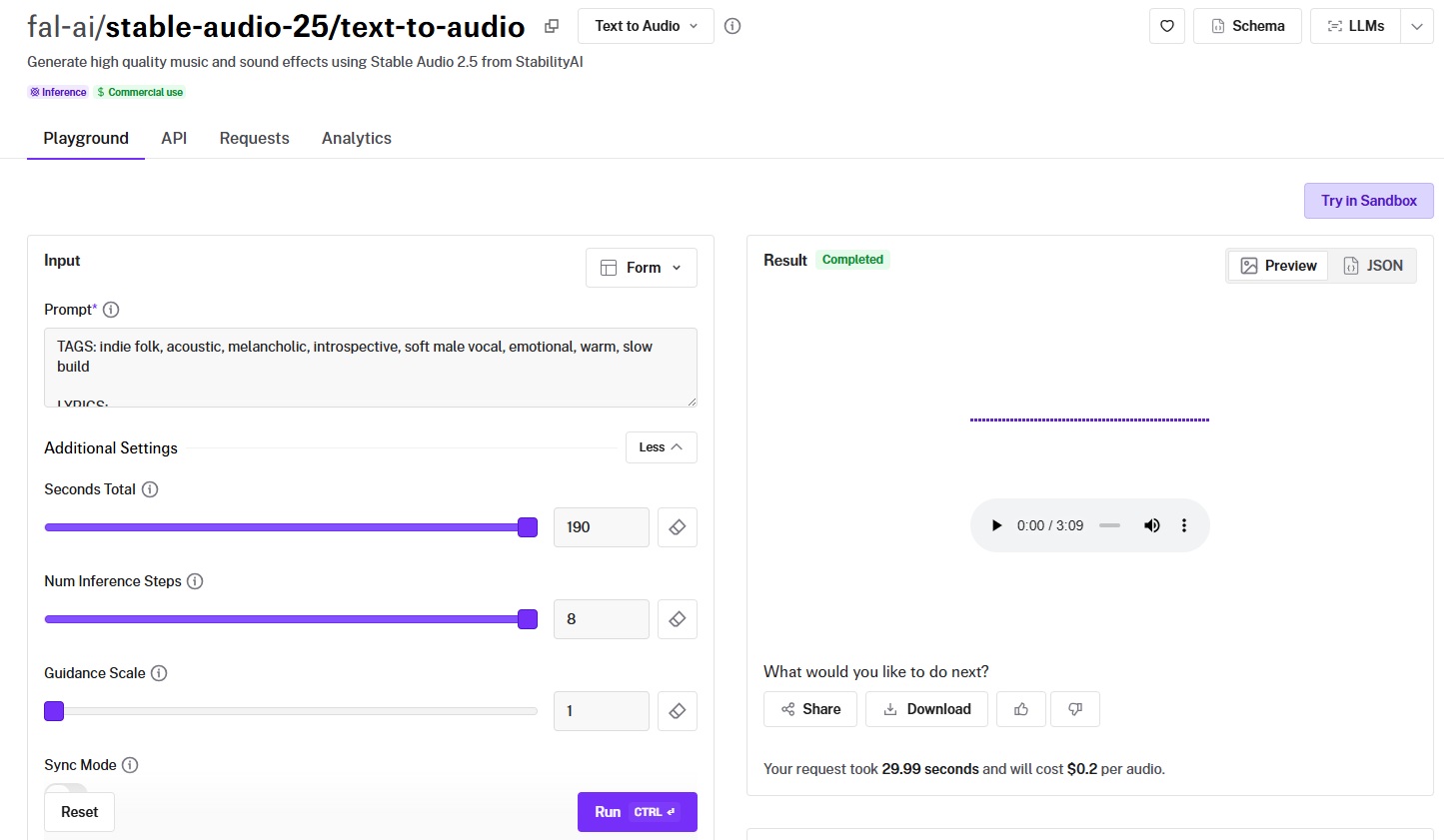
Stable Audio 2.5 from StabilityAI generates audio up to 190 seconds (over 3 minutes) in a single generation, the longest one-shot output on this list.
The guidance scale and denoising step parameters give you direct control over the diffusion process, trading generation time for prompt adherence and output quality.
Performance
Generated using Stable Audio 2.5 on fal, an AI model from StabilityAI.
- Audio fidelity and production quality: Strong for atmospheric and ambient content. The model handles soundscapes, cinematic builds, and textural audio well. Its sweet spot is long-form audio where mood and texture matter more than tight melodic structure.
- Style control and genre range: Prompt-based with a guidance scale parameter (default 1) that controls how strictly the diffusion process follows your text. Higher values push the output closer to your prompt description.
- Generation length and structure: Up to 190 seconds per generation. That's the longest single output on this list. The denoising steps parameter (default 8) lets you trade generation speed for output quality. No structural tags or section markers.
- Speed and cost: $0.20 per audio regardless of duration.
How to Run Stable Audio 2.5 on fal
Available through fal's API and playground at fal. Same integration pattern as every other model on fal.
Input includes a prompt, seconds_total (up to 190), num_inference_steps, guidance_scale, and an optional seed. Commercial use is enabled.
Pricing
It costs $0.20 per audio to use Stable Audio 2.5 on fal, regardless of duration.
Pros & Cons
Pros:
- Longest single-generation output on this list at 190 seconds (over 3 minutes).
- Direct diffusion controls (guidance scale, denoising steps) for tuning the quality-speed trade-off.
Cons:
- Flat pricing means short clips cost the same as 3-minute tracks.
- Best suited for atmospheric and ambient audio. Structured melodic compositions aren't its primary focus.
MiniMax Music v1
Best for: Teams that want to generate music matching the style of an existing reference track with vocal content.
Similar to: MiniMax Music 2.0, Sonauto V2.
.jpg)
MiniMax Music v1 is the original MiniMax music model, and its standout feature is reference audio support, where you provide an existing track and the model generates new music that matches its style.
Performance
Generated using MiniMax Music v1 on fal, an AI model from MiniMax.
- Audio fidelity and production quality: Solid output quality for a first-generation model. The audio is a clean MP3 output with good frequency balance.
- Style control and genre range: The reference audio input is what sets this model apart. You provide a .wav or .mp3 file (longer than 15 seconds, containing both music and vocals), and the model generates new music influenced by that reference's style, energy, and arrangement. Your lyric prompt provides the words, and the reference provides the musical direction.
- Generation length and structure: Maximum lyrics length of 600 characters. Output duration up to 60 seconds. You can use double hash marks (##) at the beginning and end of lyrics to add accompaniment sections.
- Speed and cost: $0.035 per generation. That's 28 songs per $1.00.
How to Run MiniMax Music v1 on fal
Available through fal's API and playground at fal. Same integration pattern as every other model on fal.
Input takes a lyrics prompt (up to 600 characters) and an optional reference audio URL.
Reference audio must be .wav or .mp3, longer than 15 seconds, and contain both music and vocals.
Pricing
It costs $0.035 per generation to use MiniMax Music v1 on fal.
Pros & Cons
Pros:
- Only model on this list with explicit reference audio input for style matching from existing tracks.
- $0.035 per generation keeps costs low for reference-based workflows.
Cons:
- Lyrics capped at 600 characters, which limits full-song compositions.
- Reference audio must contain vocals and be longer than 15 seconds, which narrows the input requirements.
Recently Added
































Generate Music at Scale Through a Single API With fal
The AI music generation space has more capable models now than at any point in the past two years.
And that's actually the problem: picking the right one requires testing, which costs time and credits.
If you want access to the best-performing music generation models, including MiniMax Music 2.0, ACE-Step, Sonauto V2, Lyria 2, and ElevenLabs Music, all through a single API with pay-per-use pricing and no GPU headaches, fal is the fastest way to get there.
You can test any model in the playground or plug into the API in minutes.