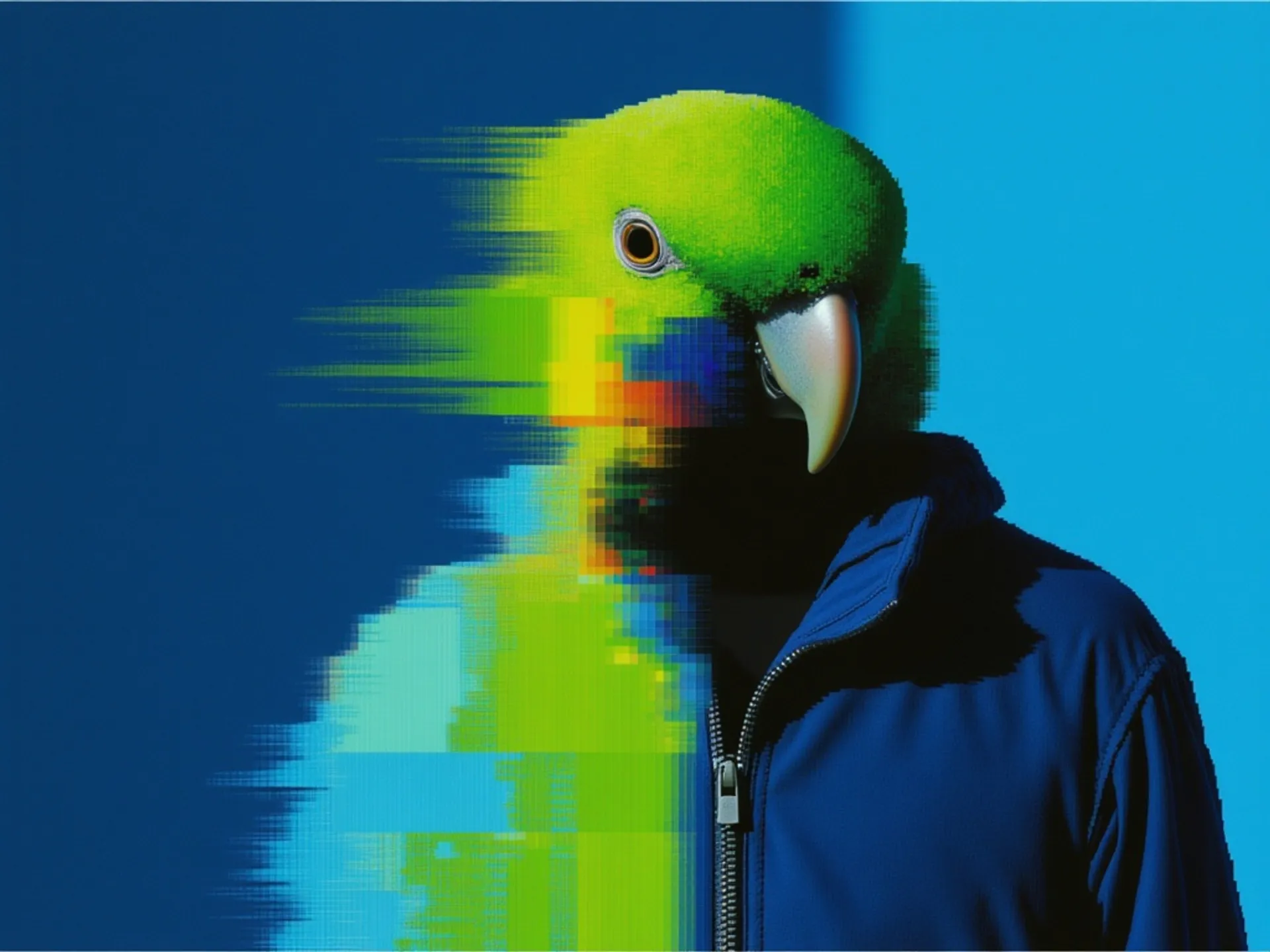
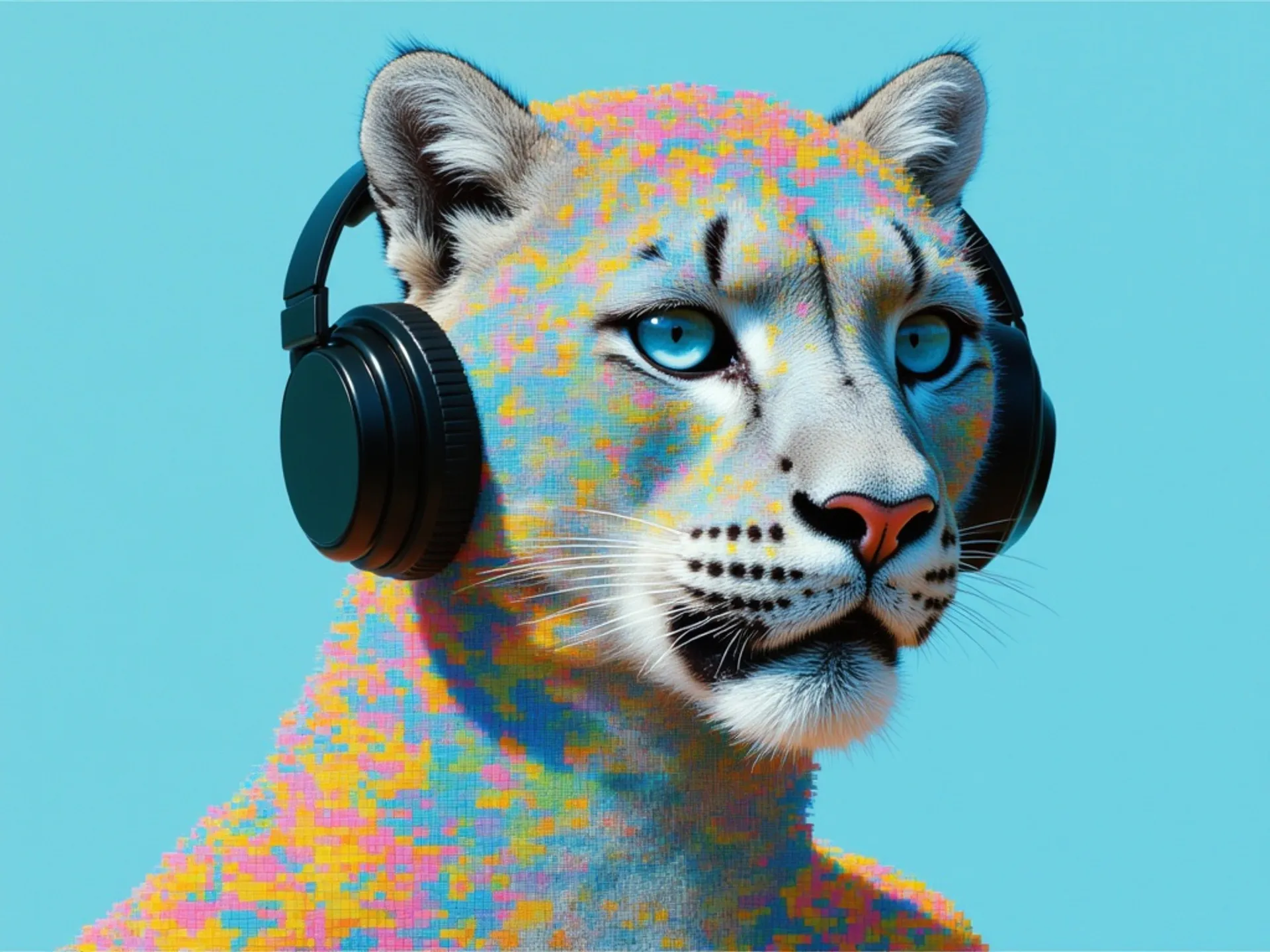
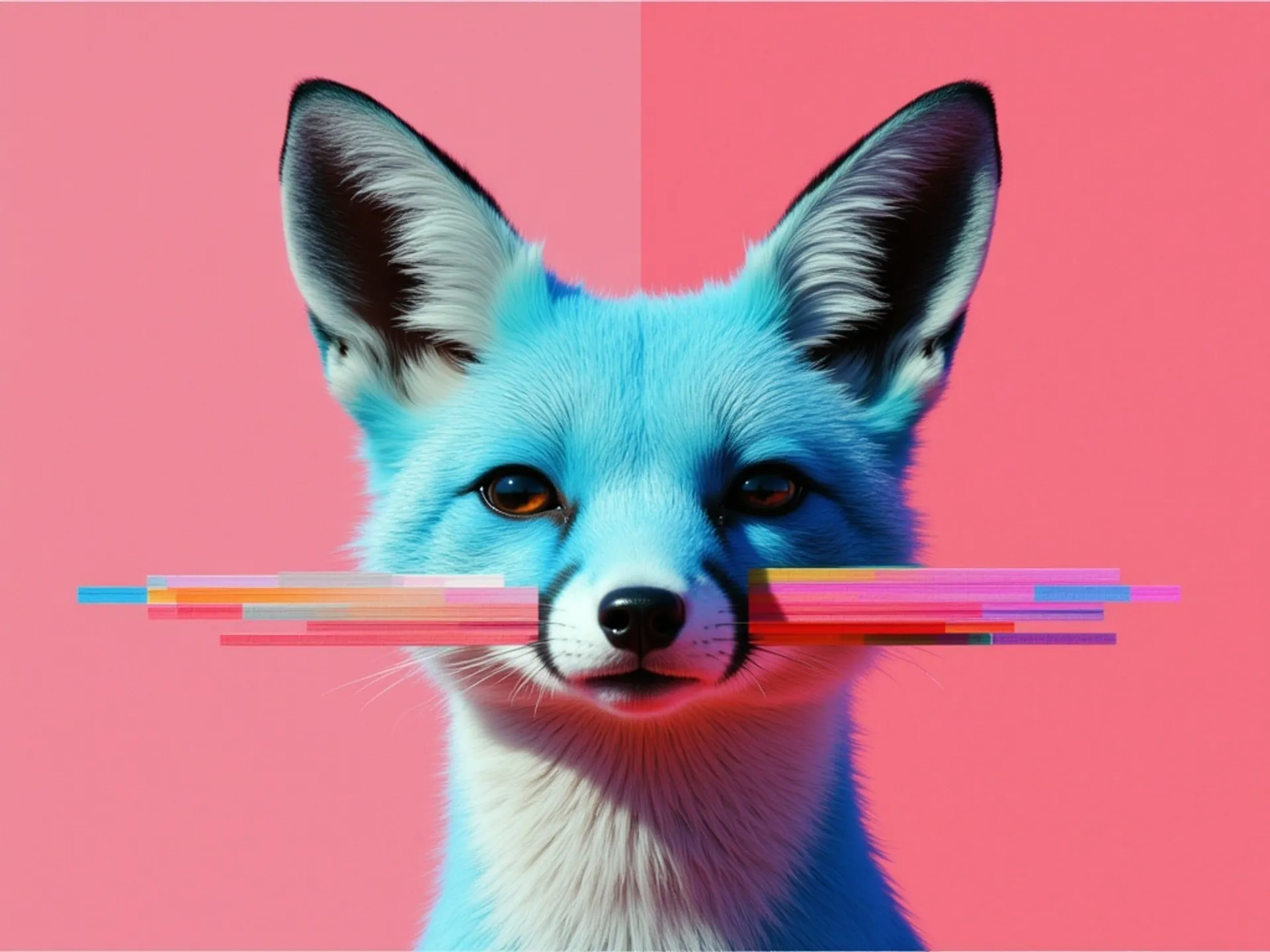
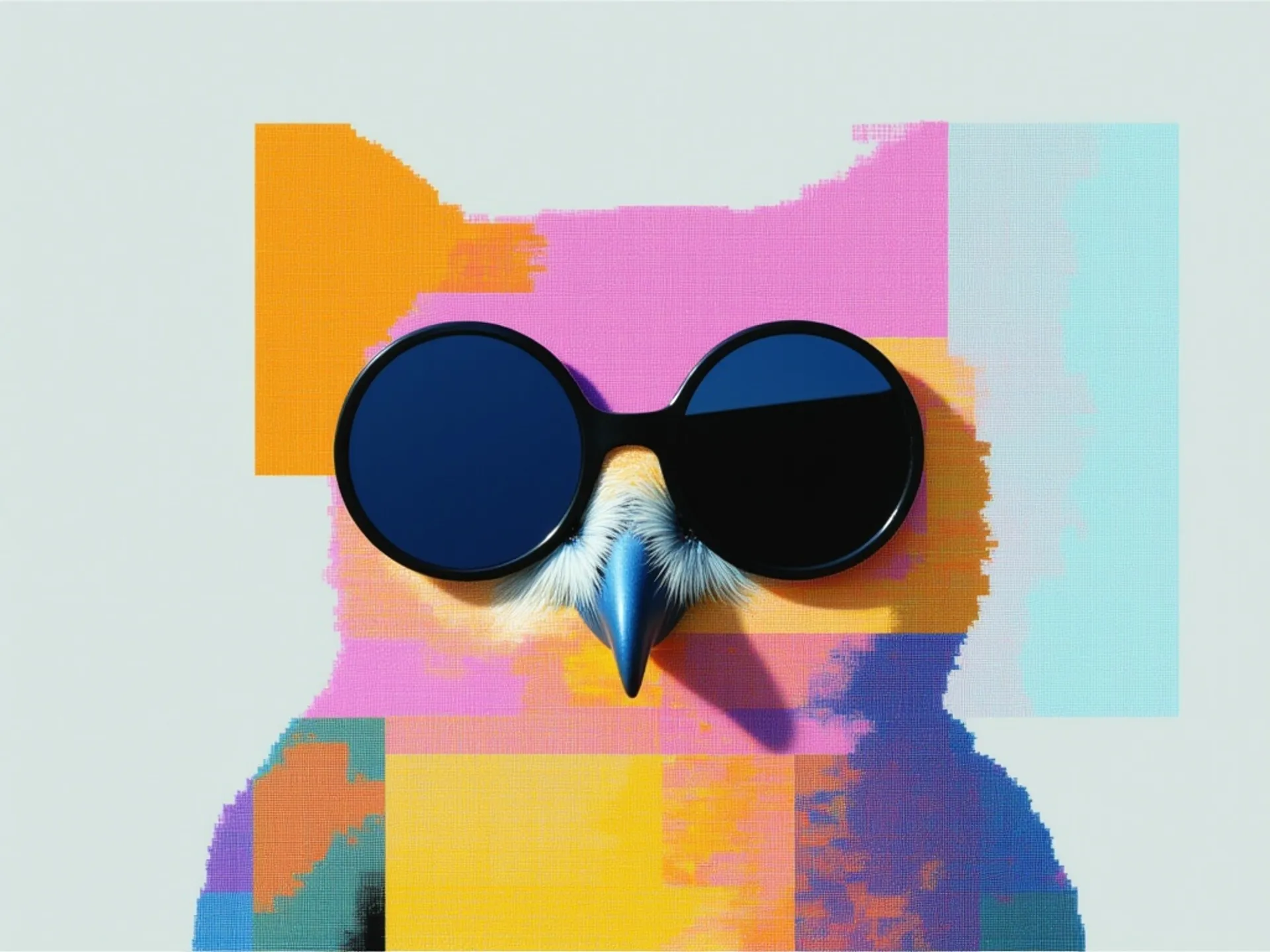
This guide covers how Nano Banana 2's architecture changes the way you prompt, how to get accurate text rendering, how to use the editing pipeline, which parameters to tune, and when to pick Nano Banana 2 vs. Nano Banana Pro.
What makes Nano Banana 2 different?
Nano Banana 2 isn't a diffusion model.
That's the single most important thing to understand before you start using it, because it changes how you write prompts, what the model can do, and where it falls short.
Traditional image generators like FLUX and Stable Diffusion start with pure noise and iteratively denoise it over 20-50 steps, guided by text embeddings from a CLIP or T5 encoder.
The image emerges gradually from randomness. There's no real "understanding" of your prompt happening, just statistical pattern-matching between text embeddings and visual features learned during training.
Nano Banana 2 takes a completely different path.
It's built on Google's Gemini 3.1 Flash Image architecture, which means the same multimodal language model that can hold a conversation also generates your images.
Each image is encoded as a sequence of visual tokens, predicted autoregressively, token by token, through the same reasoning pipeline that handles text.
What this means in practice: the model can actually parse complex instructions, reason about spatial relationships between objects, and plan compositions before it starts rendering.
And the default thinking mode minimizes reasoning overhead for straightforward prompts.
How Nano Banana 2 reads your prompts
Nano Banana 2 wants natural language.
Because it uses a full multimodal LLM rather than a CLIP encoder, it understands creative intent holistically rather than matching keywords.
You can describe what you want in plain sentences, and the model will figure out what to do.
This is a meaningful shift from how most people have learned to prompt.
Forget comma-separated tag lists. Forget quality boosters like "masterpiece, best quality, trending on ArtStation."
Forget weighted token syntax. None of that helps here, and some of it actively hurts.
Google's recommended prompt structure follows a natural hierarchy:
- Subject (who or what).
- Composition (framing and angle).
- Action (what's happening).
- Location (setting).
- Style (artistic direction).
Disclaimer: This sequence reflects Google's own guidance, which aligns with our testing.
The sweet spot for general images is 1-3 descriptive sentences.
For text-heavy compositions like posters, infographics, and slides, you should write longer prompts with explicit layout instructions.
There's no hard token cap published, but practical experience shows that extremely long prompts don't break anything, they just cause the model to deprioritize some elements.
Natural language wins, but structure helps
For simple images, a conversational prompt works great:
Prompt: A ceramic coffee mug on a marble countertop, morning light through a window, steam rising, shallow depth of field, warm tones.
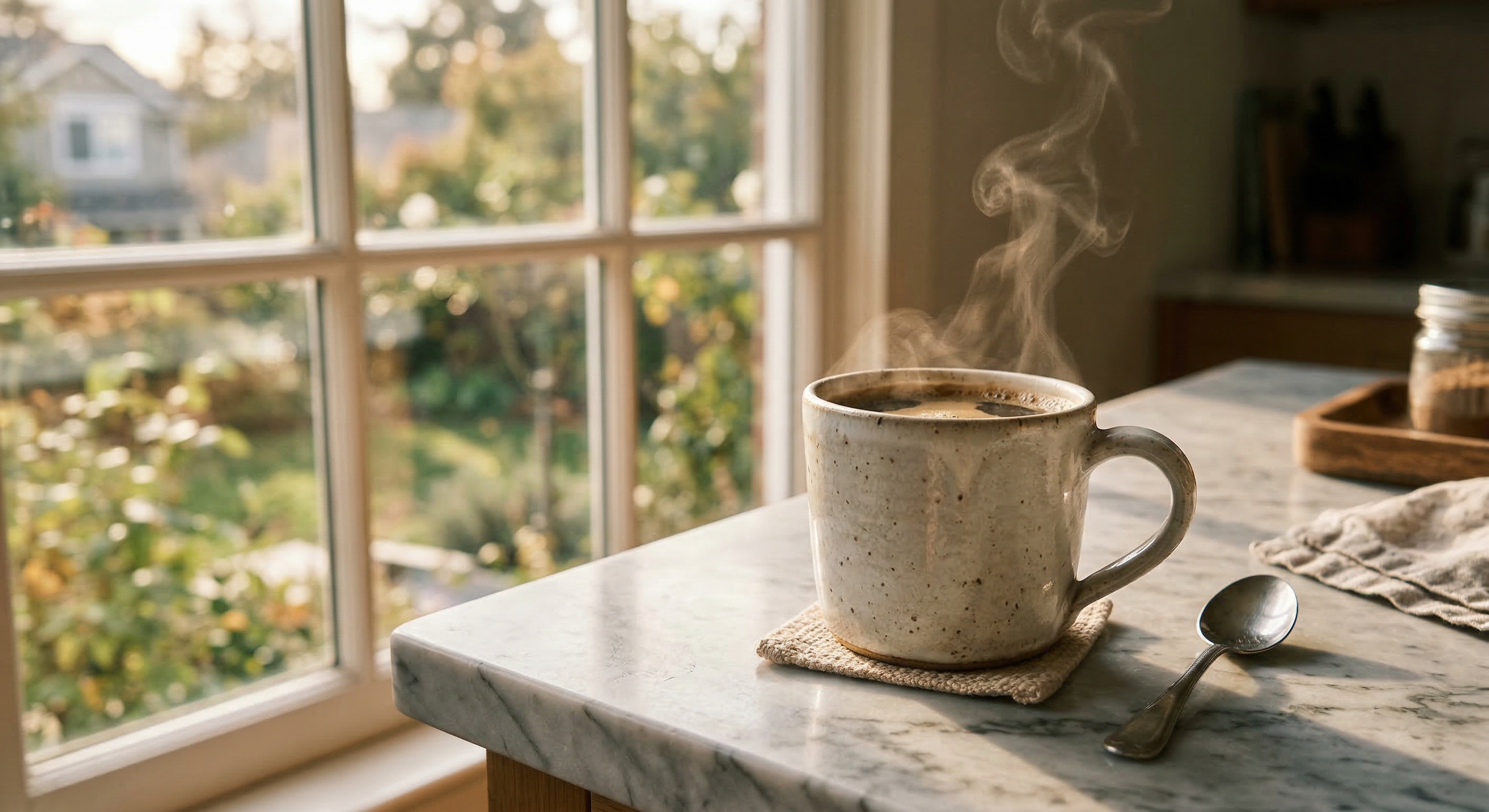
Generated using Nano Banana
2 on fal.
For commercial work where precision matters, structured prompts with clear categorization get better results.
Describe the scene systematically: what's in it, where things are, how it's lit, and what style you want.
Prompt: Minimalist movie poster for a sci-fi film called "NOVA DRIFT". Title in bold condensed sans-serif at the top, a lone figure standing on the edge of a space station overlooking a gas giant, deep indigo and copper color palette, cinematic grain, IMAX format stamp at bottom.
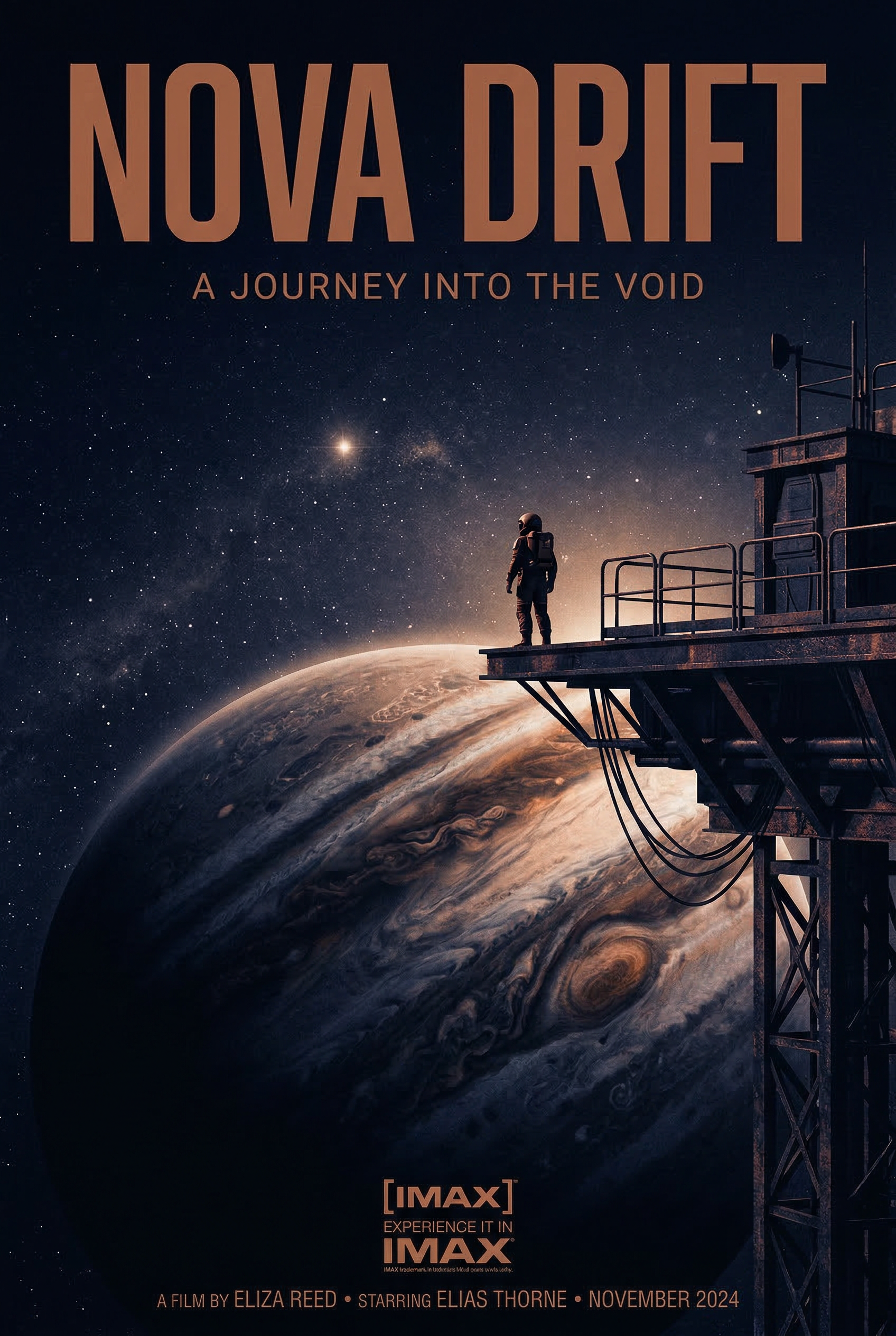
Generated using Nano Banana
2 on fal.
One practical tip that makes a real difference: use photographic language.
Terms like "wide-angle shot," "85mm portrait lens," and "shallow depth of field" map directly to specific visual treatments.
Tell the model "1960s aesthetic" and it independently infers film grain, desaturated colors, and period-appropriate composition.
Text rendering: the headline feature
This is where Nano Banana 2 stands out most clearly.
The model achieves character-by-character validated typography in multiple languages, directly in generated images.
The architectural reason is straightforward: the same language model that understands spelling and grammar generates the image, so it can reason about individual characters, plan their spatial arrangement, and validate correctness before rendering.
The single most important technique: wrap all text in double quotation marks within your prompt. Each separate text element should be individually quoted with its own style specification.
Here's what that looks like in practice:
Prompt: "GRAND OPENING" in bold sans-serif at the top, "Now serving fresh coffee & pastries" in italic script centered below, warm bakery interior in the background with soft golden lighting.
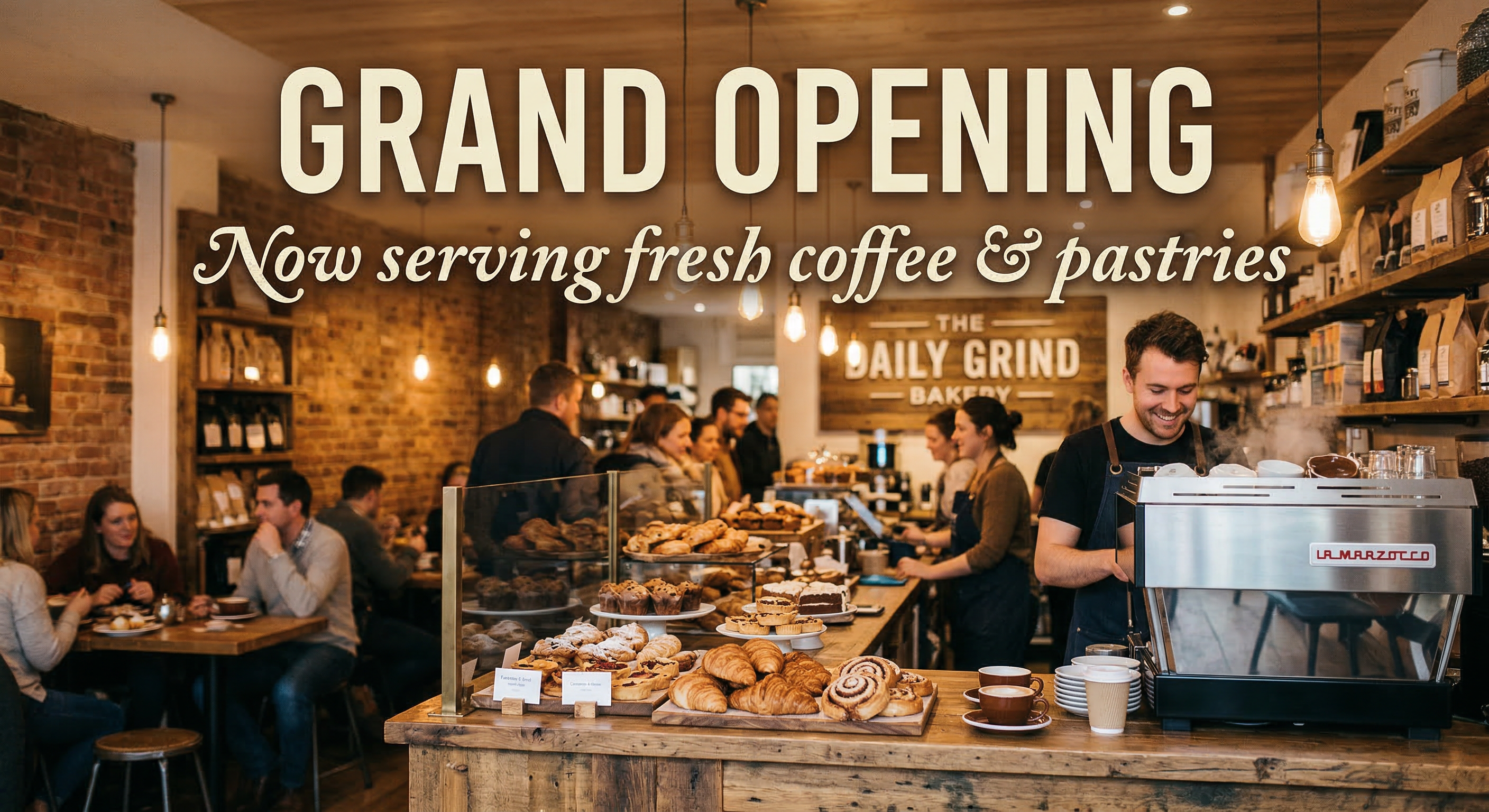
Generated using Nano Banana
2 on fal.
A few tips to follow for reliable text rendering from my experience:
Keep text elements to 3-5 per image.
Use larger text whenever possible: small text at 1K resolution often appears blurry or distorted. Stick to short phrases rather than full paragraphs.
For situations requiring 100% text accuracy (e.g., product labels, legal copy, finalized marketing assets), a hybrid approach might work well.
You can generate the background image and composition with Nano Banana 2, then overlay the final text programmatically using another design tool of your choice.
This gives you the model's composition and style intelligence with pixel-perfect typographic control.
Multilingual text rendering works across Japanese, Arabic, Chinese, Korean, and other scripts.
falMODEL APIs
The fastest, cheapest and most reliable way to run genAI models.
1 API, 100s of models
falSERVERLESS
Scale custom models and apps to thousands of GPUs instantly
Settings that actually matter
Aspect ratio
Nano Banana 2 supports 15 aspect ratio presets: auto, 21:9, 16:9, 3:2, 4:3, 5:4, 1:1, 4:5, 3:4, 2:3, 9:16, 4:1, 1:4, 8:1, and 1:8.
The "auto" option is a distinctive feature. The model analyzes your prompt and selects the most appropriate ratio on its own.
For landscape scenes, it might choose 16:9. For portraits, 4:5. It's surprisingly accurate and worth using as your default unless you have a specific output format in mind.
Resolution
0.5K (512px) is the cheapest option at $0.06/image.
1K is the default at $0.08/image and covers the majority of use cases.
2K costs $0.12/image (1.5x the base rate) and is worth it for assets that need to hold up at larger display sizes.
4K costs $0.16/image (2x the base rate). Use it for final production assets, print work, or anything that needs to look sharp at full resolution.
Output format
Three options: PNG, JPEG, and WebP.
PNG is the default and the safest choice for quality. Use JPEG or WebP when file size matters more than lossless fidelity.
Batch generation
You can request 1-4 images per API call.
Each image in the batch counts as a separate generation for pricing. Batch requests are useful for generating variations of the same prompt to pick the best output.
Safety tolerance
This parameter ranges from 1 (strictest) to 6 (least strict) and controls content moderation filtering.
The default is 4. If you're finding that creative prompts get blocked more than expected, try adjusting this upward.
Example prompts that work
Here are prompts across different use cases:
Photorealistic product shot
Prompt: A frosted glass bottle of artisan hot sauce on a slate surface, a single dried chili pepper beside it, late afternoon light raking across from the left casting a long shadow, soft neutral background fading to charcoal, editorial food photography aesthetic.
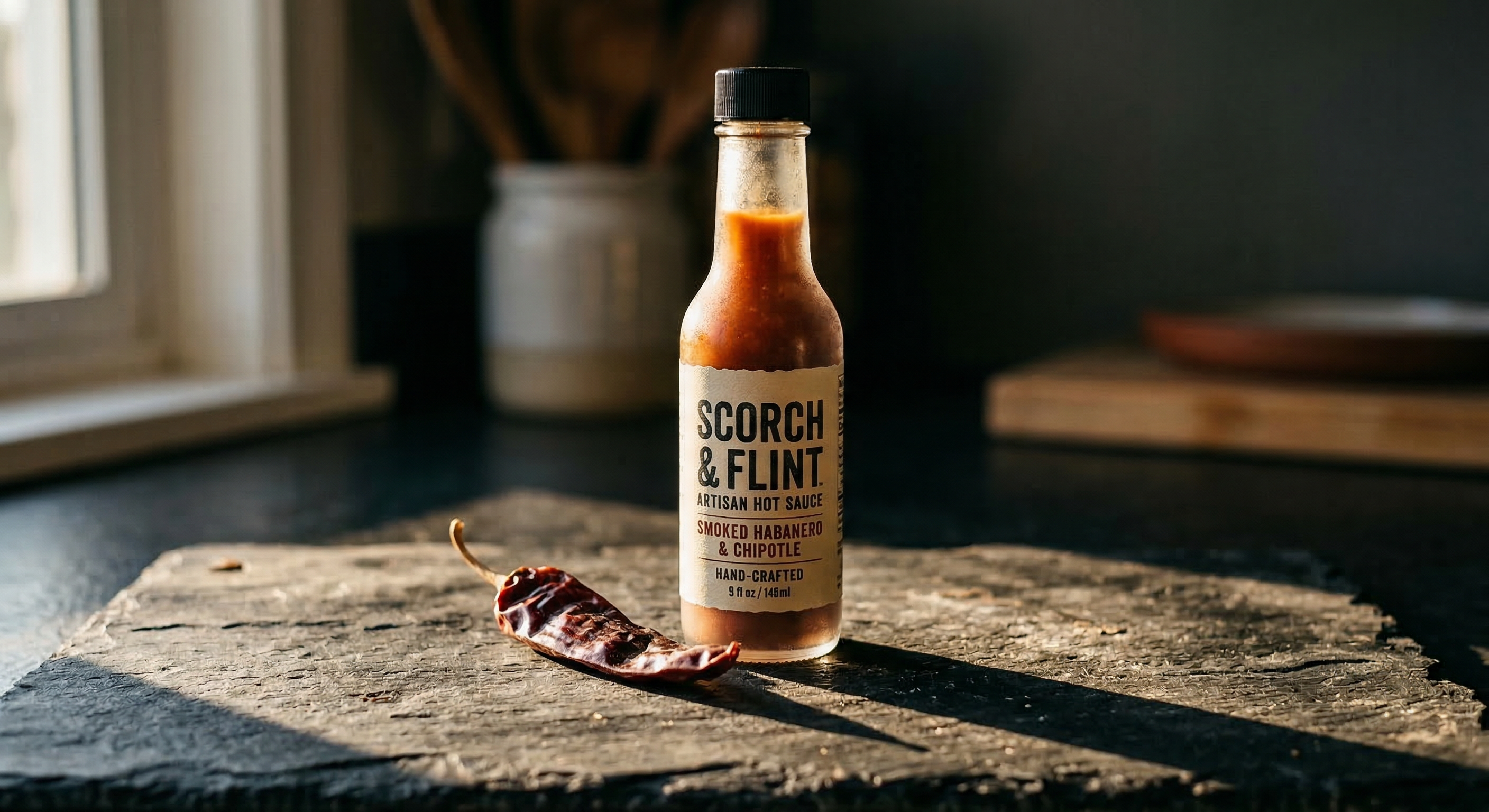
Generated using Nano Banana
2 on fal.
Typography poster
Prompt: Concert poster for a jazz festival called "MIDNIGHT BRASS" in tall condensed serif at the top, a saxophone player silhouetted against a smoky amber spotlight, "JUNE 14-16" in small caps below, "BROOKLYN ARTS CENTER" in thin sans-serif at the bottom, deep navy and warm gold color palette.
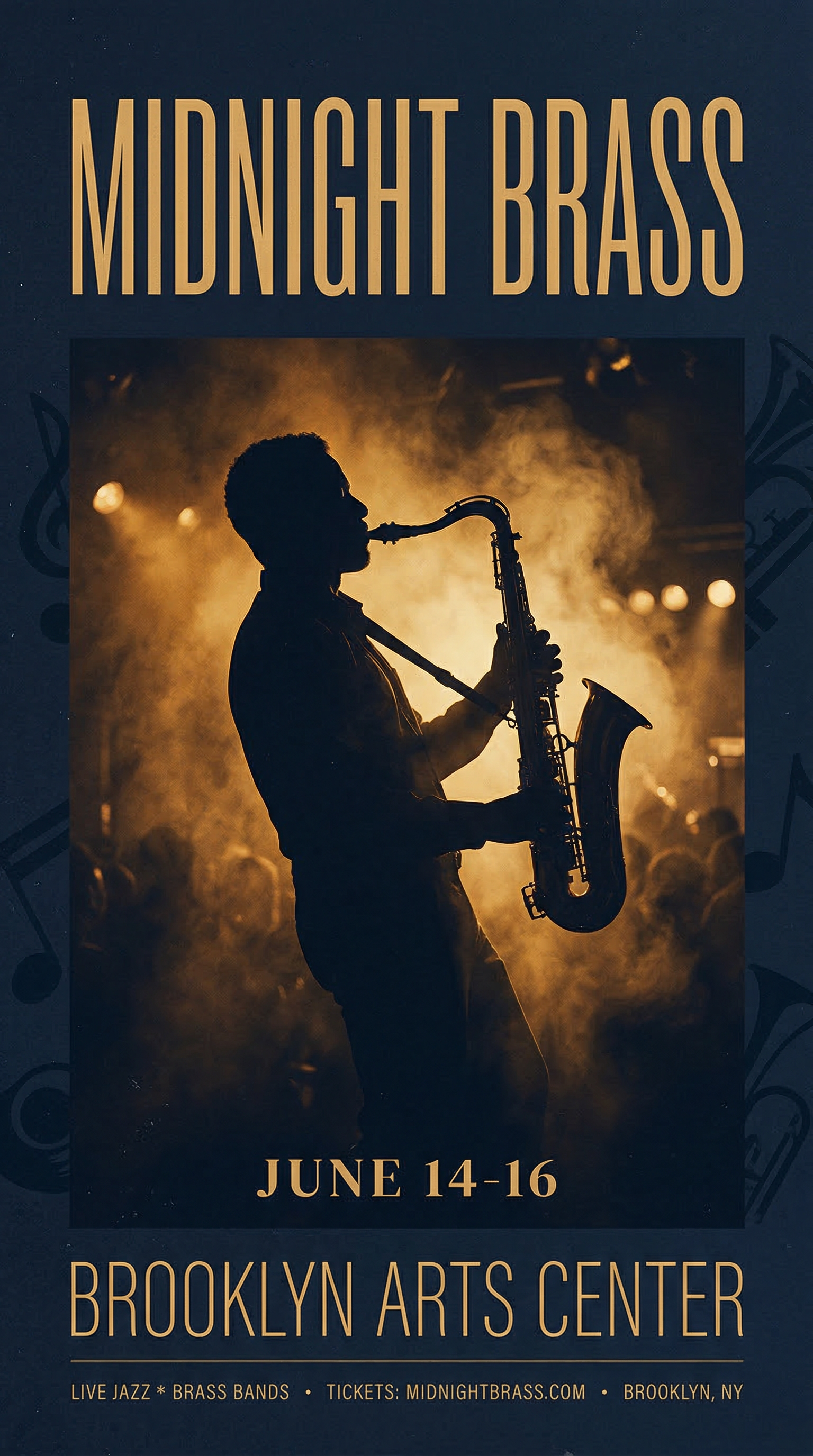
Generated using Nano Banana
2 on fal.
Infographic
Prompt: A vertical coffee brewing methods comparison chart with four sections, each showing a different method: "POUR OVER" with a V60 dripper illustration, "FRENCH PRESS" with a plunger diagram, "ESPRESSO" with a portafilter sketch, and "COLD BREW" with a mason jar drawing, brew time and grind size listed under each in clean sans-serif, kraft paper texture background with muted earth tones.
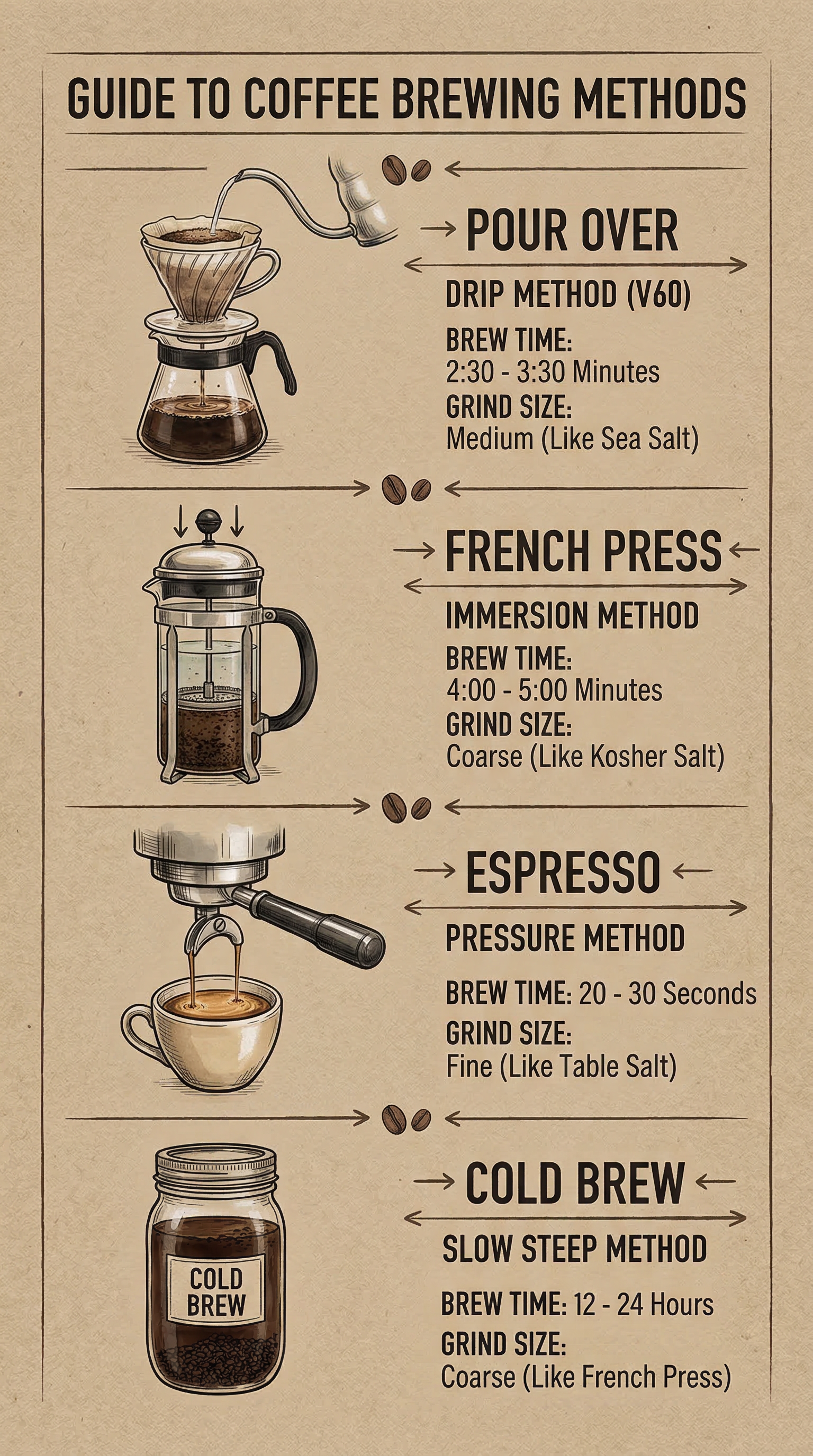
Generated using Nano Banana
2 on fal.
Bilingual content
Prompt: A tea house loyalty card with "TENTH CUP FREE" in clean bold English across the top, "第十杯免费" in brush-style Chinese below, ten small circle stamps in a grid with three filled in, minimalist sage green and cream color scheme with a small teapot icon in the corner.
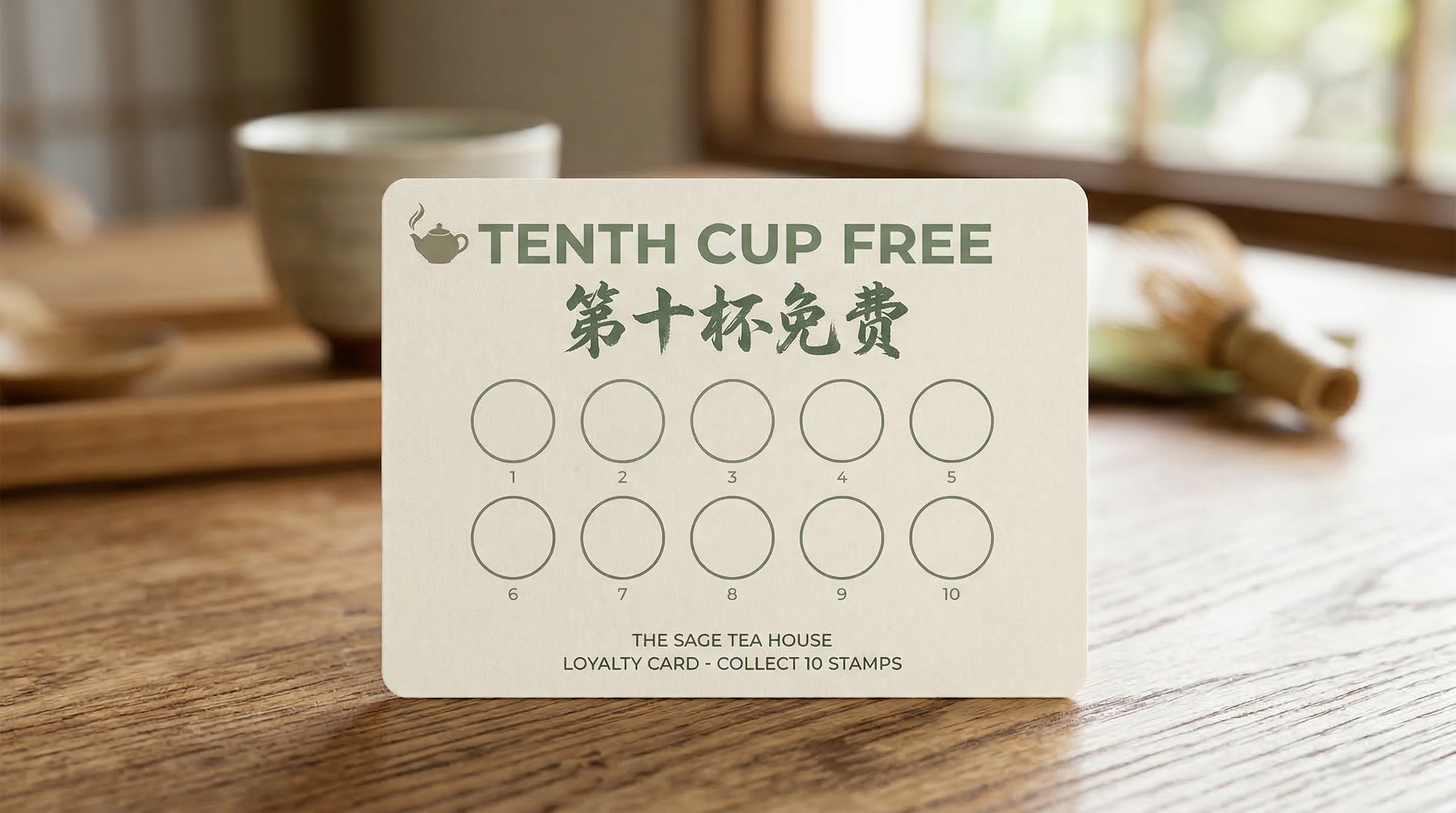
Generated using Nano Banana
2 on fal.
How to edit images with Nano Banana 2
Nano Banana 2's editing capabilities run through a separate endpoint (fal-ai/nano-banana-2/edit) and accept up to 14 reference images alongside a text instruction.
No masks. No inpainting brushes. No region selection.
You describe the edit in plain English, and the model figures out what to touch and what to leave alone.
This is the same instruction-based approach as Qwen Image 2's editing pipeline, but with a key difference: multi-image compositing.
You can feed Nano Banana 2 multiple source images and ask it to combine elements from each into a single coherent scene.
The model handles alignment of floor patterns, lighting direction, and perspective automatically.
The basic pattern
Feed the model one or more image URLs and a prompt describing the edit.
The model reads both the image context and your text instruction, so edits integrate naturally rather than looking pasted on.
Here are practical editing prompts that work well (I'm going to use the previously generated images in this article so that you can see the difference):
Changing backgrounds: Place the subject in a modern office with floor-to-ceiling windows overlooking a city skyline. Keep the person's pose and clothing identical.
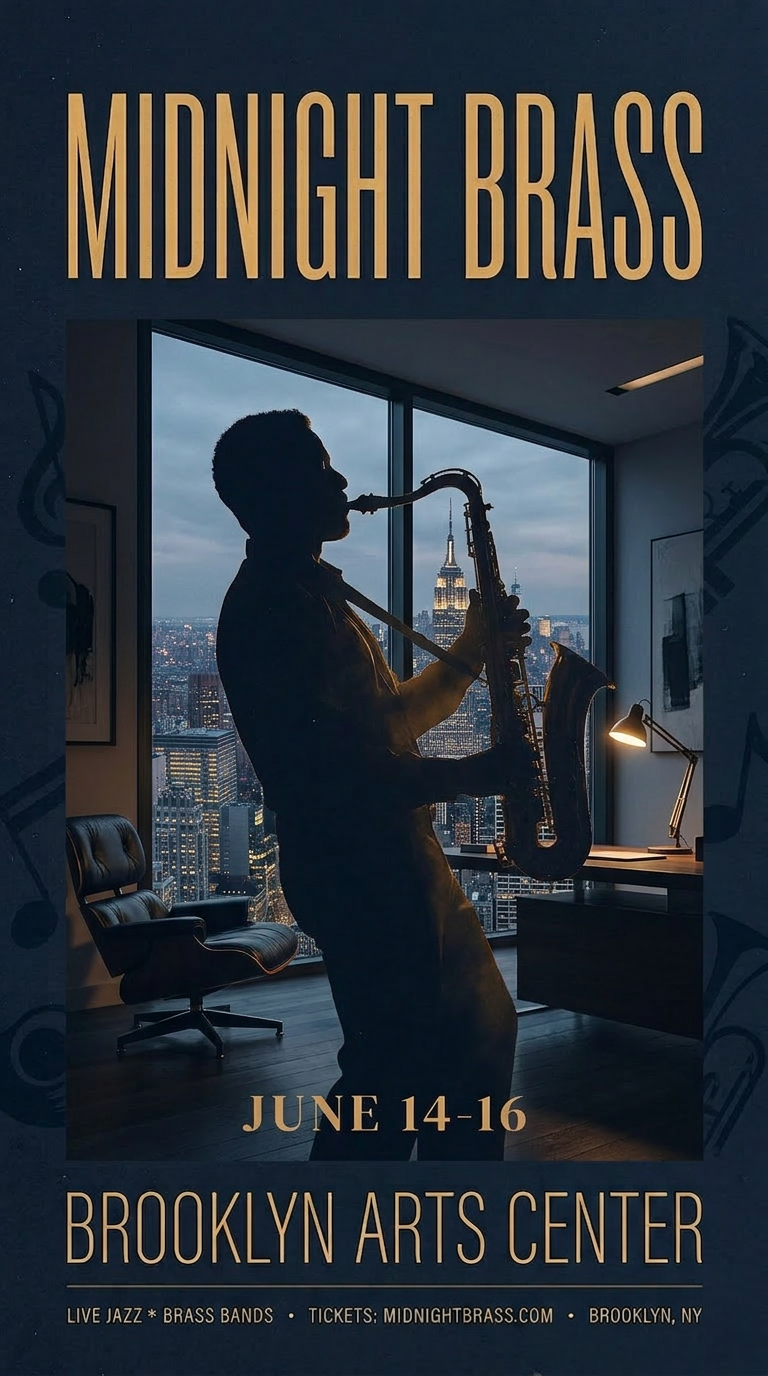
Generated using Nano Banana 2
Edit on fal.
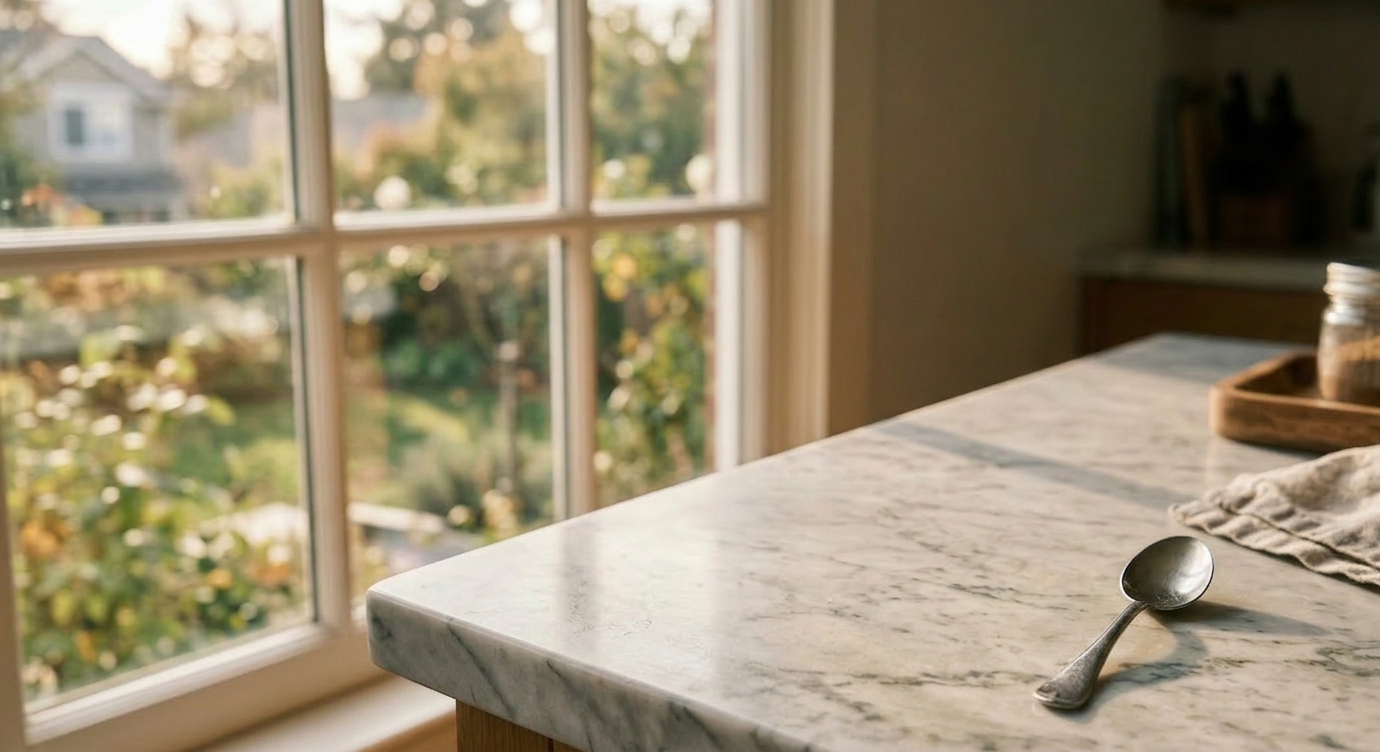
Object removal: Remove the cup of coffee from the image. Fill in the background naturally.
Generated using Nano Banana 2
Edit on fal.
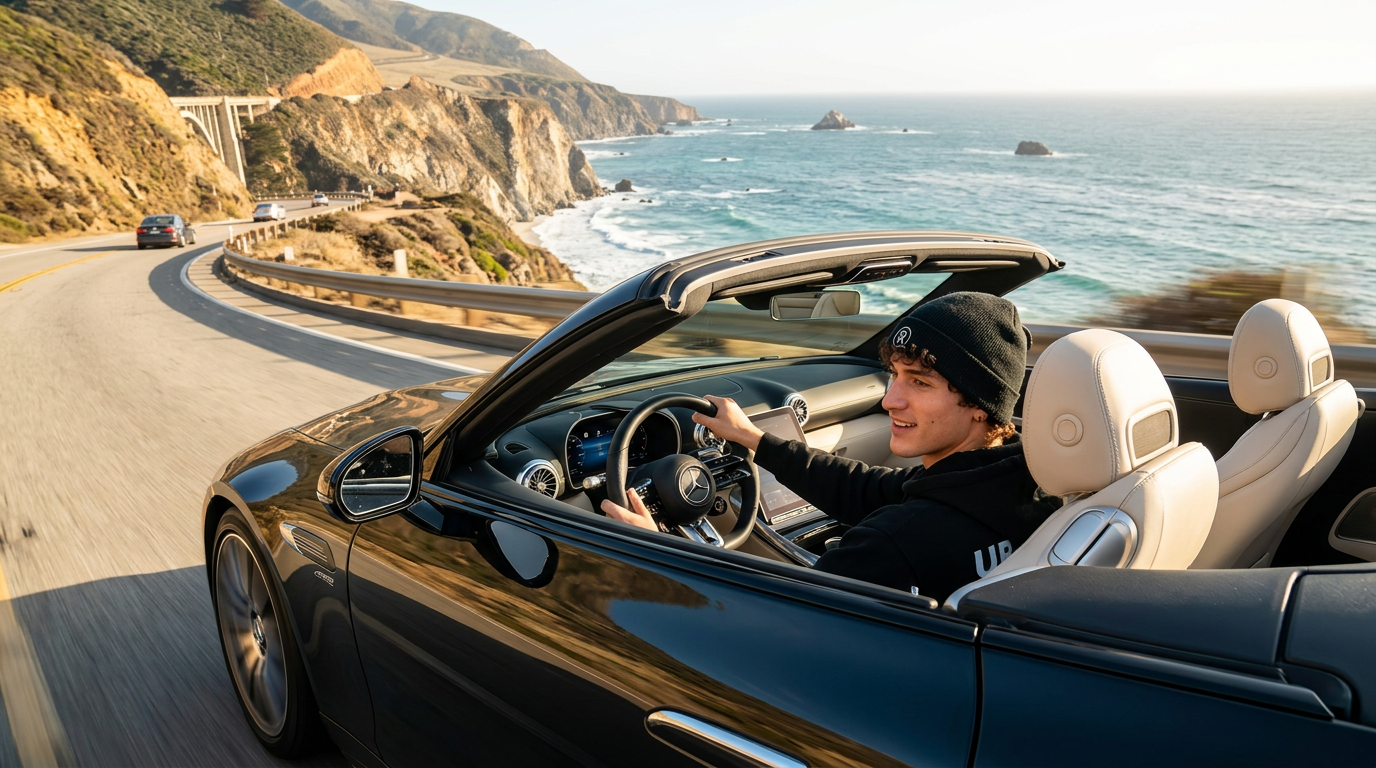
Multi-image compositing: Upload a photo of a person and a photo of a car, then prompt "make a photo of the man driving the car down the California coastline."
Generated using Nano Banana 2
Edit on fal.
Editing tips
Describe both what to change and what to preserve: The more explicit you are about what should stay the same, the better the results.
Upload clear, high-quality source images: Low-resolution inputs produce low-quality edits.
When compositing multiple subjects, assign distinct descriptions to each reference. "The person in the first image" and "the car in the second image" helps the model track which elements come from where.
Make one change at a time for complex scenes. Stacking multiple edits in a single prompt can cause the model to miss some of them.
Web search grounding
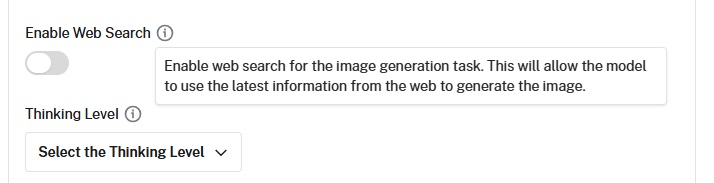
Nano Banana 2 has an optional web search grounding feature that's unique among image generators.
When you enable the enable_web_search (or enable_google_search) parameter, the model queries Google Search before generating.
This lets it reference real-world visual information beyond its training data.
The feature is most useful when generating images of specific real-world subjects: actual buildings, landmarks, products, or current events.
Rather than hallucinating architectural details of a building it hasn't seen, the model looks up references first.
It adds $0.015 per generation on fal. Enable it selectively: it's unnecessary for purely creative or fictional scenes and adds both latency and cost.
Nano Banana 2's pricing on fal
Nano Banana 2's pricing on fal scales by resolution:
- $0.06 per image at 512x512 (0.75x rate).
- $0.08 per image at 1K resolution (standard).
- $0.12 per image at 2K resolution (1.5x rate).
- $0.16 per image at 4K resolution (2x rate).
Do note that web search grounding adds $0.015 per generation if enabled.
Run Nano Banana 2 on fal
The AI image generation space has more capable models now than at any point in the past two years, and Nano Banana 2 is one of them.
If you want access Nano Banana 2 through a single API with pay-per-use pricing and no GPU management, fal is the fastest way to get started.
Test either model in the playground or plug into the API in minutes.
Check out fal to get started.
![10 Best Text-to-Image APIs In 2026 [Reviewed]](https://refinery.fal.media/url/https%3A%2F%2Fv3b.fal.media%2Ffiles%2Fb%2F0a9eafbe%2FB4vvwLBImuOfSepWIVfwO_best-text-to-image-apis-2026.jpg/tr:w-1280,q-80/B4vvwLBImuOfSepWIVfwO_best-text-to-image-apis-2026.webp)