Reve 2.1Generate, edit, and remix in native 4K.
Reve 2.1 is a native 4K image model with sharper prompt understanding, precise editing, and standout in-image text rendering, including foreign scripts. It excels at layout-driven work like marketing materials, packaging, and product imagery, and ranks #2 in the Text-to-Image Arena. Generate, edit, and remix images via API on fal.ai.
Where Reve 2.1 Excels
Plans structure before it renders
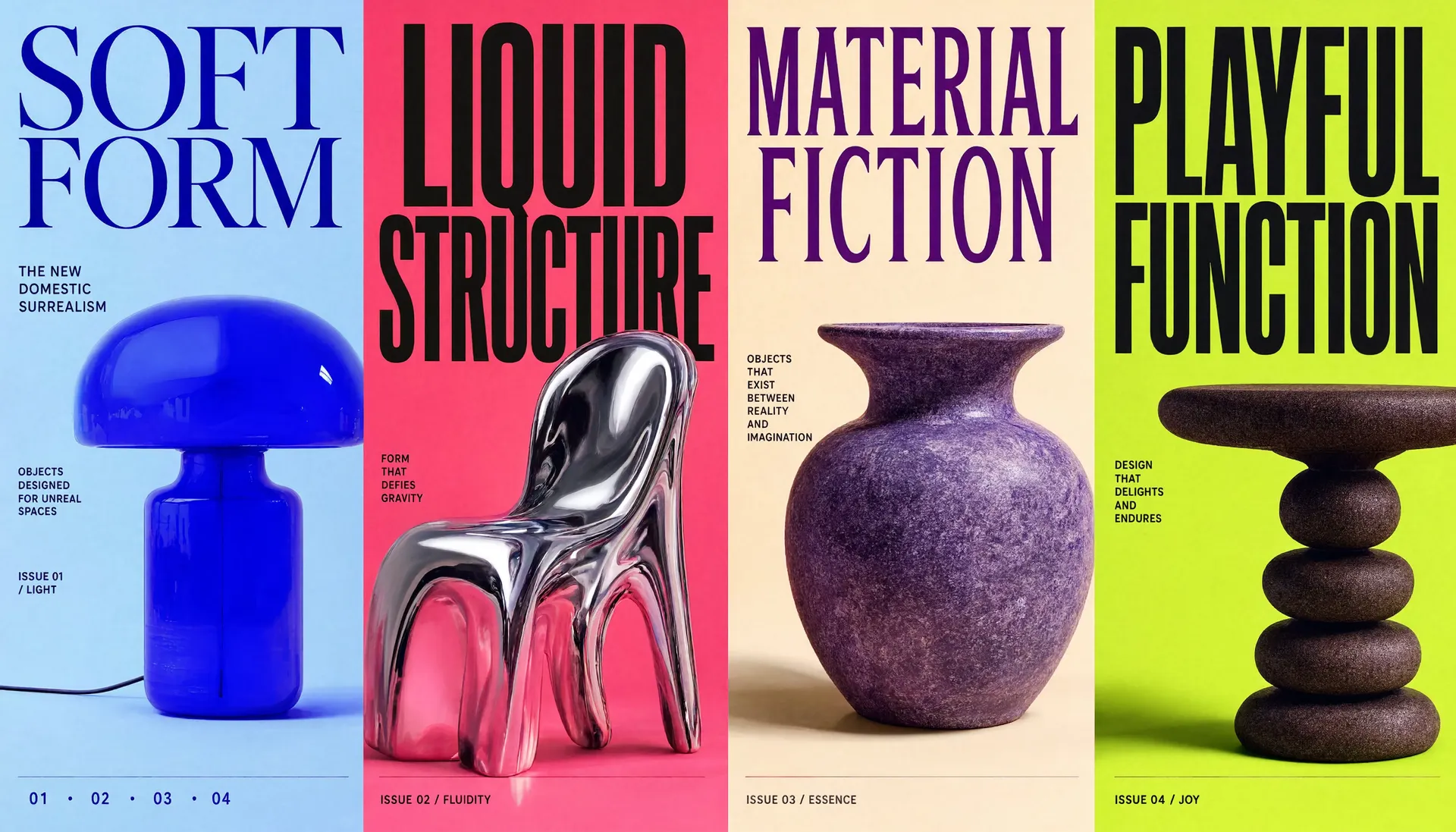
Reve 2.1 reasons about structure, hierarchy, and spatial relationships before it generates, so busy compositions stay coherent. It treats an image as a layout of structured regions, which is why it excels at ecommerce product imagery, marketing materials, and branding.
True 16-megapixel output
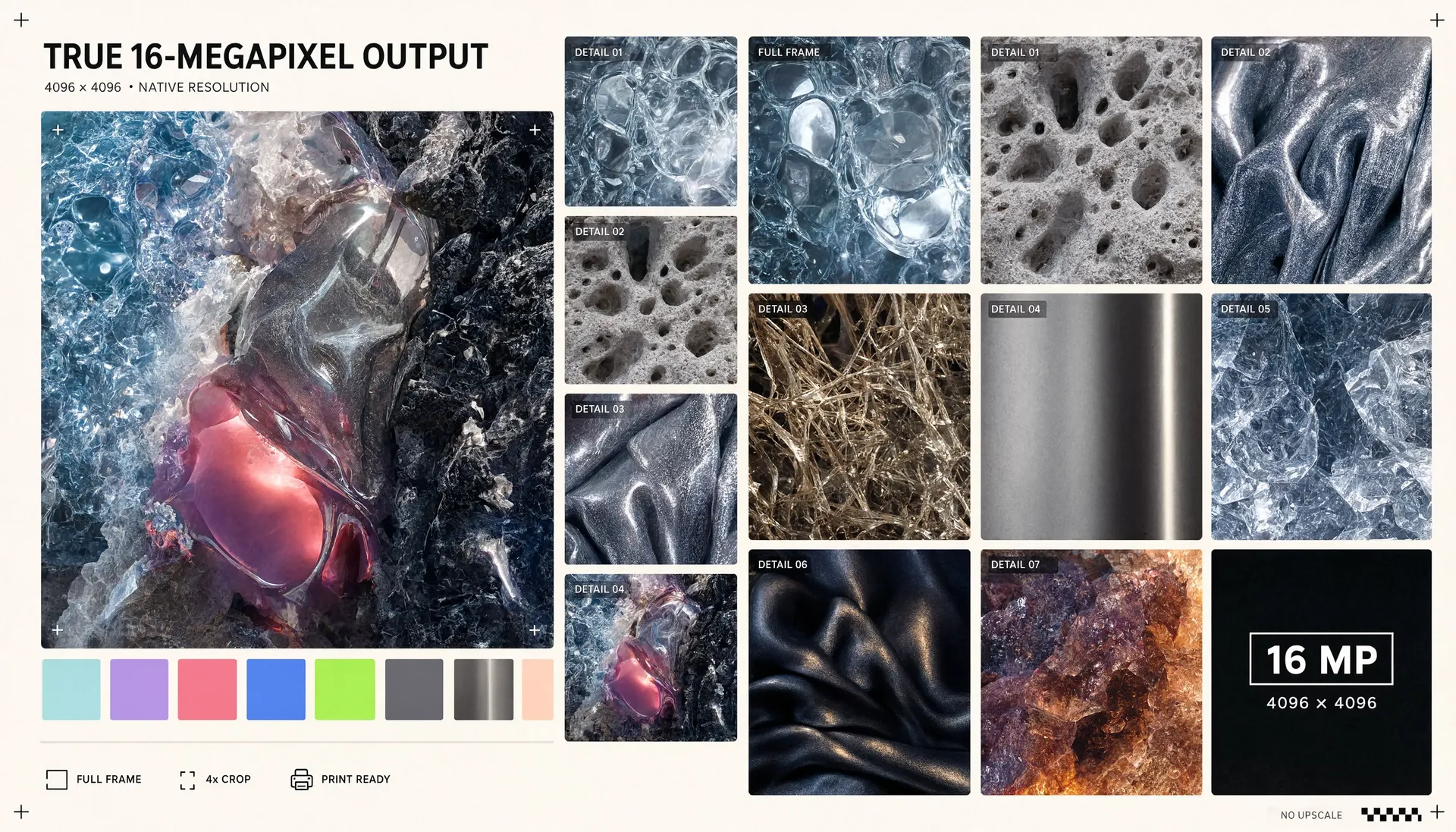
Every generation renders at a full 4096 by 4096 pixels, a true 16 megapixels, with high resolution treated as a first-class primitive rather than a post-processing upscale. Output arrives print-ready for paper and large screens, with no separate upscaler in the loop.
Legible text, dense with detail
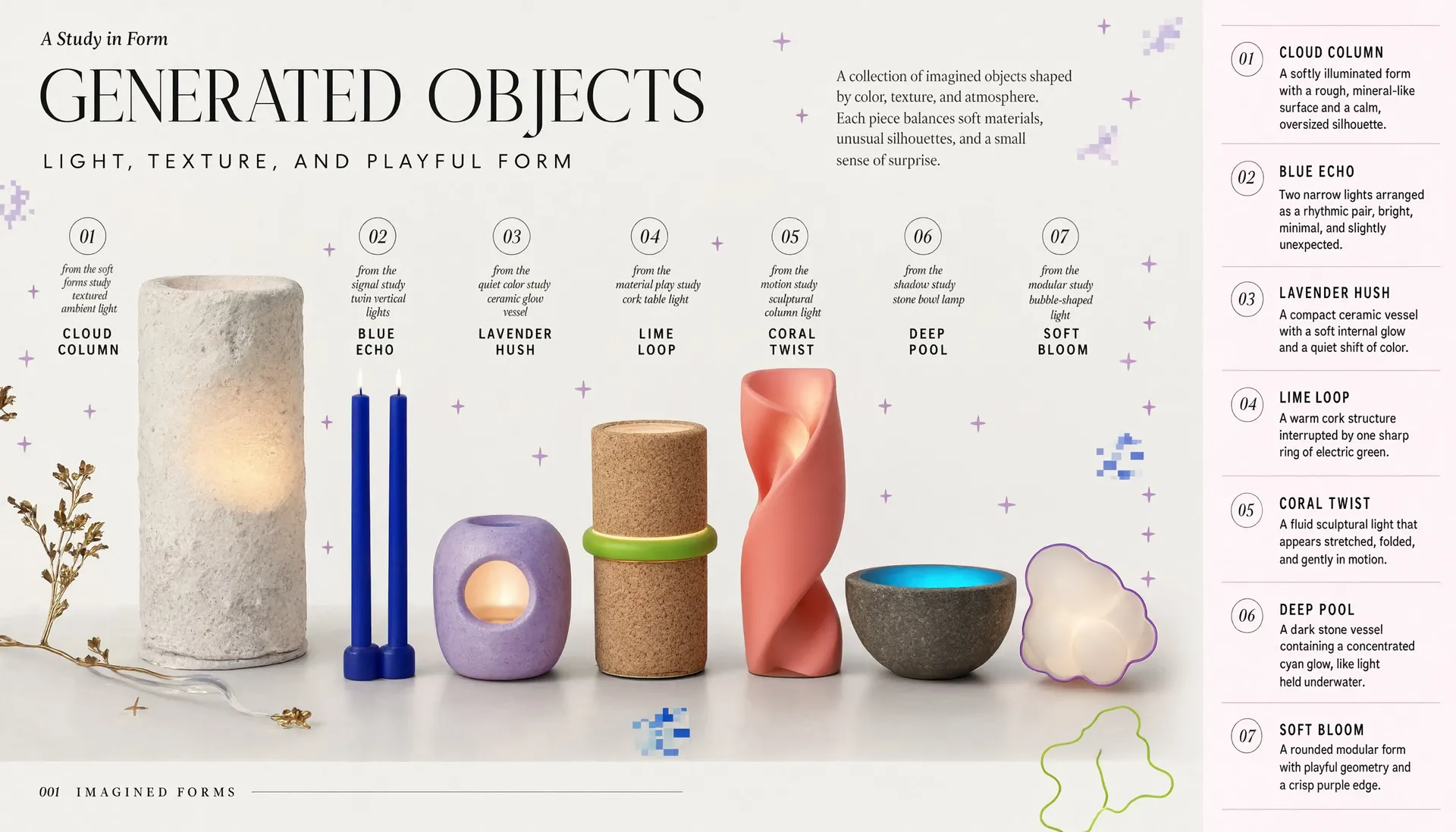
Because words are placed as part of the layout rather than painted into the pixels, Reve 2.1 keeps text legible even on busy compositions. It handles high-fidelity infographics packed with detail, from labeled diagrams and charts to callouts and fine microcopy, all sharp and readable at full resolution.
Start building with the Reve 2.1 API
Generate images from text, edit any element with natural-language instructions, or remix multiple references into new compositions, all available via API.
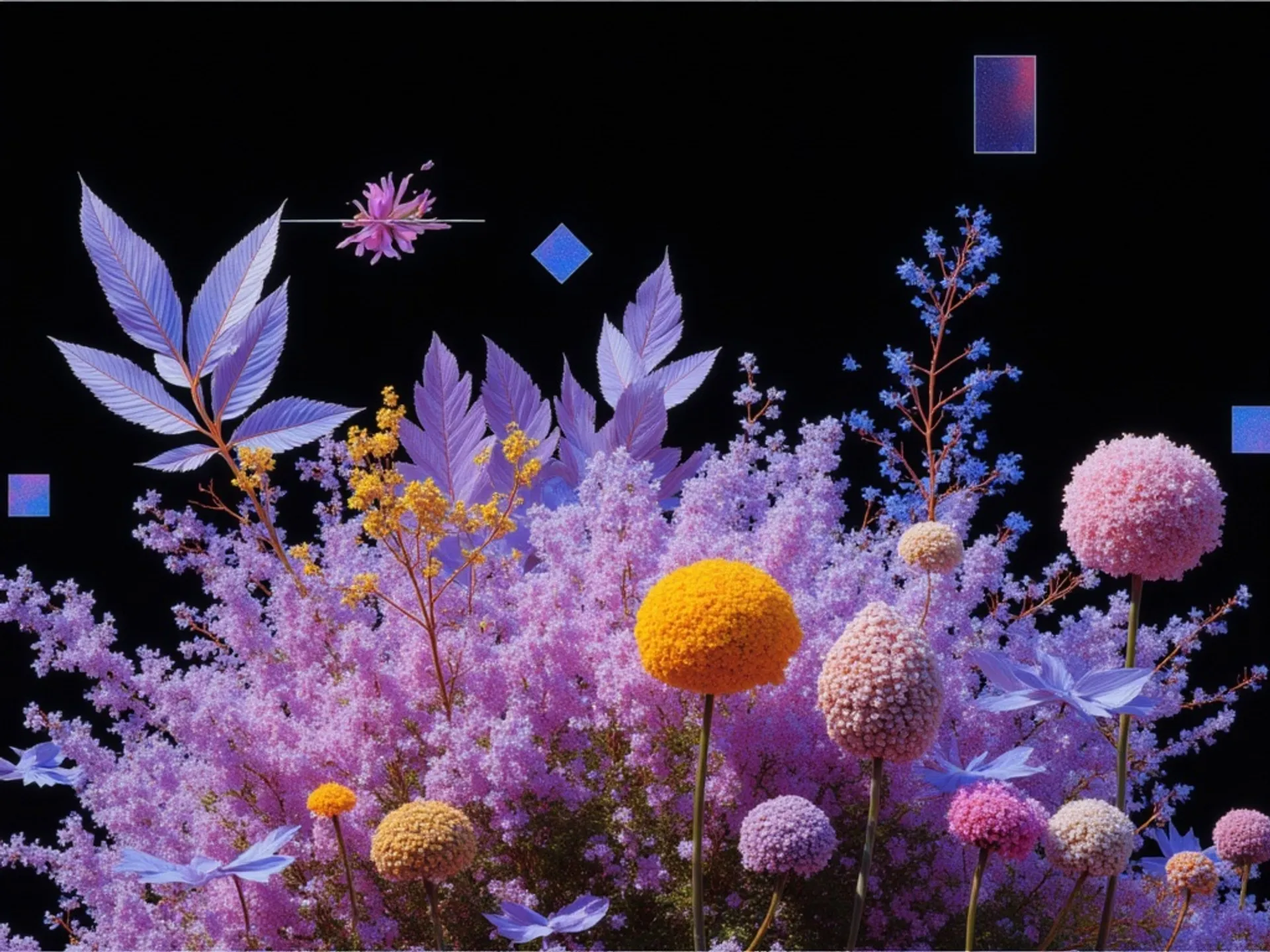
Generate high-quality images from text prompts with strong prompt adherence, layout intelligence, and accurate text rendering using Reve 2.1.
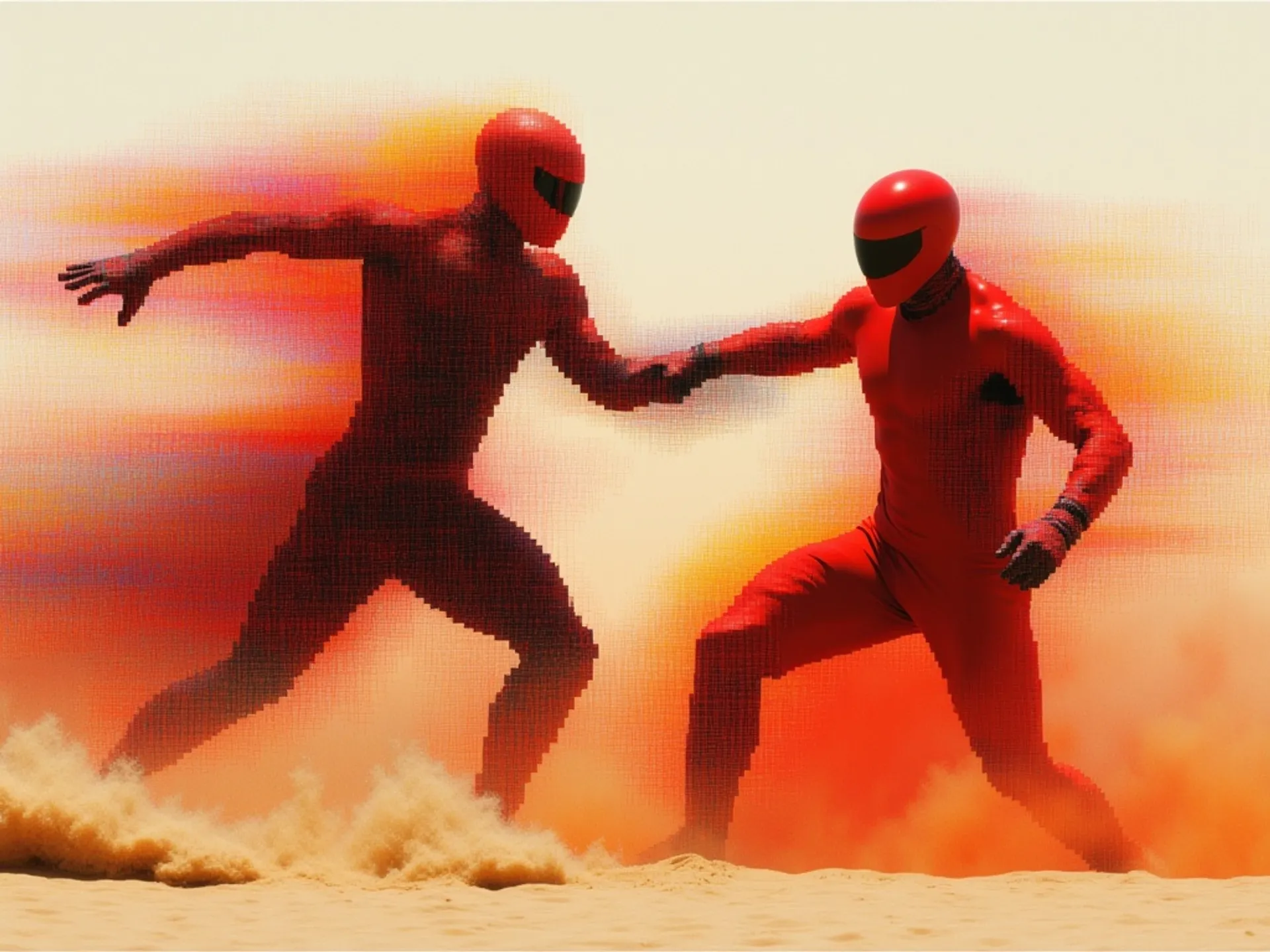
Edit images from text prompts with strong prompt adherence, layout intelligence, and accurate text rendering using Reve 2.1
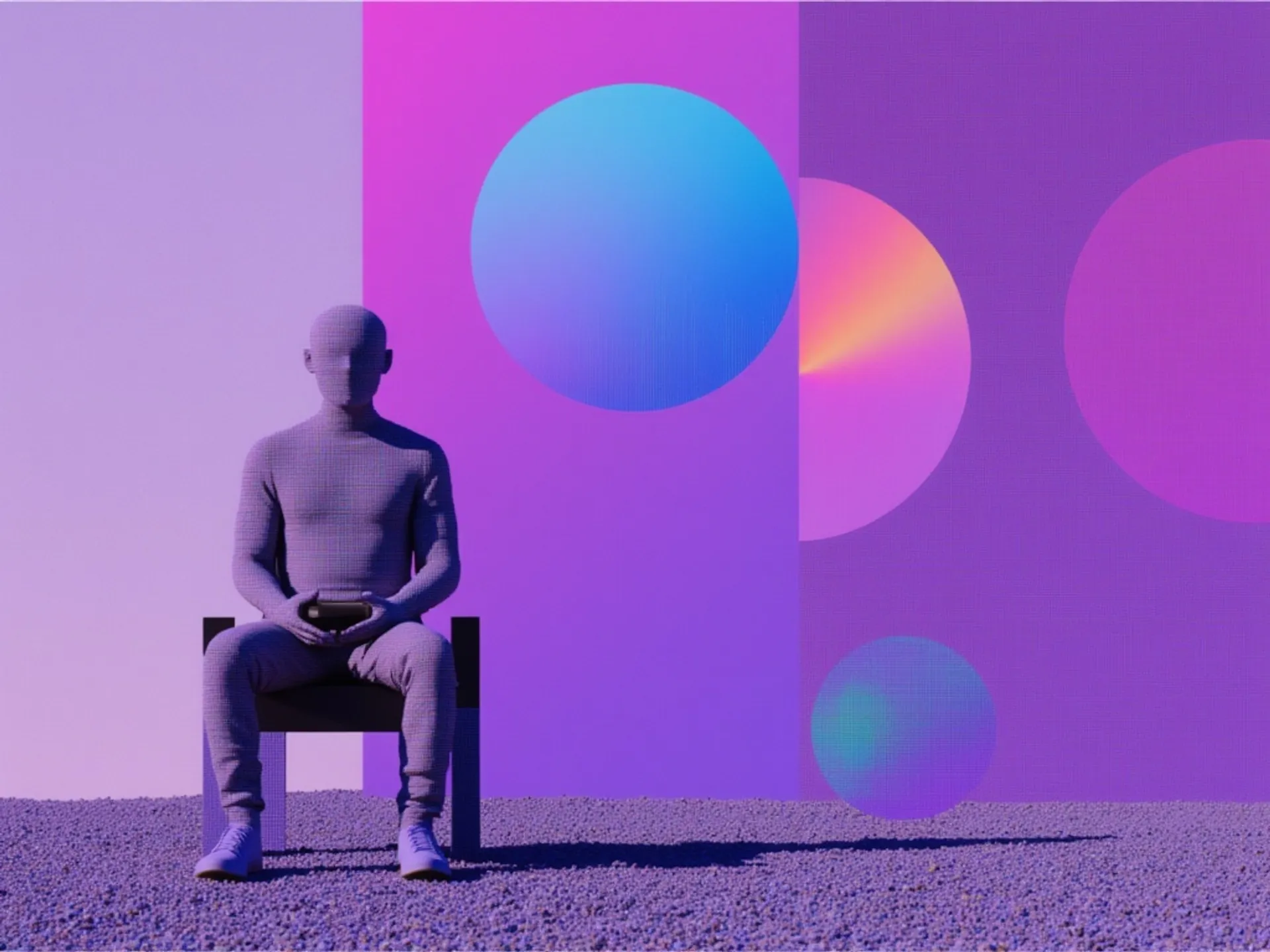
Remix images from text prompts with strong prompt adherence, layout intelligence, and accurate text rendering using Reve 2.1
See what Reve 2.1 can create
Example prompts showcasing Reve 2.1's strengths in web and interface design, detailed layouts, and legible in-image text.
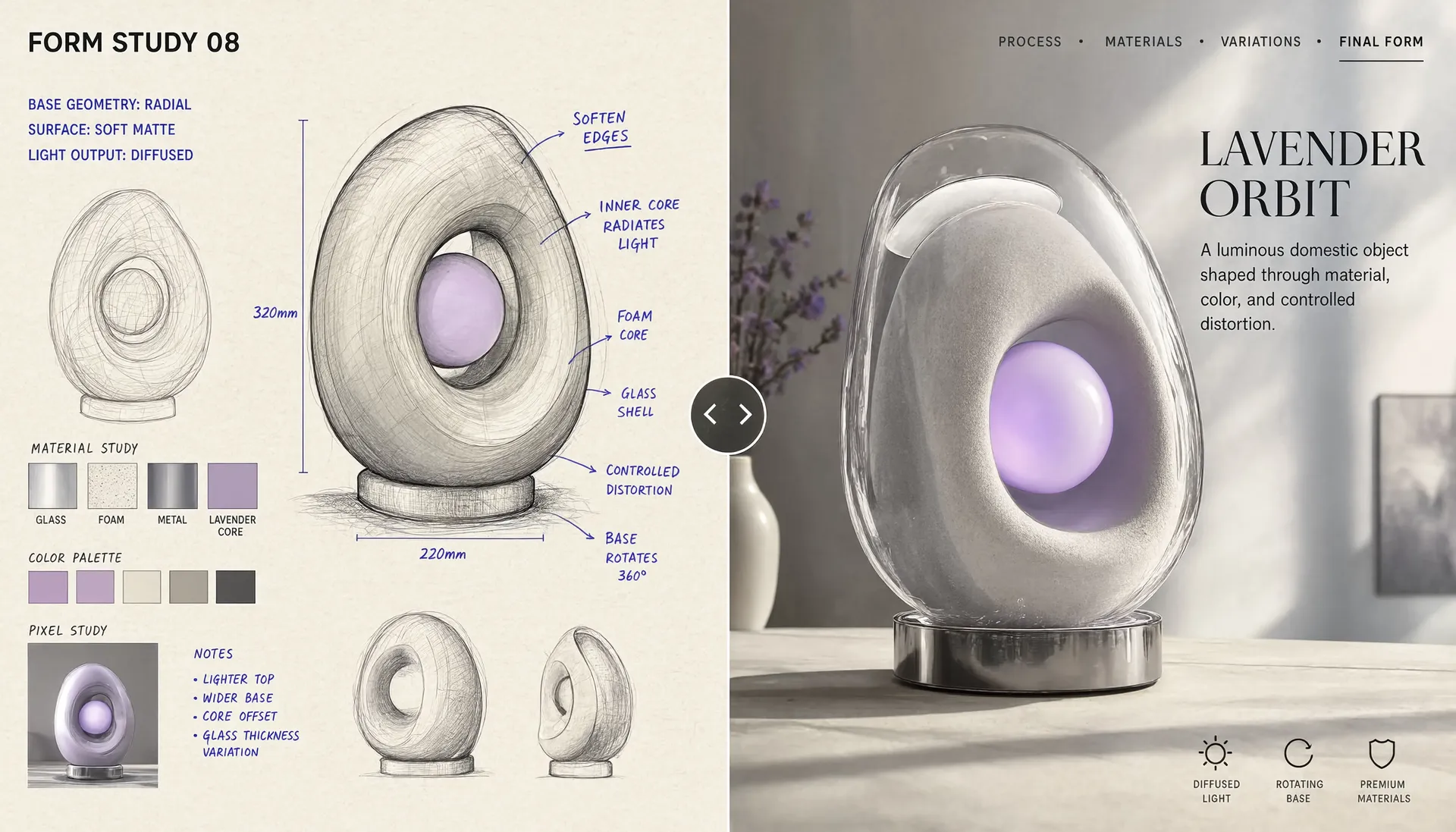
Before-and-after comparison UI
"Create a wide interactive website hero showing the transformation of an imagined object from an early concept into a polished final result. Divide the screen vertically with a clear draggable comparison line. On the left, show the object as a rough visual study: hand-drawn sketches, wireframe geometry, material samples, pixel blocks, color swatches, measurements, and handwritten notes. Use a warm cream background with dark brown lines and bright blue annotation marks. On the right, show the completed object as a photorealistic sculptural lamp in a bright studio environment. The final object should combine translucent glass, soft foam, polished metal, and a glowing lavender core. Place a circular drag handle at the center of the dividing line with left and right arrows. At the top left, display: FORM STUDY 08 At the top right, include: PROCESS • MATERIALS • VARIATIONS • FINAL FORM Add technical text near the left sketch: BASE GEOMETRY: RADIAL SURFACE: SOFT MATTE LIGHT OUTPUT: DIFFUSED On the right, place the finished name: LAVENDER ORBIT A luminous domestic object shaped through material, color, and controlled distortion. Use a 16:9 composition, precise alignment, high visual contrast between process and outcome, crisp typography, realistic materials, and a playful but premium design language."
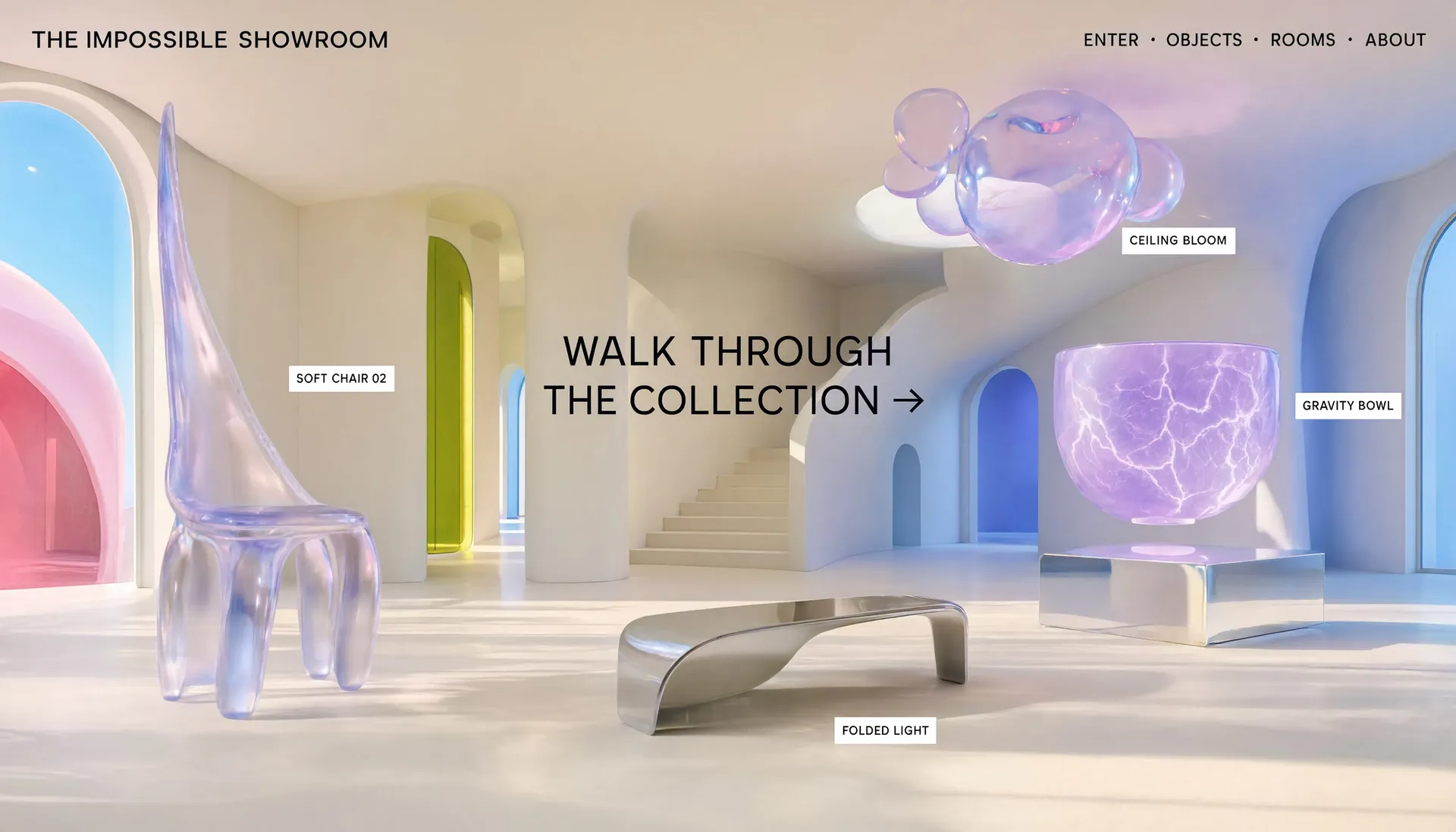
Surreal showroom homepage
"Create a bright, cinematic website homepage set inside an impossible showroom filled with whimsical sculptural objects. The environment should resemble a clean modern gallery, but its architecture bends in subtle surreal ways. The floor curves upward into the walls, staircases lead nowhere, windows reveal abstract color fields, and objects float slightly above their pedestals. Use a palette of warm cream, pale cyan, vivid blue, lavender, coral pink, neon lime, and polished silver. Place several imagined objects throughout the showroom: A translucent chair stretched upward like taffy. A glowing stone vessel floating above a mirrored plinth. A twisted lamp balancing on a single narrow point. A cluster of bubble-shaped objects attached to the ceiling. A soft metallic table folding into the floor. Add minimal floating labels beside each object: SOFT CHAIR 02 GRAVITY BOWL FOLDED LIGHT CEILING BLOOM At the top left, place: THE IMPOSSIBLE SHOWROOM At the top right, include: ENTER • OBJECTS • ROOMS • ABOUT Add a large central call to action: WALK THROUGH THE COLLECTION → Use wide-angle architectural photography, realistic materials, bright natural light, crisp shadows, subtle surrealism, refined typography, and a clean interface that lets the impossible environment remain the focus"
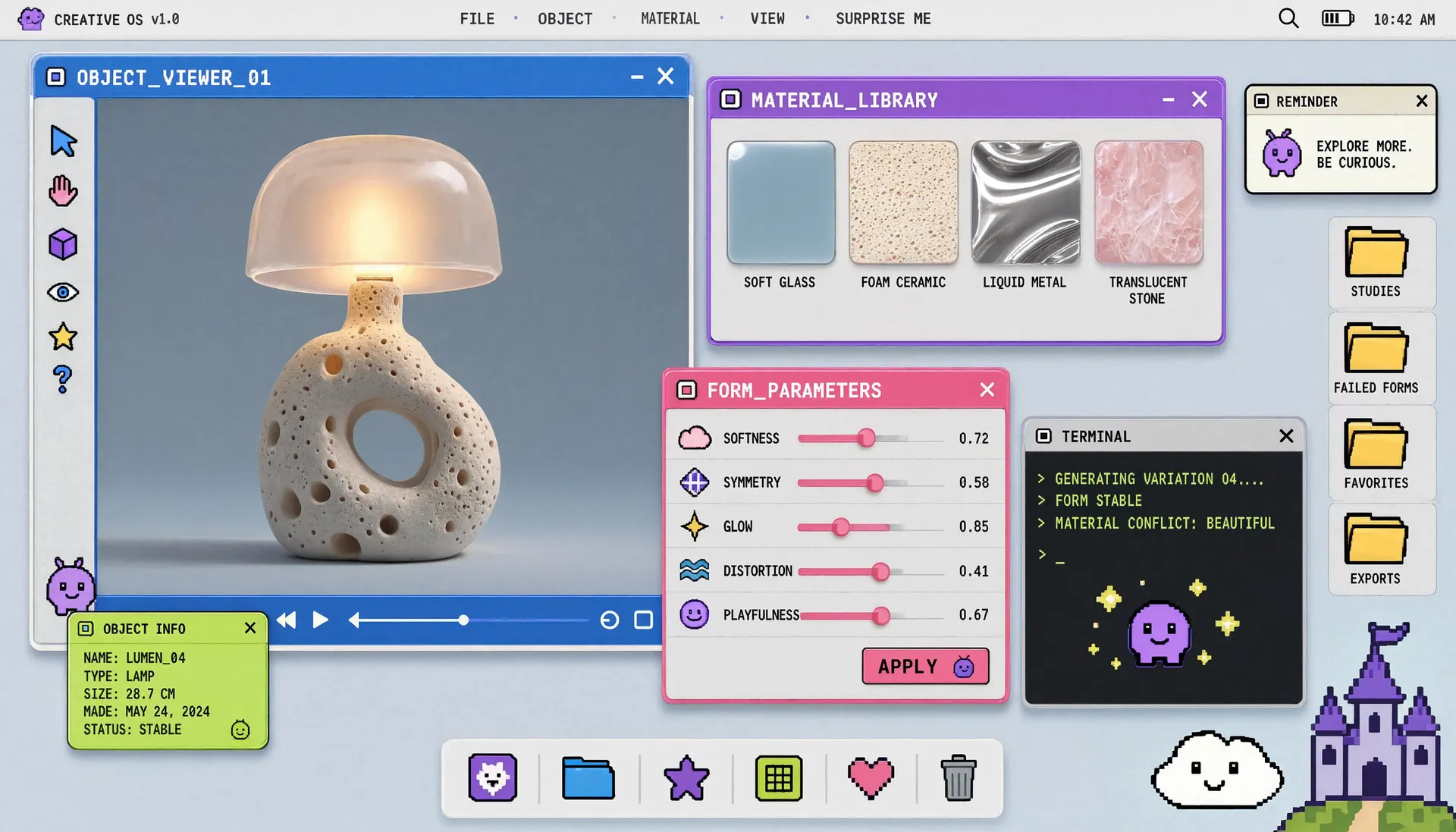
Creative OS interface concept
"Create a website homepage that looks like a fictional creative operating system for exploring generated objects. Use a pale gray or light-cyan desktop background with floating windows in vivid blue, purple, pink, cream, and neon lime. Combine clean modern interface design with playful pixel graphics and polished object photography. Include several overlapping draggable windows: A large window titled: OBJECT_VIEWER_01 Inside it, show a photorealistic sculptural lamp rotating against a neutral background. A smaller window titled: MATERIAL_LIBRARY Display swatches labeled: SOFT GLASS FOAM CERAMIC LIQUID METAL TRANSLUCENT STONE Another window titled: FORM_PARAMETERS Include sliders for: SOFTNESS SYMMETRY GLOW DISTORTION PLAYFULNESS Add a terminal-style panel containing: GENERATING VARIATION 04... FORM STABLE MATERIAL CONFLICT: BEAUTIFUL Include desktop folders named: STUDIES FAILED FORMS FAVORITES EXPORTS Across the top, add a menu bar: FILE • OBJECT • MATERIAL • VIEW • SURPRISE ME Use crisp typography, subtle window shadows, rounded corners, tiny pixel icons, realistic product renders, and a polished interface that feels functional, whimsical, and slightly surreal."
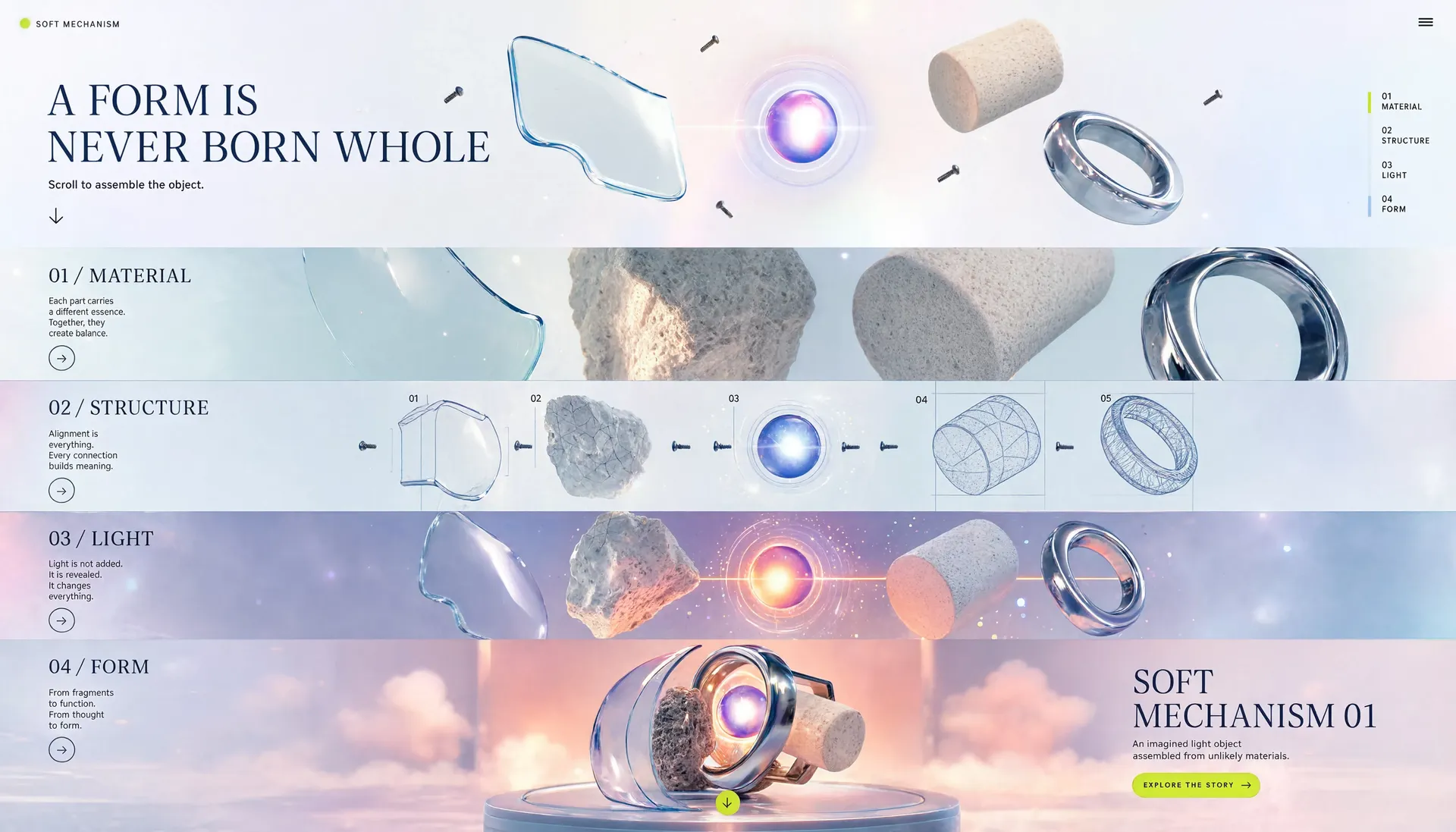
Long-form scroll experience
"Create a long-form website experience where fragments of an imagined object gradually assemble into a complete sculpture as the viewer scrolls. The opening screen should show a bright, nearly empty background with isolated floating materials: a curved glass panel, a soft foam cylinder, a polished metal ring, a glowing core, and several tiny screws or connectors. Add a large headline: A FORM IS NEVER BORN WHOLE Below it, place: Scroll to assemble the object. As the composition progresses downward, show the pieces moving closer together across distinct sections. Section one: 01 / MATERIAL Close-up views of glass, stone, foam, and metal. Section two: 02 / STRUCTURE Wireframe lines and exploded diagrams begin connecting the parts. Section three: 03 / LIGHT A glowing center appears and casts colored reflections across the materials. Section four: 04 / FORM The complete object is revealed as a photorealistic sculptural lamp in a surreal studio environment. End with: SOFT MECHANISM 01 An imagined light object assembled from unlikely materials. Use pale cyan, warm cream, vivid blue, purple, coral pink, and neon-lime accents. Add subtle motion trails, arrows, assembly numbers, and floating particles. The final design should feel cinematic, educational, whimsical, and premium."


How to access the Reve 2.1 API
The client API handles the request submit protocol. It will handle the request status updates and return the result when the request is completed.
import { fal } from "@fal-ai/client";

const result = await fal.subscribe("reve/2.1/text-to-image", {
  input: {
    prompt: "Create a long-form website composed of a sequence of bold editorial covers, with each section presenting one imagined object as if it were the cover of an independent design magazine. The first cover uses a pale cyan background with a vivid blue translucent lamp and a huge serif title: SOFT FORM. Add cover lines: THE NEW DOMESTIC SURREALISM, OBJECTS DESIGNED FOR UNREAL SPACES, ISSUE 01 / LIGHT. The second cover uses a hot-pink background with a polished silver chair and the title: LIQUID STRUCTURE. The third cover uses warm cream with a purple stone vessel and the title: MATERIAL FICTION. The fourth cover uses neon lime with a deep-brown sculptural table and the title: PLAYFUL FUNCTION. Each section has a different art direction, typography scale, object placement, and color palette while remaining part of one cohesive visual system. Use premium studio photography, dramatic cropping, oversized typography, layered captions, and the visual language of collectible art and fashion magazines.",
    aspect_ratio: "9:16",
    num_images: 1,
  },
  logs: true,
  onQueueUpdate: (update) => {
    if (update.status === "IN_PROGRESS") {
      update.logs.map((log) => log.message).forEach(console.log);
    }
  },
});

console.log(result.data);
console.log(result.requestId);
Common questions about Reve 2.1
What is Reve 2.1?
Reve 2.1 is a native 4K image model that generates, edits, and remixes images from text prompts. It focuses on sharper prompt understanding, world knowledge, and accurate text rendering, and reasons about layout and structure before rendering. It is available now on fal.ai.
What's new in Reve 2.1 compared to Reve 2.0?
Reve 2.1 brings sharper intent understanding, more world knowledge, and stronger foreign-text rendering. On the Text-to-Image Arena it scored 1306, a 36-point jump over Reve 2.0 in about a month, moving it to #2 overall. The biggest quality gains show up in marketing materials, detailed patterns, and text rendering.
What does Reve 2.1 do well?
Reve 2.1's clearest strengths are in-image text and native 4K output, along with layout control and precise editing. It keeps environmental typography legible, from signs and packaging to labels and menus, renders at a true 16 megapixels for print-ready detail, and makes it easy to iterate on a composition that has real text in it. On the Text-to-Image Arena, Reve 2.1 ranks #2 overall.
Can Reve 2.1 render text and foreign scripts?
Yes. Reve 2.1 renders dense, legible typography directly in images and has notably improved foreign-text rendering in this release. It ranks among the top models for text rendering, which makes it well suited to posters, packaging, signage, and UI mockups.
What is the difference between edit and remix?
Edit changes a single source image from a natural-language instruction, so you can adjust one region or element while keeping the rest intact. Remix takes multiple reference images (up to eight) and composes them into a new image, letting you combine subjects, styles, or backgrounds. Both are available via API.
What resolution does Reve 2.1 output?
Reve 2.1 renders at a true 16 megapixels (4096 by 4096) for native 4K detail, treating high resolution as a first-class primitive rather than an upscale. That keeps output print-ready without a separate upscaler, and you can choose from a wide range of aspect ratios, from 1:1 up to ultra-wide and tall formats.
How do I use Reve 2.1 via API?
Reve 2.1 is available through the fal.ai serverless API. Integrate it with the Python or JavaScript SDK, or call the REST API directly. Install the SDK, grab an API key from your dashboard, and make your first request in a few lines of code. No GPUs to manage, no infrastructure to set up.
Can I use Reve 2.1 for commercial projects?
Yes. Images generated through the fal.ai API can be used in commercial projects. Check fal.ai's terms of service for full details on usage rights and licensing.
Get in touch about Reve 2.1
Want to learn more about integrating Reve 2.1 into your workflow? Leave your details and our team will reach out.