Loading playground
Input
Additional Settings
Customize your input with more control.
Result
Idle

Customize your input with more control.
Customize your input with more control.
Customize your input with more control.
Your request will cost $0.01 plus $0.02 per megapixel plus $0.01 per megapixel per map type. When using 2x upscaling, an additional $0.004 per (pre-upscaling) megapixel per map will be charged, and when using 4x upscaling, an additional $0.016 per (pre-upscaling) megapixel per map will be charged. For example, A 1024x1024 material with all 5 maps and no upscaling (1K) will cost $0.08, and a 2048x2048 material with all 5 maps and 4x upscaling (8K) will cost $0.61.
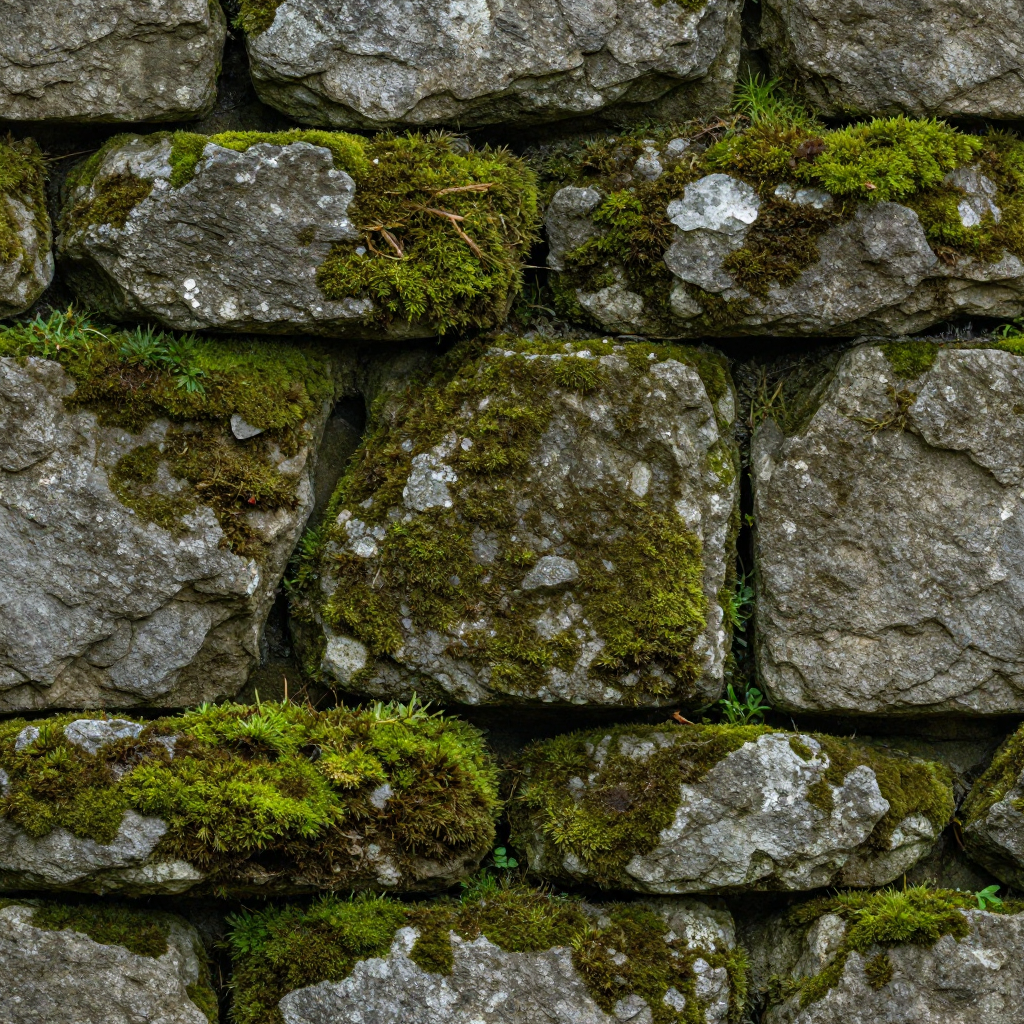

Your request will cost $0.01 plus $0.02 per megapixel plus $0.01 per megapixel per map type. When using 2x upscaling, an additional $0.004 per (pre-upscaling) megapixel per map will be charged, and when using 4x upscaling, an additional $0.016 per (pre-upscaling) megapixel per map will be charged. For example, A 1024x1024 material with all 5 maps and no upscaling (1K) will cost $0.08, and a 2048x2048 material with all 5 maps and 4x upscaling (8K) will cost $0.61.
Endpoint: fal-ai/patina/material
Category: Text-to-image (also supports image-to-image)
Pricing: $0.01 base + $0.02 per megapixel + $0.01 per megapixel per map. Upscaling adds $0.004 (2x) or $0.016 (4x) per megapixel per map.
Generate complete, seamlessly tiling PBR materials from text prompts - up to 8K resolution with built-in upscaling. Also supports image-to-image for creating variations of existing textures.
Use this endpoint to generate new PBR materials from scratch using a text description, or to create variations of an existing texture via image-to-image.
Good for:
image_url (pure image-to-image, not an edit)image_url + mask_image_urlUse a different endpoint if:
/patina/patina/material/extractjavascriptimport { fal } from "@fal-ai/client"; const result = await fal.subscribe("fal-ai/patina/material", { input: { prompt: "weathered copper patina with verdigris" } }); // result.data.images - generated texture + PBR maps
javascriptconst result = await fal.subscribe("fal-ai/patina/material", {
  input: {
    prompt: "mossy stone wall",
    image_url: "https://example.com/stone-texture.jpg",
    strength: 0.75
  }
});
| Parameter | Type | Required | Default | Description |
|---|---|---|---|---|
prompt | string | Yes | - | Text description of the material to generate |
image_size | string or object | No | square_hd | A named size, or an object like {"width": 1024, "height": 2048} |
num_inference_steps | integer | No | 8 | Number of denoising steps (1-8) |
seed | integer | No | Random | Seed for reproducible generation |
num_images | integer | No | 1 | Number of texture images to generate (1-4) |
enable_prompt_expansion | boolean | No | true | Expand prompt with an LLM for richer detail. Adds ~$0.0025. |
enable_safety_checker | boolean | No | true | Enable safety filtering on outputs |
tiling_mode | string | No | "both" | Tiling direction: both, horizontal, or vertical |
tile_size | integer | No | 128 | Tile size in latent space (64 = 512px, 128 = 1024px). Range: 32-256 |
tile_stride | integer | No | 64 | Tile stride in latent space. Range: 16-128 |
image_url | string | No | - | Input image URL for image-to-image. Without mask_image_url, creates variations. With it, performs inpainting. |
mask_url | string | No | - | Mask image for inpainting. White regions are regenerated, black regions are preserved. Requires image_url. |
strength | float | No | 0.75 | How much to transform the input image. Only used with image_url. |
maps | string[] | No | All five | Which PBR maps to predict: basecolor, normal, roughness, metalness, height. Deselect all to skip PBR estimation. |
upscale_factor | integer | No | 0 | Upscale via SeedVR seamless: 0 (none), 2 (2x), or 4 (4x) |
output_format | string | No | "png" | Output format: jpeg, png, or webp |
json{
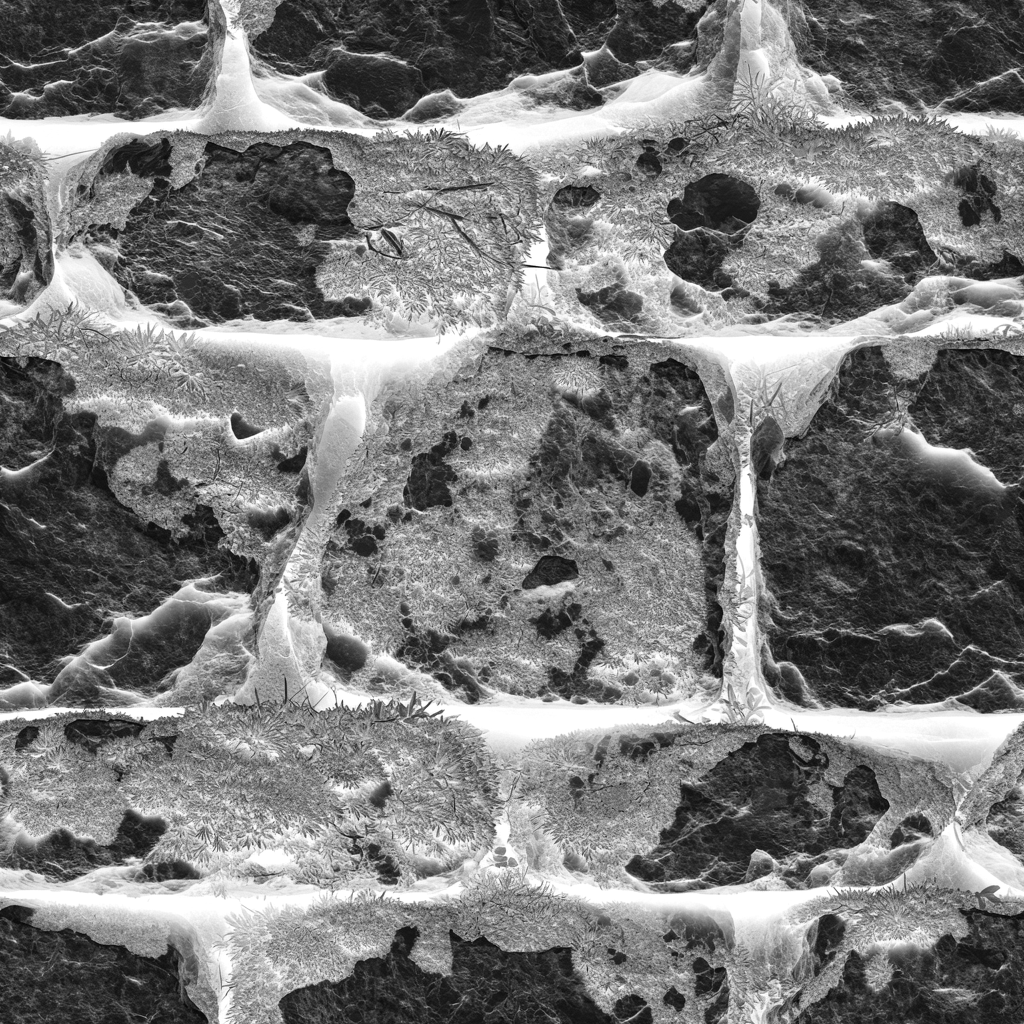
  "prompt": "mossy stone wall",
  "image_size": "square_hd",
  "maps": ["basecolor", "normal", "roughness", "metalness", "height"]
}
json{
  "prompt": "mossy stone wall",
  "image_url": "https://example.com/stone-texture.jpg",
  "strength": 0.75,
  "maps": ["basecolor", "normal", "roughness", "metalness", "height"]
}
| Field | Type | Description |
|---|---|---|
images | (ImageFile | MapImageFile)[] | The generated texture (no map_type) followed by PBR maps (each with map_type). |
seed | integer | Seed used for generation |
prompt | string | The prompt used (may differ from input if prompt expansion was enabled) |
timings | object | Timing breakdown in seconds |
json{
  "images": [
    { "url": "https://fal.media/files/..." },
    { "url": "https://fal.media/files/...", "map_type": "basecolor" },
    { "url": "https://fal.media/files/...", "map_type": "height" },
    { "url": "https://fal.media/files/...", "map_type": "normal" },
    { "url": "https://fal.media/files/...", "map_type": "roughness" },
    { "url": "https://fal.media/files/...", "map_type": "metalness" }
  ],
  "seed": 42,
  "prompt": "mossy stone wall"
}
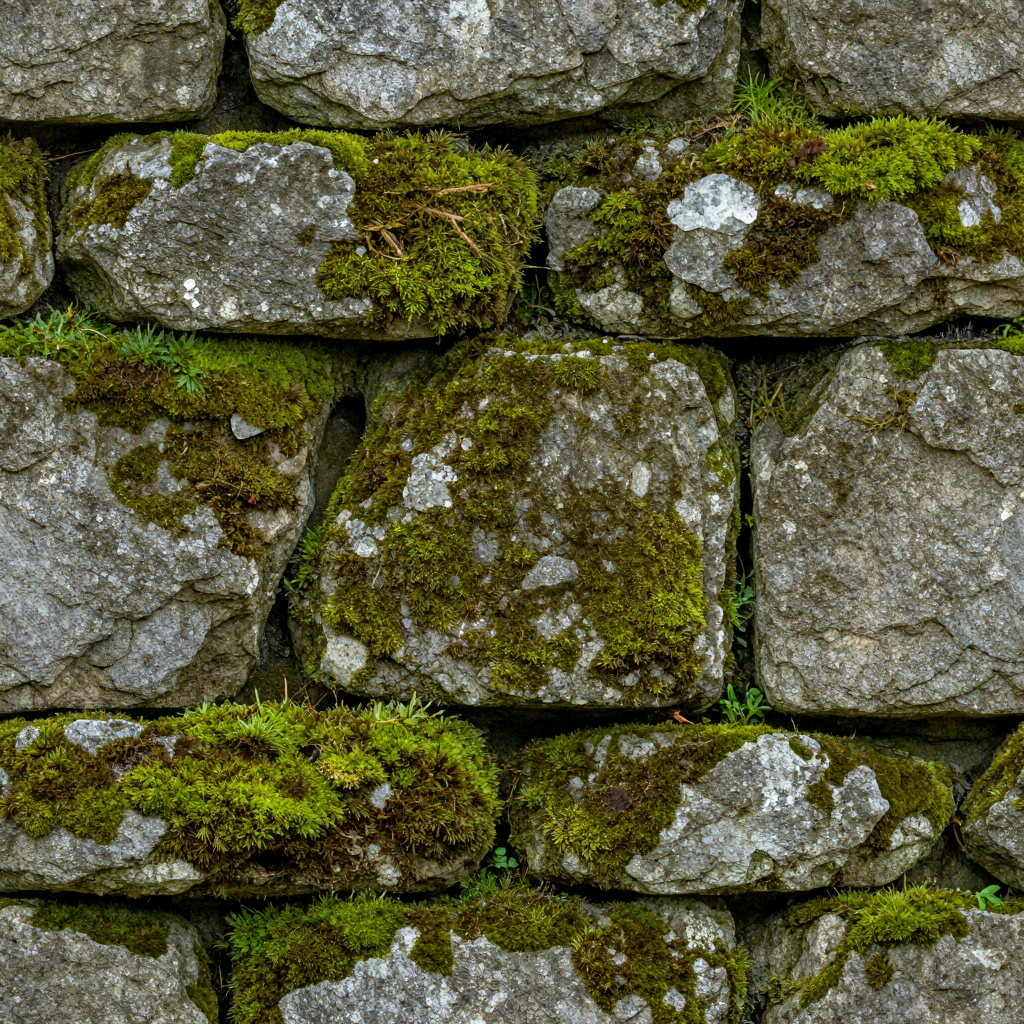
The first image (without map_type) is the generated texture itself. The rest are the PBR maps.
| Map | What it represents |
|---|---|
| Base Color | The surface color (albedo). What the material looks like without lighting effects. |
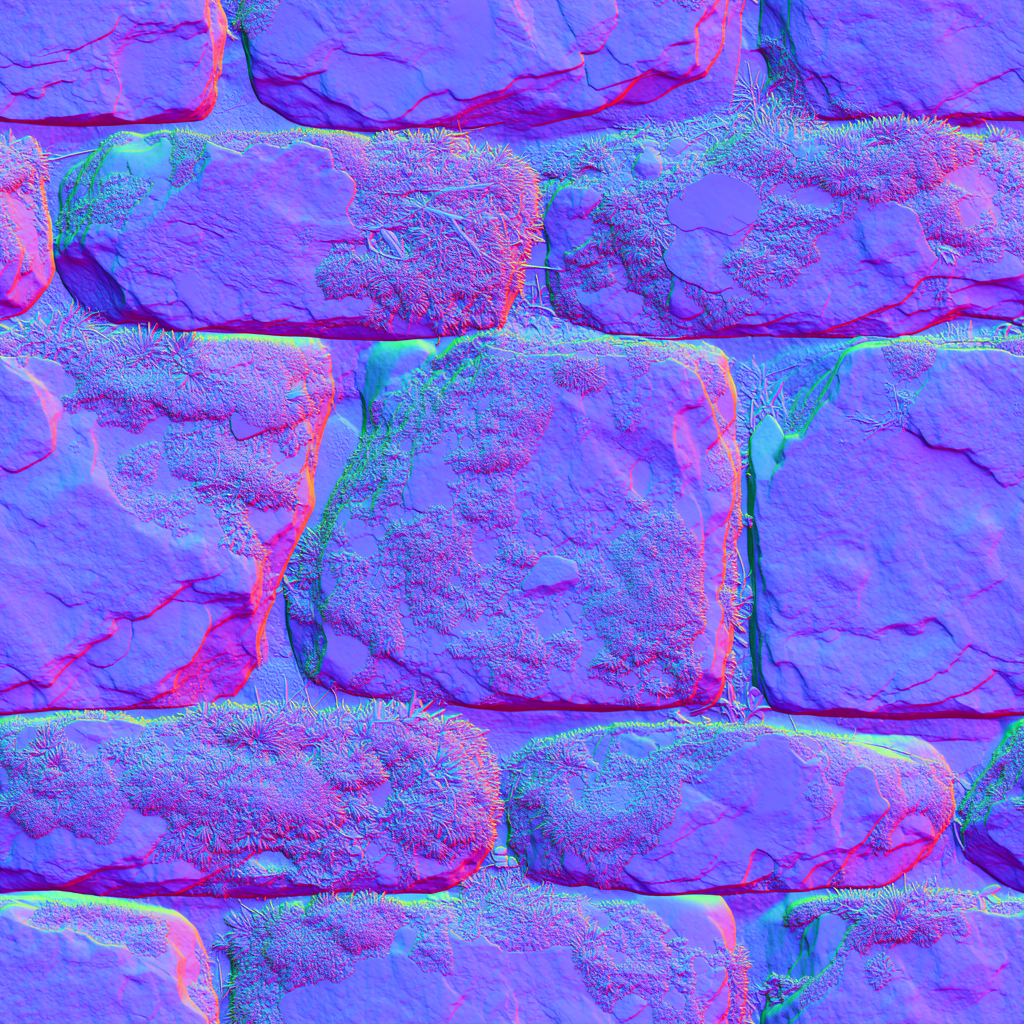
| Normal | Per-pixel surface orientation. Adds fine detail and bumps without changing geometry. |
| Roughness | How rough or smooth each point is. Controls reflection sharpness. |
| Metalness | Whether each point is metallic or dielectric. Affects how light reflects and refracts. |
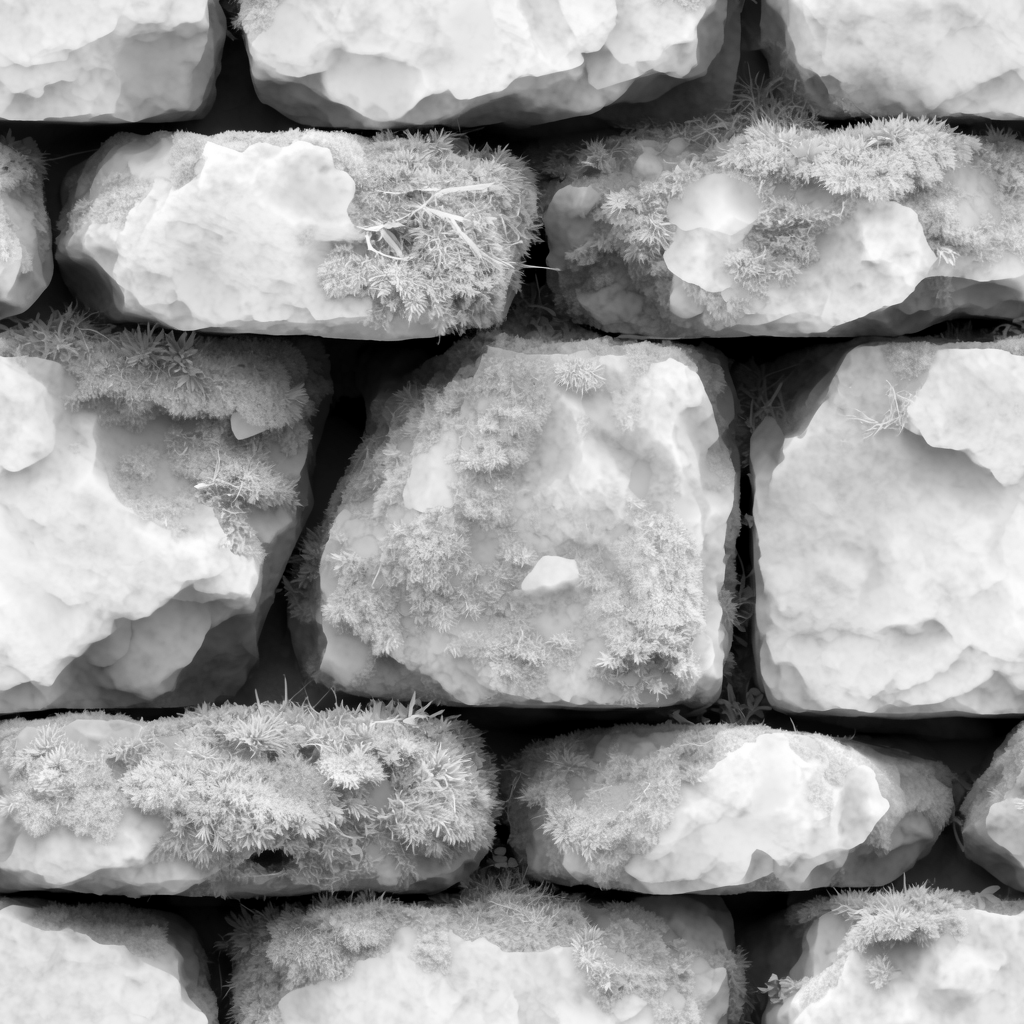
| Height | Elevation data. Can be used for parallax mapping or actual mesh displacement. |
javascriptimport { fal } from "@fal-ai/client";

const result = await fal.subscribe("fal-ai/patina/material", {
  input: {
    prompt: "mossy stone wall"
  },
  logs: true,
  onQueueUpdate: (update) => {
    if (update.status === "IN_PROGRESS") {
      update.logs.map((log) => log.message).forEach(console.log);
    }
  },
});
console.log(result.data);
pythonimport fal_client

result = fal_client.subscribe(
    "fal-ai/patina/material",
    arguments={
        "prompt": "mossy stone wall"
    },
    with_logs=True,
)
print(result)
bashcurl -X POST https://fal.run/fal-ai/patina/material \
  -H "Authorization: Key $FAL_KEY" \
  -H "Content-Type: application/json" \
  -d '{"prompt": "mossy stone wall"}'
