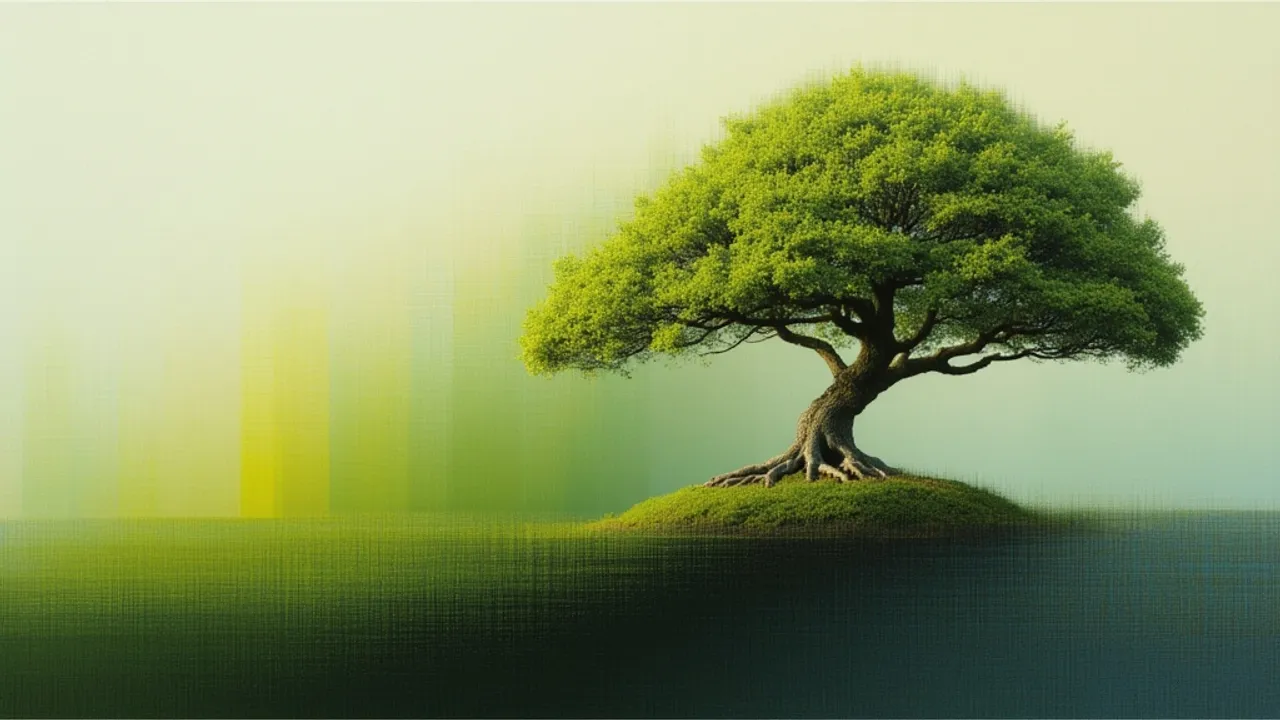
![Flux 2 [klein] Prompt Guide](https://refinery.fal.media/url/https%3A%2F%2Fv3b.fal.media%2Ffiles%2Fb%2F0a8a9bd5%2FQmraOvhzoPcVdid6feB2t_1768560216470.png/tr:w-1920,q-80/QmraOvhzoPcVdid6feB2t_1768560216470.webp)
Speed Meets Precision
Black Forest Labs designed Flux 2 [klein] to address a fundamental tension in image generation: the tradeoff between quality and latency. The 4B parameter architecture delivers production-quality visuals with sub-second inference times, handling photorealistic output and text rendering at a level that exceeds most alternatives in this speed tier. At $0.009 per megapixel, it offers an economical option for high-volume generation workflows.
When generation requires 30 or more seconds per image, prompt refinement becomes tedious and iterative exploration stalls. Flux 2 [klein] eliminates that friction. Testing prompt variations, refining compositional details, and exploring creative directions becomes fluid rather than interrupted.
Prompt Structure Hierarchy
Effective Flux 2 [klein] prompts follow a processing hierarchy that mirrors how the model interprets information: subject first, environment second, style third, technical specifications last. Research on text-to-image diffusion models demonstrates that prompt structure significantly influences generation quality, with content words (nouns and proper nouns) exerting stronger effects on output than modifiers.1
The four components of well-structured prompts include:
-
Subject Definition: Concrete, specific language outperforms abstraction. "A woman in her mid-30s with shoulder-length auburn hair" produces superior results to "a person."
-
Environmental Context: Settings require attention to lighting, atmosphere, and spatial relationships. "First light filtering through morning mist" provides specific rendering cues that "morning scene" cannot.
-
Style and Mood: Artistic direction should guide without overwhelming. Terms like "cinematic," "documentary photography," or "studio lighting" shape aesthetics efficiently.
-
Technical Details: Composition ("rule of thirds"), depth of field ("shallow focus on foreground"), and color palette ("warm earth tones") provide finishing precision.
Example demonstrating this structure:
"Professional headshot of a male architect in his 40s, salt-and-pepper beard, wearing black-rimmed glasses and charcoal blazer. Modern office background with architectural models visible but softly blurred. Natural window light from left side creating gentle shadows. Corporate photography style, sharp focus on eyes, neutral gray backdrop."
falMODEL APIs
The fastest, cheapest and most reliable way to run genAI models. 1 API, 100s of models
Parameter Configuration
The fal implementation exposes parameters that control output quality and generation characteristics. Consult the API documentation for current default values, as these may change.
| Parameter | Purpose | Guidance |
|---|---|---|
| guidance_scale | Controls prompt adherence vs. creative freedom | Lower (2-4) for artistic interpretation, higher (5-8) for strict prompt following |
| num_inference_steps | Balances quality against generation time | Reduce for rapid prototyping, increase for print-ready assets |
| acceleration | Trades detail for throughput | "regular" for production, "high" for maximum speed |
Guidance Scale: This parameter implements classifier-free guidance, which enables tradeoffs between sample quality and diversity without requiring separate classifier training.2 Lower values grant the model more interpretive freedom for artistic concepts. Higher values enforce stricter prompt adherence for product photography or technical illustrations.
Inference Steps: Fewer steps enable rapid iteration during prompt development. More steps serve maximum fidelity requirements for architectural renders, marketing materials, and print assets.
Image Size: Aspect ratio selection depends on deployment context. Landscape_4_3 suits presentations and web content. Portrait orientations serve social media and mobile applications. Square formats fit profile images and balanced compositions.
Implementation
The fal endpoint accepts a prompt as the only required parameter:
python
import fal_client

result = fal_client.subscribe(
    "fal-ai/flux-2/klein/4b",
    arguments={
        "prompt": "Japanese zen garden at first light, raked gravel patterns, koi pond with morning mist"
    }
)

image_url = result["images"][0]["url"]
The response includes an images array containing objects with url fields pointing to generated images. The safety checker is enabled by default; set enable_safety_checker: false only when you control input sources completely.
Advanced Prompting Techniques
Weighted Emphasis: Flux 2 [klein] does not use explicit weight syntax but responds to natural language emphasis. Phrases like "prominently featuring," "with particular attention to," or "especially detailed" signal priority elements to the model.
Negative Prompts: The negative_prompt parameter specifies what to avoid. Strategic use proves more effective than exhaustive listing. For portraits: "distorted features, unnatural proportions, extra limbs." For landscapes: "oversaturated colors, artificial lighting, lens distortion." Target common failure modes specific to your subject matter rather than generic quality descriptors.
Text Integration: Flux 2 [klein] handles text rendering better than most text-to-image models. When text appears in images, explicit specification improves results: "A white coffee mug with the text 'GOOD MORNING' in bold sans-serif black letters, centered on the mug surface." Specify font style, color, placement, and capitalization.
Multi-Reference Prompting: For editing workflows, the model's multi-reference conditioning enables compositional instructions: "The subject from the first image wearing the jacket from the second image, photographed in the environment from the third image." This capability distinguishes the Flux 2 family from single-reference models.
Example Prompts by Category
Product Photography: "High-end product photography of a titanium smartwatch on black marble. Dramatic side lighting creates sharp reflections on the watch face and metal band. Dark gradient background fading from charcoal to black. Commercial photography style, shallow depth of field, crystal-clear focus on watch face showing 10:10 time."
Architectural Visualization: "Modern minimalist kitchen interior, morning sunlight through floor-to-ceiling windows. White quartz countertops, matte black cabinet hardware, light oak flooring. Architectural photography perspective, wide-angle composition, natural color grading emphasizing clean lines."
Character Portrait: "Portrait of an elderly Japanese woodworker in his workshop, weathered hands holding a hand plane. Soft natural light from workshop window illuminates wood shavings and traditional tools. Documentary photography style, environmental portrait, warm color palette, shallow focus on hands and tool."
Common Mistakes
Prompt engineering failures typically fall into recognizable patterns:
-
Overloaded Prompts: Prompts exceeding 100 words create confusion. Every word should serve a purpose.
-
Vague Style References: "Make it look good" provides no actionable guidance. Reference specific techniques: "shot on Hasselblad medium format" or "impressionist painting technique."
-
Missing Composition: Many prompts describe subjects thoroughly but omit spatial relationships. Include guidance: "centered composition," "rule of thirds with subject on left vertical," or "bird's eye view."
-
Conflicting Instructions: Requesting "photorealistic portrait" and "watercolor painting style" simultaneously creates confusion. Commit to a primary aesthetic.
-
Neglected Lighting: Lighting transforms images from flat to dimensional. Always specify: "golden hour sunlight," "studio softbox lighting," or "rim lighting creating silhouette."
Iterative Workflow
Developing effective prompts requires iteration. Start with a basic prompt covering subject, environment, and style. Generate the first image and analyze results.
Fast generation times make rapid iteration practical. Adjust one element at a time: add lighting details, refine subject description, modify composition. This focused approach reveals which prompt elements drive specific visual changes.
Use the seed parameter to maintain consistency when testing variations. Set a seed value, then modify only your prompt text. This isolates prompt changes from random variation.
Document successful prompts. Build a library of effective formulas for different use cases. Note which parameters work best for portraits versus landscapes, products versus abstract concepts.
Production Considerations
For production deployments, implement appropriate error handling around the fal_client calls. The API may return errors for invalid parameters, content policy violations, or service availability issues. Consider implementing retry logic with exponential backoff for transient failures.
Cost estimation for high-volume applications: at $0.009 per megapixel, a 1024x1024 image (approximately 1 megapixel) costs roughly $0.009 per generation.
For complete API reference including all available parameters, response schemas, and error codes, consult the API documentation. For general integration guidance, see the Quickstart documentation.
Recently Added















References
-
Witteveen, S., and Andrews, M. "Investigating Prompt Engineering in Diffusion Models." arXiv:2211.15462, 2022. https://arxiv.org/abs/2211.15462 ↩
-
Ho, J., and Salimans, T. "Classifier-Free Diffusion Guidance." arXiv:2207.12598, 2022. https://arxiv.org/abs/2207.12598 ↩