Loading playground
Input
Additional Settings
Customize your input with more control.
Result
Idle

This model is no longer supported.
Customize your input with more control.
Customize your input with more control.
Customize your input with more control.
Your request will cost $0.035 per image.
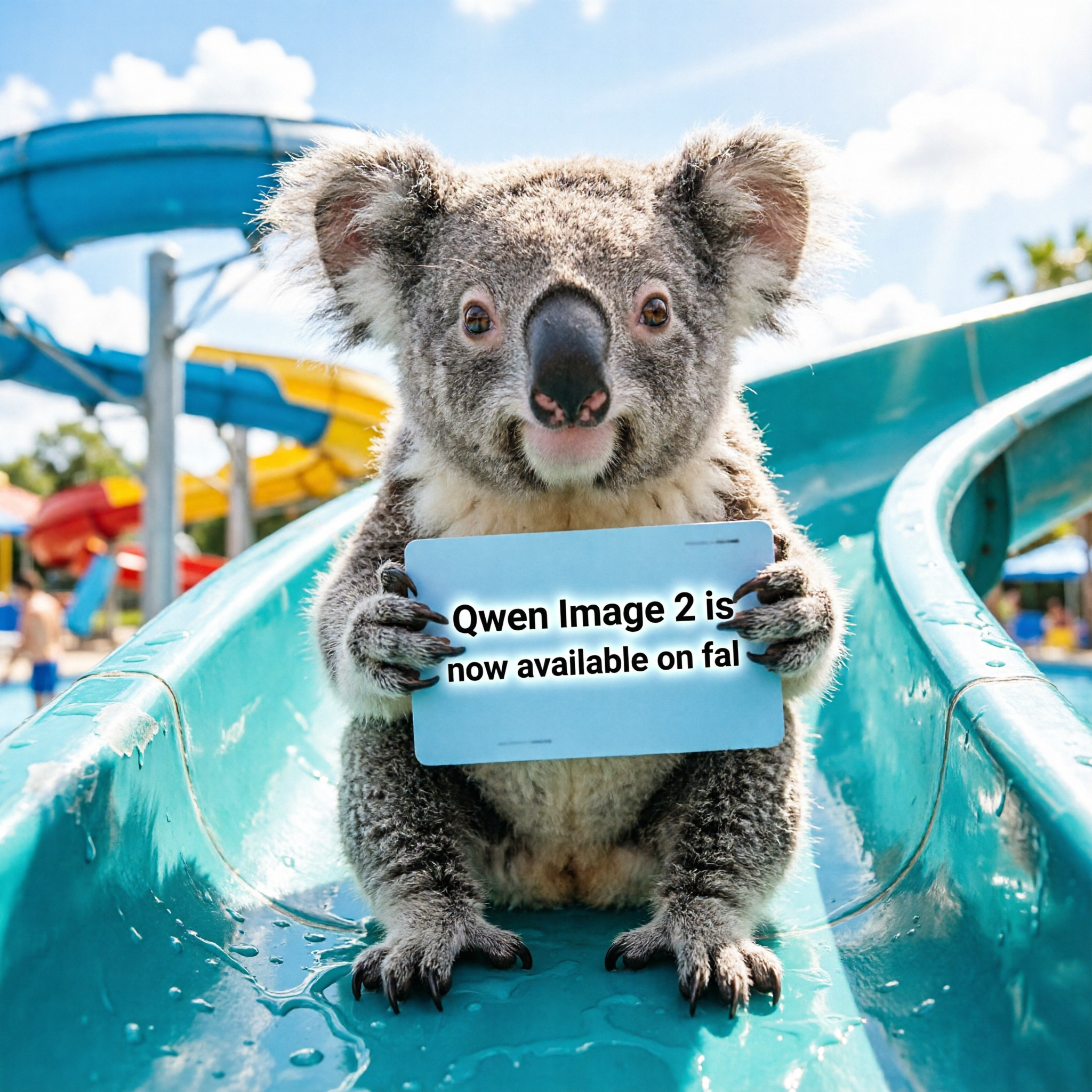
Qwen Image 2.0 is Alibaba's unified image generation model, running a 7B-parameter architecture that delivers native 2K resolution and built-in typography rendering. This standard endpoint is optimized for speed, making it ideal for rapid prototyping, prompt exploration, and iterative workflows at $0.035 per image.
The standard tier prioritizes generation speed for fast iteration. When you're ready for final production assets with maximum detail and text accuracy, switch to the Pro endpoint ($0.075/image).
| Parameter | Default | Range | Notes |
|---|---|---|---|
| prompt | — | up to 1,000 tokens | Describe subject, style, and composition |
| negative_prompt | — | string | Exclude unwanted elements |
| image_size | square | enum or custom | square, square_hd, landscape_4_3, landscape_16_9, portrait_4_3, portrait_16_9 |
| seed | random | integer | Fix for reproducible outputs |
| num_images | 1 | 1–4 | Batch multiple images in one request |
| output_format | png | png / jpeg / webp | Choose based on file size needs |
pythonimport fal_client

result = fal_client.subscribe(
    "fal-ai/qwen-image-2/text-to-image",
    arguments={
        "prompt": "Watercolor illustration of a cozy Japanese ramen shop at night, warm lantern glow, rain-slick street reflections, Studio Ghibli atmosphere",
        "image_size": "landscape_4_3"
    }
)

print(result["images"][0]["url"])
javascriptimport { fal } from "@fal-ai/client";

const result = await fal.subscribe("fal-ai/qwen-image-2/text-to-image", {
  input: {
    prompt: "Watercolor illustration of a cozy Japanese ramen shop at night, warm lantern glow, rain-slick street reflections, Studio Ghibli atmosphere",
    image_size: "landscape_4_3"
  },
});

console.log(result.data.images[0].url);
A practical approach for finding the right output:
Use a fixed seed while adjusting prompt wording to isolate what each change does.
"blurry, distorted, deformed, watermark, text artifacts" cleans up common issues.