fal-ai/qwen-image-2/edit
Qwen-Image-2.0 is a next-generation foundational unified generation-and-editing model
Inference
Commercial use
Partner
Input
Hint: Drag and drop files from your computer, images from web pages, paste from clipboard (Ctrl/Cmd+V), or provide a URL.
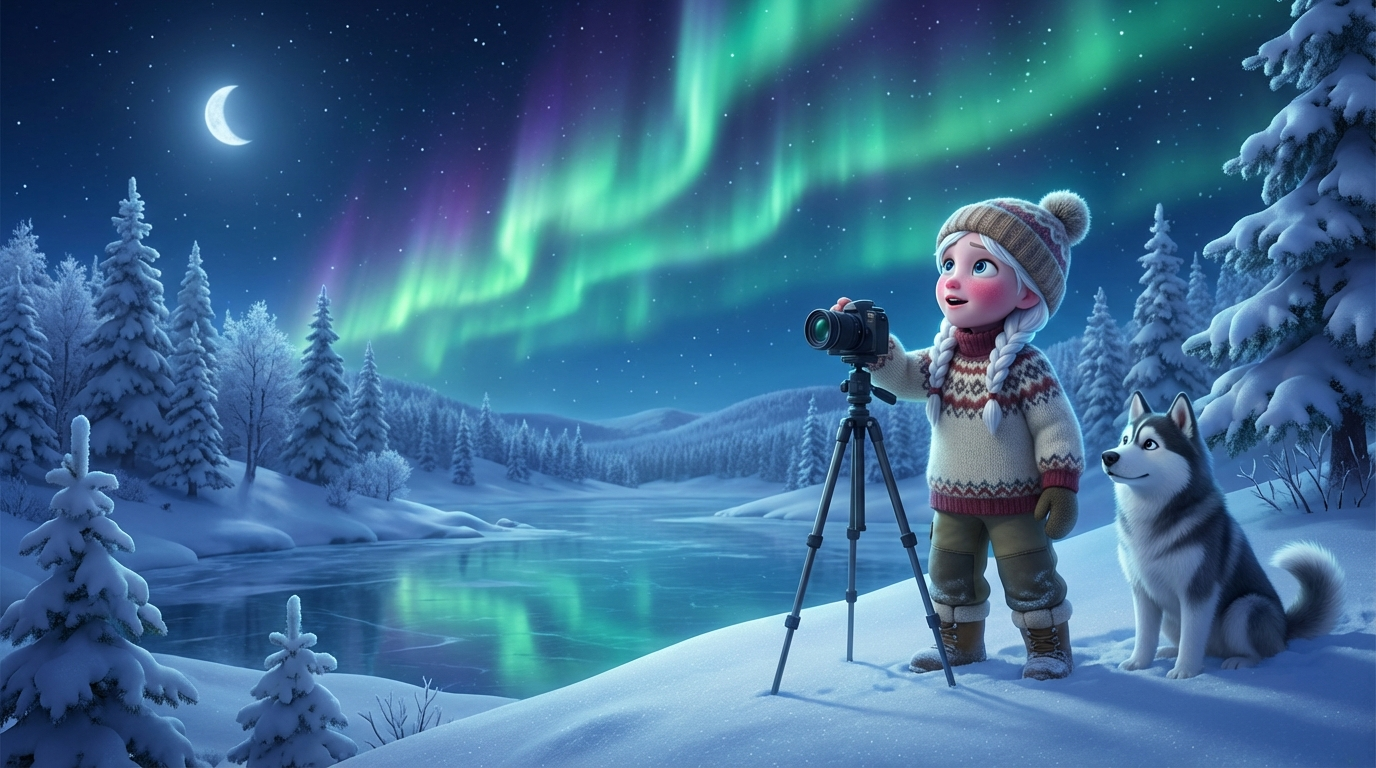
1 image added
Additional Settings
Customize your input with more control.
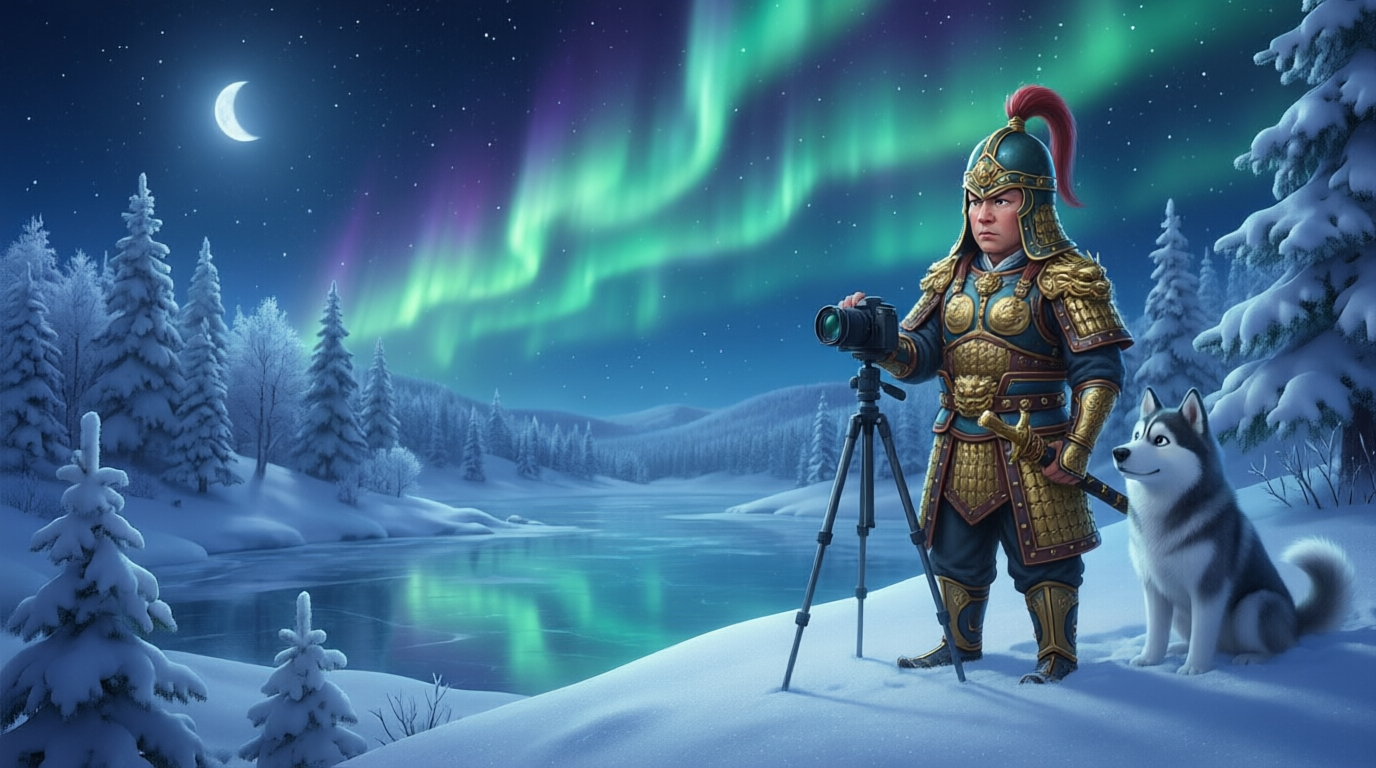
Qwen Image 2.0 — Image Editing
Qwen Image 2.0 Editing uses natural language instructions to modify images — no masks, control points, or multi-stage pipelines required. Describe the edit, provide a source image, and the model handles the rest. This standard endpoint is optimized for fast iteration at $0.035 per image.
What You Can Edit
- Backgrounds — replace, remove, or modify scene environments
- Objects — insert new elements or remove unwanted ones
- Style — apply artistic styles across the full image or specific regions
- Text — add, change, or remove text within images
- Attributes — adjust colors, lighting, materials, or object properties
- Composition — combine elements from multiple images into a cohesive result
Key Parameters
| Parameter | Default | Range | Notes |
|---|---|---|---|
| prompt | — | string | Describe the desired edit in natural language |
| image_url | — | URL | Public URL of the image to edit |
| num_images | 1 | 1–4 | Multiple variations in one request |
| seed | random | integer | Reproducible results |
| output_format | png | png / jpeg / webp | Output file format |
Quick Start
pythonimport fal_client

result = fal_client.subscribe(
    "fal-ai/qwen-image-2/edit",
    arguments={
        "prompt": "Remove the person in the background and fill the area naturally",
        "image_url": "https://example.com/your-photo.jpg"
    }
)

print(result["images"][0]["url"])
javascriptimport { fal } from "@fal-ai/client";

const result = await fal.subscribe("fal-ai/qwen-image-2/edit", {
  input: {
    prompt: "Remove the person in the background and fill the area naturally",
    image_url: "https://example.com/your-photo.jpg"
  },
});

console.log(result.data.images[0].url);
Iteration Workflow
- Test the edit — run at 15–20 steps to check if the model understands your intent
- Refine the prompt — adjust wording, add specifics about what to preserve
- Increase quality — bump to 25–28 steps once the direction is right
- Go Pro — switch to the Pro editing endpoint for the final version at maximum fidelity
Use `num_images: 2` or `3` to compare variations and pick the best result.
Prompt Writing Guide
Edit prompts need to specify both the change and the context. A few patterns that work well:
Be Explicit About the Change
- "Change the wall color from white to deep navy blue"
- "Replace the wooden table with a glass desk"
- "Add a potted plant in the empty corner on the left"
Mention What to Preserve
- "...keep the lighting and shadows consistent"
- "...preserve the subject's expression and pose"
- "...maintain the original color palette for everything else"
Avoid Vague Instructions
- Too vague: "Make it look better" — the model has no direction
- Better: "Increase the contrast, deepen the shadows, and add warm golden tones to the highlights"
Guidance Scale Tuning
The `guidance_scale` parameter is particularly important for editing:
- 2–4: Loose interpretation — good for creative style transfer where you want the model to improvise
- 4–7: Balanced — works for most practical edits (background swaps, object changes, color adjustments)
- 7–12: Strict adherence — useful when the prompt must be followed precisely, but may produce artifacts
Start at the default (4.5) and adjust based on results.
Related Endpoints
- Image Editing (Pro) — higher fidelity for production assets
- Text to Image — generate new images from text
- API Reference — full parameter documentation