Loading playground
Input
Additional Settings
Customize your input with more control.
Result
Idle

Customize your input with more control.
Customize your input with more control.
Hint: Drag and drop image files from your computer, images from web pages, paste from clipboard (Ctrl/Cmd+V), or provide a URL. Accepted file types: jpg, jpeg, png, webp, gif, avif, heic, heif
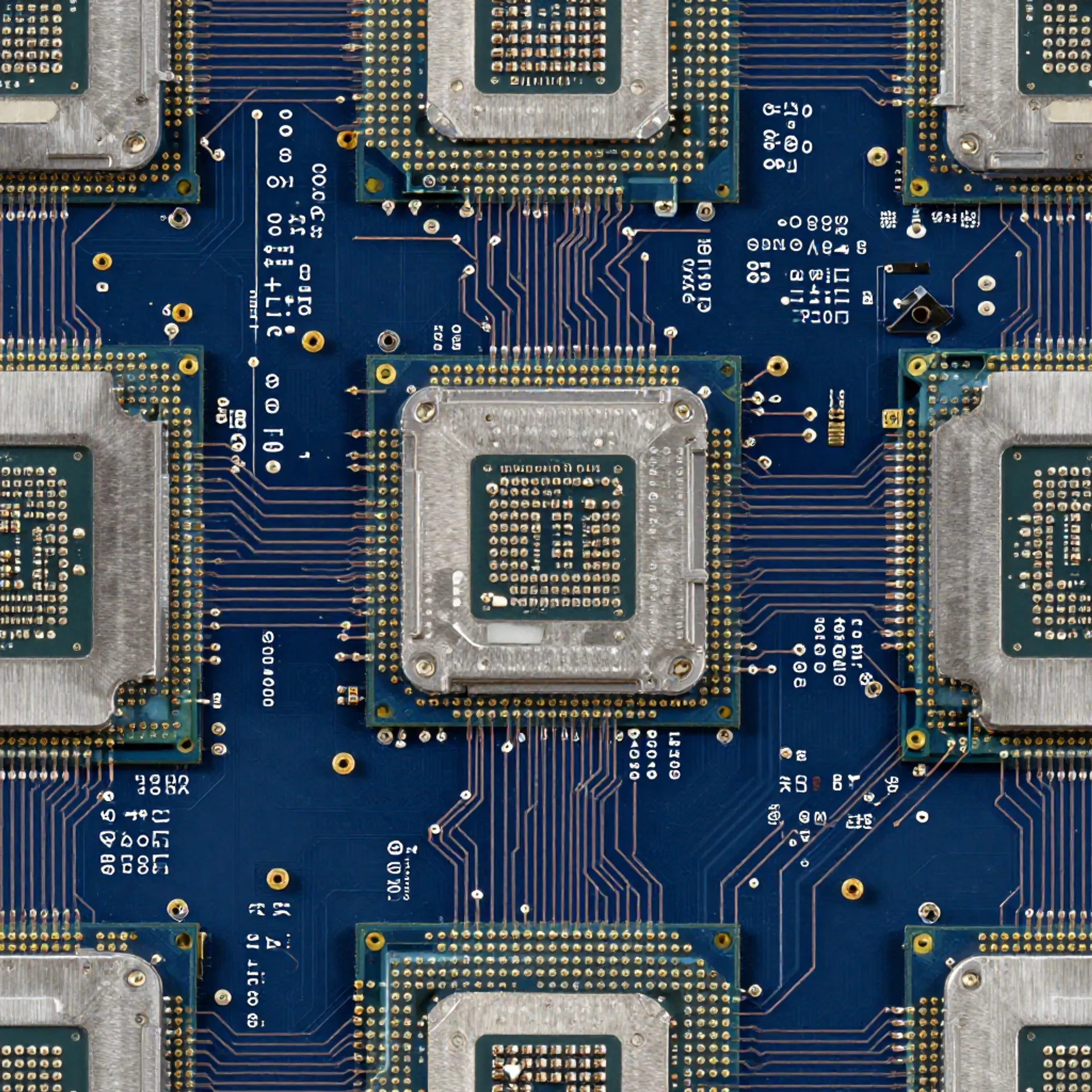
Customize your input with more control.
Your request will cost $0.01 plus $0.01 per megapixel, per output map. For example, a 1024x1024 input image generating all 5 map types will cost $0.06
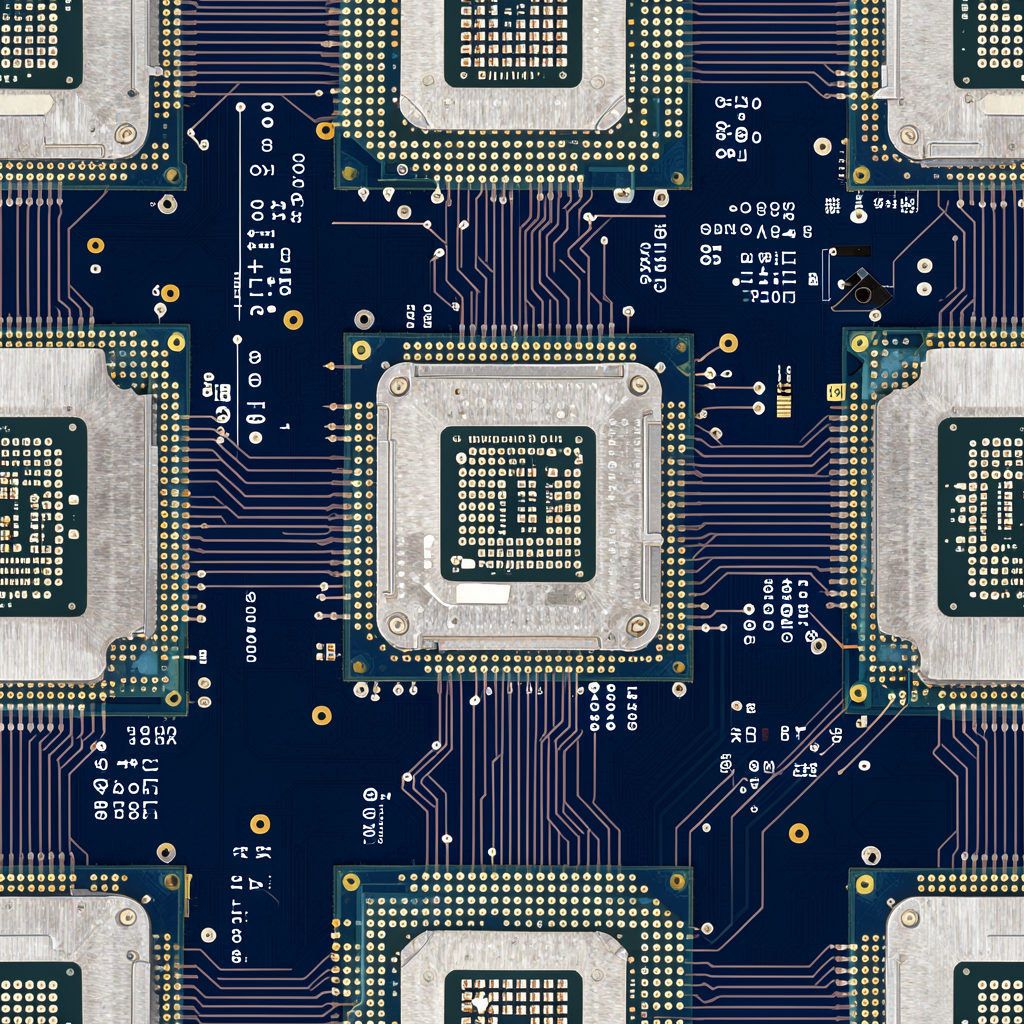
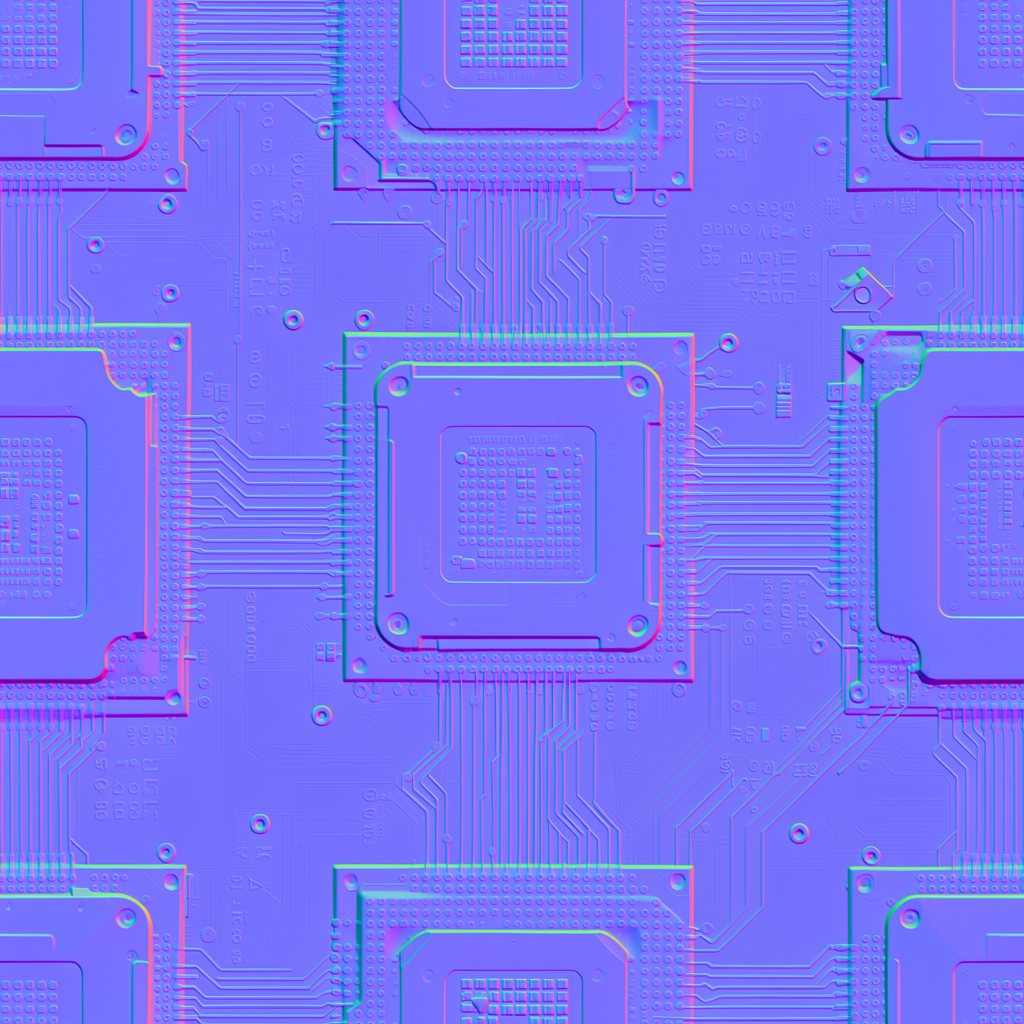


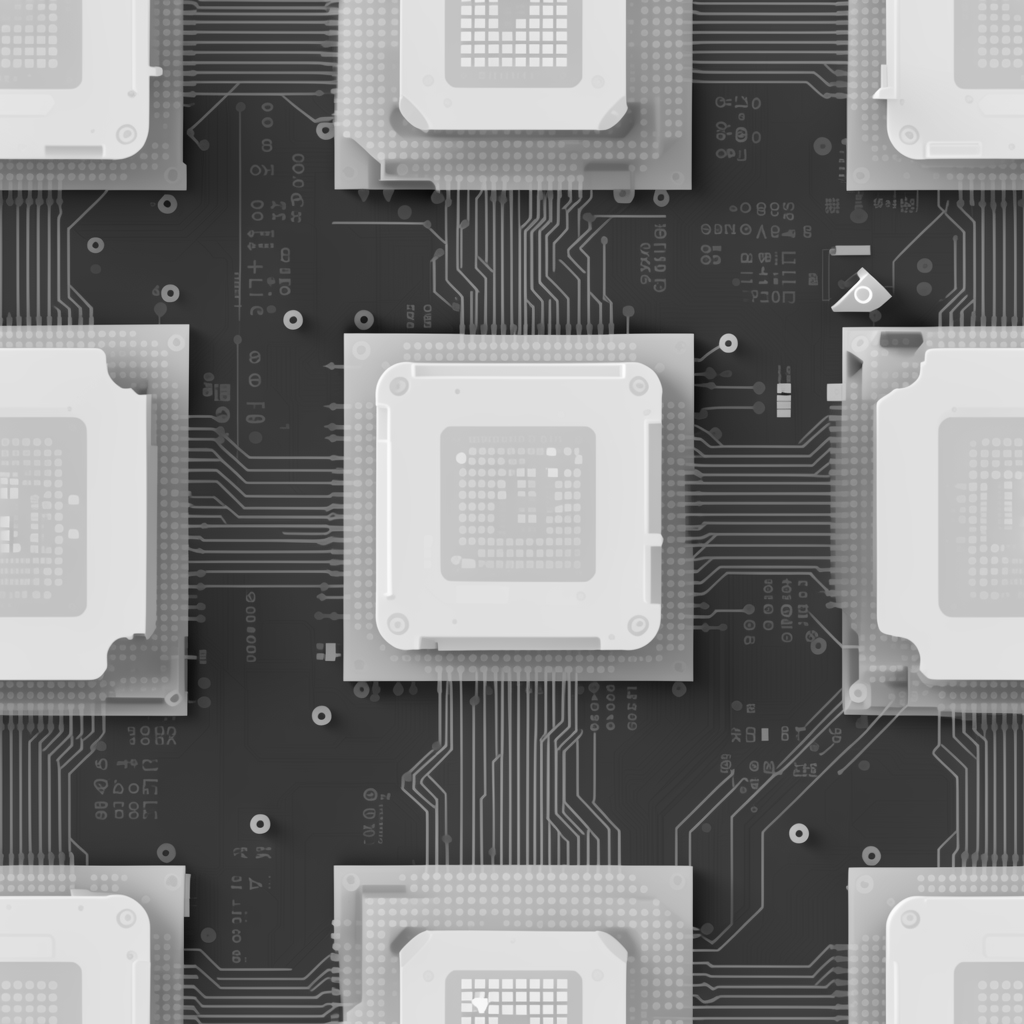
Your request will cost $0.01 plus $0.01 per megapixel, per output map. For example, a 1024x1024 input image generating all 5 map types will cost $0.06
Endpoint: fal-ai/patina
Category: Image-to-image
Pricing: $0.01 base + $0.01 per megapixel per output map
Give PATINA an image that already looks the way you want, and it will predict a full set of PBR material maps from it. The image itself is not modified - it is analyzed to extract physically-based material properties.
Use this endpoint when you already have a texture or photo and just need PBR maps generated from it. No changes are made to the original image.
Good for:
Use a different endpoint if:
/patina/material/patina/material with image_url/patina/material/extractjavascriptimport { fal } from "@fal-ai/client"; const result = await fal.subscribe("fal-ai/patina", { input: { image_url: "https://example.com/my-texture.jpg" } }); // result.data.images - array of PBR maps, each with a map_type
| Parameter | Type | Required | Default | Description |
|---|---|---|---|---|
image_url | string | Yes | - | URL of the input image (photo or render) |
maps | string[] | No | All five | Which PBR maps to generate: basecolor, normal, roughness, metalness, height |
seed | integer | No | Random | Seed for reproducible denoising |
output_format | string | No | "png" | Output format: jpeg, png, or webp |
enable_safety_checker | boolean | No | true | Enable safety filtering on outputs |
sync_mode | boolean | No | false | If true, return images as data URIs instead of CDN URLs |
json{
  "image_url": "https://example.com/brick-wall.jpg",
  "maps": ["basecolor", "normal", "roughness", "metalness", "height"],
  "output_format": "png"
}
| Field | Type | Description |
|---|---|---|
images | MapImageFile[] | Array of predicted PBR maps. Each entry includes url, content_type, file_name, file_size, and map_type |
seed | integer | The seed used for denoising |
timings | object | Timing breakdown in seconds |
json{
  "images": [
    { "url": "https://fal.media/files/...", "map_type": "basecolor" },
    { "url": "https://fal.media/files/...", "map_type": "normal" },
    { "url": "https://fal.media/files/...", "map_type": "roughness" },
    { "url": "https://fal.media/files/...", "map_type": "metalness" },
    { "url": "https://fal.media/files/...", "map_type": "height" }
  ],
  "seed": 42
}
| Map | What it represents |
|---|---|
| Base Color | The surface color (albedo). What the material looks like without lighting effects. |
| Normal | Per-pixel surface orientation. Adds fine detail and bumps without changing geometry. |
| Roughness | How rough or smooth each point is. Controls reflection sharpness. |
| Metalness | Whether each point is metallic or dielectric. Affects how light reflects and refracts. |
| Height | Elevation data. Can be used for parallax mapping or actual mesh displacement. |
javascriptimport { fal } from "@fal-ai/client";

const result = await fal.subscribe("fal-ai/patina", {
  input: {
    image_url: "https://example.com/my-texture.jpg"
  },
  logs: true,
  onQueueUpdate: (update) => {
    if (update.status === "IN_PROGRESS") {
      update.logs.map((log) => log.message).forEach(console.log);
    }
  },
});
console.log(result.data);
pythonimport fal_client

result = fal_client.subscribe(
    "fal-ai/patina",
    arguments={
        "image_url": "https://example.com/my-texture.jpg"
    },
    with_logs=True,
)
print(result)
bashcurl -X POST https://fal.run/fal-ai/patina \
  -H "Authorization: Key $FAL_KEY" \
  -H "Content-Type: application/json" \
  -d '{"image_url": "https://example.com/my-texture.jpg"}'
