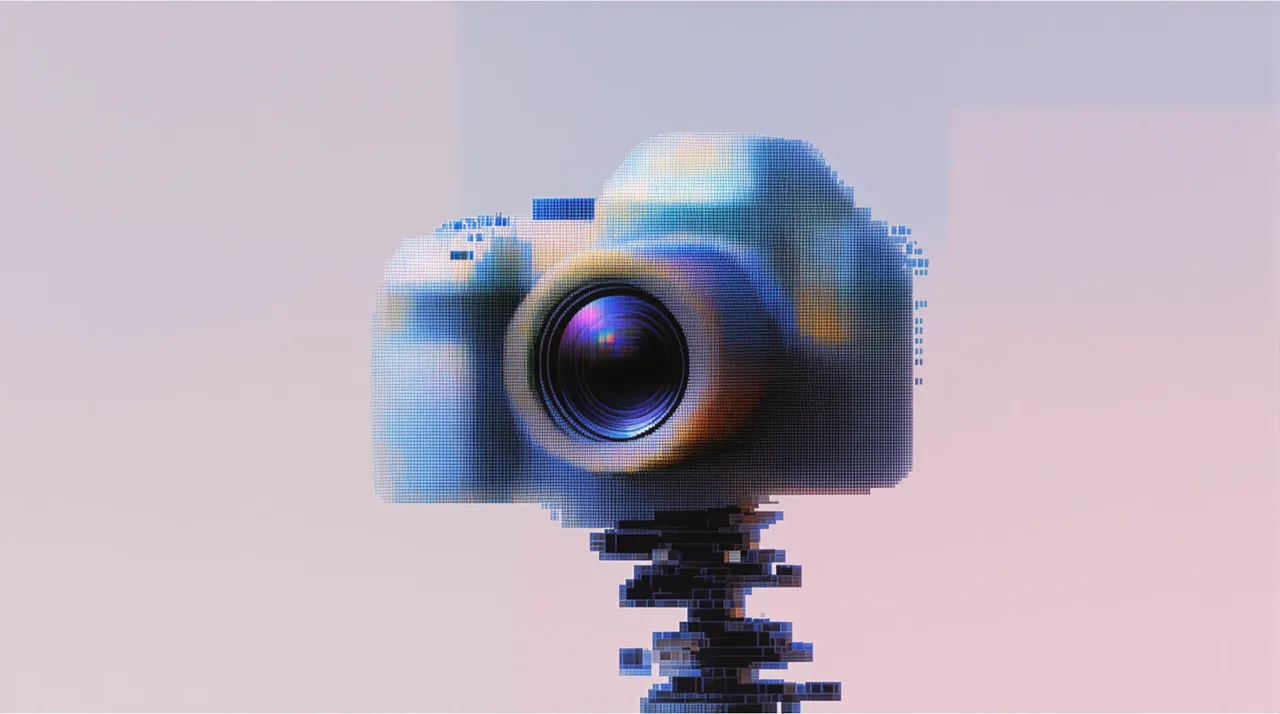
Building with ImagineArt 1.5 Pro
Text-to-image generation has advanced considerably since early diffusion models first demonstrated coherent image synthesis from natural language descriptions.1 ImagineArt 1.5 Pro represents the current state of this progression, generating ultra-high-fidelity 4K visuals with particular strength in human subjects, where accurate rendering of faces, figures, and skin texture remains one of the more challenging aspects of image synthesis.
The model operates through fal's serverless infrastructure, which abstracts GPU provisioning, model loading, and horizontal scaling. Developers submit text prompts via API and receive CDN-hosted images without managing underlying compute resources. At $0.045 per image, ImagineArt 1.5 Pro is as a premium option optimized for professional workflows requiring maximum visual fidelity.
falMODEL APIs
The fastest, cheapest and most reliable way to run genAI models. 1 API, 100s of models
Python Implementation
python
import fal_client

def generate_image(prompt, aspect_ratio="16:9", seed=None):
    arguments = {
        "prompt": prompt,
        "aspect_ratio": aspect_ratio
    }

    if seed is not None:
        arguments["seed"] = seed

    result = fal_client.subscribe(
        "imagineart/imagineart-1.5-pro-preview/text-to-image",
        arguments=arguments
    )
    return result

result = generate_image(
    "A photorealistic portrait with natural sunlight, shallow depth of field",
    aspect_ratio="3:4"
)
print(f"Generated image: {result['images'][0]['url']}")
The client expects FAL_KEY to be set in your environment. The subscribe method handles the asynchronous generation process, polling for completion and returning the result when ready.
JavaScript Implementation
javascript
import { fal } from "@fal-ai/client";

async function generateImage(prompt, aspectRatio = "16:9", seed = null) {
  const input = { prompt, aspect_ratio: aspectRatio };
  if (seed !== null) input.seed = seed;

  const result = await fal.subscribe(
    "imagineart/imagineart-1.5-pro-preview/text-to-image",
    { input, logs: true }
  );
  return result;
}

const result = await generateImage(
  "Professional product photograph with dramatic side lighting",
  "4:3"
);
console.log("Image URL:", result.data.images[0].url);
Request Parameters
The API accepts three parameters:
| Parameter | Type | Required | Description |
|---|---|---|---|
prompt | string | Yes | Text description of the desired image |
aspect_ratio | string | No | Image dimensions (default: 1:1) |
seed | integer | No | Integer for reproducible results |
Supported aspect ratios: 1:1, 16:9, 9:16, 4:3, 3:4, 3:1, 1:3, 3:2, 2:3.
Prompt specificity significantly affects output quality. Structured prompts combining subject specification with style modifiers produce more coherent results than vague descriptions.2 Rather than requesting "a portrait," specify "a close-up portrait with natural window lighting, shallow depth of field, and warm color grading."
Aspect ratio selection should align with intended use cases:
- 16:9 for landscape imagery and cinematic compositions
- 9:16 for mobile-first content and vertical video thumbnails
- 4:3 for traditional photography compositions
- 1:1 for social media profiles and product catalogs
Seed values enable reproducibility. Identical prompts with identical seeds produce identical results, which proves valuable for A/B testing and maintaining consistency across image series.
Response Format
The API returns structured JSON with PNG images:
json
{
  "images": [
    {
      "url": "https://fal.media/files/...",
      "width": 1024,
      "height": 1024,
      "content_type": "image/png",
      "file_name": "generated.png",
      "file_size": 4404019
    }
  ]
}
Image URLs point to CDN-hosted files available for a limited time. Download and store images in your own infrastructure for long-term availability.
Error Handling
Production applications require robust error handling. Implement exponential backoff for transient failures:
python
import time
import random

def generate_with_retry(prompt, max_retries=3):
    for attempt in range(max_retries):
        try:
            return fal_client.subscribe(
                "imagineart/imagineart-1.5-pro-preview/text-to-image",
                arguments={"prompt": prompt}
            )
        except Exception as e:
            if attempt == max_retries - 1:
                raise
            wait_time = (2 ** attempt) + random.uniform(0, 1)
            time.sleep(wait_time)
Validate inputs before API calls: verify prompts are non-empty, confirm aspect ratios match accepted values, and ensure seeds are valid integers. Client-side validation prevents unnecessary API calls and improves user experience.
Log failures with context including timestamp, prompt, parameters, and error messages. This data proves invaluable when debugging production issues or identifying failure patterns.
Performance Considerations
Generation times vary based on queue depth and system load. Implement application-side rate limiting to control request volume. While fal's infrastructure handles scaling automatically, tracking generation counts per user or session helps manage costs and prevent abuse.
For high-volume applications, consider using fal's queue API with webhooks rather than blocking on each request. Submit requests asynchronously and receive results via callback:
javascript
const { request_id } = await fal.queue.submit(
  "imagineart/imagineart-1.5-pro-preview/text-to-image",
  { input: { prompt }, webhookUrl: "https://your-api.com/webhook" }
);
Pricing
ImagineArt 1.5 Pro costs $0.045 per generated image regardless of aspect ratio. For comparison, the standard ImagineArt 1.5 Preview costs $0.03 per image at 2048x2048 resolution. The Pro variant's premium reflects its 4K output capability and enhanced visual fidelity.
Monitor usage patterns to forecast costs accurately. Most applications exhibit predictable patterns with spikes during business hours and reduced activity overnight. Use this data to set appropriate rate limits and budget alerts.
Production Deployment
Moving from prototype to production requires attention to several operational concerns:
- Store API keys in a secret management system (AWS Secrets Manager, HashiCorp Vault) rather than environment variables on production servers
- Track success rates, generation times, and error frequencies with alerting for anomalies
- Download images from fal's temporary URLs and upload to your own storage with CDN distribution
- Store generated images with their prompts and parameters to serve repeated requests from cache
- Process batch requests in parallel rather than sequentially to reduce total processing time
Implementation
Before deploying to production:
- API key stored in secure secret management system
- Client library updated to
@fal-ai/client(JavaScript) orfal-client(Python) - Input validation implemented client-side
- Error handling with exponential backoff configured
- Image caching strategy implemented
- Rate limiting configured per user/session
- Monitoring and alerting set up
- Image storage and CDN distribution configured
- Cost tracking and budget alerts enabled
ImagineArt 1.5 Pro combined with fal's serverless infrastructure provides a foundation for production AI image generation at professional quality levels. Begin with single-image generation, then expand to batch processing or automated content pipelines as requirements grow. For additional guidance on API integration patterns, consult the fal quickstart documentation.
Recently Added



















References
-
Zhang, Chenshuang, et al. "Text-to-image Diffusion Models in Generative AI: A Survey." arXiv preprint arXiv:2303.07909, 2023. https://arxiv.org/abs/2303.07909 ↩
-
Liu, Vivian, and Lydia B. Chilton. "Design Guidelines for Prompt Engineering Text-to-Image Generative Models." CHI Conference on Human Factors in Computing Systems, 2022. https://arxiv.org/abs/2109.06977 ↩