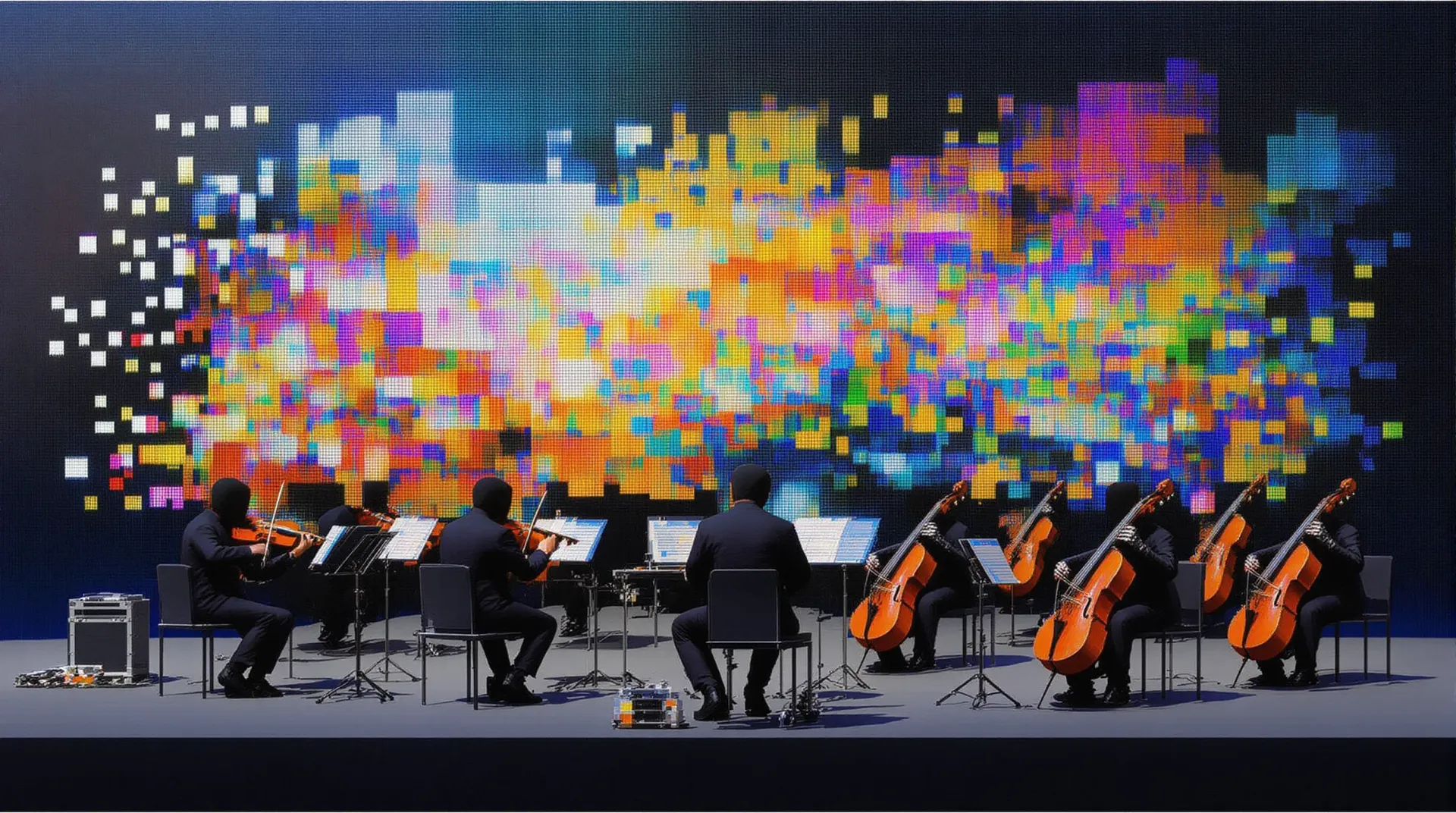
The Anatomy of an Effective Music Prompt
The distinction between forgettable AI-generated music and a track with genuine presence comes down to prompt construction. Text-to-music models use hierarchical sequence-to-sequence architectures that learn associations between natural language and audio characteristics, meaning word choice directly influences harmonic content, timbre, and arrangement.1 After extensive testing across genres, a consistent pattern emerges: prompts that combine structural clarity with interpretive flexibility produce the most compelling results.
ElevenLabs Music processes two distinct prompt styles with equal proficiency. Abstract emotional descriptors like "melancholic," "triumphant," or "unsettling" guide the model toward appropriate harmonic progressions, tempo ranges, and instrumentation without requiring formal music theory knowledge.
Alternatively, detailed musical specifications such as "dissonant violin screeches over a pulsing sub-bass in 6/8 time" provide technical constraints that define precise sonic characteristics. Concise prompts often outperform verbose ones. A focused phrase like "rainy day jazz cafe" frequently yields more cohesive output than a paragraph of conflicting instructions, as the model interprets intent and supplies contextually appropriate details.
Foundational Prompt Structure
Genre and Mood as Your Starting Point
Every effective Eleven Music prompt begins with clear genre and emotional direction. This establishes the fundamental framework before layering additional specifications.
Consider these opening patterns:
- "Upbeat synthwave track with nostalgic 80s energy"
- "Dark ambient soundscape, foreboding and mysterious"
- "Cheerful acoustic folk song, warm and inviting"
Each example combines genre identification (synthwave, ambient, folk) with emotional tone (nostalgic, foreboding, warm). This dual specification provides both stylistic boundaries and expressive direction.
Strategic Descriptor Layering
Once you establish the foundation, add complementary descriptors that refine without contradicting. Consider this process as applying increasingly precise adjustments to your initial concept.
An effective layered prompt might read: "Epic orchestral composition, heroic and triumphant, featuring soaring brass fanfares, driving percussion, and sweeping string movements."
This construction moves from broad classification (epic orchestral) to emotional character (heroic, triumphant) to specific instrumental elements. Each layer adds definition while maintaining coherence with preceding specifications.
Precise Instrumentation Control
When specific instruments matter for your application, the "solo" keyword provides powerful isolation capabilities. This technique proves particularly valuable for stem creation or when emphasizing particular sonic elements.
Instrumentation prompts include:
- "Solo electric guitar with bluesy bends and warm overdrive"
- "Solo piano in C minor, contemplative and sparse"
- "Solo synthesizer lead, bright and cutting through the mix"
For vocal isolation, substitute "a cappella" as your keyword:
- "A cappella female vocals, soulful and powerful"
- "A cappella male chorus, harmonized and reverent"
Including musical keys (C minor, E major) substantially improves the model's ability to generate harmonically consistent content, particularly when planning to combine multiple generated sections.
falMODEL APIs
The fastest, cheapest and most reliable way to run genAI models. 1 API, 100s of models
Advanced Prompt Techniques
Include and Exclude Styles
Sometimes the most direct path to your target sound involves specifying what to avoid. This negative prompting technique prevents unwanted stylistic elements from appearing in your output.
A balanced prompt with exclusions might read: "Modern electronic dance track with organic percussion and warm bass, no harsh synths, no aggressive drops."
This approach proves especially useful in hybrid genres where certain conventional elements might conflict with your creative vision.
Section-by-Section Construction
For productions exceeding 30 seconds or compositions with distinct structural movements, iterative section building produces superior results compared to generating complete tracks in a single pass.
| Workflow Step | Description |
|---|---|
| Generate foundation | Create a 30-second opening section with your core musical idea |
| Evaluate and iterate | Regenerate until that foundation feels right |
| Extend composition | Add subsequent sections with prompts referencing established style |
| Refine transitions | Use the editor to adjust transitions and section durations |
Section-specific prompt examples:
- Intro: "Ambient pad introduction, building anticipation"
- Verse: "Stripped back instrumentation, intimate vocal delivery"
- Chorus: "Full arrangement, energetic and anthemic"
- Bridge: "Tempo change, unexpected harmonic shift"
This methodology provides granular control over song structure while maintaining stylistic consistency throughout.
Conversational Edit Prompts
When refining existing generations, conversational language often works more effectively than technical specifications. The model interprets creative intent expressed naturally.
Effective edit prompts include:
- "Make the drums more prominent and punchy"
- "Add a subtle string pad underneath the chorus"
- "Reduce the reverb on vocals for a more intimate feel"
- "Introduce a guitar solo in the bridge section"
Natural language instructions enable rapid iteration without reconstructing your entire prompt.
Genre-Specific Prompt Examples
Electronic and Dance Music
"Progressive house track, euphoric and uplifting, featuring filtered chord stabs, rolling bassline, and crisp percussion, building energy toward a satisfying drop"
Balance technical elements (filtered chord stabs, rolling bassline) with emotional direction (euphoric, uplifting). ElevenLabs Music interprets dance music conventions effectively within this framework.
Cinematic and Orchestral
"Dramatic film score, tense and suspenseful, sparse piano melody over sustained string tremolo, gradually building with brass accents and timpani hits"
Terms like "building," "swelling," and "crescendo" guide the model toward appropriate dramatic structure.
Acoustic and Singer-Songwriter
"Intimate acoustic ballad, bittersweet and reflective, fingerpicked guitar in DADGAD tuning, gentle vocal melody with subtle harmonies"
Textural details (fingerpicked, subtle) and tuning specifications create authenticity.
Hip-Hop and Urban
"Boom bap hip-hop beat, gritty and raw, dusty drum break, deep sub-bass, vinyl crackle atmosphere, minor key piano stabs"
Emphasize production aesthetics (gritty, dusty, vinyl crackle) alongside musical elements.
Ambient and Soundscapes
"Ethereal ambient soundscape, peaceful and meditative, slowly evolving pad textures, distant bell tones, no rhythm or percussion"
Temporal descriptors (slowly evolving) and explicit exclusions (no rhythm) prevent the model from introducing conventional song elements.
Common Prompt Mistakes
Contradictory Instructions
Prompts requesting "energetic but calm" or "aggressive yet peaceful" force the model to reconcile opposing directions, producing muddled output. Select a primary emotional direction and use compatible modifiers: "energetic but controlled" or "calm with subtle forward momentum."
Missing Tempo and Energy Specifications
When tempo matters for your application, include it explicitly.
| Prompt Quality | Example |
|---|---|
| Weak | "Dance track" |
| Strong | "Uptempo dance track, 128 BPM, high energy throughout" |
Underutilizing Reference Contexts
Rather than listing musical attributes, describe the use case. "Background music for a coffee shop commercial, friendly and inviting" guides the model toward appropriate energy levels and emotional tone more effectively than "happy upbeat music with guitars."
Unspecified Vocal Presence
If you require instrumental music, state so explicitly with "instrumental only." The model may add vocals based on genre conventions unless instructed otherwise.
Parameter Optimization and Output Specifications
Beyond prompt construction, understanding parameter settings and output constraints matters for production integration.
Eleven Music generates audio in MP3 format at 44.1kHz with 128-192kbps bitrate. Duration ranges from 10 seconds minimum to 5 minutes maximum. When duration is unspecified, the model determines appropriate length based on prompt content and detected structure.
| Parameter | Range | Notes |
|---|---|---|
| Duration | 10s - 5 min | Auto-detection available |
| Output format | MP3 | 44.1kHz, 128-192kbps |
| Instrumental mode | Boolean | Add "instrumental only" to prompt |
30-second generations work well for concept exploration, loop creation, and rapid iteration. Auto-duration suits complete songs with natural endings. Fixed longer durations serve finished pieces requiring exact timing for video synchronization.
Content Policy Constraints
The model rejects prompts containing copyrighted material, including artist names, band references, or copyrighted lyrics. If your prompt triggers content policy restrictions, you will receive an error with a suggested alternative prompt. Design prompts around genre characteristics and musical attributes rather than specific artist references.
Professional Workflow Techniques
Stem Creation Through Targeted Prompts
While Eleven Music does not export separate stems directly, you can generate isolated elements through strategic prompting and combine them in your DAW. Generate individual components like "solo piano in C major, melodic and expressive" and "solo drum kit, jazz brush pattern, medium swing," then align them in your audio editor for mixing flexibility.
Iterative Refinement
Professional results emerge through iteration rather than single prompts. Research on text-to-music systems demonstrates that conditioning on textual descriptions combined with melodic features enables finer control over generated output, a principle that applies when building complex compositions section by section.2
Start with a broad prompt capturing your core concept, evaluate the output, then use conversational edit prompts to adjust specific elements. Regenerate sections that do not align with your vision and build out additional sections once the foundation feels solid.
Summary
Effective Eleven Music prompt engineering requires balancing specificity with creative flexibility. Provide enough direction to guide the model toward your vision while allowing room for the generative process to make musically coherent decisions. For production workflows, remember that output arrives as MP3 at 44.1kHz, duration ranges from 10 seconds to 5 minutes, and content policy blocks copyrighted references.
Start with the genre-specific examples provided here, adapt them to your use case, and iterate based on results. The fal API documentation provides complete schema details for programmatic integration.
Recently Added































References
-
Agostinelli, Andrea, et al. "MusicLM: Generating Music From Text." arXiv preprint arXiv:2301.11325, 2023. https://arxiv.org/abs/2301.11325 ↩
-
Copet, Jade, et al. "Simple and Controllable Music Generation." Advances in Neural Information Processing Systems 36, 2023. https://arxiv.org/abs/2306.05284 ↩